'%20d='M0%208a8%208%200%200%201%208-8h24a8%208%200%200%201%208%208v24a8%208%200%200%201-8%208H8a8%208%200%200%201-8-8V8Z'/%3e%3cpath%20fill='%23fff'%20d='M32.576%206C12.293%206%208.776%2025.887%207.424%2034H9.1c.45-2.977%203.493-14.748%2010.899-20.287%200%200-5.633%206.976-6.572%2015.051%203.426-.652%2013.845-3.372%2016.056-12.927l-3.84-.61c1.352-1.351%204.909-5.17%206.931-9.226V6Z'/%3e%3cdefs%3e%3clinearGradient%20id='reapit-lettings__a'%20x1='20.702'%20x2='20.702'%20y1='.351'%20y2='31.228'%20gradientUnits='userSpaceOnUse'%3e%3cstop%20stop-color='%235573FD'/%3e%3cstop%20offset='.575'%20stop-color='%234E56EA'/%3e%3c/linearGradient%3e%3c/defs%3e%3c/svg%3e)
Applications Settings - References
This article will run through the application settings for references in Reapit Lettings.
Applications Settings - References
This article will run through the application settings for references in Reapit Lettings.
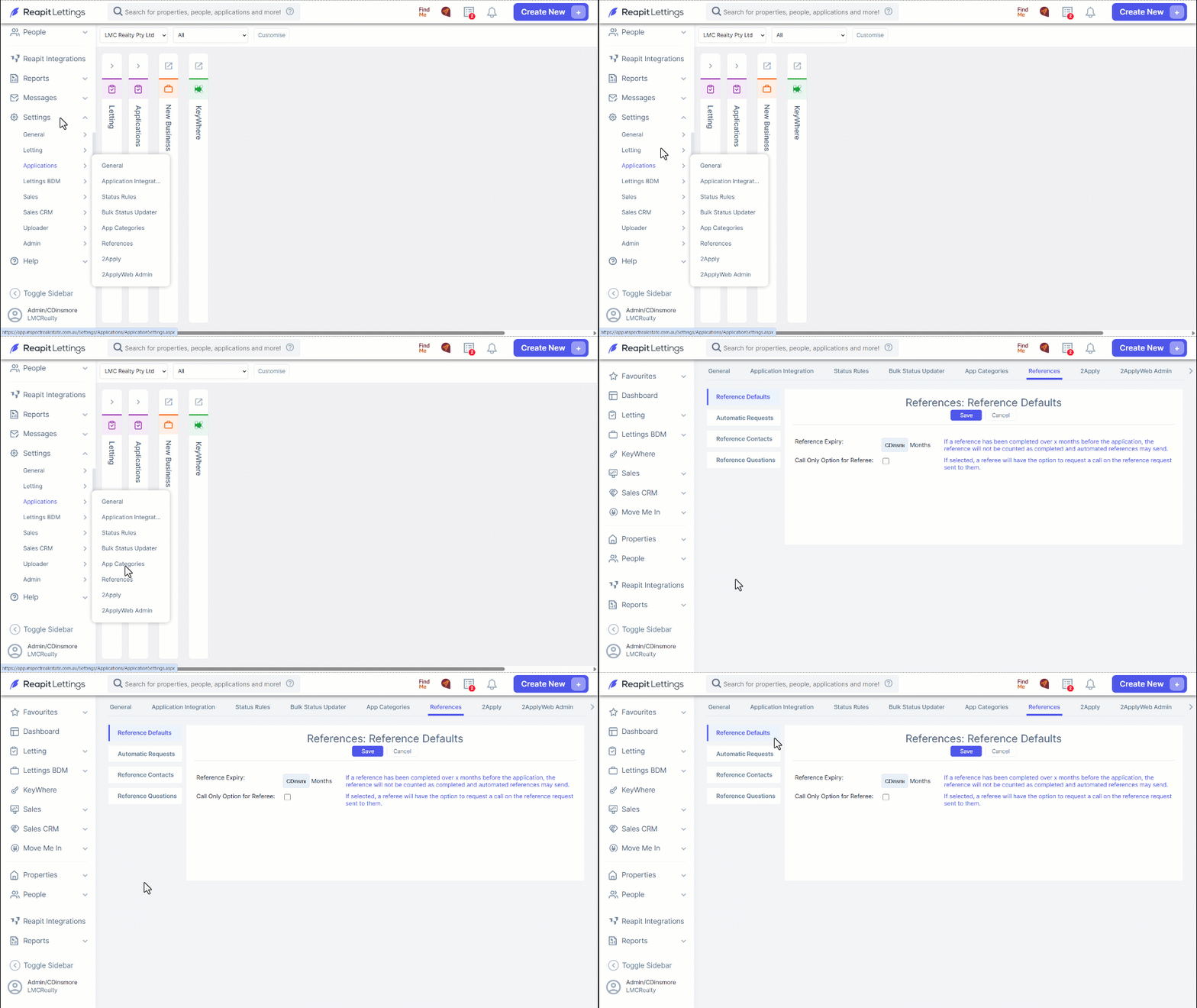
- Navigate to Settings
- Click Applications.
- Click References.
- Reference Defaults: This section includes the Reference Expiry and the Call Only Option for a Referee.
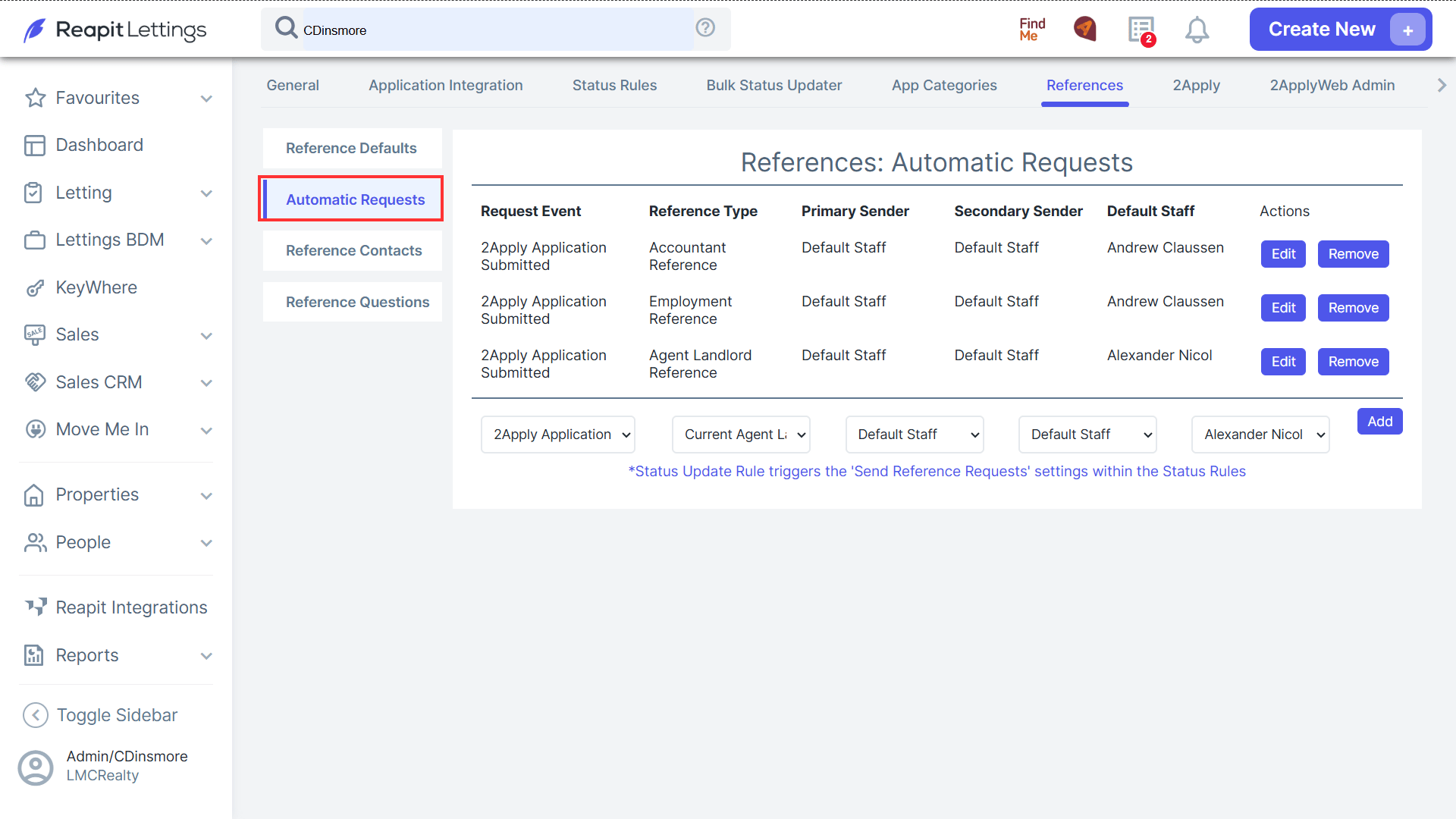
- Automatic Requests: These Automatic Requests will send out the reference request as soon as the application enters your account if this setting is enabled.
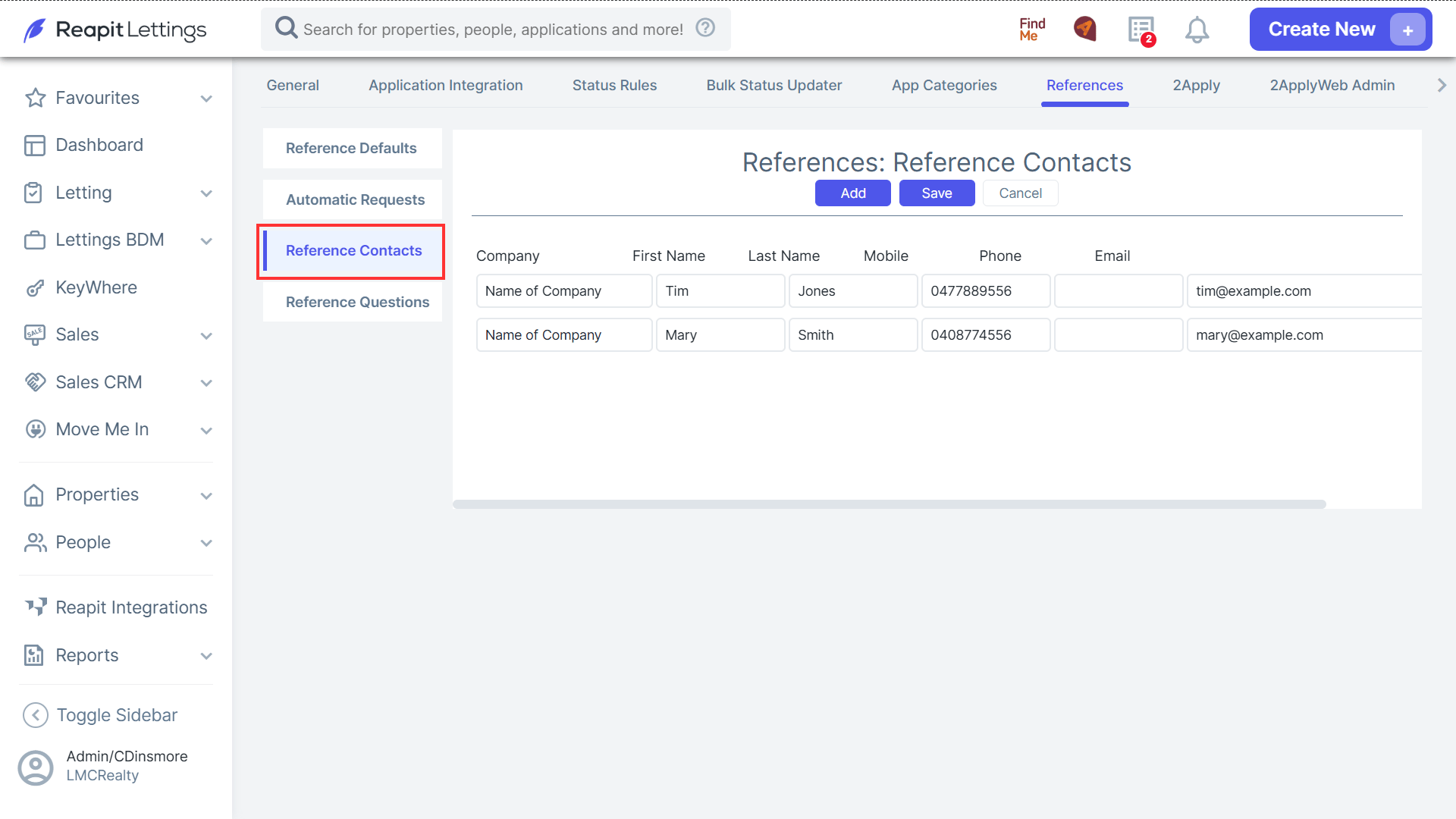
- Reference Contacts: This section will allow you to include the information on References that you receive in case you need to flag any of the Reference Requests for multiple applications that come through.
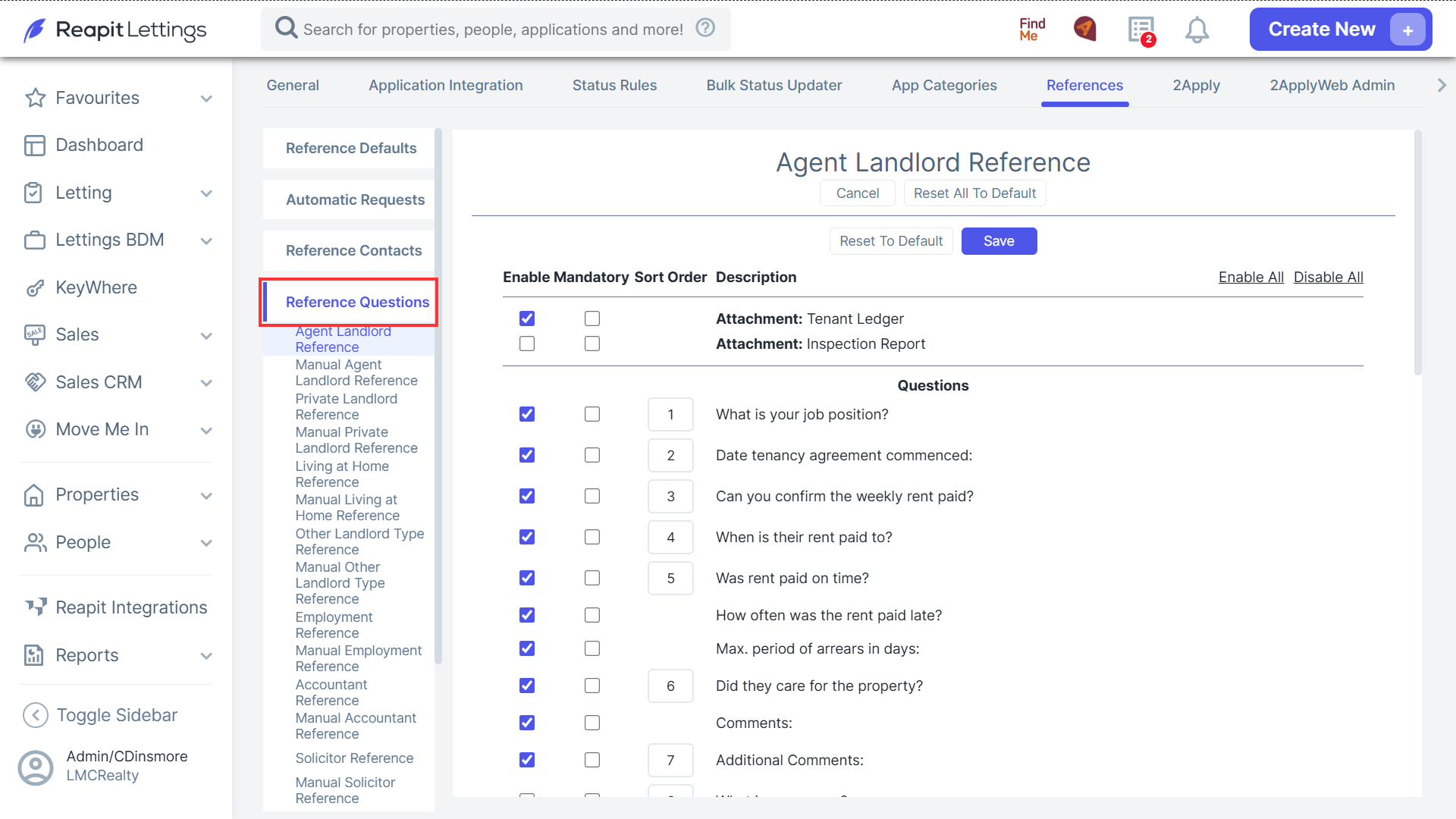
- Reference Questions: Within this section, you can navigate to each reference type and select/ unselect the questions that you would like to include in the reference.