'%20d='M0%208a8%208%200%200%201%208-8h24a8%208%200%200%201%208%208v24a8%208%200%200%201-8%208H8a8%208%200%200%201-8-8V8Z'/%3e%3cpath%20fill='%23fff'%20d='M32.576%206C12.293%206%208.776%2025.887%207.424%2034H9.1c.45-2.977%203.493-14.748%2010.899-20.287%200%200-5.633%206.976-6.572%2015.051%203.426-.652%2013.845-3.372%2016.056-12.927l-3.84-.61c1.352-1.351%204.909-5.17%206.931-9.226V6Z'/%3e%3cdefs%3e%3clinearGradient%20id='reapit-lettings__a'%20x1='20.702'%20x2='20.702'%20y1='.351'%20y2='31.228'%20gradientUnits='userSpaceOnUse'%3e%3cstop%20stop-color='%235573FD'/%3e%3cstop%20offset='.575'%20stop-color='%234E56EA'/%3e%3c/linearGradient%3e%3c/defs%3e%3c/svg%3e)
Creating Private Inspections in Reapit Viewings for Sales
This article will run through how to create a private sales inspection with Reapit Viewings in Reapit Lettings.
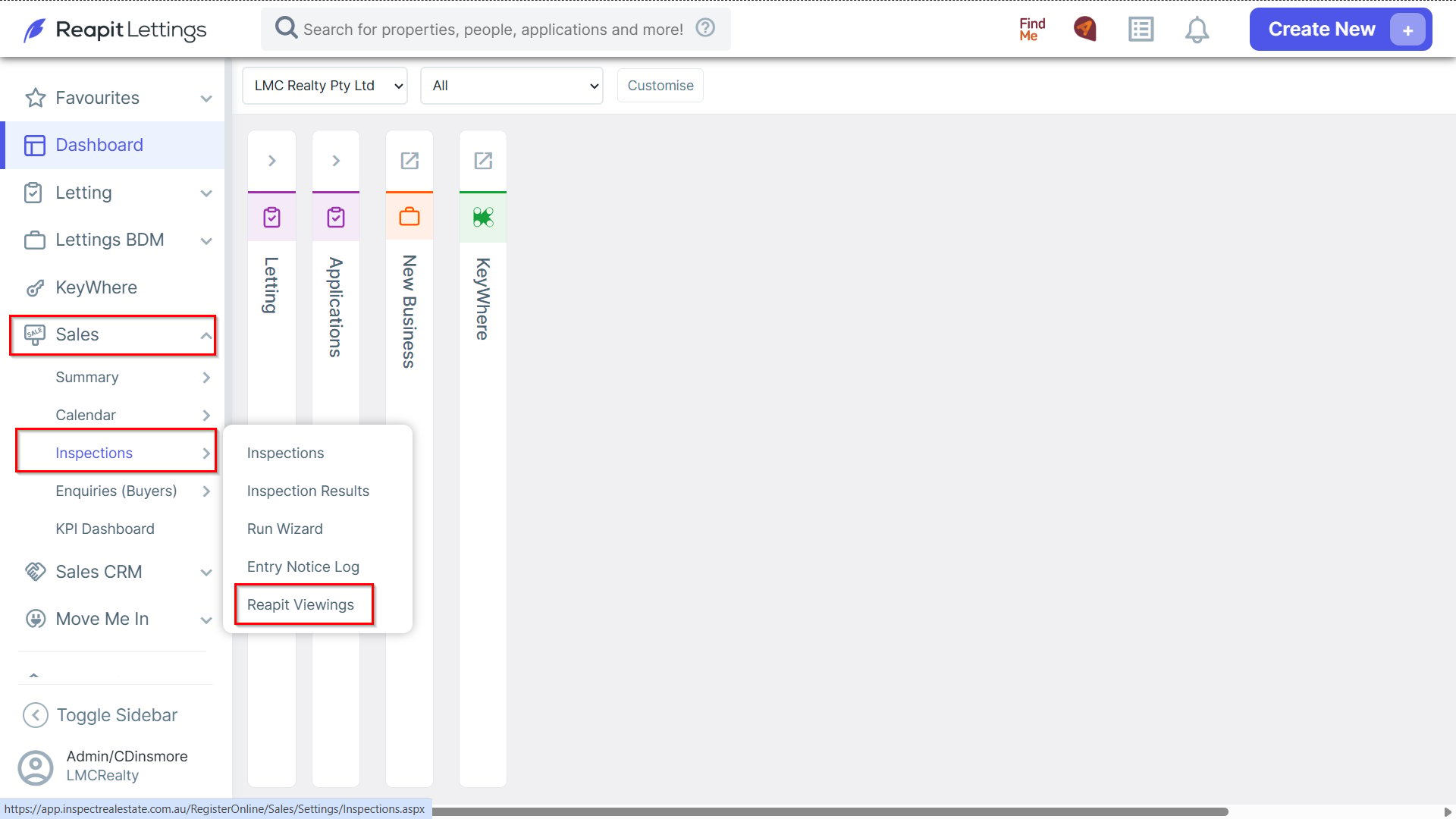
1. From your Reapit Lettings account, navigate to Sales > Inspections, and select Reapit Viewings.
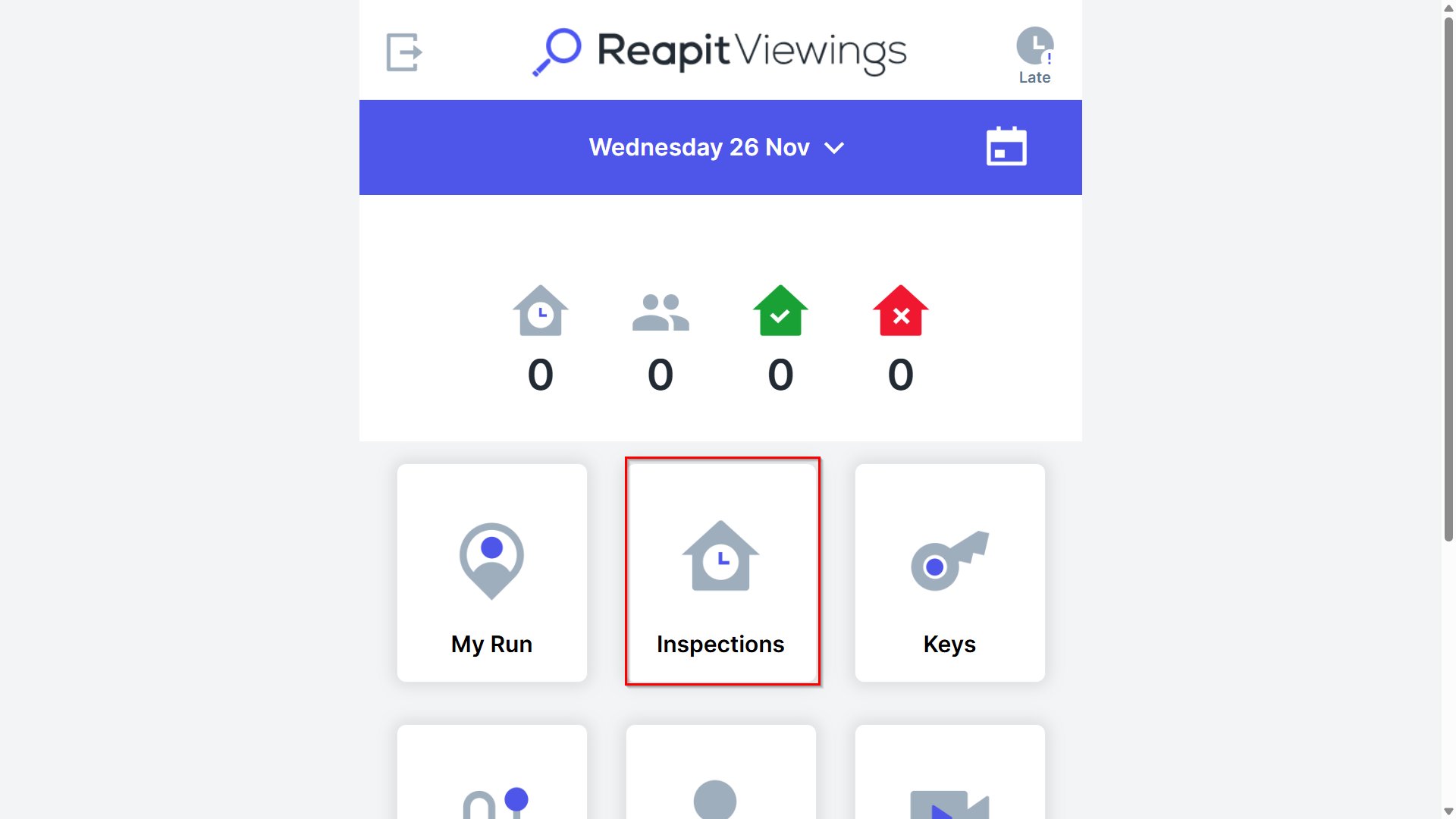
2. Click Inspections where designated.
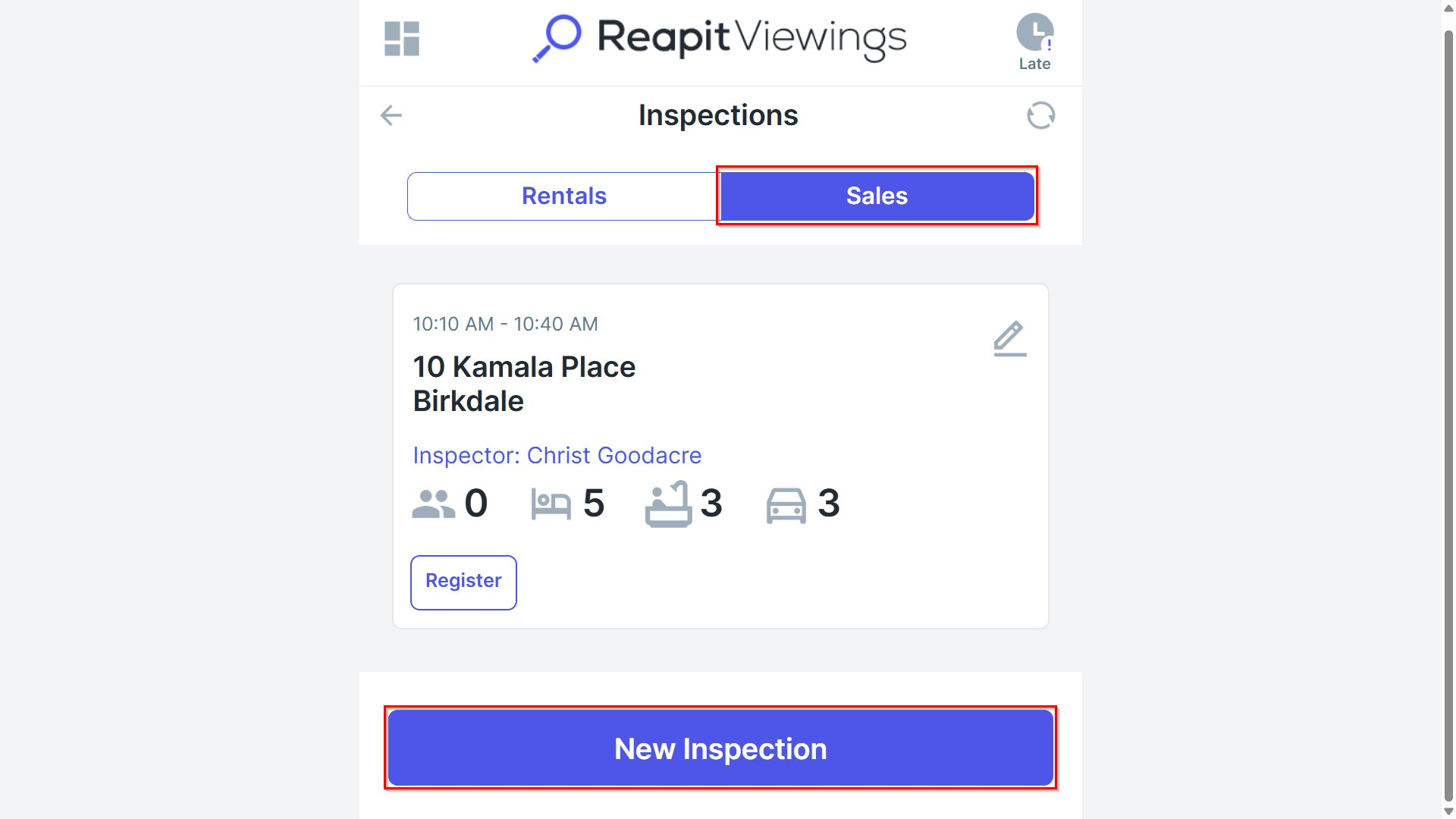
3. Ensure the Sales tab is selected, then click New Inspection at the bottom of the page.
4. Select the address, inspector, date and time, and duration. Check the box to mark the inspection as private, then click Add.
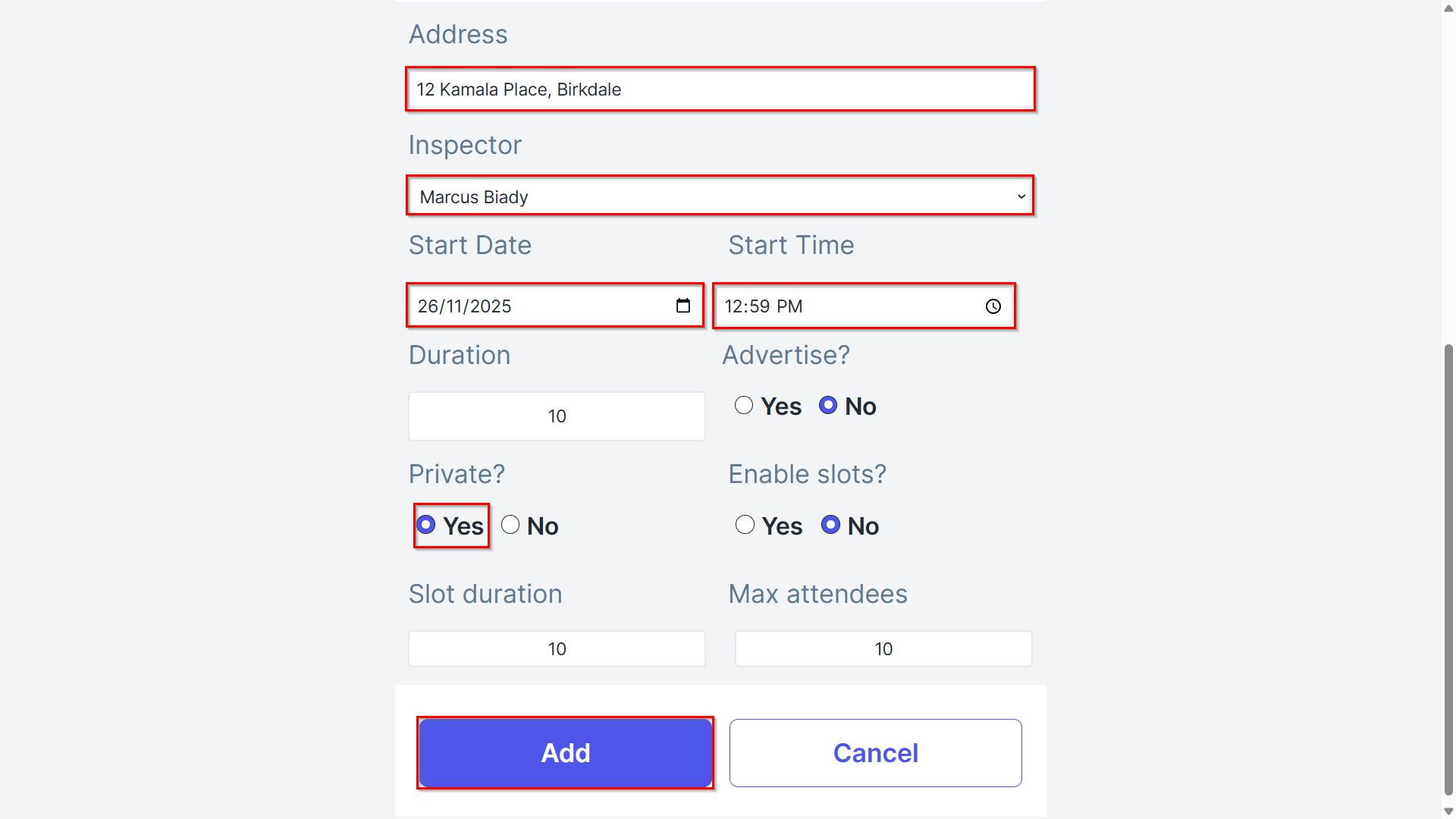
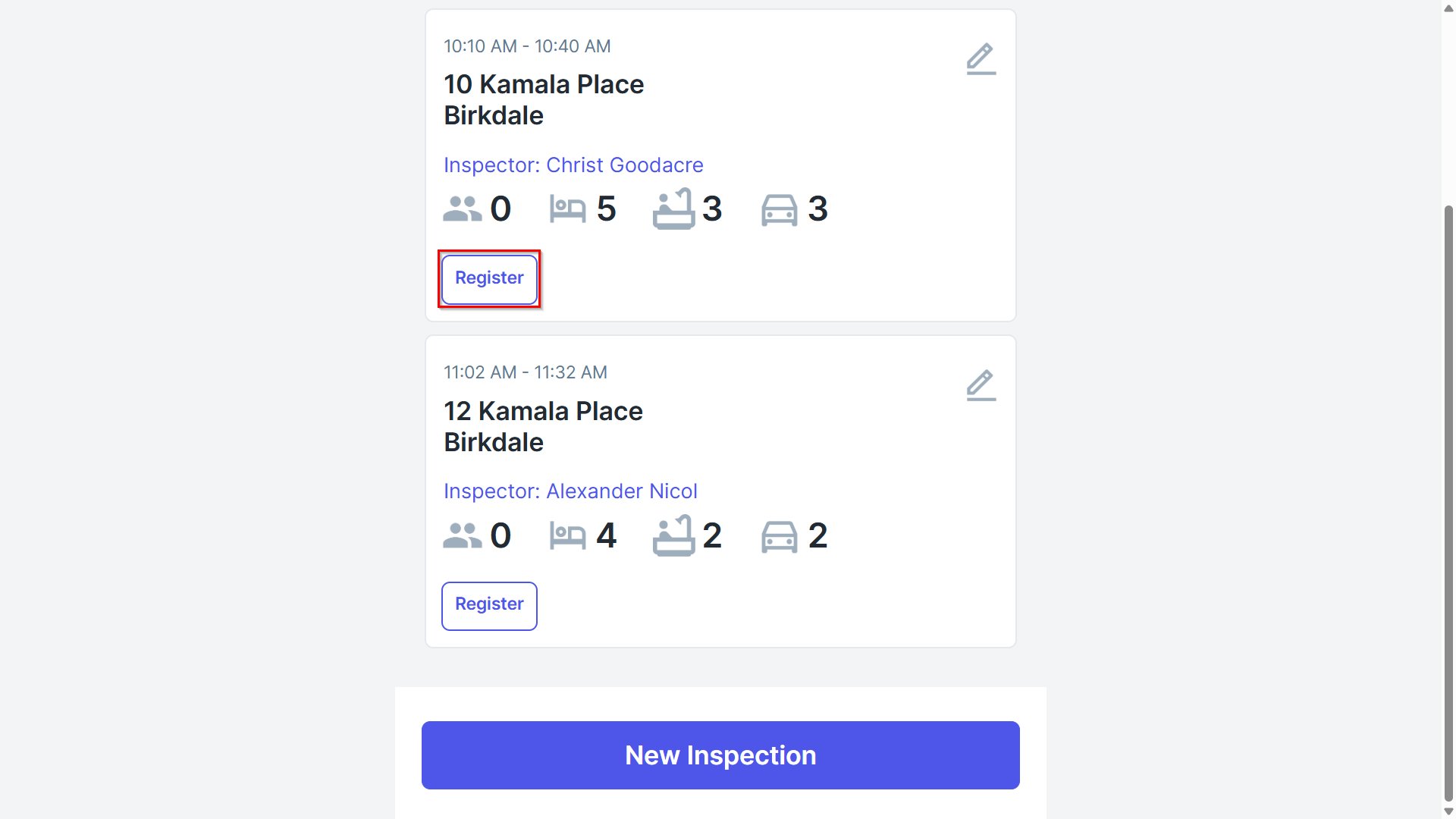
Note: The inspection will appear on your schedule for that day with a note indicating it is a private inspection.
5. To add buyer details, use the "Quick Registration" feature in the "Buyers" tab within Reapit Viewings and enter the prospect's details where designated.