'%20d='M0%208a8%208%200%200%201%208-8h24a8%208%200%200%201%208%208v24a8%208%200%200%201-8%208H8a8%208%200%200%201-8-8V8Z'/%3e%3cpath%20fill='%23fff'%20d='M32.576%206C12.293%206%208.776%2025.887%207.424%2034H9.1c.45-2.977%203.493-14.748%2010.899-20.287%200%200-5.633%206.976-6.572%2015.051%203.426-.652%2013.845-3.372%2016.056-12.927l-3.84-.61c1.352-1.351%204.909-5.17%206.931-9.226V6Z'/%3e%3cdefs%3e%3clinearGradient%20id='reapit-lettings__a'%20x1='20.702'%20x2='20.702'%20y1='.351'%20y2='31.228'%20gradientUnits='userSpaceOnUse'%3e%3cstop%20stop-color='%235573FD'/%3e%3cstop%20offset='.575'%20stop-color='%234E56EA'/%3e%3c/linearGradient%3e%3c/defs%3e%3c/svg%3e)
What Is the Calendar Neighbour Only Setting
This article will run through the Calendar Neighbour Only Setting in Reapit Lettings - Sales.
What is the Calendar Neighbour Only Setting?
With the neighbour only setting enabled once an inspection has been arranged on a particular day, the available times displayed for buyers to book any further inspections on that day are reduced to inspection times that neighbour existing inspections.
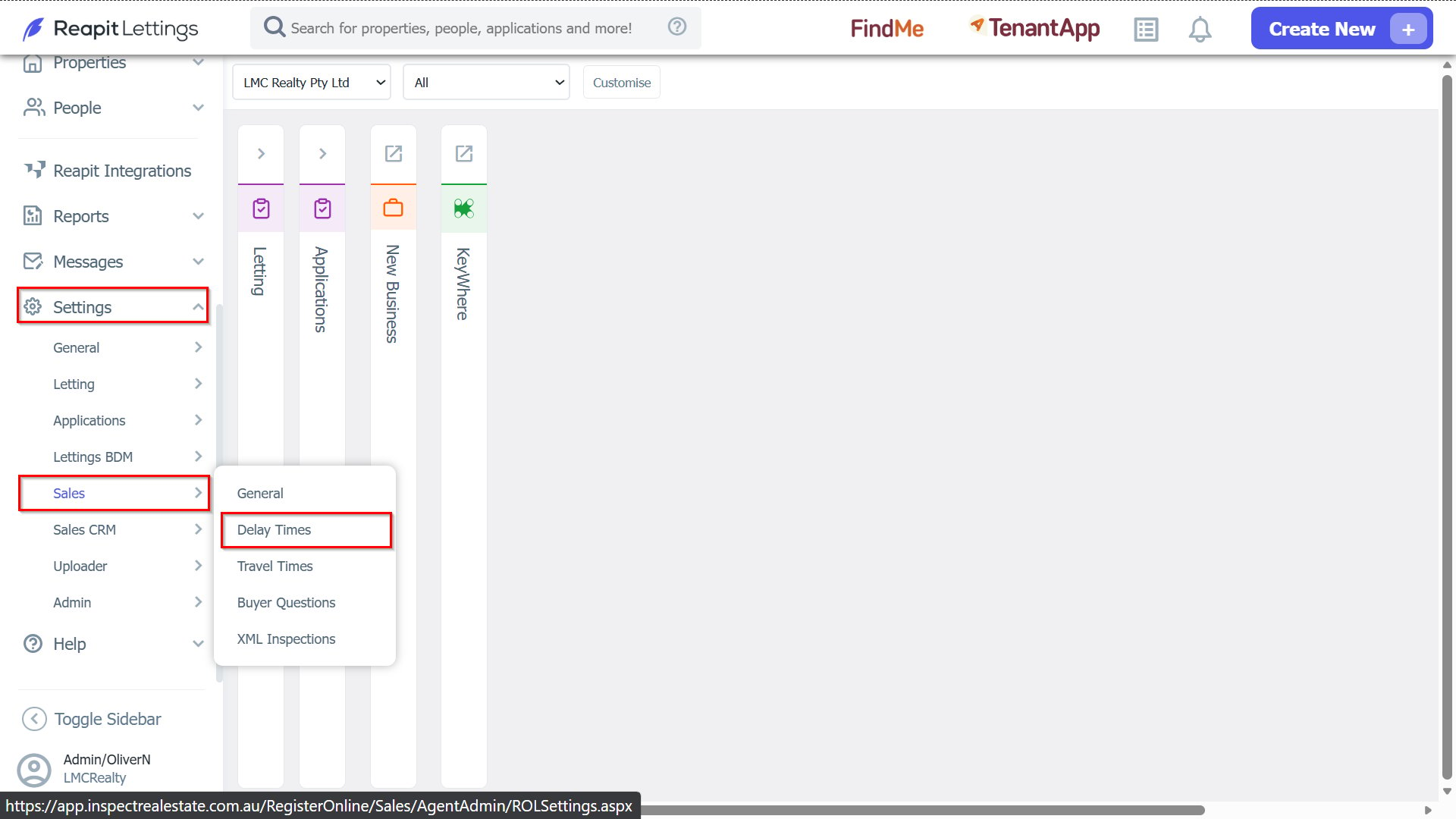
1. You can adjust your neighbor only settings by navigating to Settings > Sales > Delay Times.
2. The Neighbour Interval has two settings:
a. If the neighbour interval is set to 0
Then the system will only show the next available inspection time for any property.
(the travel time is used as the neighbour interval)
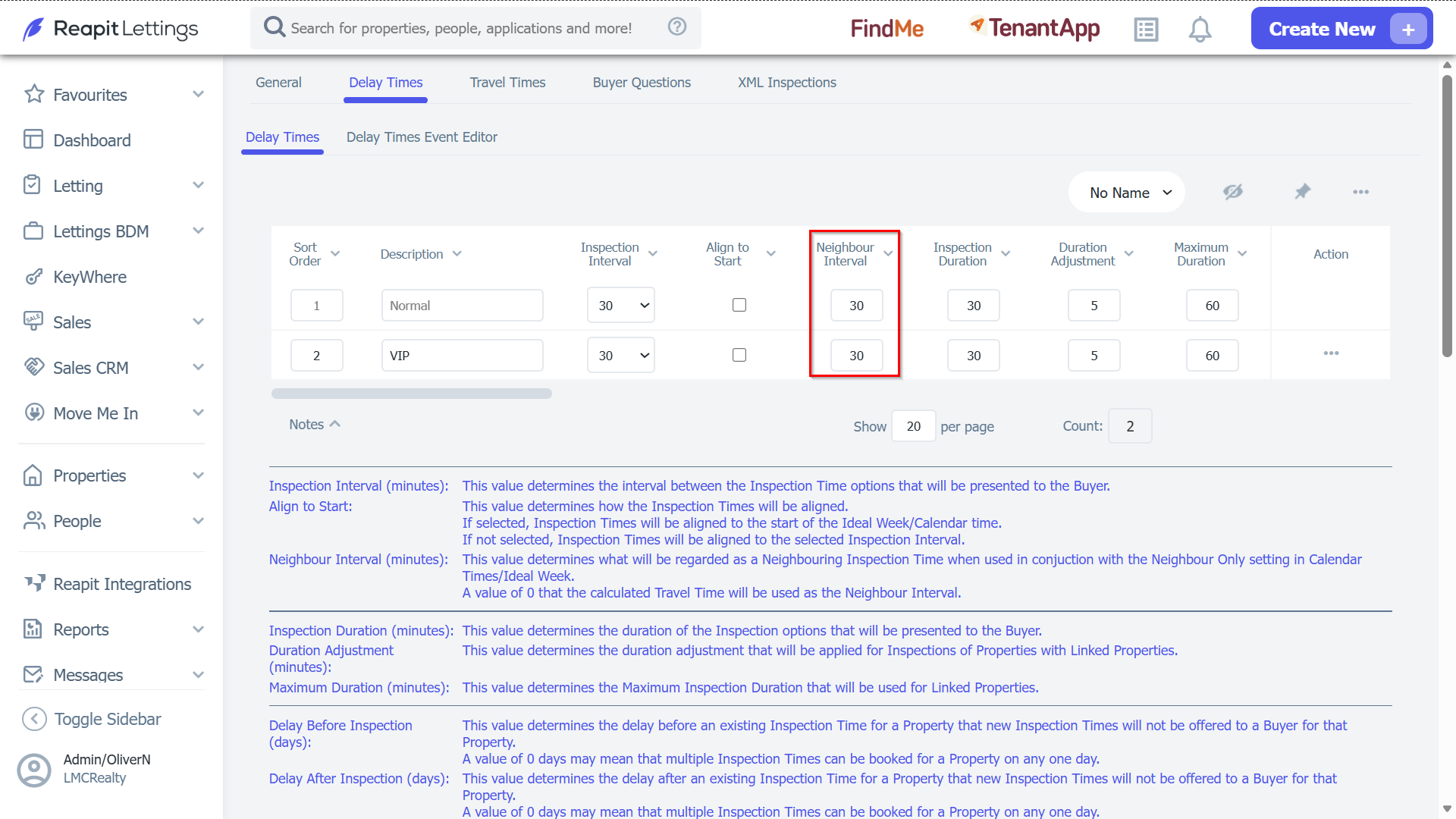
b. If the neighbour interval is set to a specific number (eg 30)
Then the system will only show available calendar times that will occur 30 minutes prior and 30 minutes after existing inspection times.
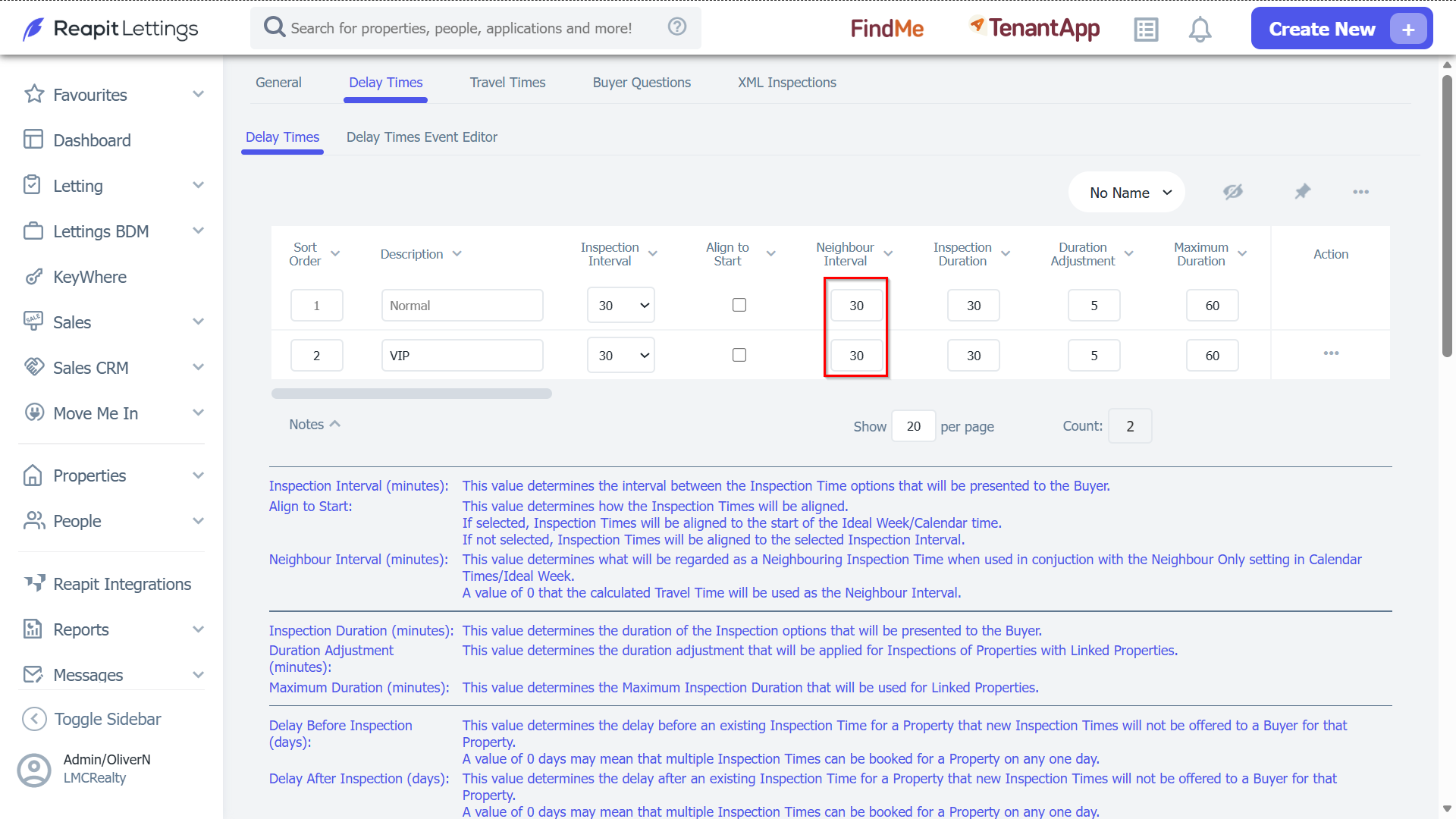
Note: If you use option (2), be advised that if you have a property that will take more than 30 minutes to travel to it will not show any calendar times if neighbour only is enabled, and you have an existing inspection booked elsewhere.