'%20d='M0%208a8%208%200%200%201%208-8h24a8%208%200%200%201%208%208v24a8%208%200%200%201-8%208H8a8%208%200%200%201-8-8V8Z'/%3e%3cpath%20fill='%23fff'%20d='M32.576%206C12.293%206%208.776%2025.887%207.424%2034H9.1c.45-2.977%203.493-14.748%2010.899-20.287%200%200-5.633%206.976-6.572%2015.051%203.426-.652%2013.845-3.372%2016.056-12.927l-3.84-.61c1.352-1.351%204.909-5.17%206.931-9.226V6Z'/%3e%3cdefs%3e%3clinearGradient%20id='reapit-lettings__a'%20x1='20.702'%20x2='20.702'%20y1='.351'%20y2='31.228'%20gradientUnits='userSpaceOnUse'%3e%3cstop%20stop-color='%235573FD'/%3e%3cstop%20offset='.575'%20stop-color='%234E56EA'/%3e%3c/linearGradient%3e%3c/defs%3e%3c/svg%3e)
Getting Started with Reapit Lettings (for Existing Reapit Connect Users)
This article will guide you through the process of getting started with Reapit Lettings while already having Reapit Connect set up with another service
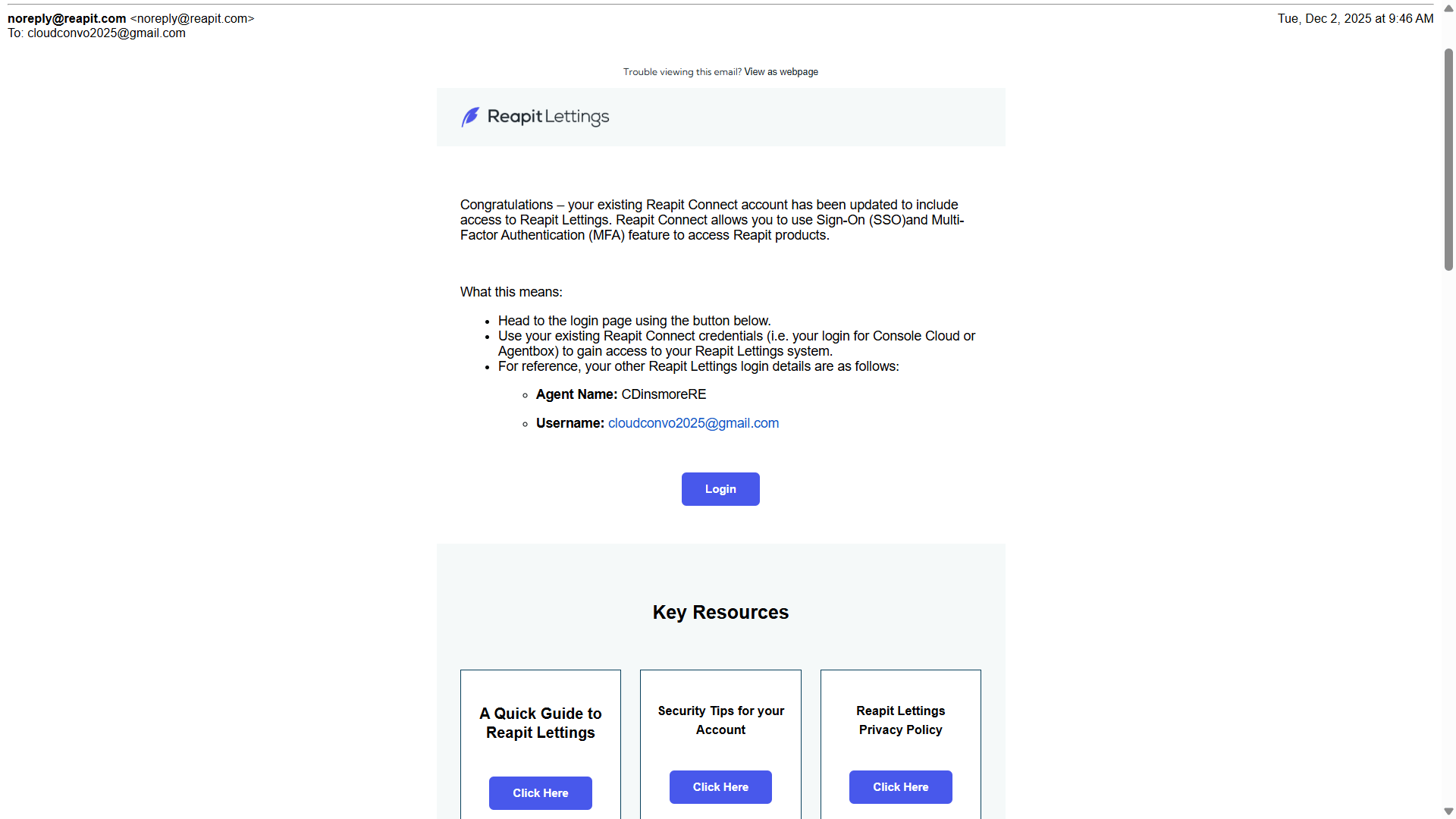
1. If a new user is created in Reapit Lettings using an email already linked to an existing Reapit Connect account (for services such as Reapit Sales or Reapit PM), the user will receive the welcome to Reapit Lettings email. Click Login.
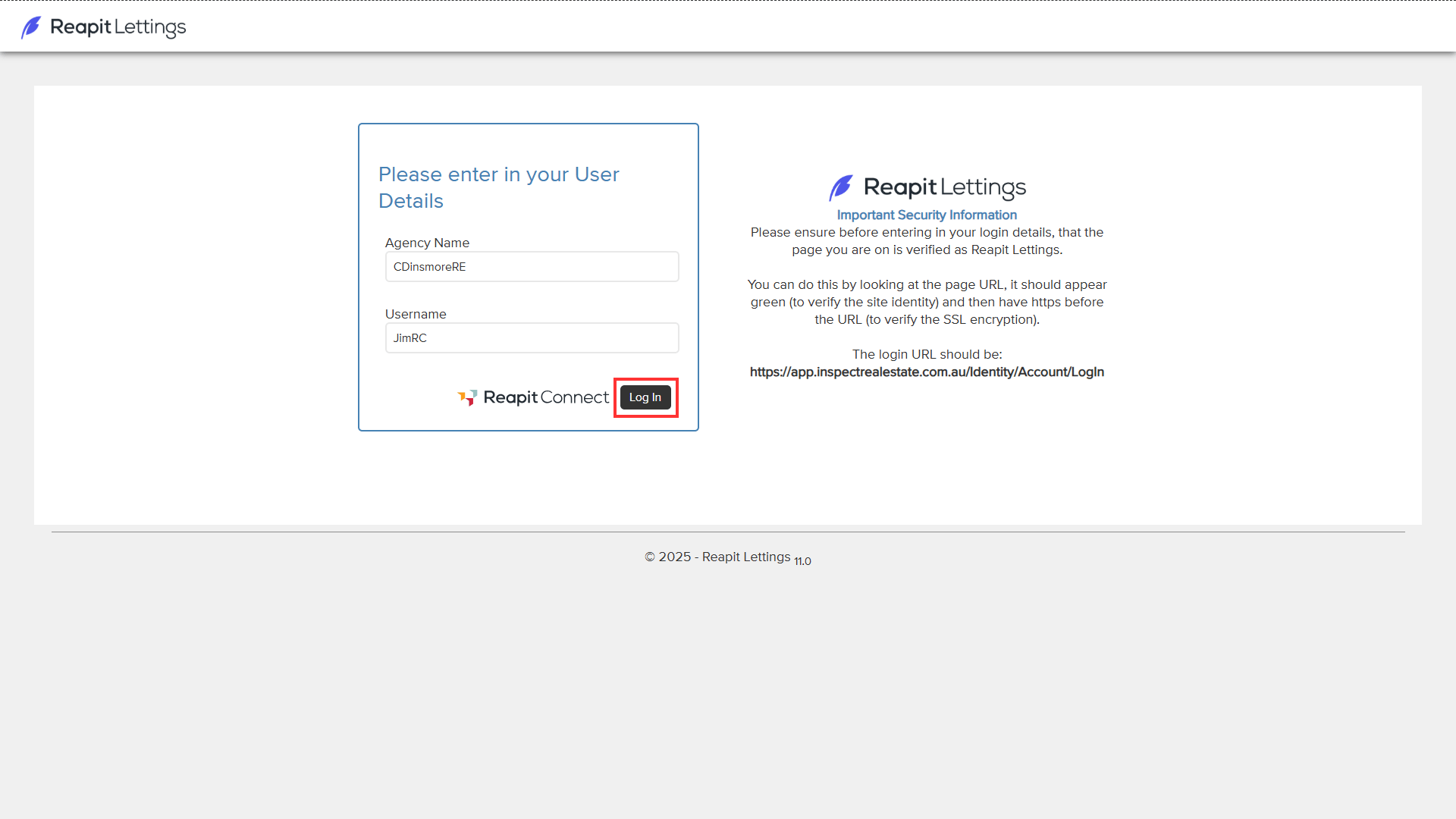
2. Enter the Agency Name located on the Welcome to Reapit Lettings email into the Agency Name field, along with your email address. Then, select Log In.
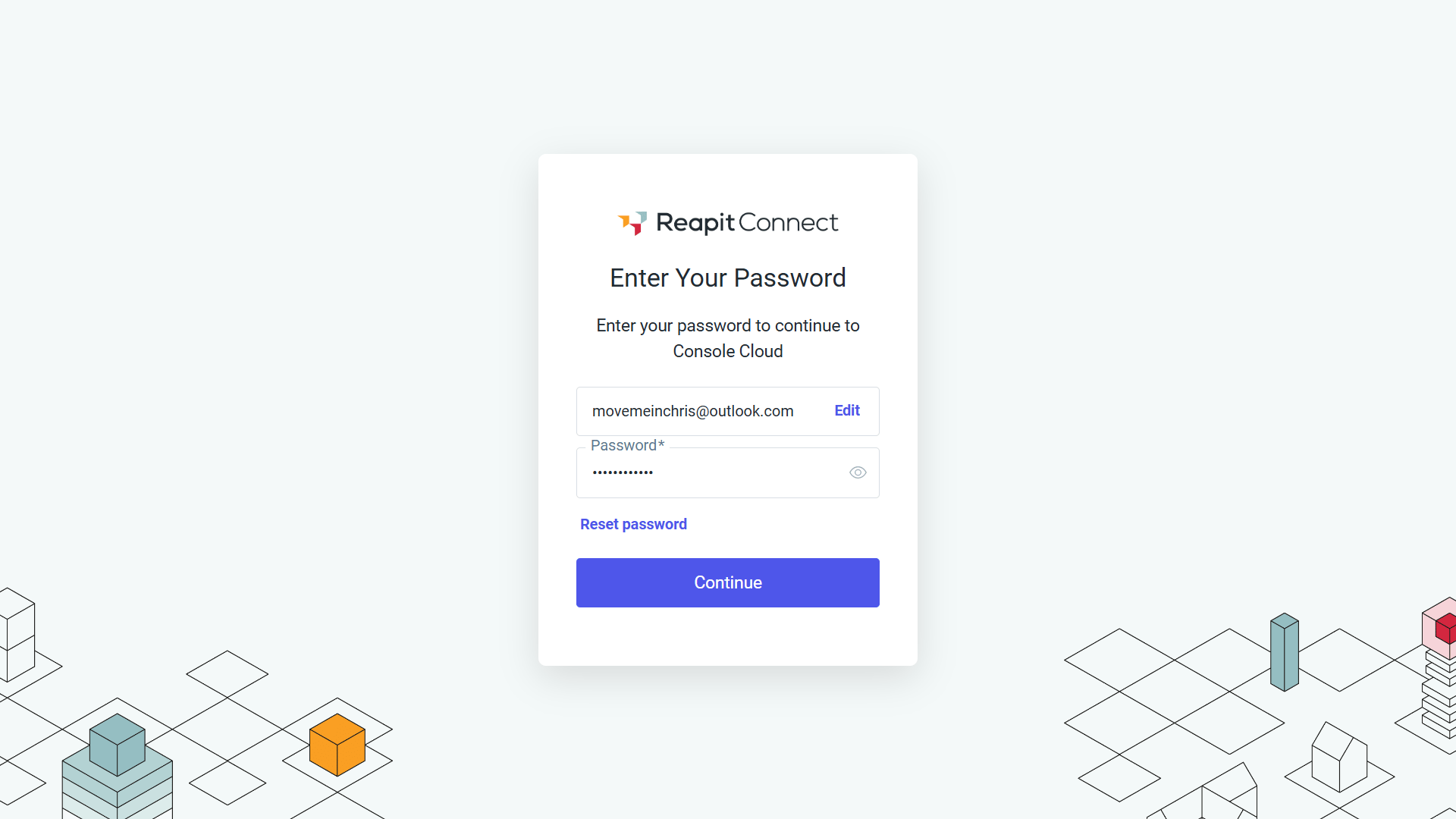
3. If you are not already signed in to one of the other services, the login with Reapit Connect screen will display. Enter your Password and click Continue.
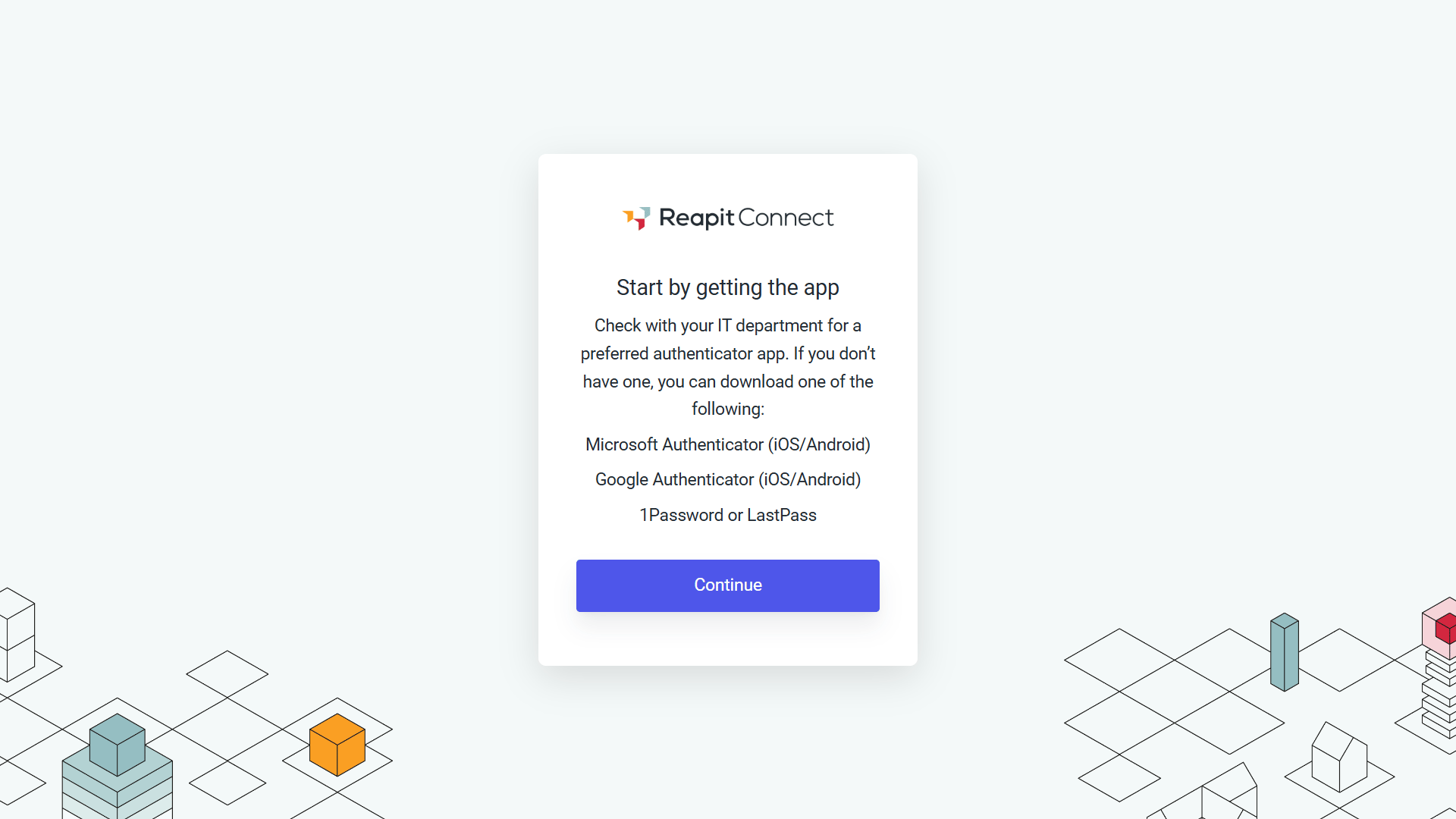
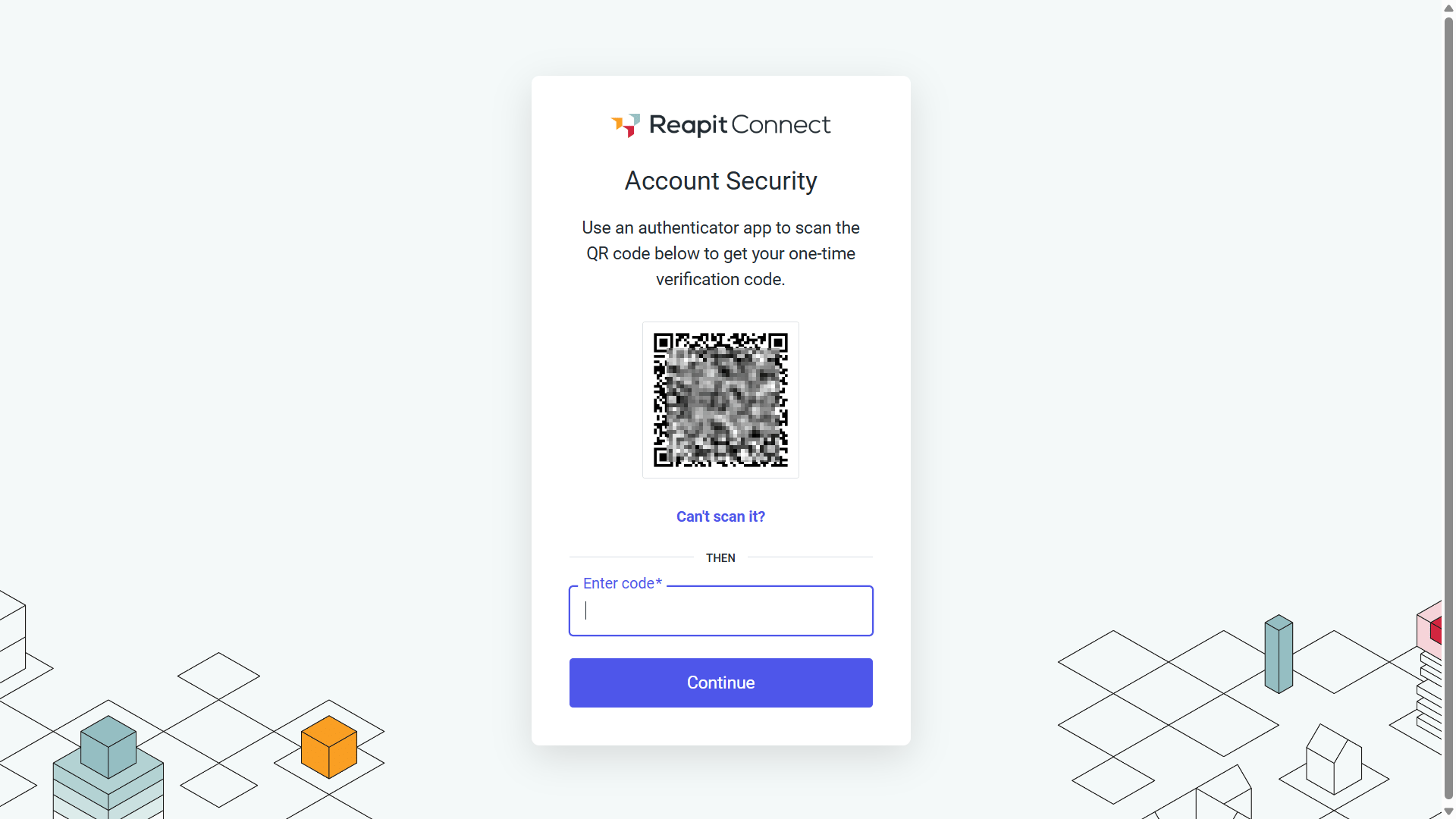
4. If not already enabled, Multi-Factor Authentication (MFA) will be required on your account. Check with your IT department for their preferred authenticator app or select one from the suggestion list. Download the authenticator from the App Store and continue by scanning the QR Code.
5. Scan the QR code and enter the code displayed on the authenticator app, then click Continue.
6. You will now be signed in to your Reapit Lettings office.