'%20d='M0%208a8%208%200%200%201%208-8h24a8%208%200%200%201%208%208v24a8%208%200%200%201-8%208H8a8%208%200%200%201-8-8V8Z'/%3e%3cpath%20fill='%23fff'%20d='M32.576%206C12.293%206%208.776%2025.887%207.424%2034H9.1c.45-2.977%203.493-14.748%2010.899-20.287%200%200-5.633%206.976-6.572%2015.051%203.426-.652%2013.845-3.372%2016.056-12.927l-3.84-.61c1.352-1.351%204.909-5.17%206.931-9.226V6Z'/%3e%3cdefs%3e%3clinearGradient%20id='reapit-lettings__a'%20x1='20.702'%20x2='20.702'%20y1='.351'%20y2='31.228'%20gradientUnits='userSpaceOnUse'%3e%3cstop%20stop-color='%235573FD'/%3e%3cstop%20offset='.575'%20stop-color='%234E56EA'/%3e%3c/linearGradient%3e%3c/defs%3e%3c/svg%3e)
The Property Applications Page
This article provides an overview of the key information contained on the Reapit Lettings Applications Page. The Property Applications page can be used to view and access all current applications grouped by property.
The Property Applications Page
This article provides an overview of the key information contained on the Reapit Lettings Applications Page. The Property Applications page can be used to view and access all current applications grouped by property.
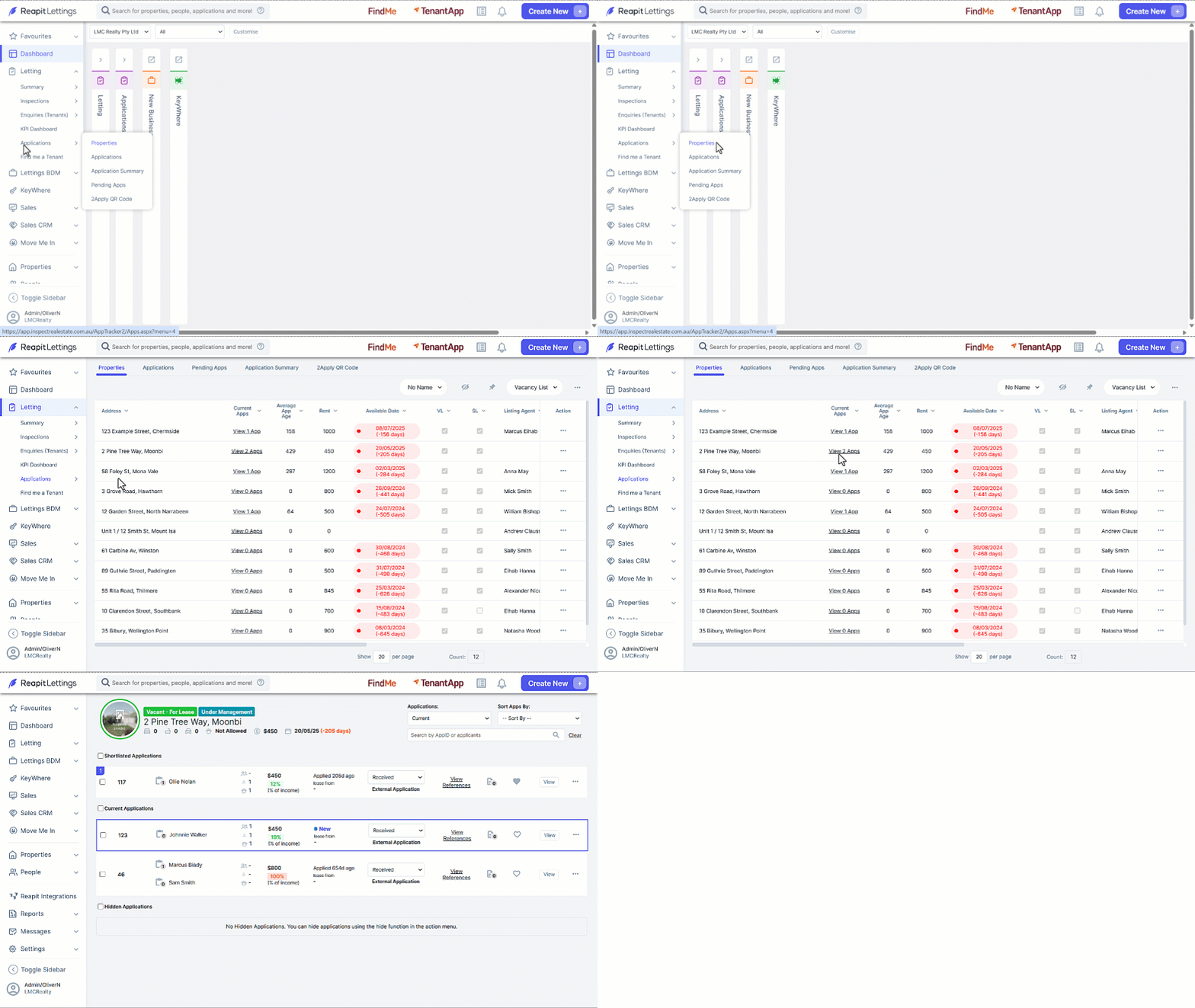
- Click on Letting.
- Click on Applications.
- Click on Properties.
- Click on the number of applications to open the applications page.
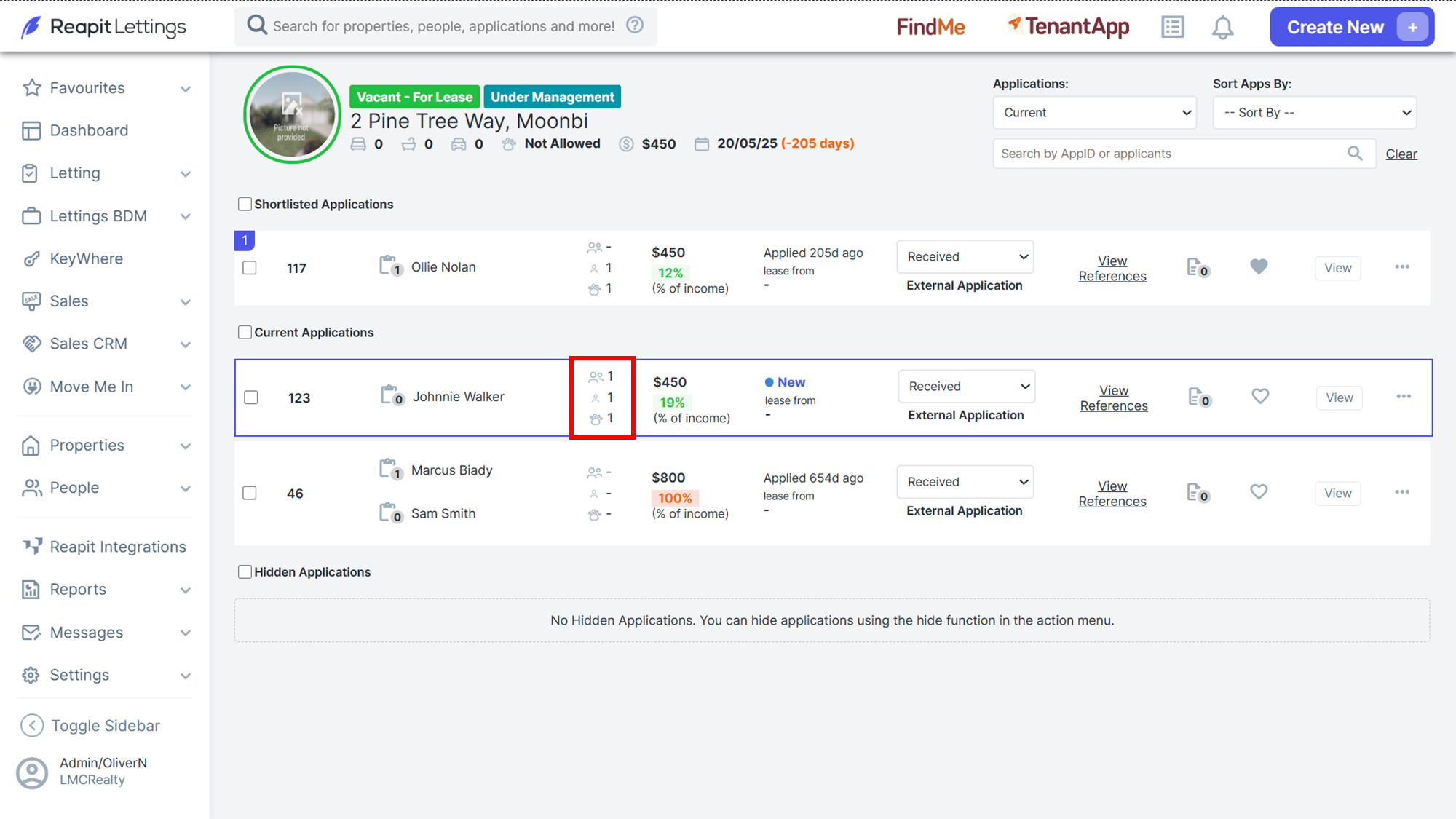
- Occupants: This section will show the number of applicants, dependents, and pets.
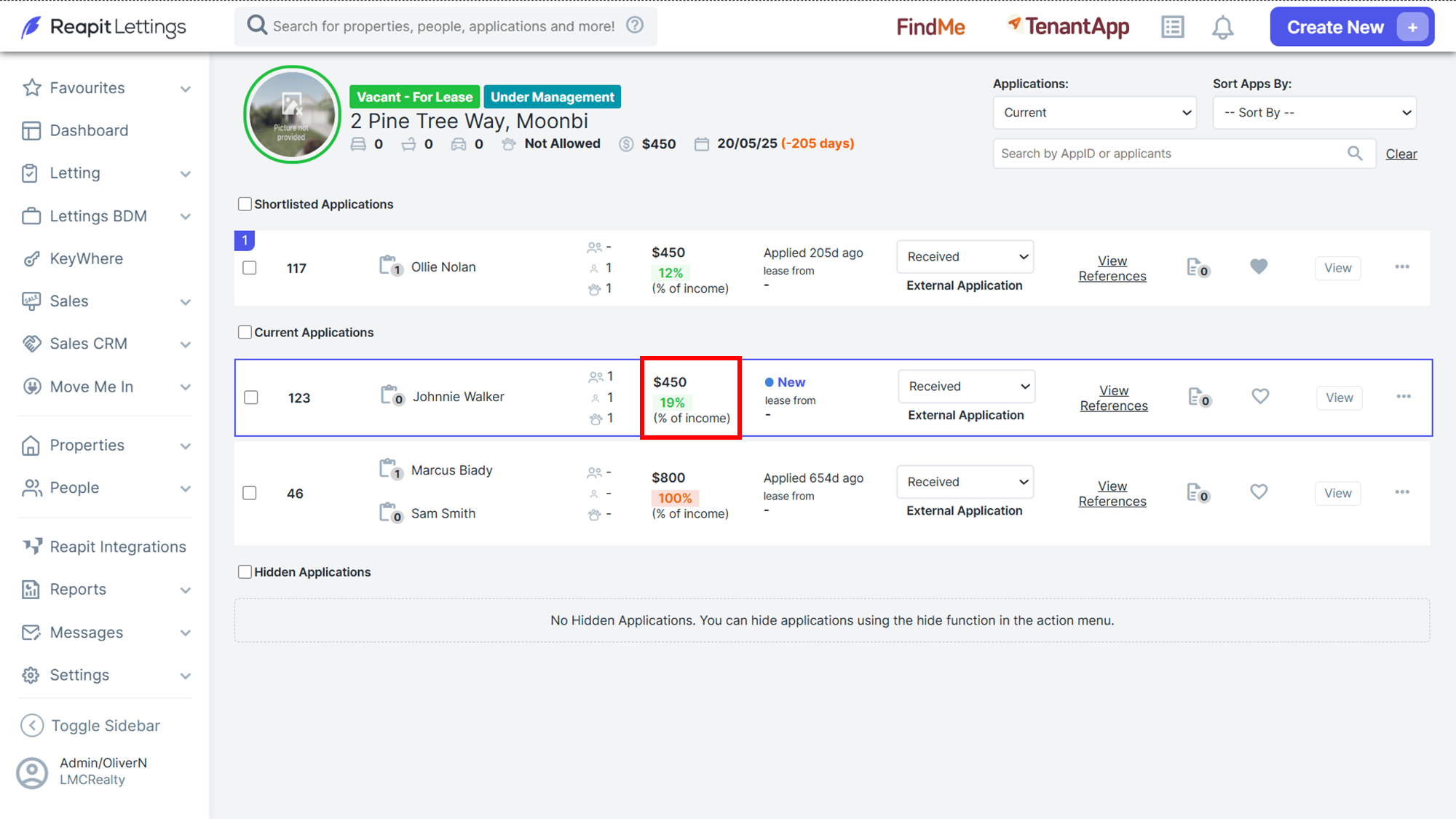
- Affordability: This section will take the application income amount and compare it to the affordability section of your account that you have set up and let you know if the applicant affordability is acceptable for your agency.
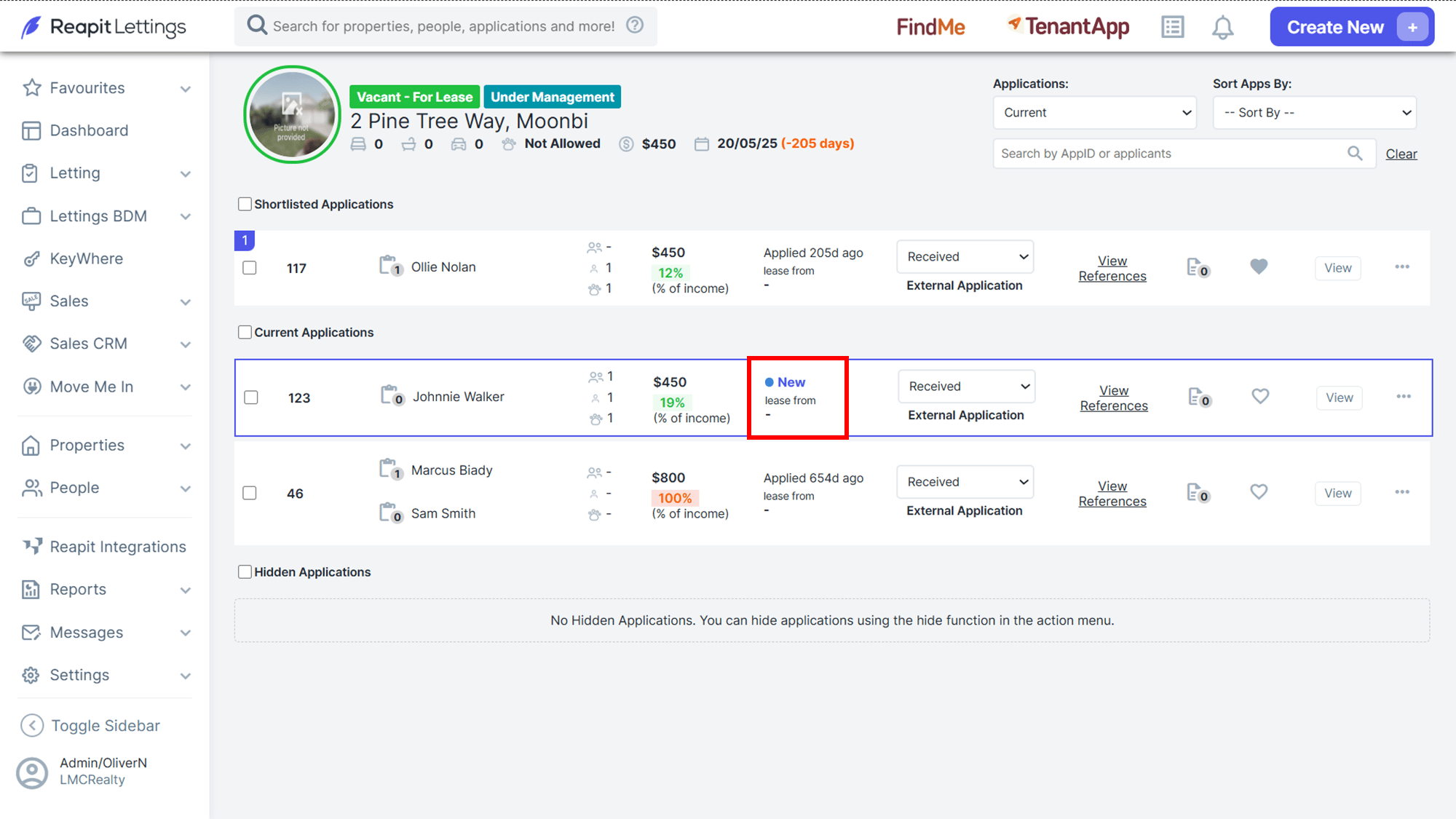
- New Applications This helps to easily recognise new applications.
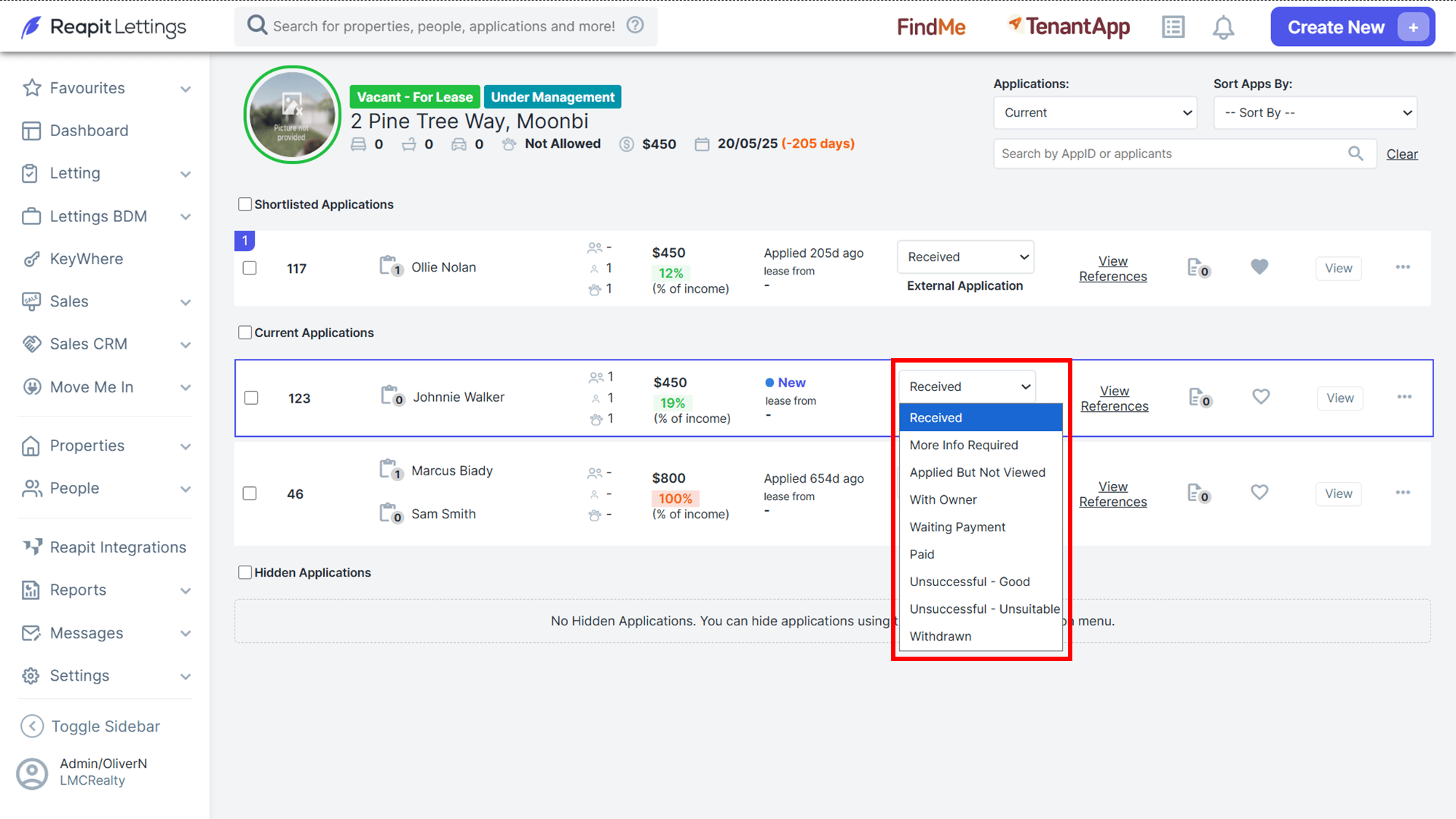
- Select the Status Dropdown to change the status of an application and inform the applicants.
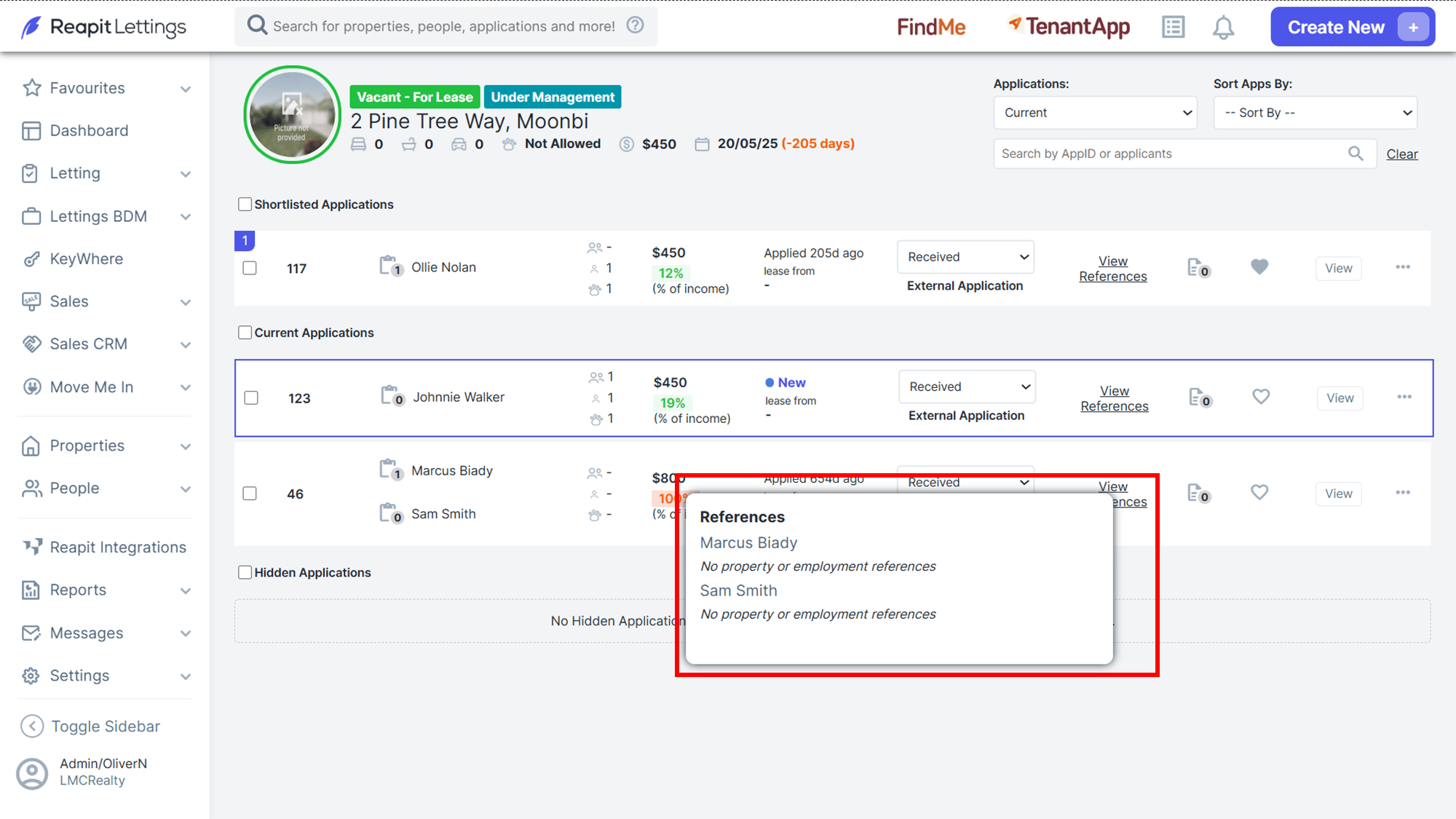
- Hover over View References to view or send references.
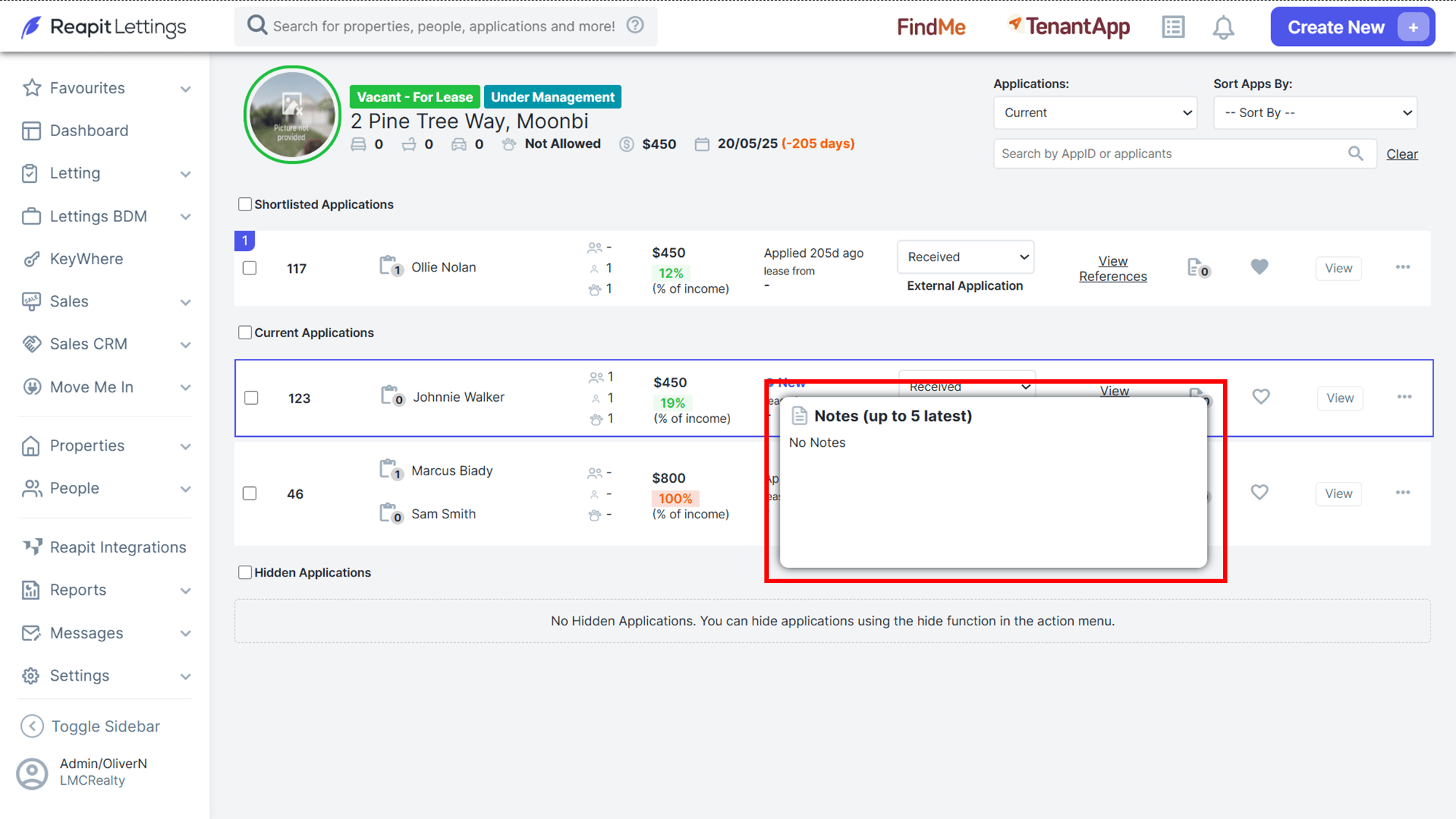
- Hover over Notes to view the last 5 notes added to the application.
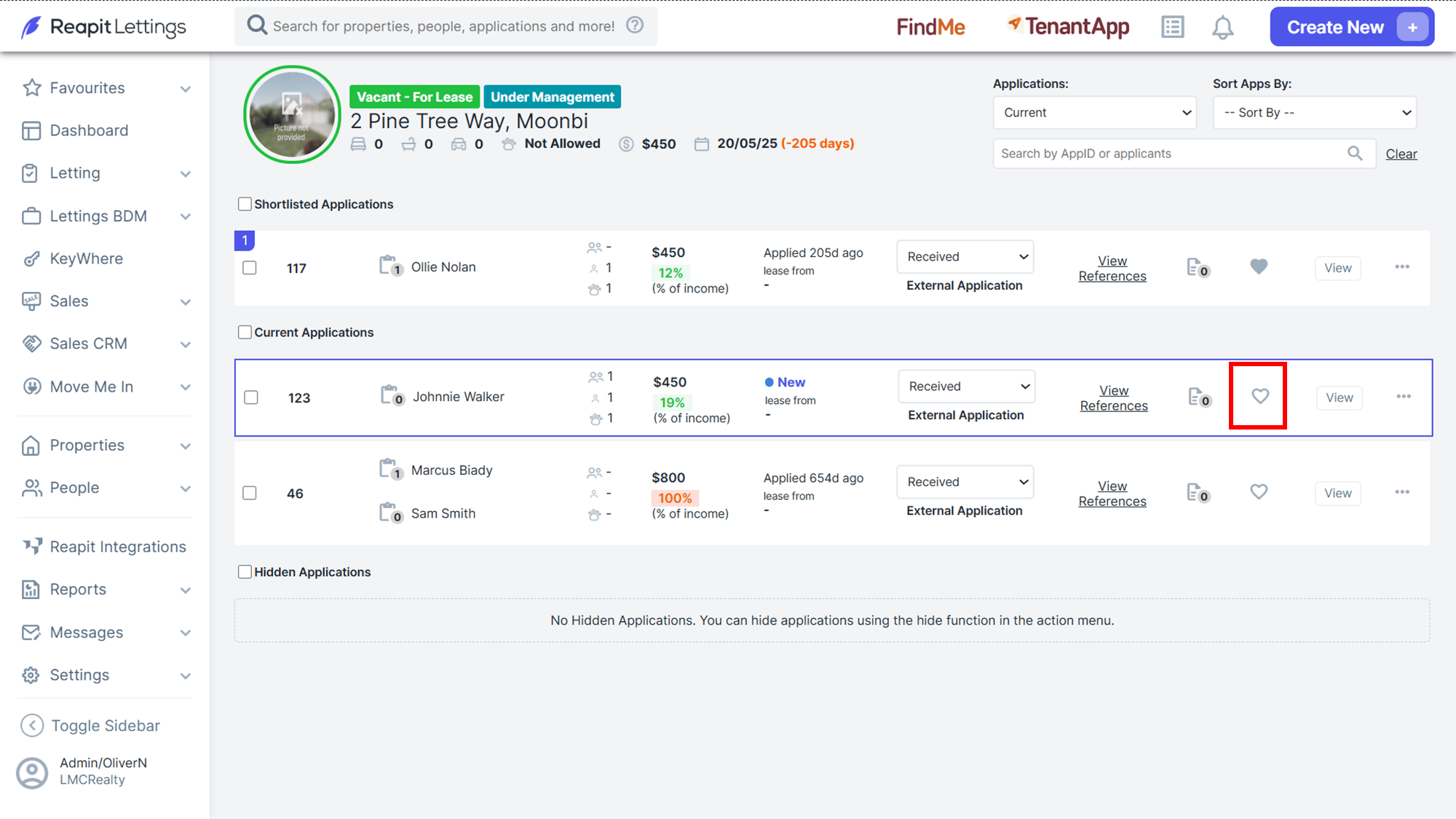
- Select the Heart Icon to easily see your top candidates.
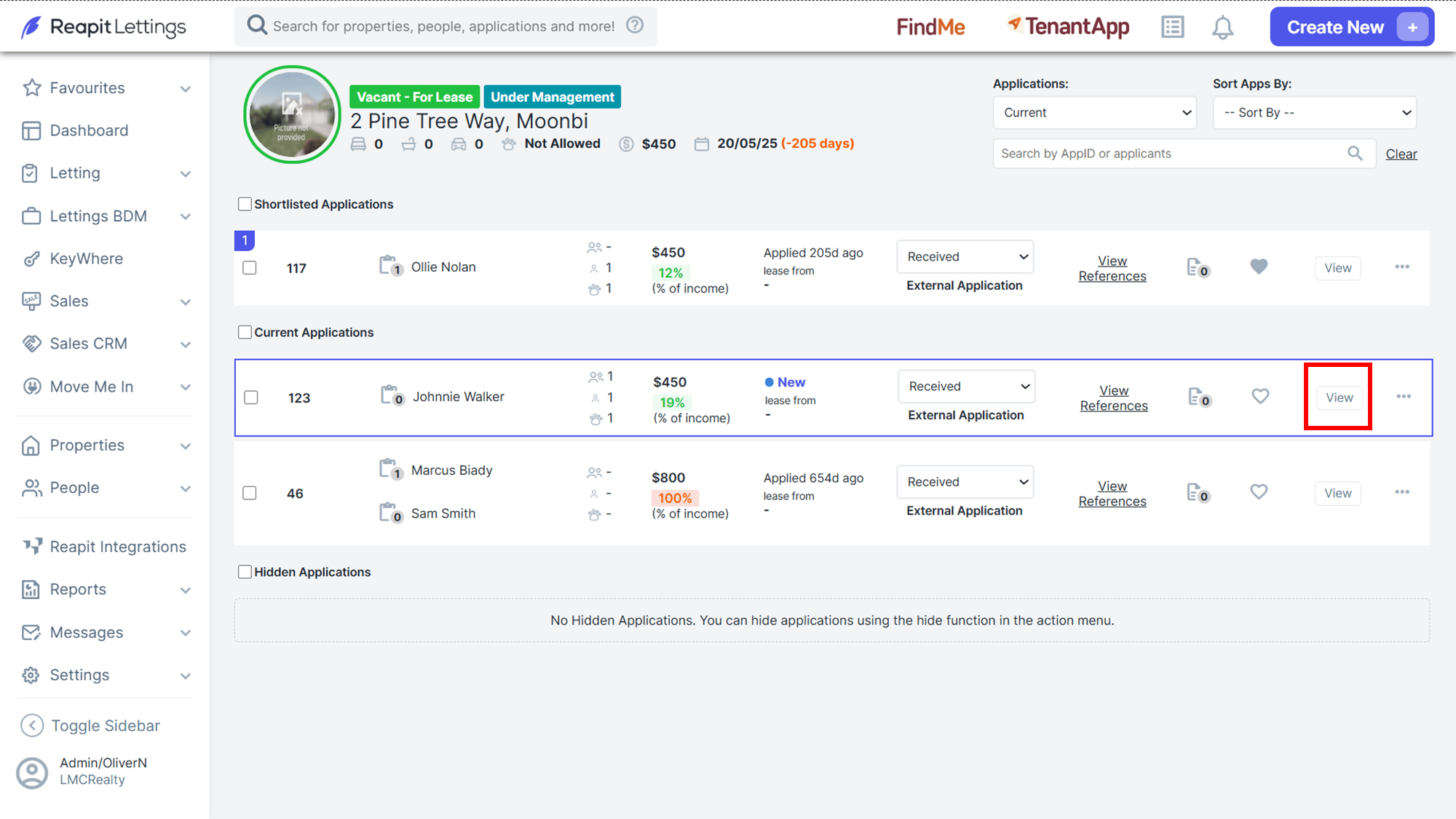
- Select View to view the individual application.
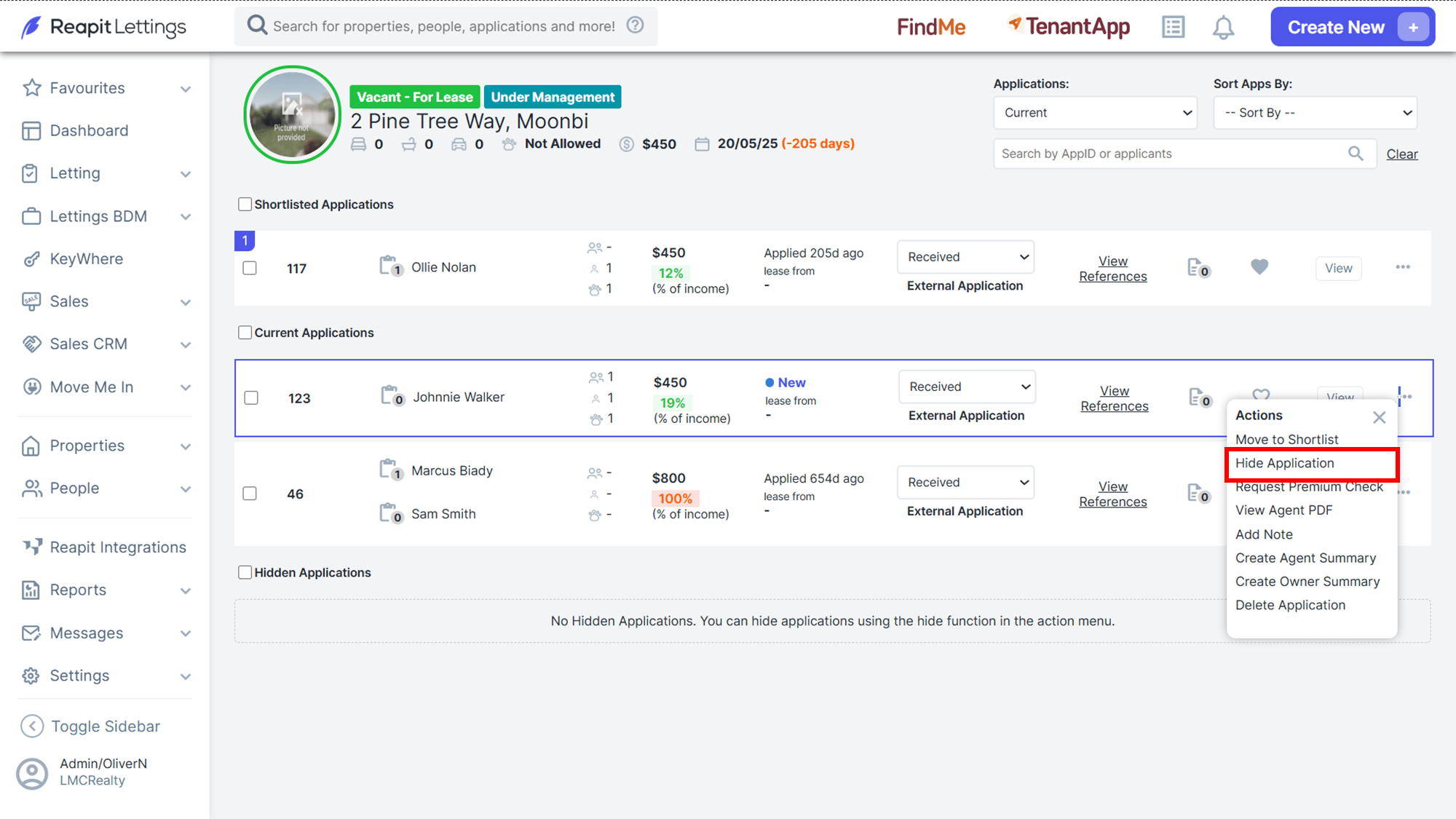
- Select 3 Dots > Hide Application for any application that may not be up to par. They will move to the bottom of the screen and become greyed out. You can also request a NTD report or delete the application.
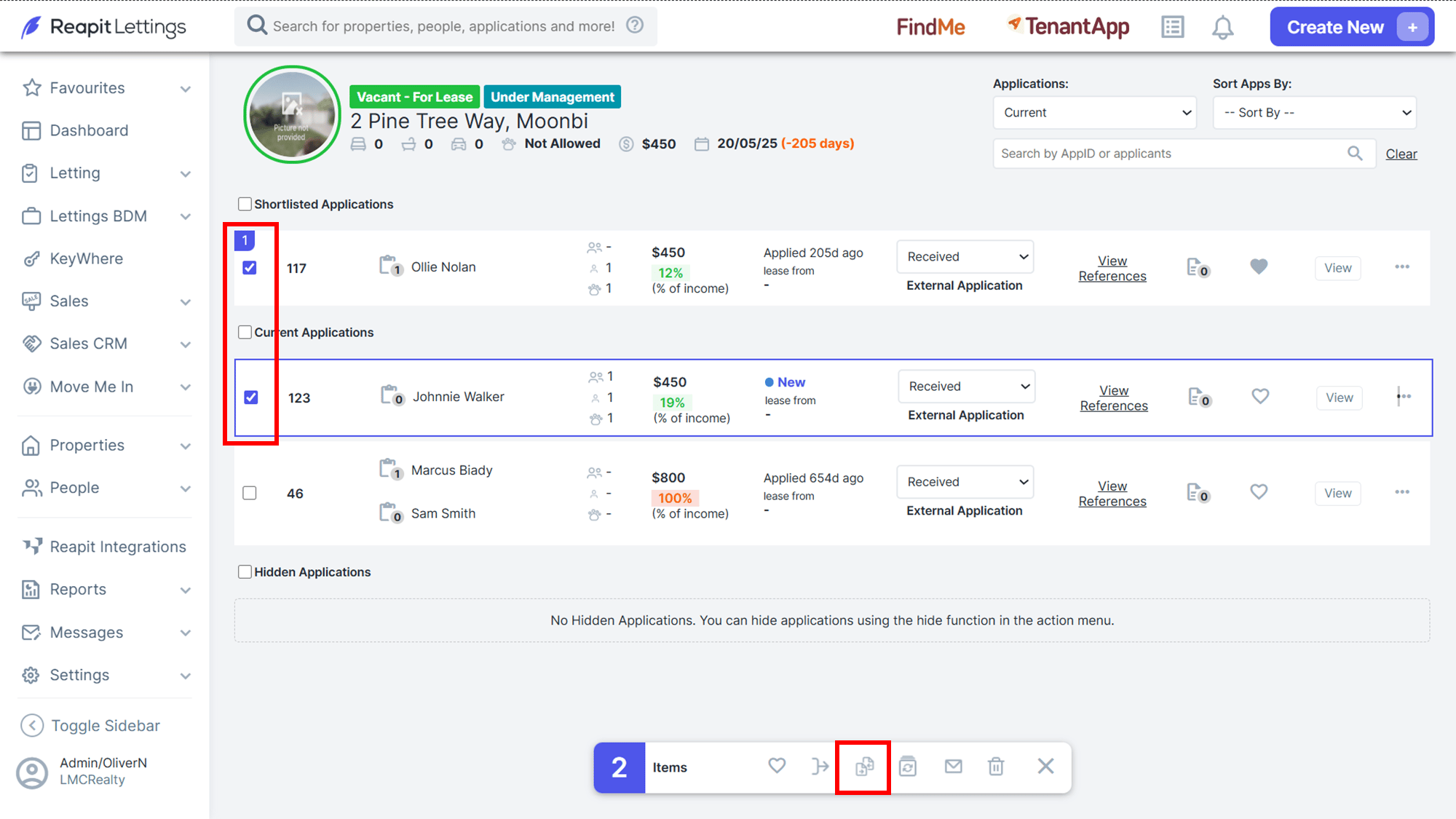
- Select all applications with the checkbox to be presented. On the bottom bar, you can click the icon to compare the applications. This can assist in finding the perfect candidate.