'%20d='M0%208a8%208%200%200%201%208-8h24a8%208%200%200%201%208%208v24a8%208%200%200%201-8%208H8a8%208%200%200%201-8-8V8Z'/%3e%3cpath%20fill='%23fff'%20d='M32.576%206C12.293%206%208.776%2025.887%207.424%2034H9.1c.45-2.977%203.493-14.748%2010.899-20.287%200%200-5.633%206.976-6.572%2015.051%203.426-.652%2013.845-3.372%2016.056-12.927l-3.84-.61c1.352-1.351%204.909-5.17%206.931-9.226V6Z'/%3e%3cdefs%3e%3clinearGradient%20id='reapit-lettings__a'%20x1='20.702'%20x2='20.702'%20y1='.351'%20y2='31.228'%20gradientUnits='userSpaceOnUse'%3e%3cstop%20stop-color='%235573FD'/%3e%3cstop%20offset='.575'%20stop-color='%234E56EA'/%3e%3c/linearGradient%3e%3c/defs%3e%3c/svg%3e)
What is the Stock List Report?
This article offers a comprehensive overview of the stock list report, detailing its utility within your account in Reapit Lettings
What is the Stock List Report?
This article offers an overview of the stock list report, detailing its utility within your account in Reapit Lettings.
The stock list provides an overview of the activity on all properties currently on your vacancy list.
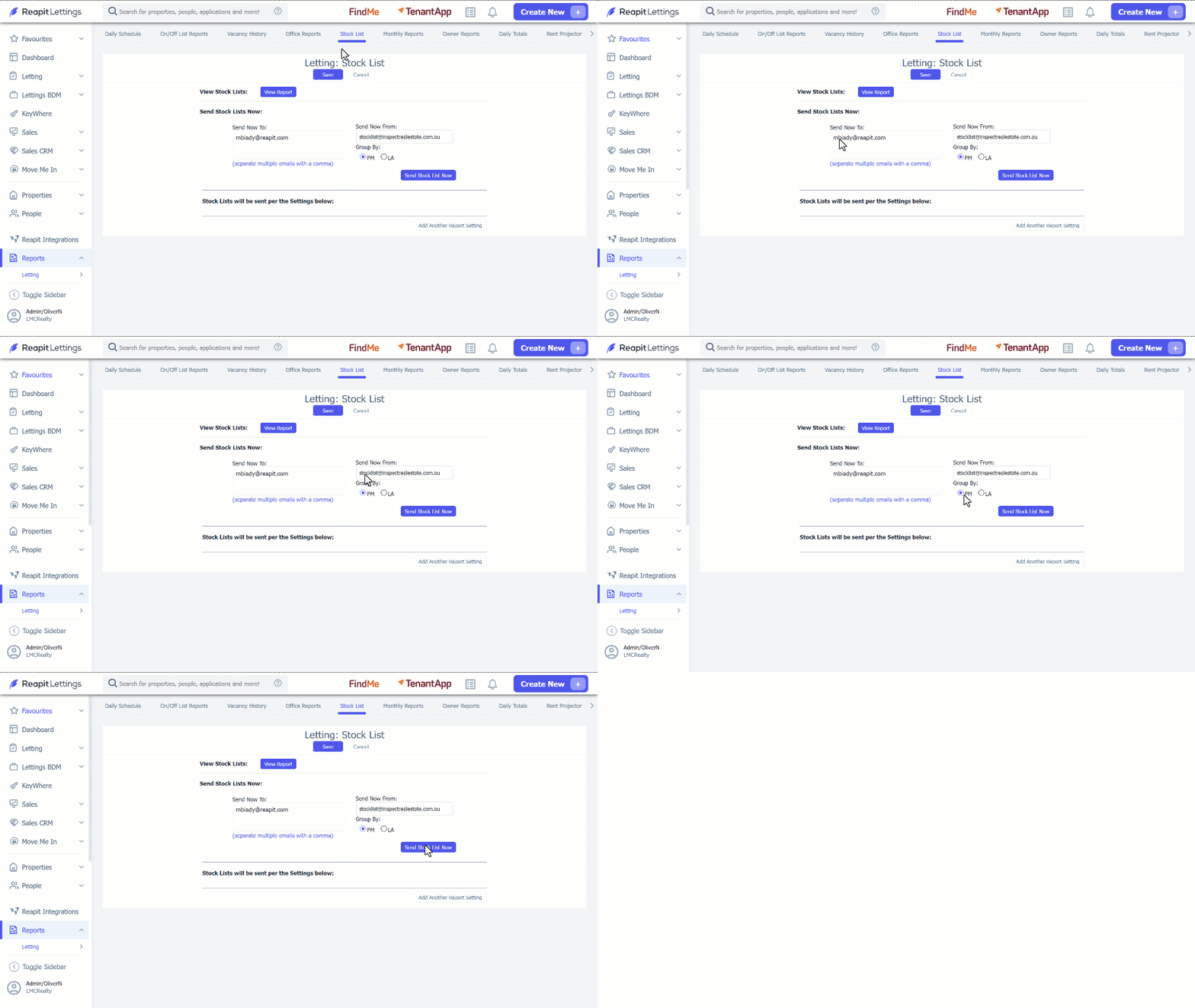
- Click on Reports. 2. Click on Letting. 3. Select Stock List. 4. Click on View Report for a detailed stock list summary in PDF format. Click Close when you have finished viewing.
Note: The PDF report might take a few seconds to load. 5. To send the report manually, follow these steps:
- Input the recipient's email address in the Sent Now To section.
- Select the preferred data grouping method; by PM: Property Manager or by LA: Listing Agent.
- Click on Send Stock List Now.
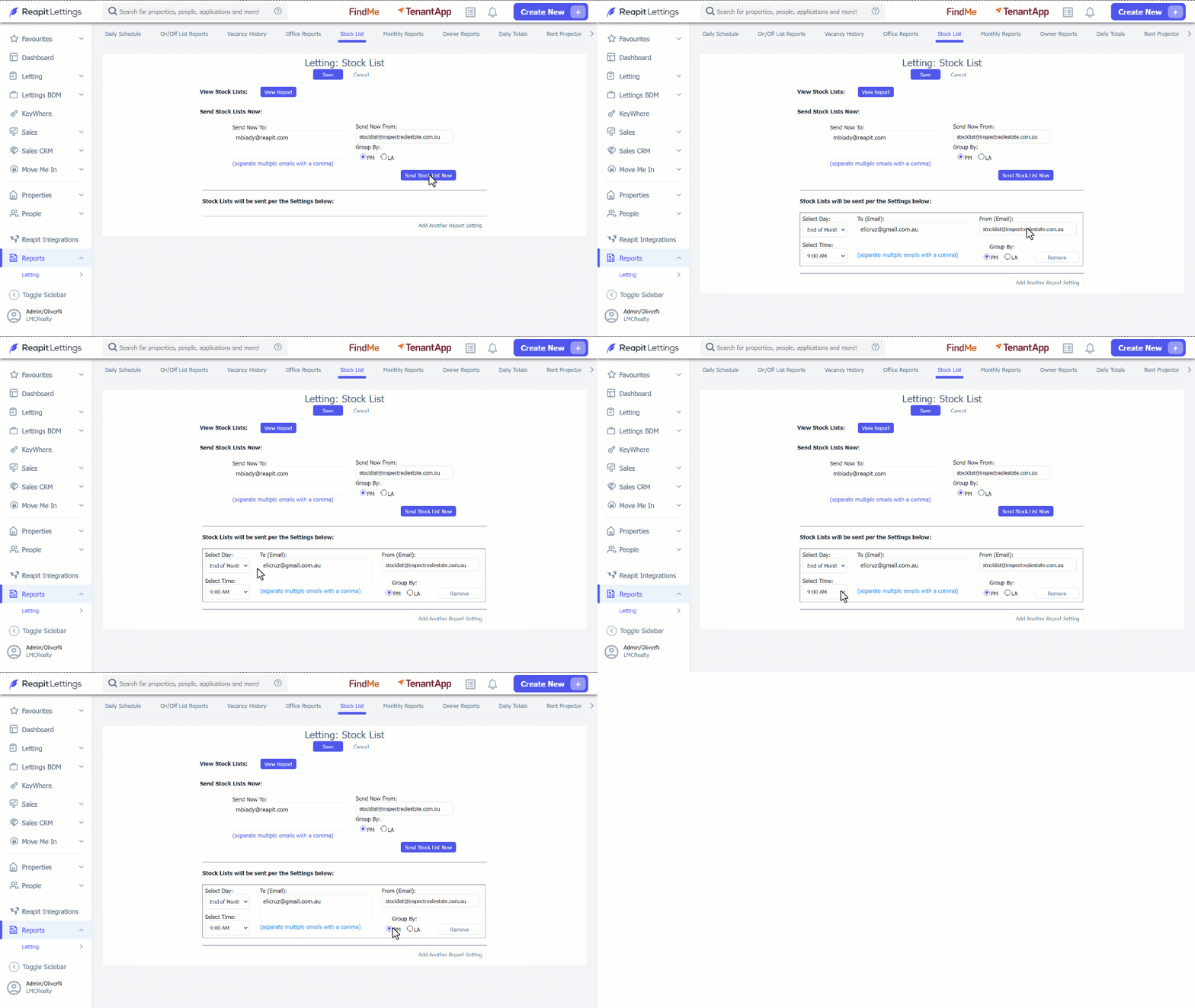
- To receive this report automatically, click on Add Another Report Setting. 7. Enter in the Email Address, Day and Time you would like the report to go to. 8. Determine the data grouping method, whether by PM: Property Manager or by LA: Listing Agent. 9. Click on Save.