'%20d='M0%208a8%208%200%200%201%208-8h24a8%208%200%200%201%208%208v24a8%208%200%200%201-8%208H8a8%208%200%200%201-8-8V8Z'/%3e%3cpath%20fill='%23fff'%20d='M32.576%206C12.293%206%208.776%2025.887%207.424%2034H9.1c.45-2.977%203.493-14.748%2010.899-20.287%200%200-5.633%206.976-6.572%2015.051%203.426-.652%2013.845-3.372%2016.056-12.927l-3.84-.61c1.352-1.351%204.909-5.17%206.931-9.226V6Z'/%3e%3cdefs%3e%3clinearGradient%20id='reapit-lettings__a'%20x1='20.702'%20x2='20.702'%20y1='.351'%20y2='31.228'%20gradientUnits='userSpaceOnUse'%3e%3cstop%20stop-color='%235573FD'/%3e%3cstop%20offset='.575'%20stop-color='%234E56EA'/%3e%3c/linearGradient%3e%3c/defs%3e%3c/svg%3e)
How to Add Current Occupants to a Property
This article will run through how to add current occupants to a property within Reapit Lettings.
How to Add Current Occupants to a Property
This article will run through how to add current occupants to a property within Reapit Lettings.
When you first list a property online, it shows in your Reapit Lettings account, and it will trigger an OnList report. You can add the current occupants of the property and their contact details in Step 5 when completing this process.
If the property is already in your Reapit Lettings account, or you forget to add the occupants on the OnList, you can add them manually to the property itself.
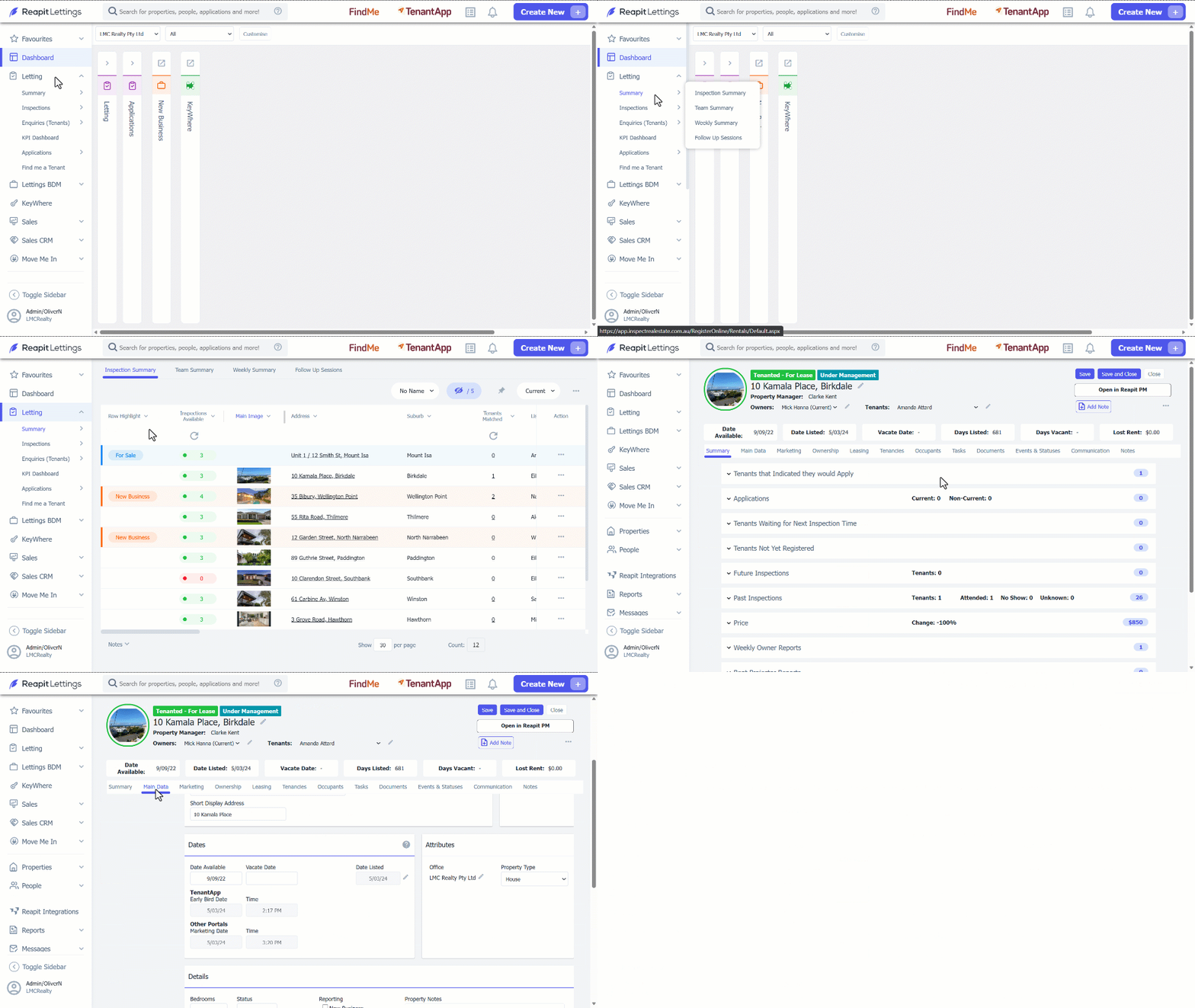
- Click on Letting.
- Click on Summary.
- Select the property from the Inspection Summary Page.
- Verify that the Available date and/or the Vacate date are a time in the future in the Main Data tab.
- Navigate to Occupants tab.
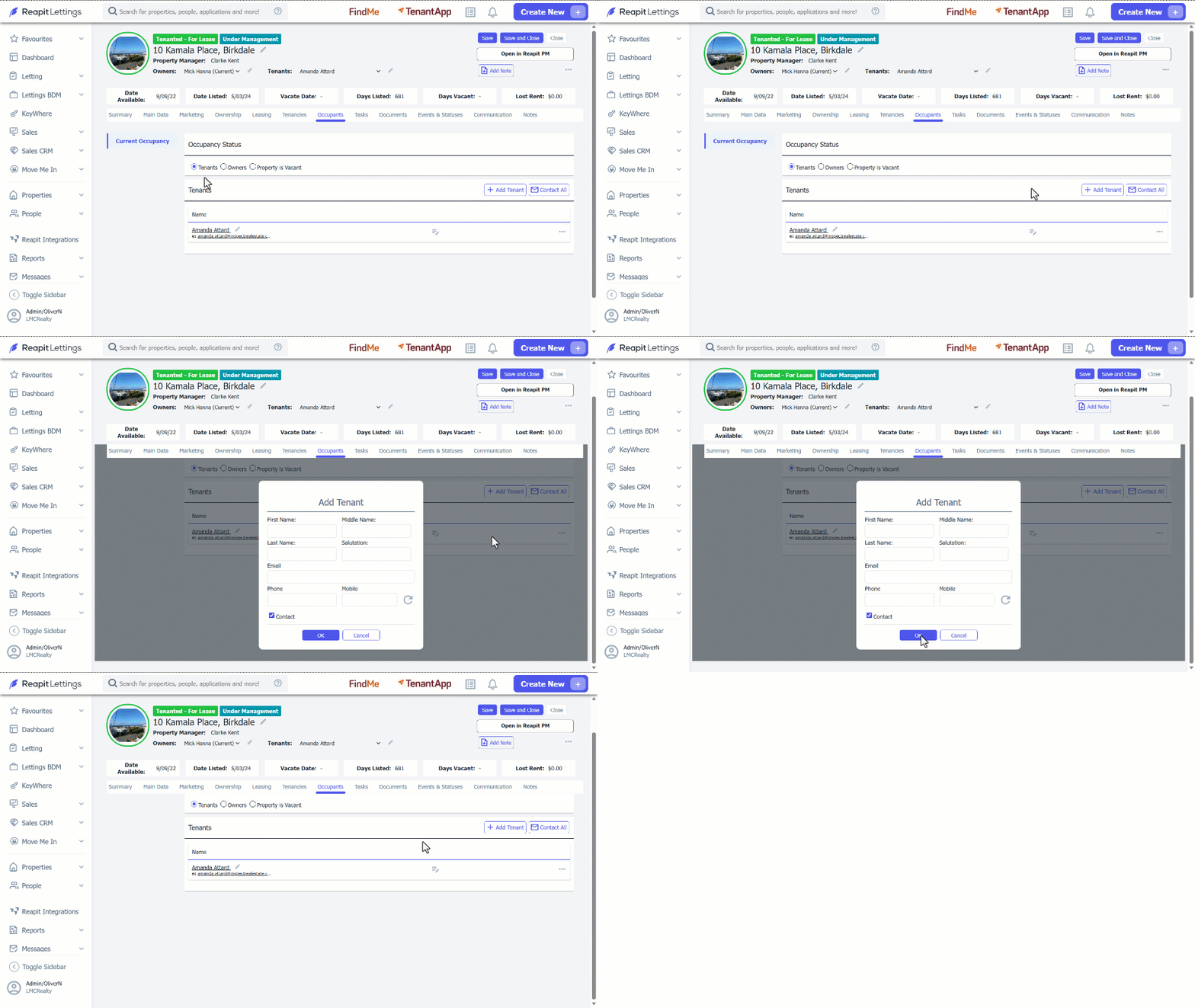
- Click on Add Tenant.
- Enter their contact details.
- Click on Ok.
- Click Save and Close.