'%20d='M0%208a8%208%200%200%201%208-8h24a8%208%200%200%201%208%208v24a8%208%200%200%201-8%208H8a8%208%200%200%201-8-8V8Z'/%3e%3cpath%20fill='%23fff'%20d='M32.576%206C12.293%206%208.776%2025.887%207.424%2034H9.1c.45-2.977%203.493-14.748%2010.899-20.287%200%200-5.633%206.976-6.572%2015.051%203.426-.652%2013.845-3.372%2016.056-12.927l-3.84-.61c1.352-1.351%204.909-5.17%206.931-9.226V6Z'/%3e%3cdefs%3e%3clinearGradient%20id='reapit-lettings__a'%20x1='20.702'%20x2='20.702'%20y1='.351'%20y2='31.228'%20gradientUnits='userSpaceOnUse'%3e%3cstop%20stop-color='%235573FD'/%3e%3cstop%20offset='.575'%20stop-color='%234E56EA'/%3e%3c/linearGradient%3e%3c/defs%3e%3c/svg%3e)
How To Use The Buyer Full Details Page
This article will run through how to use the buyer full details page in Reapit Lettings - Sales.
The Full Details page for a buyer allows you to see all contact information and historical data associated with them.
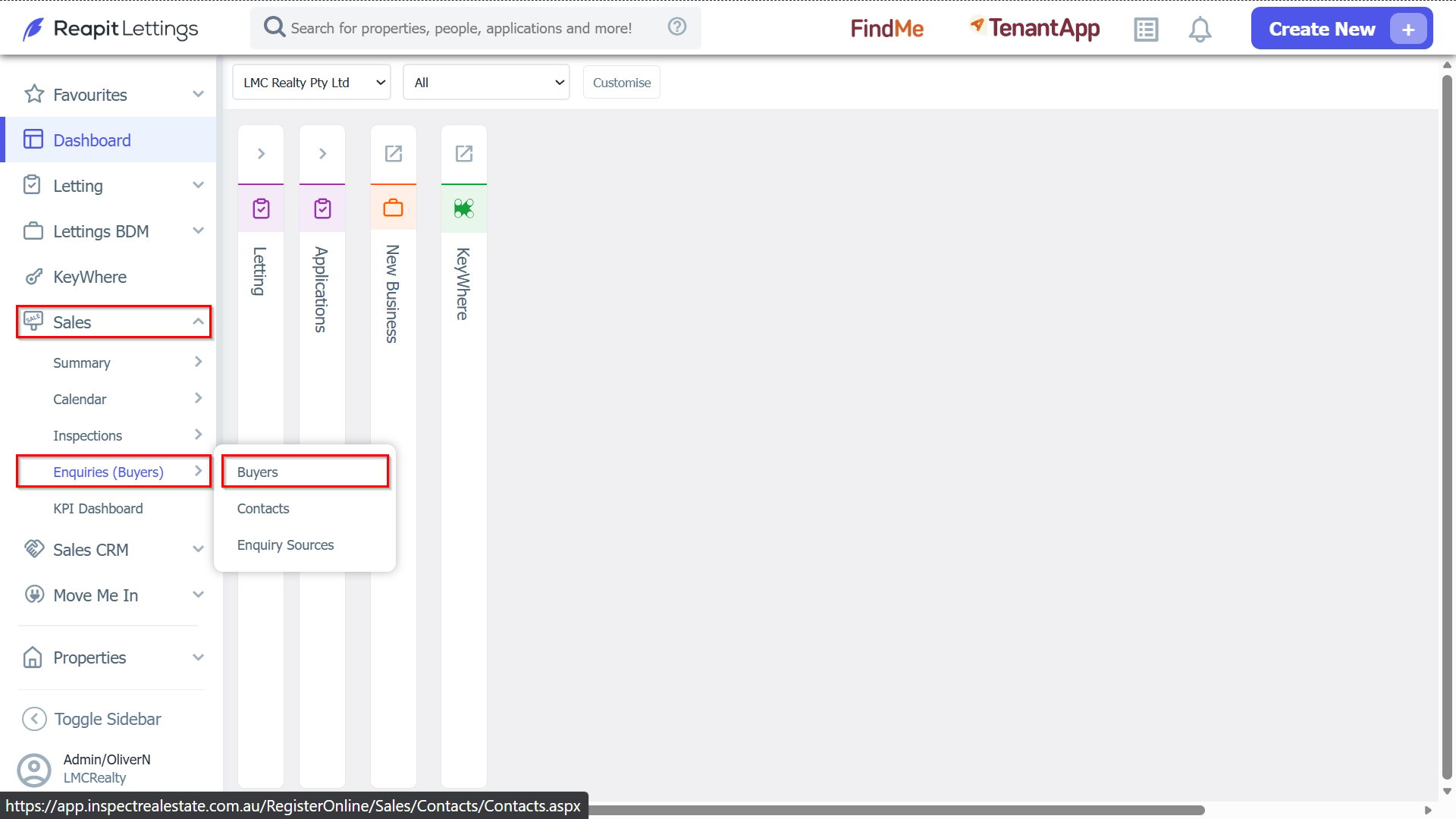
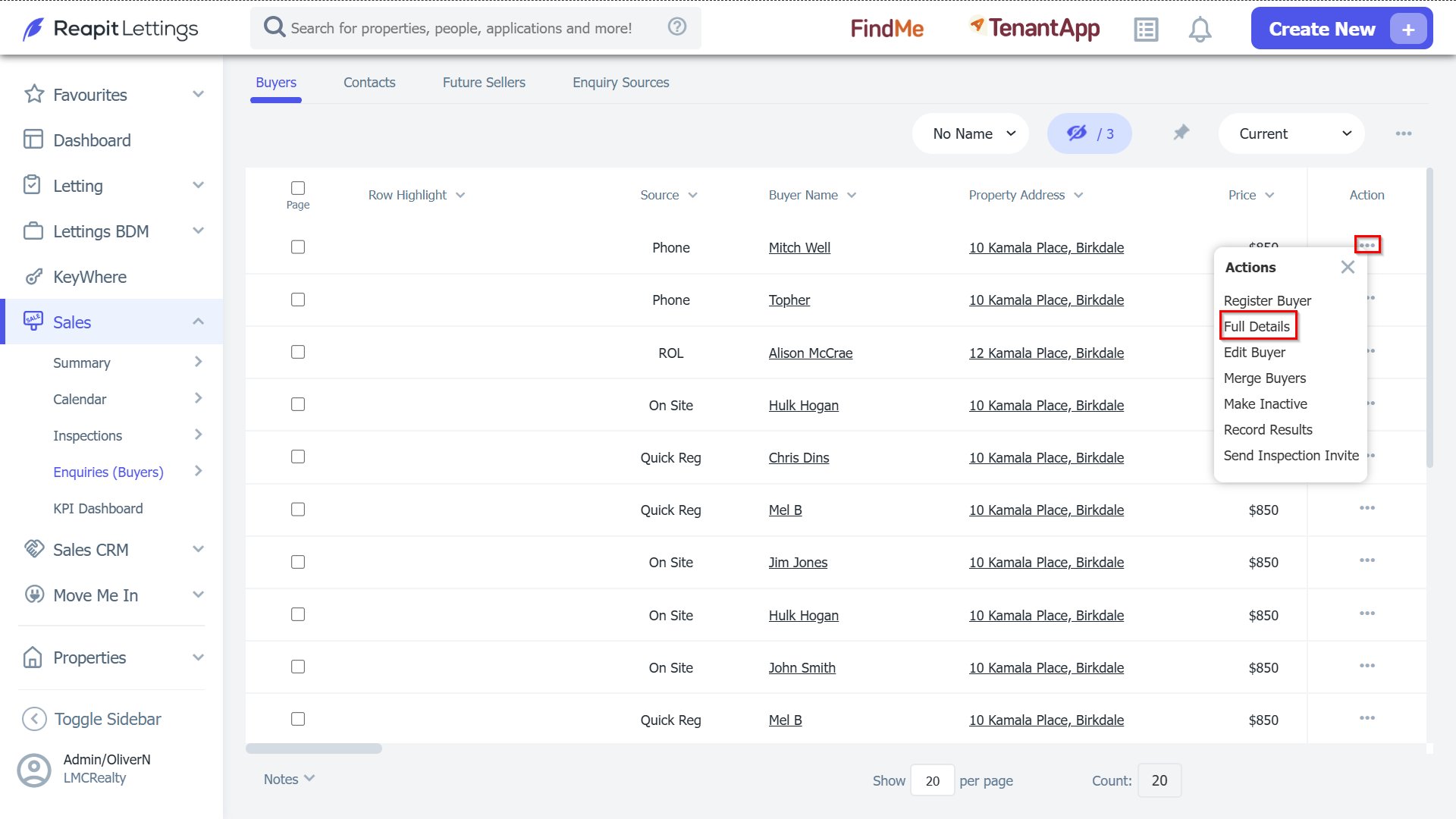
1. To navigate to the Buyer's enquiry page, please navigate through to Sales > Enquiries (buyers) > Buyers. Select the Action button and select the Full Details option.
Buyer Enquiries
1. Edit or amend details.
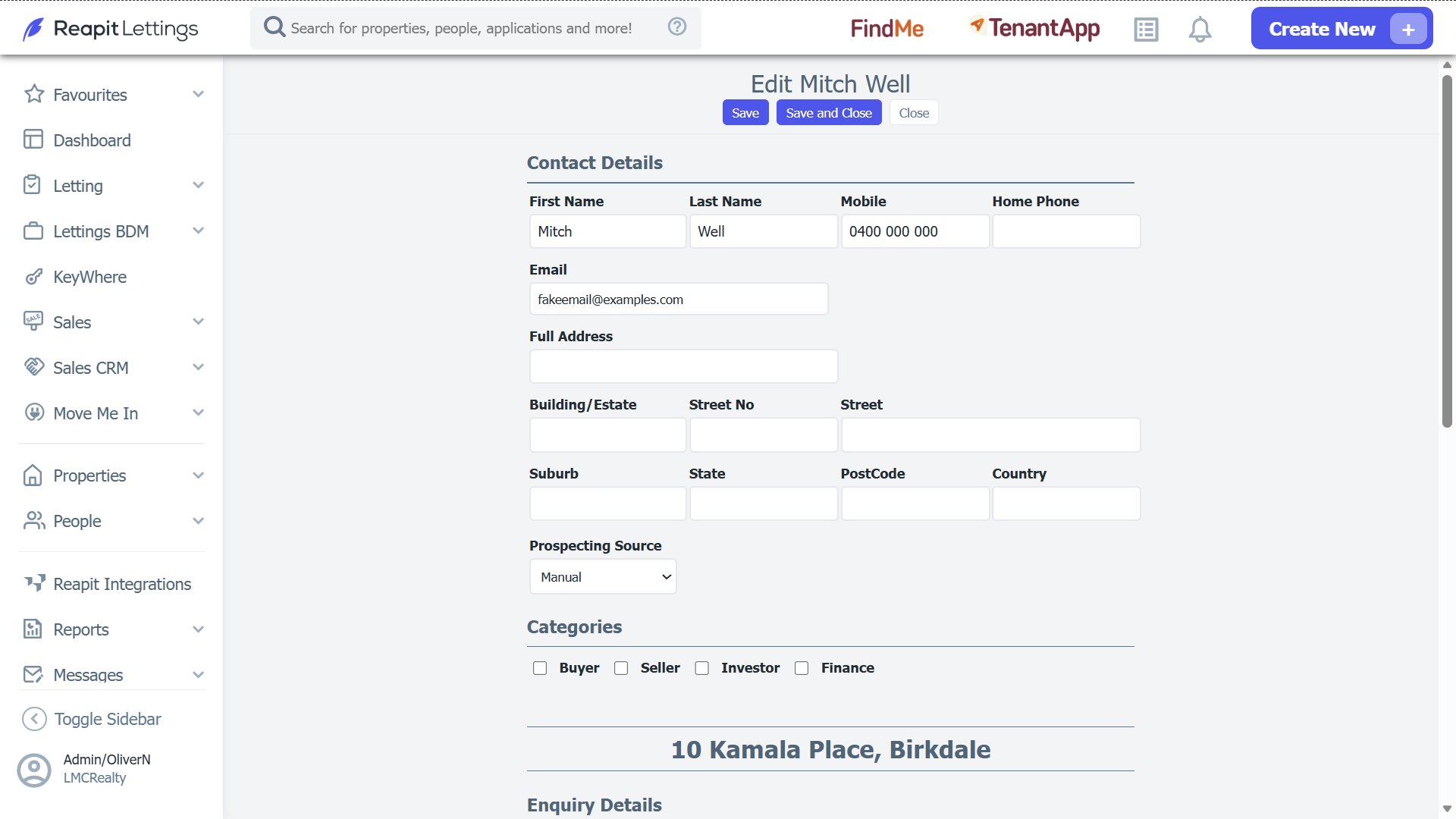
Add the contact's information.
Enquiry date and add notes.
Add inspection results.
History
Notes
Appraisals
Property Matches
Integrations
Contact Log
- Click Save once done.