'%20d='M0%208a8%208%200%200%201%208-8h24a8%208%200%200%201%208%208v24a8%208%200%200%201-8%208H8a8%208%200%200%201-8-8V8Z'/%3e%3cpath%20fill='%23fff'%20d='M32.576%206C12.293%206%208.776%2025.887%207.424%2034H9.1c.45-2.977%203.493-14.748%2010.899-20.287%200%200-5.633%206.976-6.572%2015.051%203.426-.652%2013.845-3.372%2016.056-12.927l-3.84-.61c1.352-1.351%204.909-5.17%206.931-9.226V6Z'/%3e%3cdefs%3e%3clinearGradient%20id='reapit-lettings__a'%20x1='20.702'%20x2='20.702'%20y1='.351'%20y2='31.228'%20gradientUnits='userSpaceOnUse'%3e%3cstop%20stop-color='%235573FD'/%3e%3cstop%20offset='.575'%20stop-color='%234E56EA'/%3e%3c/linearGradient%3e%3c/defs%3e%3c/svg%3e)
How to Approve an Application
This article will show you how to approve an application in Reapit Lettings.
How to Approve an Application
This article will show you how to approve an application in Reapit Lettings.
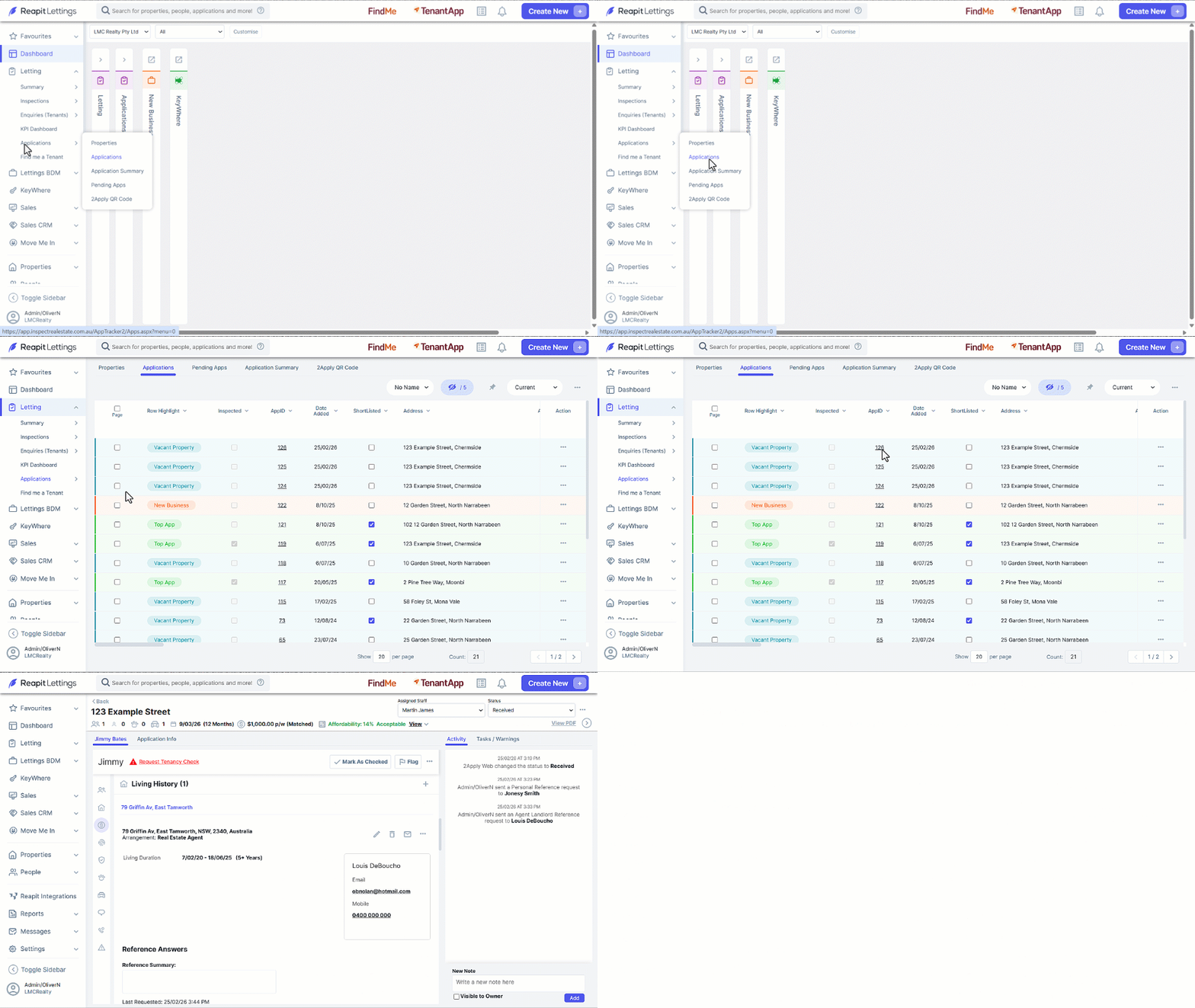
- Click on Letting.
- Click on Applications.
- Click on Applications.
- Click on the required AppID.
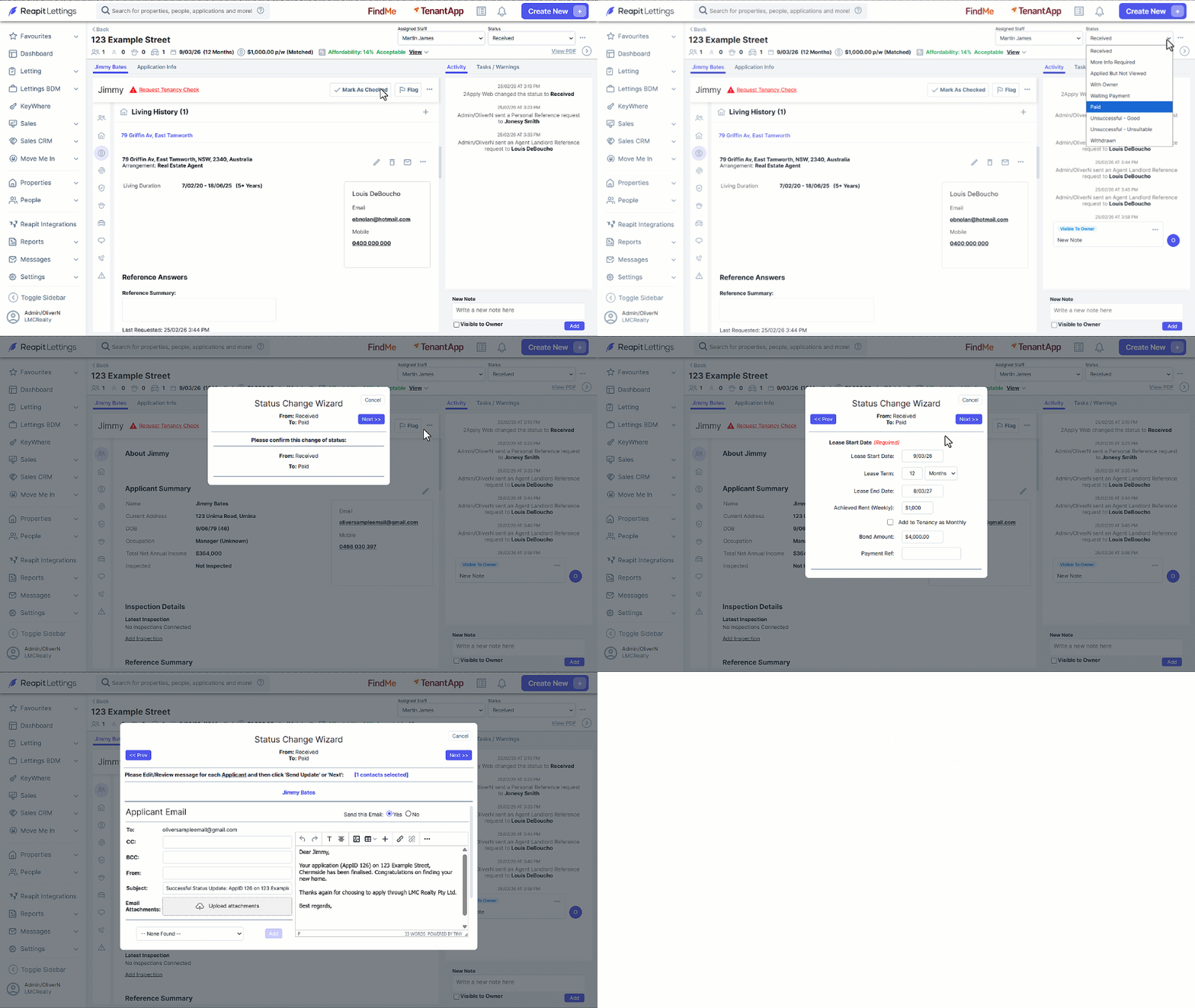
- Navigate to the App Status bar and update it to your Successful Status. (Defaulted in Lettings to the Paid Status).
- Click on Next.
- Confirm lease details. Click on Next.
- Choose the notifications to be sent. Click on Next.
- Review each message before clicking on Next and distributing.