'%20d='M0%208a8%208%200%200%201%208-8h24a8%208%200%200%201%208%208v24a8%208%200%200%201-8%208H8a8%208%200%200%201-8-8V8Z'/%3e%3cpath%20fill='%23fff'%20d='M32.576%206C12.293%206%208.776%2025.887%207.424%2034H9.1c.45-2.977%203.493-14.748%2010.899-20.287%200%200-5.633%206.976-6.572%2015.051%203.426-.652%2013.845-3.372%2016.056-12.927l-3.84-.61c1.352-1.351%204.909-5.17%206.931-9.226V6Z'/%3e%3cdefs%3e%3clinearGradient%20id='reapit-lettings__a'%20x1='20.702'%20x2='20.702'%20y1='.351'%20y2='31.228'%20gradientUnits='userSpaceOnUse'%3e%3cstop%20stop-color='%235573FD'/%3e%3cstop%20offset='.575'%20stop-color='%234E56EA'/%3e%3c/linearGradient%3e%3c/defs%3e%3c/svg%3e)
Updating Property Specific Messages for Sales
This article will guide you on how to update property-specific messages within your account in Reapit Lettings.
In ROL Sales, you can create property-specific automated messages to replace the default office messages.
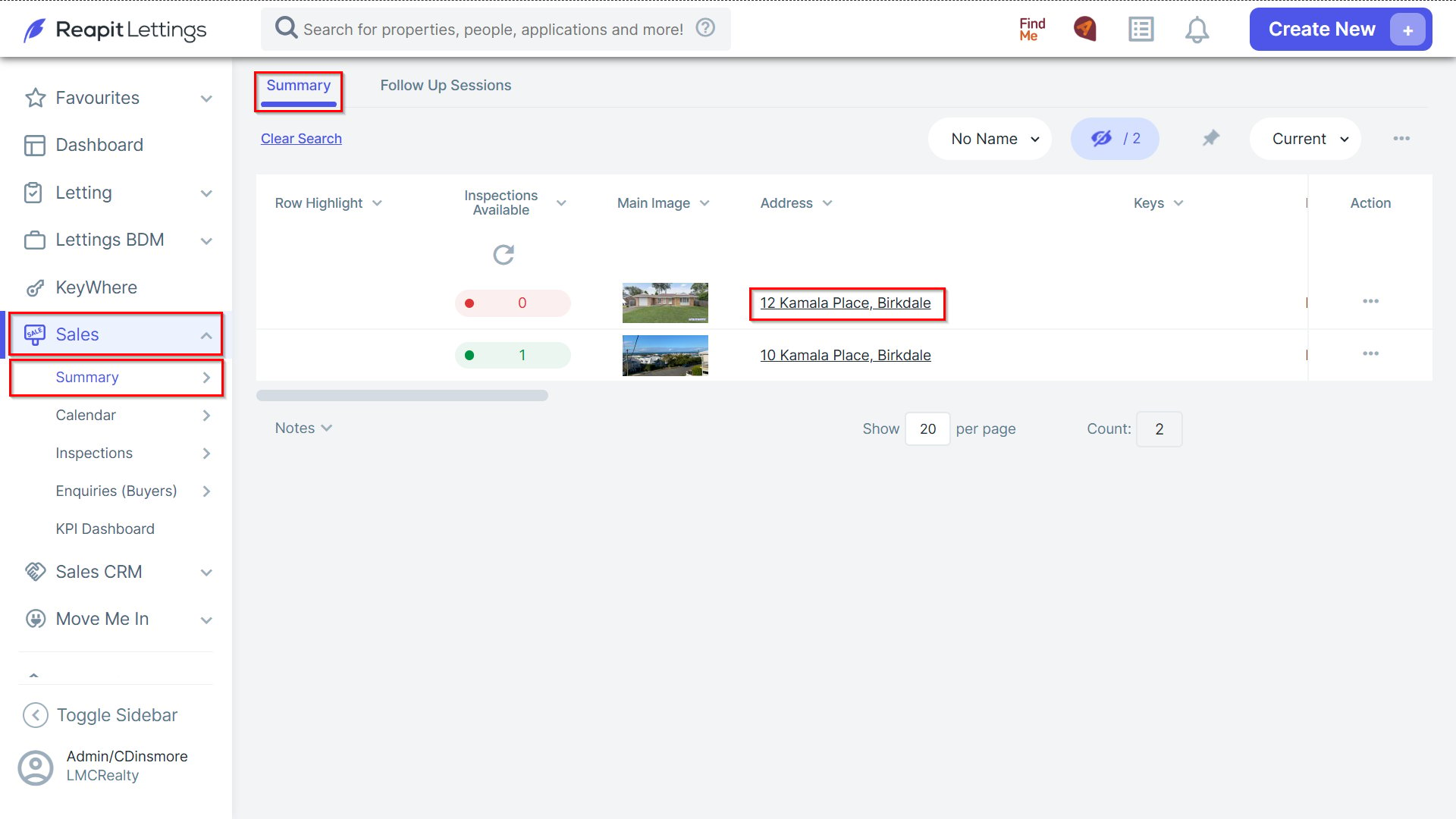
1. Navigate to Sales > Summary, select Summary and select the property address appropriate.
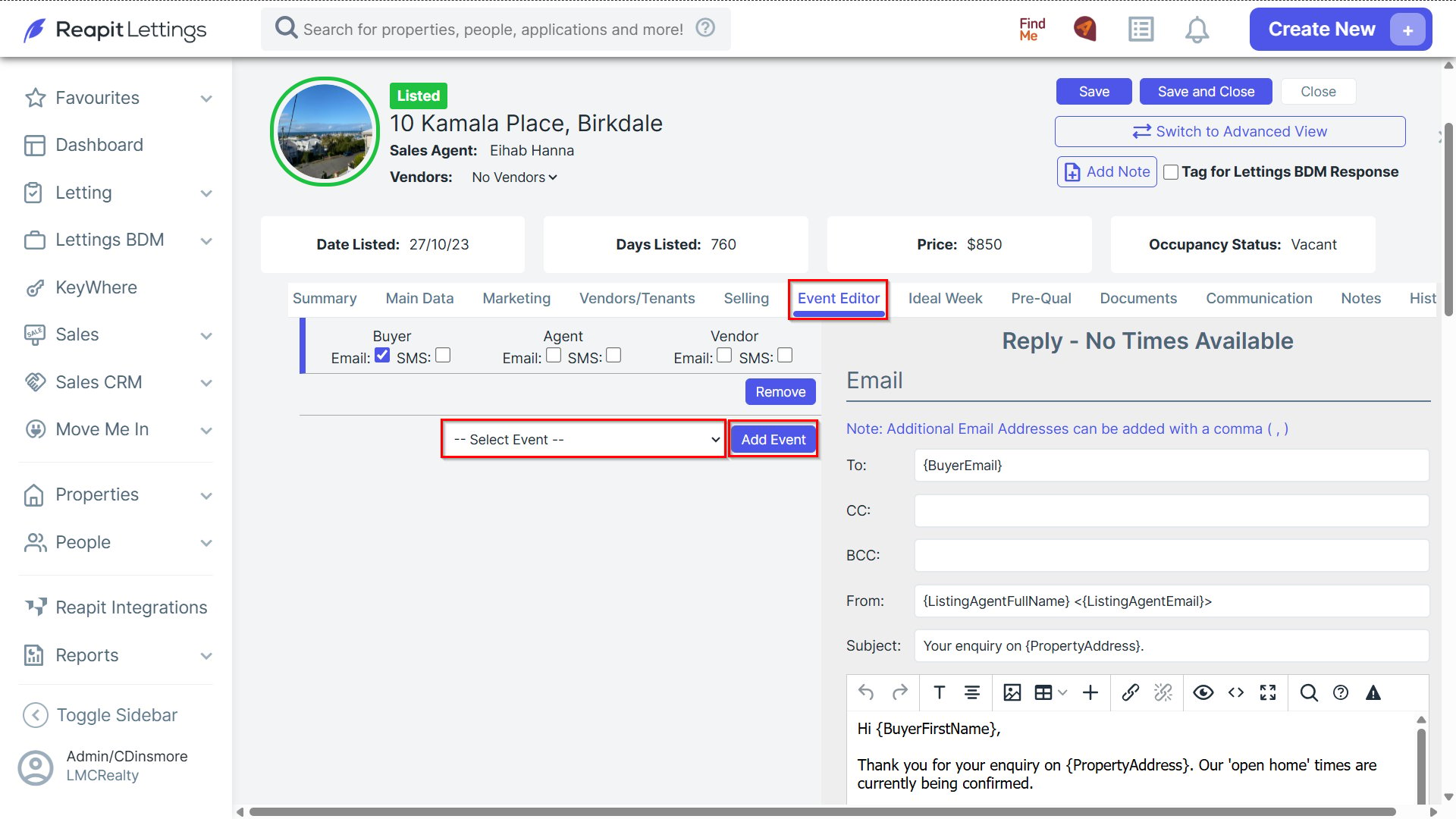
2. In the Event Editor tab, use the drop-down menu to choose the message you wish to edit and select Add Event.
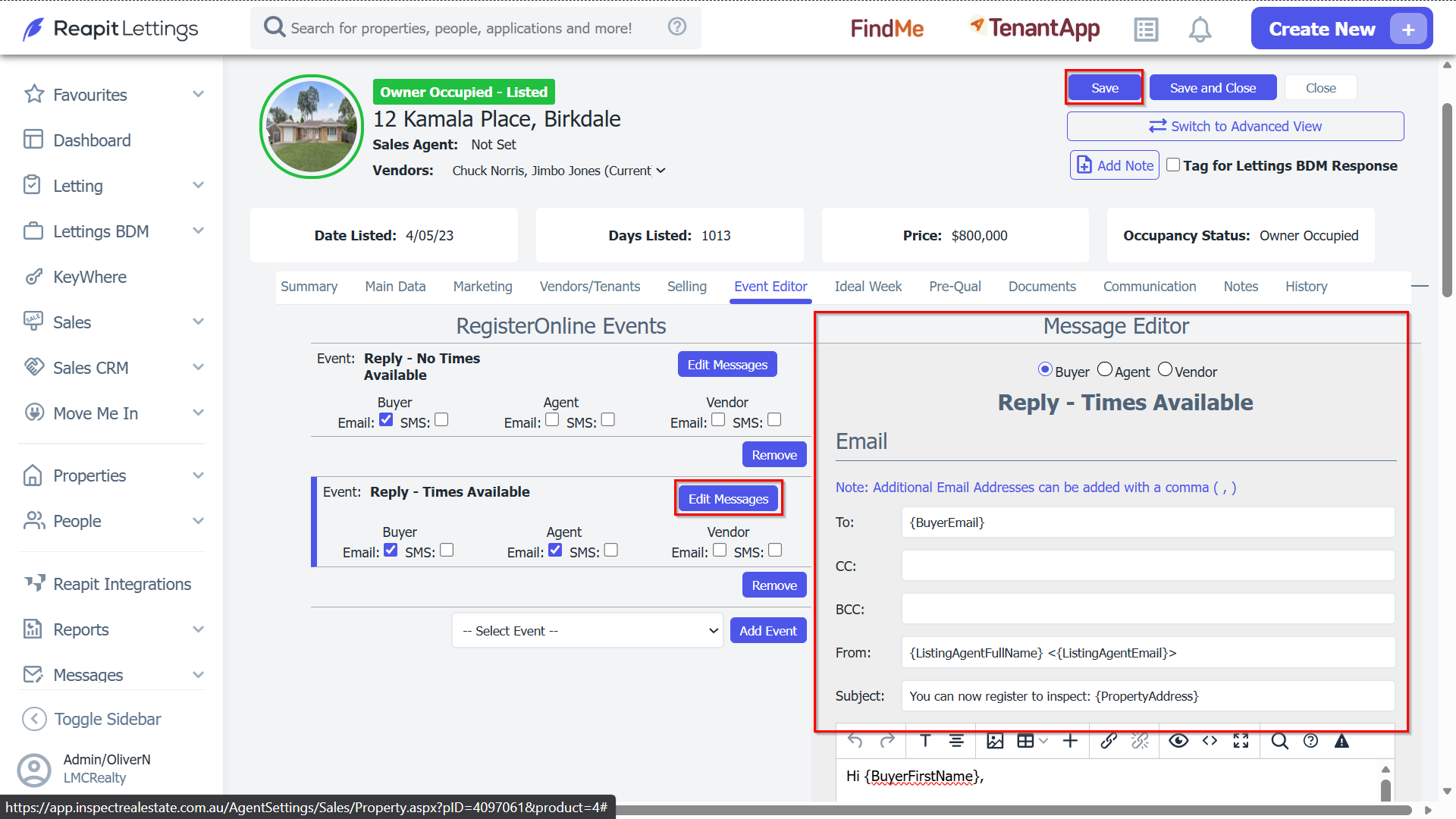
3. Click Edit Messages to modify the message. You can edit both email and SMS messages using the Message Editor.
4. After editing, ensure you select whether to send both email and SMS messages to all recipients, then click Save.
Note: SMS messages are subject to character limitations.