'%20d='M0%208a8%208%200%200%201%208-8h24a8%208%200%200%201%208%208v24a8%208%200%200%201-8%208H8a8%208%200%200%201-8-8V8Z'/%3e%3cpath%20fill='%23fff'%20d='M32.576%206C12.293%206%208.776%2025.887%207.424%2034H9.1c.45-2.977%203.493-14.748%2010.899-20.287%200%200-5.633%206.976-6.572%2015.051%203.426-.652%2013.845-3.372%2016.056-12.927l-3.84-.61c1.352-1.351%204.909-5.17%206.931-9.226V6Z'/%3e%3cdefs%3e%3clinearGradient%20id='reapit-lettings__a'%20x1='20.702'%20x2='20.702'%20y1='.351'%20y2='31.228'%20gradientUnits='userSpaceOnUse'%3e%3cstop%20stop-color='%235573FD'/%3e%3cstop%20offset='.575'%20stop-color='%234E56EA'/%3e%3c/linearGradient%3e%3c/defs%3e%3c/svg%3e)
How To Set up the On VL Email for Sales
This article will run through how to set up the On VL Email for Reapit Lettings - Sales.
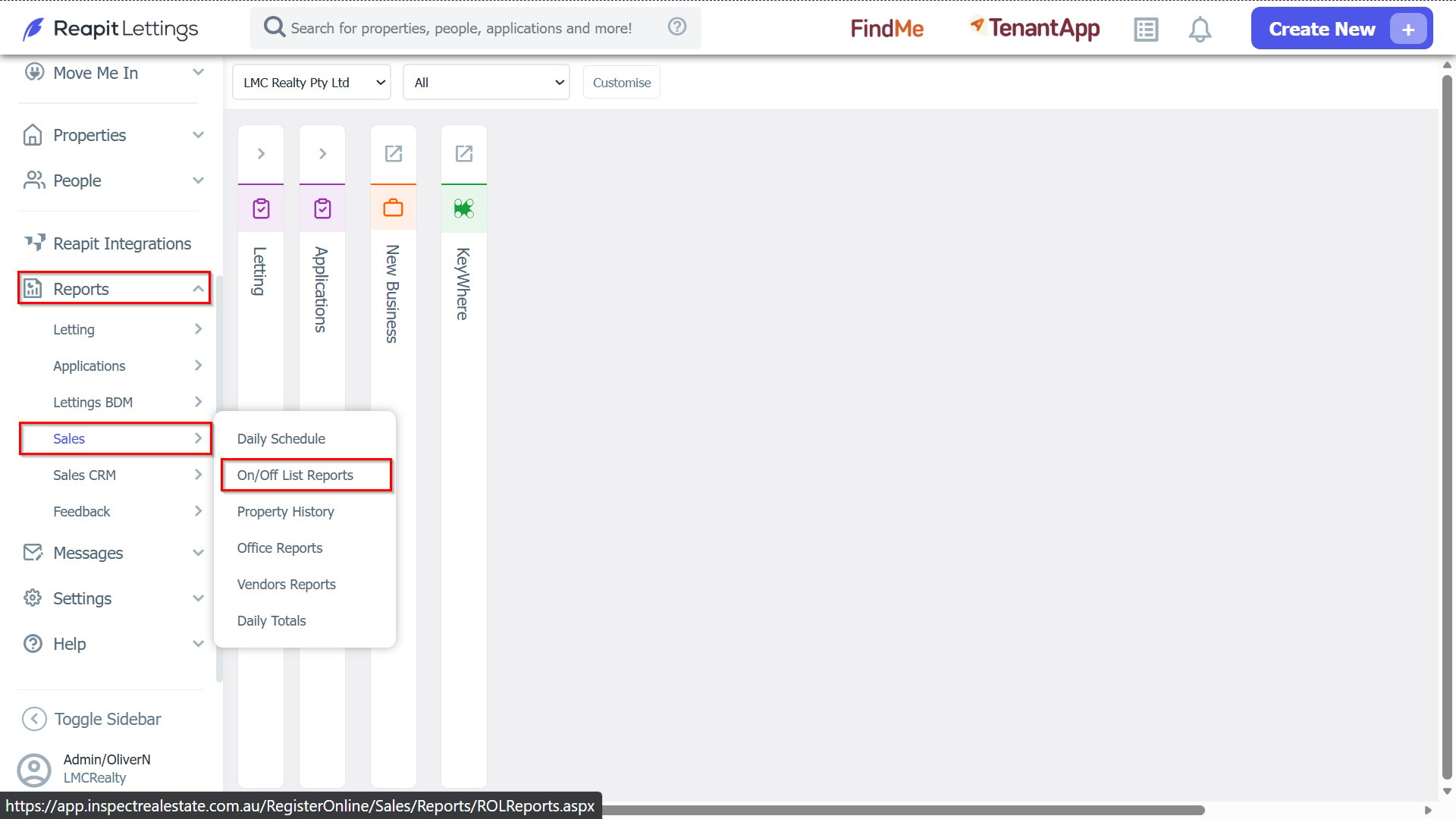
1. To enable the On VL Email for sales properties, go to Reports > Sales > On/Off list Reports.
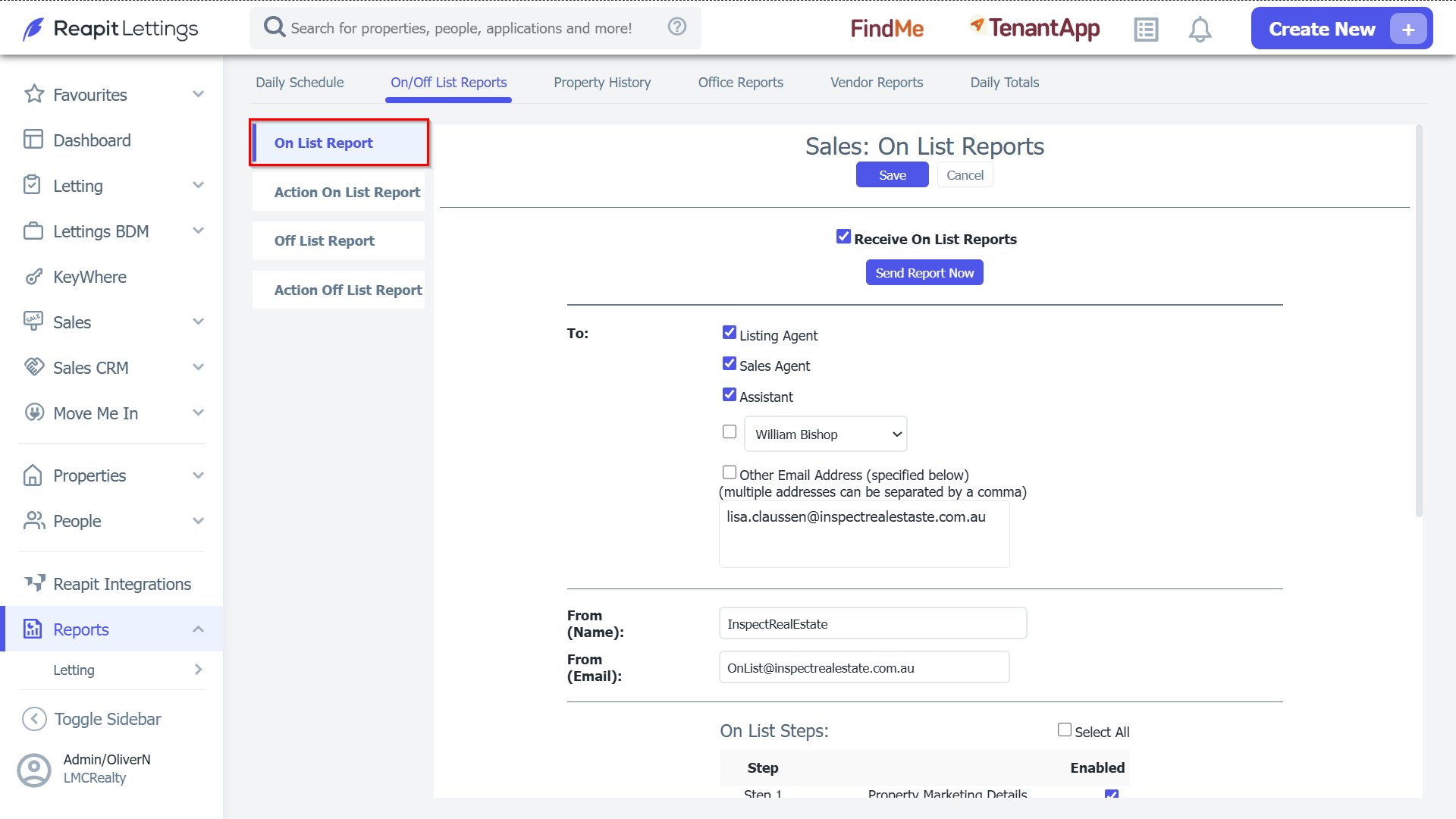
2. Go to On-List Report Tab.
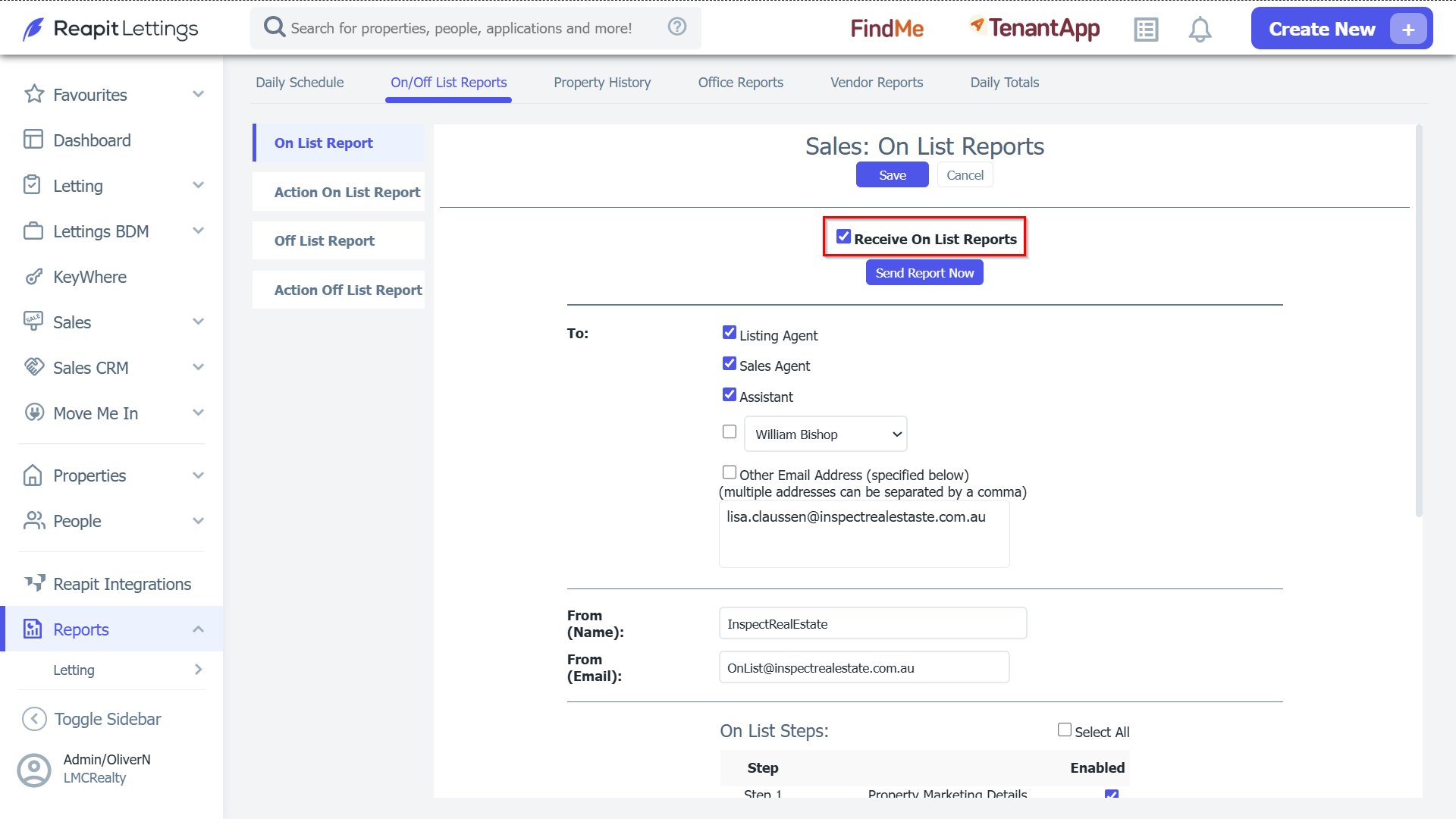
3. Tick the Receive On Vacancy List Report setting located at the top of the page.
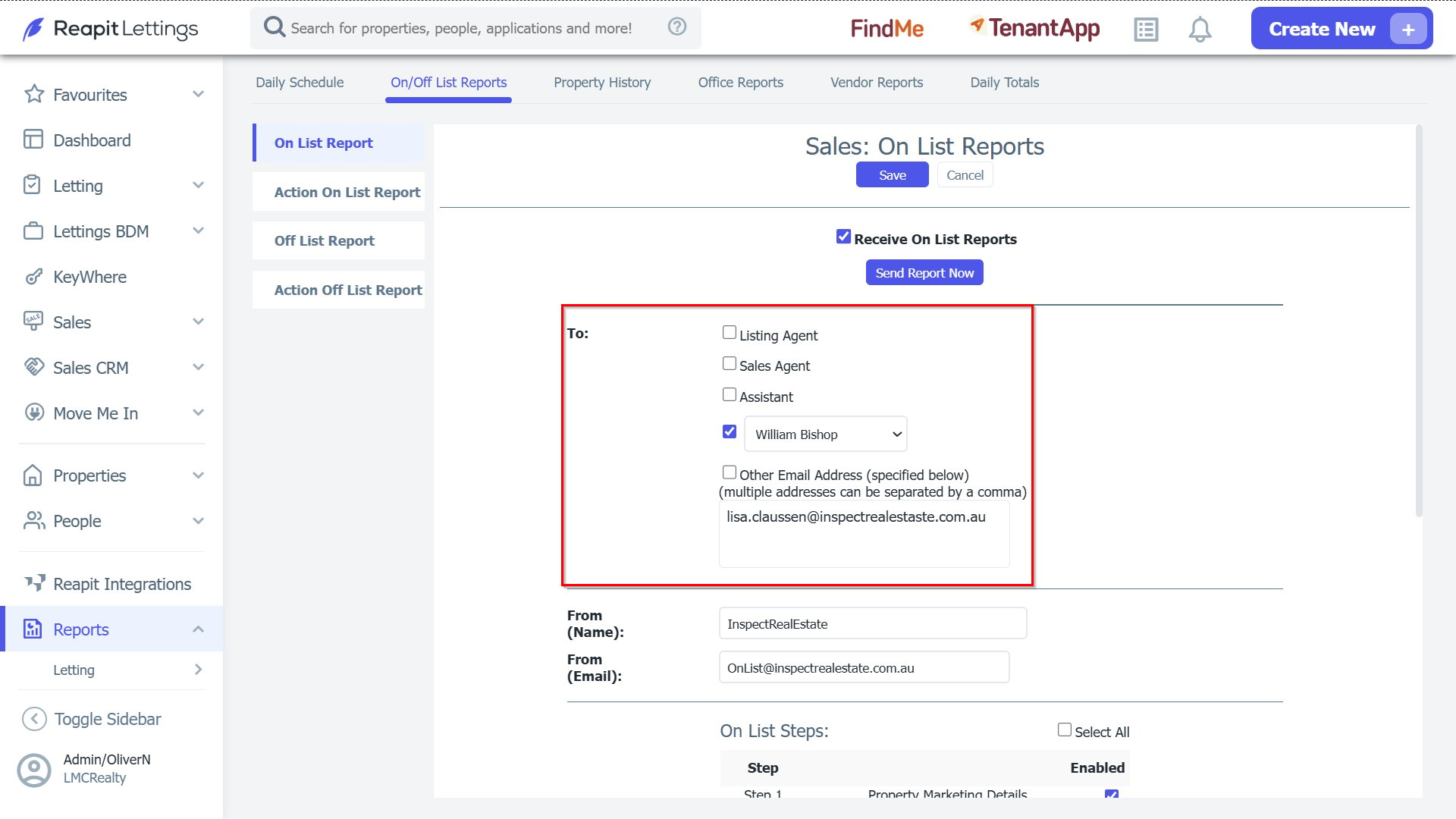
4. Select who you would like the report to go to & enter a backup email address in the box under the Other Email Address section, so in the event the email can't go to the listing agent it can go to another email address.
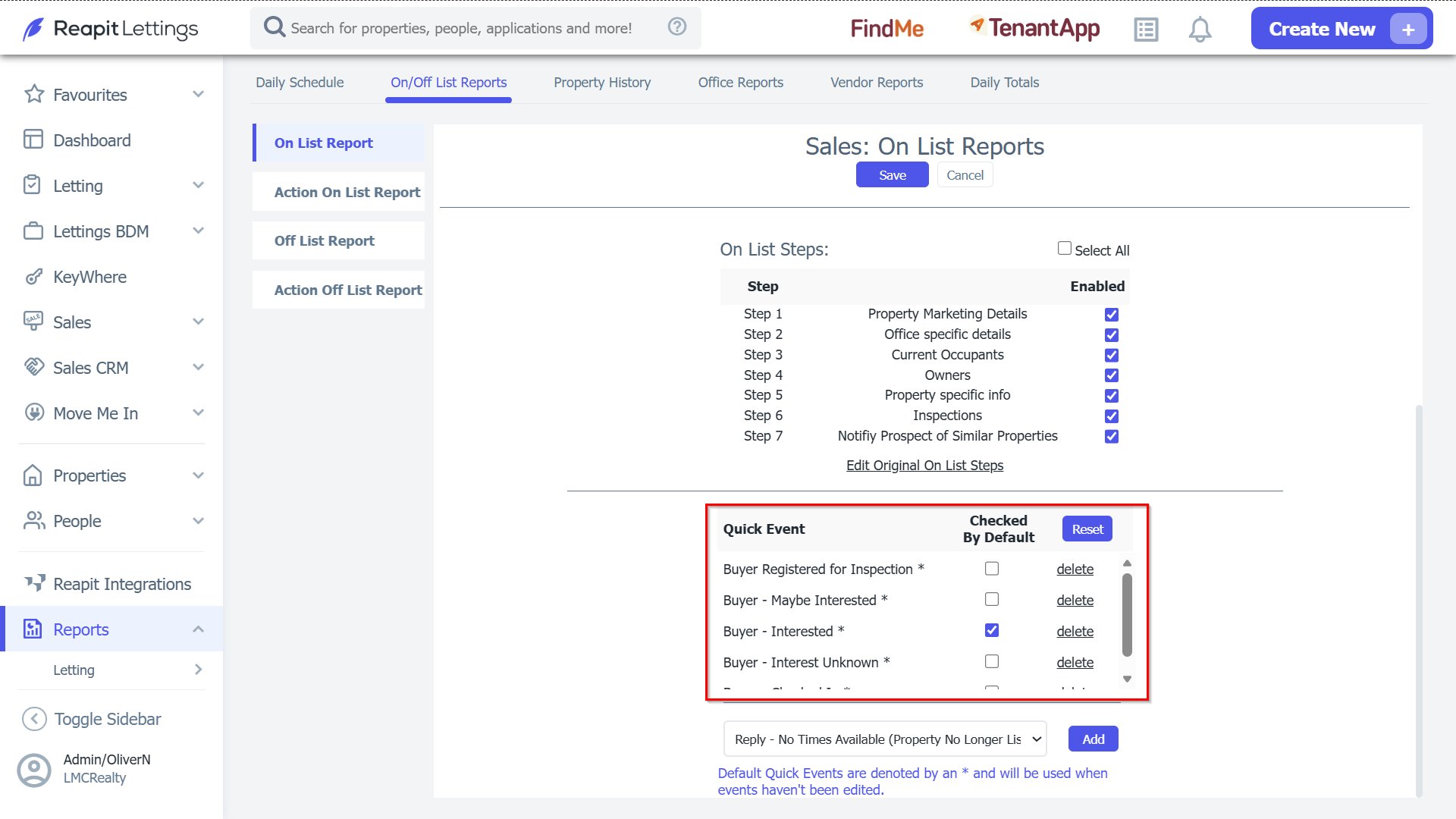
5. Below this is the On List Steps that you can disable/enable.
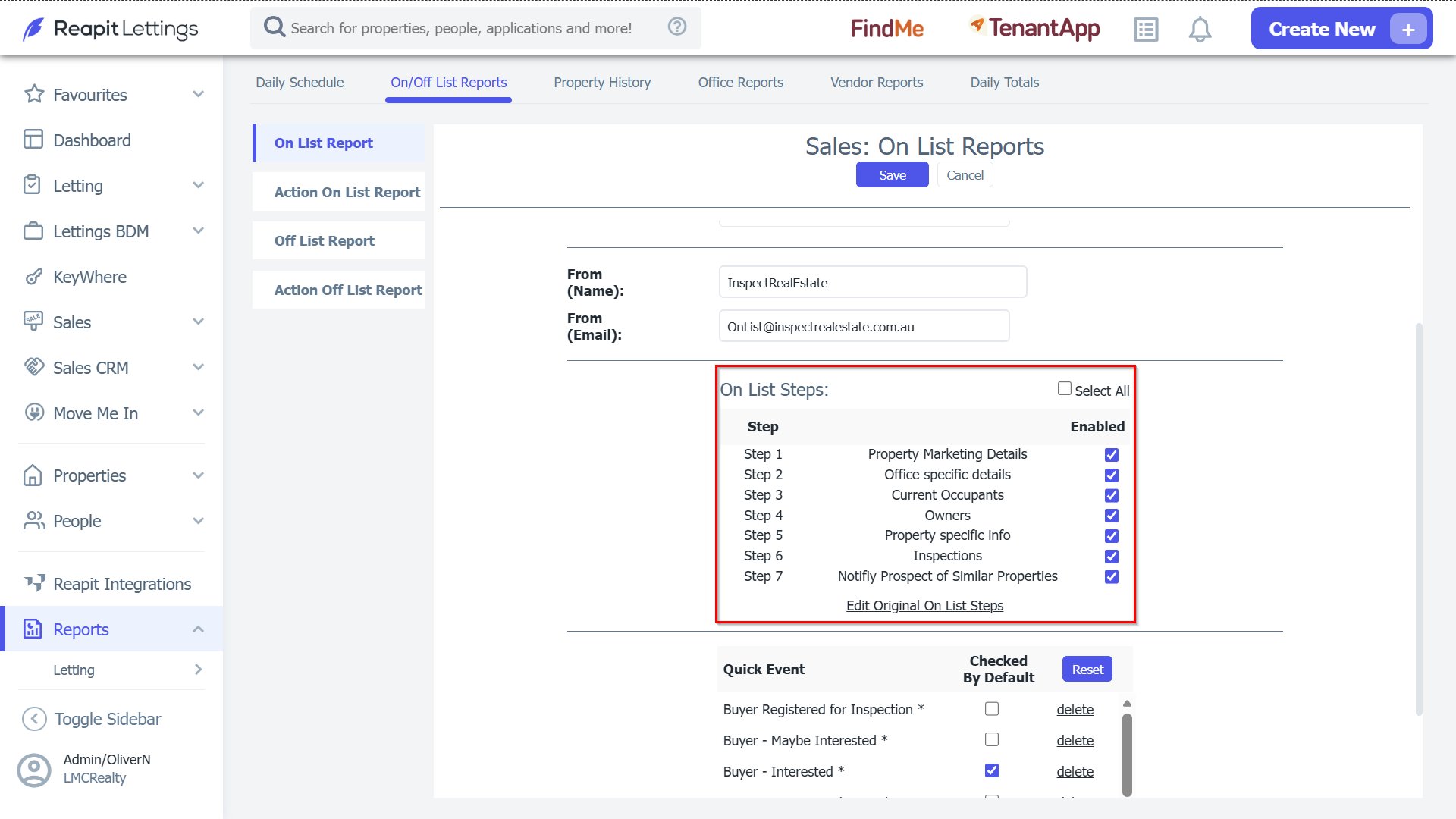
6. The last setting is Quick Event - when you add a property-specific attachment against a property (step 8 of the onlist), this allows you to nominate what event/s that will be assigned.