'%20d='M0%208a8%208%200%200%201%208-8h24a8%208%200%200%201%208%208v24a8%208%200%200%201-8%208H8a8%208%200%200%201-8-8V8Z'/%3e%3cpath%20fill='%23fff'%20d='M32.576%206C12.293%206%208.776%2025.887%207.424%2034H9.1c.45-2.977%203.493-14.748%2010.899-20.287%200%200-5.633%206.976-6.572%2015.051%203.426-.652%2013.845-3.372%2016.056-12.927l-3.84-.61c1.352-1.351%204.909-5.17%206.931-9.226V6Z'/%3e%3cdefs%3e%3clinearGradient%20id='reapit-lettings__a'%20x1='20.702'%20x2='20.702'%20y1='.351'%20y2='31.228'%20gradientUnits='userSpaceOnUse'%3e%3cstop%20stop-color='%235573FD'/%3e%3cstop%20offset='.575'%20stop-color='%234E56EA'/%3e%3c/linearGradient%3e%3c/defs%3e%3c/svg%3e)
How to Change a Calendar Time
This article will run through how to change a calendar time in Reapit Lettings - Sales.
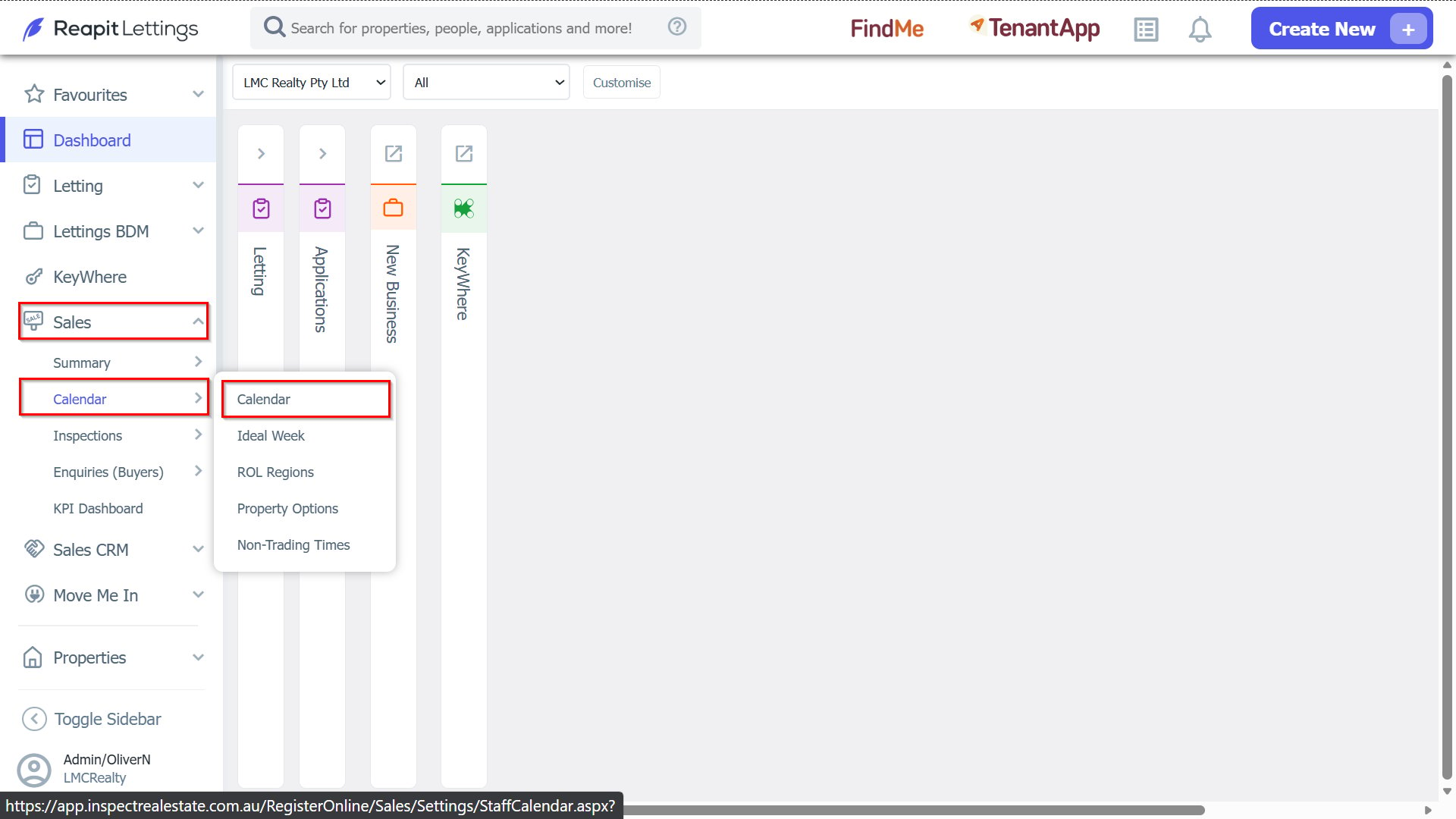
1. Navigate to Sales > Calendar > Calendar.
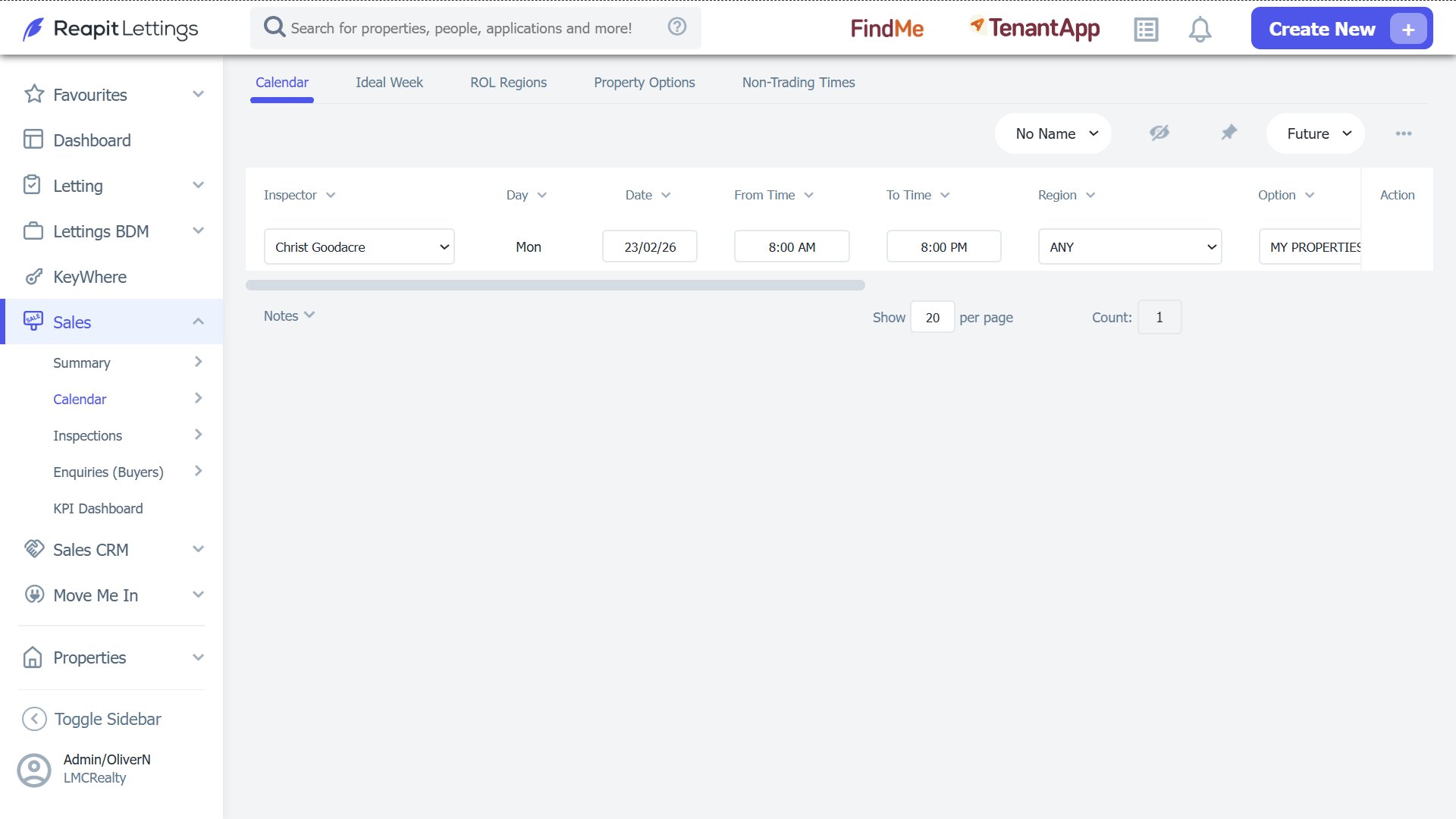
2. Here you will see a list of your existing calendar entries.
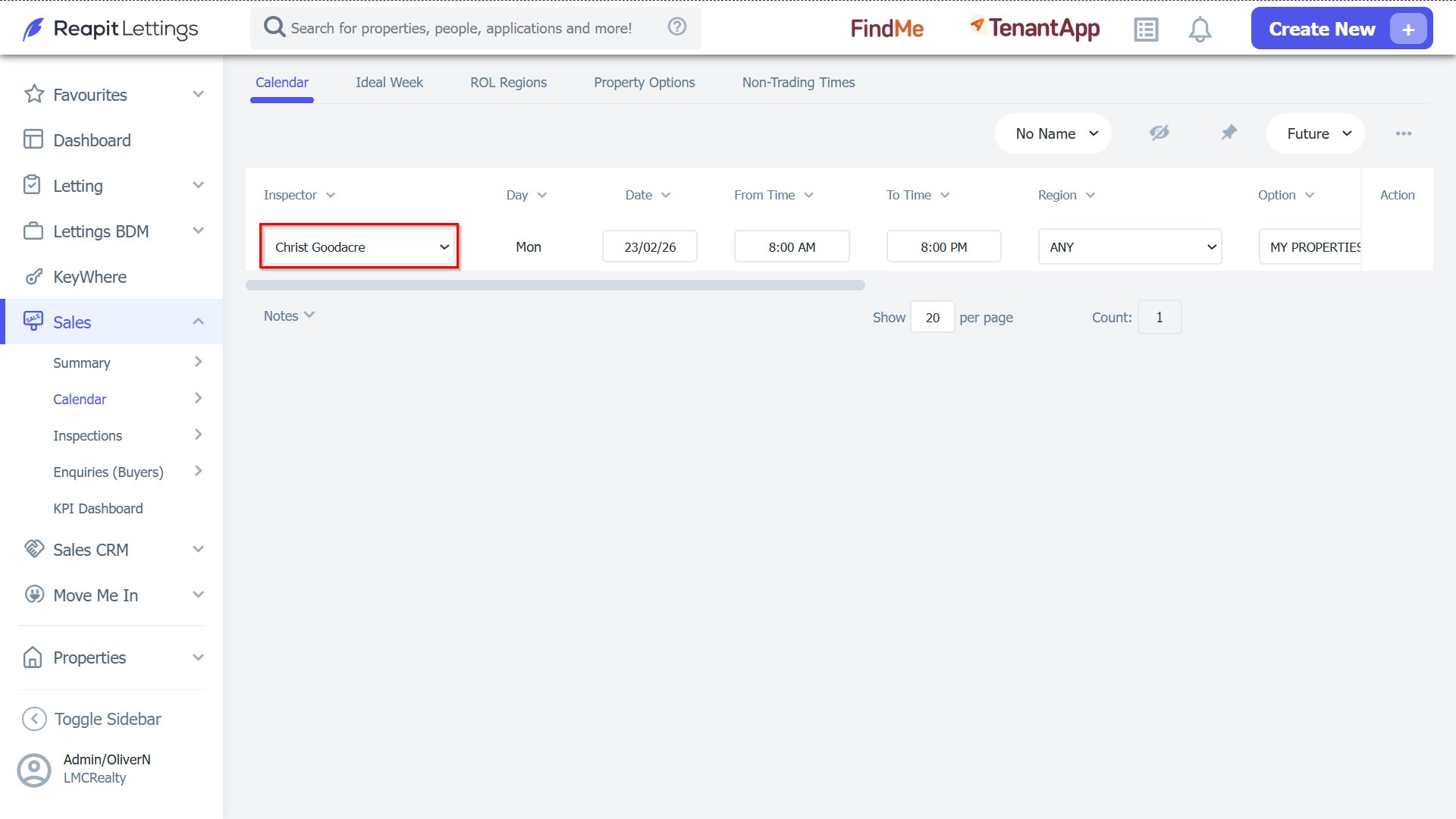
3. Choose a new inspector from the drop-down list.
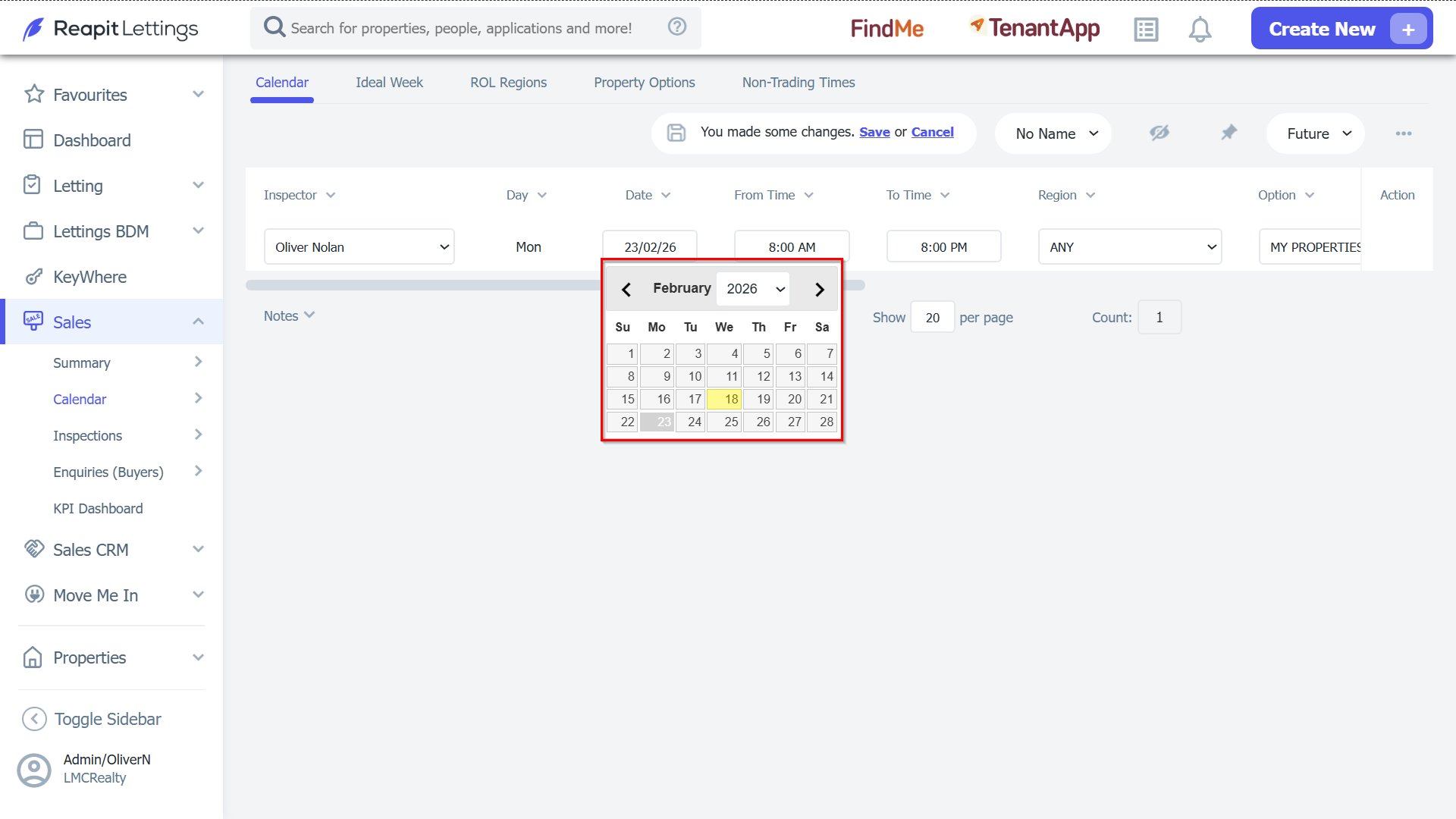
4. Change the date the inspector is available.
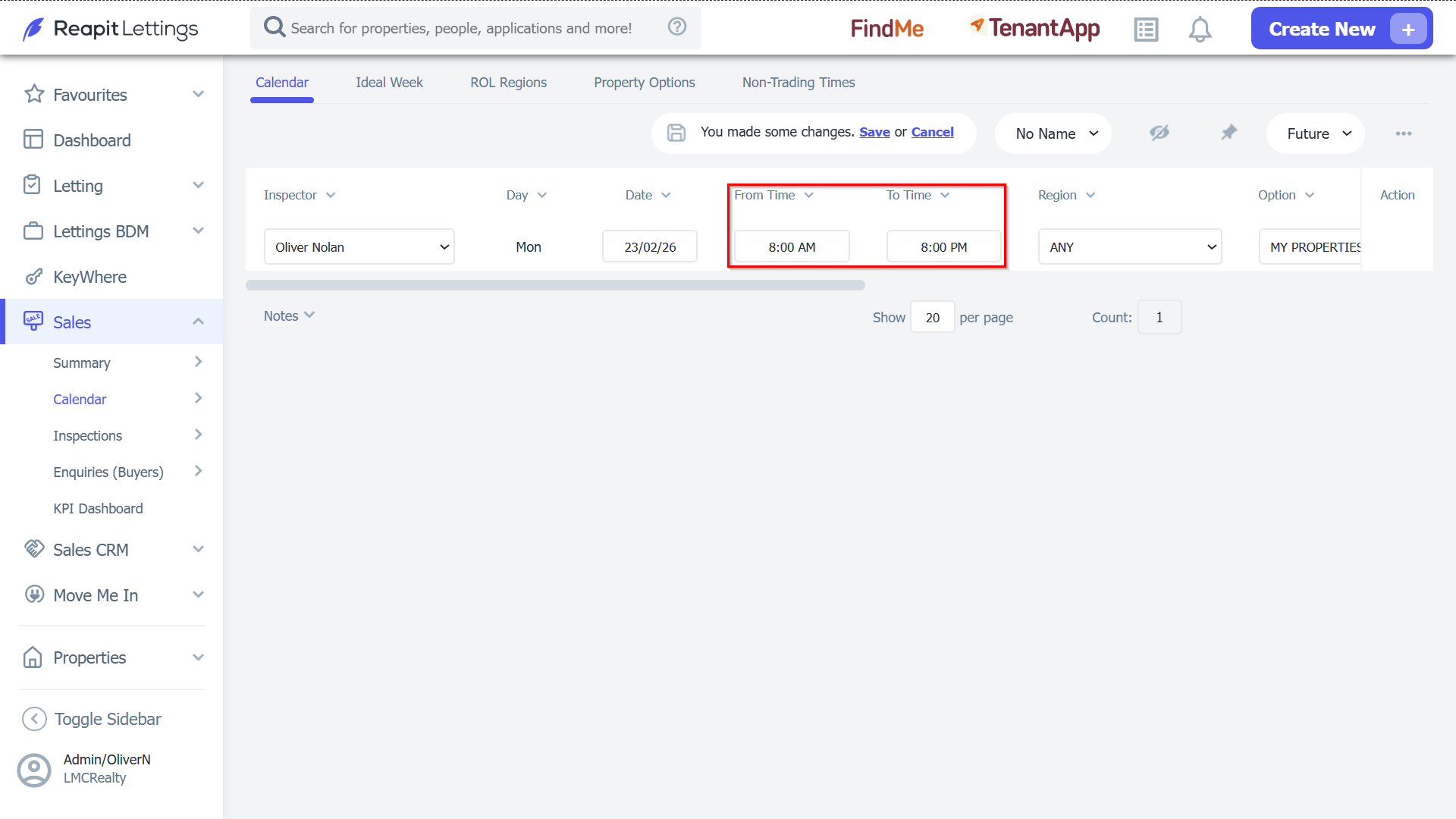
5. Select a new start/end time for the available period.
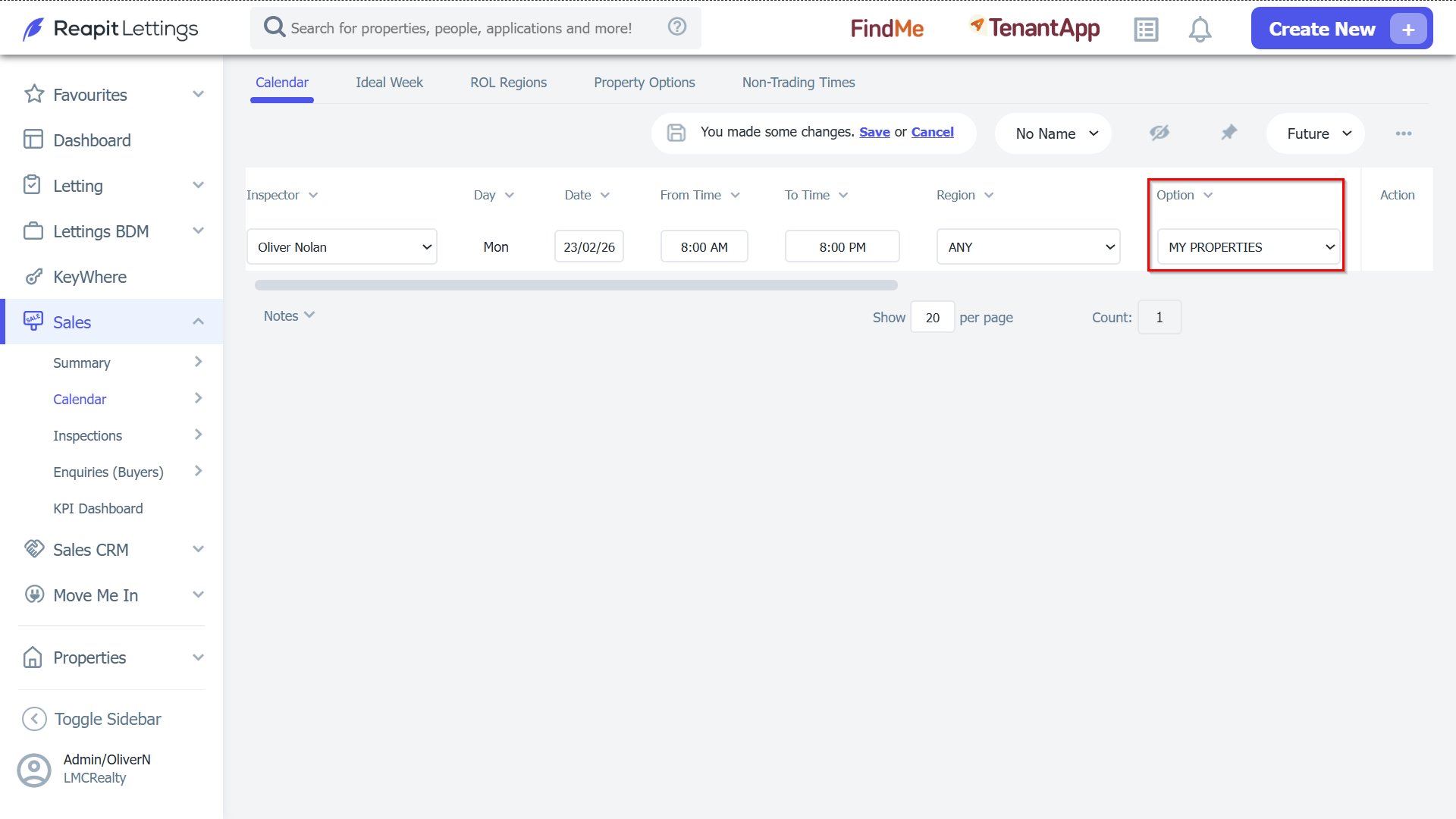
6. Change whose properties the time is applied to.
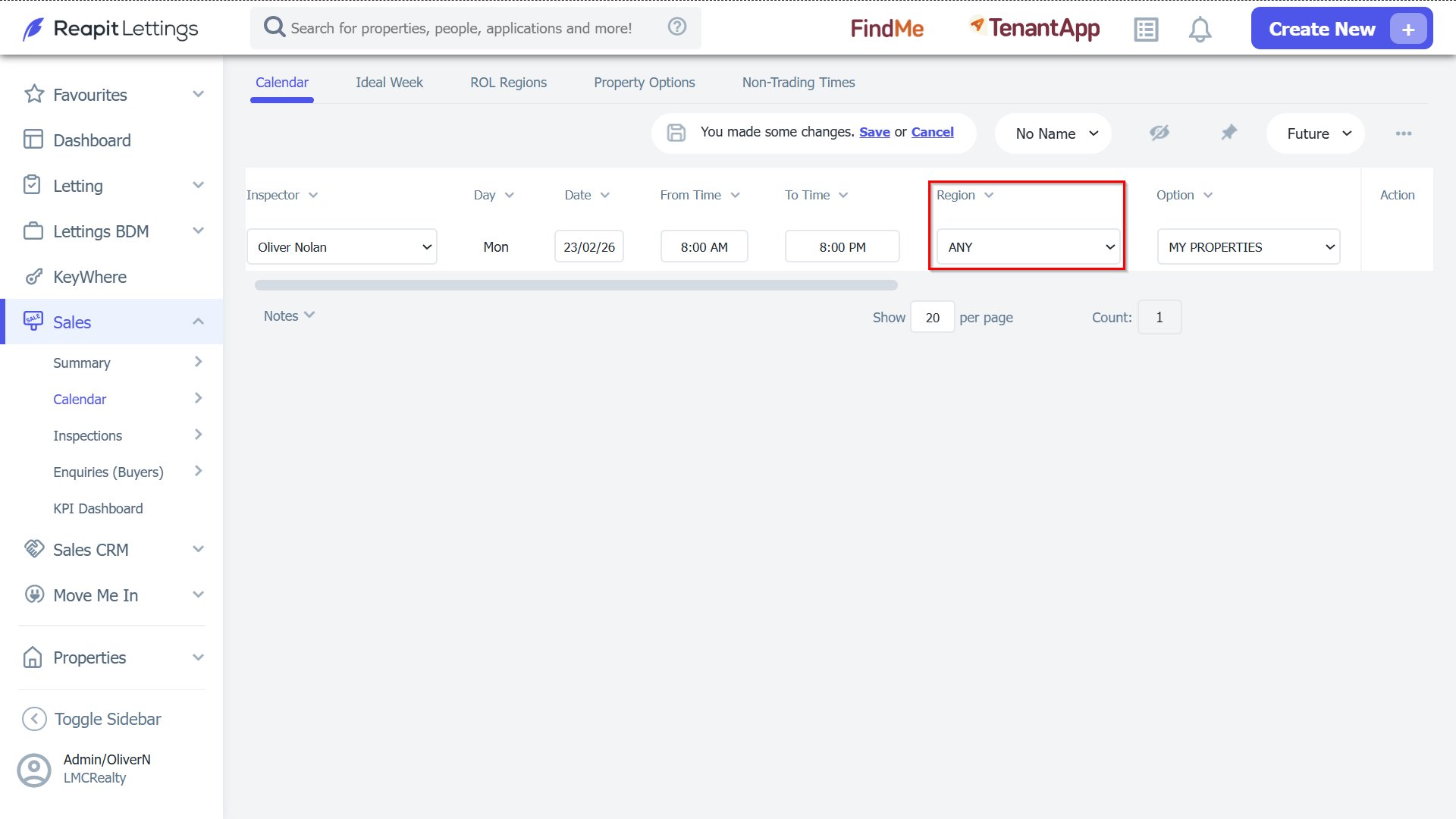
7. Change what region the time applies to.
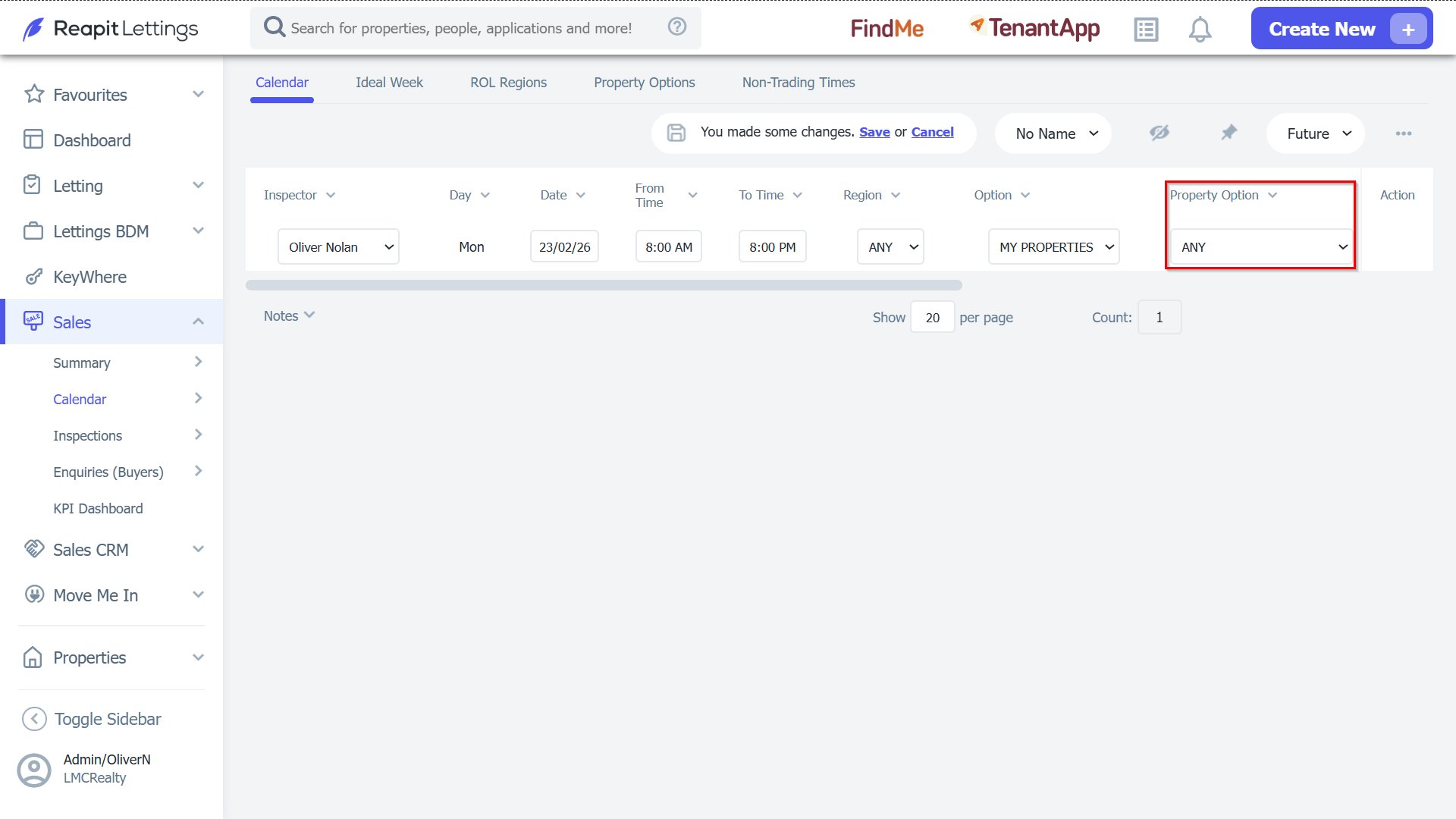
8. Change type of properties the time applies to.
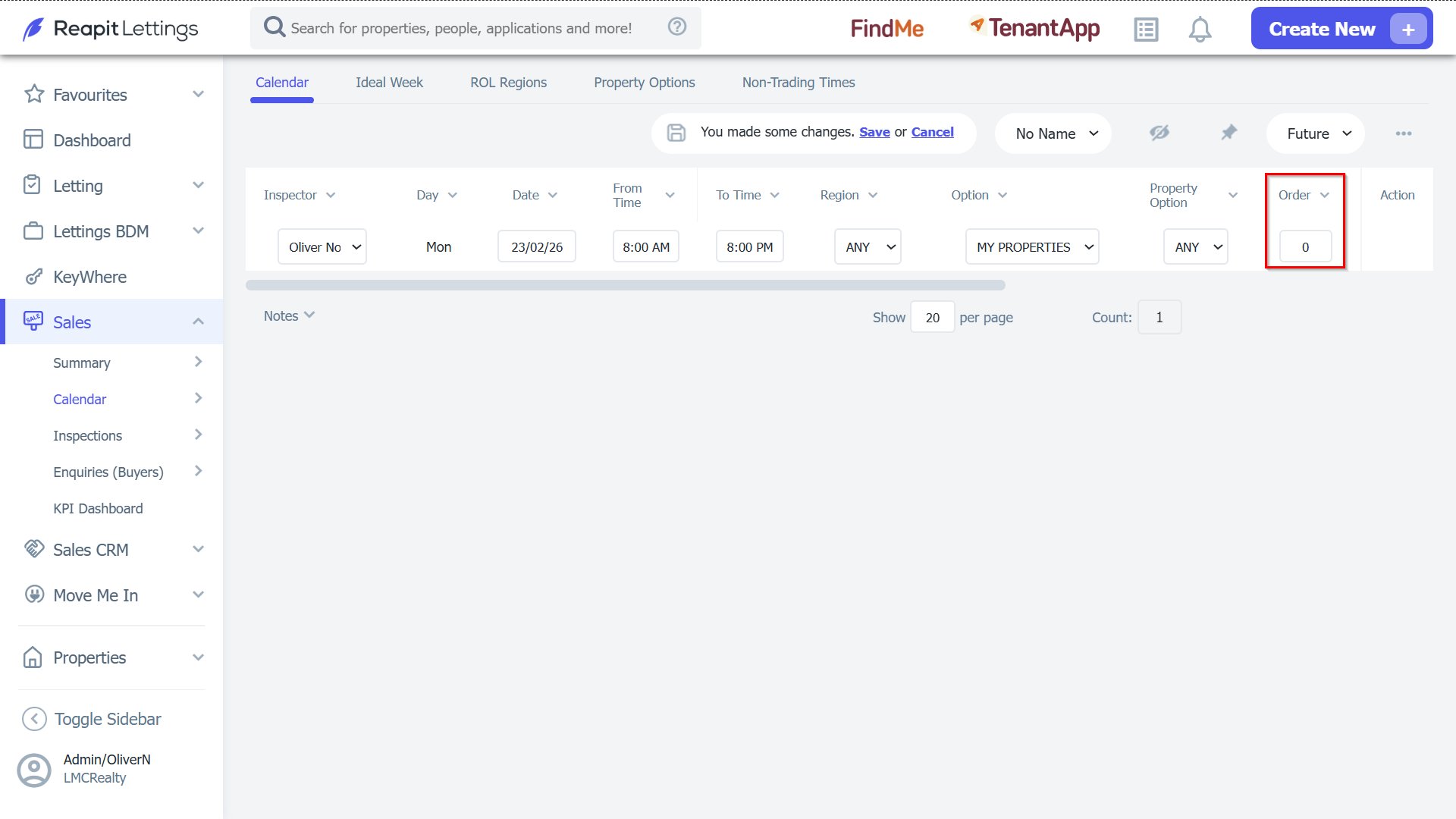
9. Change the order that Inspectors are checked for their availability time.
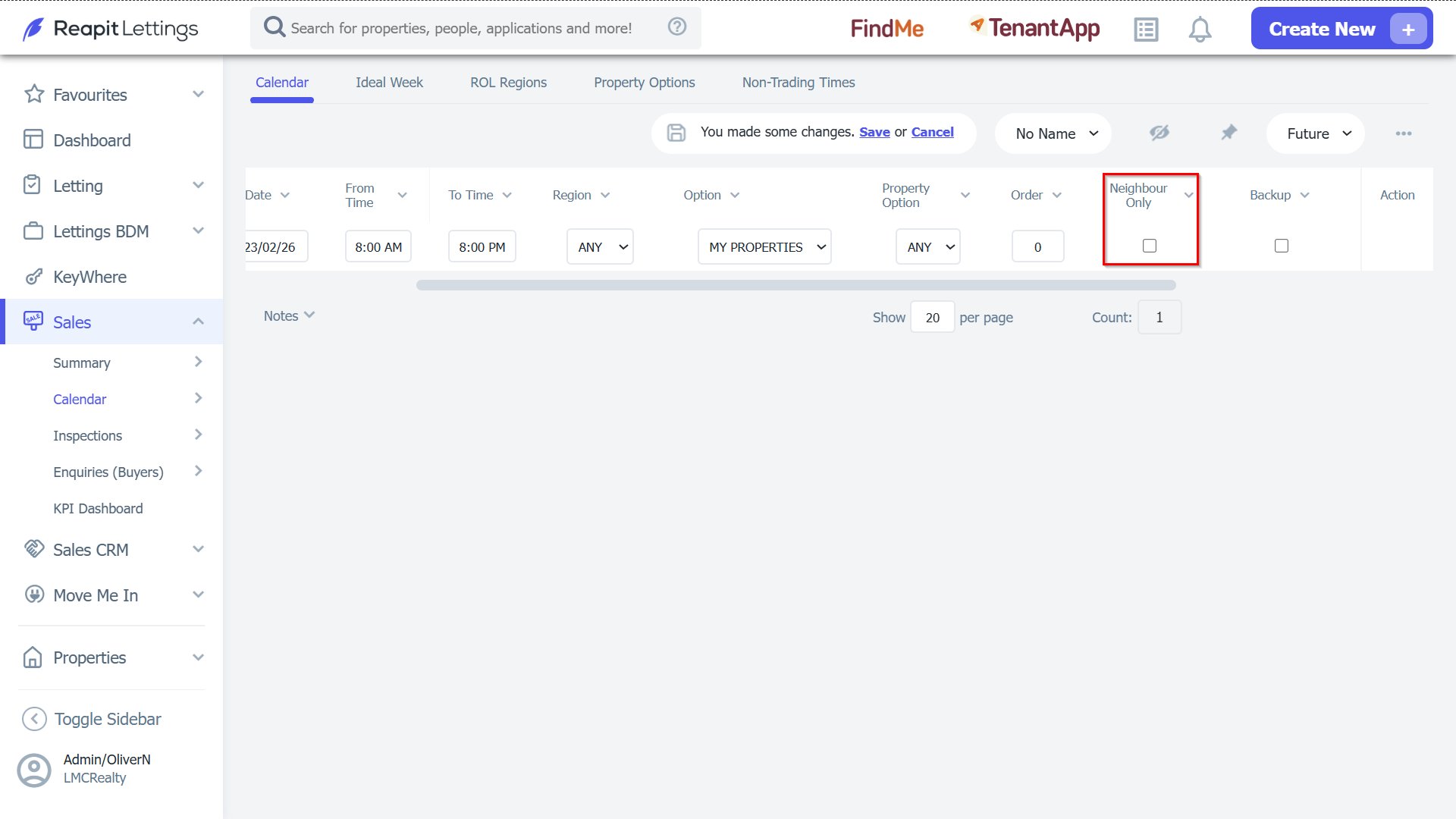
10. Turn on or off the Neighbour Only setting.
11. Turn on or off the Backup Inspection Time.
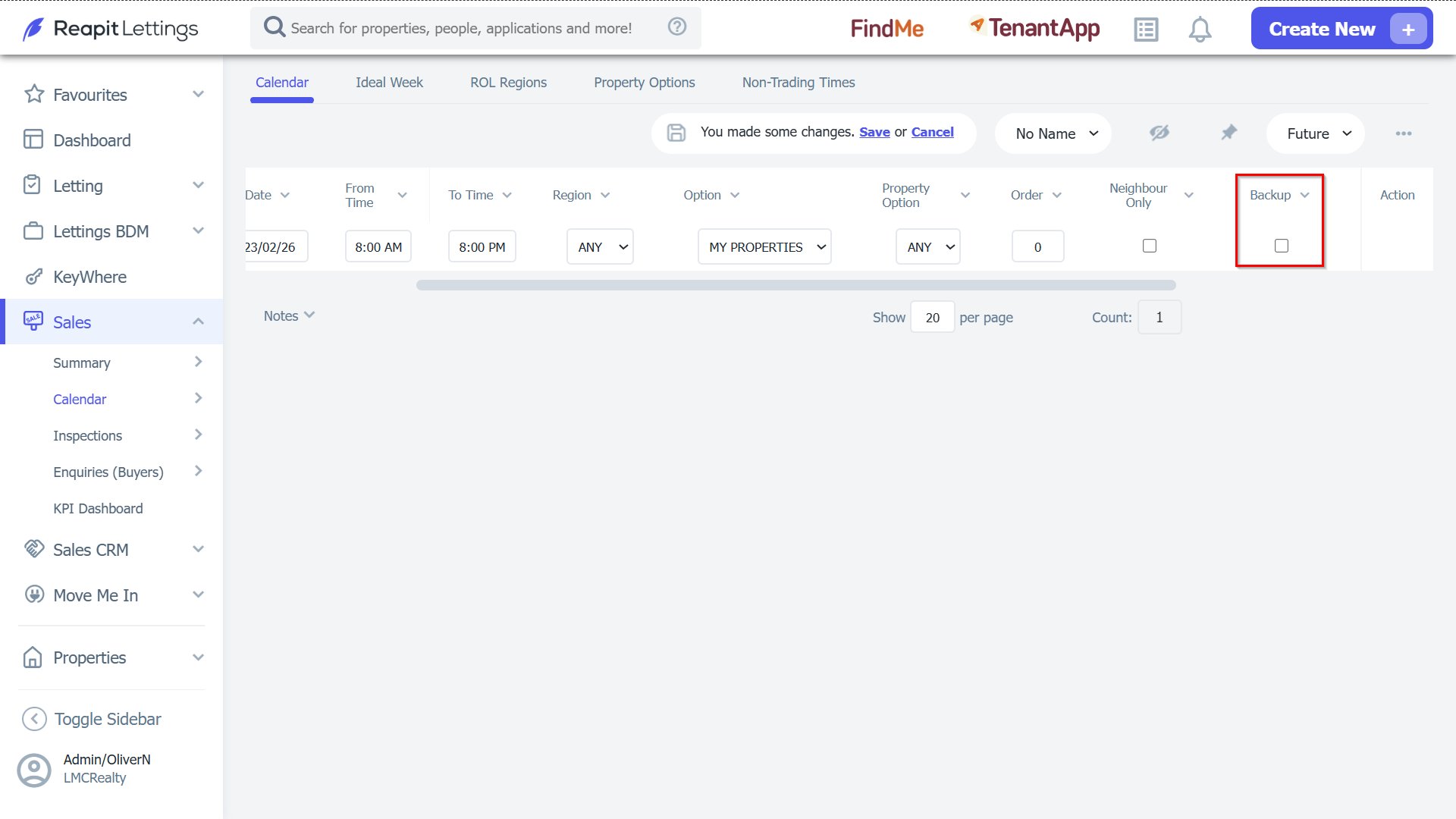
Note: Once you have made your changes, click the Save button at the top of the screen.
You will also see your calendar entries created from your Ideal Week.
These cannot be edited from the Calendar Screen; they will need to be edited in the Ideal Week.