'%20d='M0%208a8%208%200%200%201%208-8h24a8%208%200%200%201%208%208v24a8%208%200%200%201-8%208H8a8%208%200%200%201-8-8V8Z'/%3e%3cpath%20fill='%23fff'%20d='M32.576%206C12.293%206%208.776%2025.887%207.424%2034H9.1c.45-2.977%203.493-14.748%2010.899-20.287%200%200-5.633%206.976-6.572%2015.051%203.426-.652%2013.845-3.372%2016.056-12.927l-3.84-.61c1.352-1.351%204.909-5.17%206.931-9.226V6Z'/%3e%3cdefs%3e%3clinearGradient%20id='reapit-lettings__a'%20x1='20.702'%20x2='20.702'%20y1='.351'%20y2='31.228'%20gradientUnits='userSpaceOnUse'%3e%3cstop%20stop-color='%235573FD'/%3e%3cstop%20offset='.575'%20stop-color='%234E56EA'/%3e%3c/linearGradient%3e%3c/defs%3e%3c/svg%3e)
How To Make Team Member Specific Event Messages
This article will run through how to make team member specific event messages in Reapit Lettings - Sales.
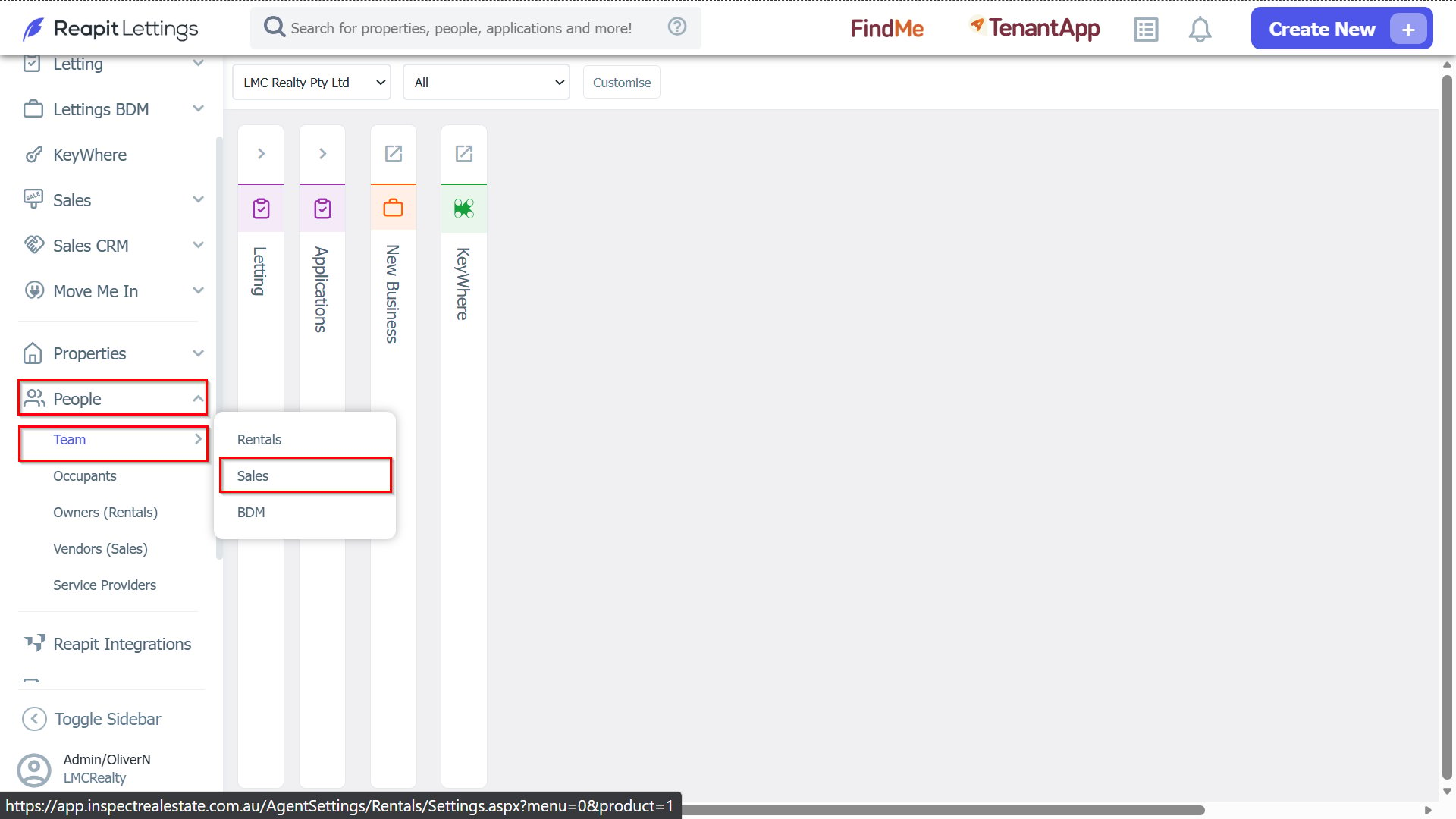
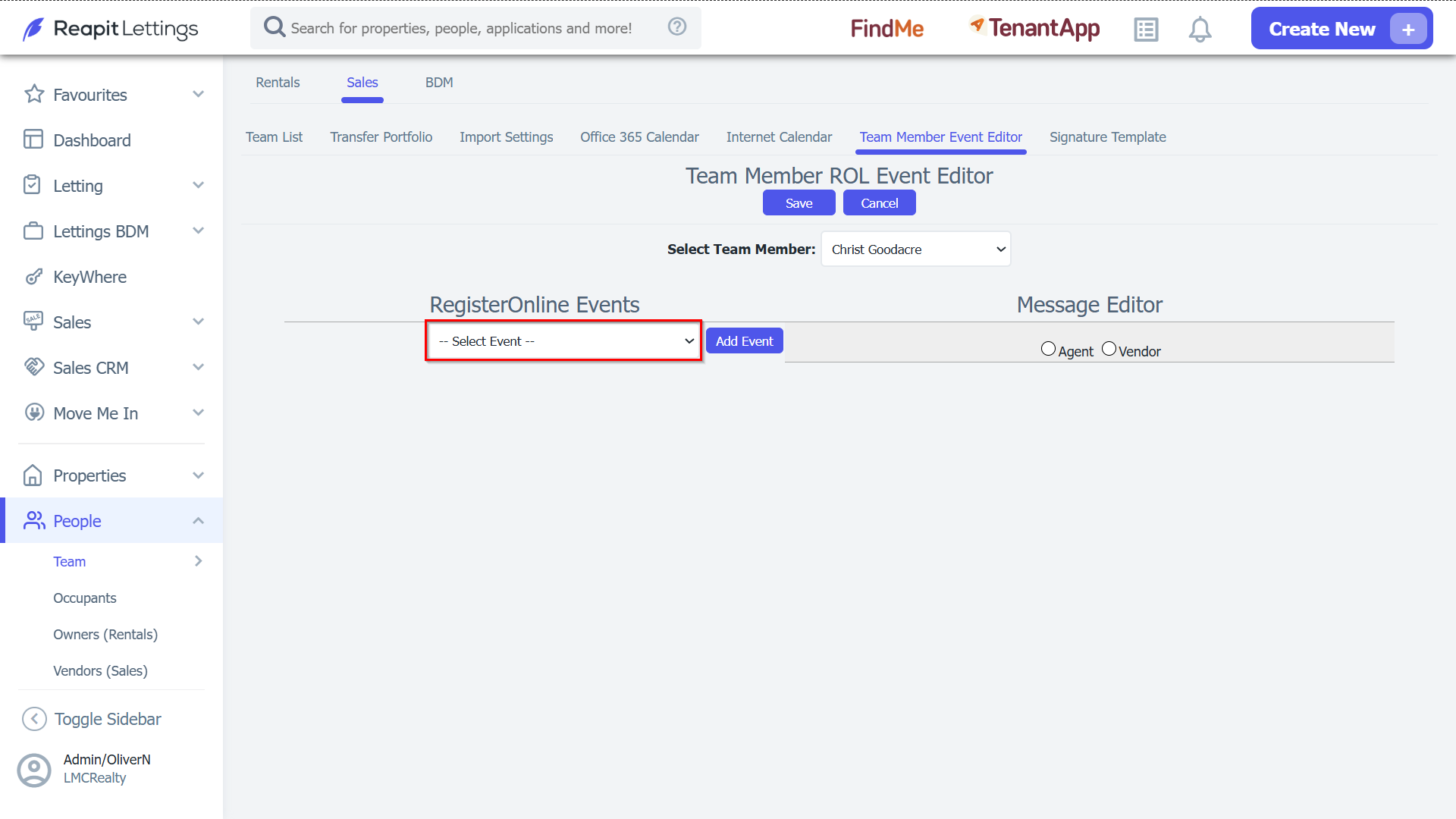
1. To access the Team Member Event Editor, navigate to People > Team > Sales.
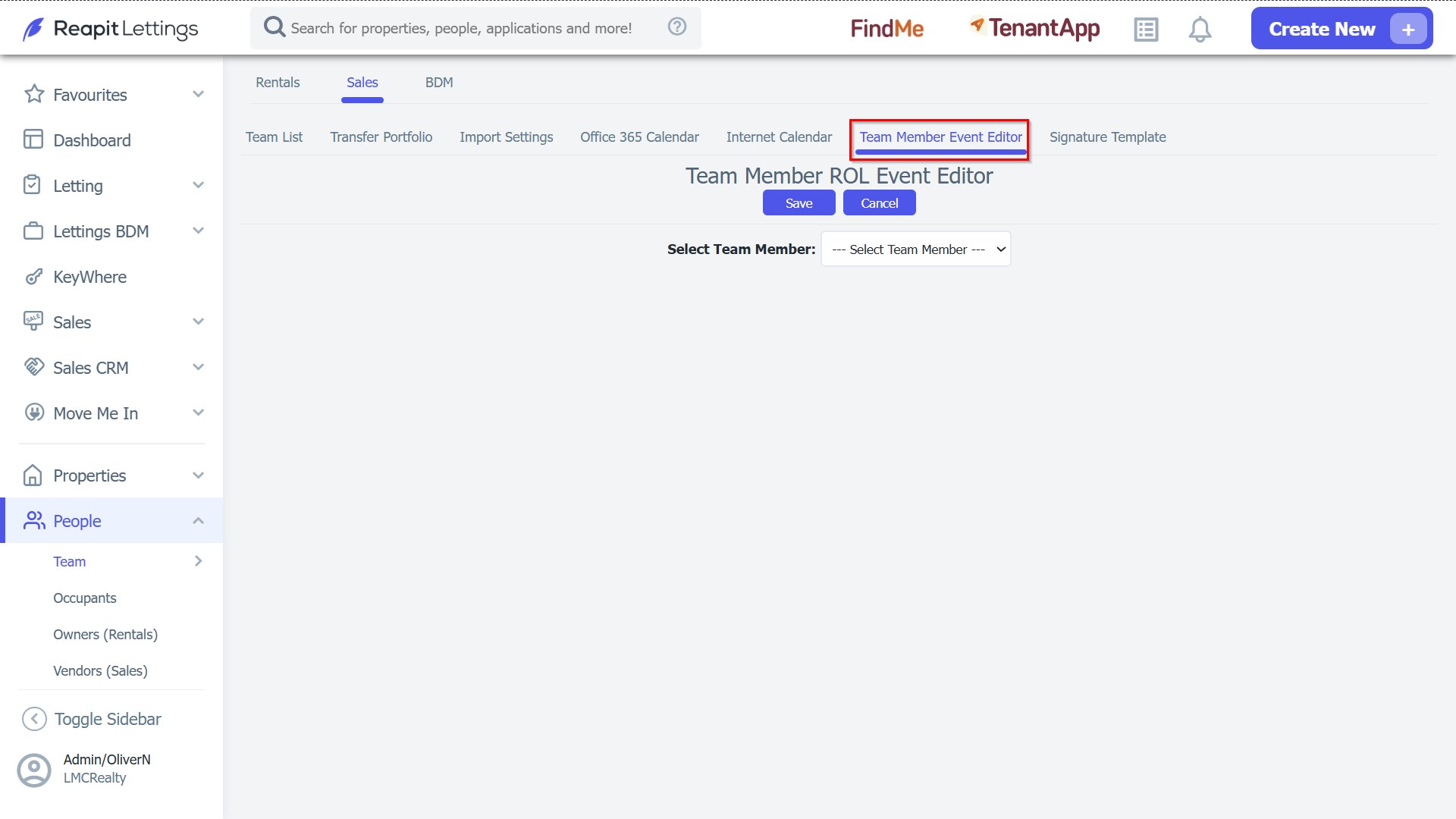
2. Once on the team page click the ‘Team Member Event Editor’ tab.
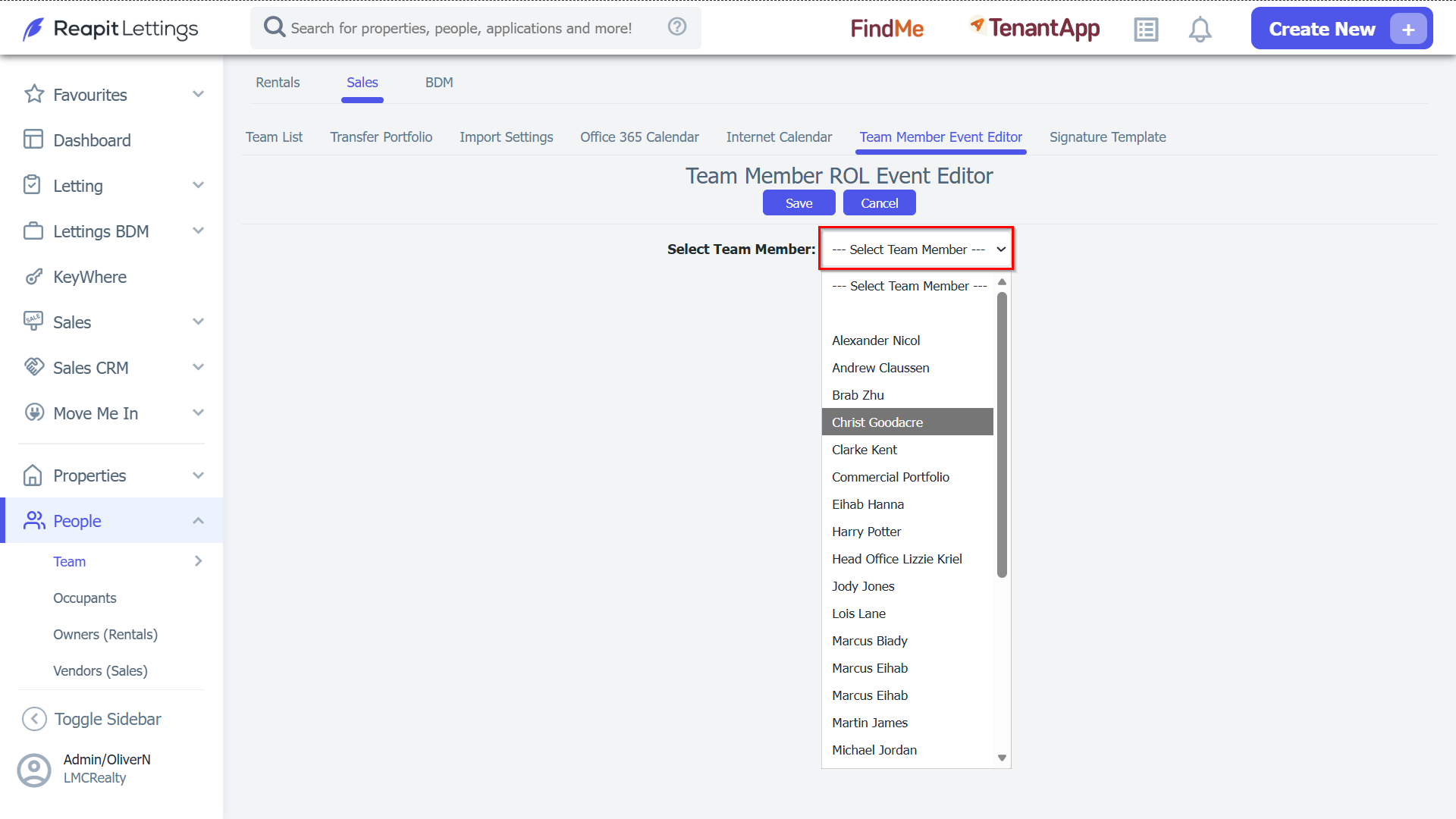
3. When you are on the Team Member Event Editor page, use the dropdown to select the team member you wish to create the custom message for.
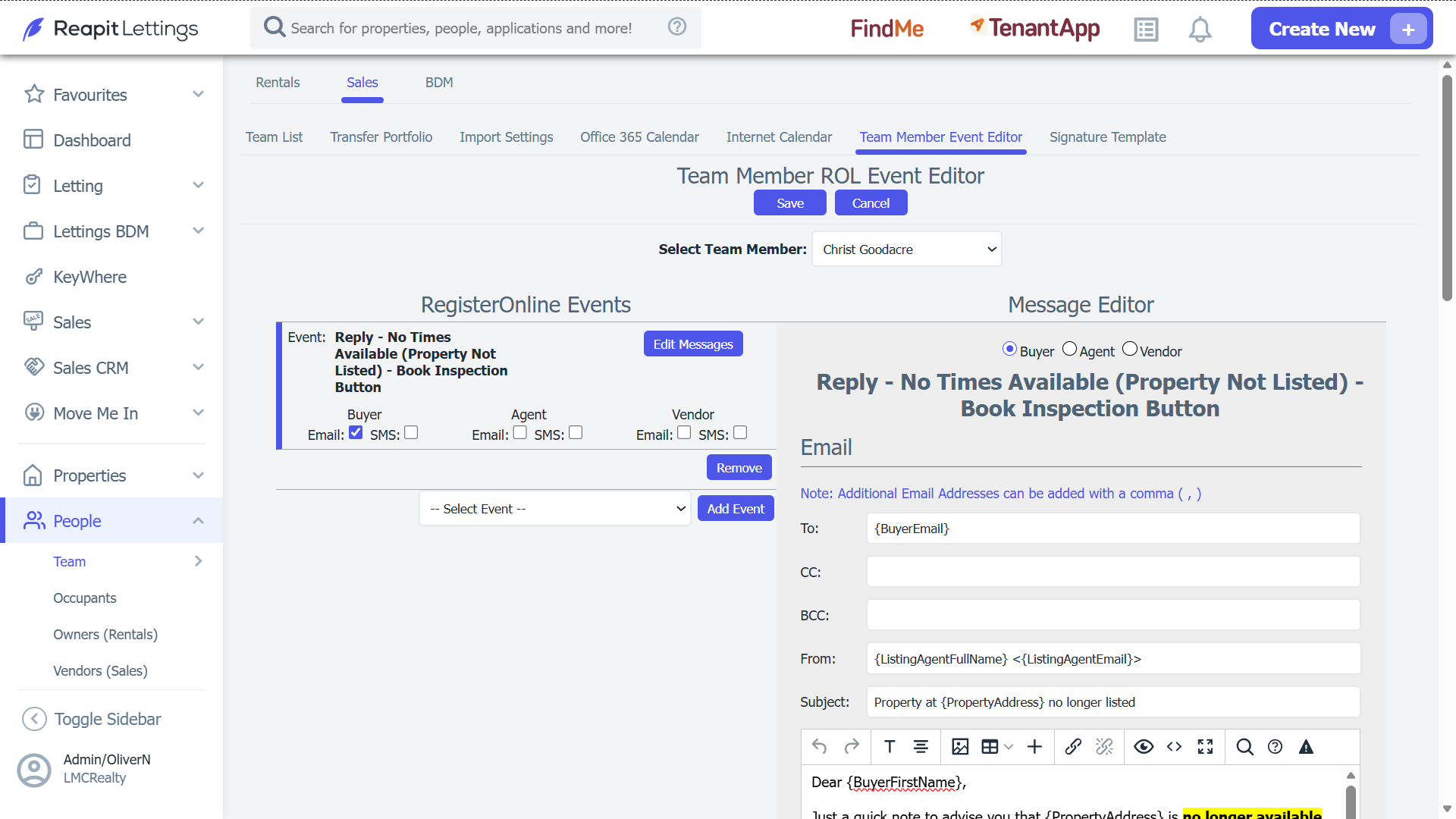
4. You can now use the dropdown under ‘RegisterOnline Events’ to select which event message you would like to create then click the ‘Add Event’ button.
5. The new Team Member specific message is now active and can be customised like any other event message.