'%20d='M0%208a8%208%200%200%201%208-8h24a8%208%200%200%201%208%208v24a8%208%200%200%201-8%208H8a8%208%200%200%201-8-8V8Z'/%3e%3cpath%20fill='%23fff'%20d='M32.576%206C12.293%206%208.776%2025.887%207.424%2034H9.1c.45-2.977%203.493-14.748%2010.899-20.287%200%200-5.633%206.976-6.572%2015.051%203.426-.652%2013.845-3.372%2016.056-12.927l-3.84-.61c1.352-1.351%204.909-5.17%206.931-9.226V6Z'/%3e%3cdefs%3e%3clinearGradient%20id='reapit-lettings__a'%20x1='20.702'%20x2='20.702'%20y1='.351'%20y2='31.228'%20gradientUnits='userSpaceOnUse'%3e%3cstop%20stop-color='%235573FD'/%3e%3cstop%20offset='.575'%20stop-color='%234E56EA'/%3e%3c/linearGradient%3e%3c/defs%3e%3c/svg%3e)
Adding an Applicant's Financial History
This article will run through how to add an applicant’s financial history to their application in Reapit Lettings.
Adding an Applicant's Financial History
This article will run through how to add an applicant’s financial history to their application in Reapit Lettings.
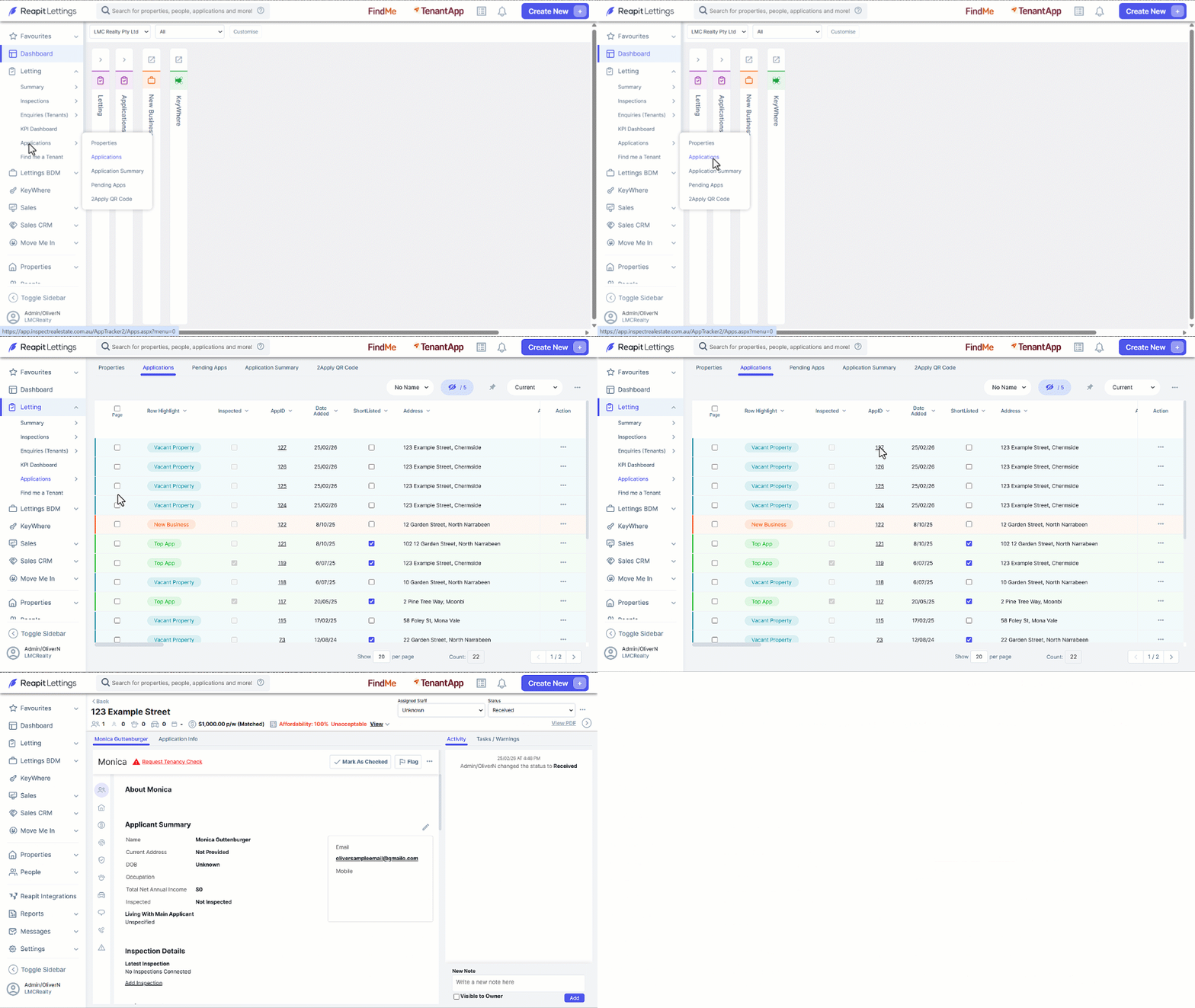
- Click on Letting.
- Click on Applications.
- Click on Applications.
- Click on the required AppID.
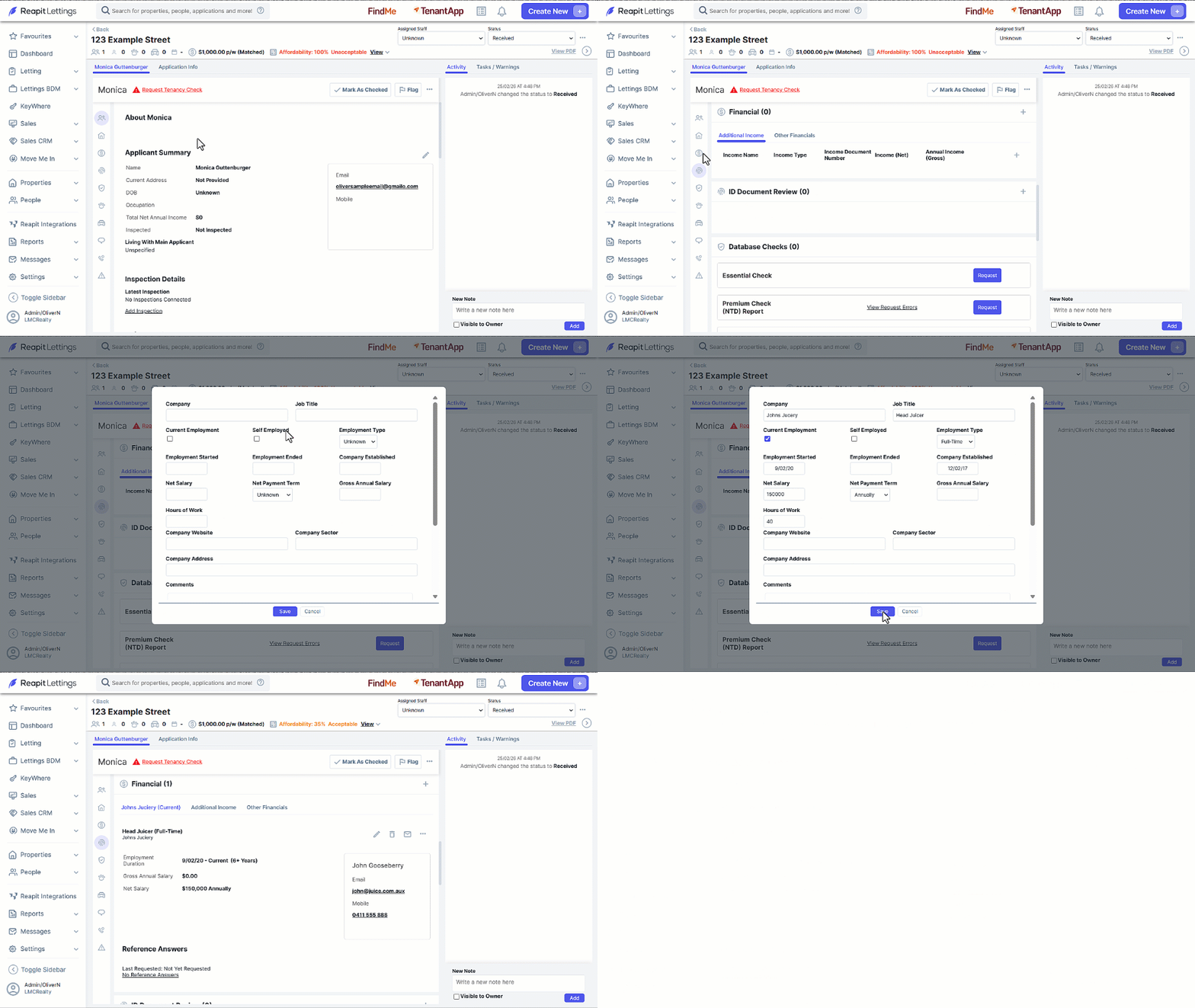
- Navigate to the Financial section.
- Click on the + icon to start entering the applicant's financial history.
- Once complete click on Save.
Note: Once saved, you will now see the Referee's information below in the financial section of the application.