'%20d='M0%208a8%208%200%200%201%208-8h24a8%208%200%200%201%208%208v24a8%208%200%200%201-8%208H8a8%208%200%200%201-8-8V8Z'/%3e%3cpath%20fill='%23fff'%20d='M32.576%206C12.293%206%208.776%2025.887%207.424%2034H9.1c.45-2.977%203.493-14.748%2010.899-20.287%200%200-5.633%206.976-6.572%2015.051%203.426-.652%2013.845-3.372%2016.056-12.927l-3.84-.61c1.352-1.351%204.909-5.17%206.931-9.226V6Z'/%3e%3cdefs%3e%3clinearGradient%20id='reapit-lettings__a'%20x1='20.702'%20x2='20.702'%20y1='.351'%20y2='31.228'%20gradientUnits='userSpaceOnUse'%3e%3cstop%20stop-color='%235573FD'/%3e%3cstop%20offset='.575'%20stop-color='%234E56EA'/%3e%3c/linearGradient%3e%3c/defs%3e%3c/svg%3e)
How To Change an Ideal Week Entry
This article will run through how to change an ideal week entry in Reapit Lettings - Sales.
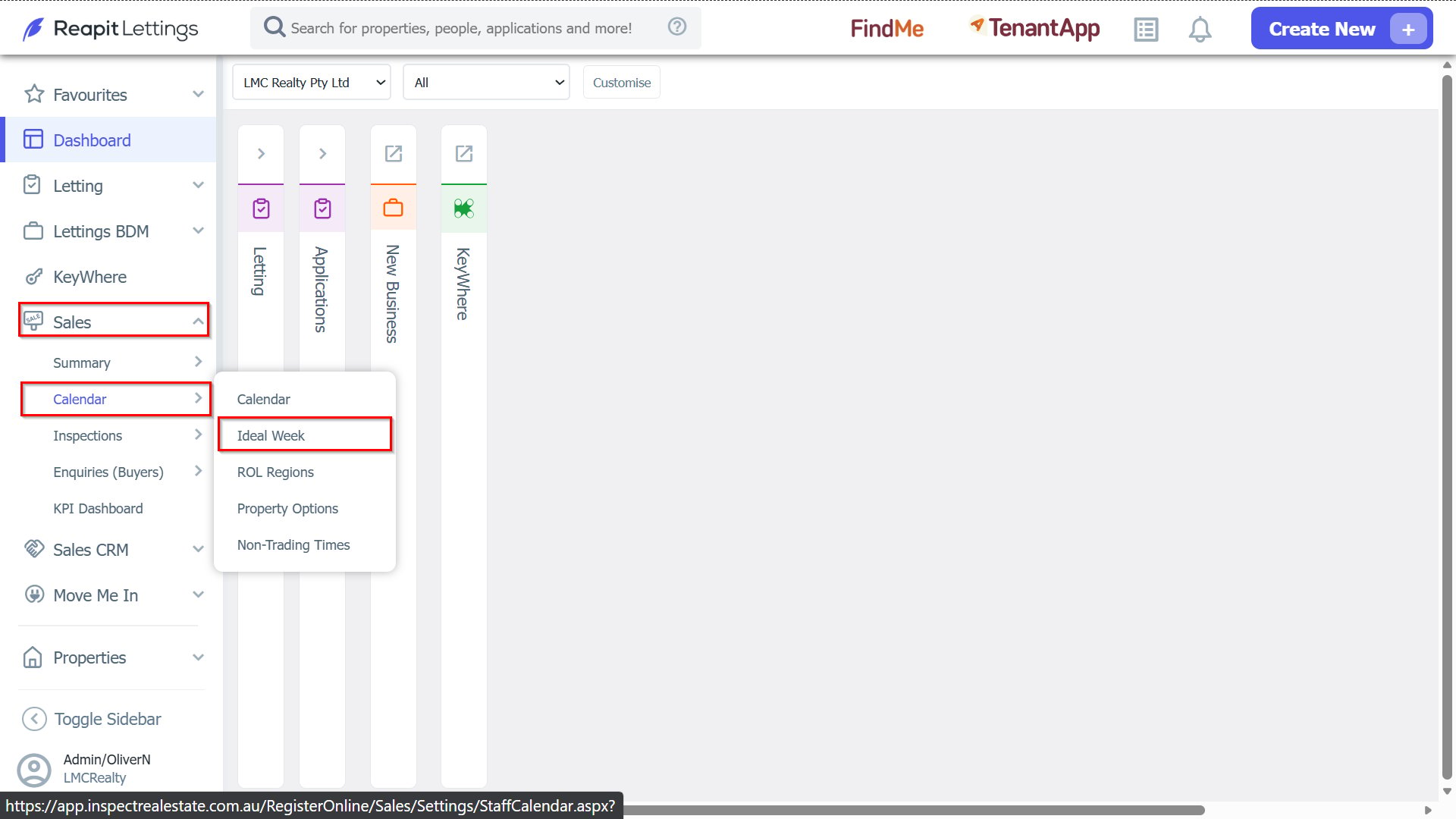
1. Navigate to Sales > Calendar > Ideal Week.
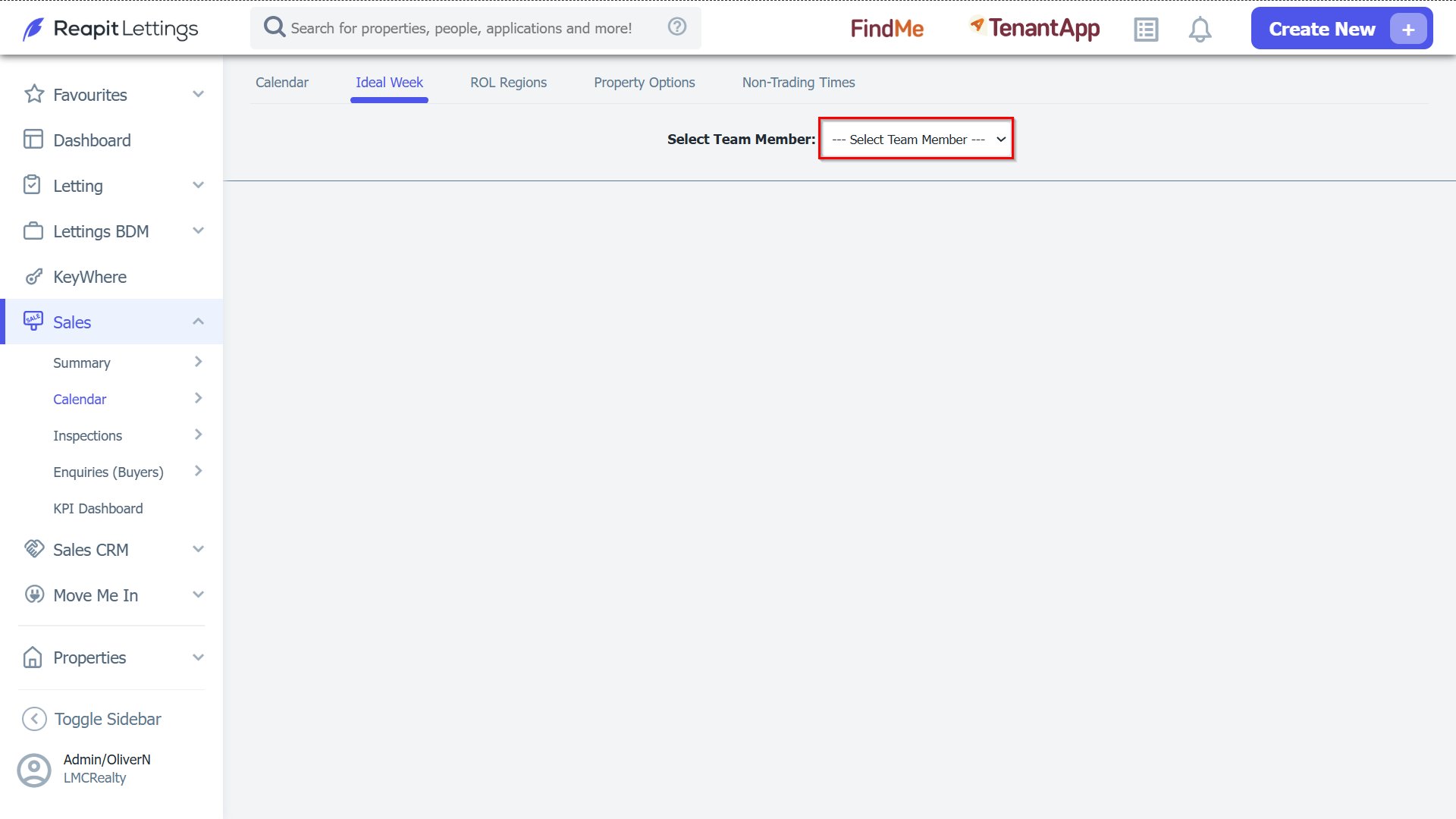
2. Select your team member from the list.
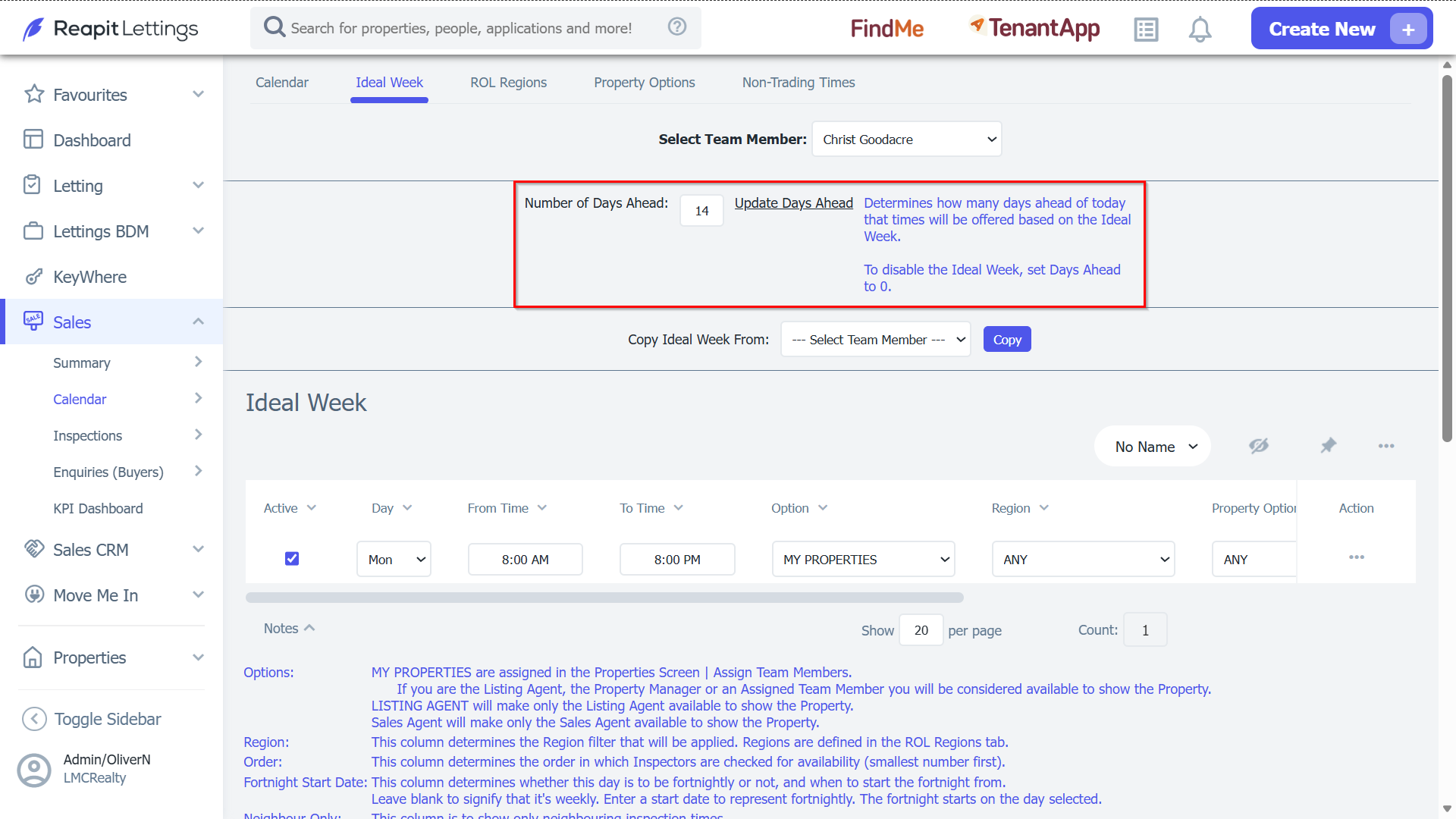
3. You can adjust how many days in advance your ideal week is generating.
You can also adjust any existing ideal week entries including:
Whether that ideal week entry is active or not (Tick or un-tick active checkbox)
The day that you are available (Choose your day from the list)
The start and end time that you are available (Choose From/To Time from list)
Whose properties you are available to show during that time (Choose Option from list)
Which areas you can show properties for (Choose Region from list)
What type of property you are available to show (Choose Property Option from list)
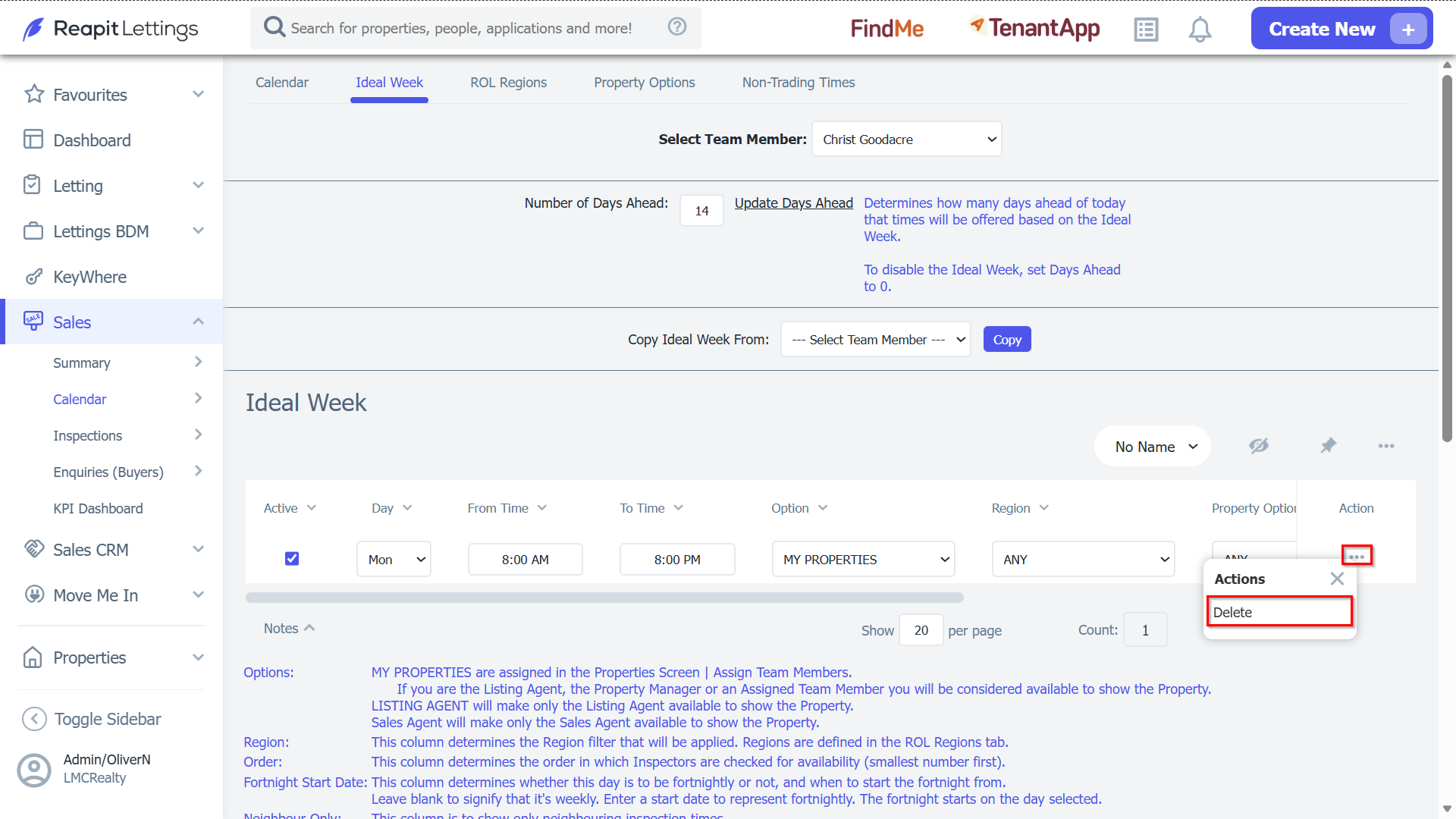
4. To delete an ideal week entry, press the Delete for that entry in the delete column.