'%20d='M0%208a8%208%200%200%201%208-8h24a8%208%200%200%201%208%208v24a8%208%200%200%201-8%208H8a8%208%200%200%201-8-8V8Z'/%3e%3cpath%20fill='%23fff'%20d='M32.576%206C12.293%206%208.776%2025.887%207.424%2034H9.1c.45-2.977%203.493-14.748%2010.899-20.287%200%200-5.633%206.976-6.572%2015.051%203.426-.652%2013.845-3.372%2016.056-12.927l-3.84-.61c1.352-1.351%204.909-5.17%206.931-9.226V6Z'/%3e%3cdefs%3e%3clinearGradient%20id='reapit-lettings__a'%20x1='20.702'%20x2='20.702'%20y1='.351'%20y2='31.228'%20gradientUnits='userSpaceOnUse'%3e%3cstop%20stop-color='%235573FD'/%3e%3cstop%20offset='.575'%20stop-color='%234E56EA'/%3e%3c/linearGradient%3e%3c/defs%3e%3c/svg%3e)
How To Turn Off an Ideal Week
This article will run through how to turn off an Ideal week in Reapit Lettings - Sales.
How to turn off an Ideal Week:
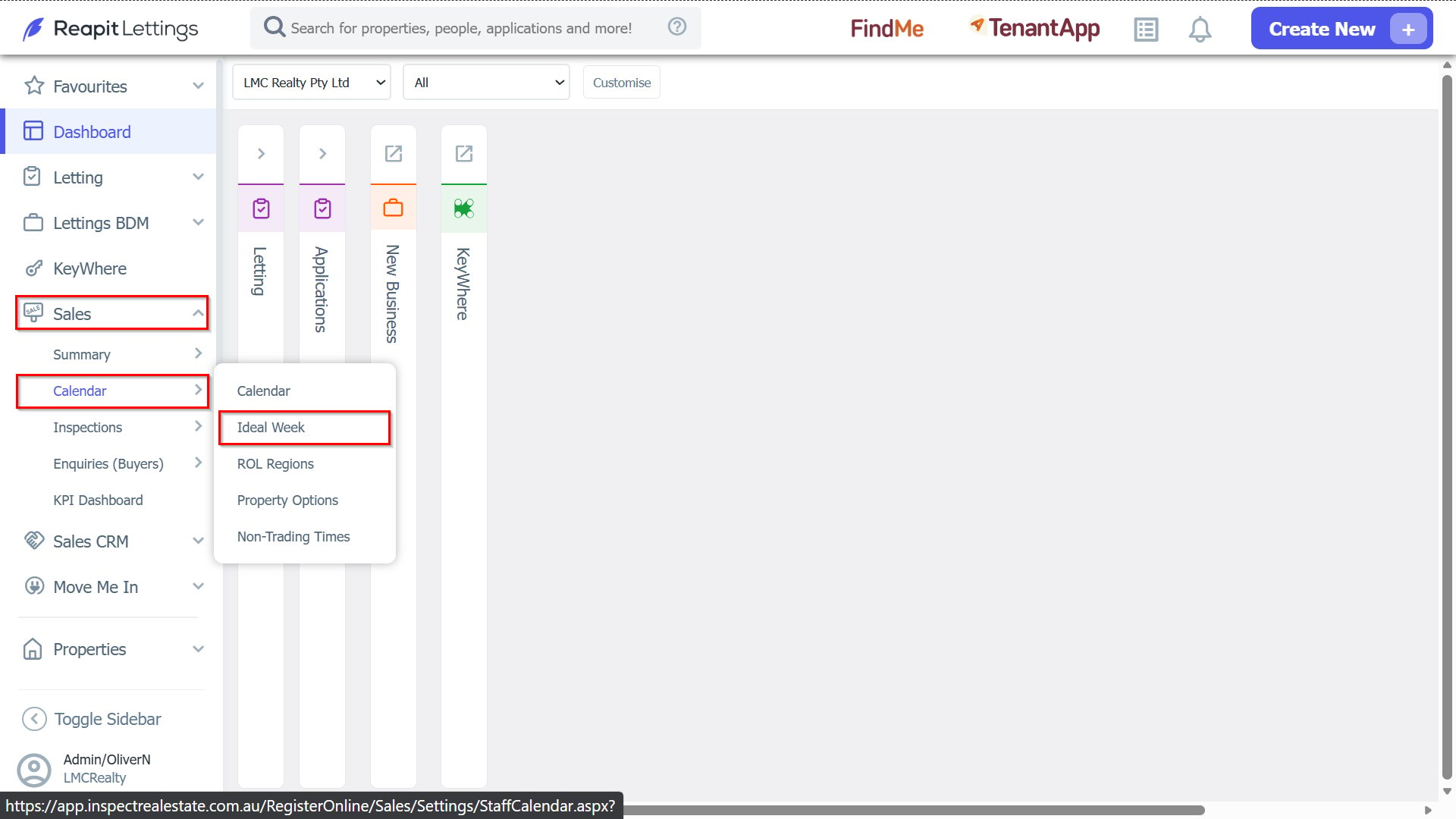
1. Navigate to Sales > Calendar > Ideal Week.
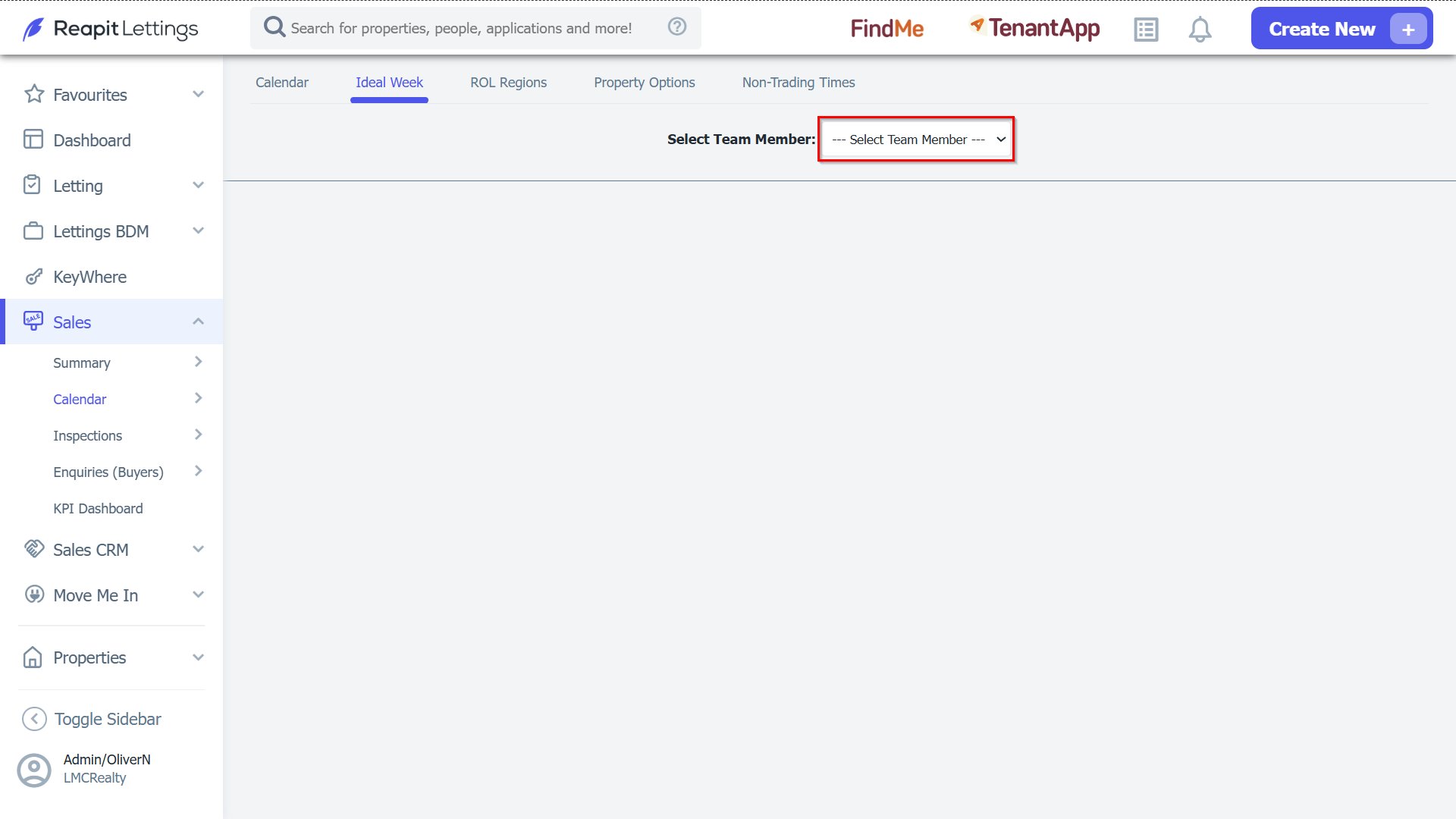
2. Select your team member from the list:
How to permanently turn off your ideal week:
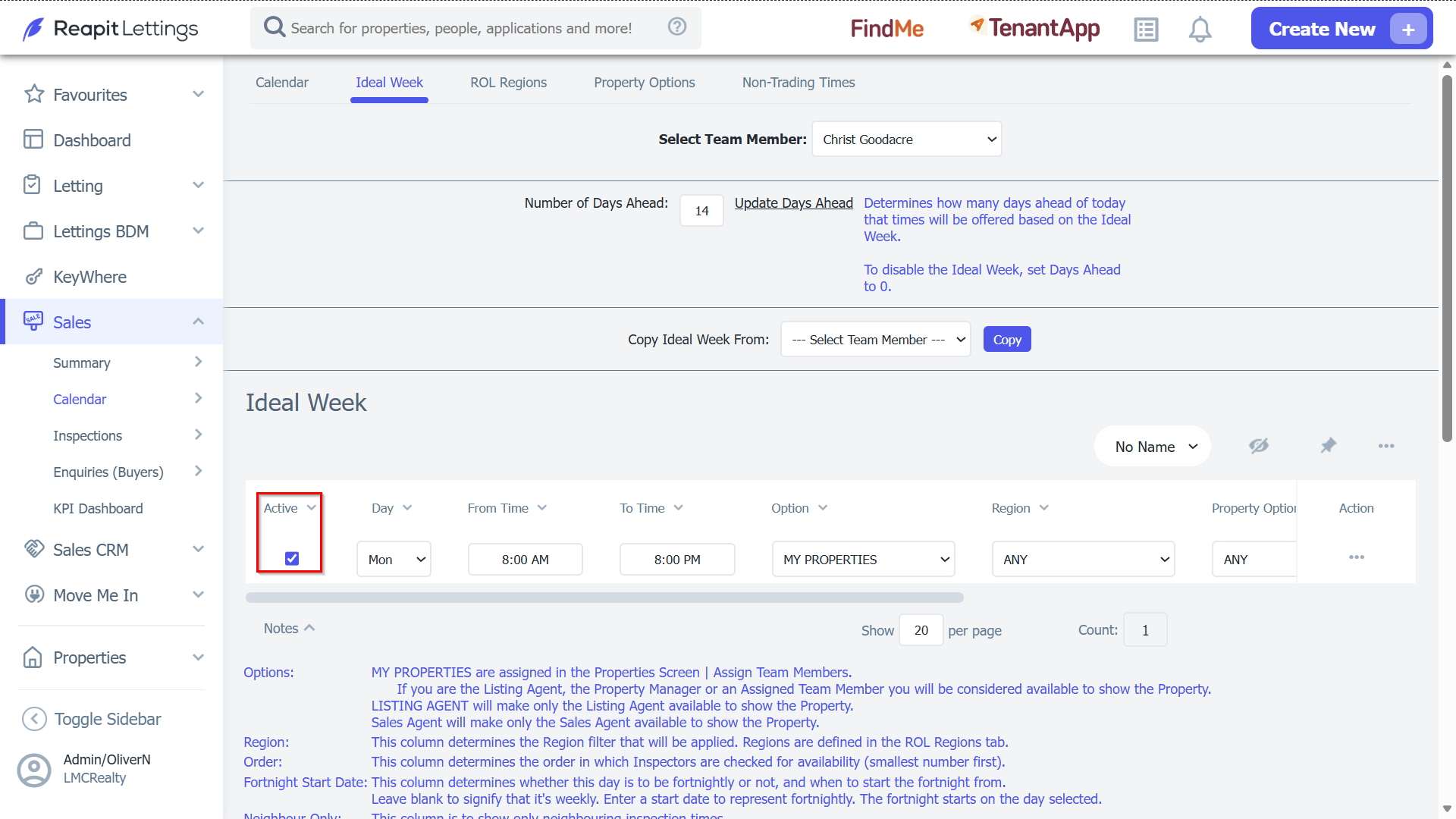
3. To turn off an ideal week entry, un-tick the active button, then click Save.
To turn off your ideal week for a particular day, or a particular period of time:
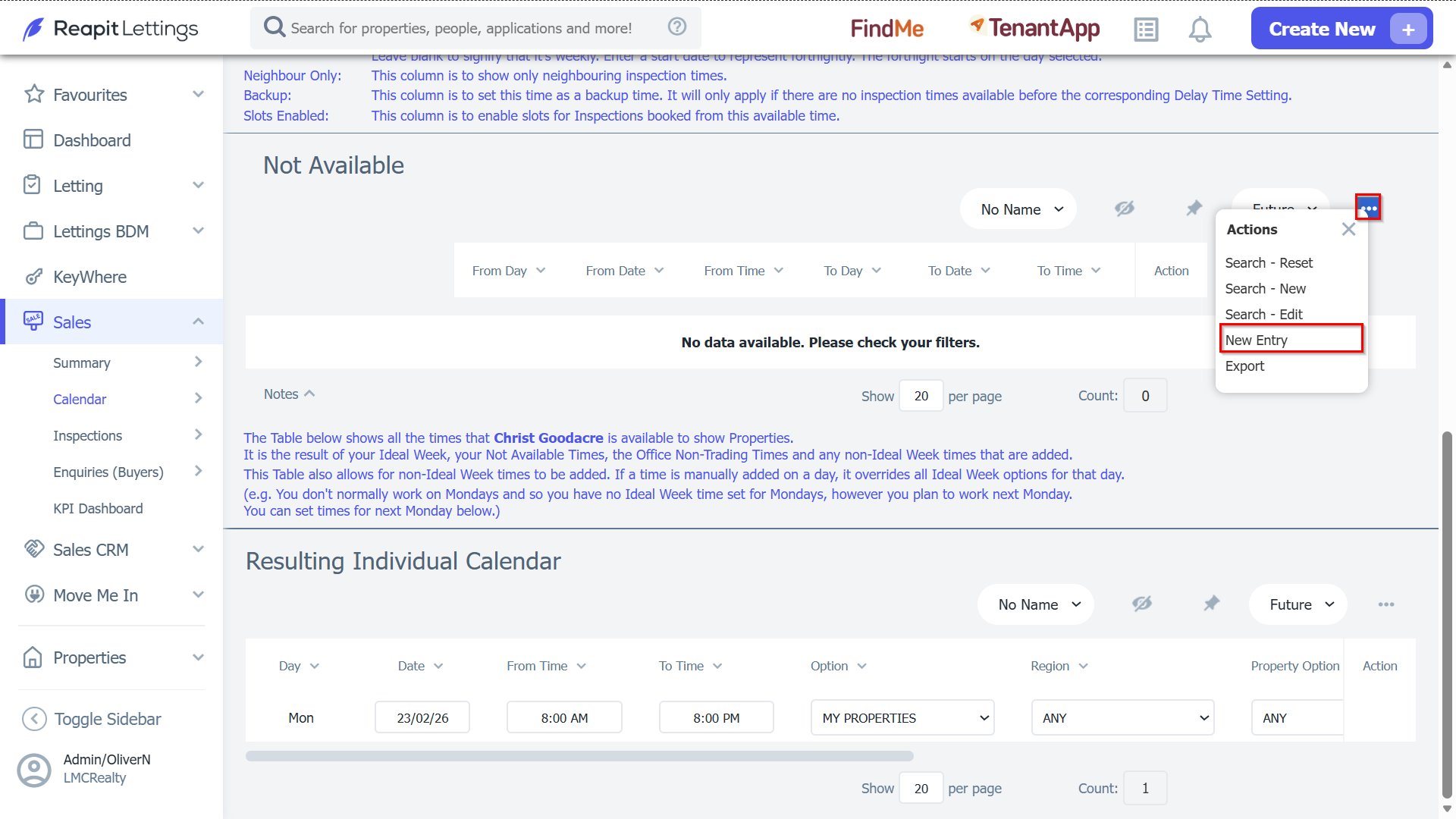
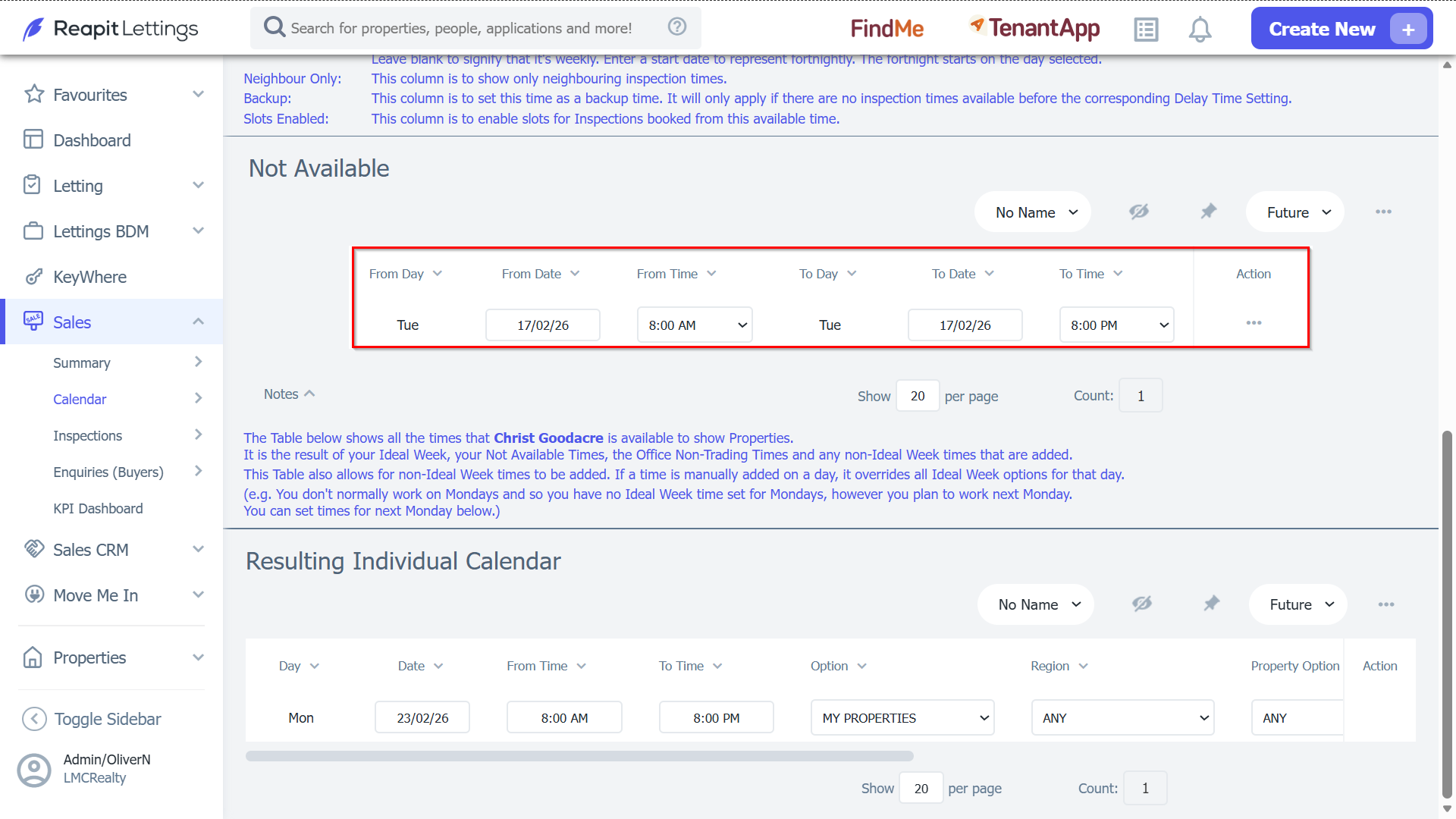
4. Scroll to the “Not Available” section and then press the New Entry button.
5. In the row that appears at the top of the table, enter the details for your not available time. This 'not available' time can be for an entire day (eg. 8AM – 8PM) or particular time period (eg. 12PM – 4PM).
6. Press the Save button.
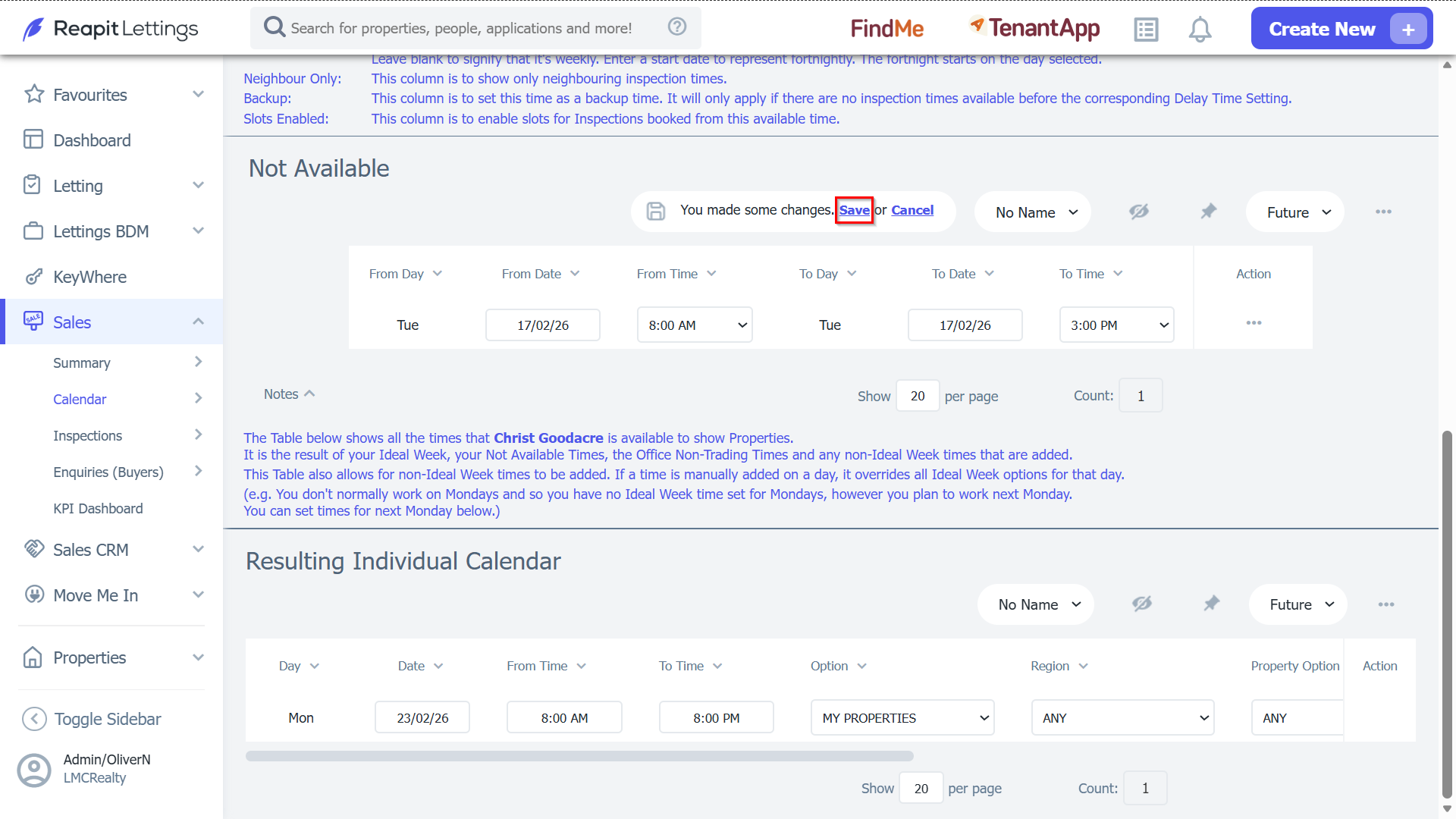
That ‘Not Available’ time will now be removed from your Ideal Week.