'%20d='M0%208a8%208%200%200%201%208-8h24a8%208%200%200%201%208%208v24a8%208%200%200%201-8%208H8a8%208%200%200%201-8-8V8Z'/%3e%3cpath%20fill='%23fff'%20d='M32.576%206C12.293%206%208.776%2025.887%207.424%2034H9.1c.45-2.977%203.493-14.748%2010.899-20.287%200%200-5.633%206.976-6.572%2015.051%203.426-.652%2013.845-3.372%2016.056-12.927l-3.84-.61c1.352-1.351%204.909-5.17%206.931-9.226V6Z'/%3e%3cdefs%3e%3clinearGradient%20id='reapit-lettings__a'%20x1='20.702'%20x2='20.702'%20y1='.351'%20y2='31.228'%20gradientUnits='userSpaceOnUse'%3e%3cstop%20stop-color='%235573FD'/%3e%3cstop%20offset='.575'%20stop-color='%234E56EA'/%3e%3c/linearGradient%3e%3c/defs%3e%3c/svg%3e)
Getting Started as a New User with Reapit Connect
The article below will cover getting started as a new user with Reapit Lettings and Reapit Connect
1. When a new user is added to Reapit Lettings (that has not already been created in Reapit Connect for a different product), they will receive two emails. The first will have the subject: Action Required: Welcome to Reapit Lettings, which provides the Agency Name and the Username (email address).
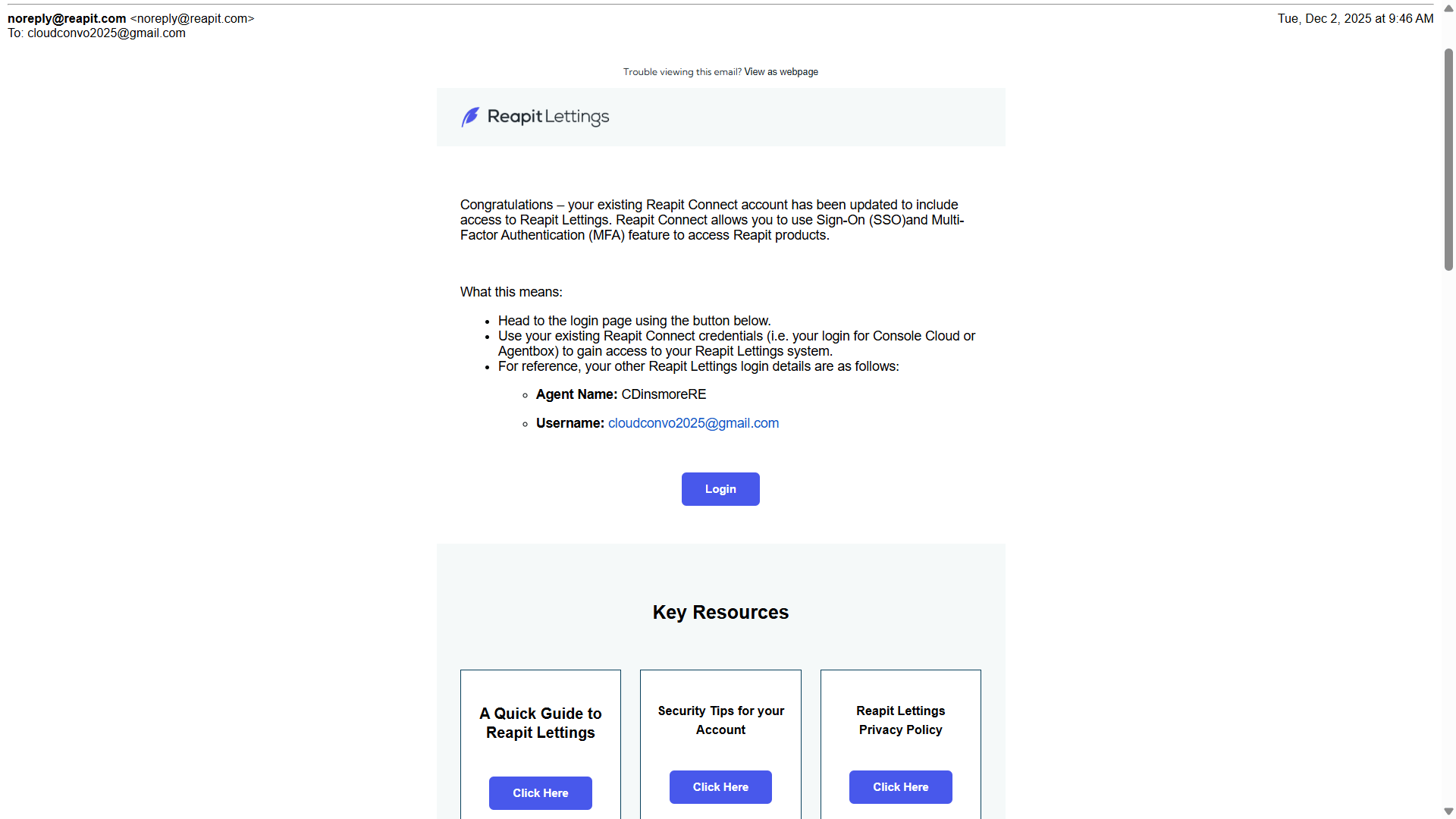
2. Click Login to be directed to the sign-in screen.
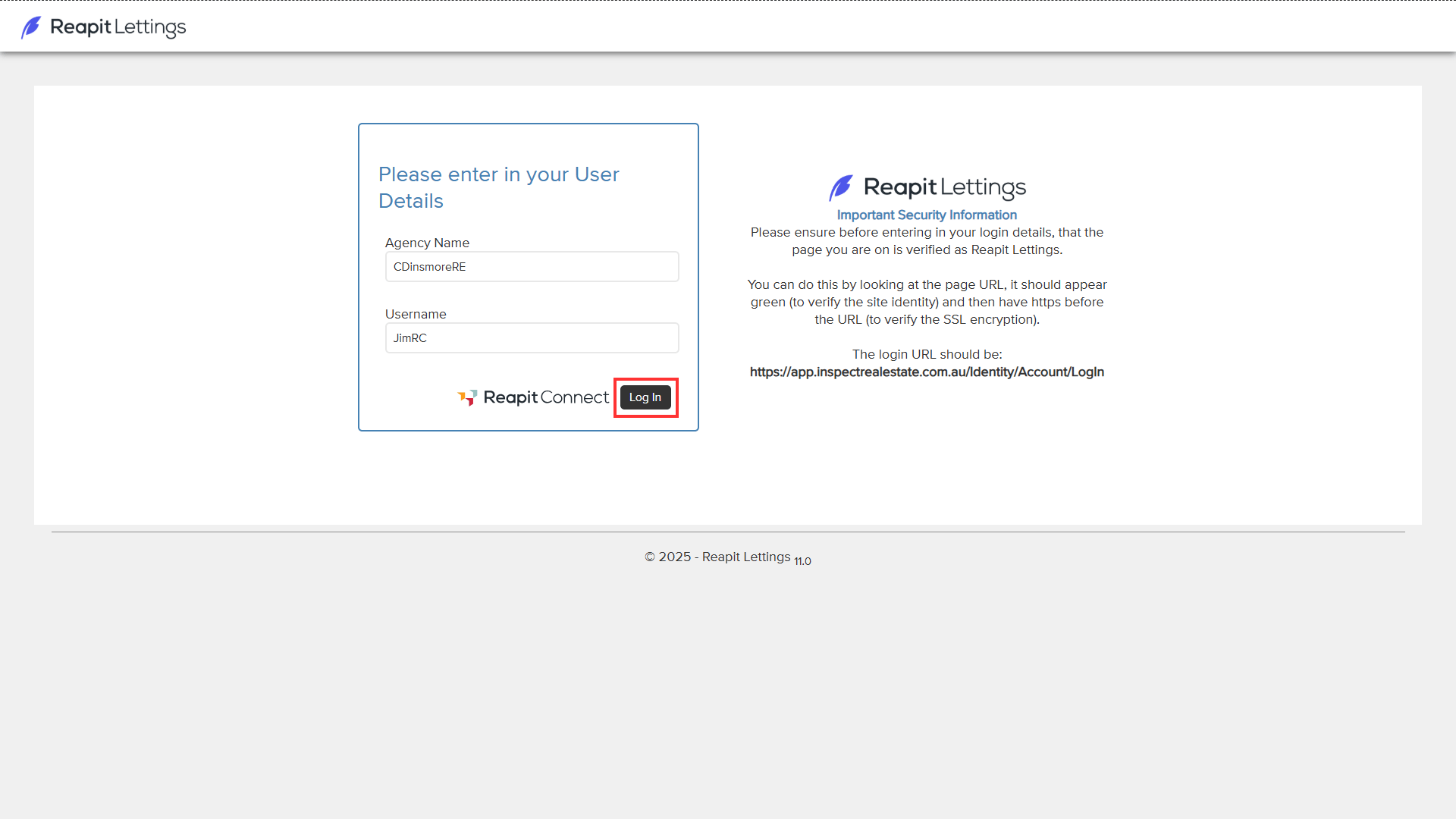
3. Enter the Agency Name located on the welcome to Reapit Lettings email into the Agency Name field, along with your email address. Click Log In.
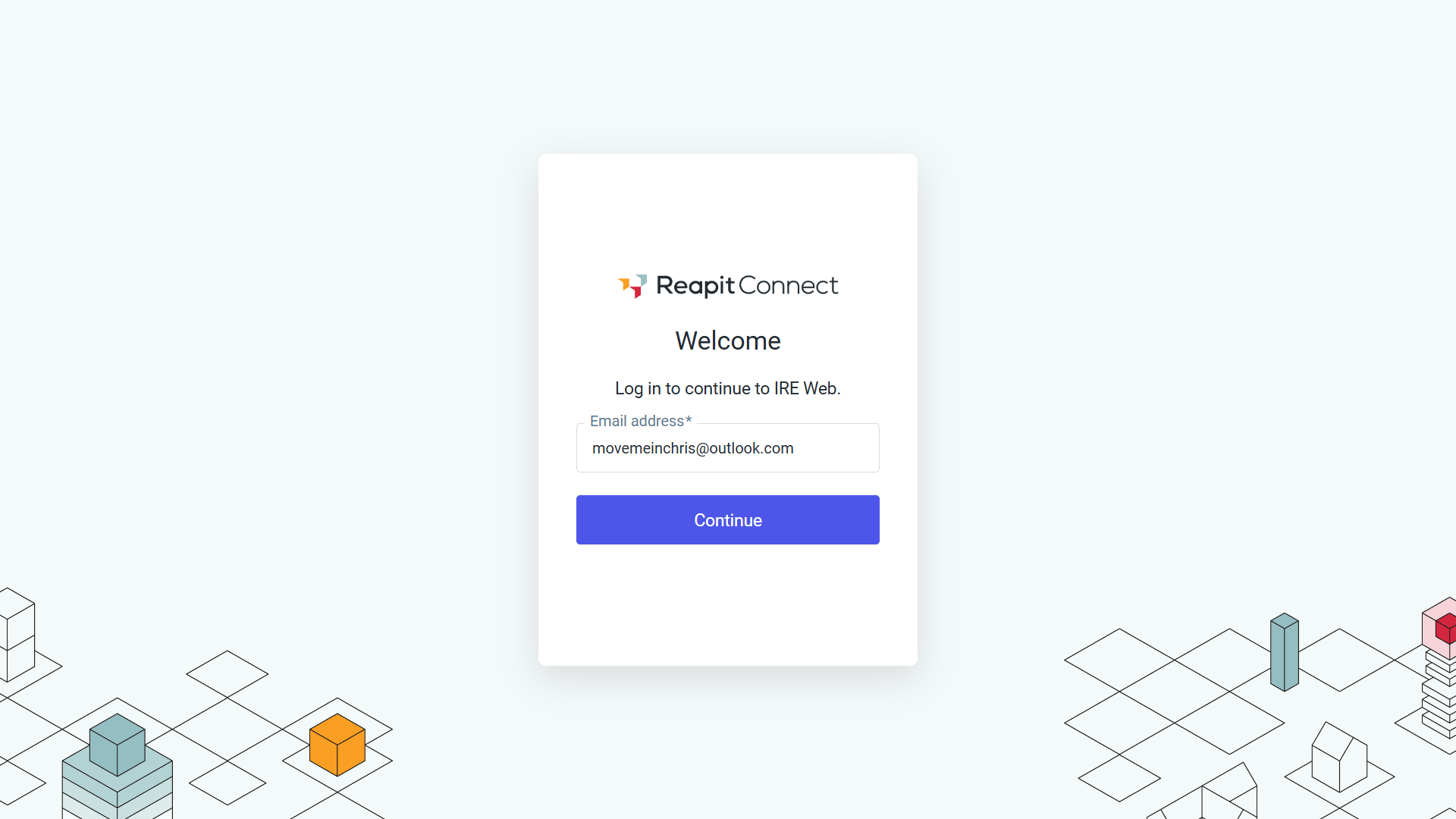
4. Enter or confirm the email address is correct and click Continue.
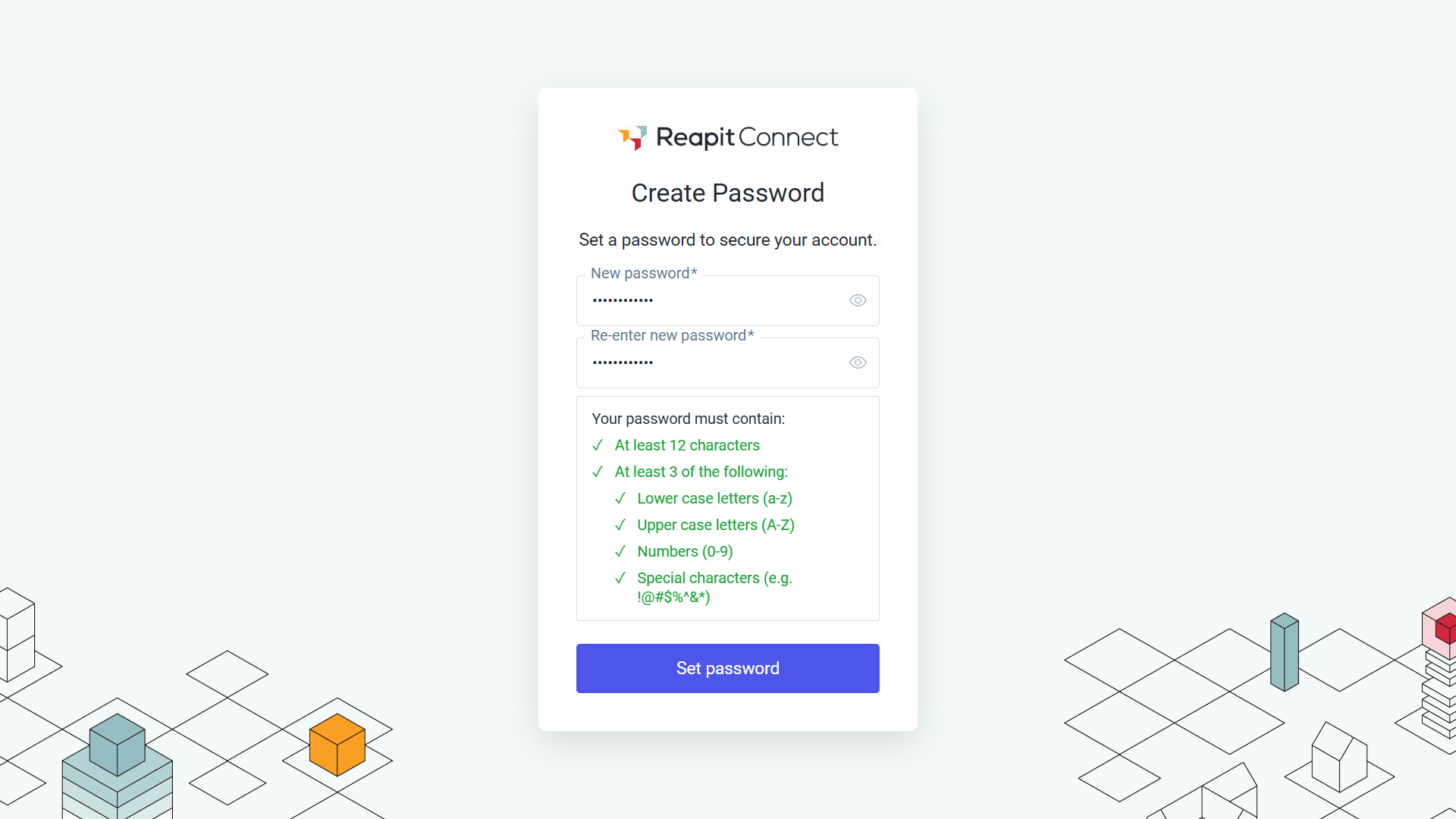
5. You will be prompted to create a password. Your password must meet the requirements otherwise, you will not be able to proceed. Click Send to complete the process.
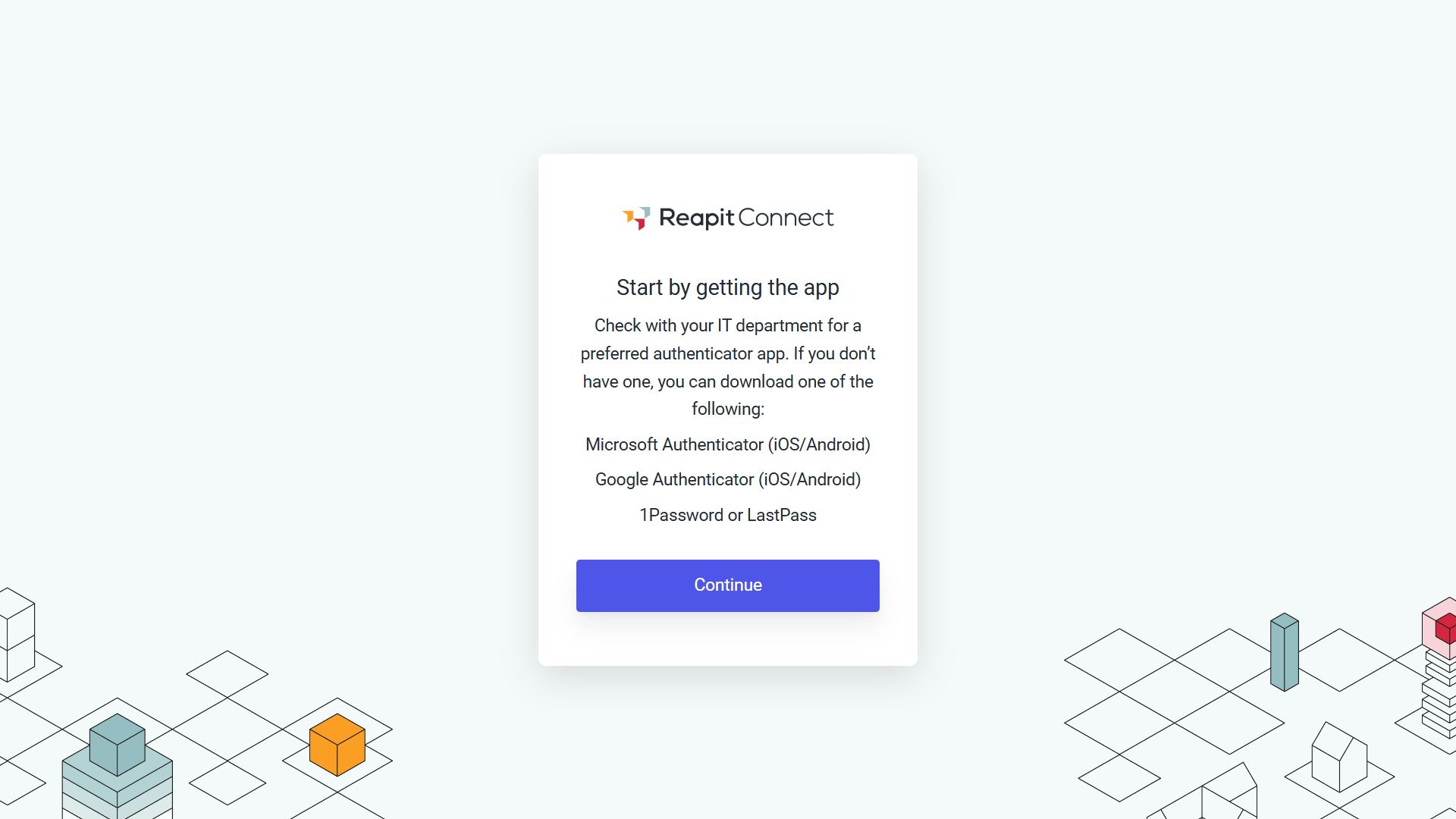
6. Multi-Factor Authentication (MFA) will be required on your account. Check with your IT department for their preferred authenticator app or select one from the suggestion list. Download the authenticator from the App Store and continue by scanning the QR Code.
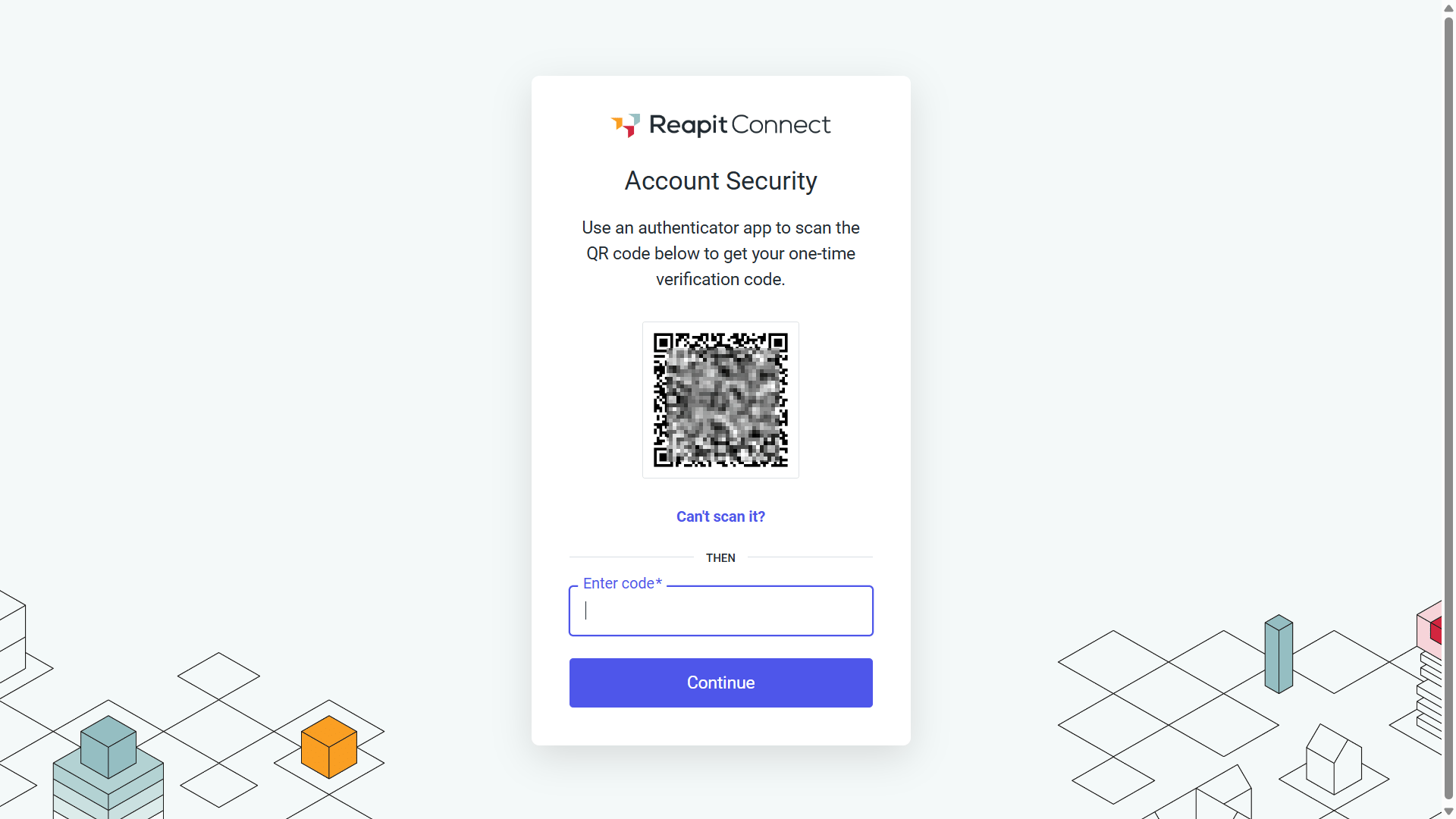
7. Scan the QR code and enter the code displayed on the authenticator app, then click Continue.
6. The password will be updated, and you will now be signed in to Reapit Lettings.