'%20d='M0%208a8%208%200%200%201%208-8h24a8%208%200%200%201%208%208v24a8%208%200%200%201-8%208H8a8%208%200%200%201-8-8V8Z'/%3e%3cpath%20fill='%23fff'%20d='M8.375%2013v14L20.5%2034l12.124-7v-7.737l-1.687-.975-2.806-1.62-1.082-.624v4.83l-.002%204.83H13.95V16.07l3.275-1.89%202.192-1.265%201.082-.625%203.275%201.877%202.192%201.256%201.083.62V9.782L20.5%206%208.376%2013Z'/%3e%3cdefs%3e%3clinearGradient%20id='reapit-pm__a'%20x1='20.702'%20x2='20.702'%20y1='.351'%20y2='31.228'%20gradientUnits='userSpaceOnUse'%3e%3cstop%20stop-color='%235573FD'/%3e%3cstop%20offset='.575'%20stop-color='%234E56EA'/%3e%3c/linearGradient%3e%3c/defs%3e%3c/svg%3e)
Creating Commercial Properties
This article is a guide to learn how to create a Commercial Property in Reapit PM.
Overview
Creating Commercial Properties
This article is a guide to learn how to create a Commercial Property in Reapit PM.
Create a Commercial Property
- Navigate to Properties > Commercial.
- Select Add New ****and choose building or property.
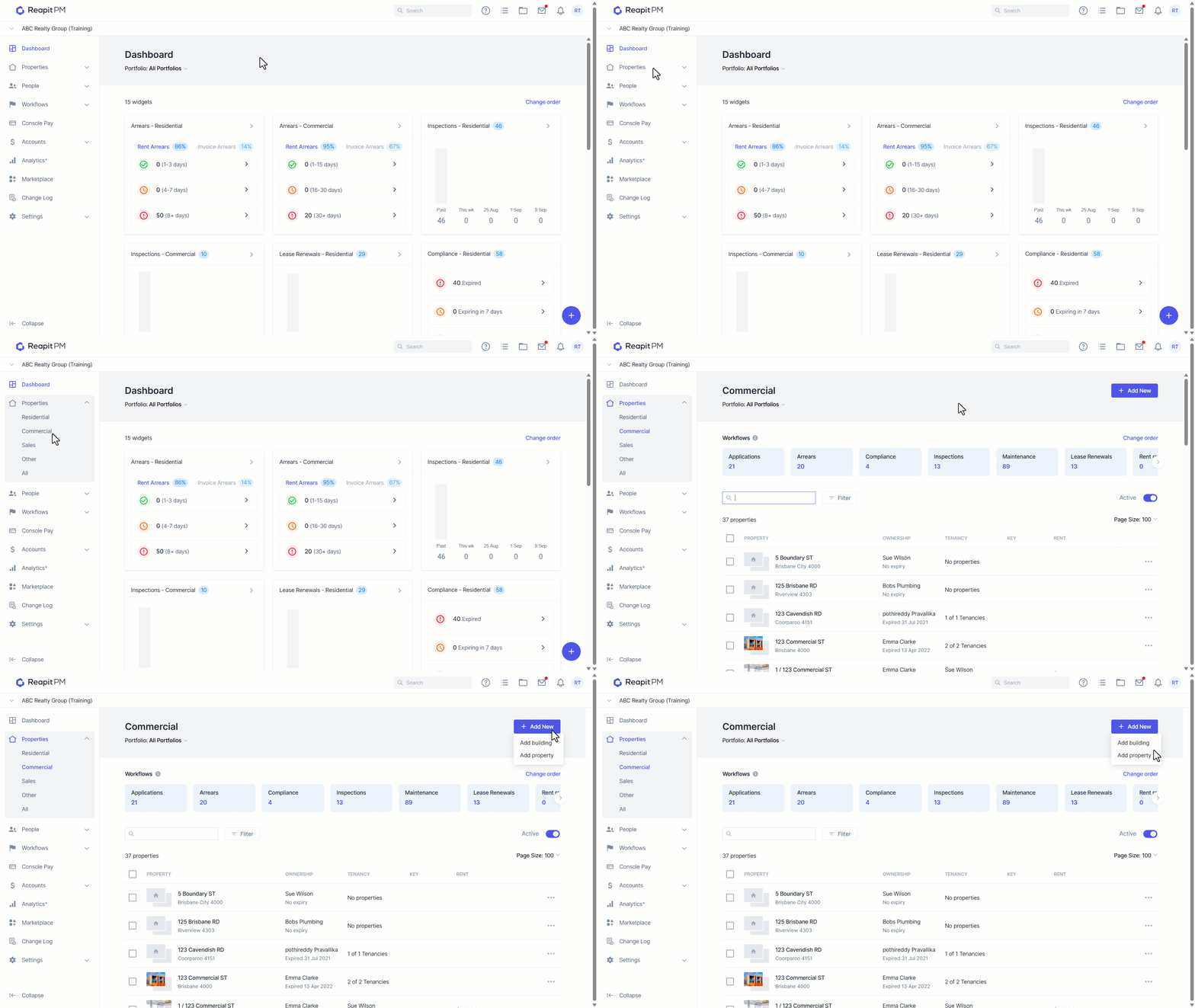
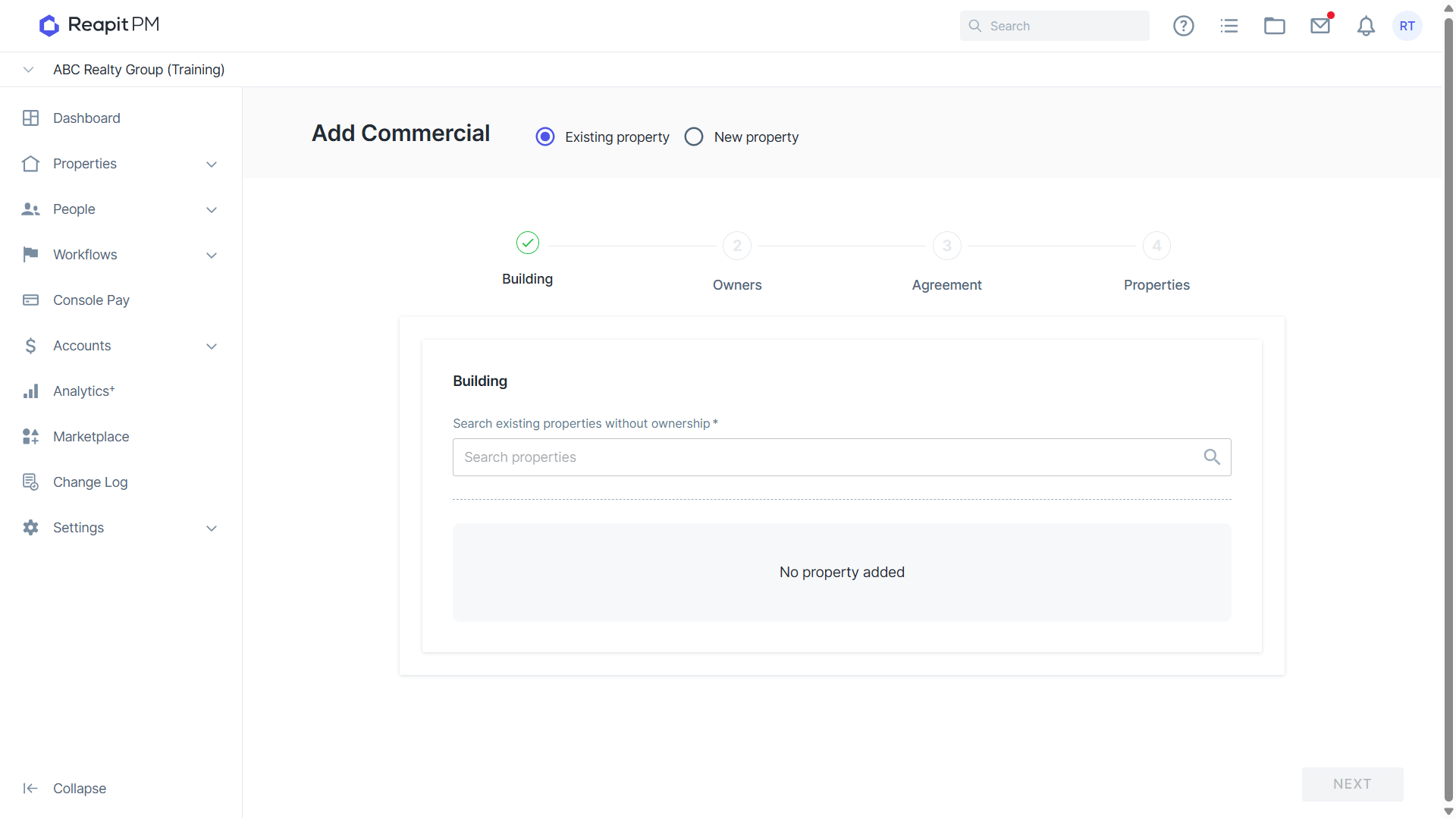
- Select Existing Property or New Property. Begin typing the address to search for the property or select Enter Address Manually.
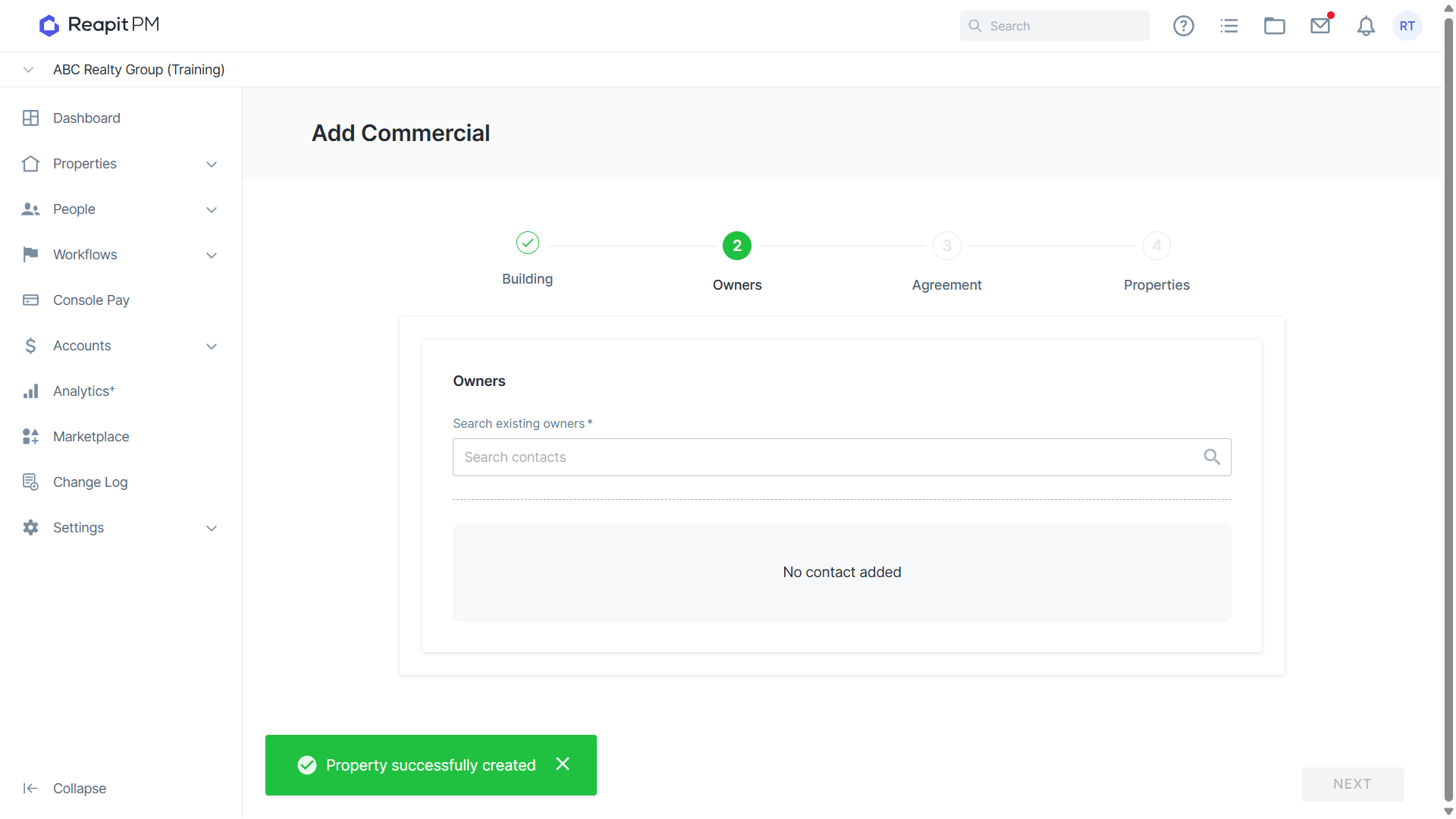
- Select or add the Owner for this property.
Note: If this property belongs to a building, ensure that you select the owner assigned to the building so that the new property can be grouped into the building.
Otherwise, if this property is standalone or you haven’t added the owner to the system yet, you can add a new owner.
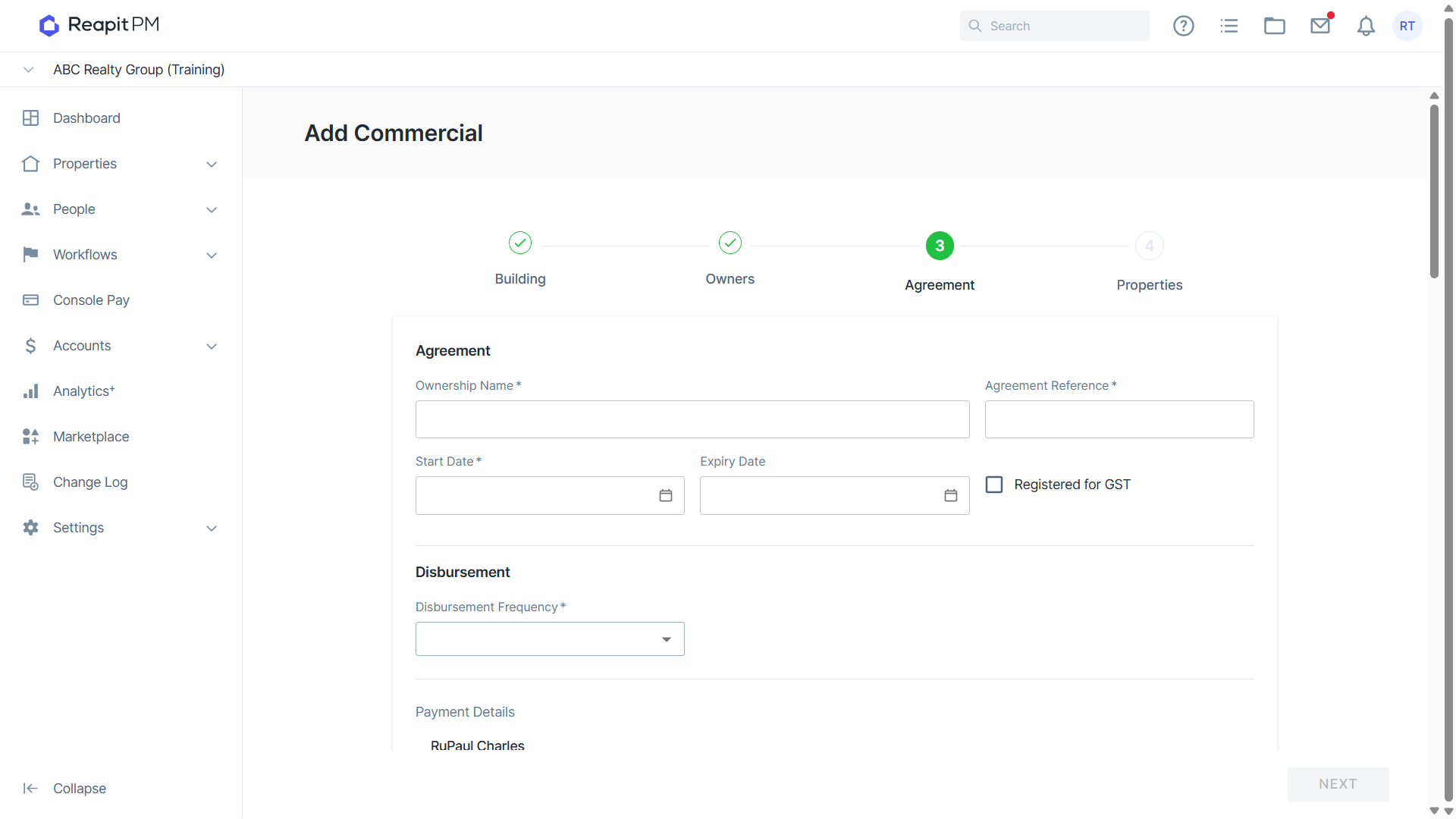
Once done, enter the ownership details.
- Enter the agreement details.
- When selecting the agency fees for the property, against the rent commission fee you have the option to charge the fee on the NET rent received, or if left unticked, it will be based on the GROSS rent received.
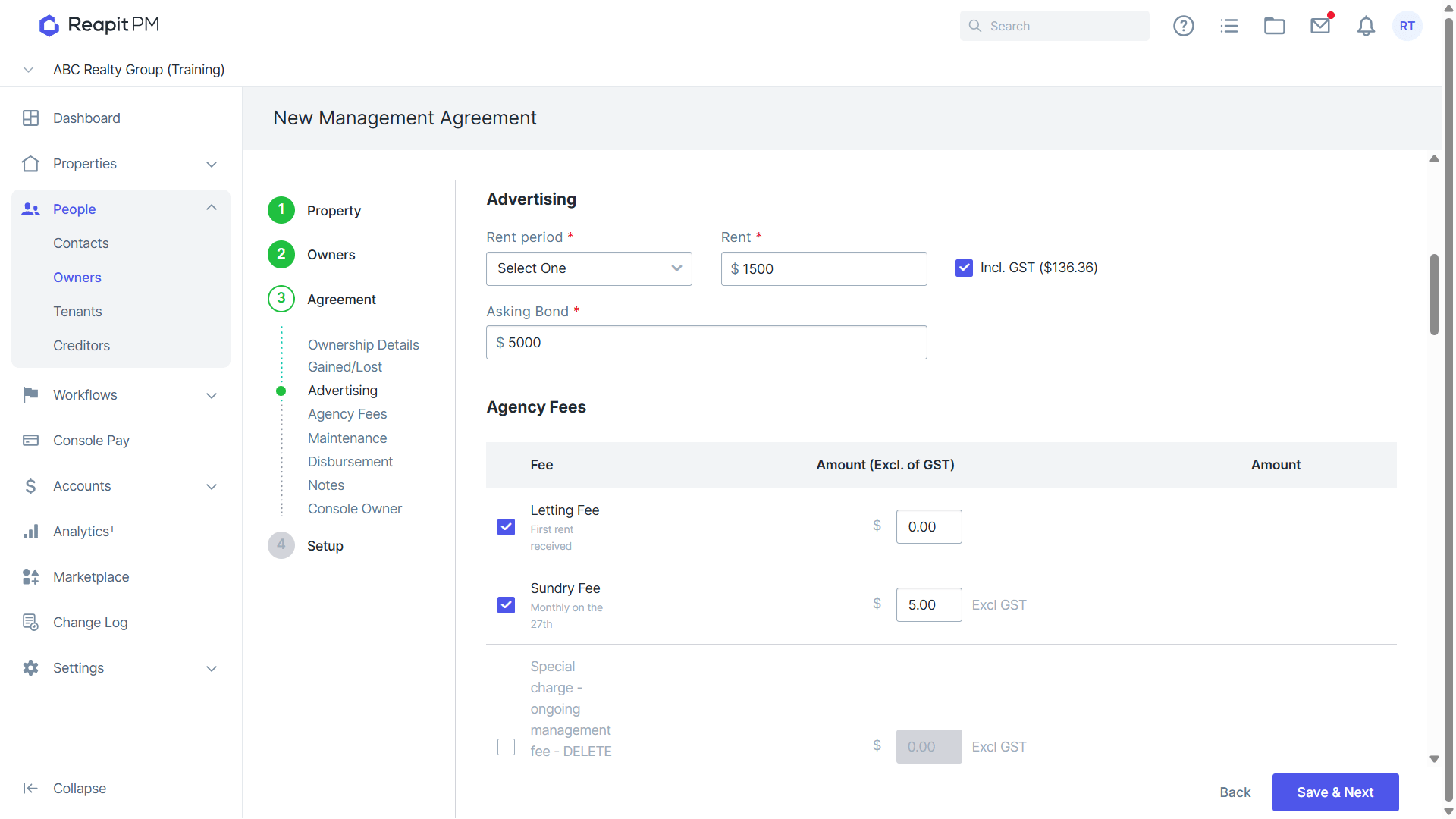
- Finalise the ownership details and select Save and Next.
Updating Ownership Details
To update ownership details, please refer to Adding or Removing a contact from a management agreement.