'%20d='M0%208a8%208%200%200%201%208-8h24a8%208%200%200%201%208%208v24a8%208%200%200%201-8%208H8a8%208%200%200%201-8-8V8Z'/%3e%3cpath%20fill='%23fff'%20d='M8.375%2013v14L20.5%2034l12.124-7v-7.737l-1.687-.975-2.806-1.62-1.082-.624v4.83l-.002%204.83H13.95V16.07l3.275-1.89%202.192-1.265%201.082-.625%203.275%201.877%202.192%201.256%201.083.62V9.782L20.5%206%208.376%2013Z'/%3e%3cdefs%3e%3clinearGradient%20id='reapit-pm__a'%20x1='20.702'%20x2='20.702'%20y1='.351'%20y2='31.228'%20gradientUnits='userSpaceOnUse'%3e%3cstop%20stop-color='%235573FD'/%3e%3cstop%20offset='.575'%20stop-color='%234E56EA'/%3e%3c/linearGradient%3e%3c/defs%3e%3c/svg%3e)
REI Forms Integration (Exc. VIC)
This article is a guide on how to set up your REI Forms integration in Reapit PM.
Overview
REI Forms Integration (Exc. VIC)
This article is a guide on how to set up your REI Forms integration in Reapit PM.
Note: This excludes Victoria.
Setting up the Integration
Before you can complete this process in Reapit PM, you will need to have purchased your REI Forms membership and have your login information on hand.
*Note: For users who would like to use a shared login, complete this via Marketplace (Option 1). For users who would like to connect to their individual login, navigate to your user profile (Option 2).
Option 1:
- Navigate to Marketplace.
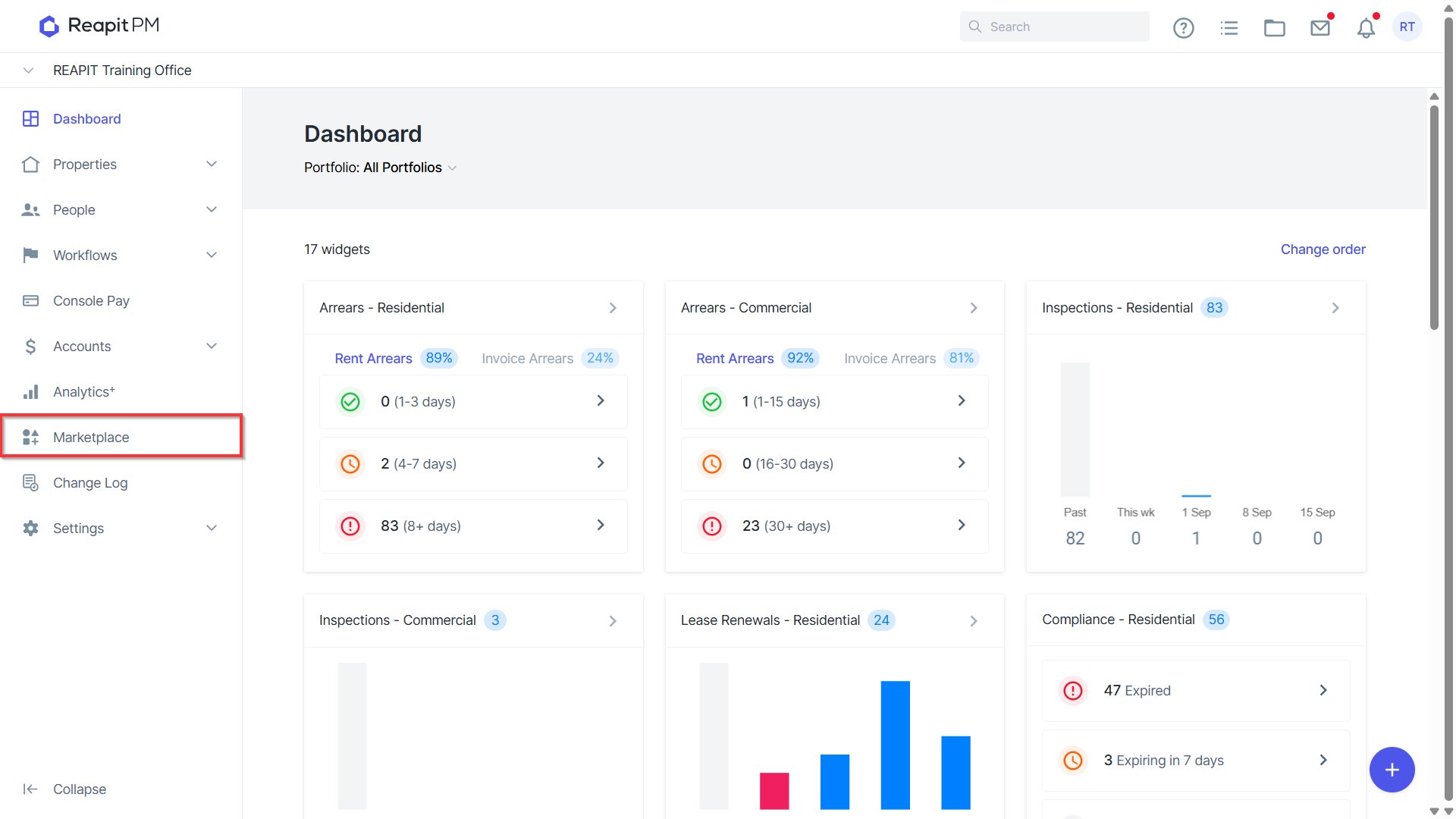
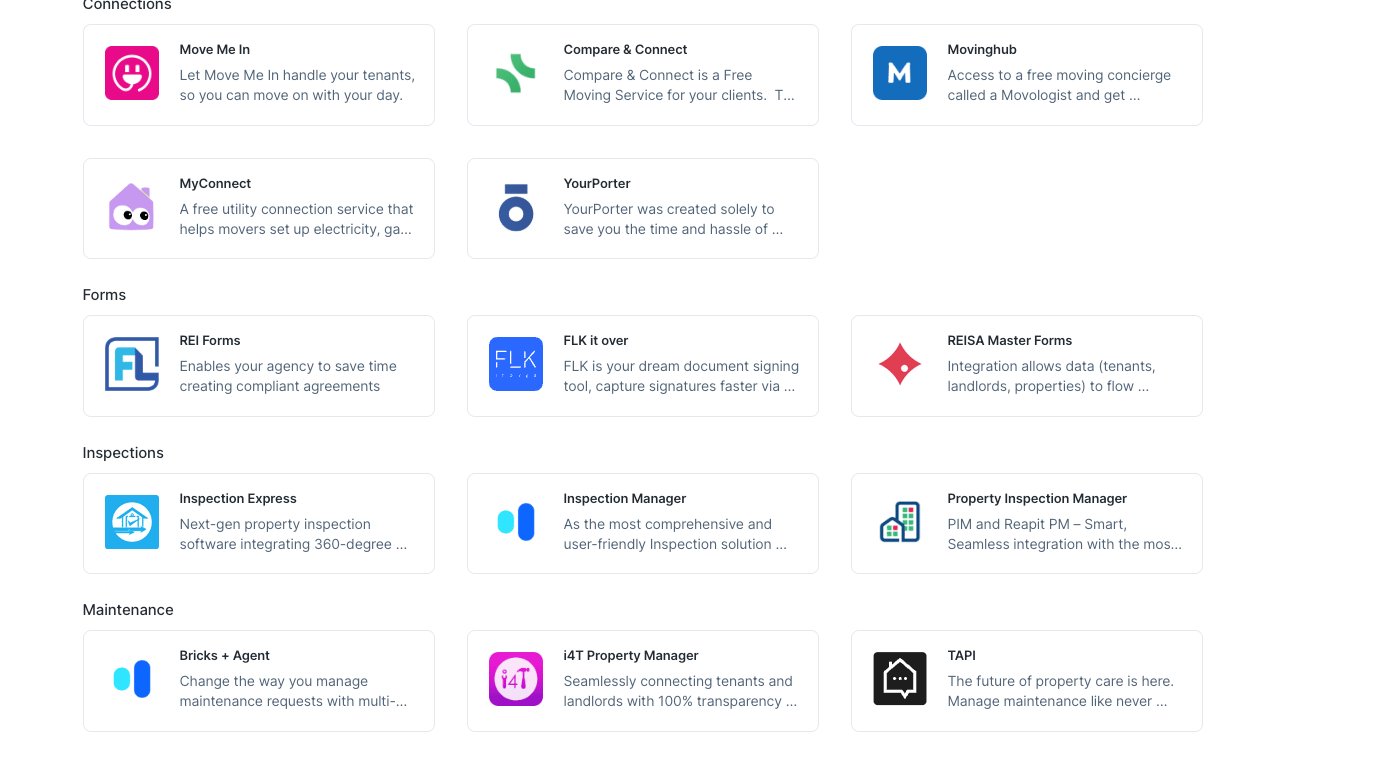
- Click on the REI Forms tile. You will now need to find your REI Forms 'Token' and add it to this screen. To get this token, we will need to go into your REI Forms account.
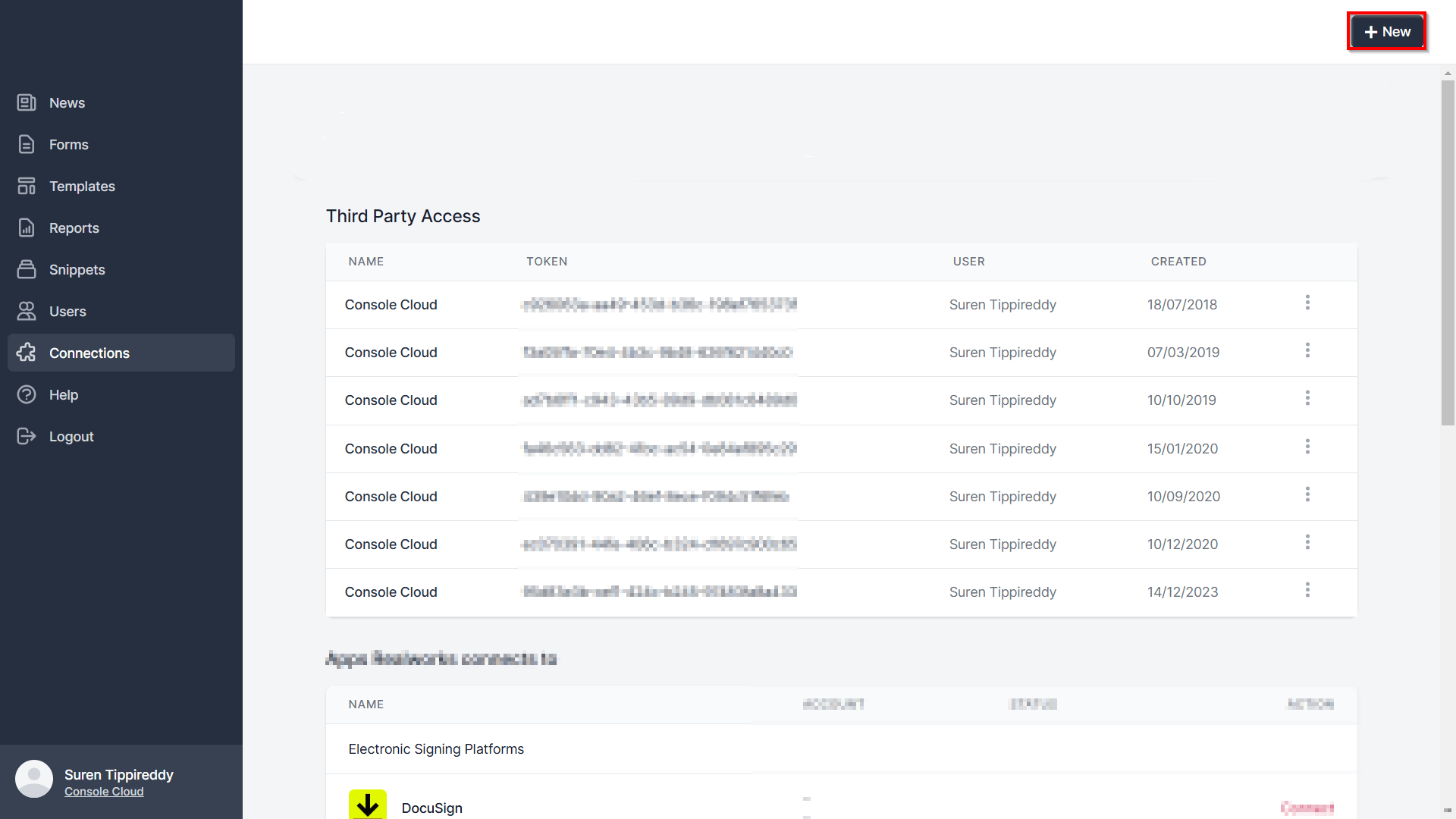
- Login to your REI Forms account, and select the 'Connections' option on the menu, then select the '+ New' button in the top right-hand corner:
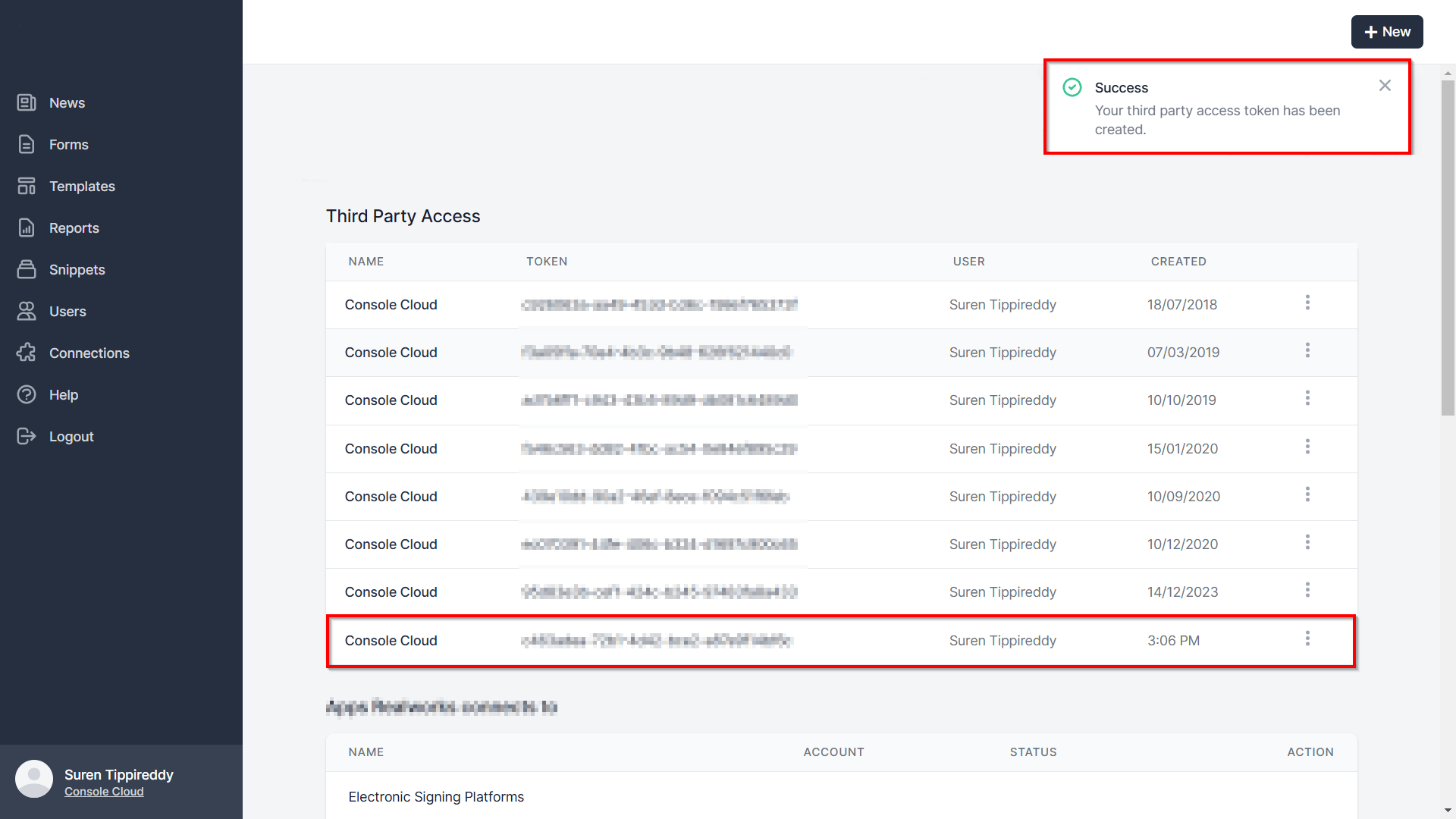
- Scroll down the list and find the 'Console Cloud' option, then select create. You will now see a new third party access token in your list. Click on this line and select copy to clipboard, and copy this information:
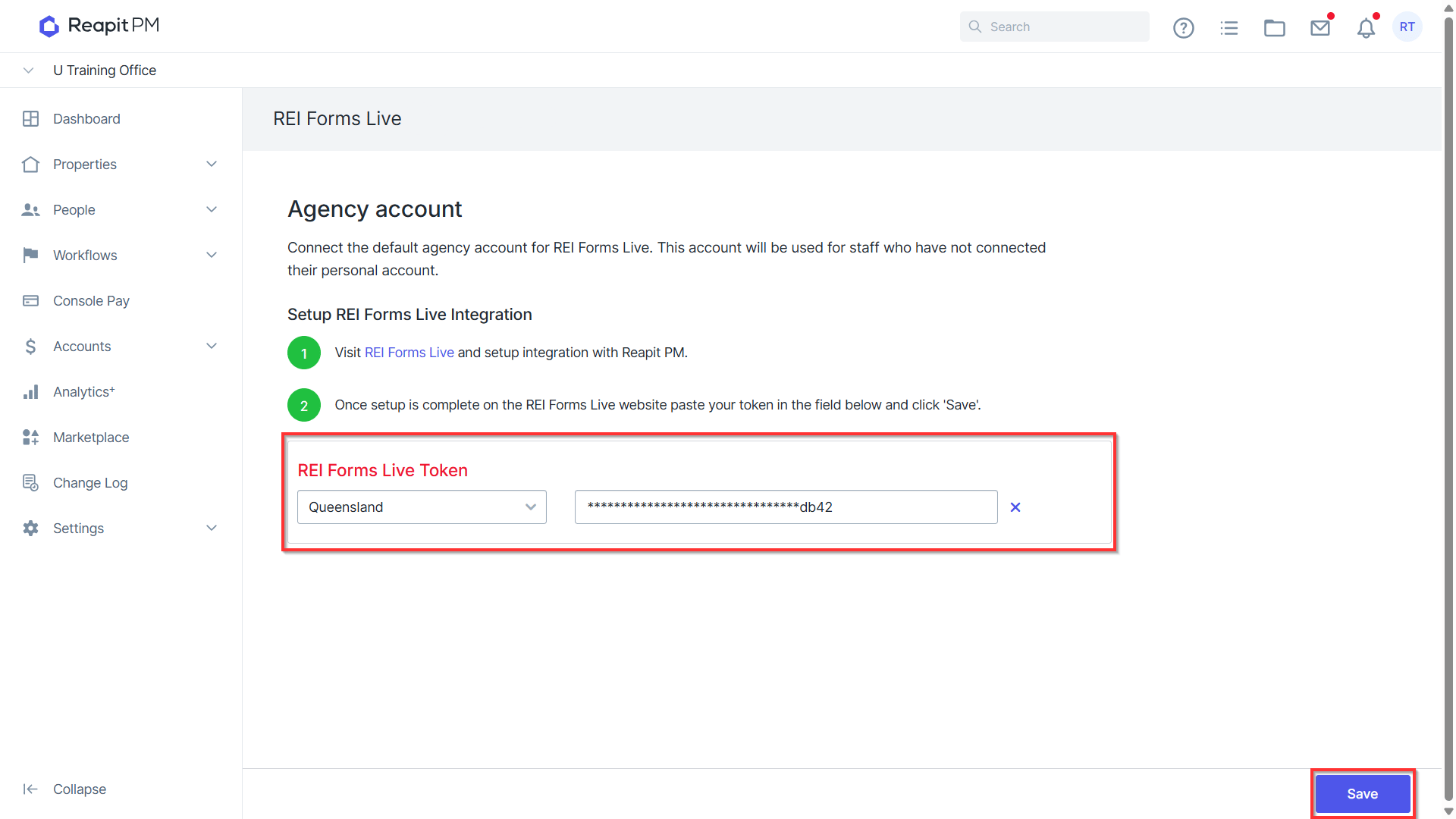
- Then you can return to Console Cloud and the Addons area, and select your state and 'paste' in your token details - then select Save. You should receive a green confirmation message confirming your token has been saved, and the setup process is complete.
Option 2:
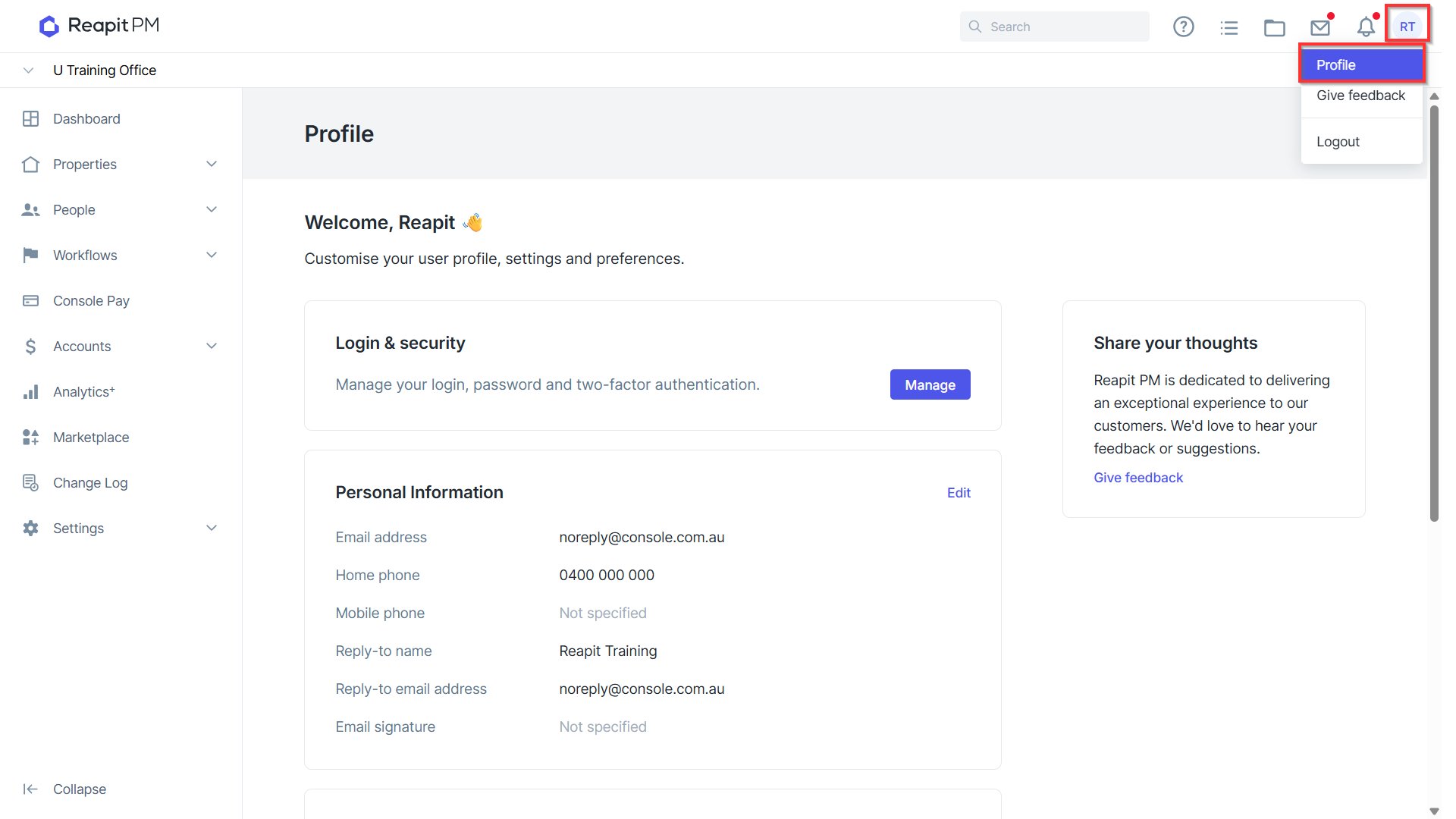
Navigate to your user profile in the top right hand corner. Click Profile.
Within the Integrations section, click Connect.
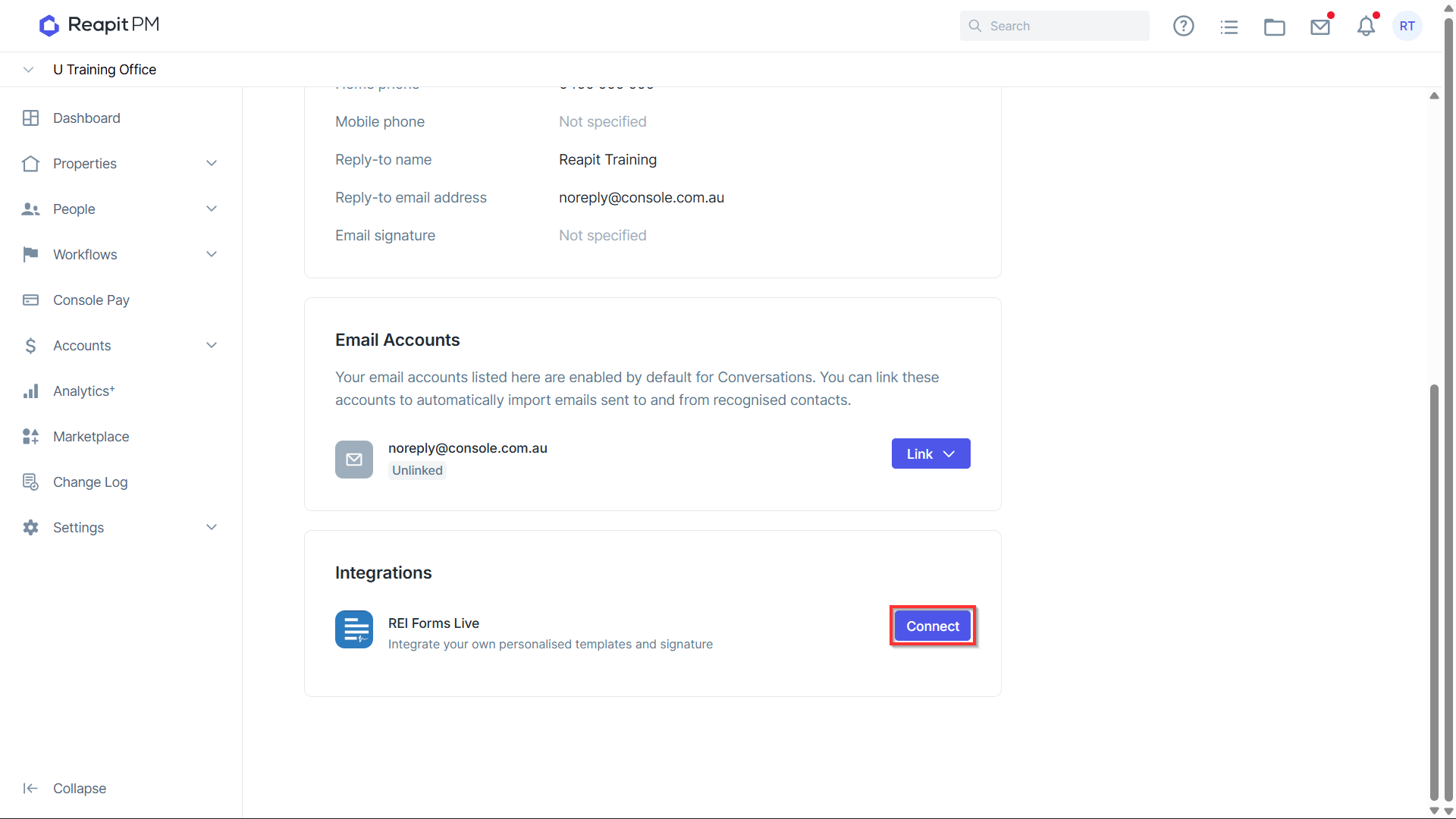
- Enter your individual REI Forms credentials to link your account.