'%20d='M0%208a8%208%200%200%201%208-8h24a8%208%200%200%201%208%208v24a8%208%200%200%201-8%208H8a8%208%200%200%201-8-8V8Z'/%3e%3cpath%20fill='%23fff'%20d='M8.375%2013v14L20.5%2034l12.124-7v-7.737l-1.687-.975-2.806-1.62-1.082-.624v4.83l-.002%204.83H13.95V16.07l3.275-1.89%202.192-1.265%201.082-.625%203.275%201.877%202.192%201.256%201.083.62V9.782L20.5%206%208.376%2013Z'/%3e%3cdefs%3e%3clinearGradient%20id='reapit-pm__a'%20x1='20.702'%20x2='20.702'%20y1='.351'%20y2='31.228'%20gradientUnits='userSpaceOnUse'%3e%3cstop%20stop-color='%235573FD'/%3e%3cstop%20offset='.575'%20stop-color='%234E56EA'/%3e%3c/linearGradient%3e%3c/defs%3e%3c/svg%3e)
Console Pay Adding Additional Payments
This article will take you through how to add additional payments to a tenancy with Console Pay.
Overview
Console Pay Adding Additional Payments
Additional payments can be created within Console Pay outside of the regular scheduled direct debit. This may be for dishonoured/failed payments, rent top up payments, bond top up payments and more.
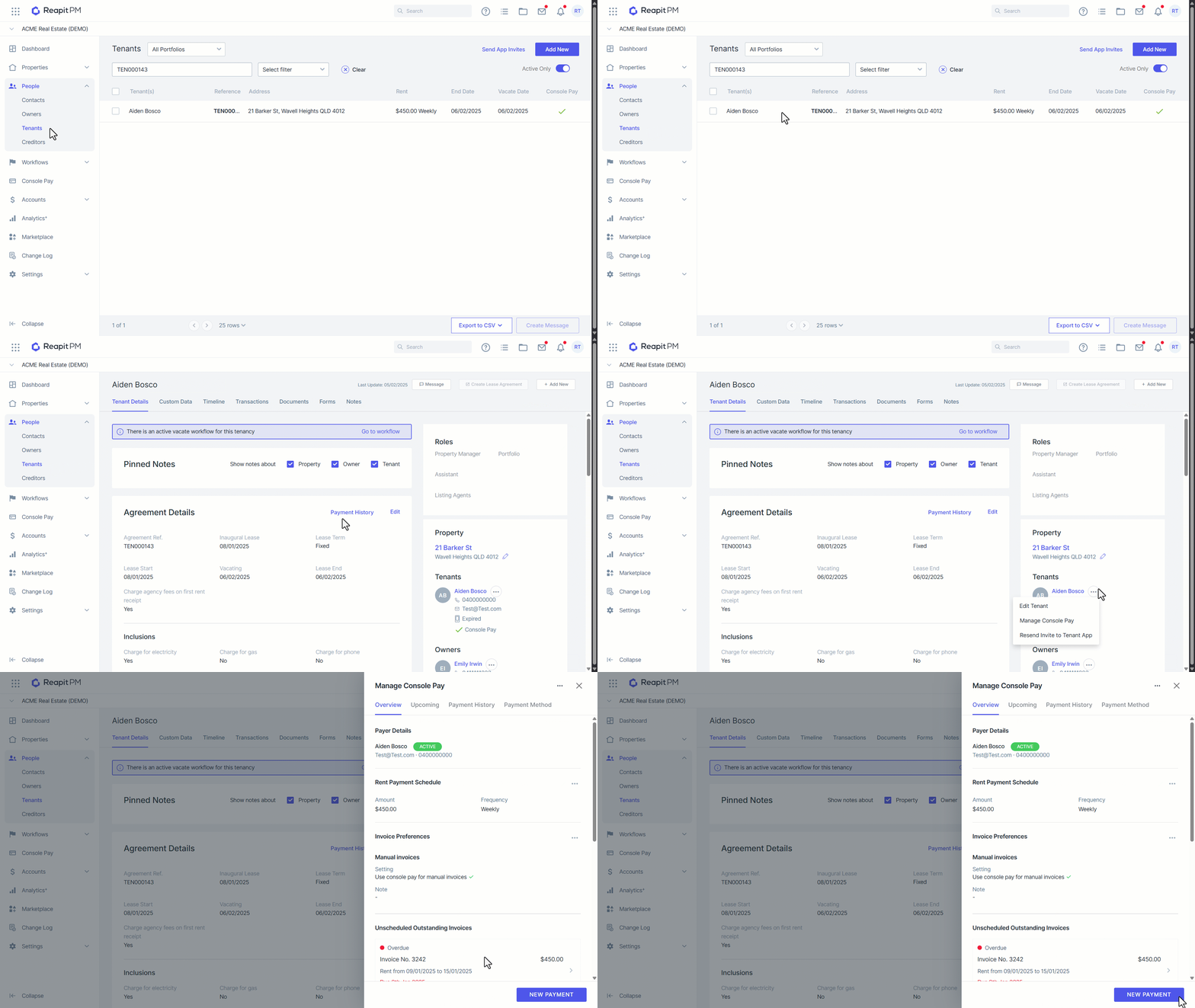
- Search and select the relevant tenancy.
- Click the three dots next to the tenant.
- Click Manage Console Pay.
- Click New Payment.
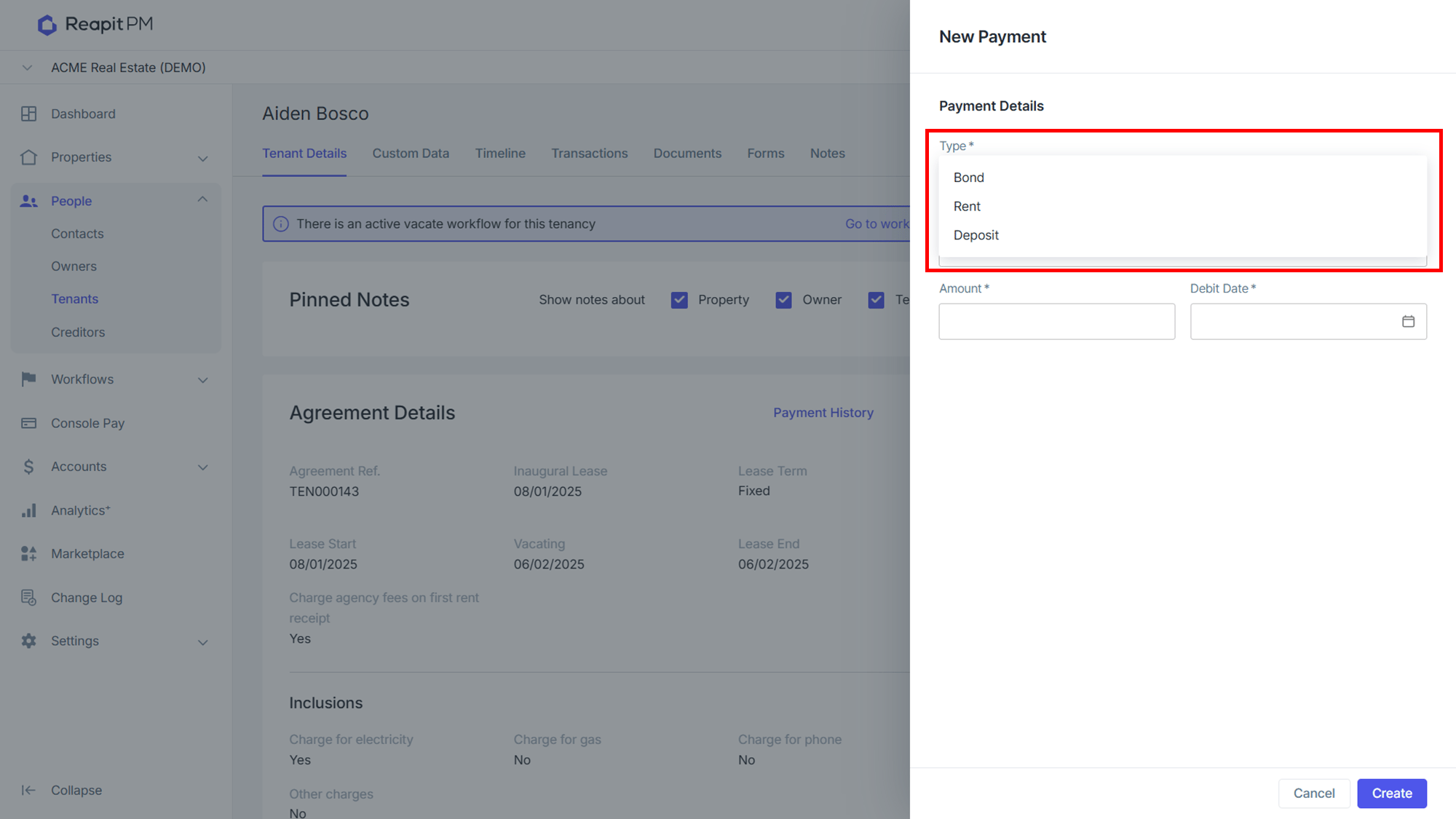
- Select Rent, Deposit or Bond as appropriate.
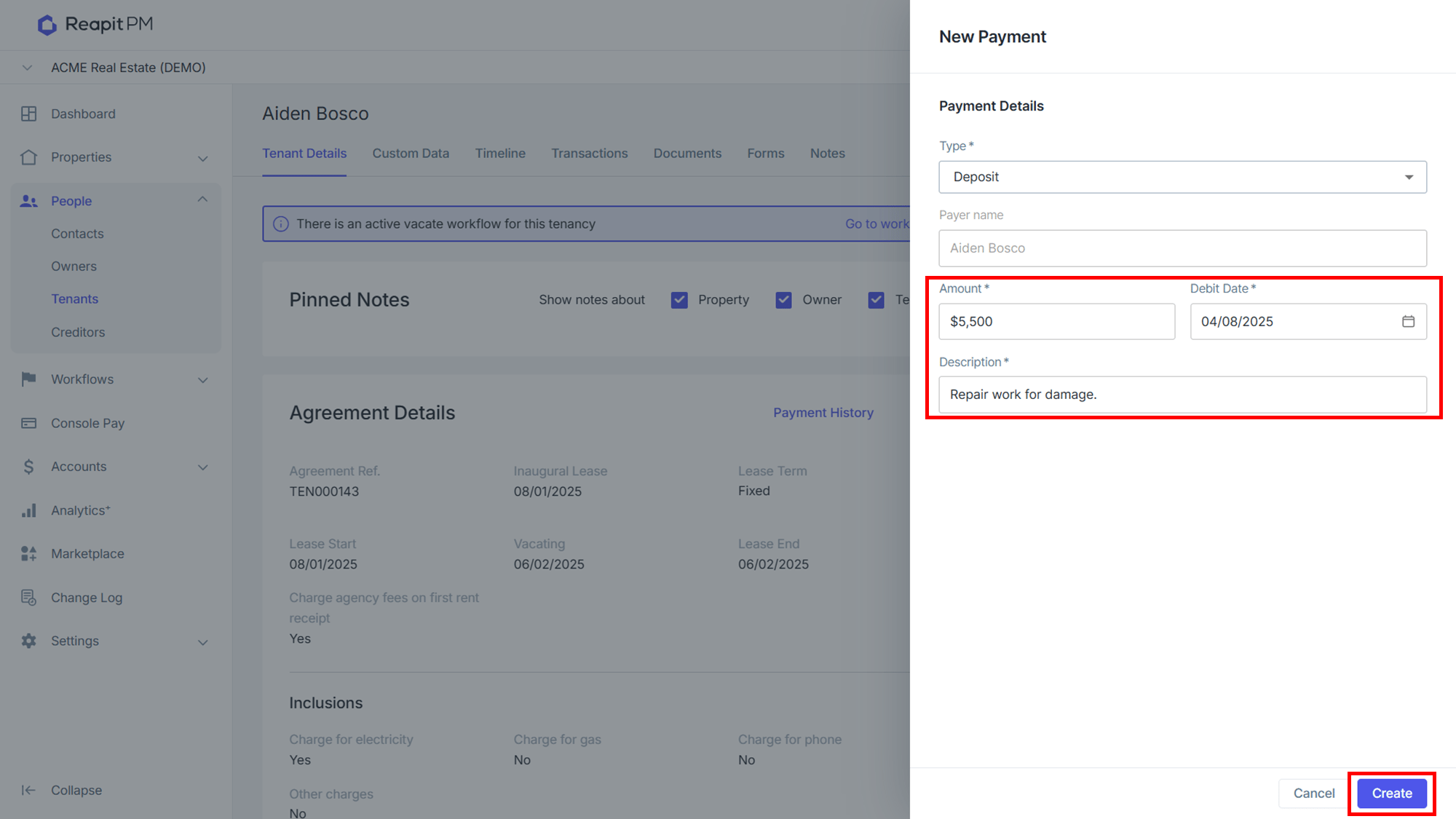
- Enter the Amount, Direct Debit Date, Description.
- Click Create.
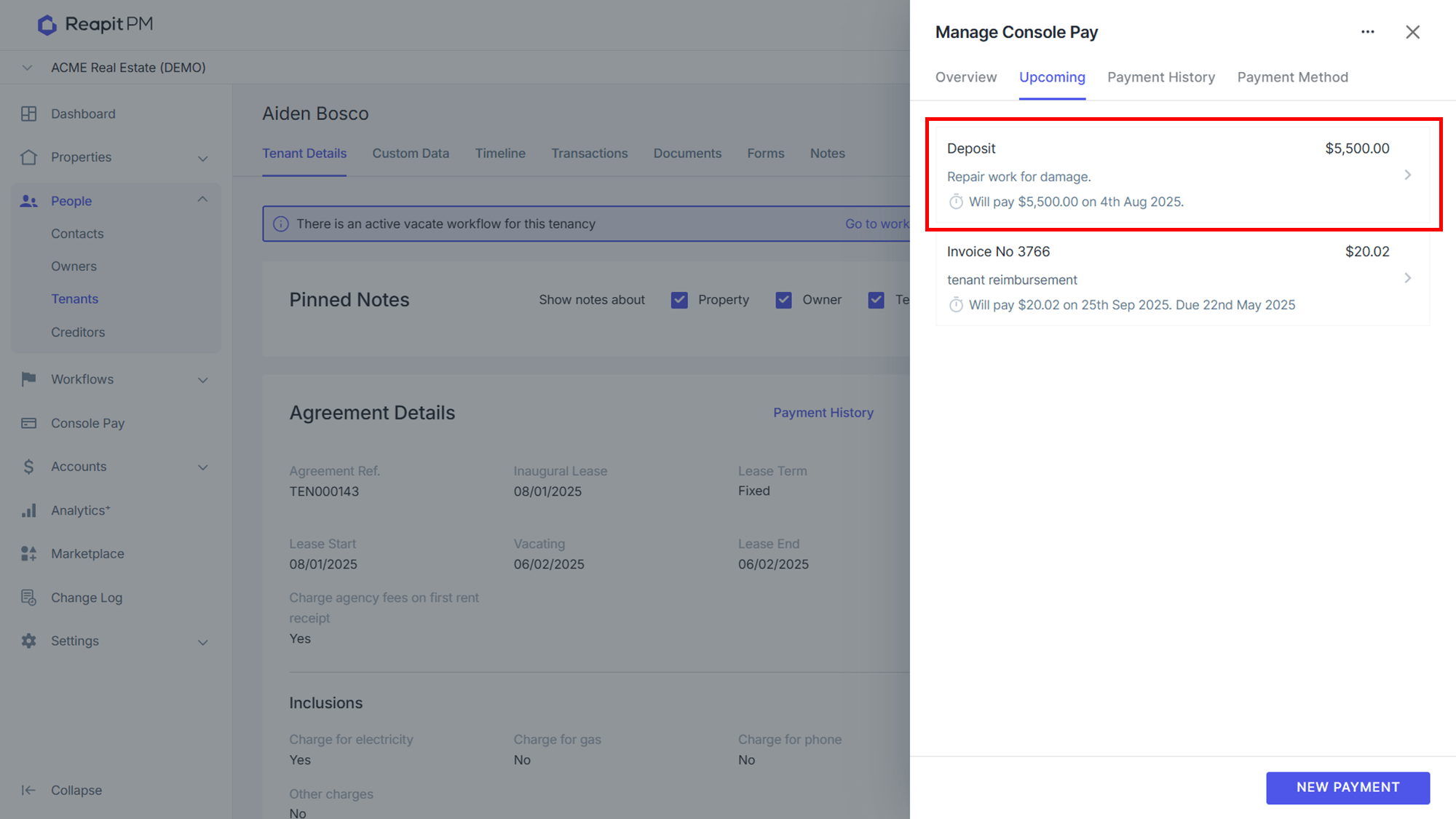
- The payment will then show on the upcoming tab in the tenant's Manage Console Pay drawer.