'%20d='M0%208a8%208%200%200%201%208-8h24a8%208%200%200%201%208%208v24a8%208%200%200%201-8%208H8a8%208%200%200%201-8-8V8Z'/%3e%3cpath%20fill='%23fff'%20d='M8.375%2013v14L20.5%2034l12.124-7v-7.737l-1.687-.975-2.806-1.62-1.082-.624v4.83l-.002%204.83H13.95V16.07l3.275-1.89%202.192-1.265%201.082-.625%203.275%201.877%202.192%201.256%201.083.62V9.782L20.5%206%208.376%2013Z'/%3e%3cdefs%3e%3clinearGradient%20id='reapit-pm__a'%20x1='20.702'%20x2='20.702'%20y1='.351'%20y2='31.228'%20gradientUnits='userSpaceOnUse'%3e%3cstop%20stop-color='%235573FD'/%3e%3cstop%20offset='.575'%20stop-color='%234E56EA'/%3e%3c/linearGradient%3e%3c/defs%3e%3c/svg%3e)
Notifications on Reapit PM (mobile)
This article will guide you through the notifications functionality within Reapit PM (mobile).
Notifications Alerts
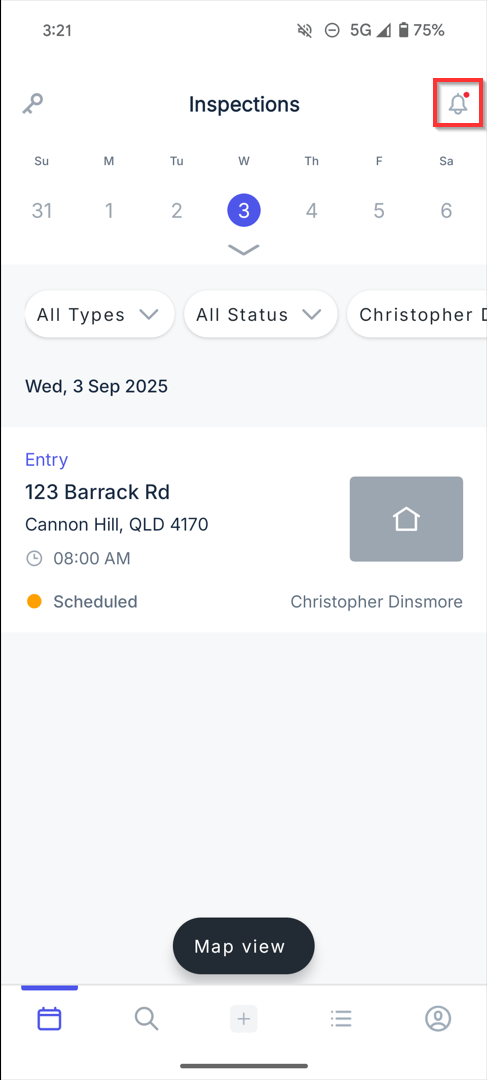
The notifications icon will display a dot badge when:
- a task has been assigned or reassigned by another user.
- a task has been deleted, completed or edit by another user.
Notifications Screen
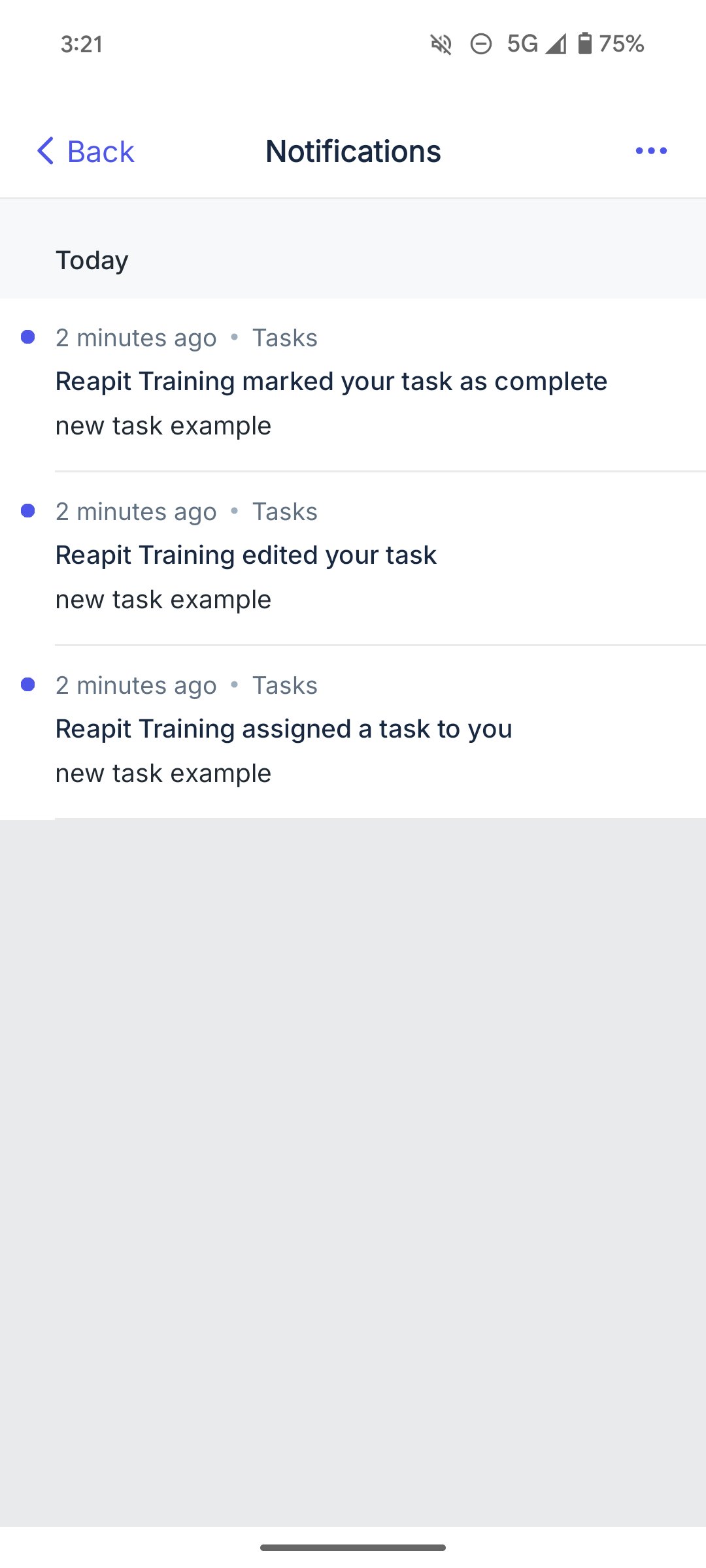
The notifications screen will display notifications based on Today and Older:
- For your tasks that have been assigned or reassigned by another user.
- For your tasks that have been deleted, completed or edited by another user.
Notifications Tap through
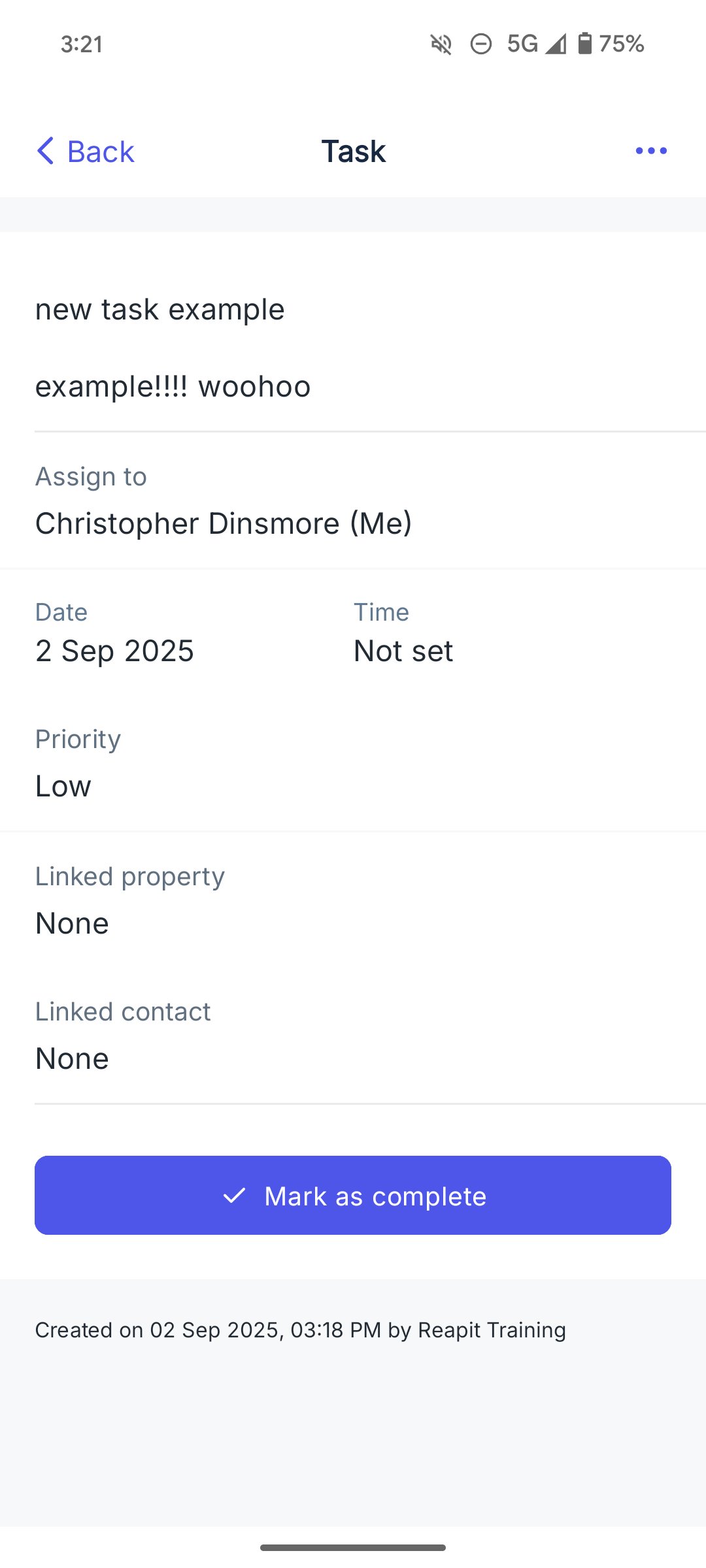
You can tap through on a notification to view:
- Tasks that have been assigned or reassigned to you by another user.
- Your tasks that have been completed and edited by another user.
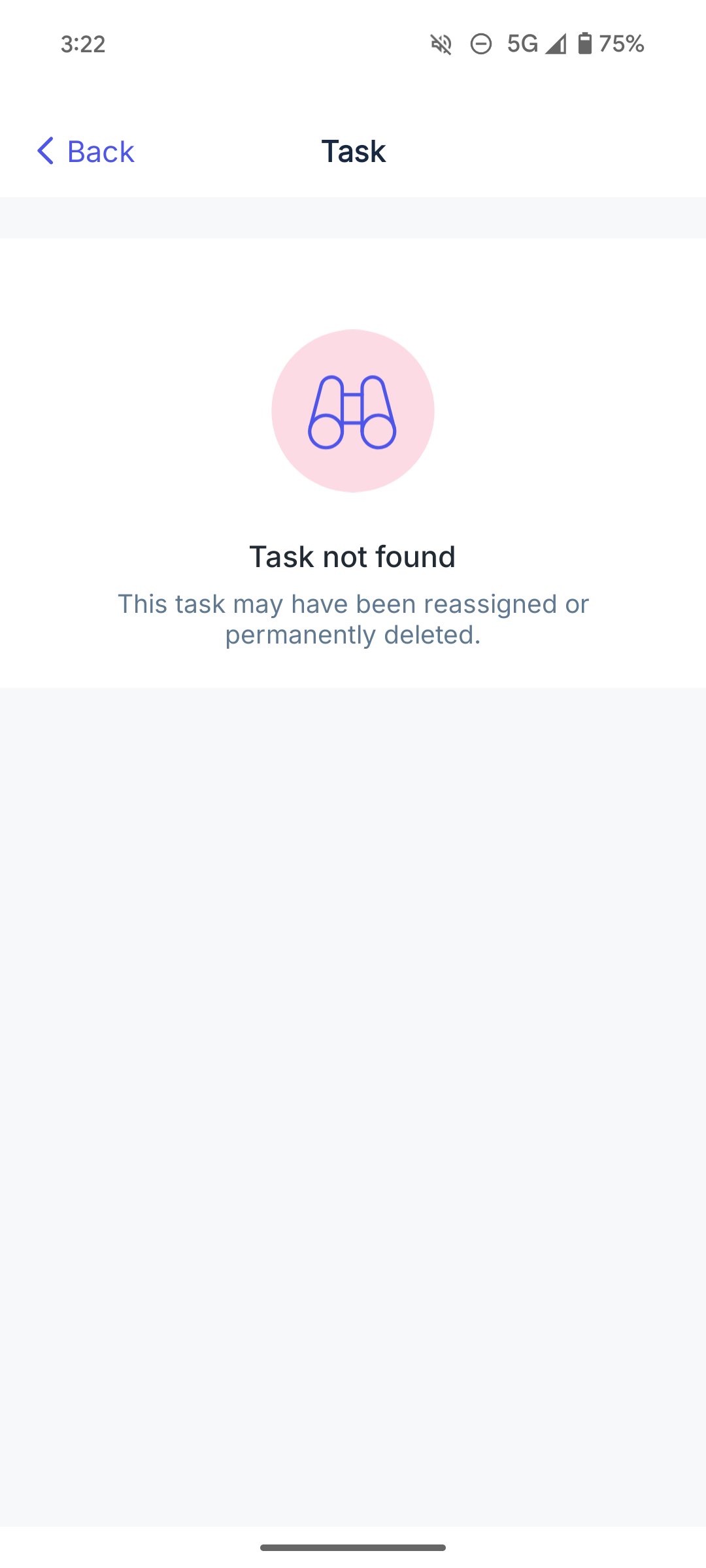
- Your tasks that have been deleted by another user.