'%20d='M0%208a8%208%200%200%201%208-8h24a8%208%200%200%201%208%208v24a8%208%200%200%201-8%208H8a8%208%200%200%201-8-8V8Z'/%3e%3cpath%20fill='%23fff'%20d='M8.375%2013v14L20.5%2034l12.124-7v-7.737l-1.687-.975-2.806-1.62-1.082-.624v4.83l-.002%204.83H13.95V16.07l3.275-1.89%202.192-1.265%201.082-.625%203.275%201.877%202.192%201.256%201.083.62V9.782L20.5%206%208.376%2013Z'/%3e%3cdefs%3e%3clinearGradient%20id='reapit-pm__a'%20x1='20.702'%20x2='20.702'%20y1='.351'%20y2='31.228'%20gradientUnits='userSpaceOnUse'%3e%3cstop%20stop-color='%235573FD'/%3e%3cstop%20offset='.575'%20stop-color='%234E56EA'/%3e%3c/linearGradient%3e%3c/defs%3e%3c/svg%3e)
Configuring Tenant Agreement References
This article will give you a guide to setting up tenant agreement references in Reapit PM.
Overview
Configuring Tenant Agreement References
This article will give you a guide to setting up tenant agreement references in Reapit PM.
Where references continue to be relevant to your tenant agreements, this option enables references to be automatically generated based on a specified prefix and an incrementing number for each new tenant agreement (e.g. TEN-000001, TEN-000002, TEN-000003, …).
This is an office-wide setting and must be set up by a user with an Office Administration role.
Setting up the Tenant Agreement References
- Navigate to the Settings > Office. Scroll down > Tenant Agreement References.
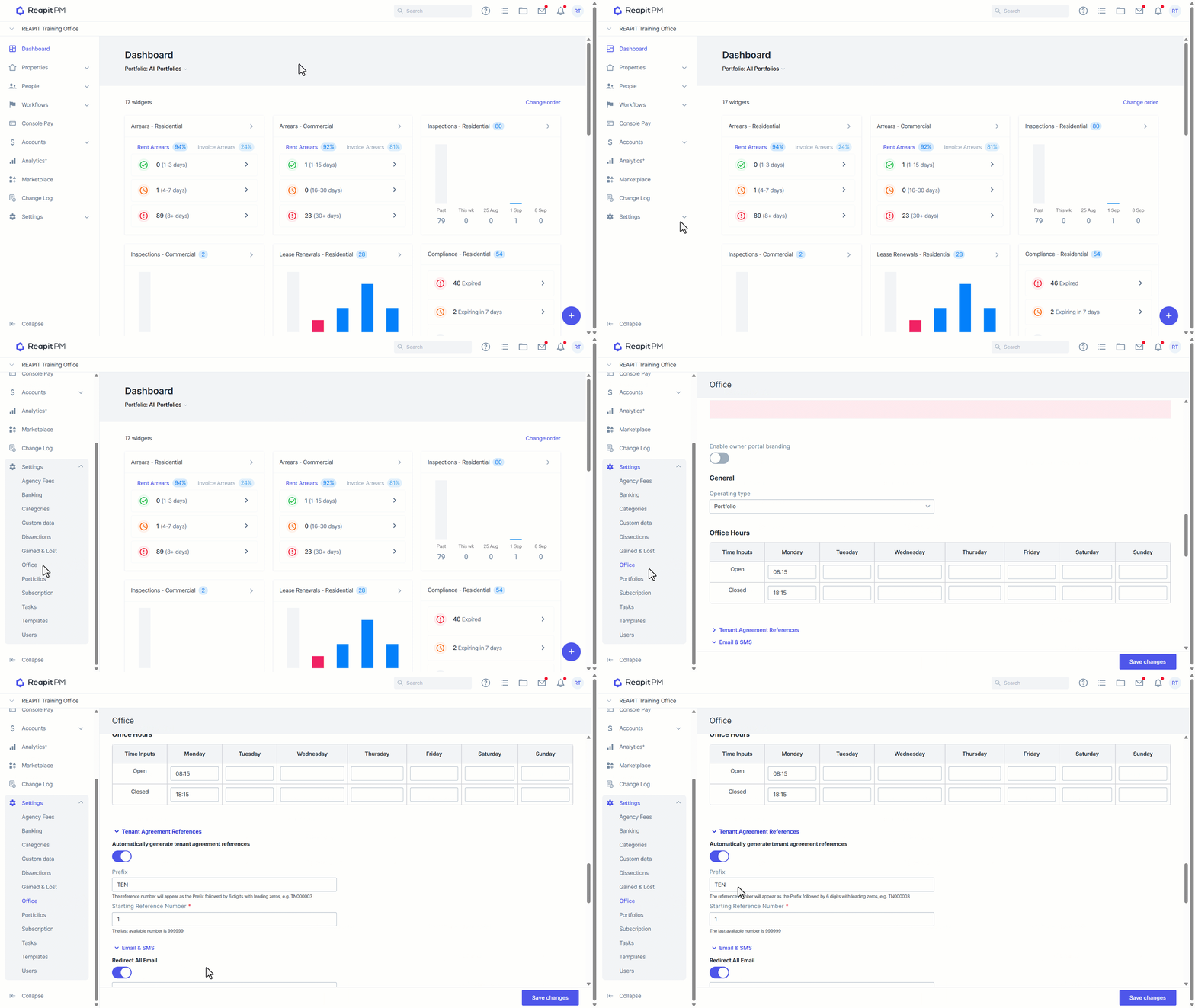
- Select the toggle to the right to turn on the setting > Automatically generate tenant agreement references.
- In the Prefix field, enter a reference prefix. The prefix is placed at the beginning of every reference generated, and will stay the same for every reference generated. This can be 1 to 9 characters, including letters, numbers, hyphen -, underscore _ and forward slash /, or a mix of them.
- In the Starting Reference Number field, enter a number between 1 and 999999. This is useful if you are coming from another system, and would like reference numbers to continue from your previous references. The generated reference will start from this number, and increase by 1 with every tenant agreement created. Leading zeroes will be automatically added to the number to make up 6 digits in total. You do not have to manually add them here.
Select > Save Changes**.
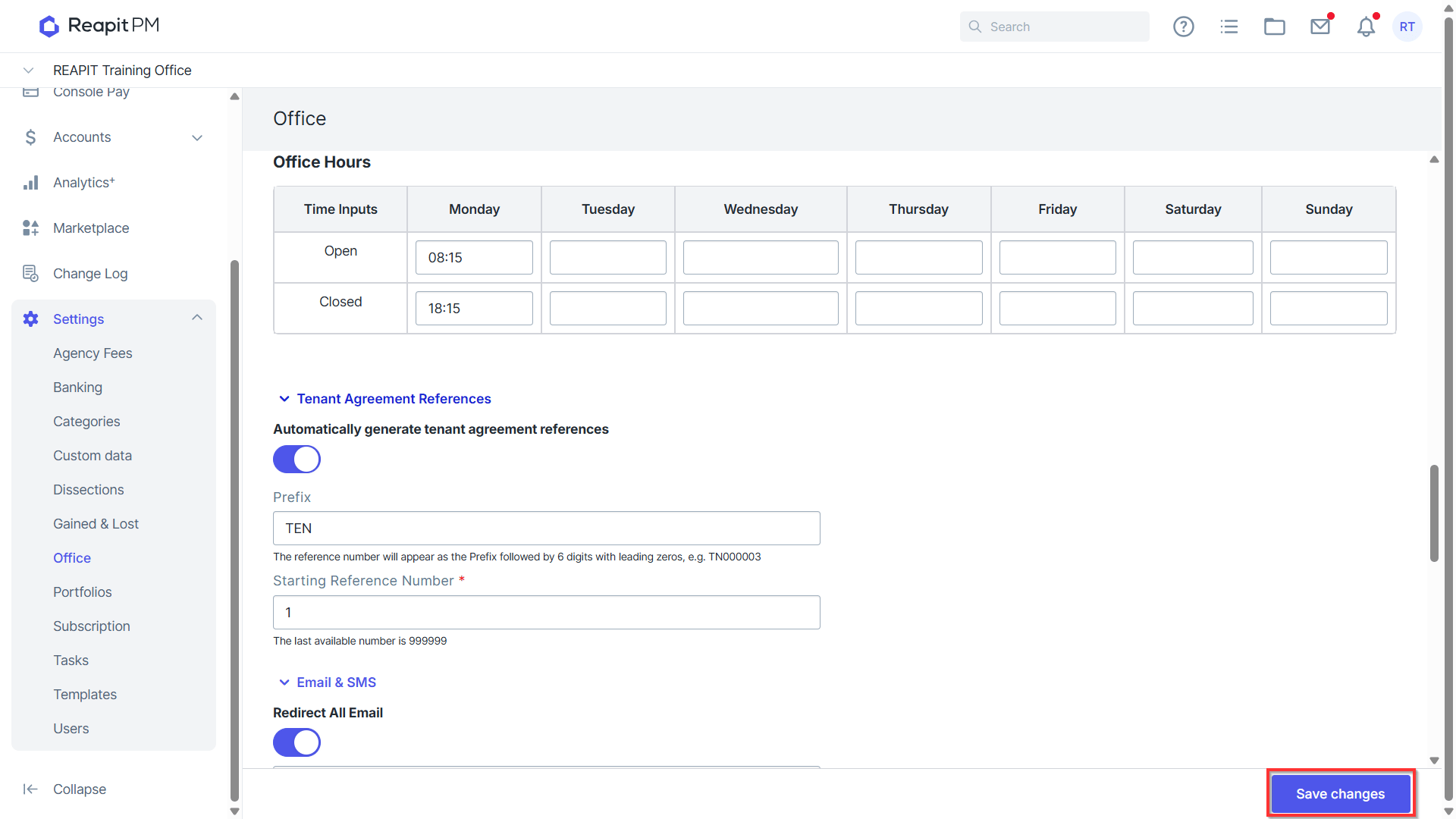
- The Office details have successfully updated when the green banner appears on the top right corner.
Samples of Automatically Generated References
Once this is set up, while creating a new tenant agreement, an automatically generated reference number will appear in the Agreement Reference field when a new tenant agreement is created. When saving an agreement, the system has measures in place to prevent duplicate references.
Examples of Generated references
Example 1
Prefix: TEN-
Starting Reference Number: 1
Generated references: TEN-000001, TEN-000002, TEN-000003, …
Example 2
Prefix: 996
Starting Reference Number: 1001
Generated references: 996001001, 996001002, 996001003, …
Example 3
Prefix: N/
Starting Reference Number: 544003
Generated references: N/544003, N/544004, N/544005, …