'%20d='M0%208a8%208%200%200%201%208-8h24a8%208%200%200%201%208%208v24a8%208%200%200%201-8%208H8a8%208%200%200%201-8-8V8Z'/%3e%3cpath%20fill='%23fff'%20d='M8.375%2013v14L20.5%2034l12.124-7v-7.737l-1.687-.975-2.806-1.62-1.082-.624v4.83l-.002%204.83H13.95V16.07l3.275-1.89%202.192-1.265%201.082-.625%203.275%201.877%202.192%201.256%201.083.62V9.782L20.5%206%208.376%2013Z'/%3e%3cdefs%3e%3clinearGradient%20id='reapit-pm__a'%20x1='20.702'%20x2='20.702'%20y1='.351'%20y2='31.228'%20gradientUnits='userSpaceOnUse'%3e%3cstop%20stop-color='%235573FD'/%3e%3cstop%20offset='.575'%20stop-color='%234E56EA'/%3e%3c/linearGradient%3e%3c/defs%3e%3c/svg%3e)
Owner Statements & Set Up
This article will explain how owner statements work and how to set them up in Reapit PM. The processes in this article include: Statement Version Resources and Settings Viewing and Resending Owner Statements Setting up Owner Statements Owner Statements Versions
Overview
Owner Statements & Set Up
This article will explain how owner statements work and how to set them up in Reapit PM.
Owner statements in Reapit PM have been specifically designed for your property owners and show how much money is earnt and how much money is spent for their investment. They provide the owner full visibility of how their investment is performing financially.
The processes in this article include:
- Statement Version Resources and Settings
- Viewing and Resending Owner Statements
- Setting up Owner Statements
- Owner Statements Versions
Statements Version Resources and Settings
For more information on: Statement version 1 formatting: Click hereto view Knowledge Base Article Statement version 2 formatting: Click here to view Knowledge Base Article For a complete run down on each of the statement settings available under banking, please see - Reapit PM Banking Settings
Viewing and Resending Owner Statements
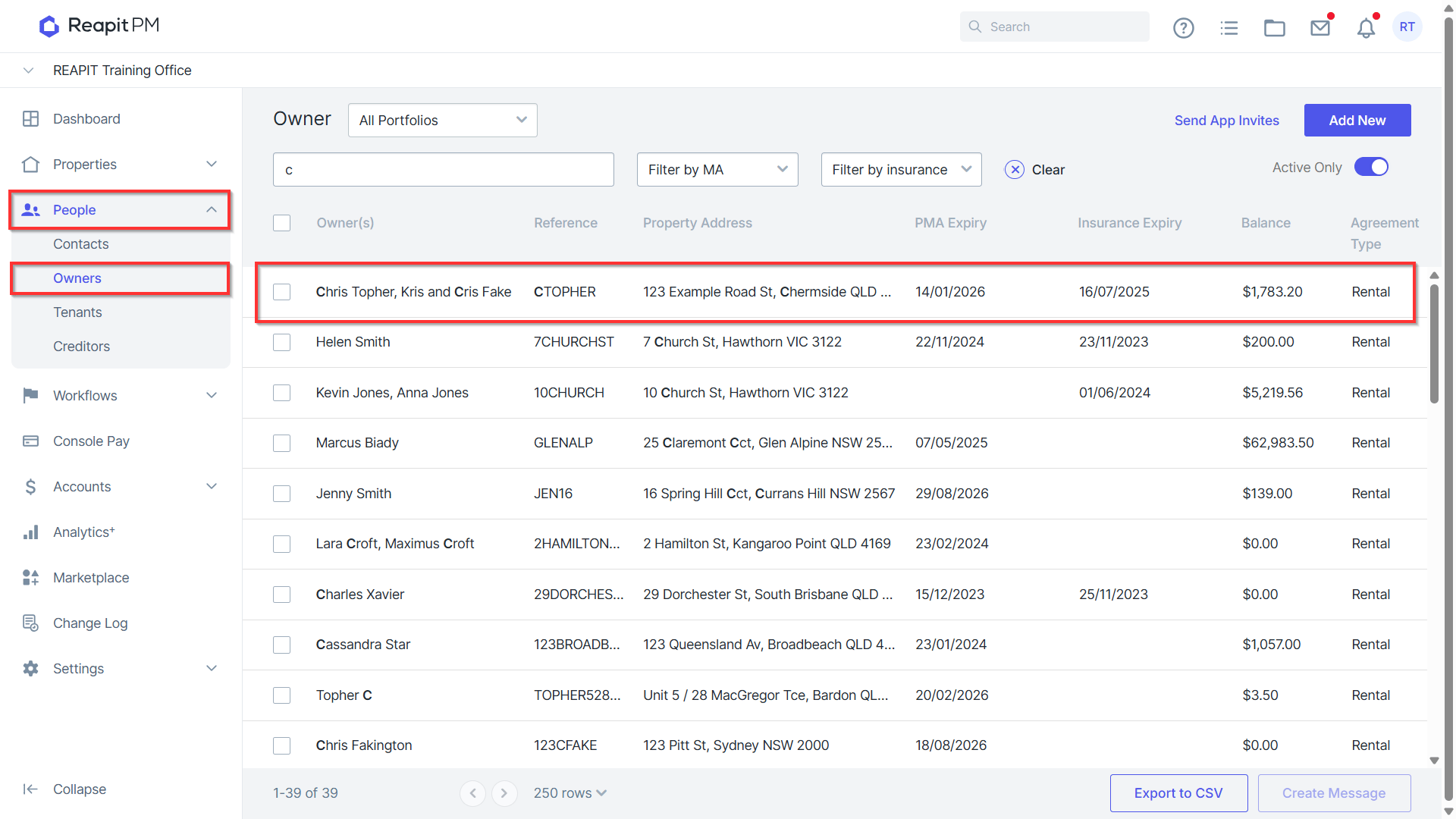
- Navigate to People > Owners.
- Search or select for your owner.
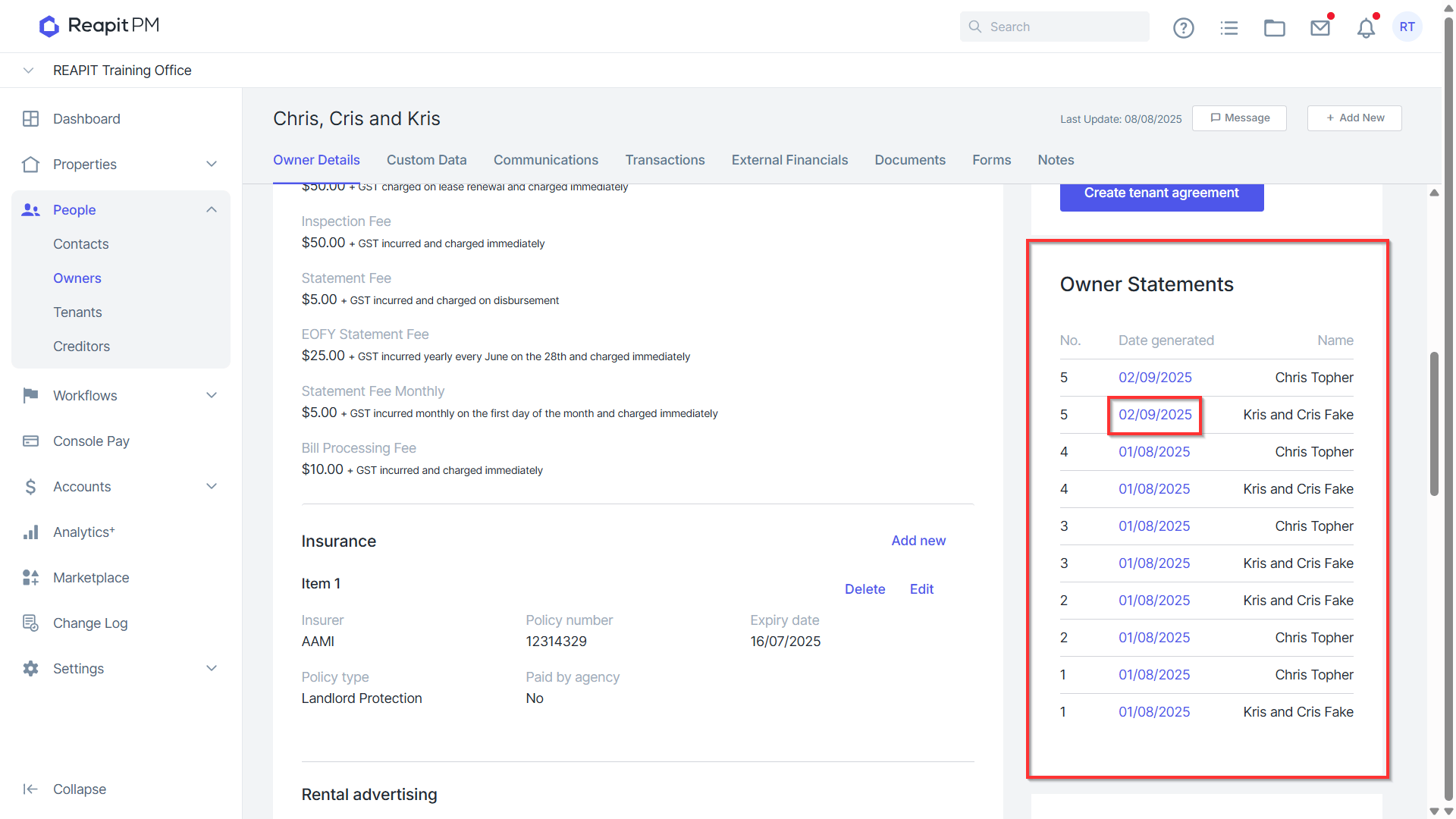
- Navigate to the Owner Statements section and click on the date to download the document. A PDF Copy of your statement will open. You can print or email this to your owner.
Setting up Owner Statements
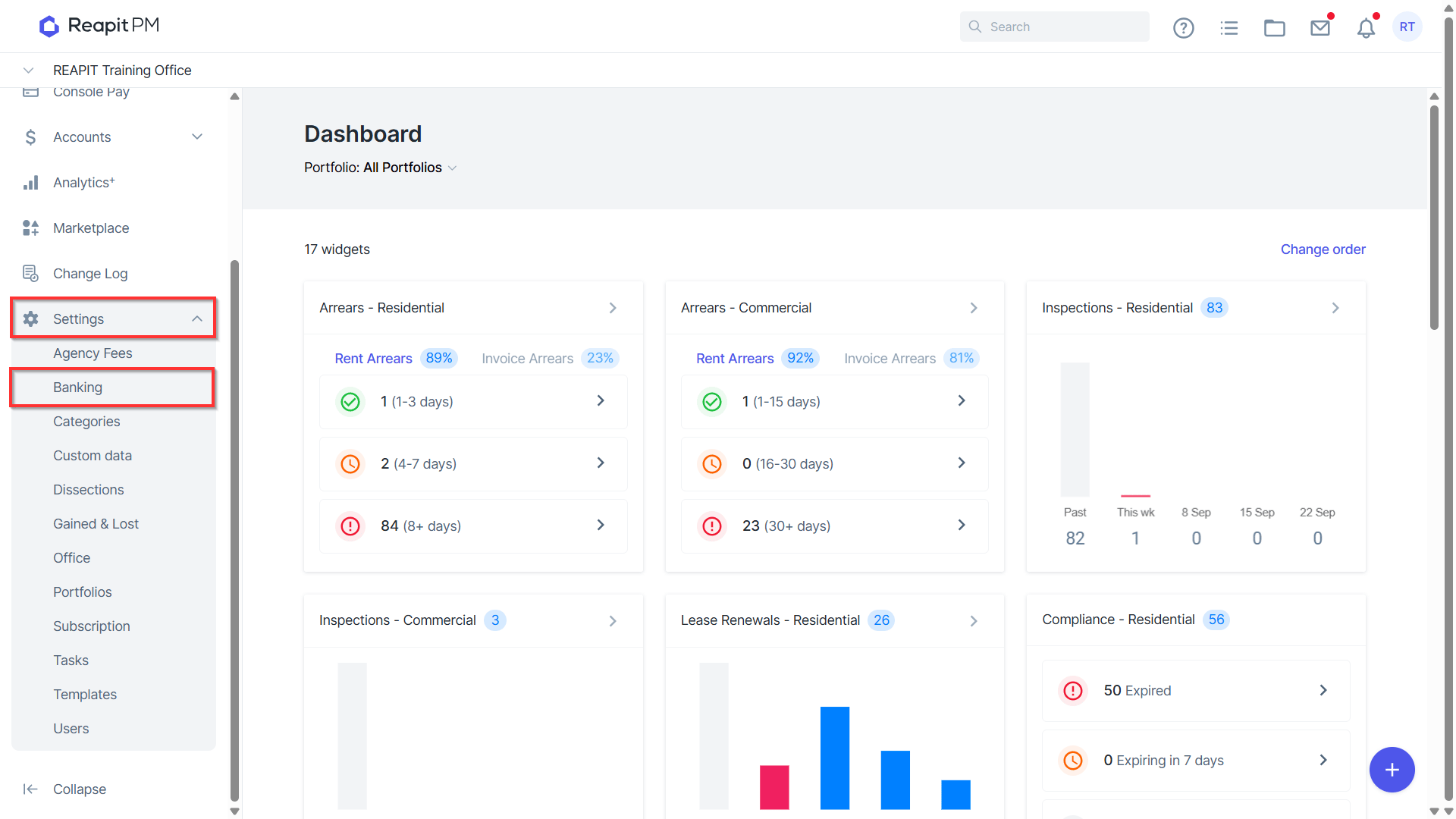
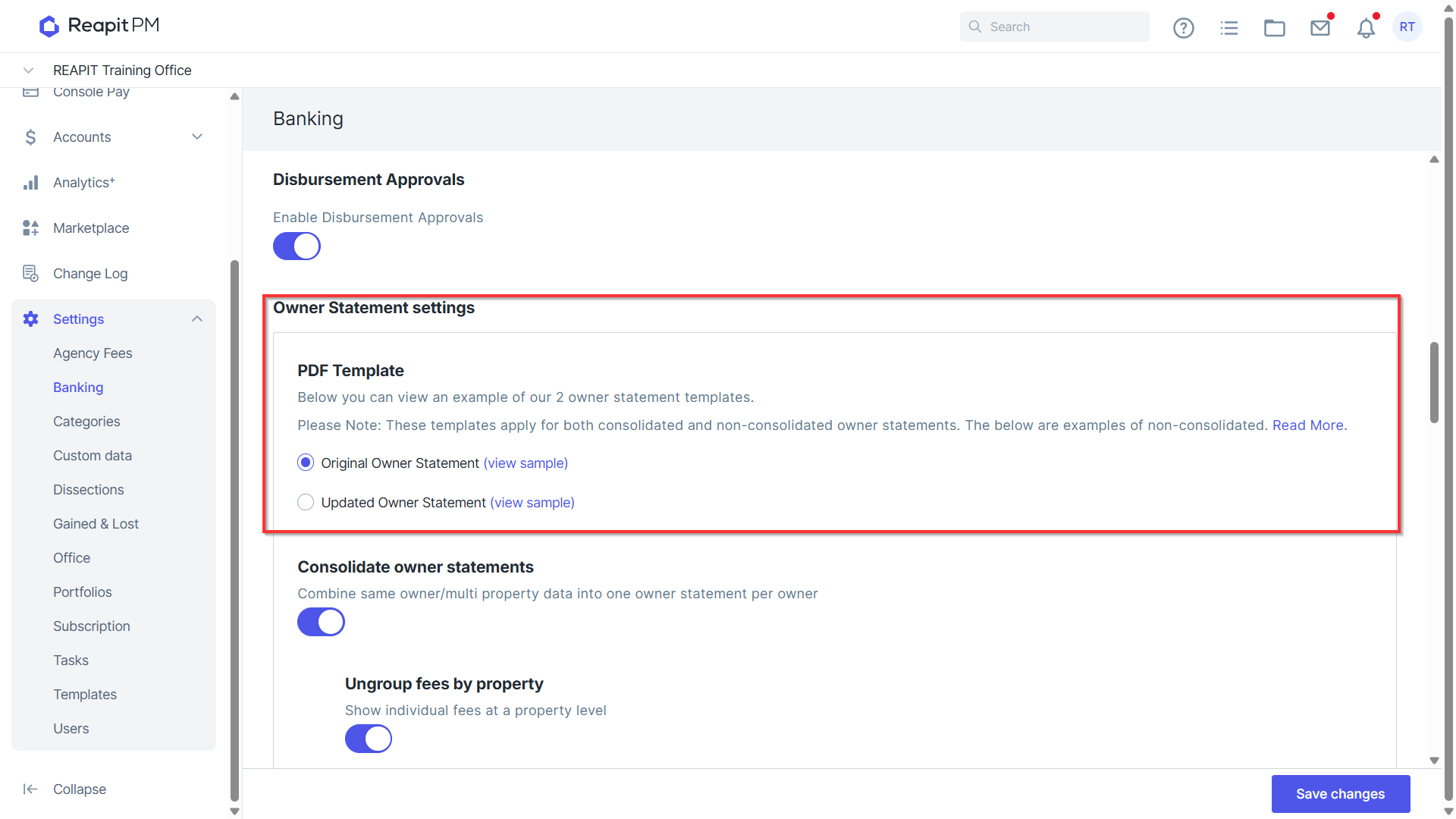
- Navigate to Settings > Banking.