'%20d='M0%208a8%208%200%200%201%208-8h24a8%208%200%200%201%208%208v24a8%208%200%200%201-8%208H8a8%208%200%200%201-8-8V8Z'/%3e%3cpath%20fill='%23fff'%20d='M8.375%2013v14L20.5%2034l12.124-7v-7.737l-1.687-.975-2.806-1.62-1.082-.624v4.83l-.002%204.83H13.95V16.07l3.275-1.89%202.192-1.265%201.082-.625%203.275%201.877%202.192%201.256%201.083.62V9.782L20.5%206%208.376%2013Z'/%3e%3cdefs%3e%3clinearGradient%20id='reapit-pm__a'%20x1='20.702'%20x2='20.702'%20y1='.351'%20y2='31.228'%20gradientUnits='userSpaceOnUse'%3e%3cstop%20stop-color='%235573FD'/%3e%3cstop%20offset='.575'%20stop-color='%234E56EA'/%3e%3c/linearGradient%3e%3c/defs%3e%3c/svg%3e)
Using the Reapit App Switcher
This article will guide you through using the App Switcher in Reapit PM.
The App Switcher is a central navigation tool within Reapit modules that allows you to move easily between modules you use without needing to login separately to each module. It also gives you the option to explore other Reapit modules you aren't using, and request more information on them.
The following guide details the steps required to access and use the App Switcher in Reapit PM. These steps are generally consistent with those used in other Reapit modules.
The processes in this article include:
- Using the App Switcher
- App Switcher Frequently Asked Questions
Using the App Switcher
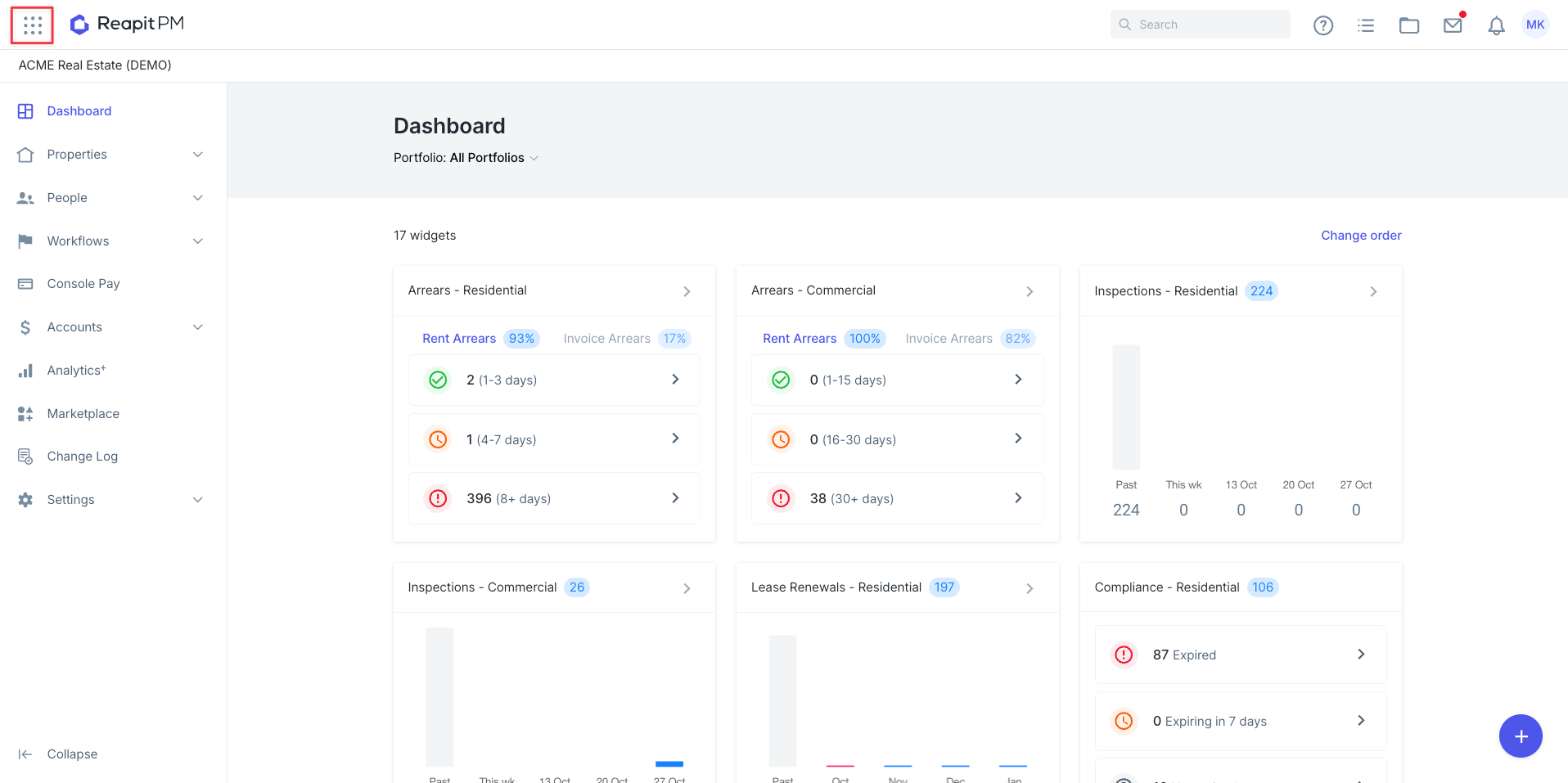
While signed in to a Reapit module, navigate and click on the App Switcher grid located on the top left of the page.
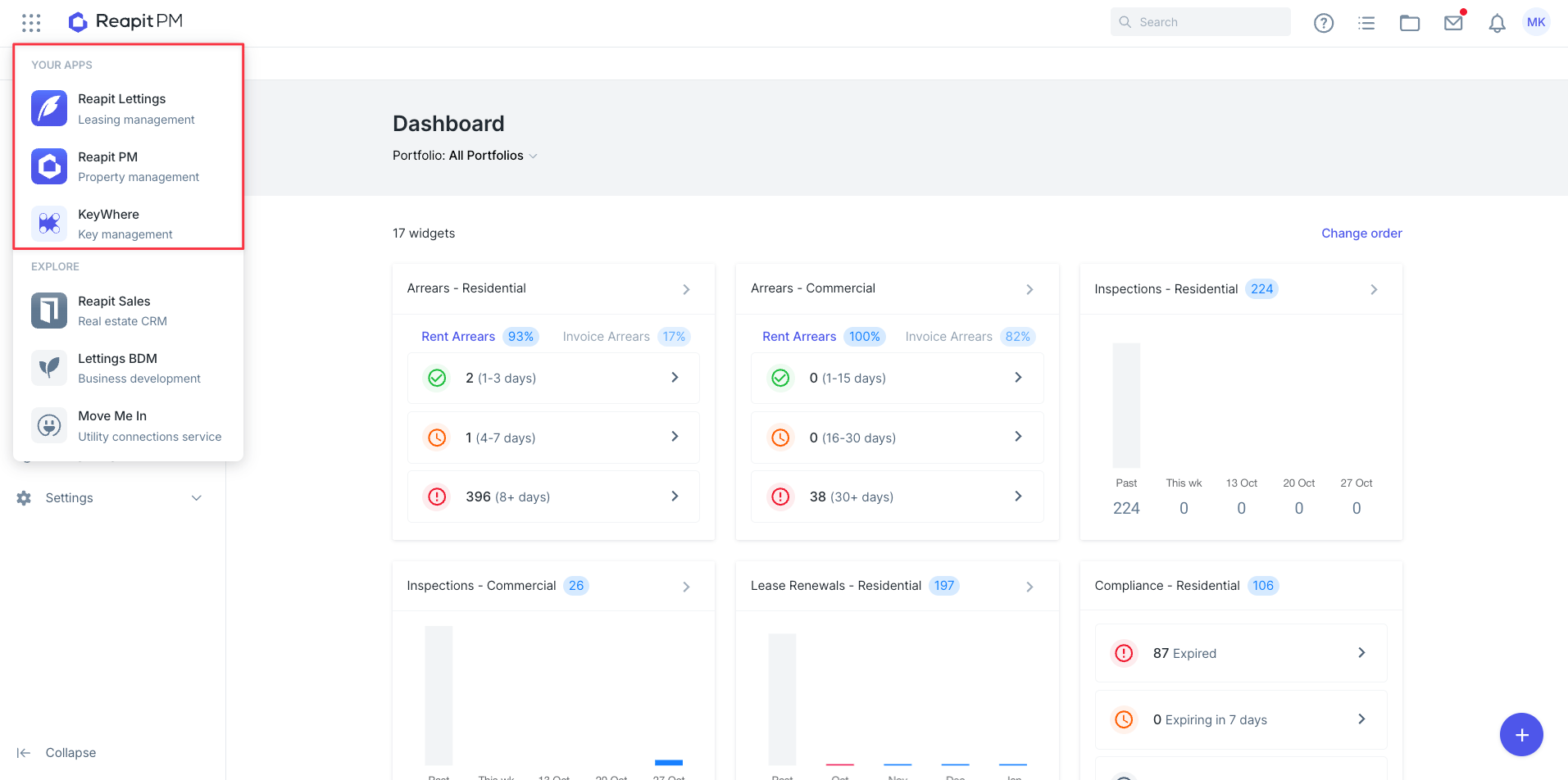
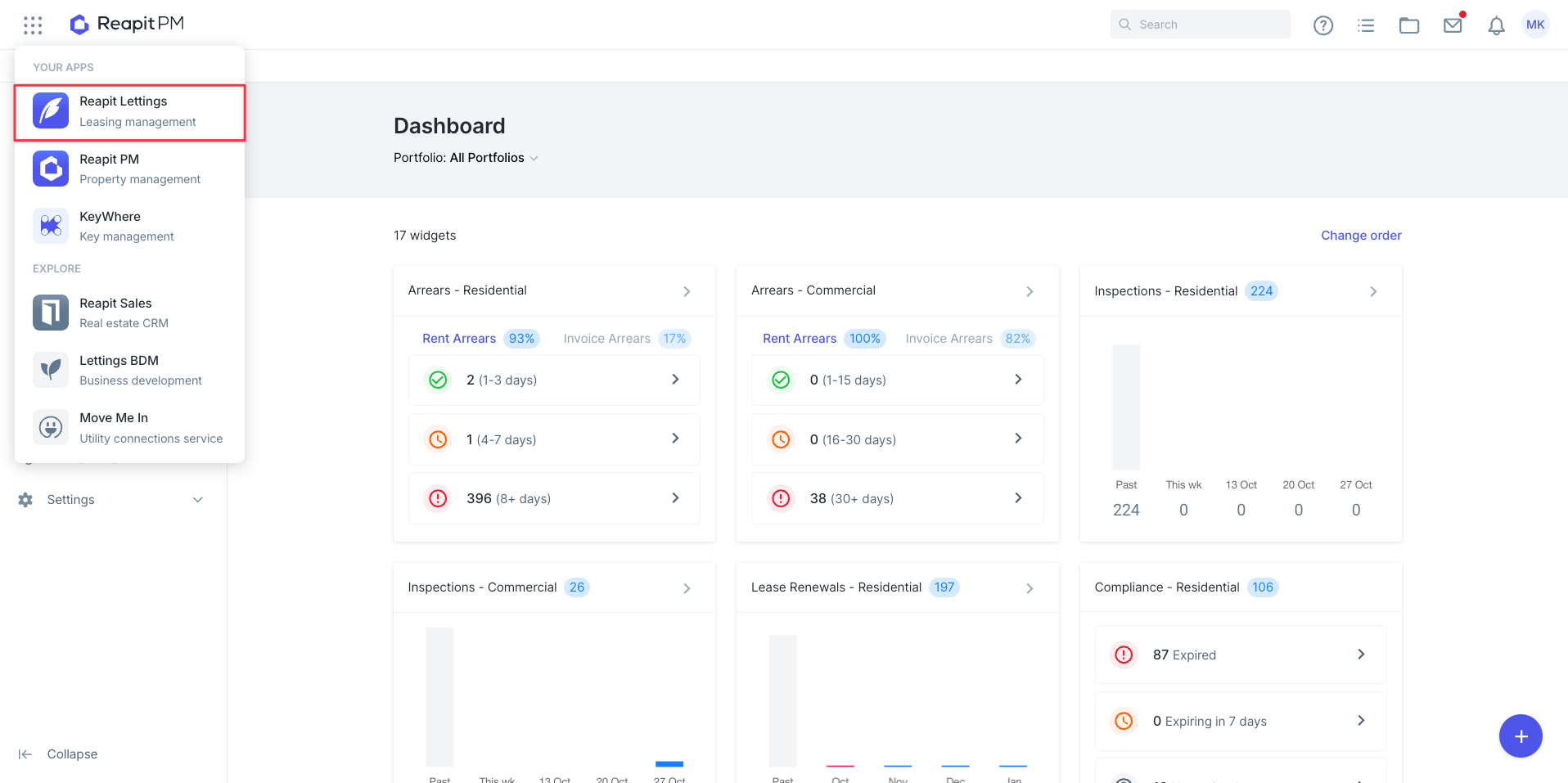
The App Switcher will show a list of Apps you are currently connected to with your Reapit Connect account.
Clicking on a module located under your apps will open this module in a new window, while keeping the original tab open.
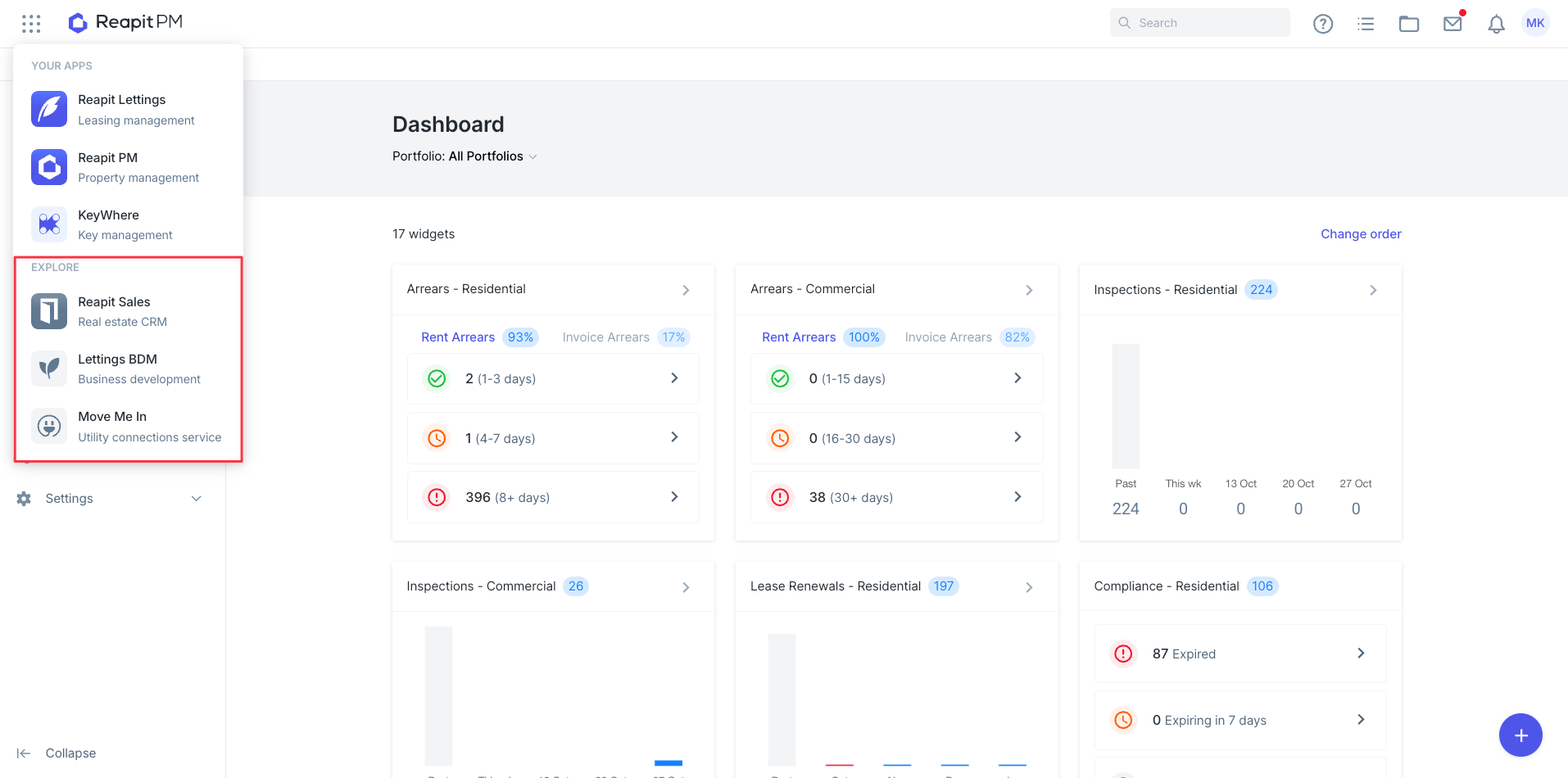
When a module is selected from the Explore section, a new tab will launch the module’s landing page, which includes an overview of its benefits and a short form to request further information.
The App Switcher will house the following Reapit modules:
- Reapit PM
- Reapit Sales
- Reapit Lettings
- Lettings BDM
- KeyWhere
- Move Me In
App Switcher Frequently Asked Questions
Q: What is the App Switcher?
A: A simple in-module menu that lets you move between Reapit apps (PM, Lettings, Sales, Lettings BDM, MMI, etc.) with one click. No extra logins and no new tabs.
Q: Where do I find it?
A: In the top navigation bar of supported Reapit modules. Look for the app grid icon in the very top left.
Q: Do I need a separate login to access modules on the Switcher?
A: No. The App Switcher uses your existing Reapit Connect credentials and session across supported modules.
Q: Will I see apps I don’t have a subscription for?
A: Yes. You’ll see your current modules, plus options to explore others. Clicking an app you don’t have opens a short landing page with benefits and a quick “tell me more” form.
Q: Who receives my form submission?
A: Our Account Management team.
Q: Can I switch back to where I was? A: Yes. Your previous system remains open, while the next is opened in a new tab; switching is immediate.
Q: Why can't I see Reapit Websites on the App Switcher?
A: Reapit Websites has it's own unique backend URL, so it isn't accessible through the App Switcher. You'll need to continue logging in and accessing your Reapit Website the same way you always have.
Q: I have a separate login for the two different Reapit modules I have access to. Will the App Switcher let me switch between them?
A: No. The App Switcher works with our single sign-on (SSO) feature. It only displays modules that are linked to the same set of SSO credentials. If you use separate logins, you’ll only see the modules connected to the account you’re signed in with.