'%20d='M0%208a8%208%200%200%201%208-8h24a8%208%200%200%201%208%208v24a8%208%200%200%201-8%208H8a8%208%200%200%201-8-8V8Z'/%3e%3cpath%20fill='%23fff'%20d='M8.375%2013v14L20.5%2034l12.124-7v-7.737l-1.687-.975-2.806-1.62-1.082-.624v4.83l-.002%204.83H13.95V16.07l3.275-1.89%202.192-1.265%201.082-.625%203.275%201.877%202.192%201.256%201.083.62V9.782L20.5%206%208.376%2013Z'/%3e%3cdefs%3e%3clinearGradient%20id='reapit-pm__a'%20x1='20.702'%20x2='20.702'%20y1='.351'%20y2='31.228'%20gradientUnits='userSpaceOnUse'%3e%3cstop%20stop-color='%235573FD'/%3e%3cstop%20offset='.575'%20stop-color='%234E56EA'/%3e%3c/linearGradient%3e%3c/defs%3e%3c/svg%3e)
Sending Bulk Communication
Emails and SMS can be sent in bulk via a Property, Contact, Owner, Tenant or Creditor list
Overview
Sending Bulk Communications
Emails and SMS can be sent in bulk via a Property, Contact, Owner, Tenant or Creditor list.
The process in this article include:
- Sending Bulk Communications
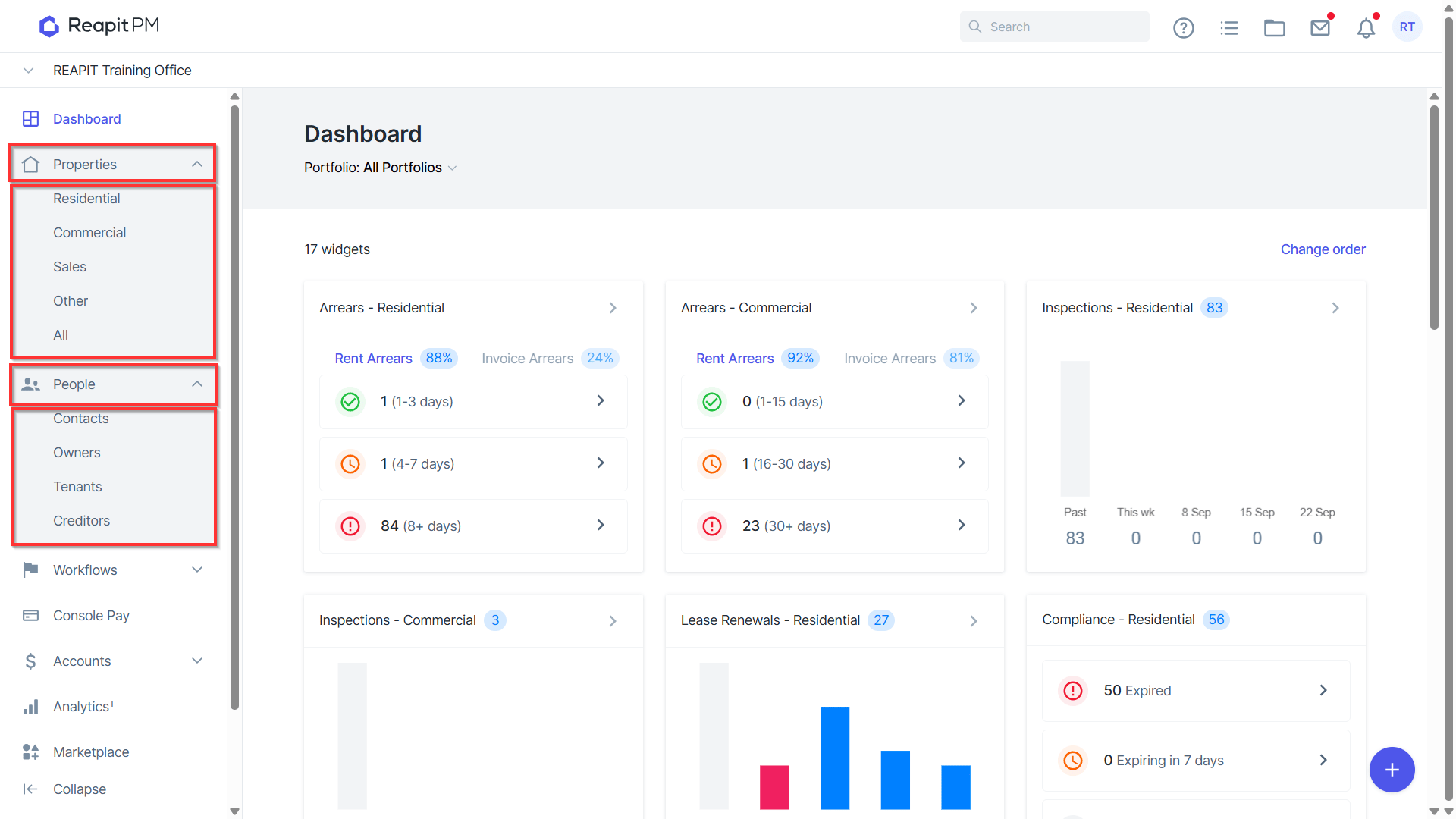
- Navigate to People and then to the relevant contact group. Or navigate to Property and select the relevant property group.
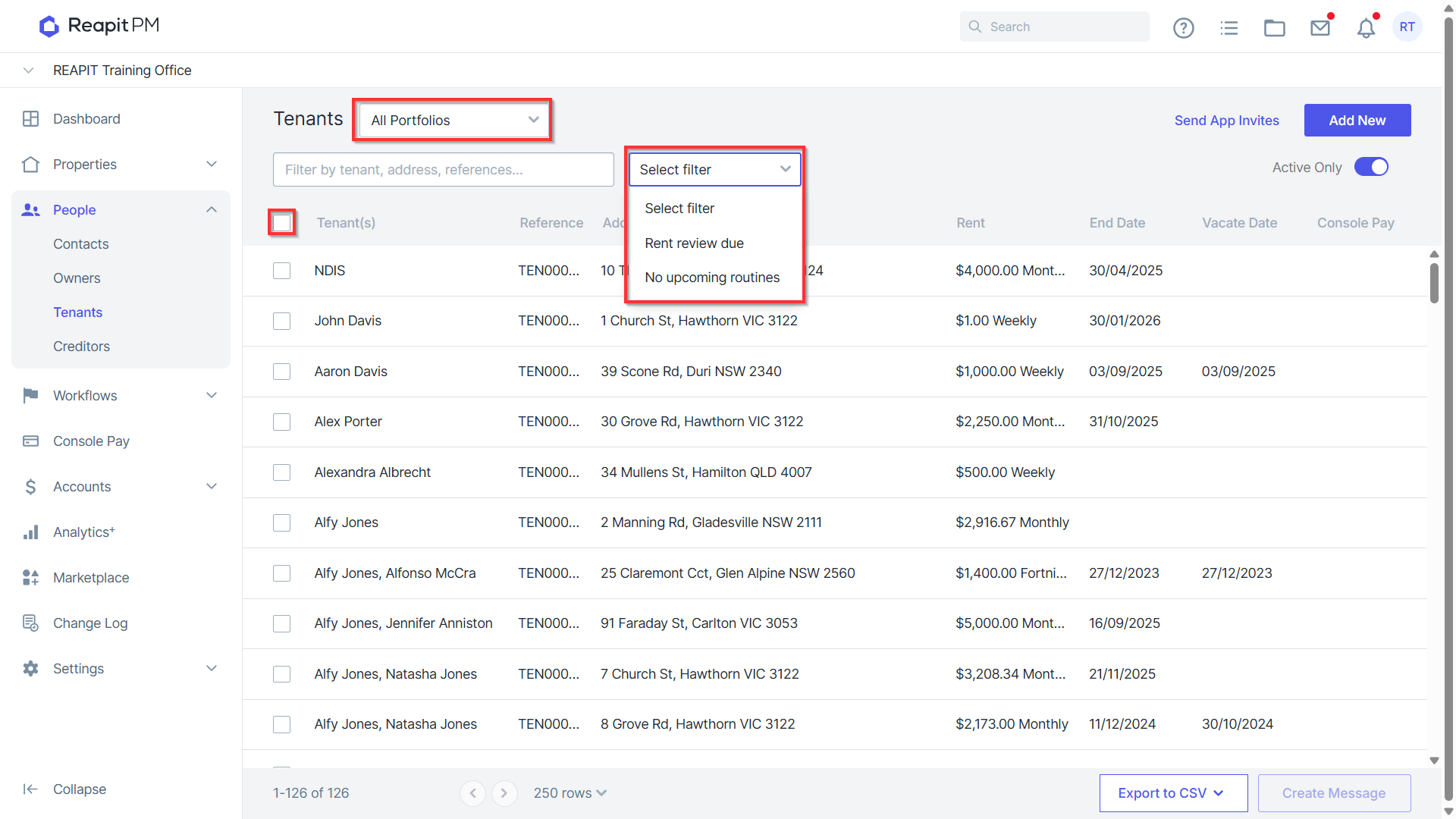
- Apply any filters as applicable and tick the checkbox to bulk select the send group.
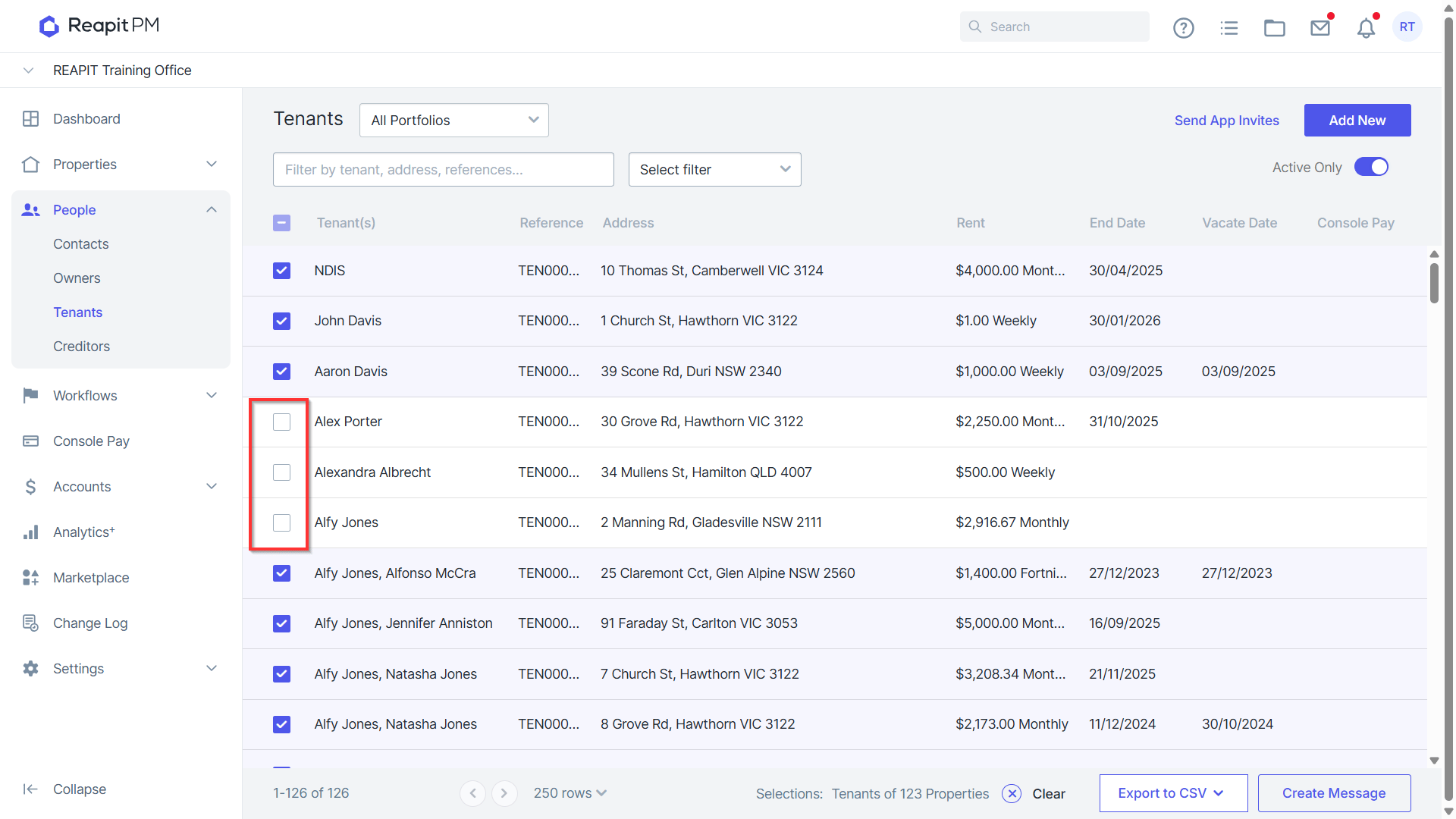
Individual contacts can be removed by selecting the checkbox next to the contact or property.
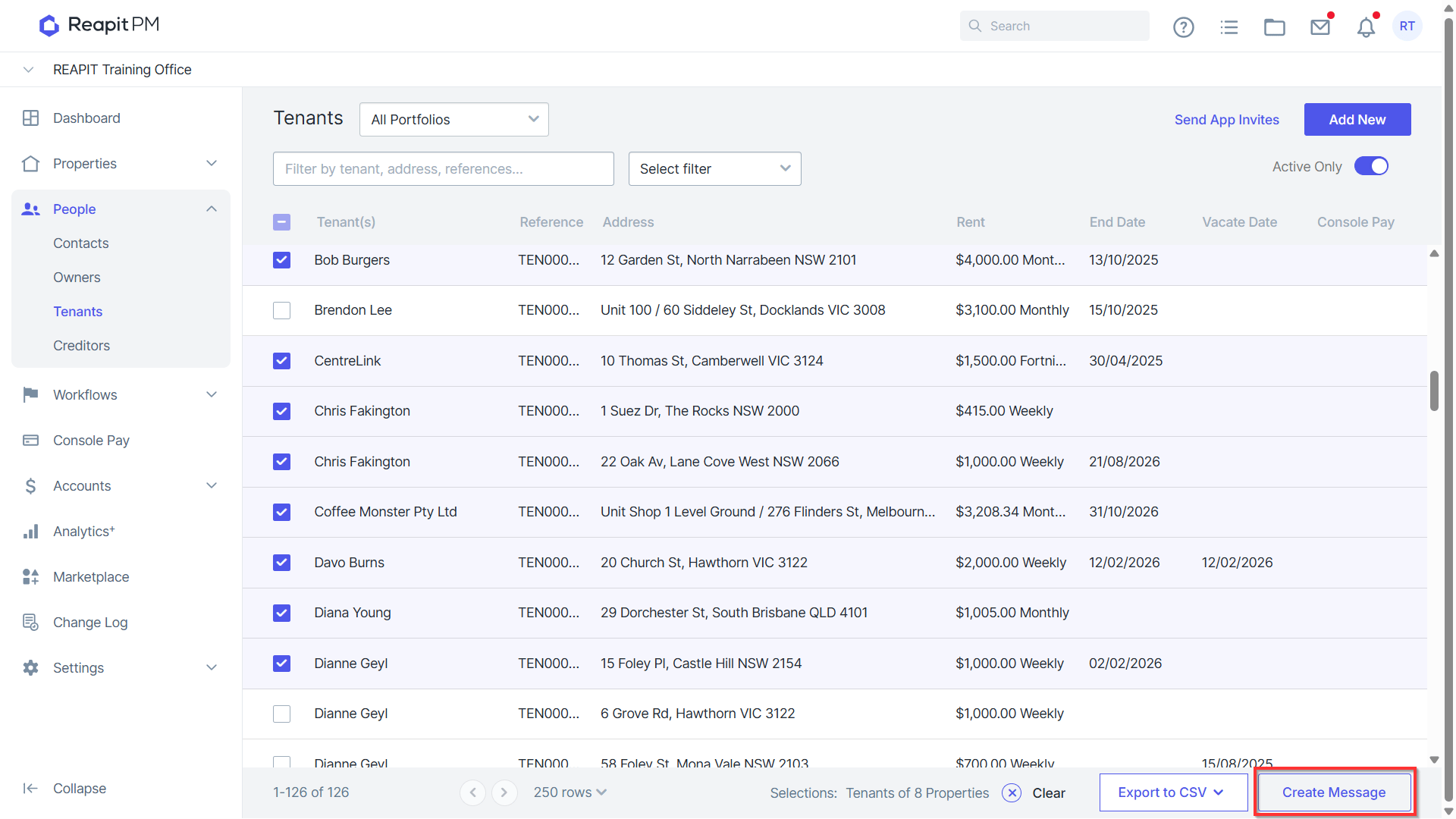
Click Create Message.
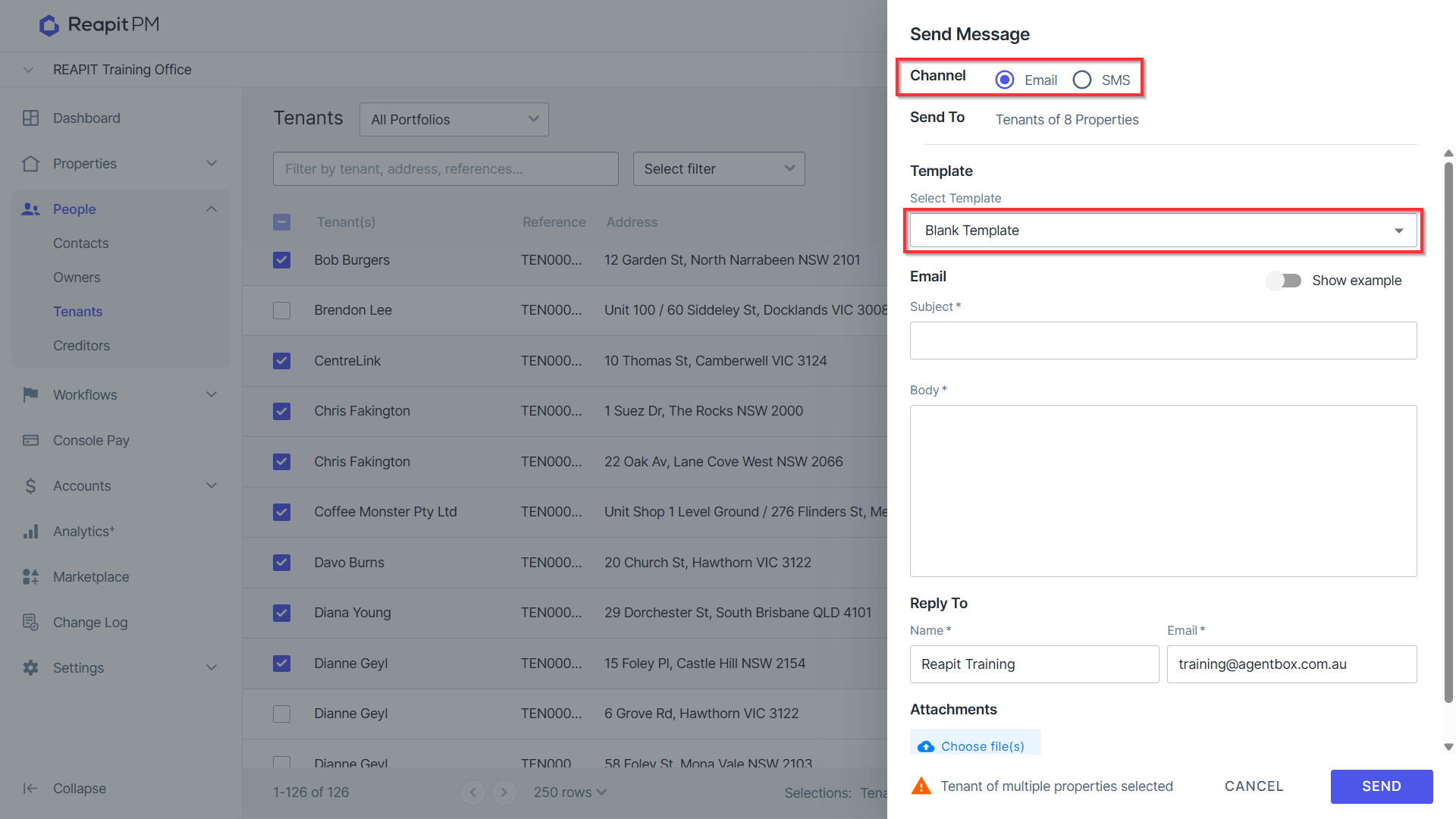
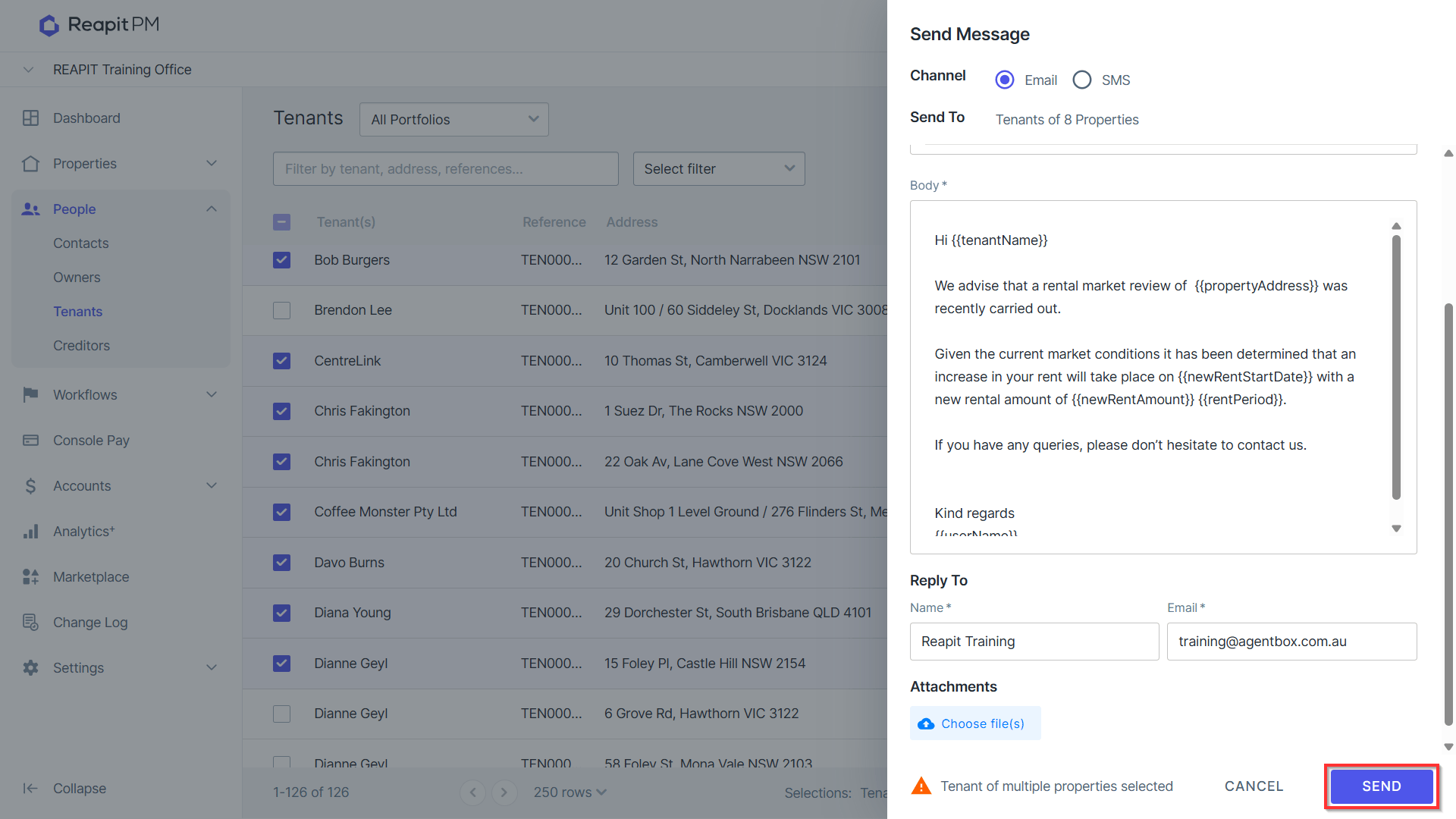
Select the Message Channel and Template.
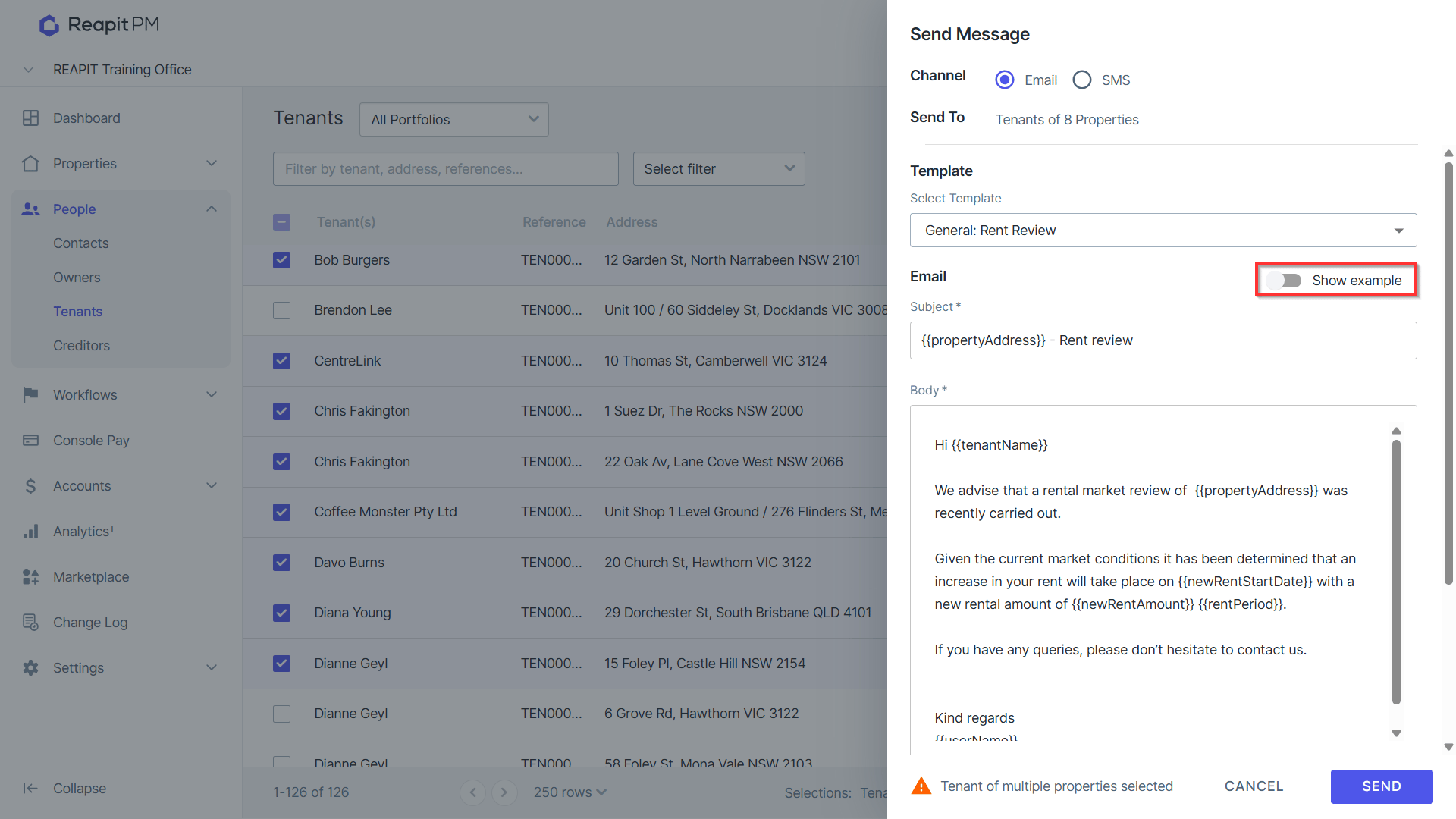
- Show example to preview the Template without merge fields.
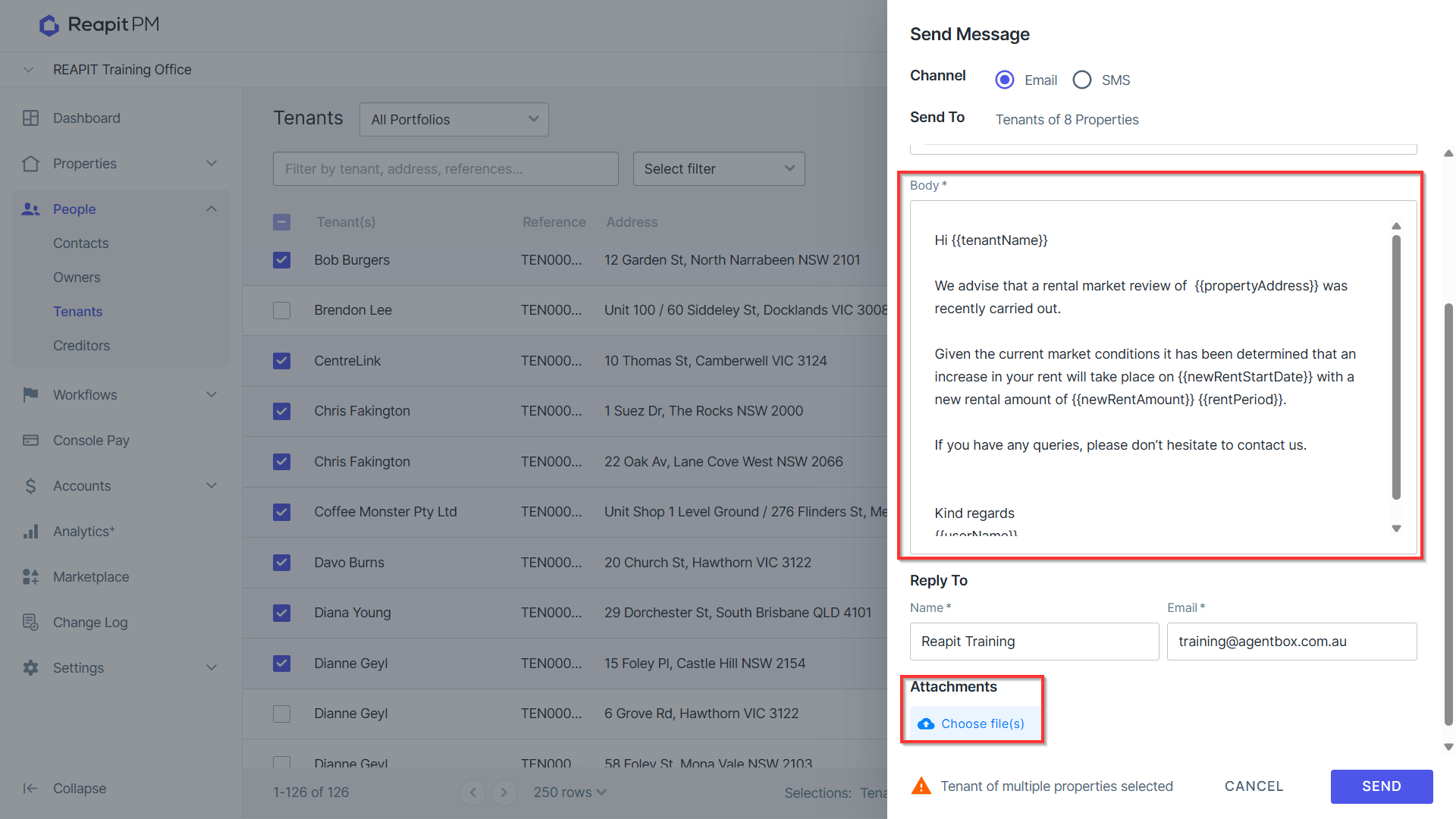
- Additional content and attachments can be added to the template prior to sending.
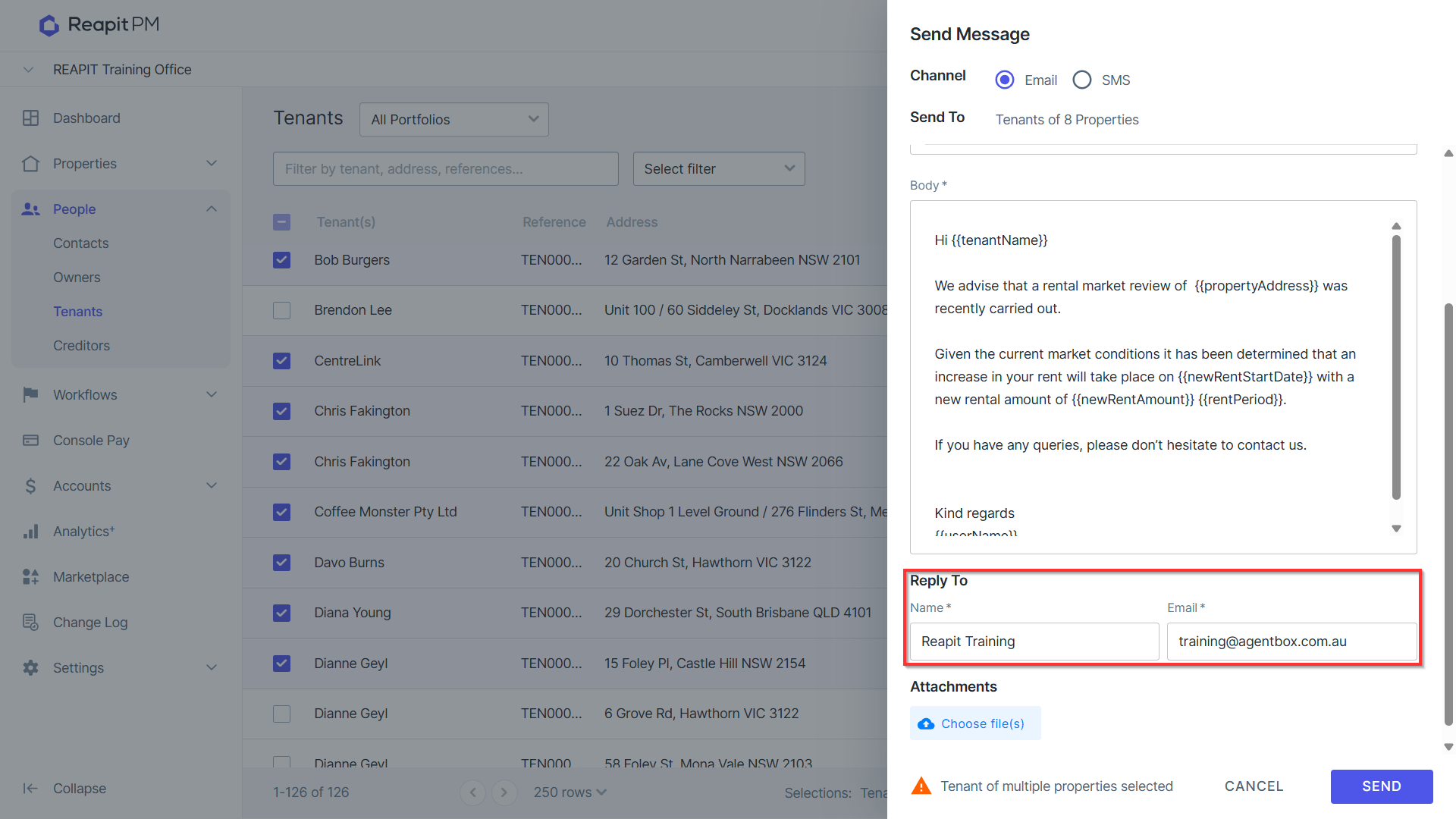
- Update Reply To if required.
- Click Send. Note it will advise if any contacts will not receive the communication.
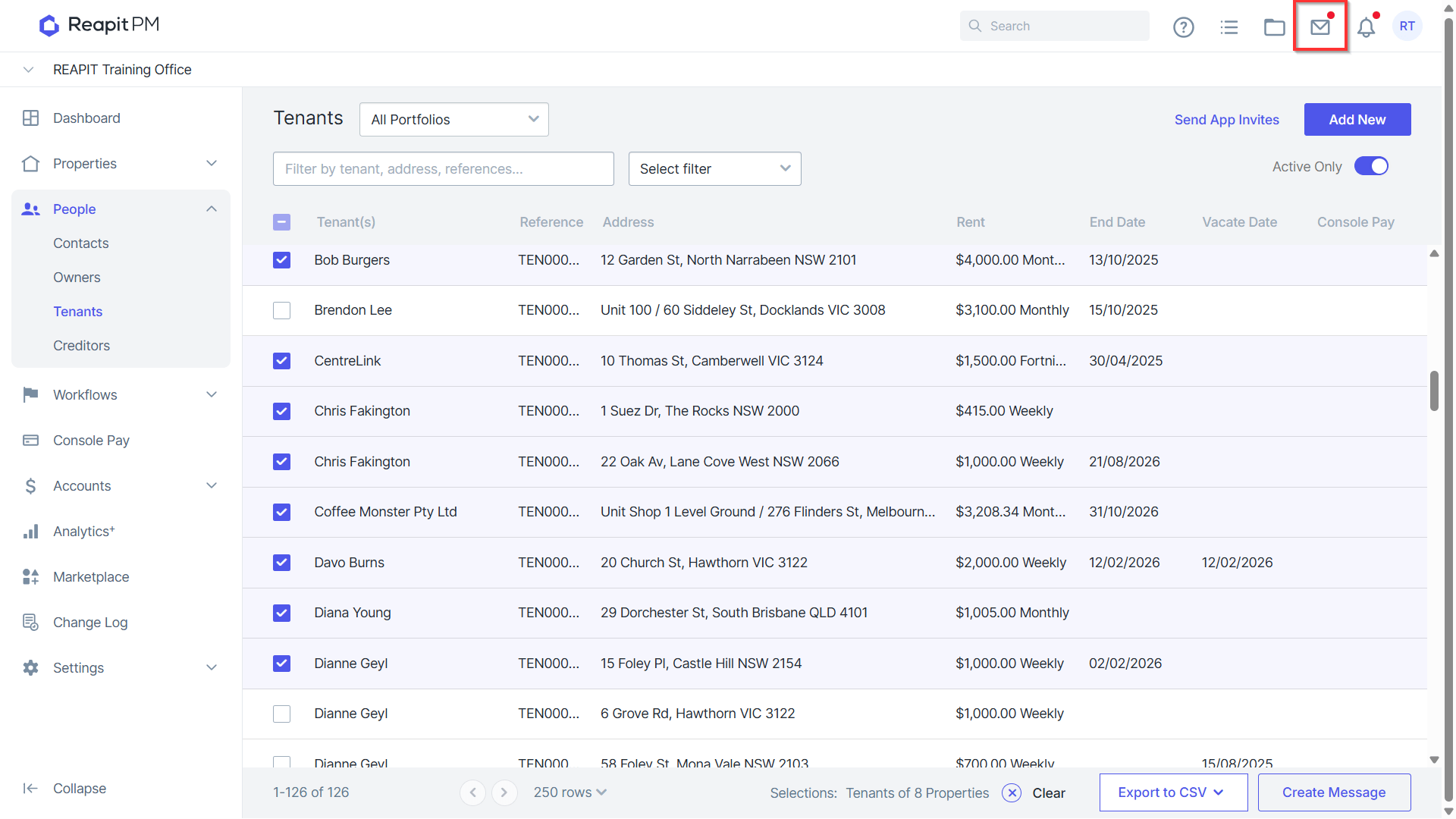
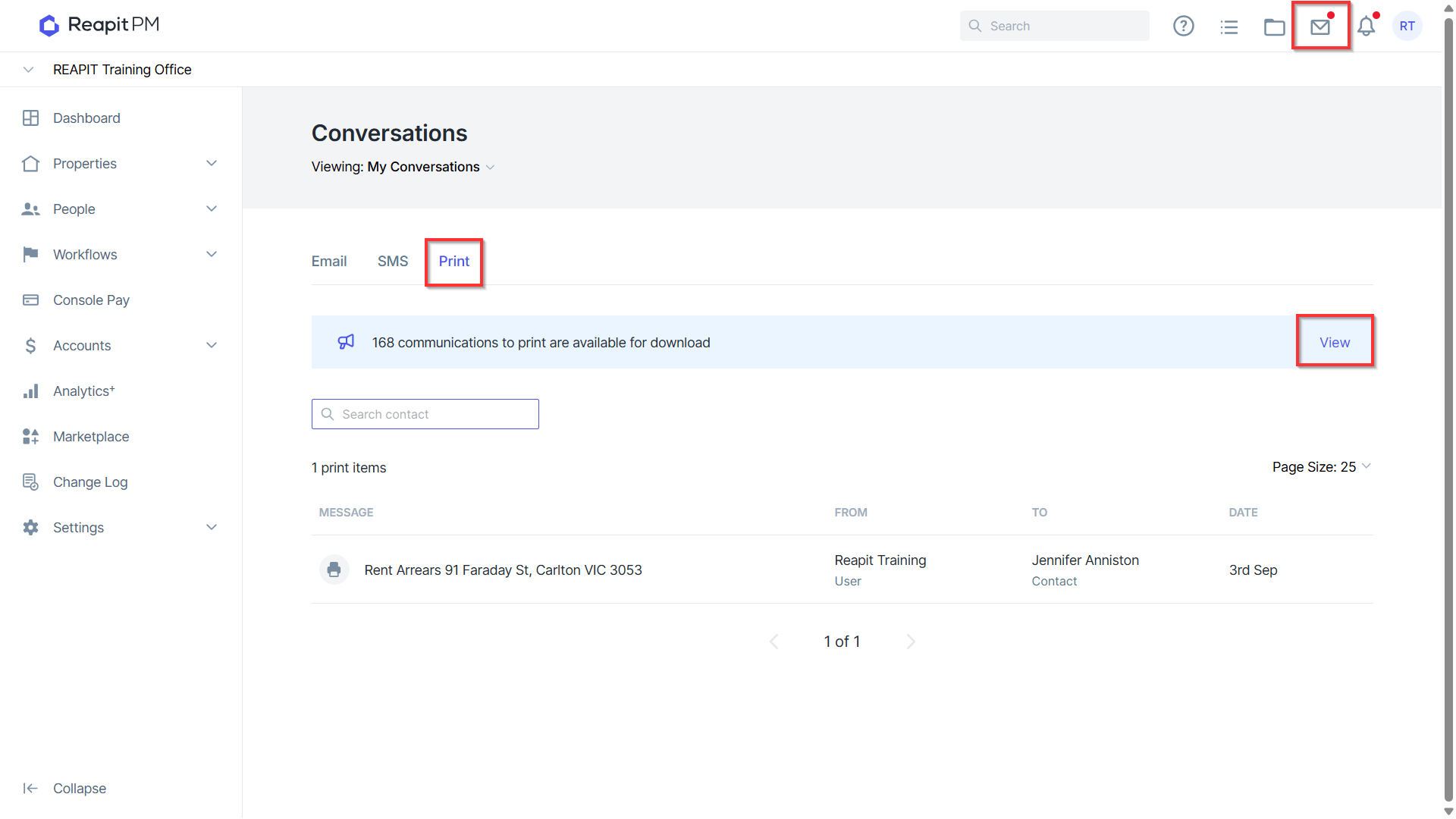
- Print documents will be generated and can be accessed for download in the communications page. Click on the notification to access.
- Click on Click here to view and download.
Please note: When sending general communications to clients, such as holiday greetings or newsletters, sending them through the "Owners" group may result in some clients with multiple properties receiving multiple emails. In this case, a good workaround is to send general communications through the "Contacts" tab and filter to show only owners.
If your owner contacts are set up to receive individual statements (due to consolidated statements being enabled), some communications may still be sent to the same email address multiple times. To avoid this, consider reviewing your owner contacts and filtering out any multi-owner contacts before sending bulk communications to prevent duplicate emails.