'%20d='M0%208a8%208%200%200%201%208-8h24a8%208%200%200%201%208%208v24a8%208%200%200%201-8%208H8a8%208%200%200%201-8-8V8Z'/%3e%3cpath%20fill='%23fff'%20d='M8.375%2013v14L20.5%2034l12.124-7v-7.737l-1.687-.975-2.806-1.62-1.082-.624v4.83l-.002%204.83H13.95V16.07l3.275-1.89%202.192-1.265%201.082-.625%203.275%201.877%202.192%201.256%201.083.62V9.782L20.5%206%208.376%2013Z'/%3e%3cdefs%3e%3clinearGradient%20id='reapit-pm__a'%20x1='20.702'%20x2='20.702'%20y1='.351'%20y2='31.228'%20gradientUnits='userSpaceOnUse'%3e%3cstop%20stop-color='%235573FD'/%3e%3cstop%20offset='.575'%20stop-color='%234E56EA'/%3e%3c/linearGradient%3e%3c/defs%3e%3c/svg%3e)
Tasks on Reapit PM (Mobile)
This article will guide you through how to create and manage tasks with the Reapit PM (mobile) app. The process in this article include: Create a Task Filtering Tasks Edit or Delete Tasks
This article will guide you through how to create and manage tasks with the Reapit PM (mobile) app.
The process in this article include:
- Create a Task
- Filtering Tasks
- Edit or Delete Tasks
Create a Task
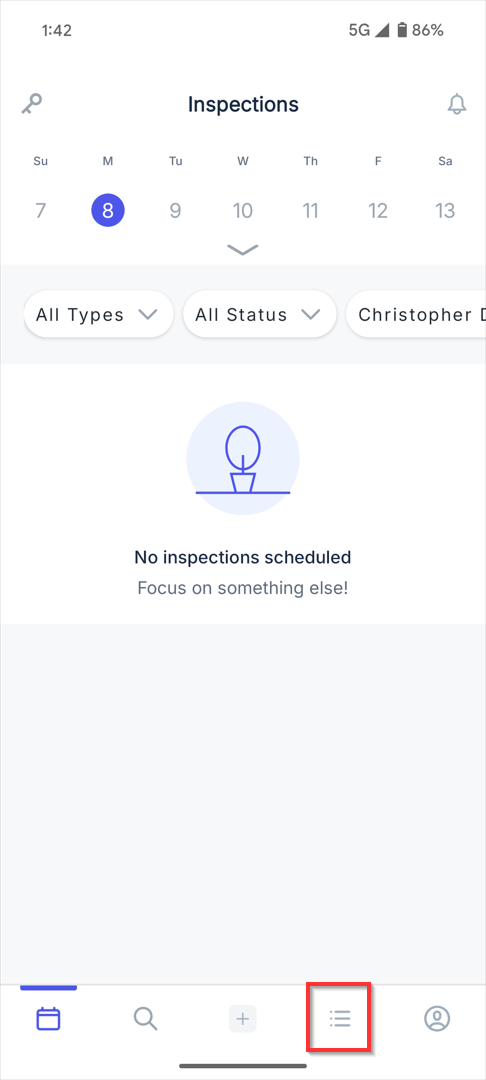
1. Navigate to the Task icon at the bottom of the screen..
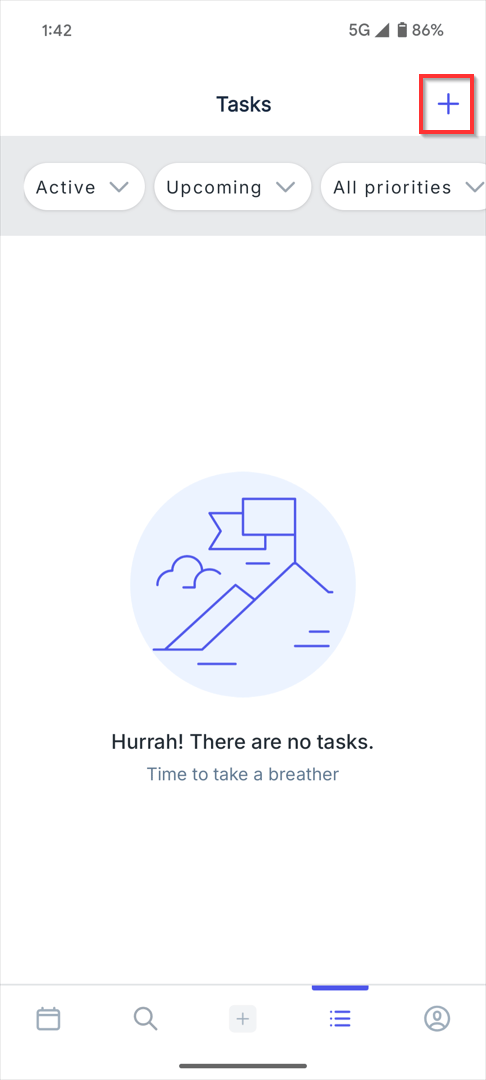
2. Click on the Quick Add icon.
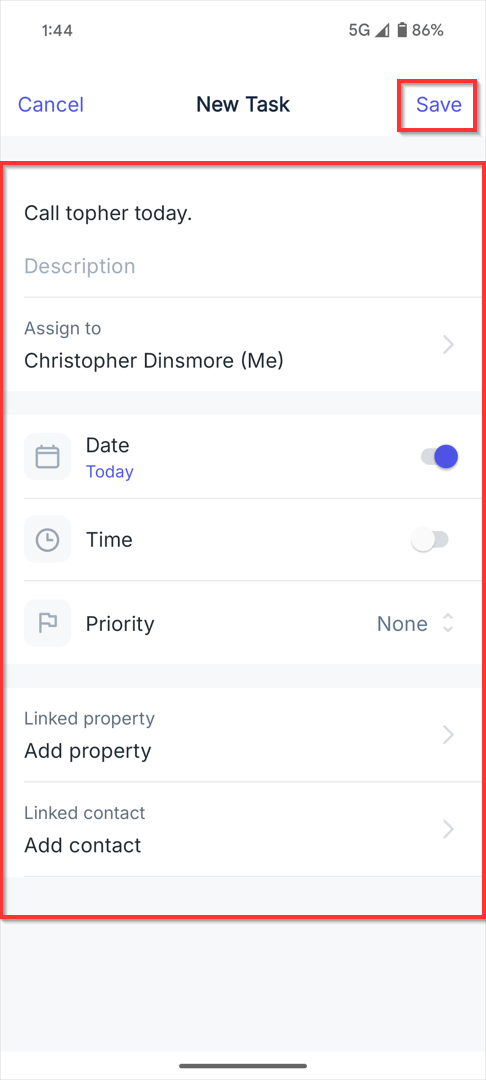
3. Type a Subject and Description. Select the Assignee. Enter a Date, Time and Priority. Choose the Linked Property and Contact. Click Save.
Filtering Tasks
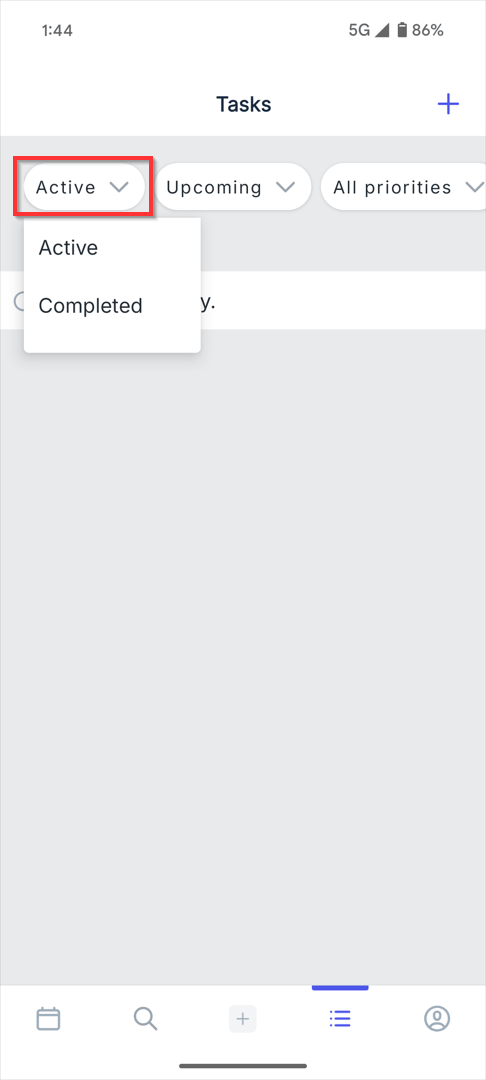
1. To filter by status, click the Active drop down. Change to Completed.
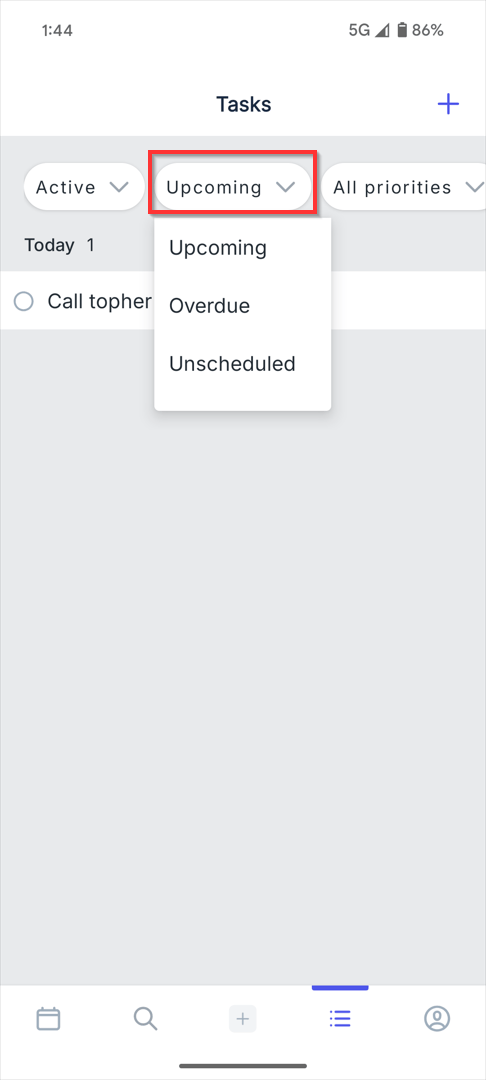
2. To filter by due date, click the Upcoming drop down. Change to Overdue or Unscheduled.
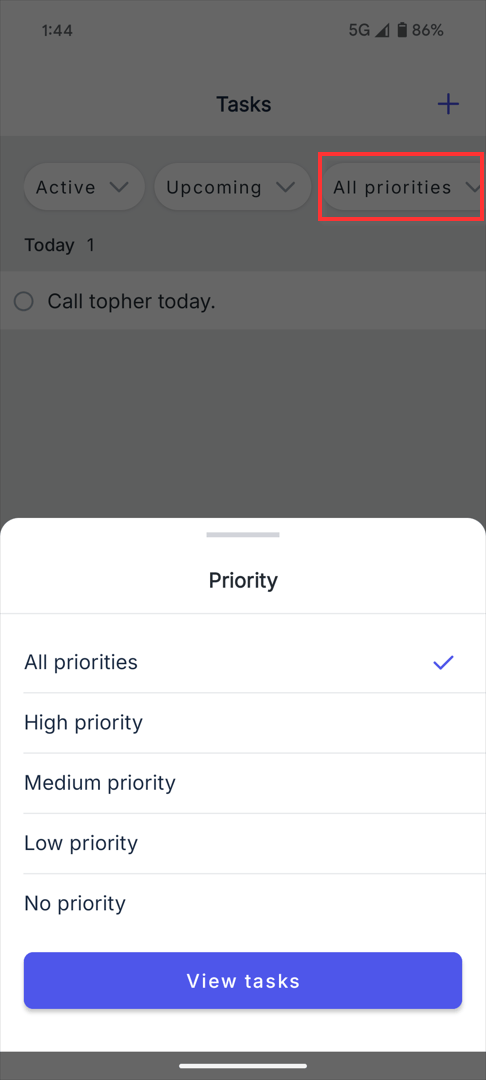
3. To filter by Priority, click the All Priorities drop down.
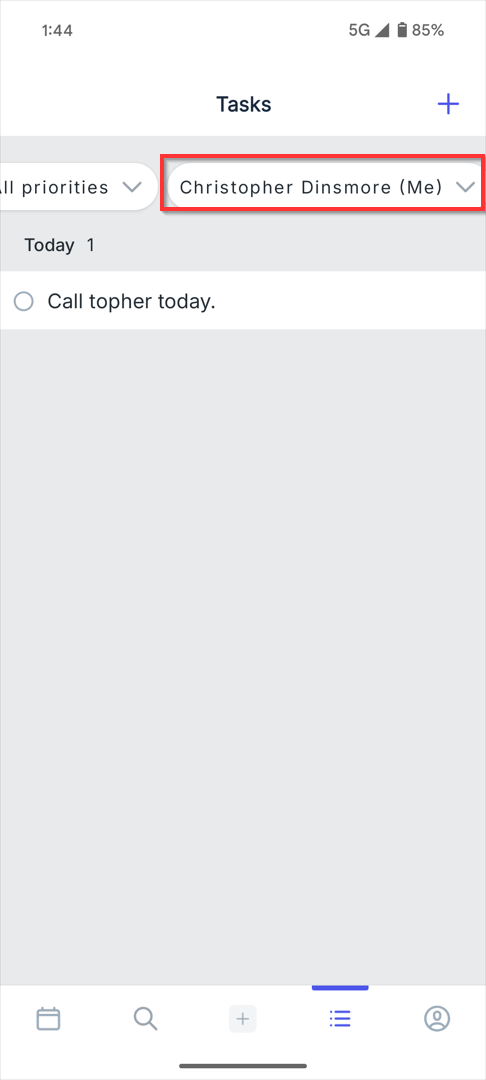
4. To filter Assignees, click the name drop down.
Edit or Delete Tasks
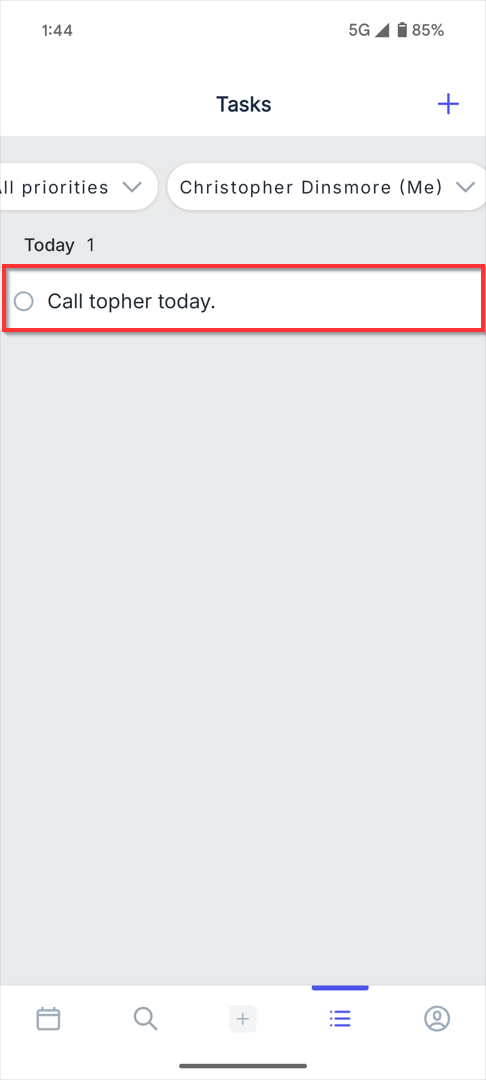
1. Click on the task that you would like to edit or delete.
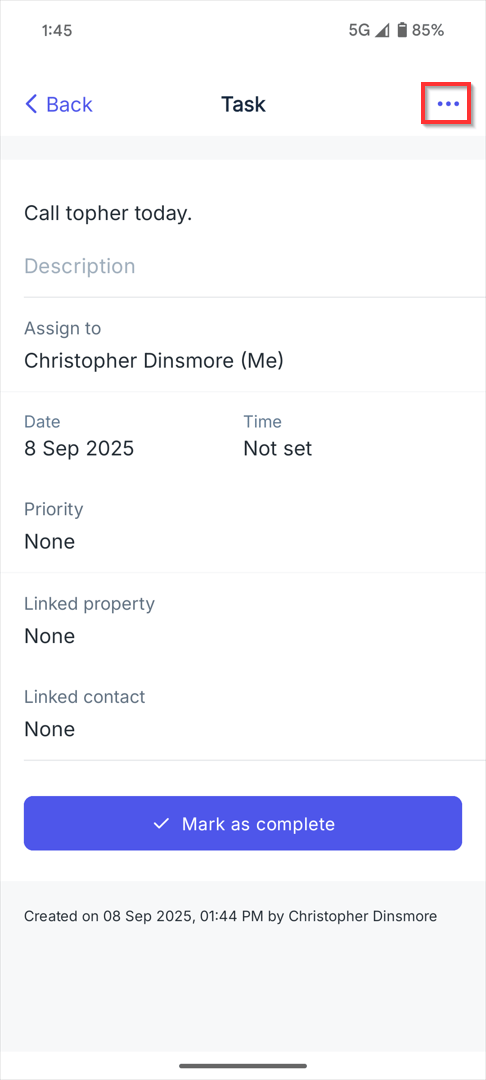
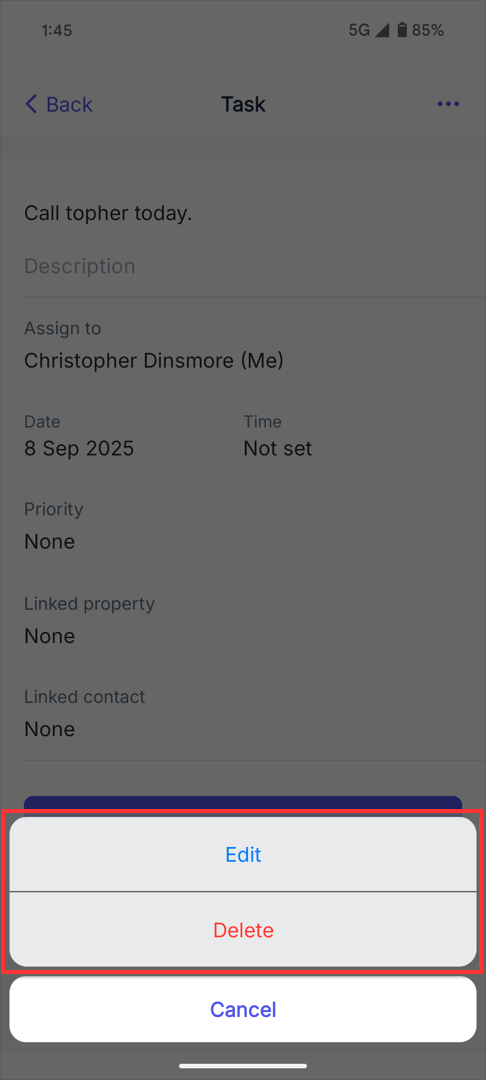
2. Click on the three dots and select Edit or Delete.
Complete Tasks
1. Select the Task.
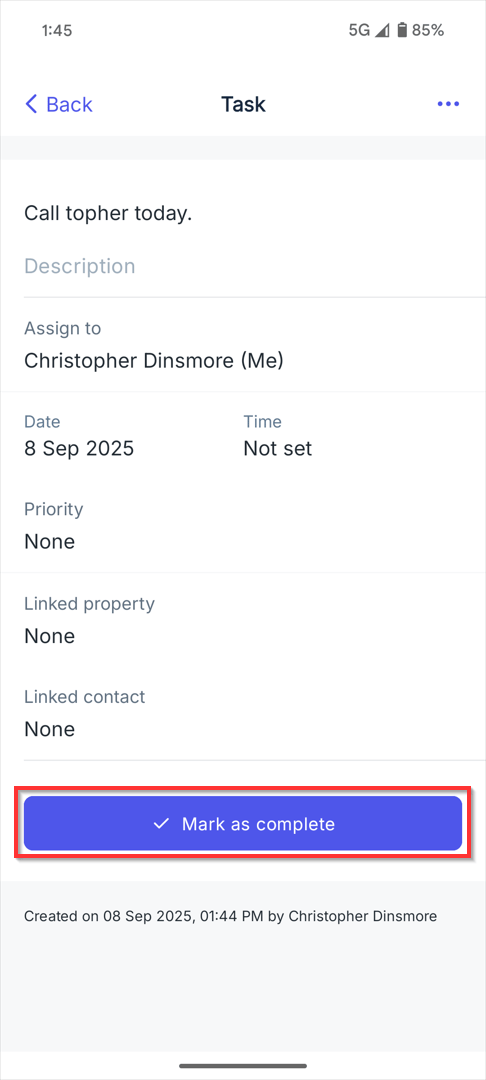
2. Click Mark as Complete.
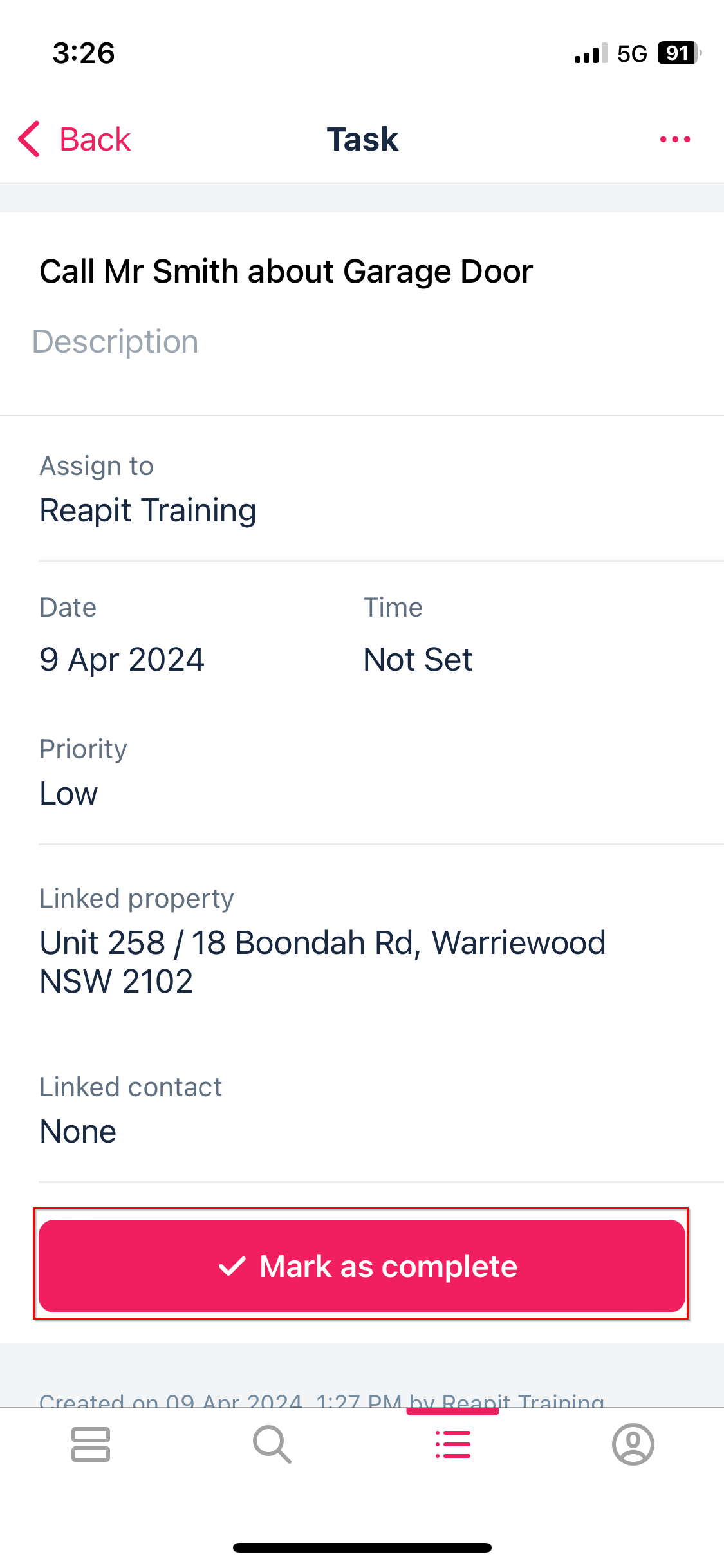
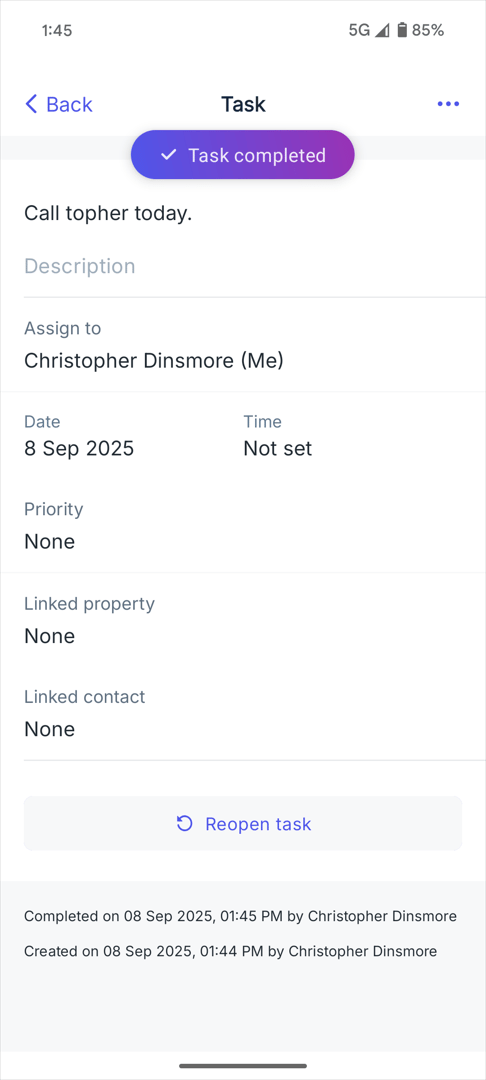
3. The Task will then become Complete. If you would like to Reopen the Task, select the bottom of the screen.