'%20d='M0%208a8%208%200%200%201%208-8h24a8%208%200%200%201%208%208v24a8%208%200%200%201-8%208H8a8%208%200%200%201-8-8V8Z'/%3e%3cpath%20fill='%23fff'%20d='M8.375%2013v14L20.5%2034l12.124-7v-7.737l-1.687-.975-2.806-1.62-1.082-.624v4.83l-.002%204.83H13.95V16.07l3.275-1.89%202.192-1.265%201.082-.625%203.275%201.877%202.192%201.256%201.083.62V9.782L20.5%206%208.376%2013Z'/%3e%3cdefs%3e%3clinearGradient%20id='reapit-pm__a'%20x1='20.702'%20x2='20.702'%20y1='.351'%20y2='31.228'%20gradientUnits='userSpaceOnUse'%3e%3cstop%20stop-color='%235573FD'/%3e%3cstop%20offset='.575'%20stop-color='%234E56EA'/%3e%3c/linearGradient%3e%3c/defs%3e%3c/svg%3e)
Sending Individual Communications
Contacts can be messaged individually from a contact list, the contact profile or from a particular tenancy or management agreement within the property.
Overview
Sending Individual Communications
Contacts can be messaged individually from a contact list, the contact profile or from a particular tenancy or management agreement within the property.
The process in this article include:
- Sending Individual Communications
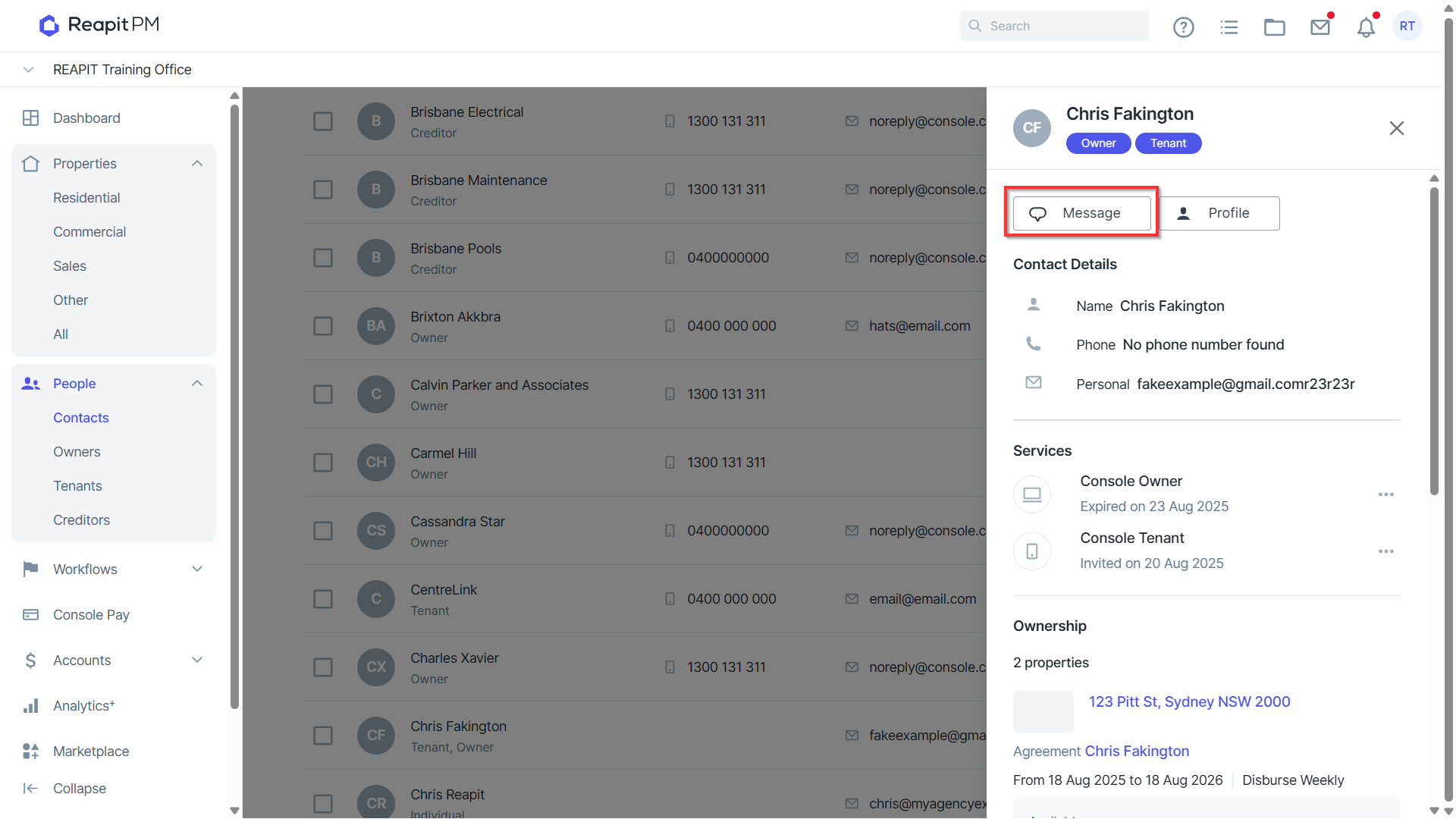
- Navigate to relevant contact, property or agreement and select message.
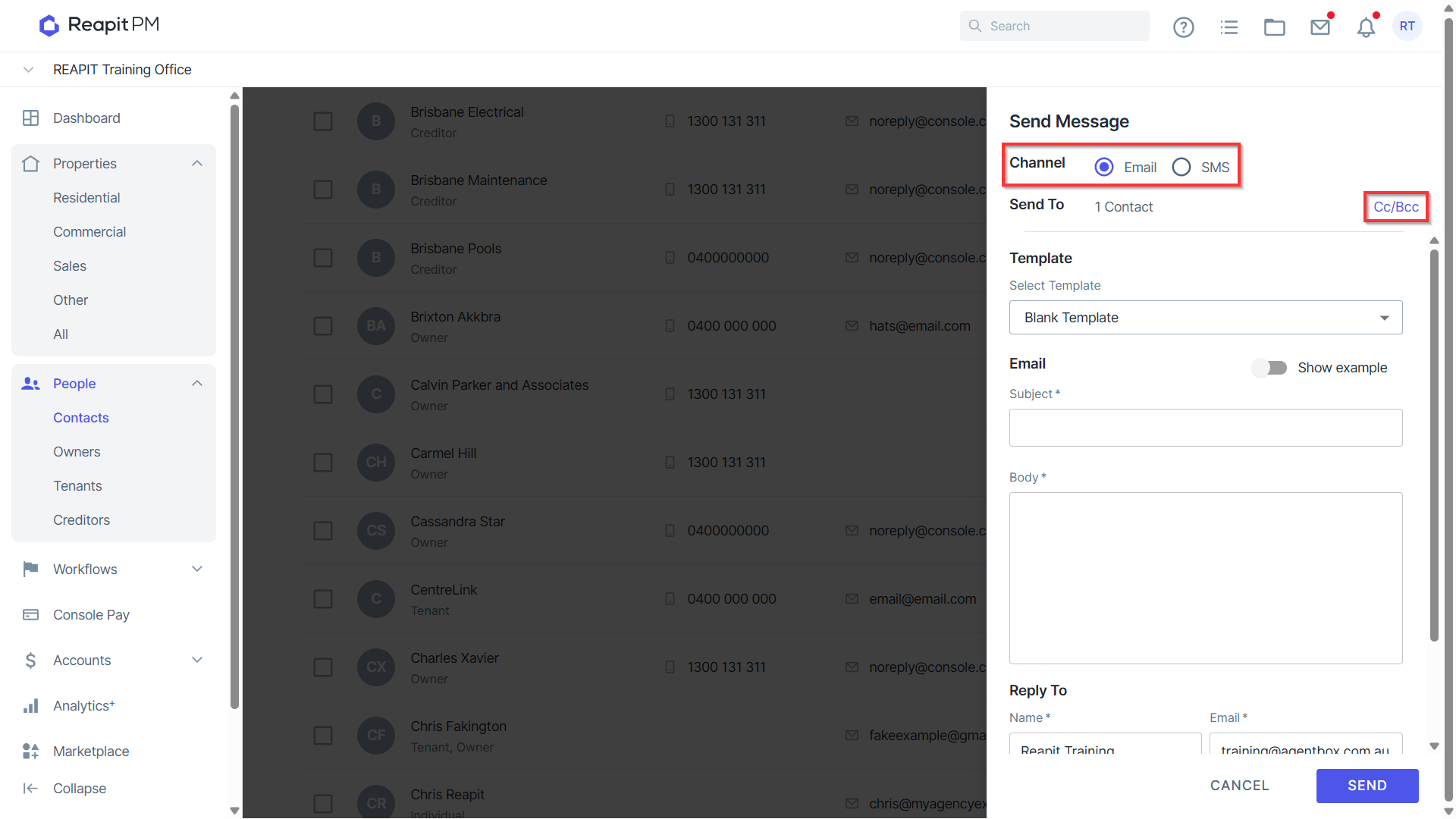
- Select Channel - SMS or Email.
- Click on CC/BCC. Search and select an existing contact, or enter a full email address for contacts not within Reapit PM. Note: CC/BCC functionality is not available when bulk communicating.
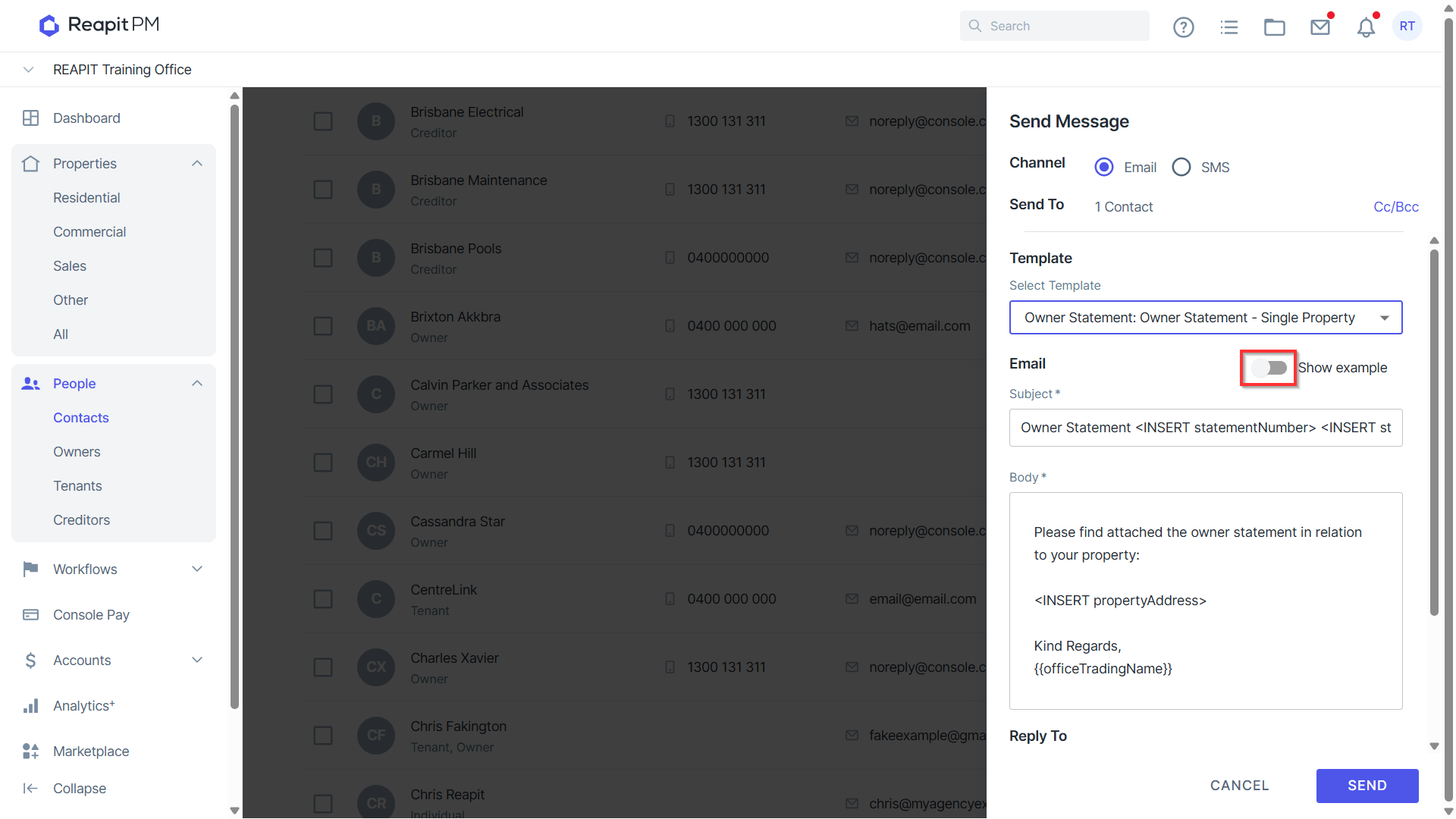
- Select Template if applicable, or type directly into the message using the suggested merge fields to assist.
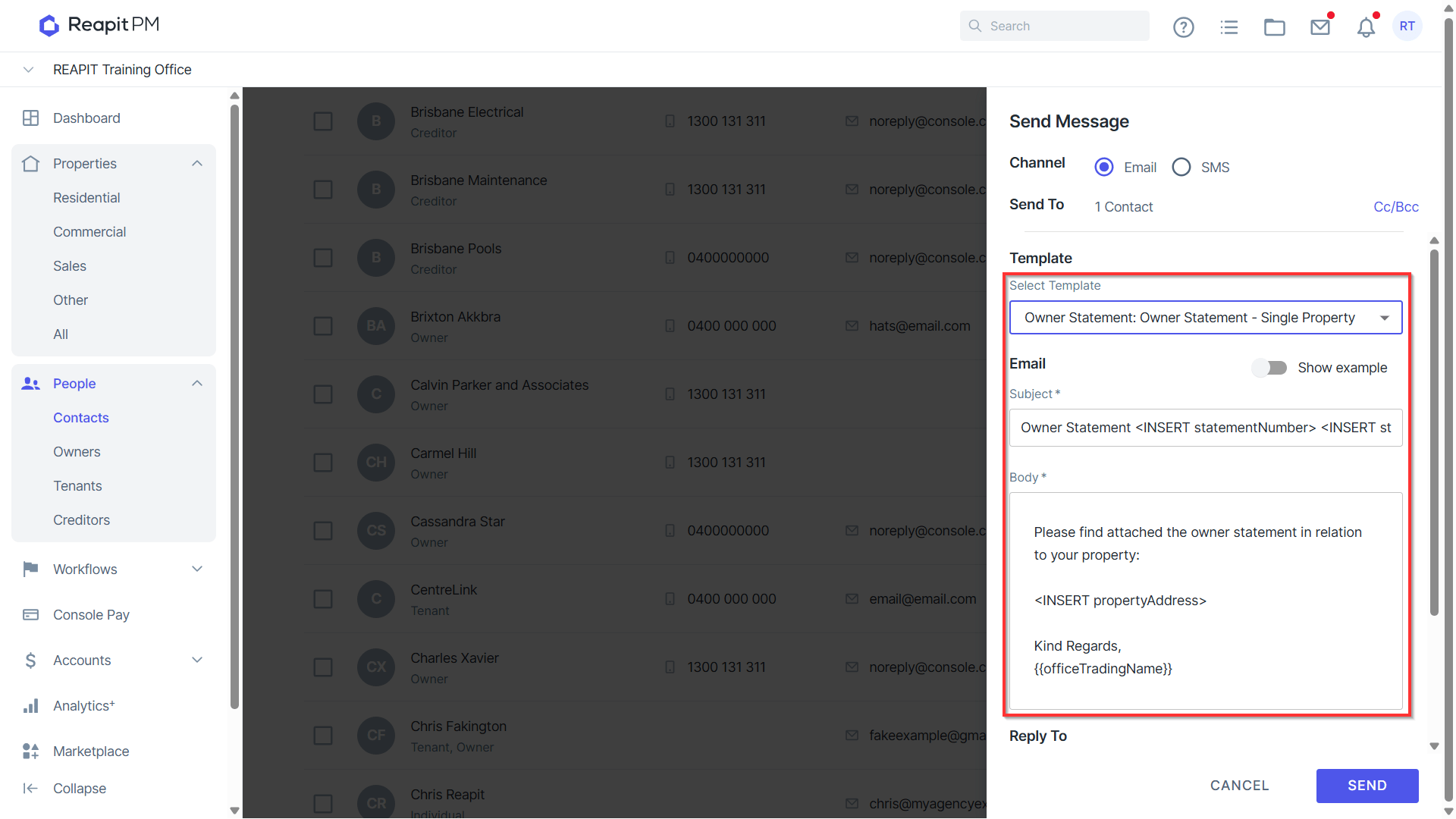
- Click on Show example to preview the Template without merge fields.
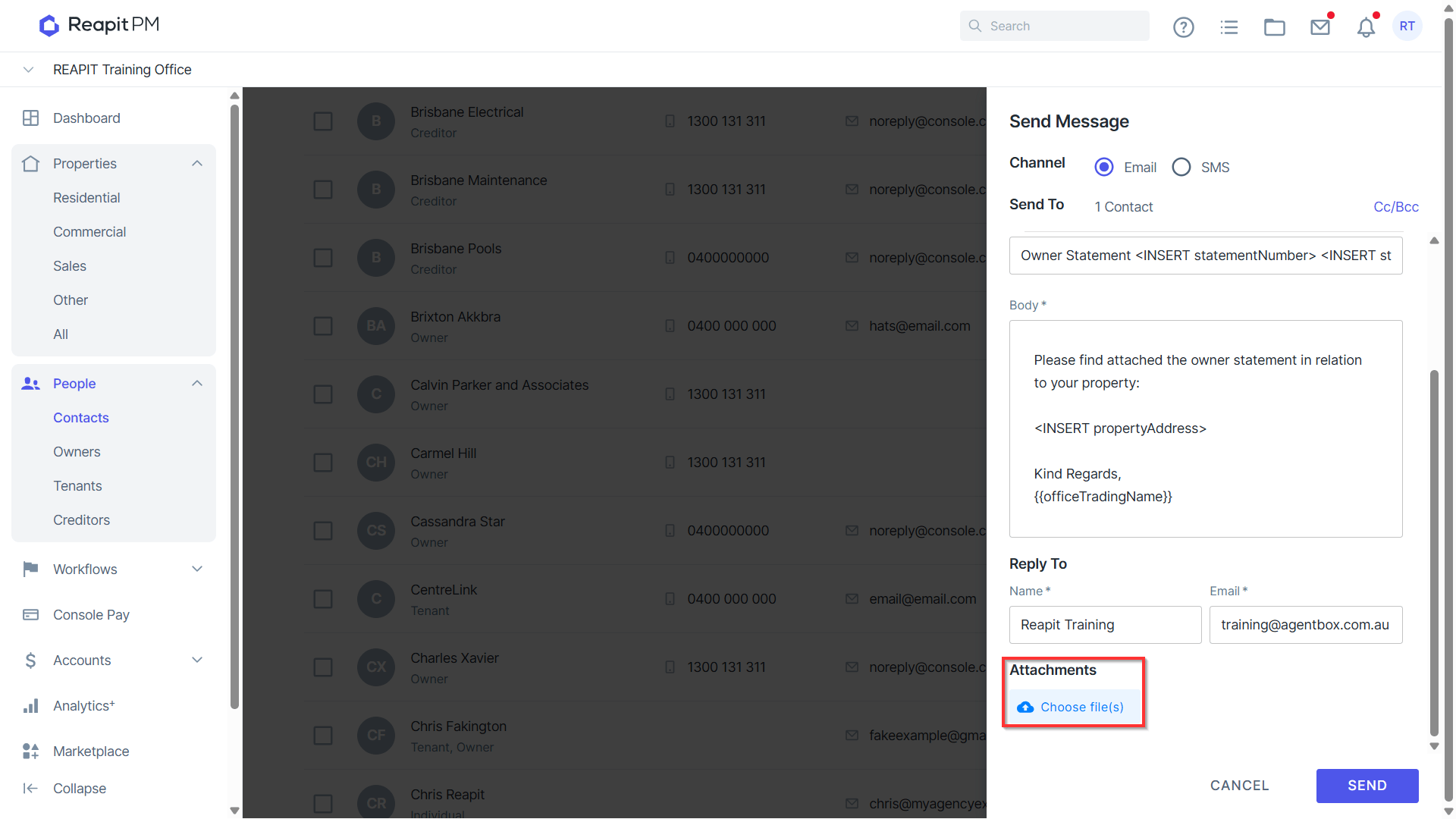
- Additional content and attachments can be added to the template prior to sending.
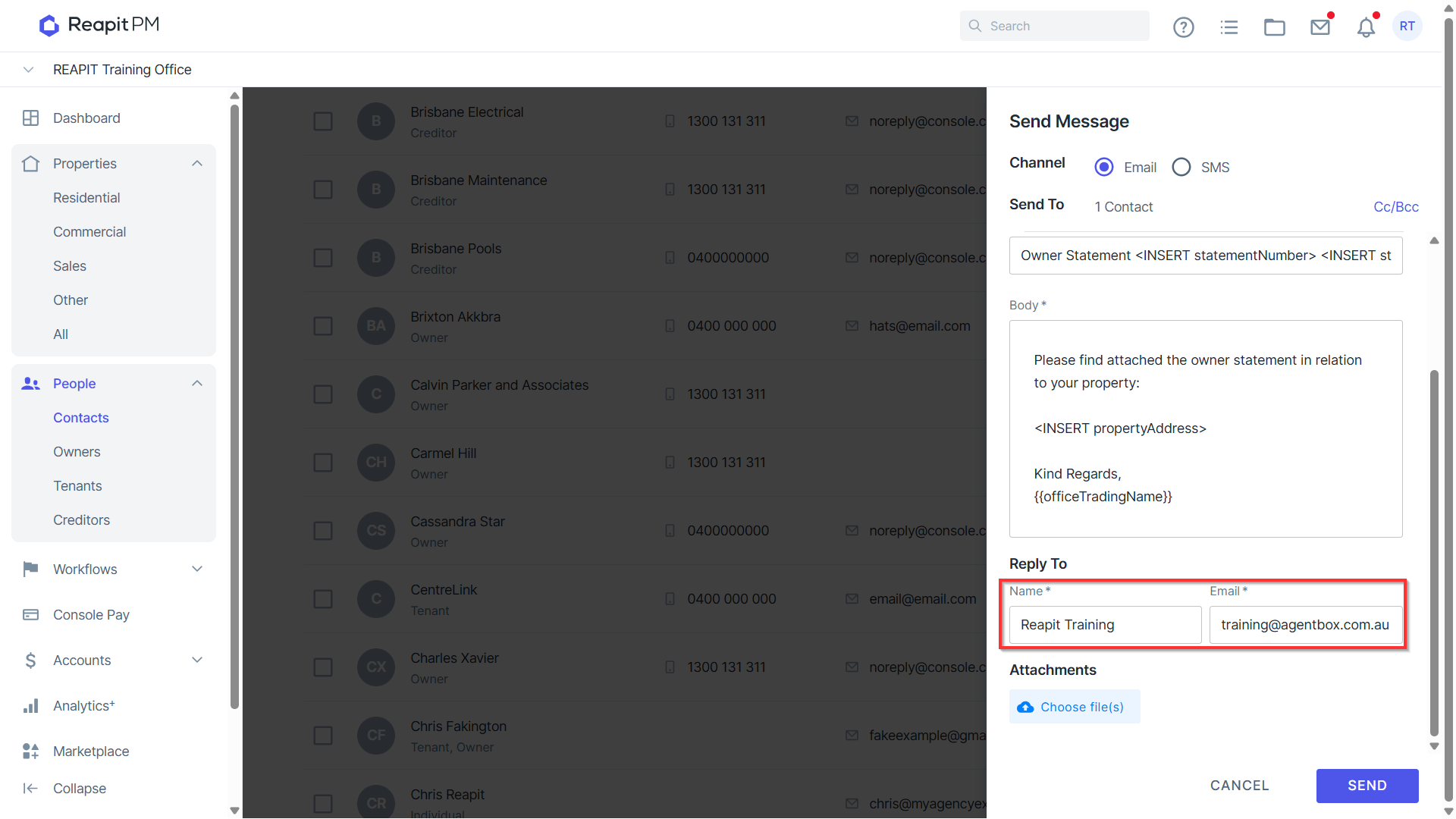
- Update Reply To if required.
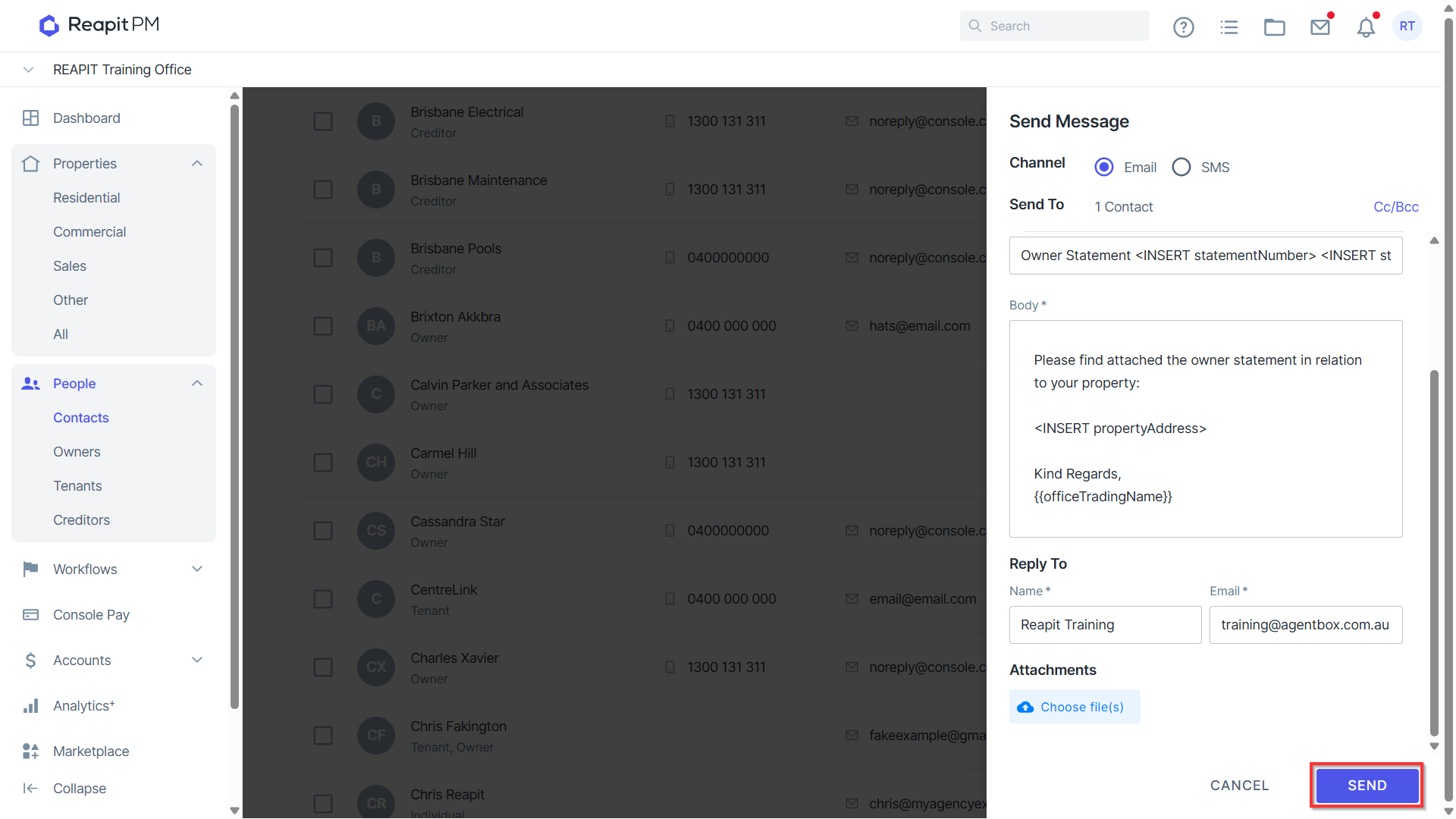
- Click Send. Note it will advise if any contacts will not receive the communication.
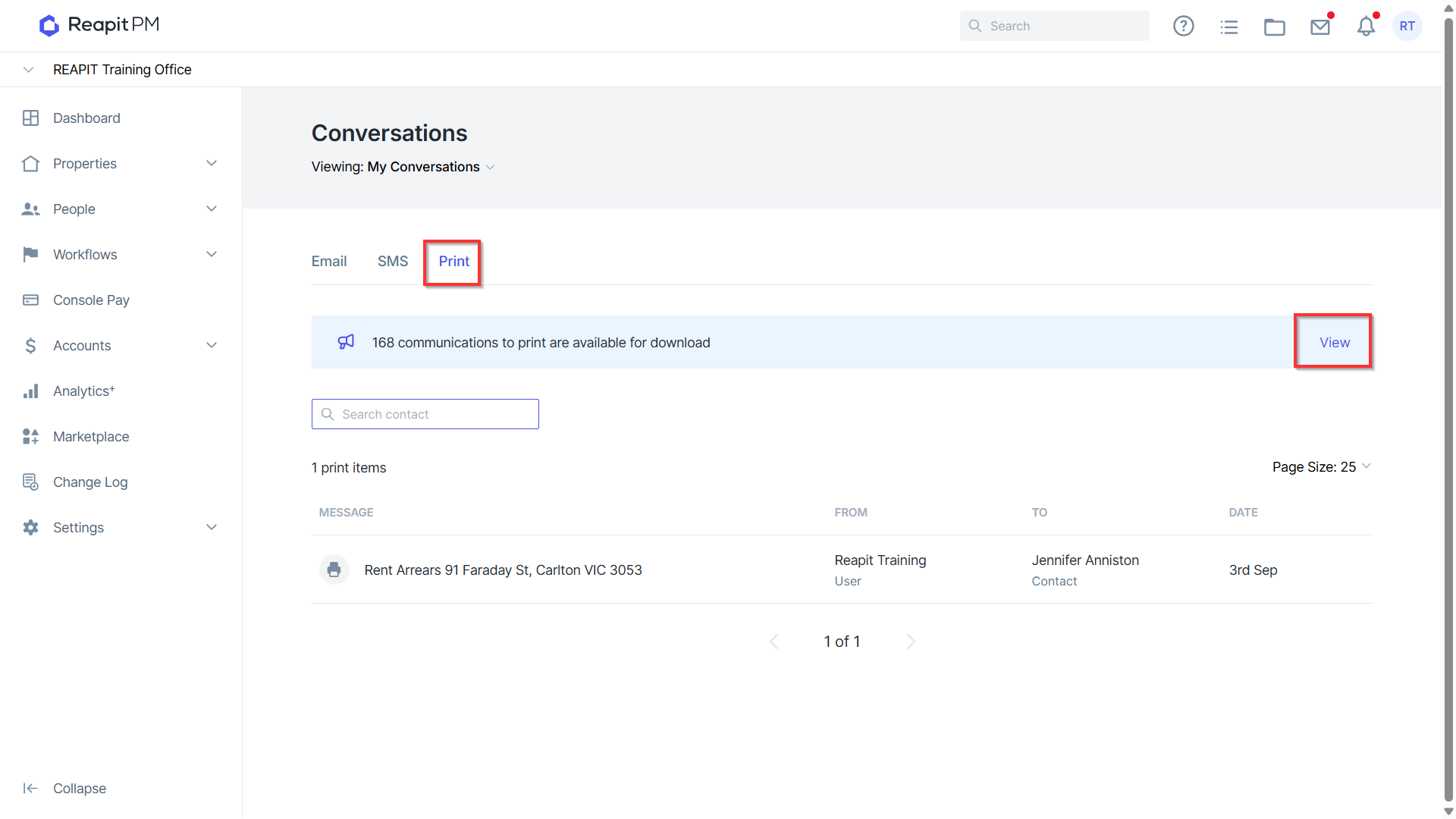
- For Contacts set up for Print preferences, print documents will be generated and can be accessed for download in the communications page. Click on the notification to access.
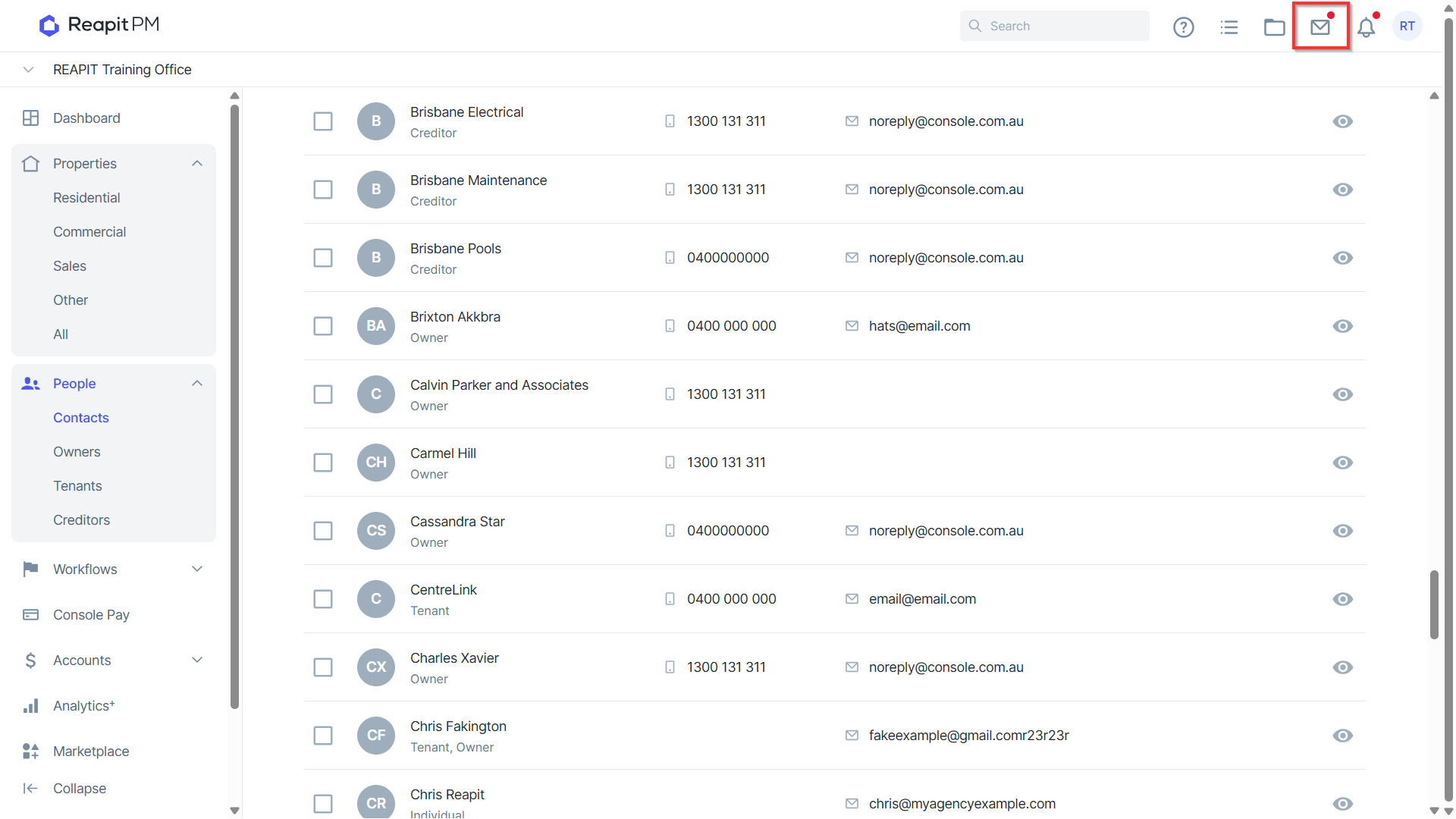
- Click on Click here to view and download.