'%20d='M0%208a8%208%200%200%201%208-8h24a8%208%200%200%201%208%208v24a8%208%200%200%201-8%208H8a8%208%200%200%201-8-8V8Z'/%3e%3cpath%20fill='%23fff'%20d='M8.375%2013v14L20.5%2034l12.124-7v-7.737l-1.687-.975-2.806-1.62-1.082-.624v4.83l-.002%204.83H13.95V16.07l3.275-1.89%202.192-1.265%201.082-.625%203.275%201.877%202.192%201.256%201.083.62V9.782L20.5%206%208.376%2013Z'/%3e%3cdefs%3e%3clinearGradient%20id='reapit-pm__a'%20x1='20.702'%20x2='20.702'%20y1='.351'%20y2='31.228'%20gradientUnits='userSpaceOnUse'%3e%3cstop%20stop-color='%235573FD'/%3e%3cstop%20offset='.575'%20stop-color='%234E56EA'/%3e%3c/linearGradient%3e%3c/defs%3e%3c/svg%3e)
Pending Payments
This article will run through the Pending payments section in Reapit PM. The process in this article include: Pending Payments Processing Pending Payments Deleting a Pending Payment
Overview
Pending Payments
This article will run through the Pending payments section in Reapit PM.
The process in this article include:
- Pending Payments
- Processing Pending Payments
- Deleting a Pending Payment
Pending Payments is where Agency fees sit before processing. They should be processed prior to running disbursements.
Processing Pending Payments
Navigate to Accounts > Pending Payments.
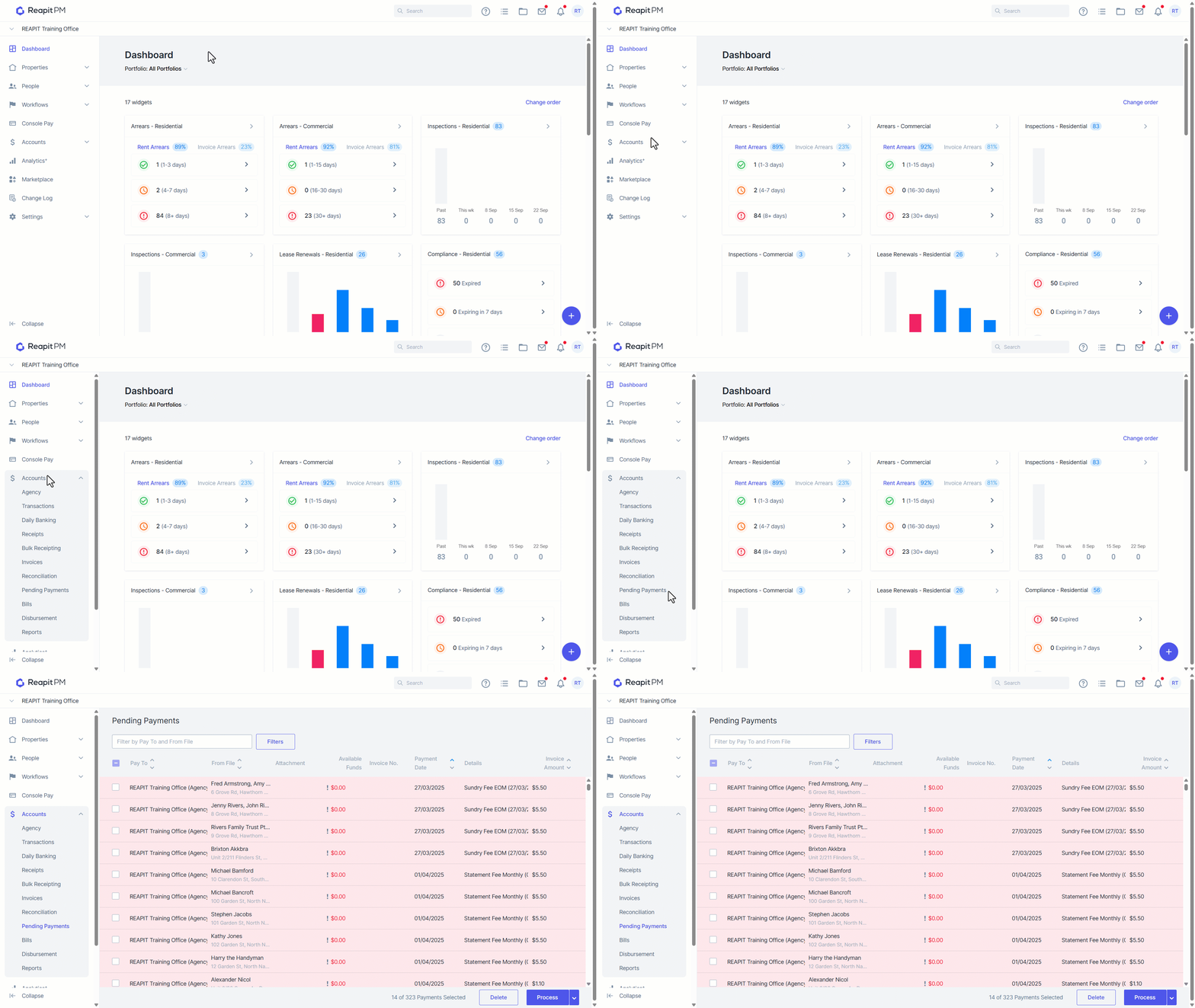
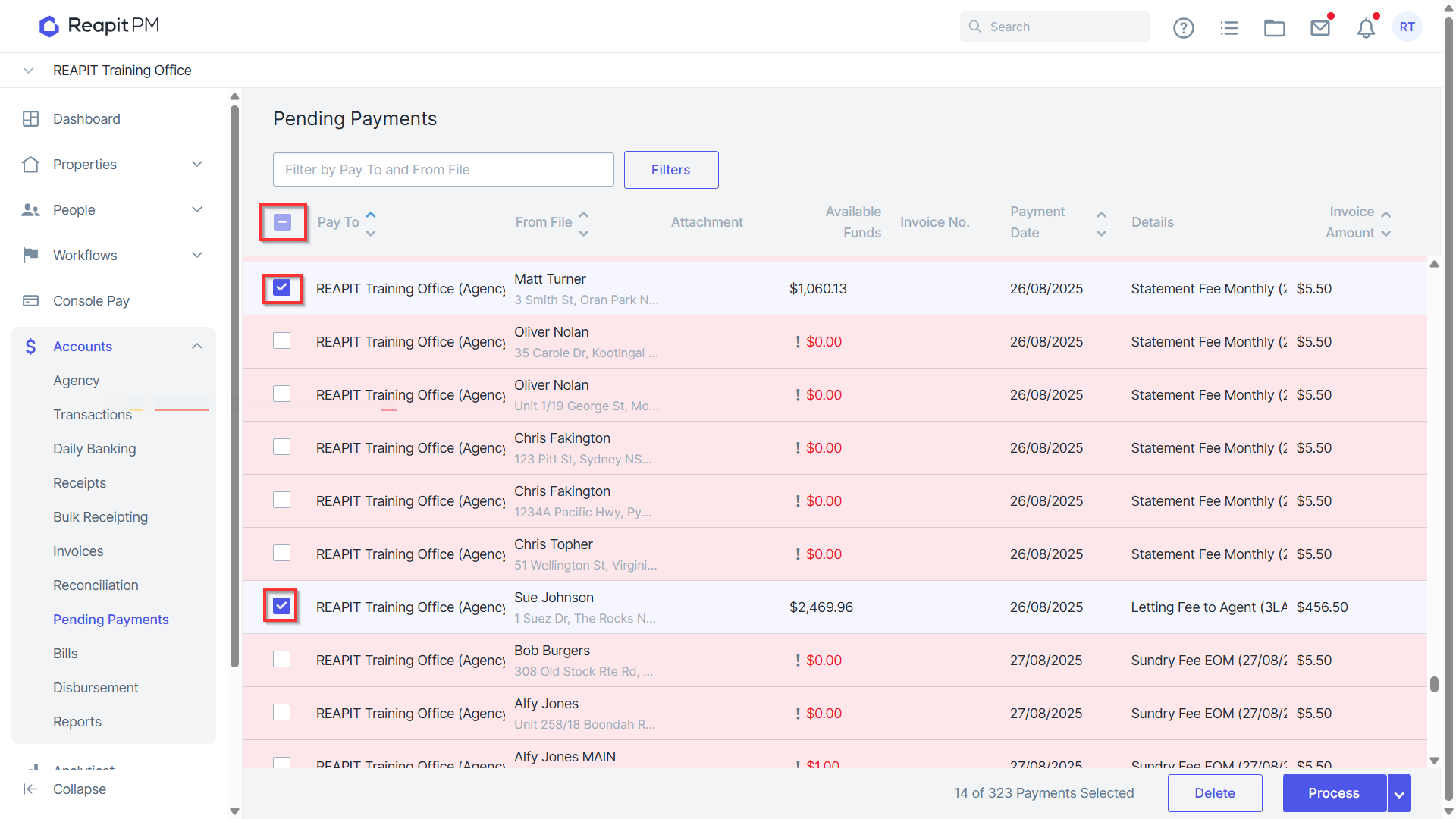
Click the checkbox against each payment you would like to process, or select the checkbox next to ‘Pay To’ to do in bulk.
Note: Transactions without available funds will not be processed and will remain in the pending payments tab.
Click Process.
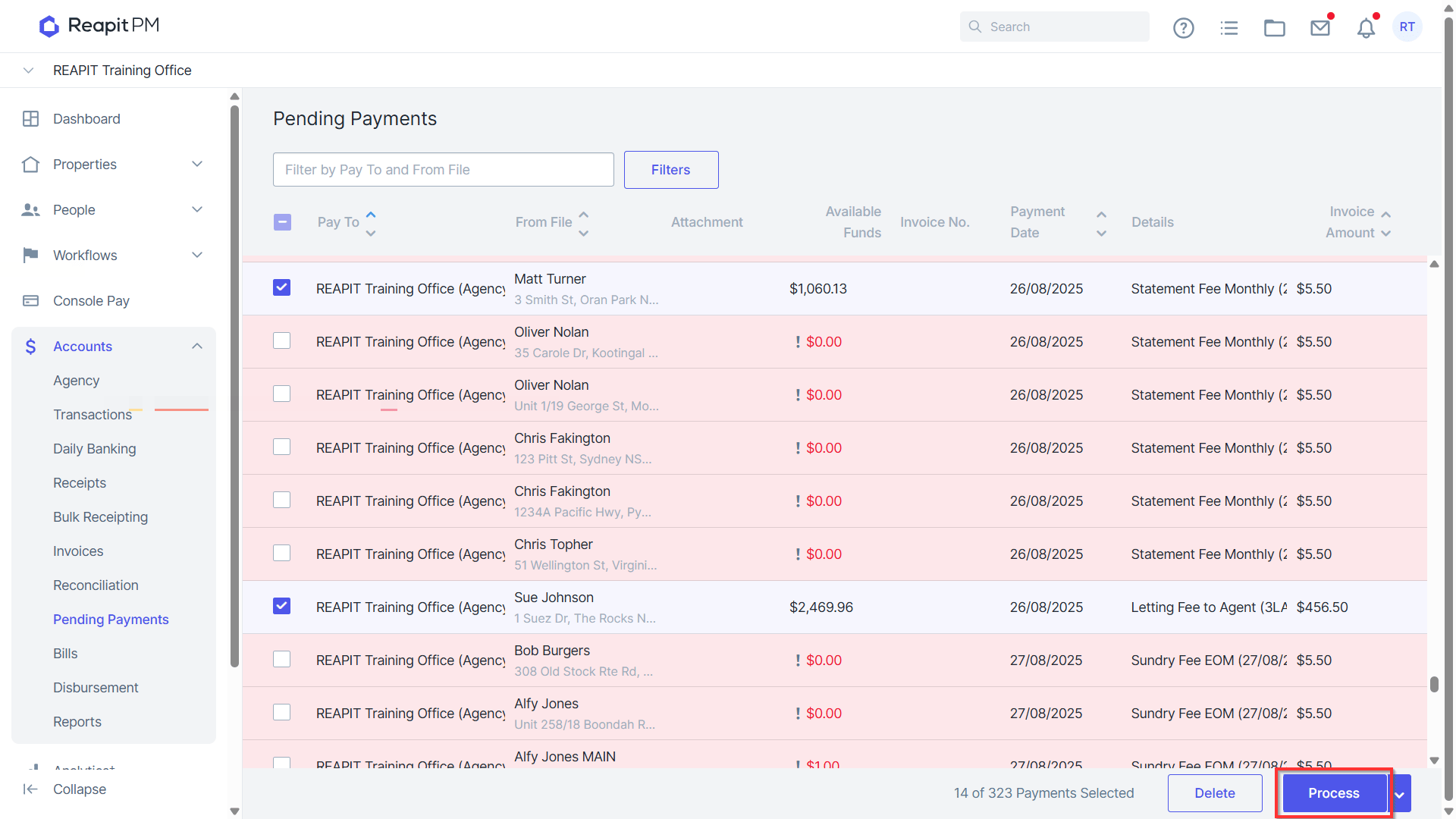
Your payment will process and once completed, you will receive the green confirmation in the top right corner of the screen.
Deleting a Pending Payment
Note: If an agency fee is to be deleted, it can be done via the pending payments. This will completely remove the charge from the owner. If the fee is event driven and needs to be charged at a different rate it may need to be manually charged.
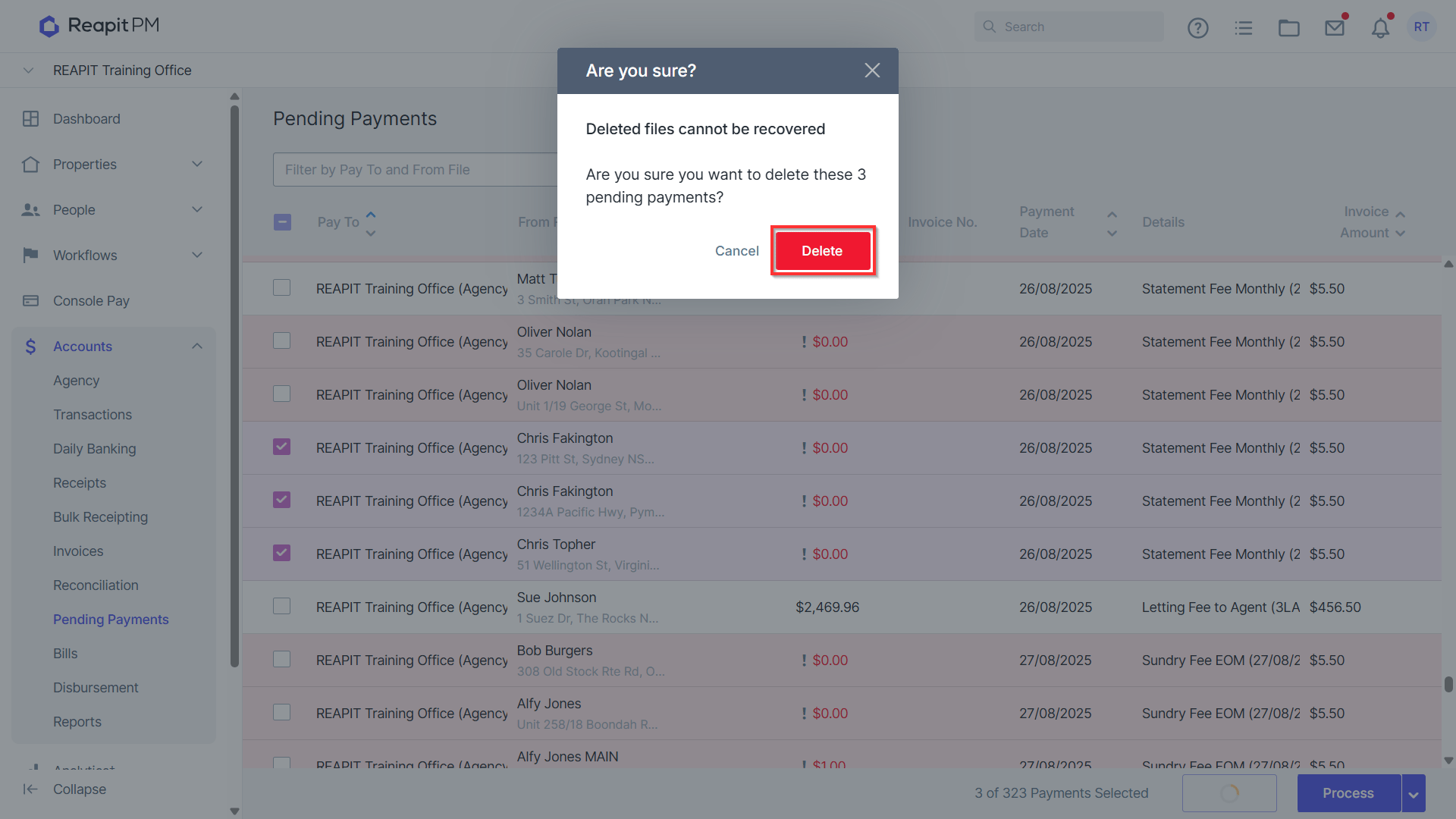
Click the checkbox against each payment you would like to delete. Click Delete.
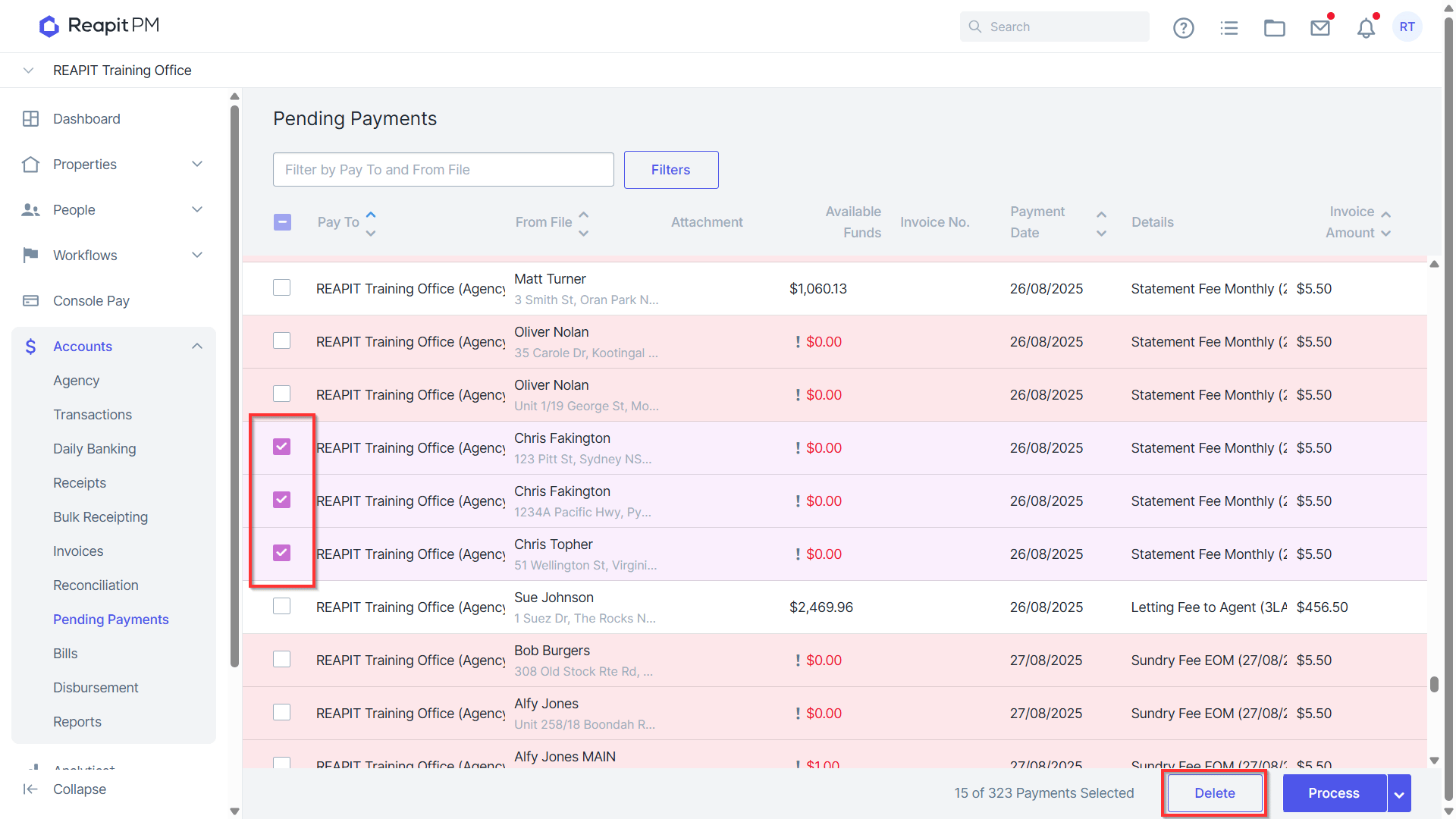
Read the warning message and click Delete.