'%20d='M0%208a8%208%200%200%201%208-8h24a8%208%200%200%201%208%208v24a8%208%200%200%201-8%208H8a8%208%200%200%201-8-8V8Z'/%3e%3cpath%20fill='%23fff'%20d='M8.375%2013v14L20.5%2034l12.124-7v-7.737l-1.687-.975-2.806-1.62-1.082-.624v4.83l-.002%204.83H13.95V16.07l3.275-1.89%202.192-1.265%201.082-.625%203.275%201.877%202.192%201.256%201.083.62V9.782L20.5%206%208.376%2013Z'/%3e%3cdefs%3e%3clinearGradient%20id='reapit-pm__a'%20x1='20.702'%20x2='20.702'%20y1='.351'%20y2='31.228'%20gradientUnits='userSpaceOnUse'%3e%3cstop%20stop-color='%235573FD'/%3e%3cstop%20offset='.575'%20stop-color='%234E56EA'/%3e%3c/linearGradient%3e%3c/defs%3e%3c/svg%3e)
Using the Console Tenant App
This article will show the tenant how to use the Console Tenant App. The process in this article include: How to Sign up to the Console Tenant App Highlights Tab (Welcome Screen) Maintenance Tab Payments Tab My Tenancy Tab
This article will show the tenant how to use the Console Tenant App.
The process in this article include:
- How to Sign up to the Console Tenant App
- Highlights Tab (Welcome Screen)
- Maintenance Tab
- Payments Tab
- My Tenancy Tab
How to Sign up to the Console Tenant App
Once the tenant has received the invitation email, they have 30 days to sign up (create an account) before the invitation expires.
- The tenant will tap the blue invite button titled Download Console Tenant App.
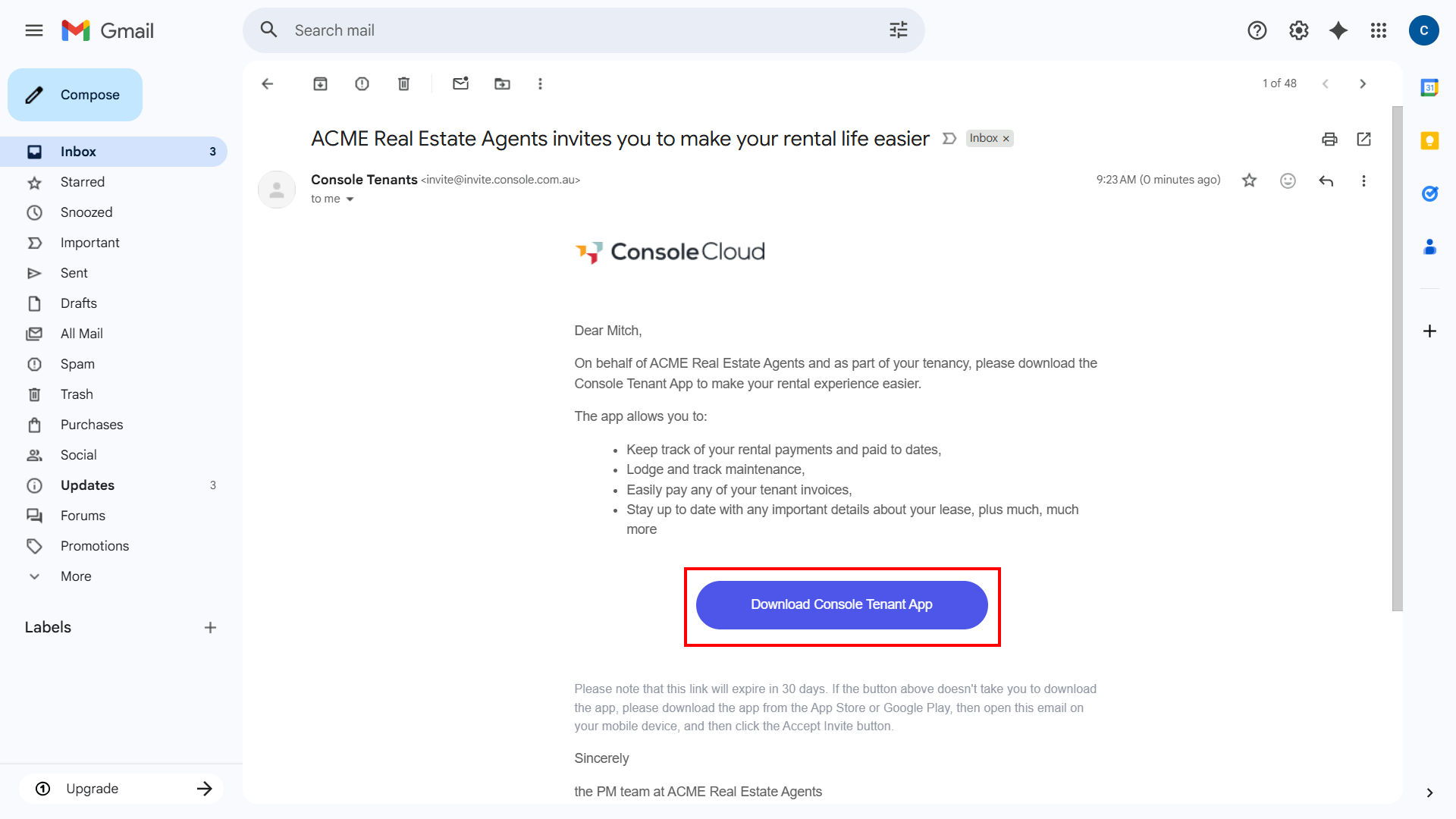
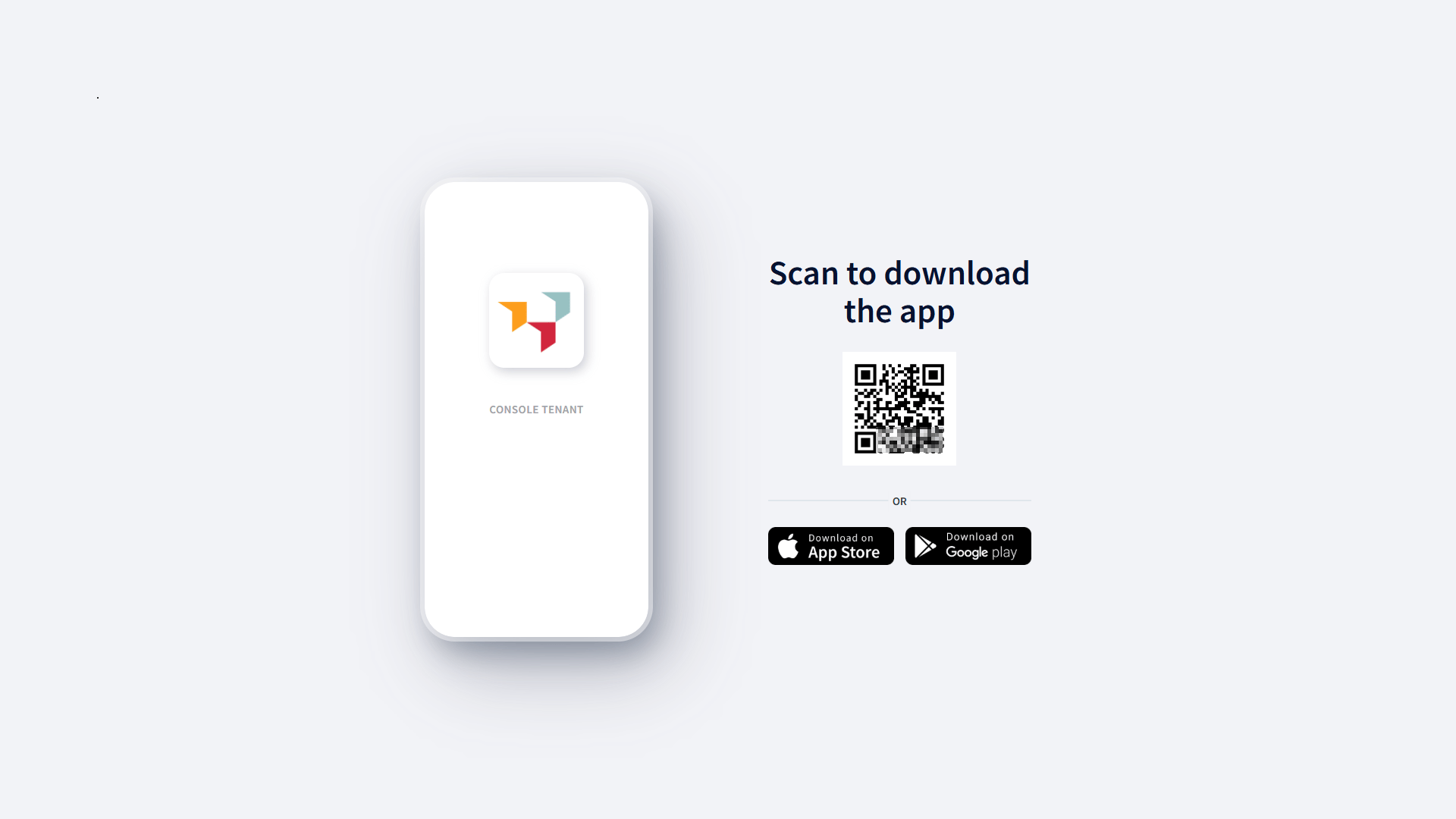
Note: If a tenant opens the invitation on a desktop browser, they will be prompted to scan a QR code using their mobile device. This will redirect them to the app store link. Alternatively, if they tap the link directly from their phone, it will open the app store and allow them to download the app.
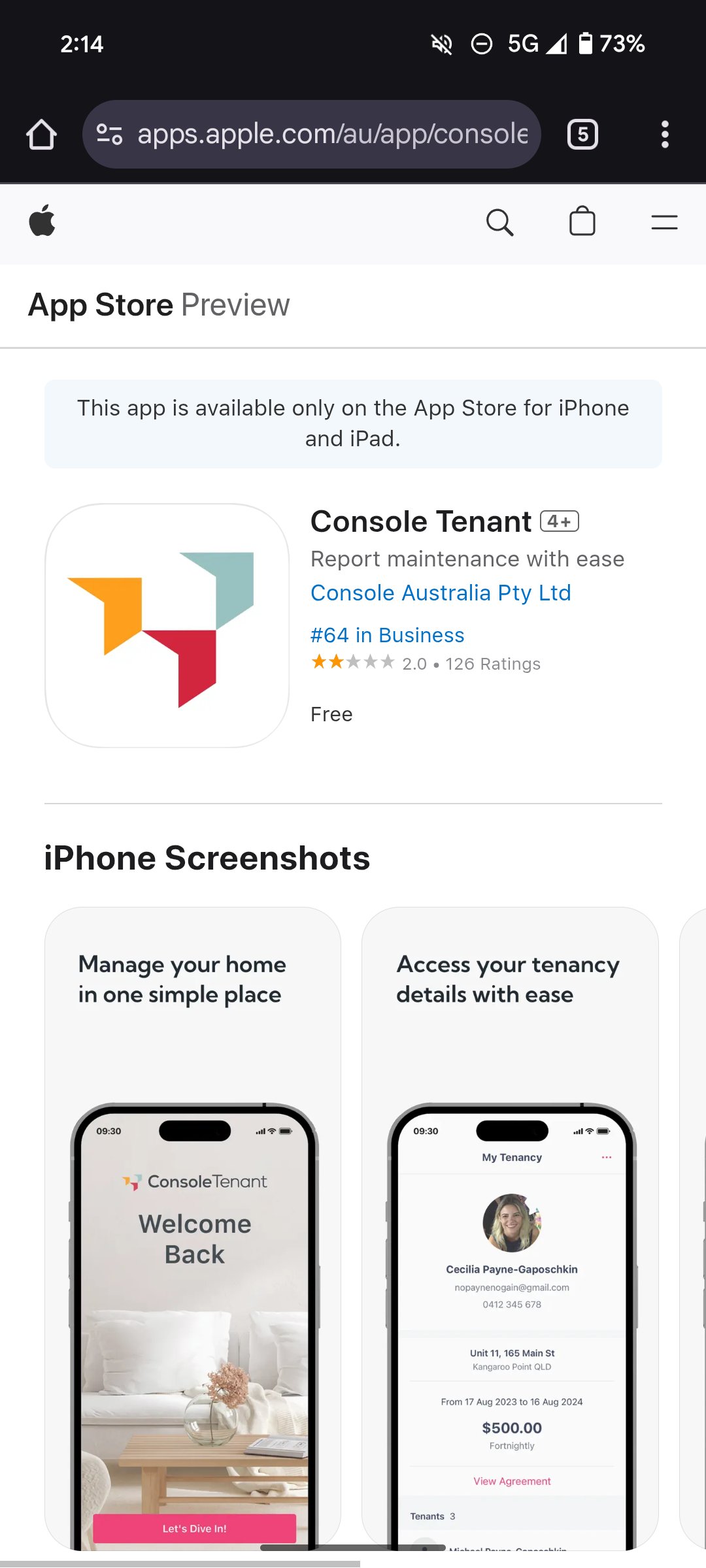
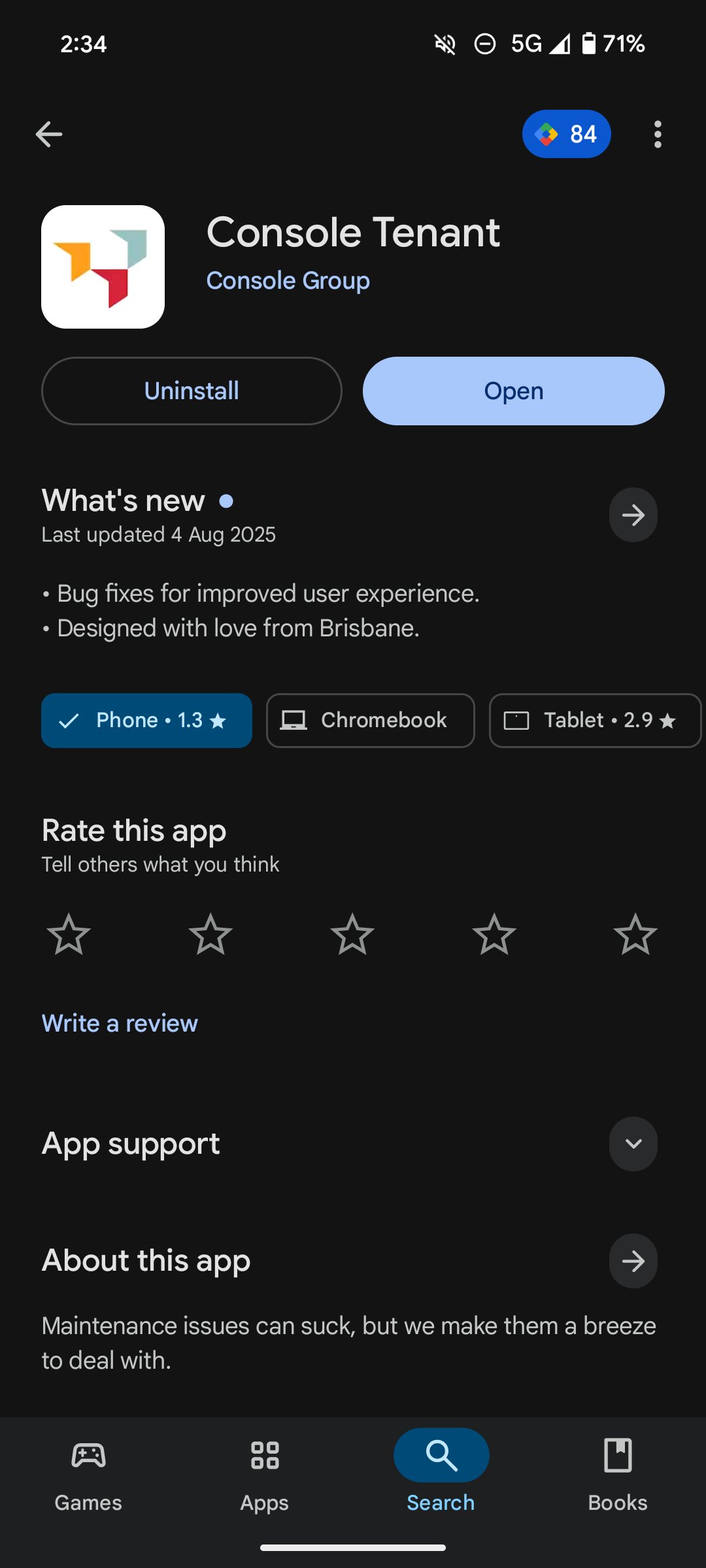
- The tenant will be taken to the app download page in Google Play Store or Apple App Store. Tap Install OR open if already downloaded to install the App, then tap Open.
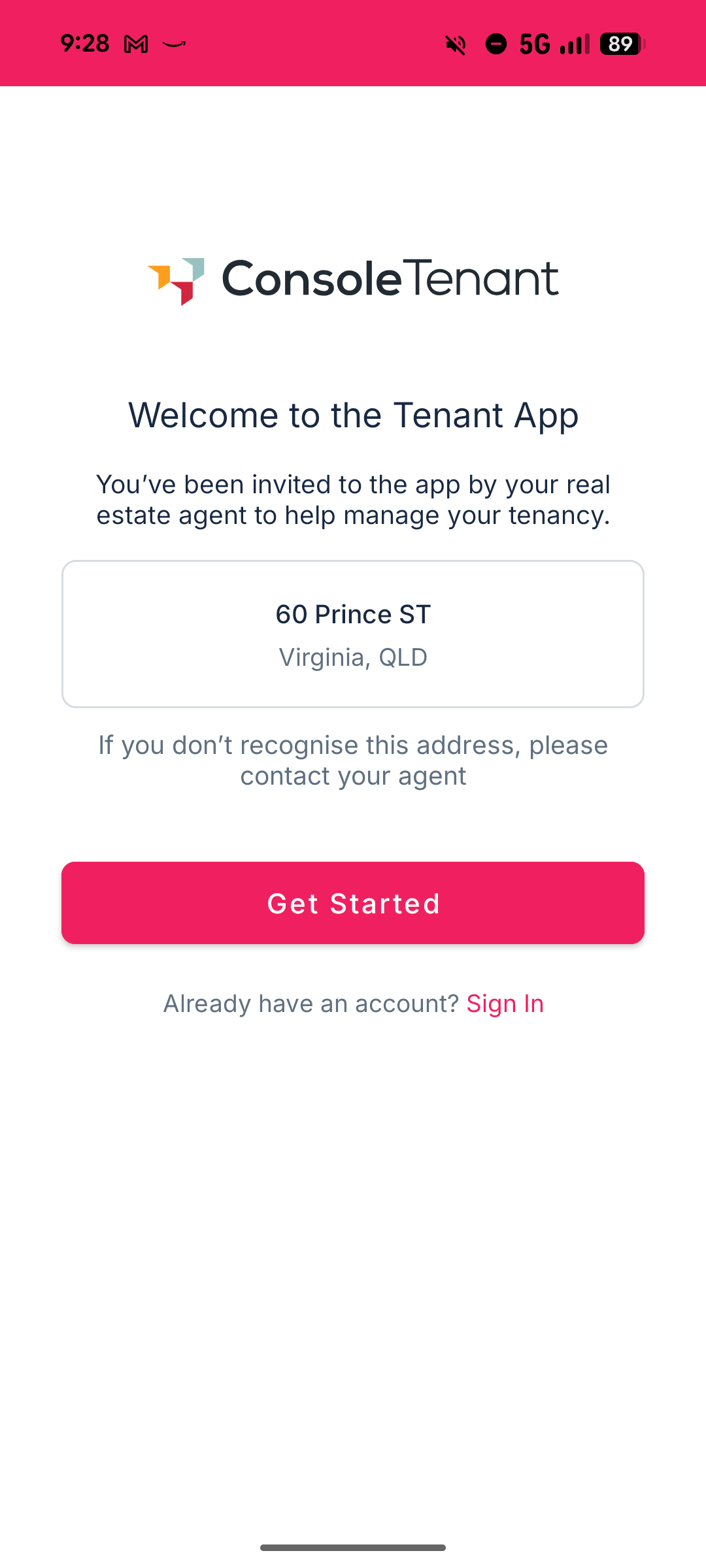
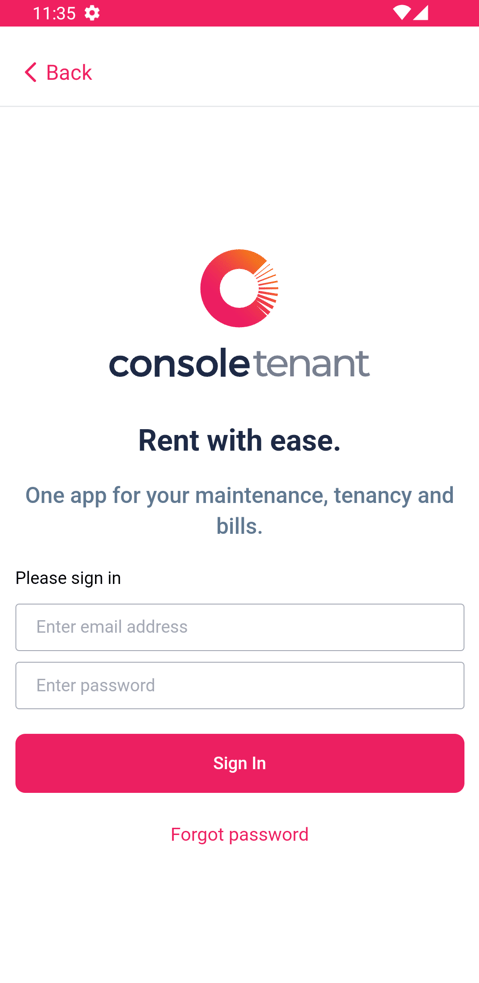
- The tenant will be taken to the Sign Up page and will tap Get Started OR if you have an account already it will say Sign In.
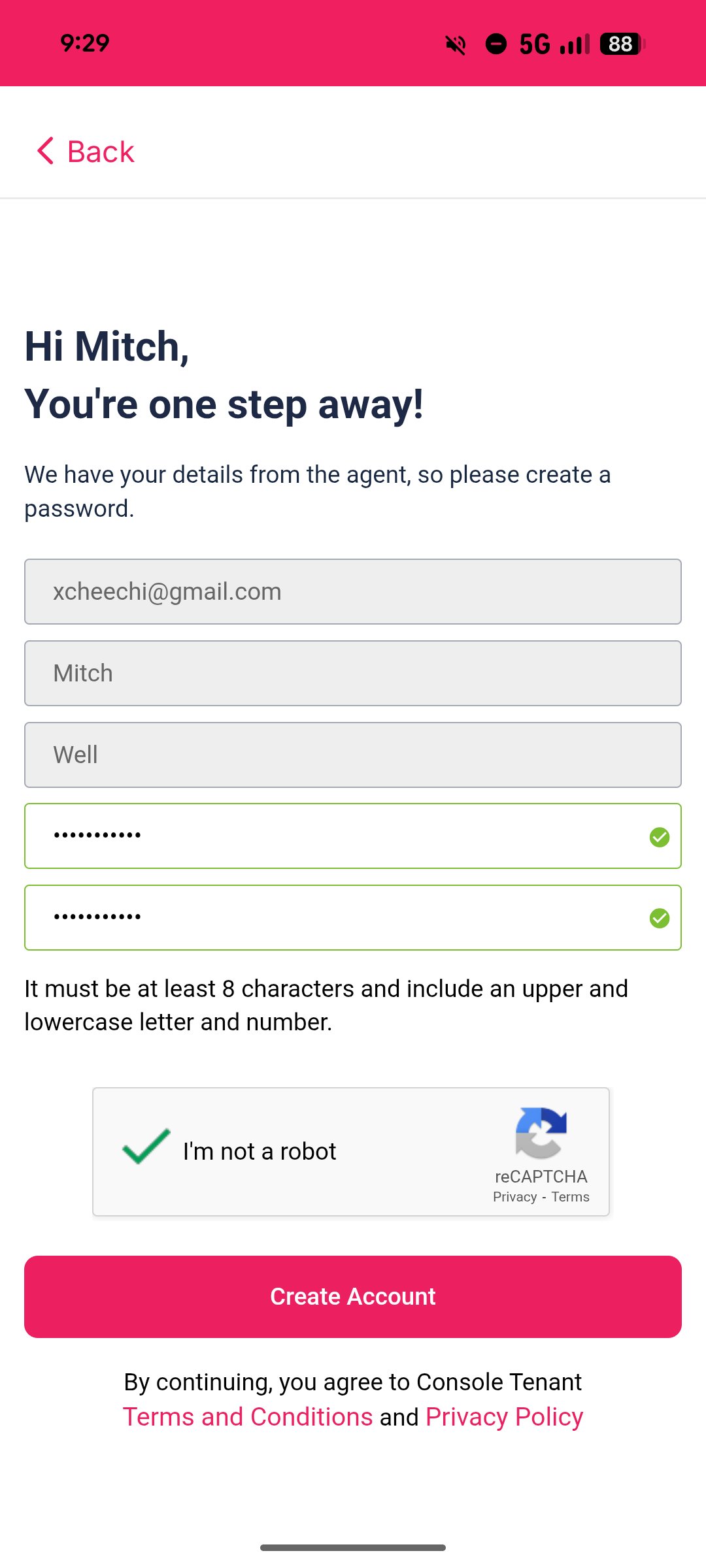
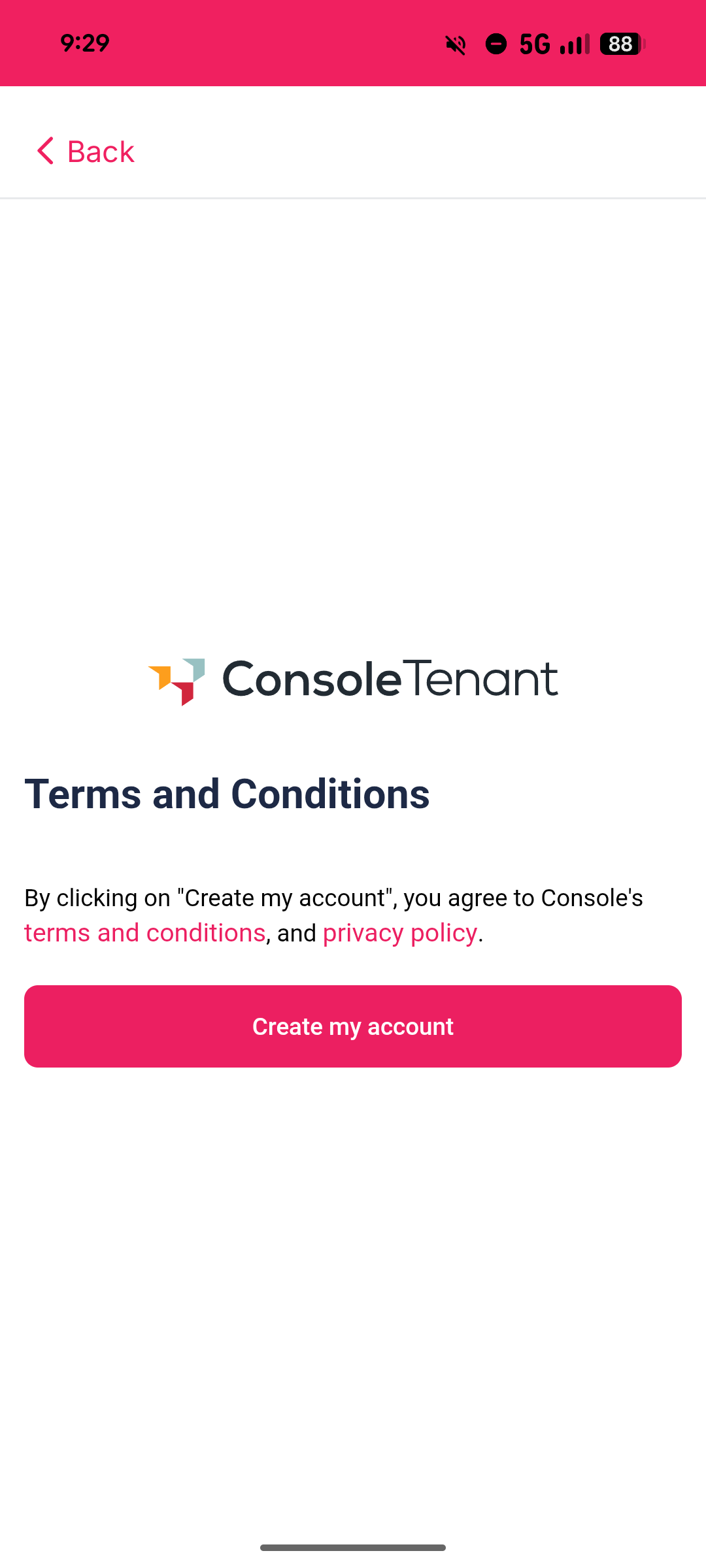
- If a new account, the tenant will need to enter a password, accept terms & conditions and then tap "Create Account".
Highlights Tab (Welcome Screen)
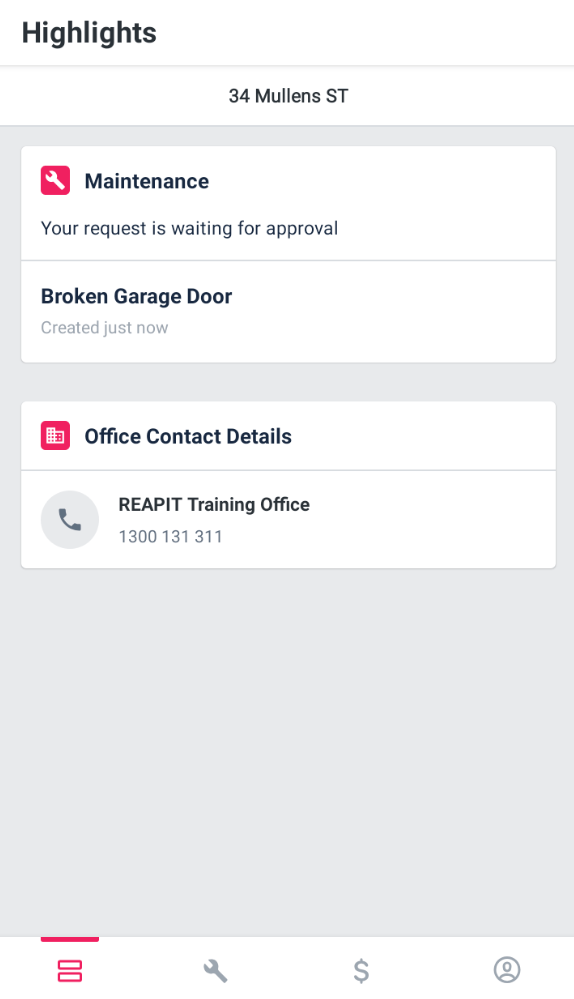
- Under the Highlights tab, tenants will see recent maintenance requests, payments, Console Pay setup options as well as their agent's office contact details.
Maintenance Tab
Note: Maintenance logged through the Tenant App will automatically then appear in the Maintenance workflow for actioning. If your office is integrated with one of our maintenance partners then any jobs logged by the tenant will be automatically available in their system.
- Under the Maintenance tab, all past and present maintenance requests are viewable.
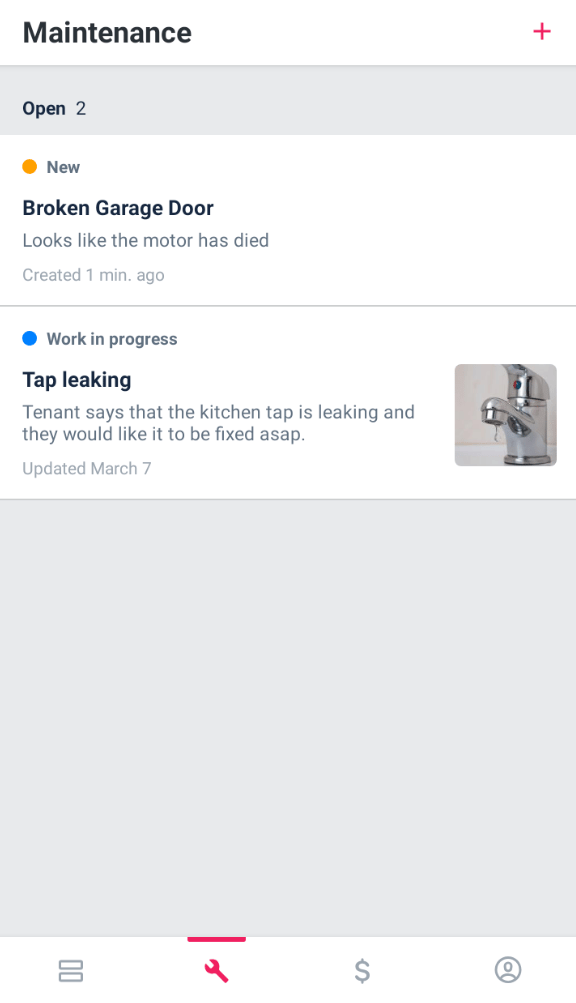
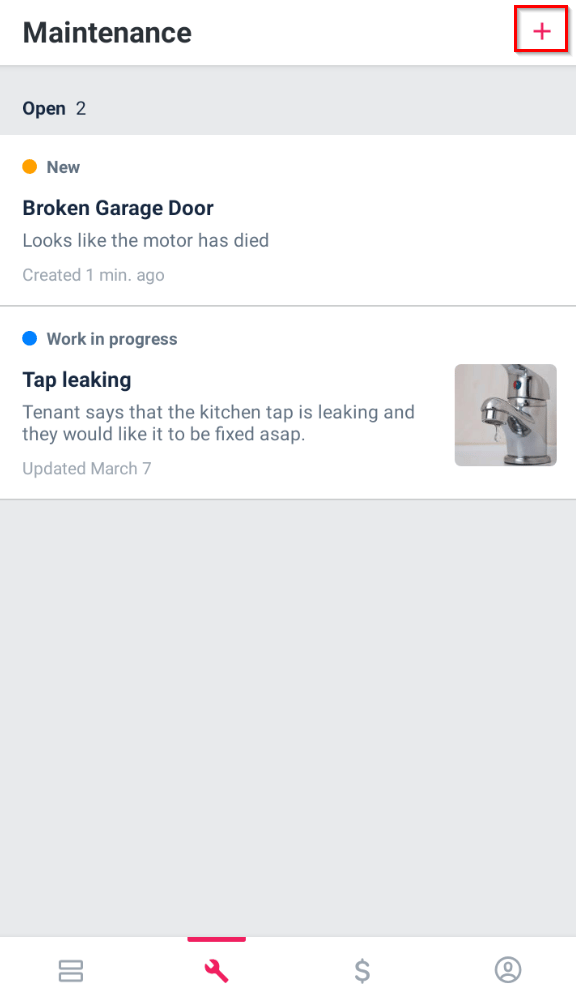
- Click + to add a new maintenance request.
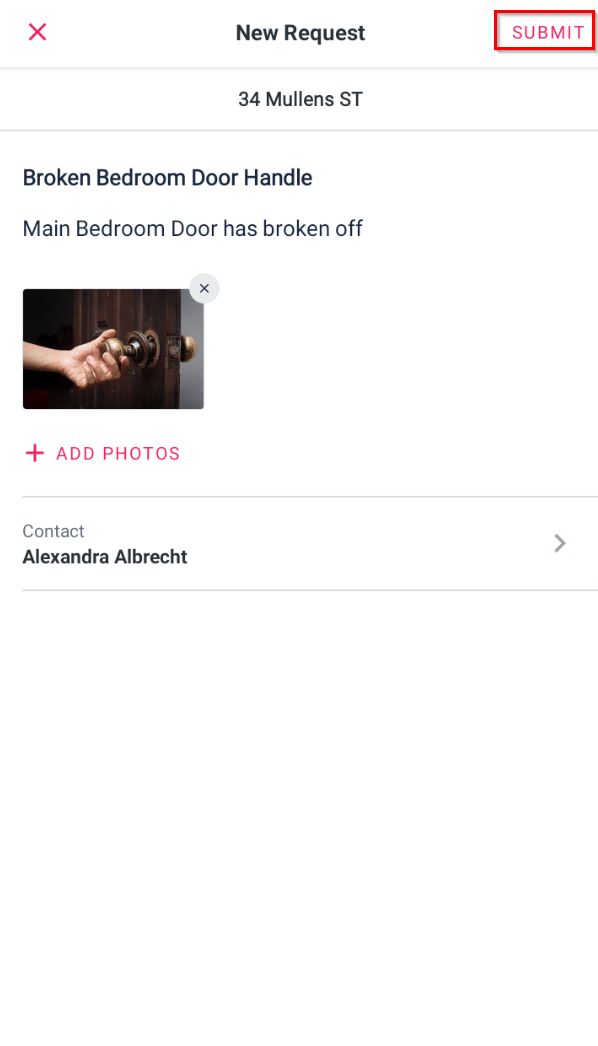
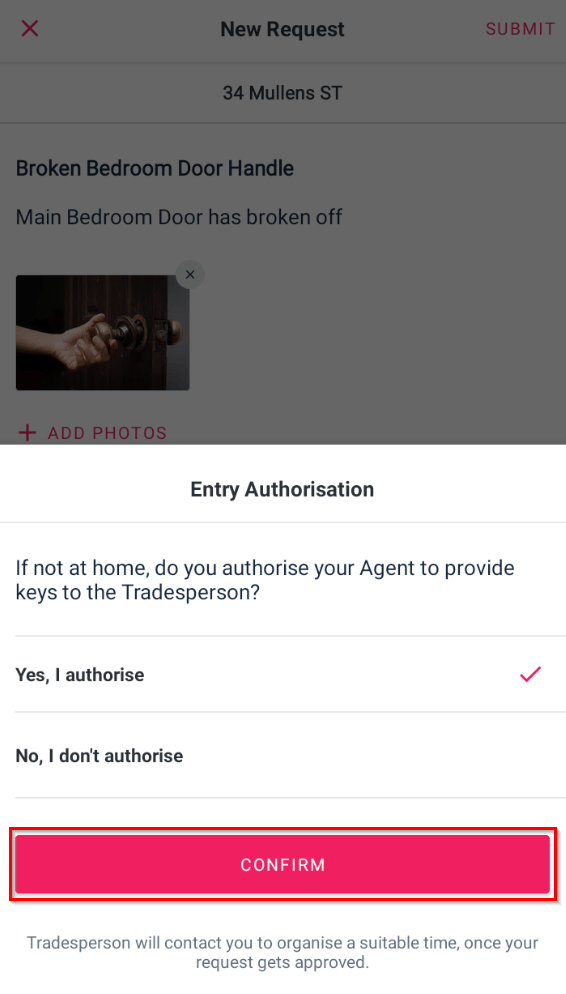
- Enter a headline, description and add photos of the maintenance issue. Click Submit.
- Select if you authorise or don't authorise the Agent to Provide keys to the Tradesperson if you are not home. Click Confirm.
Payments Tab
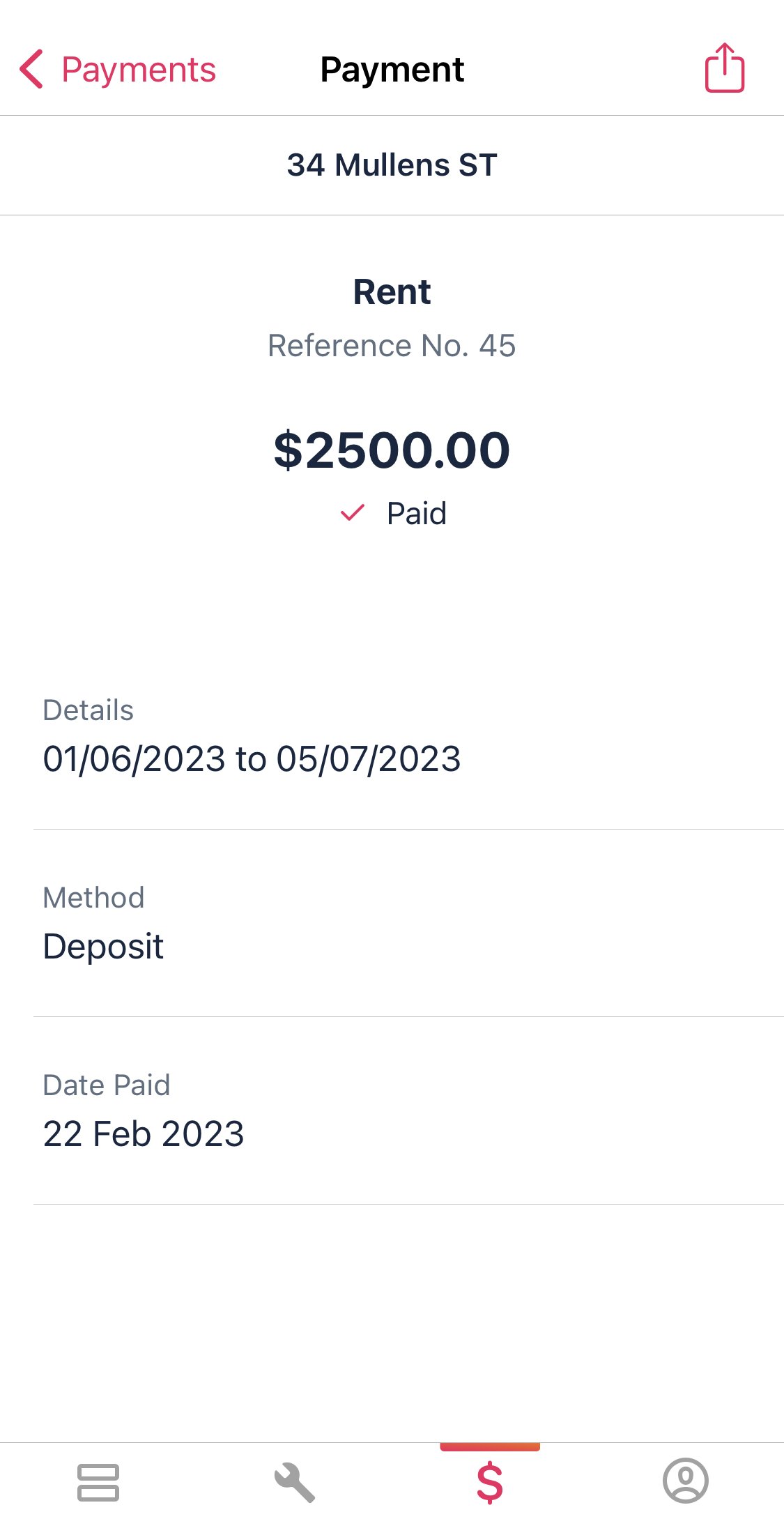
1. Under the Payments tab, this will show recent payments or invoices.
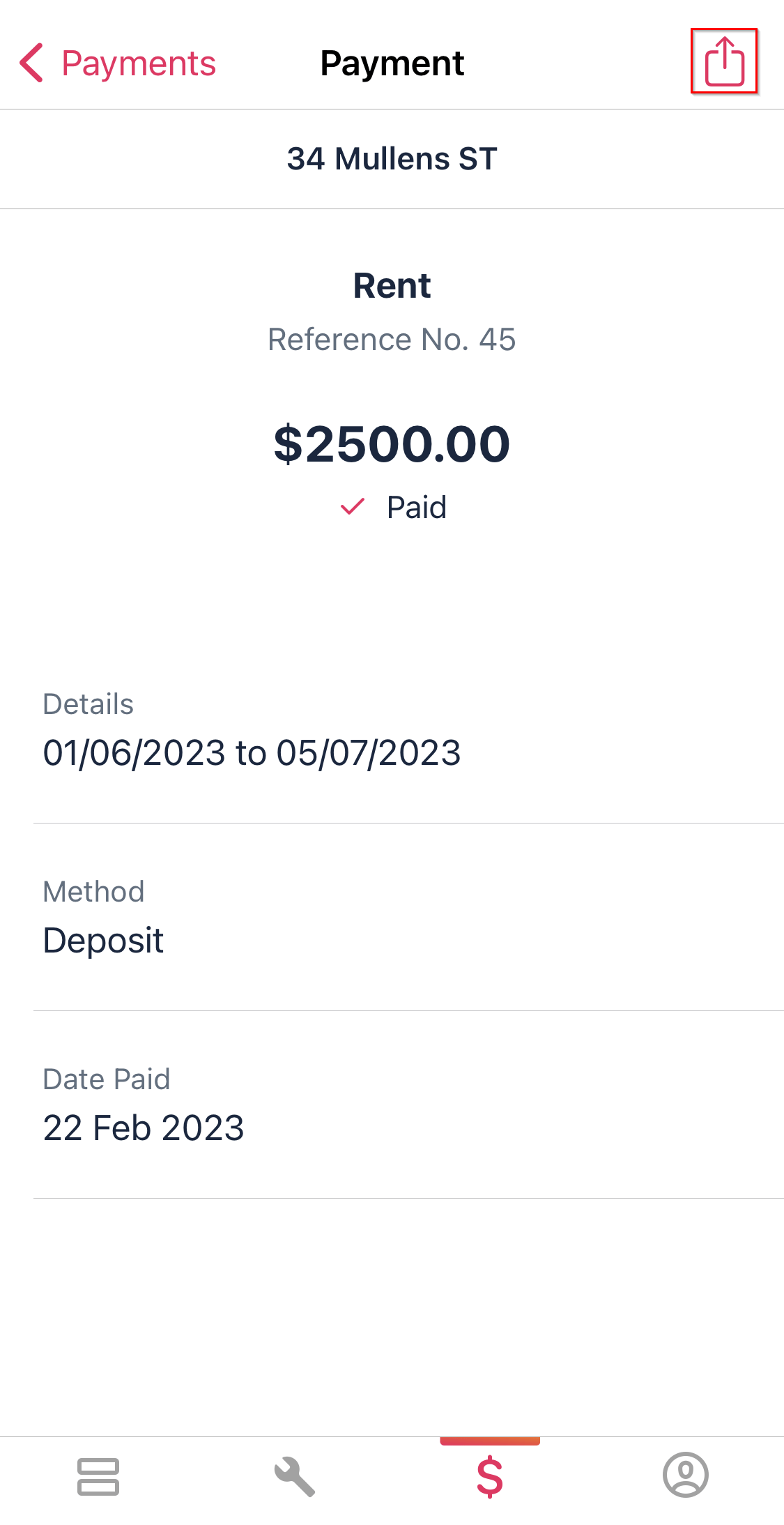
2. To download the receipt from the app, navigate to the top right of the screen and click on the icon.
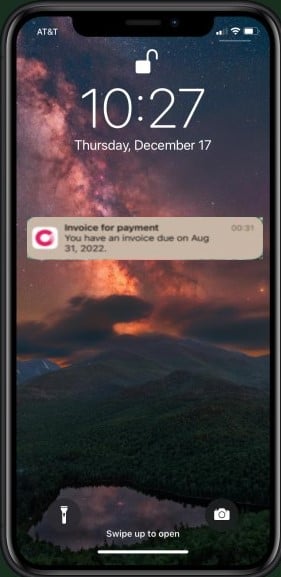
3. Push Notifications can also be sent for invoices. This includes if the payment is scheduled to be debited via Console Pay. When pressed, it will take you to the payment screen on the app.
My Tenancy Tab
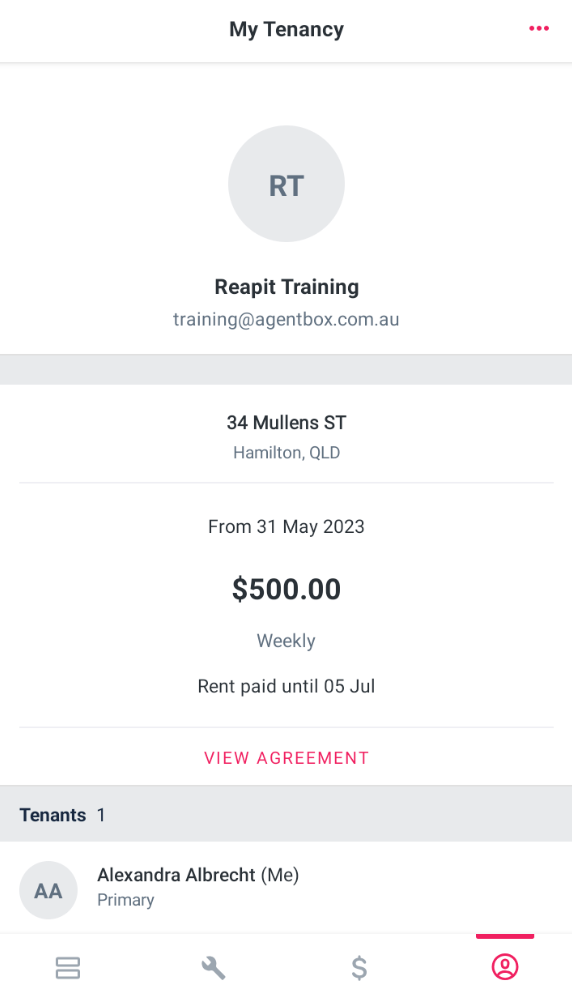
- Under the My Tenancy tab, the tenants see the address of their property, their lease, rent and bond details.
Tenant App FAQ's
1. How do I report any errors or issues?
Take a screenshot of the error then email it to consolesupport@reapit.com for further investigation.
2. I am not sure what to put in for my maintenance request (tenant question)?
Contact your property manager and ask them for guidance while you log the request.
3. What devices is the tenant app compatible with?
The Console Tenant app can use used on iPhones and any phone that runs an Android Operating System.