'%20d='M0%208a8%208%200%200%201%208-8h24a8%208%200%200%201%208%208v24a8%208%200%200%201-8%208H8a8%208%200%200%201-8-8V8Z'/%3e%3cpath%20fill='%23fff'%20d='M8.375%2013v14L20.5%2034l12.124-7v-7.737l-1.687-.975-2.806-1.62-1.082-.624v4.83l-.002%204.83H13.95V16.07l3.275-1.89%202.192-1.265%201.082-.625%203.275%201.877%202.192%201.256%201.083.62V9.782L20.5%206%208.376%2013Z'/%3e%3cdefs%3e%3clinearGradient%20id='reapit-pm__a'%20x1='20.702'%20x2='20.702'%20y1='.351'%20y2='31.228'%20gradientUnits='userSpaceOnUse'%3e%3cstop%20stop-color='%235573FD'/%3e%3cstop%20offset='.575'%20stop-color='%234E56EA'/%3e%3c/linearGradient%3e%3c/defs%3e%3c/svg%3e)
REISA Forms Integration
This article will cover enabling the REISA Forms integration in Reapit PM.
Overview
REISA Forms Integration
This article will cover enabling the REISA Forms integration in Reapit PM.
The processes in this article include:
- Enabling the REISA Forms Integration
- REISA Forms Workflow through to Reapit PM
- What Data is Shared using the REISA Forms Integration
- Navigate to Marketplace.
- Under Forms, click REI Forms.
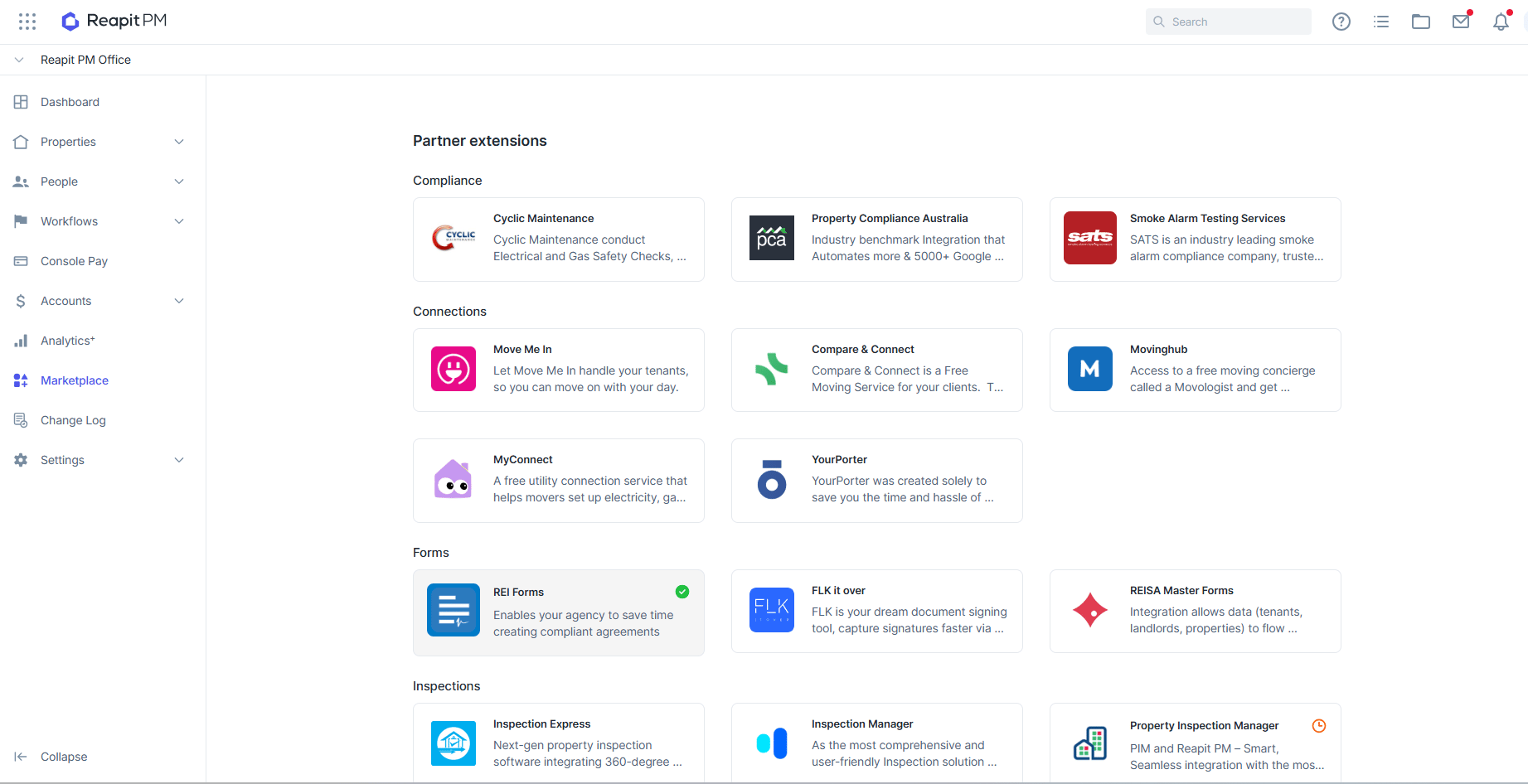
- Click Add to Reapit PM.
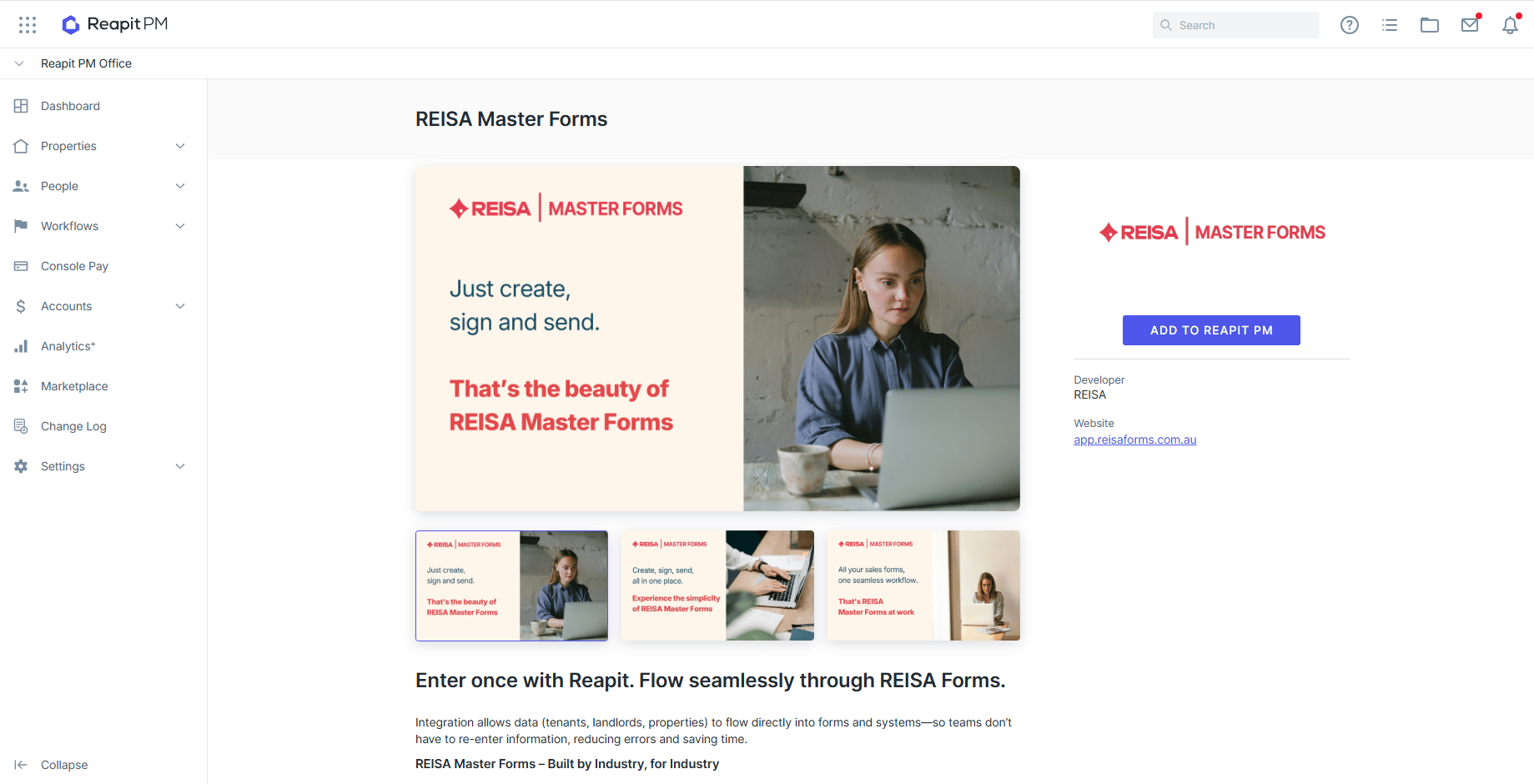
- You will now need to find your REISA token and add it to this screen. To get this token, you will need to go into your REISA account.
- Once signed into REISA, click the Connections option on the menu, then select the + New button on the top right corner.
- Copy the access token and return to Reapit PM. Enter the token and click Save. A confirmation message will appear to notify the process has been completed.
REISA Forms Workflow through to Reapit PM
- Navigate and log in to app.reisaforms.com.au
- Proceed with the form creation.
- Send the form to the party for completion
- Once the form has been finalised, the agreement will be sent through to Reapit PM and located under Forms or Documents, depending on the type of form.
What Data is Shared using the REISA Forms Integration?
When creating a form, you will be able to select the Entity it is for by searching related Reapit PM contacts. The form will then prepopulate the entities data based on your search selection.