'%20d='M0%208a8%208%200%200%201%208-8h24a8%208%200%200%201%208%208v24a8%208%200%200%201-8%208H8a8%208%200%200%201-8-8V8Z'/%3e%3cpath%20fill='%23fff'%20d='M10.41%206v3.779h15.048v19.537h4.132V6H10.41Z'/%3e%3cpath%20fill='%23fff'%20d='M20.967%2034V13.837L10.41%209.78v20.166L20.967%2034Z'/%3e%3cdefs%3e%3clinearGradient%20id='reapit-sales__a'%20x1='20.702'%20x2='20.702'%20y1='.351'%20y2='31.228'%20gradientUnits='userSpaceOnUse'%3e%3cstop%20stop-color='%235573FD'/%3e%3cstop%20offset='.575'%20stop-color='%234E56EA'/%3e%3c/linearGradient%3e%3c/defs%3e%3c/svg%3e)
SMS Report
This article shows how to run SMS report in Reapit Sales.
SMS Report
This article shows how to run SMS report in Reapit Sales.
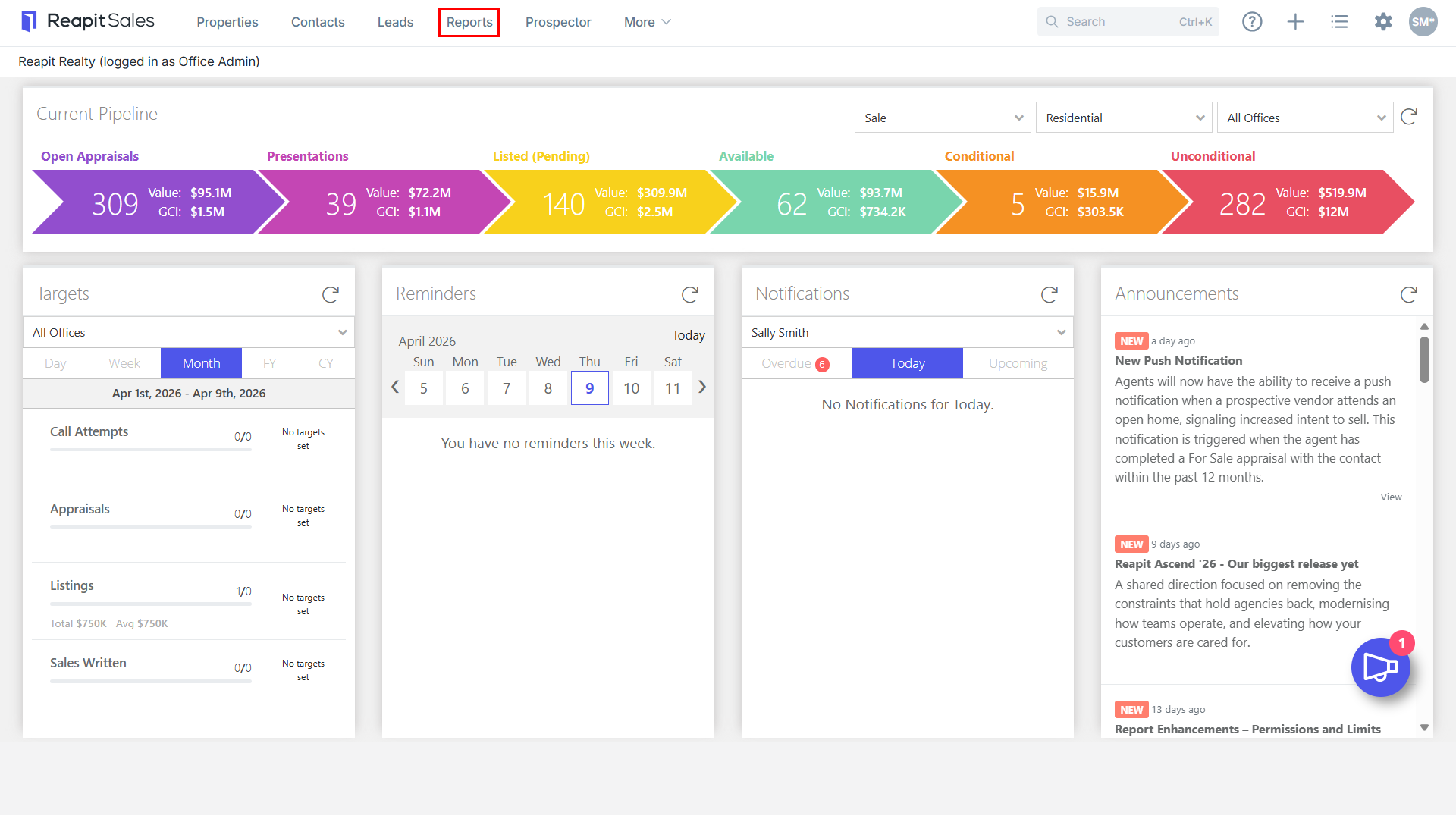
- Click Reports from the Main Menu.

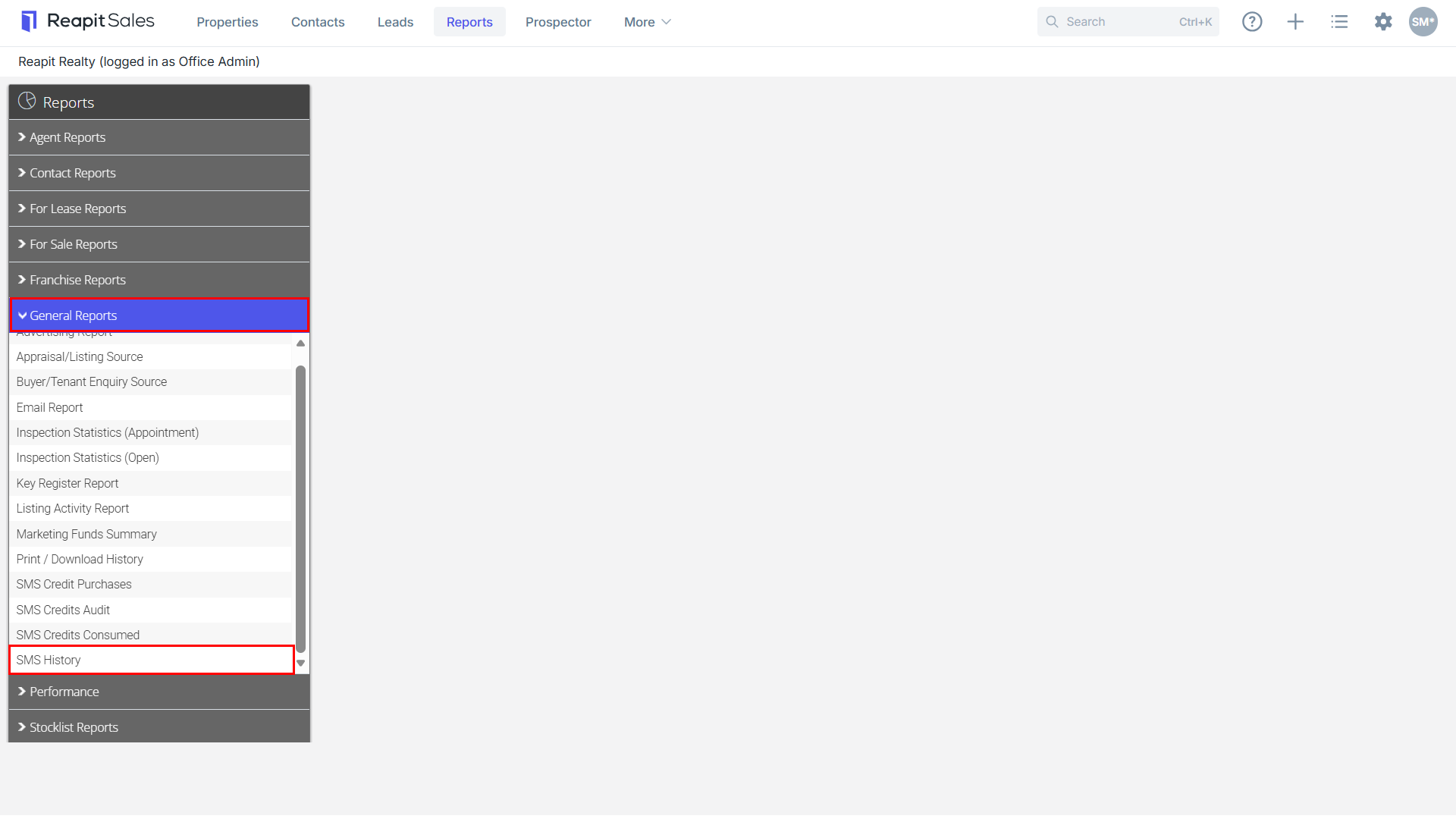
- Click the General Reports tab then click on SMS History.
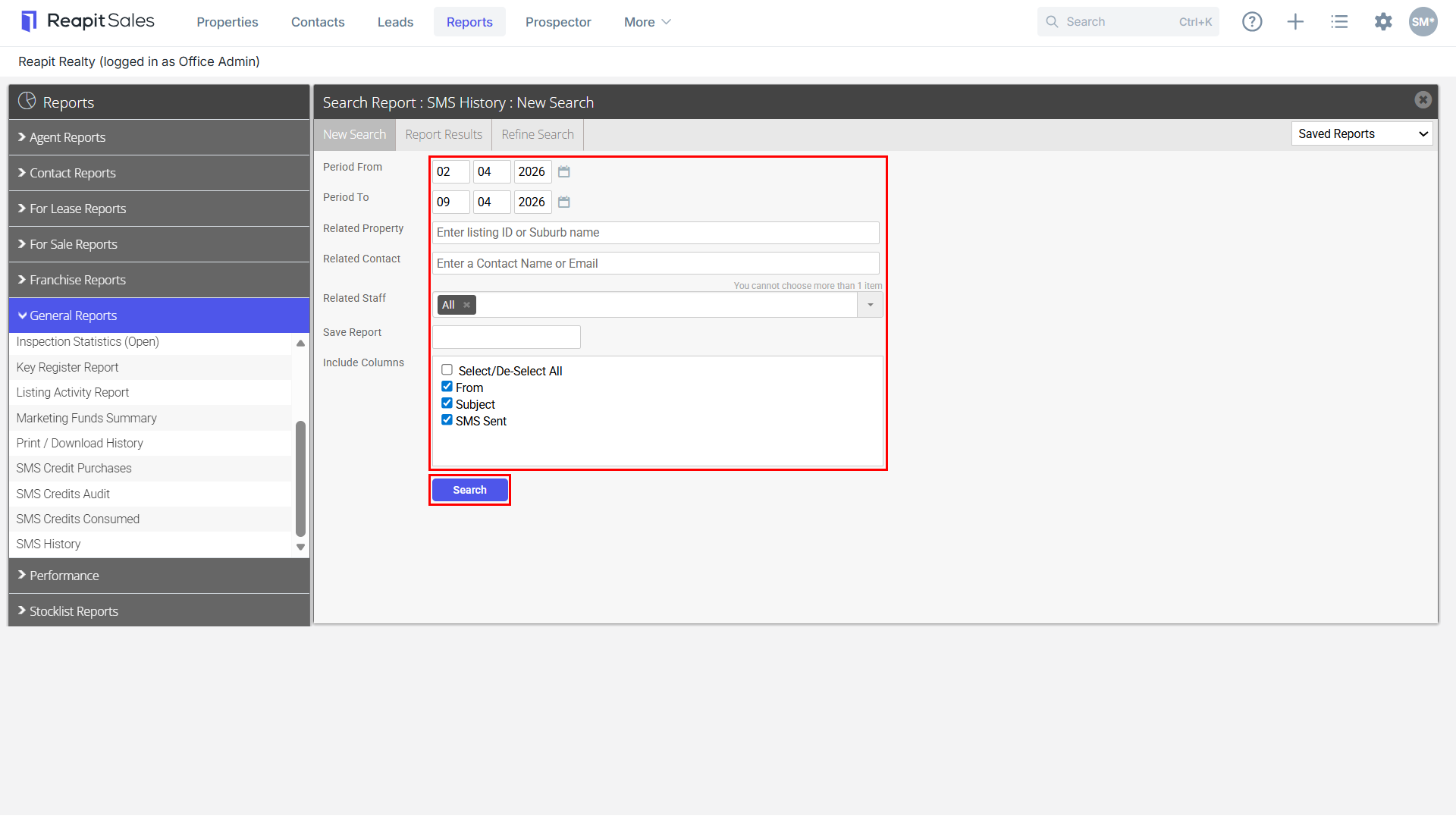
- Enter a date range, related property or related contact is applicable.
- Select from the Related Staff drop-down either Office or an individual staff member.
- Save Report if applicable by entering a save as name in Save Report (Saved reports will be available via the Saved Reports drop-down in the top right-hand corner)
- Click Search
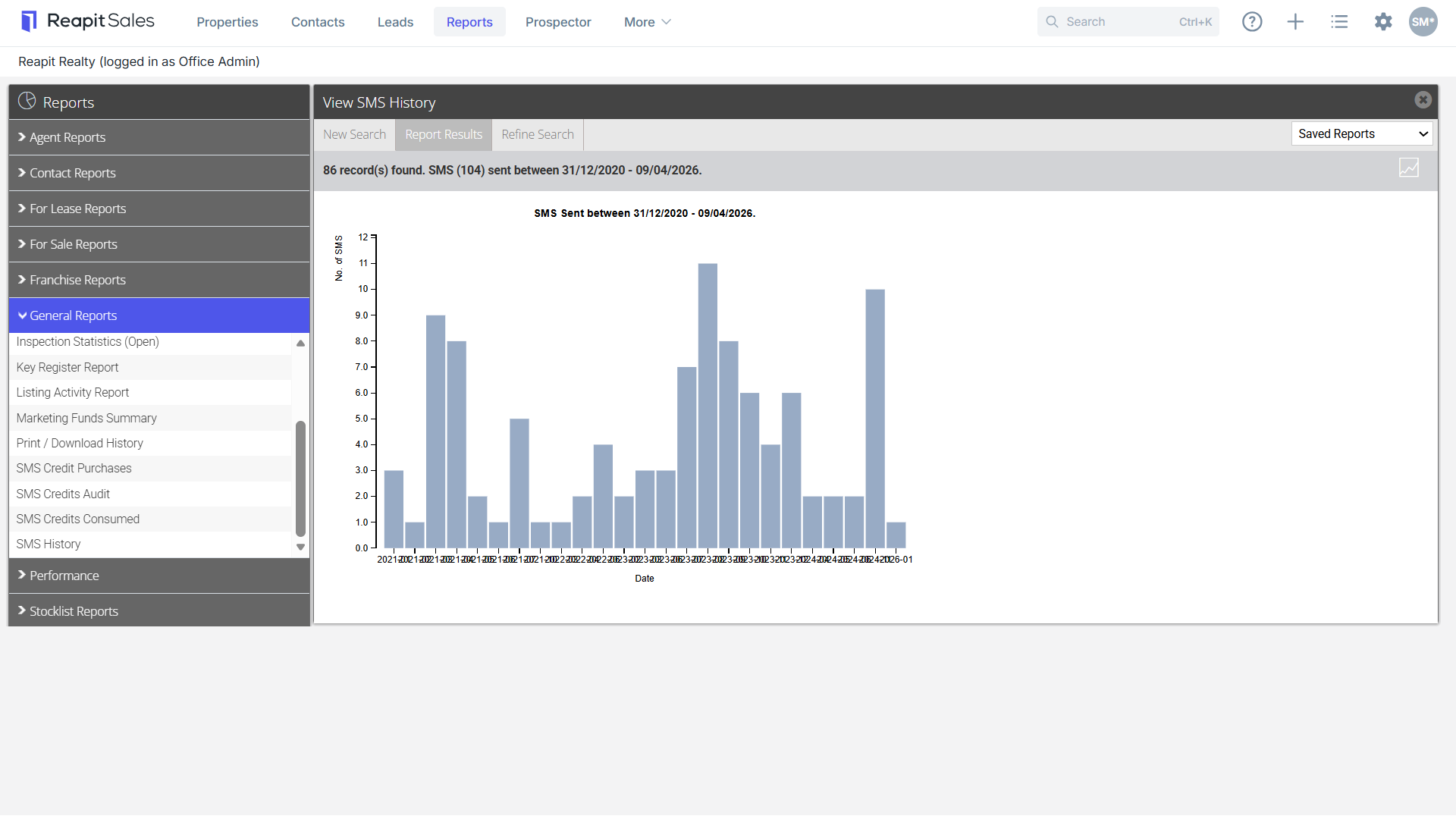
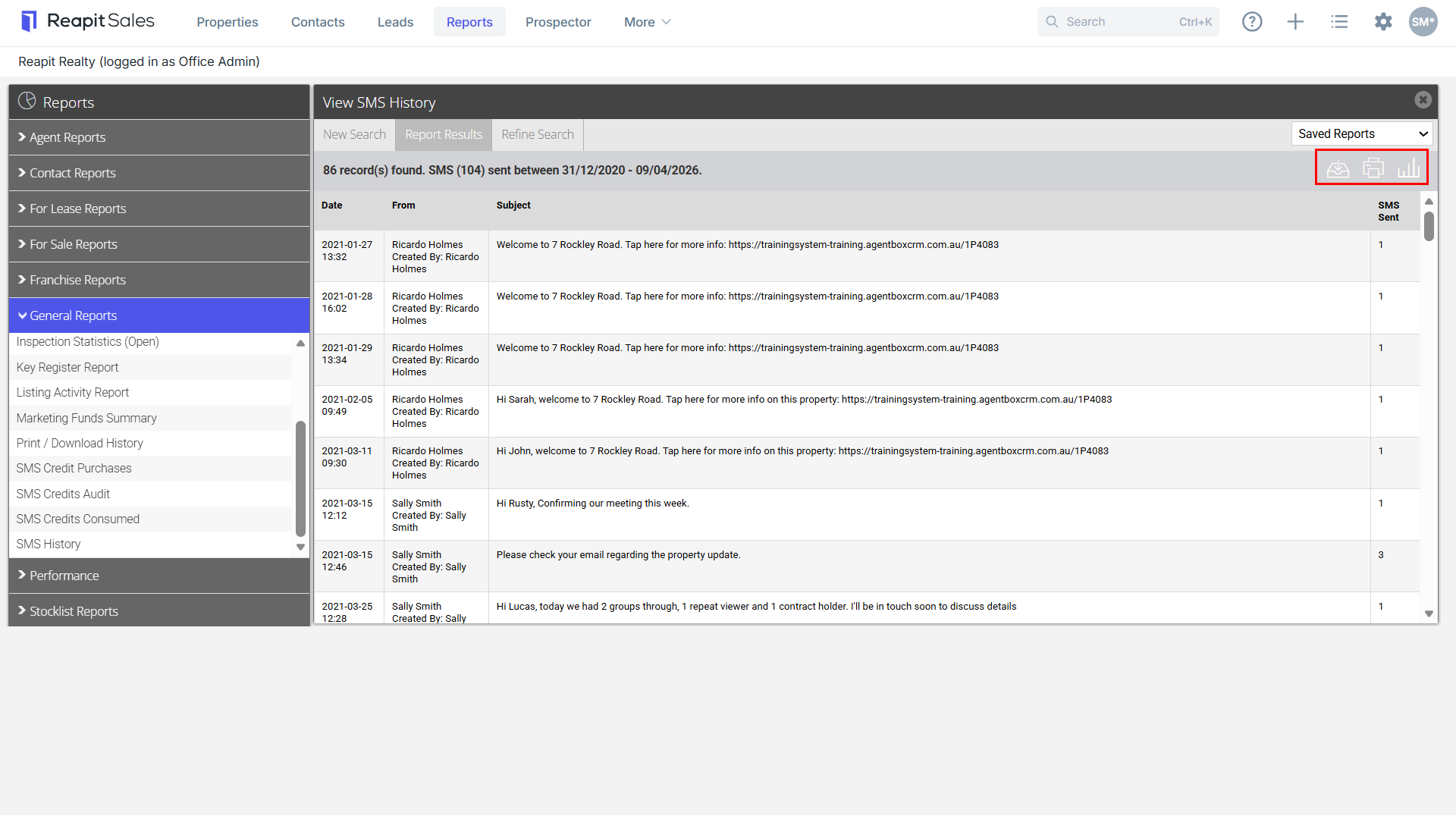
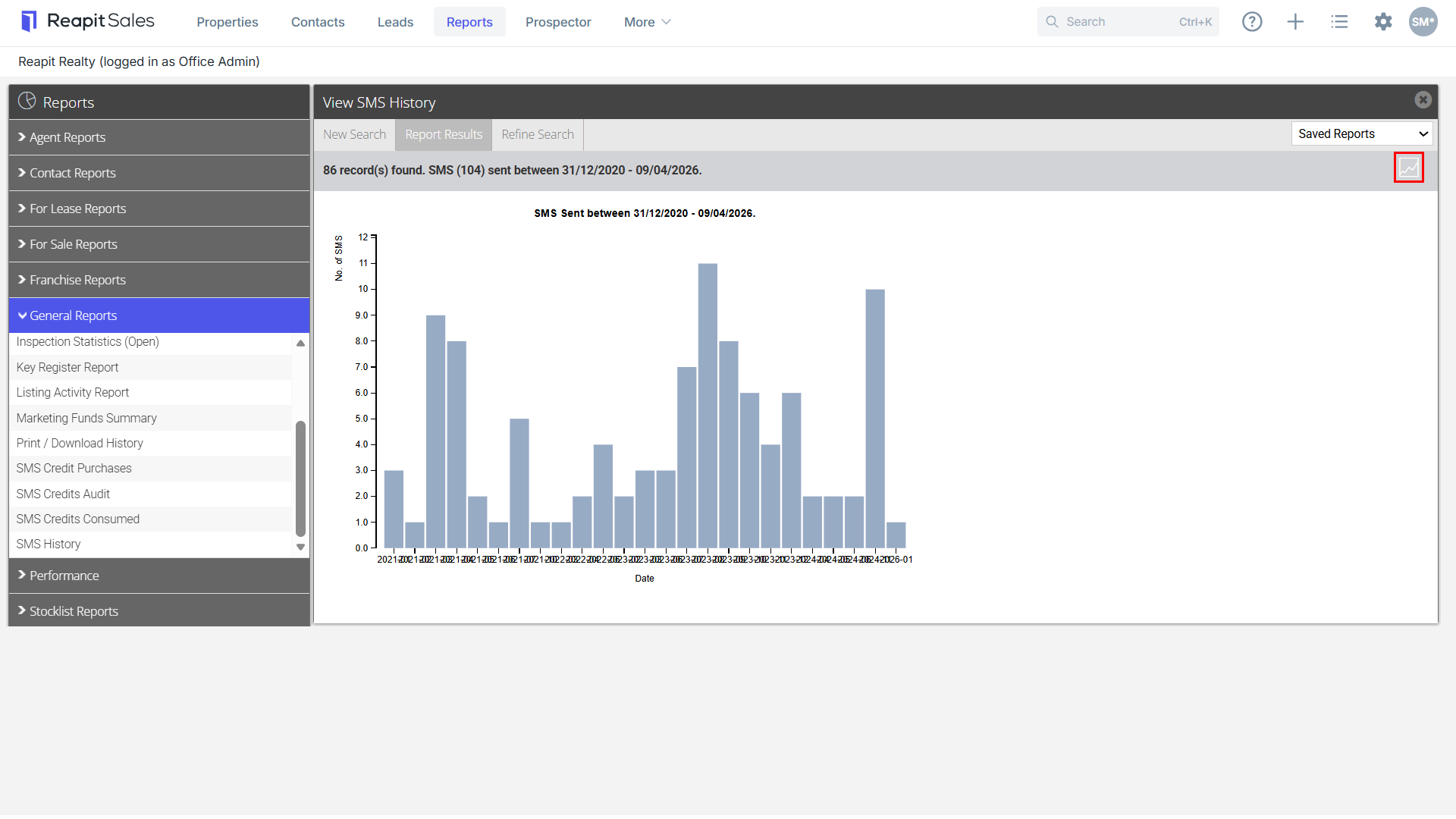
- Click the chart
 icon to view Data Details.

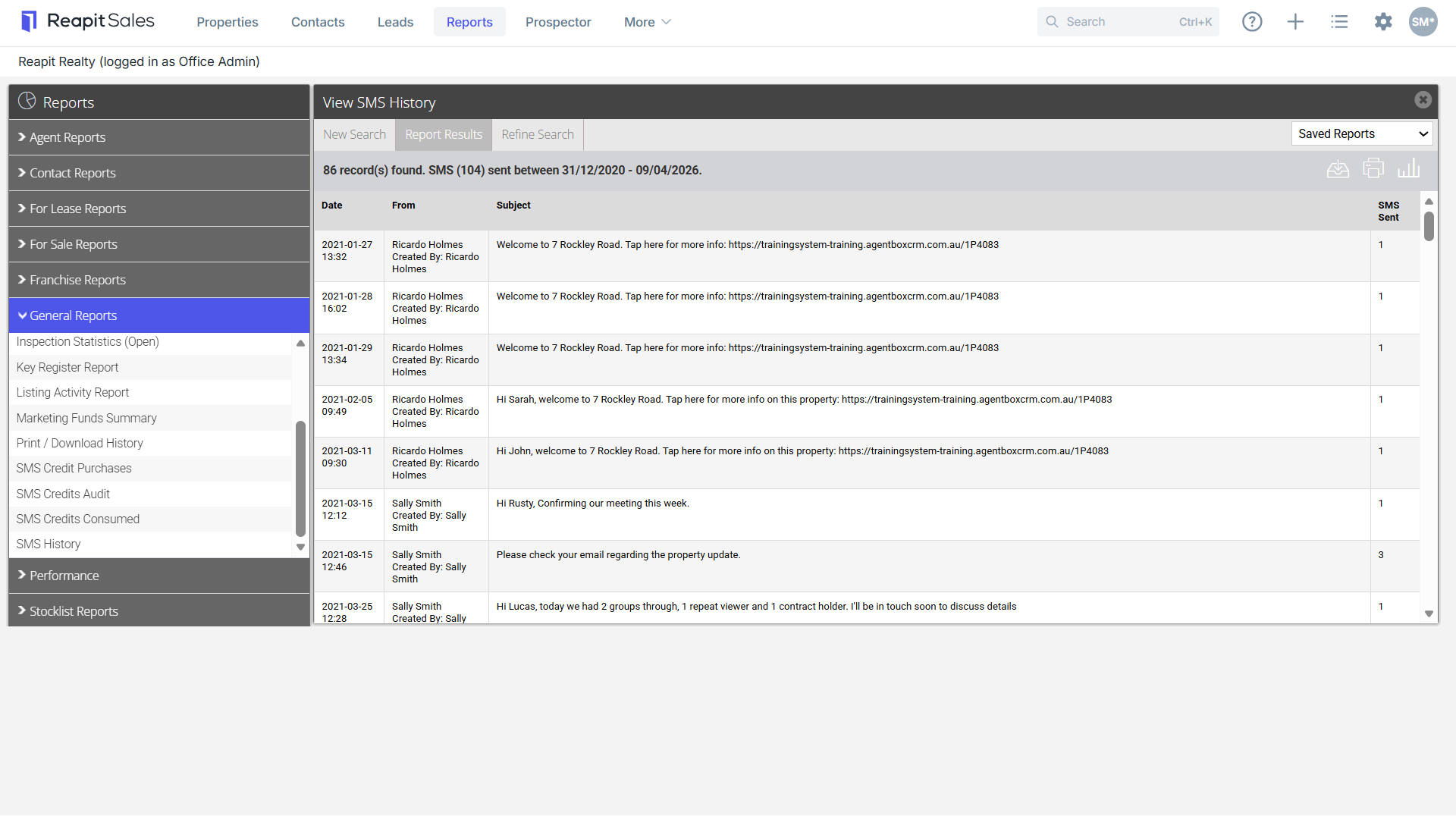
- Click
 Download icon to download a CSV file or Print icon
  to print a report or
  Graph icon to take you back to the graph above.