'%20d='M0%208a8%208%200%200%201%208-8h24a8%208%200%200%201%208%208v24a8%208%200%200%201-8%208H8a8%208%200%200%201-8-8V8Z'/%3e%3cpath%20fill='%23fff'%20d='M10.41%206v3.779h15.048v19.537h4.132V6H10.41Z'/%3e%3cpath%20fill='%23fff'%20d='M20.967%2034V13.837L10.41%209.78v20.166L20.967%2034Z'/%3e%3cdefs%3e%3clinearGradient%20id='reapit-sales__a'%20x1='20.702'%20x2='20.702'%20y1='.351'%20y2='31.228'%20gradientUnits='userSpaceOnUse'%3e%3cstop%20stop-color='%235573FD'/%3e%3cstop%20offset='.575'%20stop-color='%234E56EA'/%3e%3c/linearGradient%3e%3c/defs%3e%3c/svg%3e)
Print Settings - FIREFOX
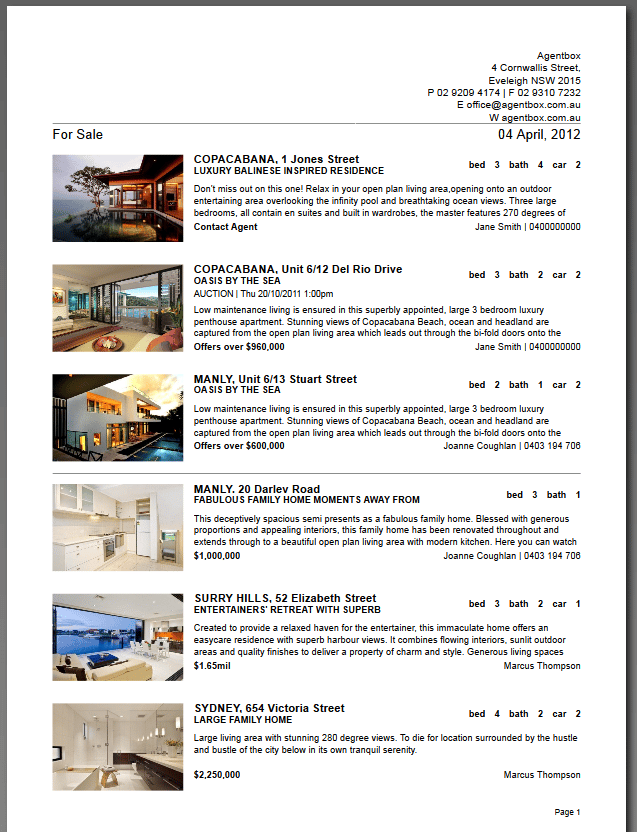
This Reapit Sales article shows how to remove URL details and the footer from the Property Stocklist - FIREFOX.
Print Settings - FIREFOX
This Reapit Sales article shows how to remove URL details and the footer from the Property Stocklist - FIREFOX.
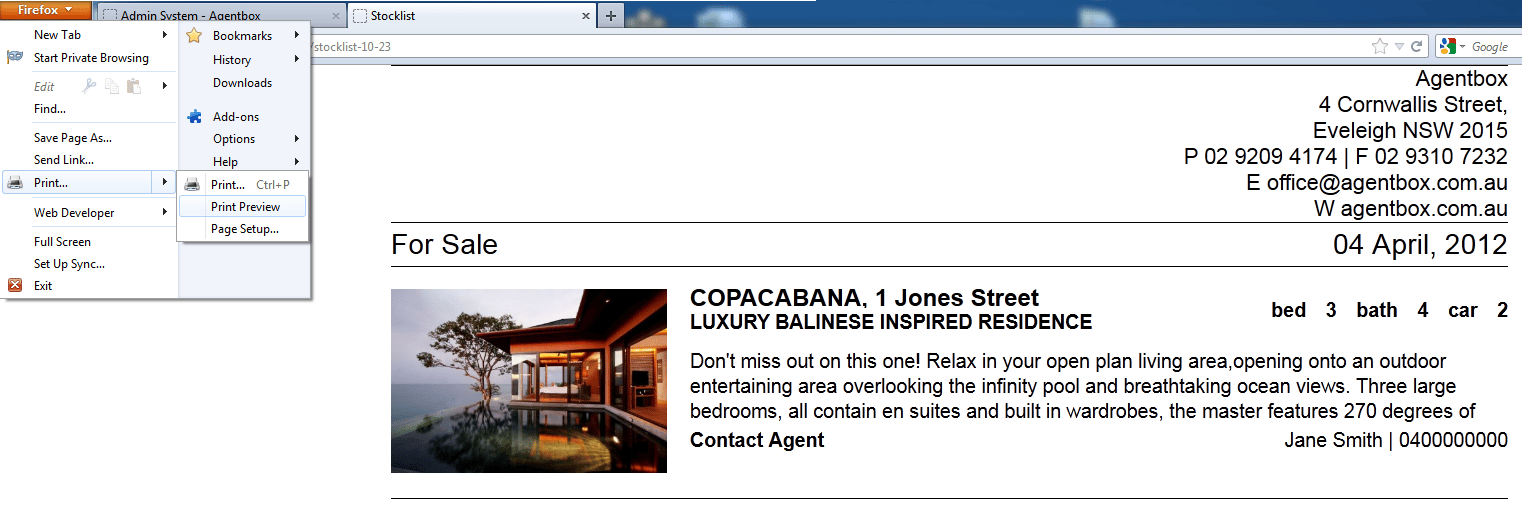
- Click File on the top left corner of your Mozilla Firefox browser.
- Select Print preview
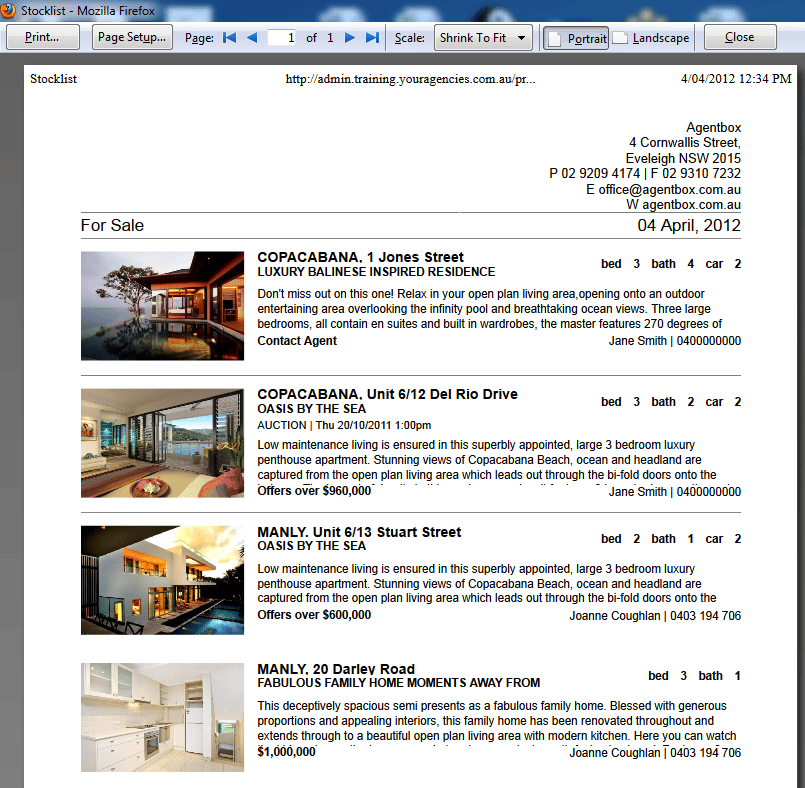
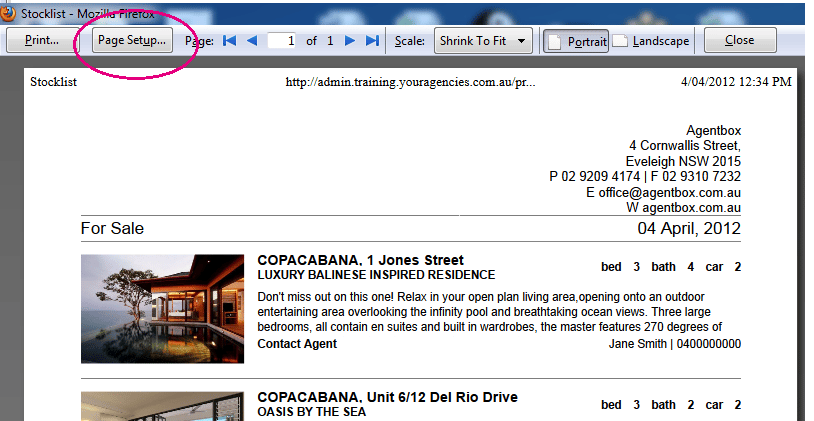
- Click Page Setup
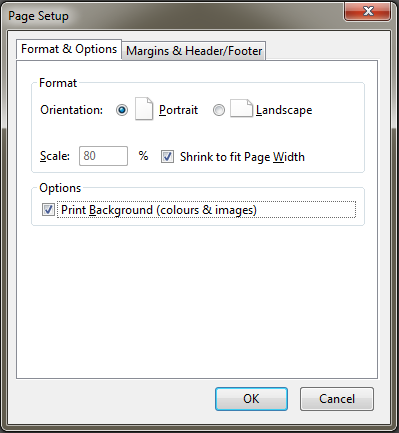
- Ensure Print Background (colours & images) is ticked.
- Click Margins & Header/Footer
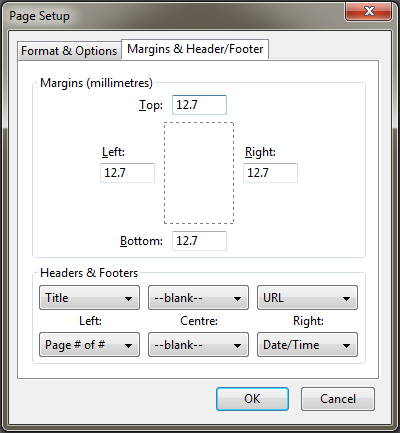
- Change all other to --blank-- to eliminate all headers, footers and URL details.
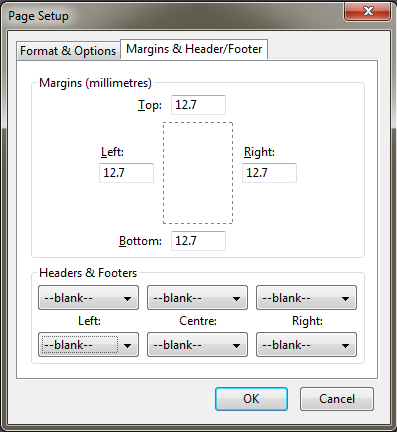
- Click Ok
- Now if you generate a print preview before printing your html reports e.g. a stock list, or when conducting a mail merge you will notice they fit one per page.