'%20d='M0%208a8%208%200%200%201%208-8h24a8%208%200%200%201%208%208v24a8%208%200%200%201-8%208H8a8%208%200%200%201-8-8V8Z'/%3e%3cpath%20fill='%23fff'%20d='M10.41%206v3.779h15.048v19.537h4.132V6H10.41Z'/%3e%3cpath%20fill='%23fff'%20d='M20.967%2034V13.837L10.41%209.78v20.166L20.967%2034Z'/%3e%3cdefs%3e%3clinearGradient%20id='reapit-sales__a'%20x1='20.702'%20x2='20.702'%20y1='.351'%20y2='31.228'%20gradientUnits='userSpaceOnUse'%3e%3cstop%20stop-color='%235573FD'/%3e%3cstop%20offset='.575'%20stop-color='%234E56EA'/%3e%3c/linearGradient%3e%3c/defs%3e%3c/svg%3e)
Email Contract/Property Document Template
This article runs through how to email contract/property document template in Reapit Sales.
Email Contract/Property Document Template
This article runs through how to email contract/property document template in Reapit Sales.
Master Users have the ability to specify a custom email template for use via the ‘Email Contract/Documents’ to prospective buyers function in both the CRM and Reapit Sales(mobile). Selected documents will still be included as links within the email body rather than physical email attachments to ensure large files are not rejected by recipient email servers and to facilitate link/click tracking in email reports. The email template (General|Property Contract/Documents) will be assigned as the default. However, a master user can edit this template or assign a custom template via System Configuration. Email templates must include the ‘Property Documents’ {$prop_document_list} merge field which can only be used via the ‘Email Contract/Documents’ workflow. For instructions on how to edit email templates, see our Delete/Edit Email Template article. Master users can set the default template via system configuration - see instructions below.
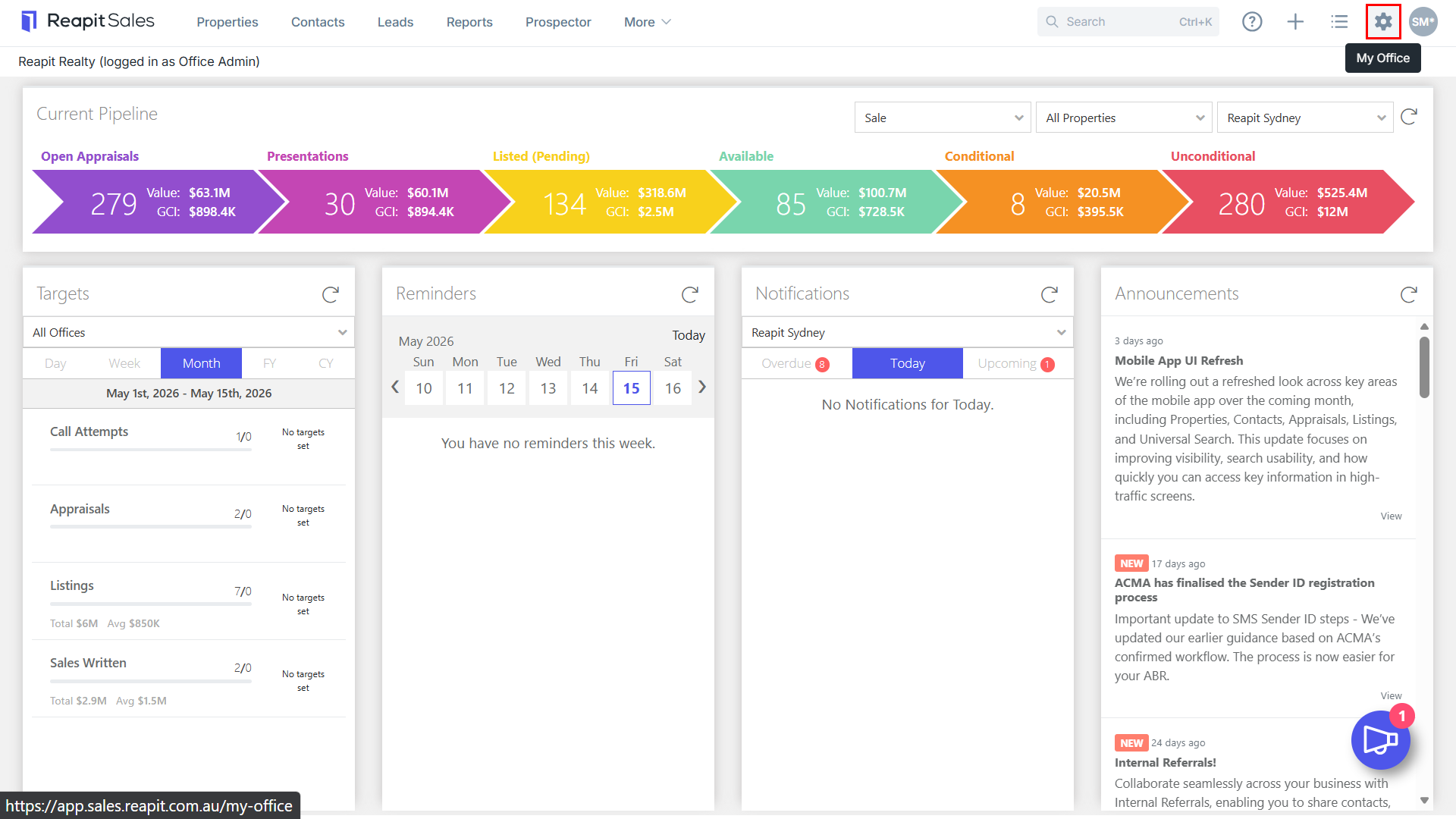
1.Click My Office on the main menu.
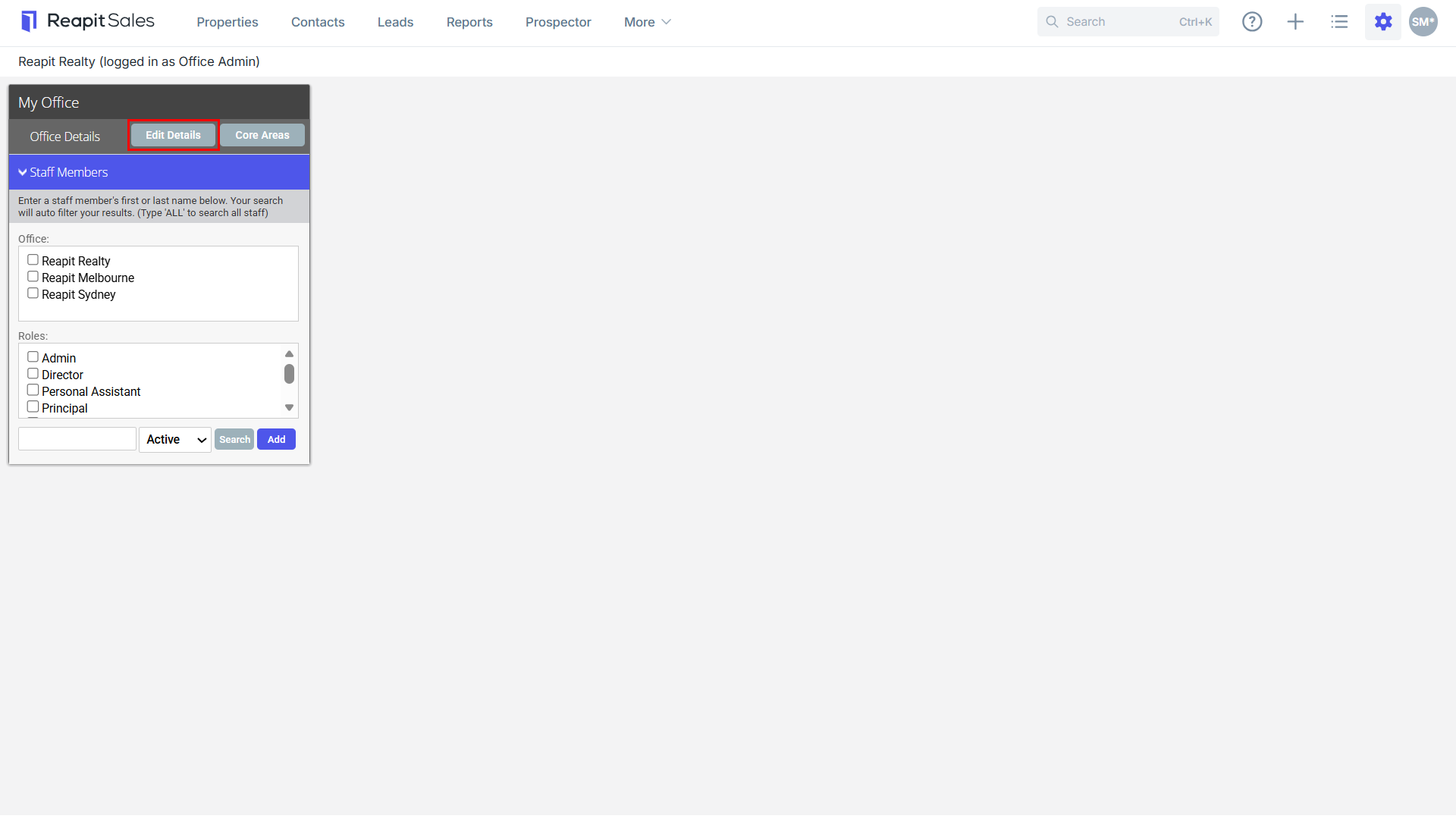
- Click Edit Details on the left panel.
- Click the System Config tab.
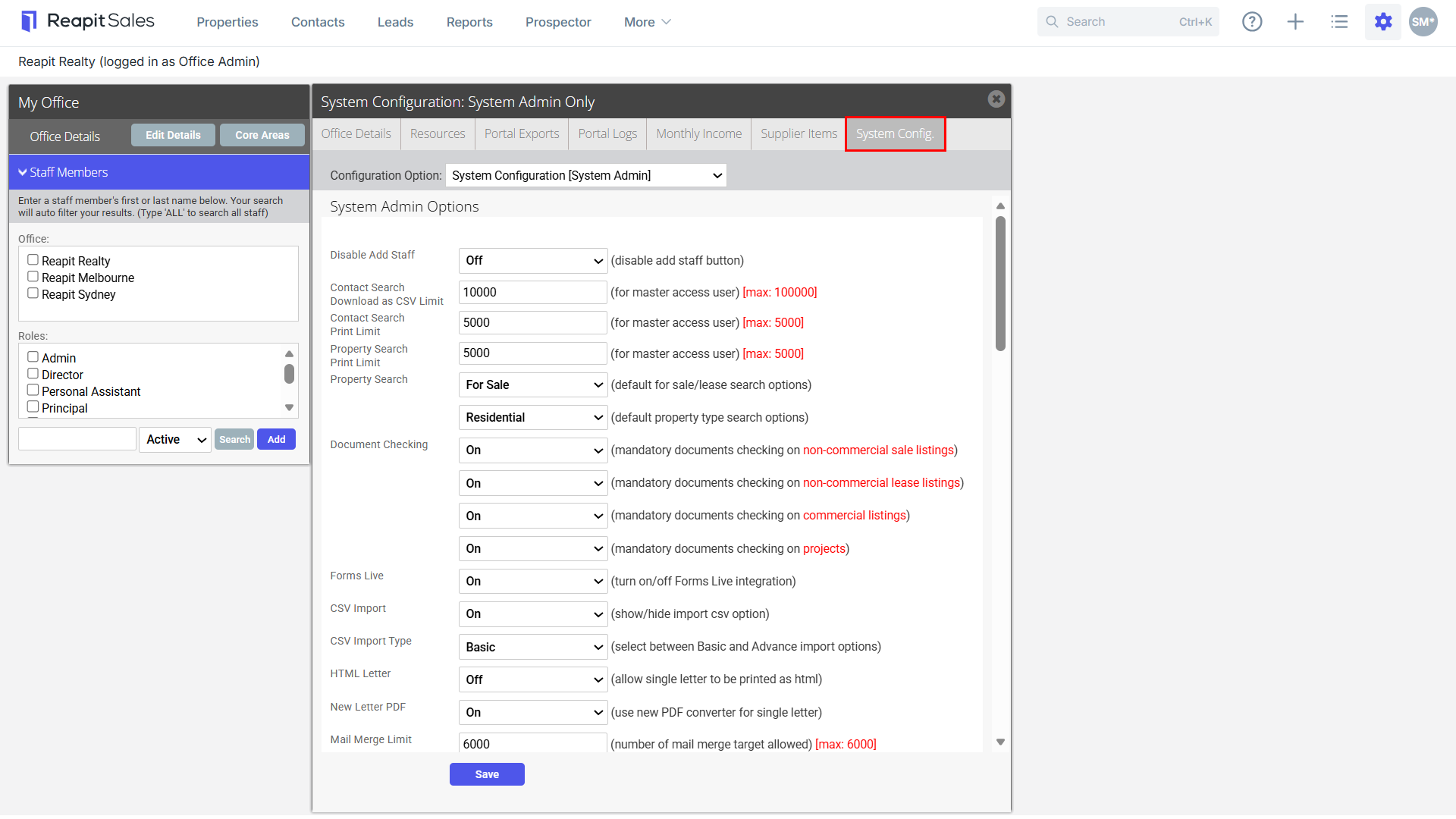
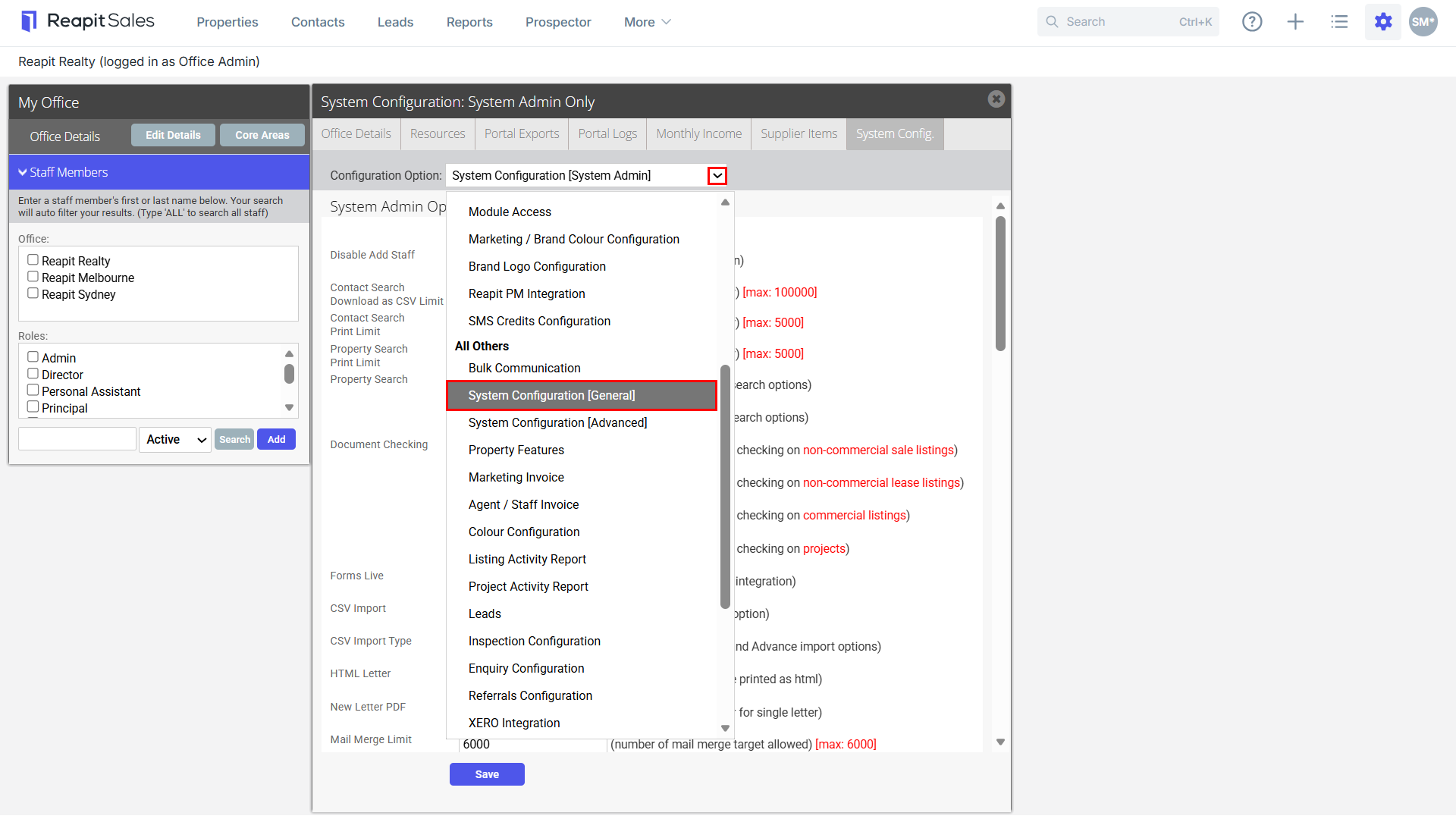
- Select System Configuration (General) from the Configuration Option drop-down.
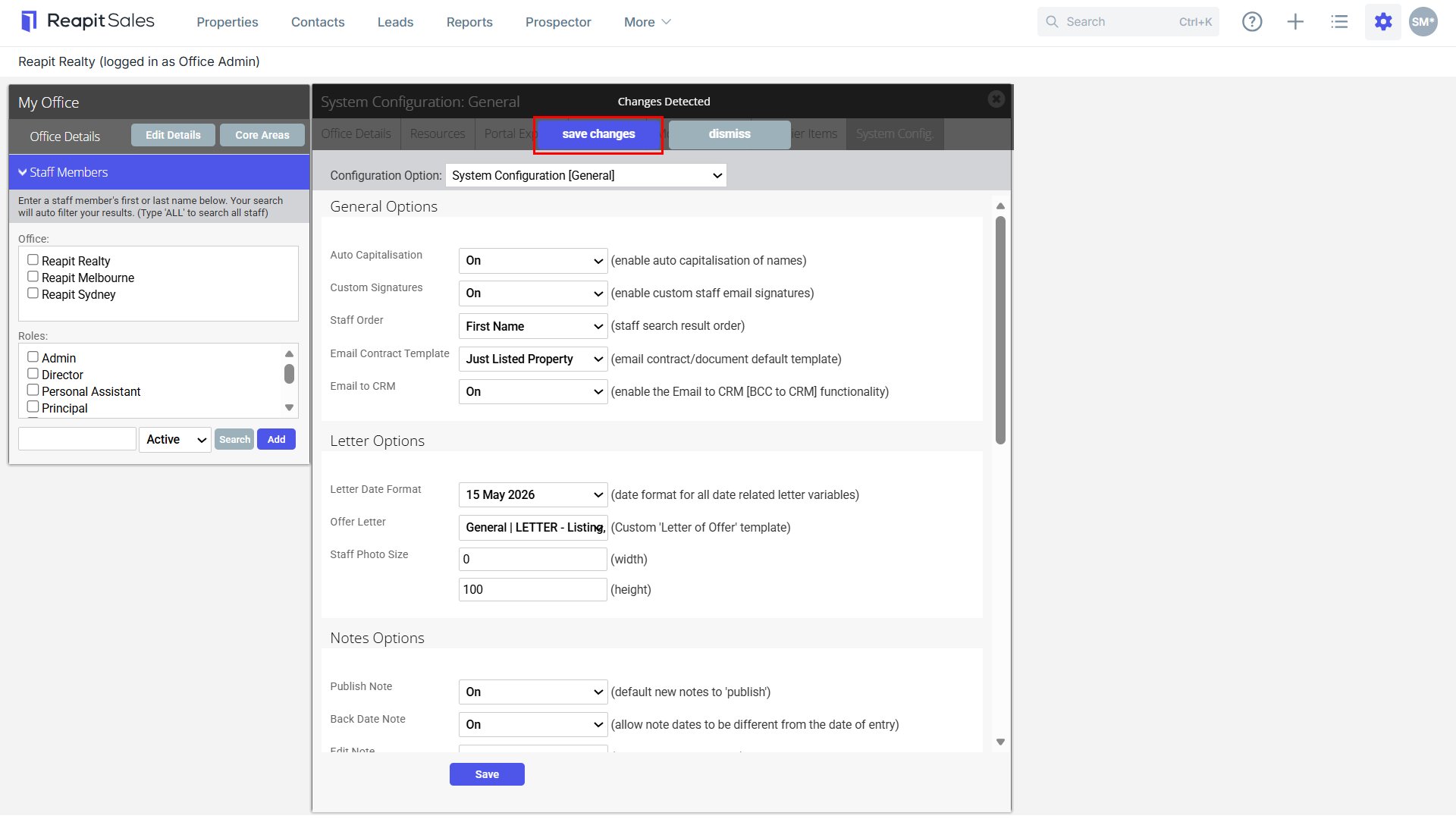
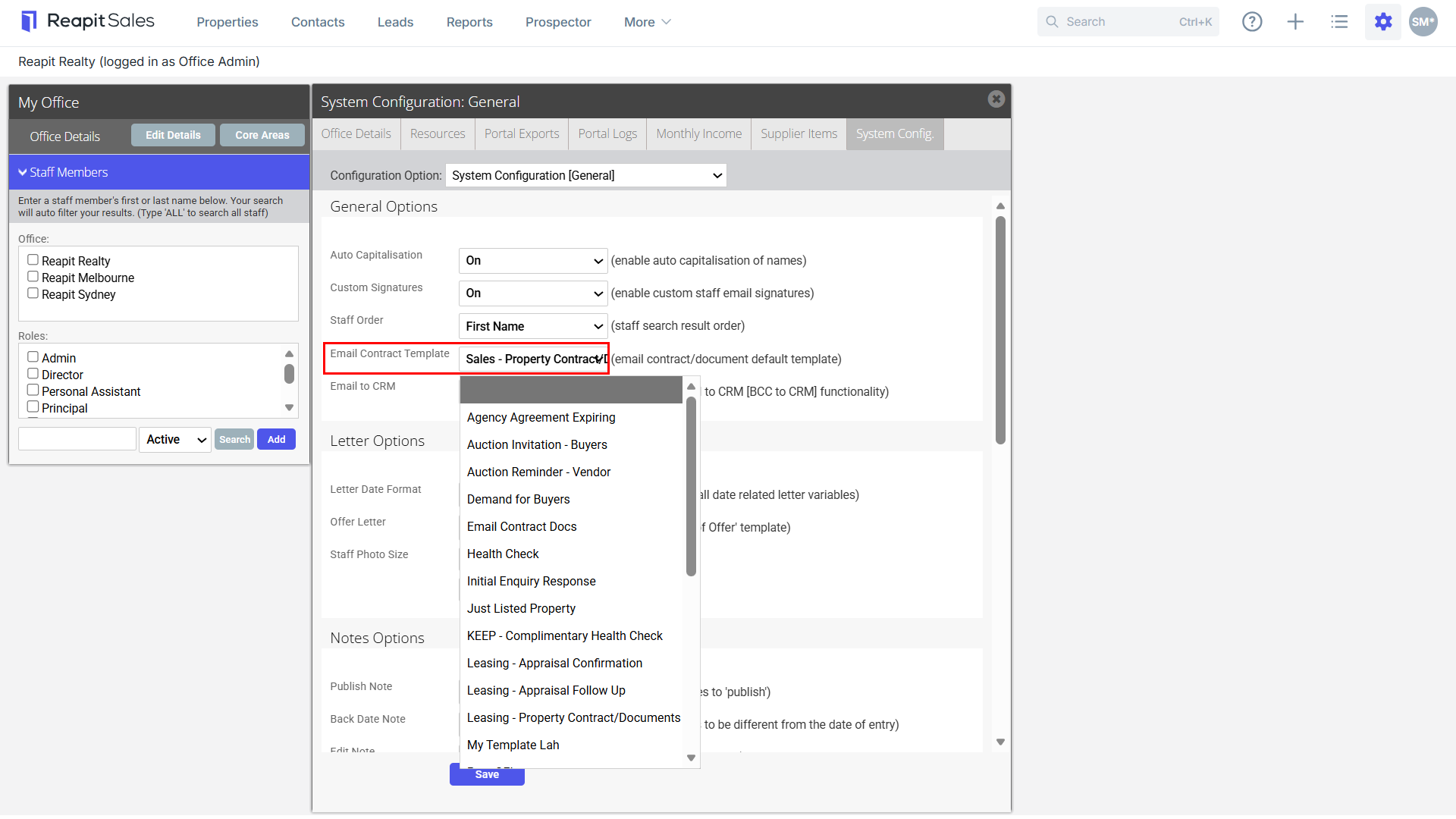
- Under Email Contract Template select the required template
Note: Only templates that are shared to all staff can be selected here.
- Click Save Changes to finish.