'%20d='M0%208a8%208%200%200%201%208-8h24a8%208%200%200%201%208%208v24a8%208%200%200%201-8%208H8a8%208%200%200%201-8-8V8Z'/%3e%3cpath%20fill='%23fff'%20d='M10.41%206v3.779h15.048v19.537h4.132V6H10.41Z'/%3e%3cpath%20fill='%23fff'%20d='M20.967%2034V13.837L10.41%209.78v20.166L20.967%2034Z'/%3e%3cdefs%3e%3clinearGradient%20id='reapit-sales__a'%20x1='20.702'%20x2='20.702'%20y1='.351'%20y2='31.228'%20gradientUnits='userSpaceOnUse'%3e%3cstop%20stop-color='%235573FD'/%3e%3cstop%20offset='.575'%20stop-color='%234E56EA'/%3e%3c/linearGradient%3e%3c/defs%3e%3c/svg%3e)
Utility Connections Configuration
This article covers the utility connection settings in Reapit Sales.
Utility Connections Configuration
This article covers the utility connection settings in Reapit Sales.
*Note: Only Master Users can access this configuration location.
Agentbox Utility Connections is powered by Movinghub (www.movinghub.com.au) and:
- Allows Agencies to create their own utility connection brand / concierge service for their clients.
- Agencies can white label and configure their own utility connections and home moving services.
- Comes pre-loaded with access to leading providers in a range of utility connection and moving services such as electricity, gas, broadband, removalists and more.
- Offers real time lead status & history for tracking referrals & commissions within the Movinghub Partner Dashboard (Agency / Principal) and Agent Dashboard / Wallet (Agents).
In order to enable this integration, a Movinghub Partner Account is required.
- Click My Office on the main menu.
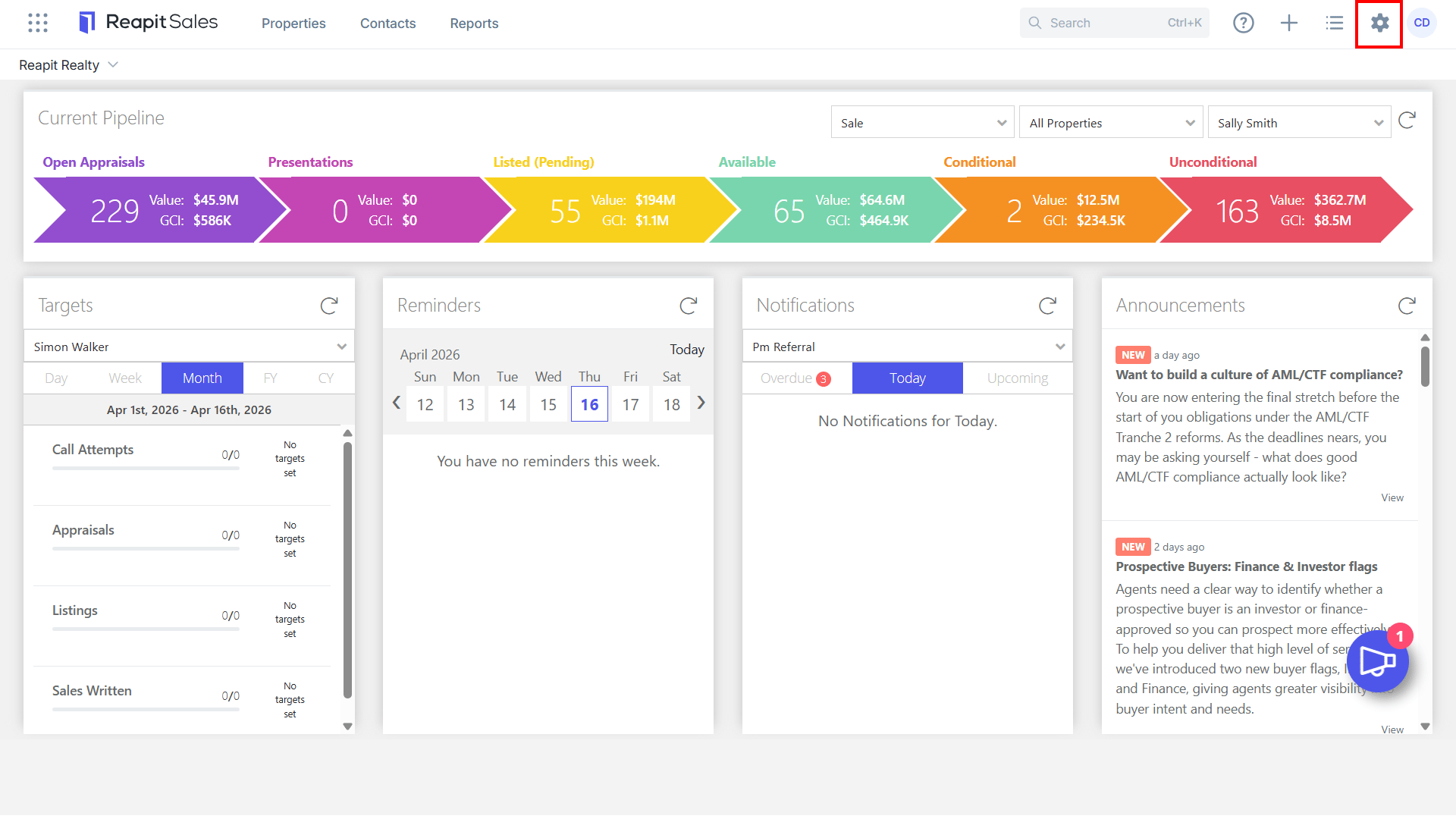
- Click Edit Details on the left panel.
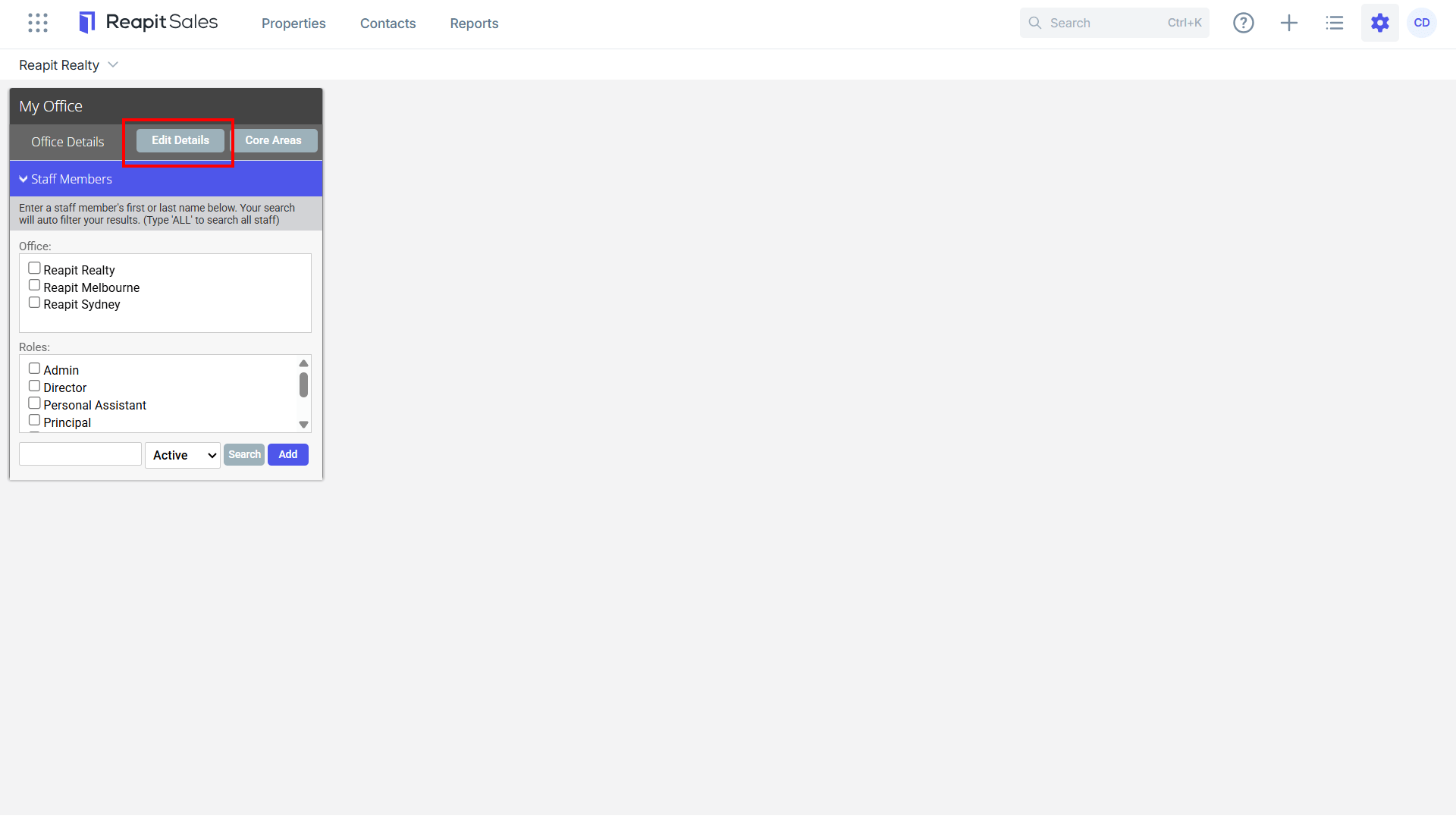
- Click the System Configuration tab.
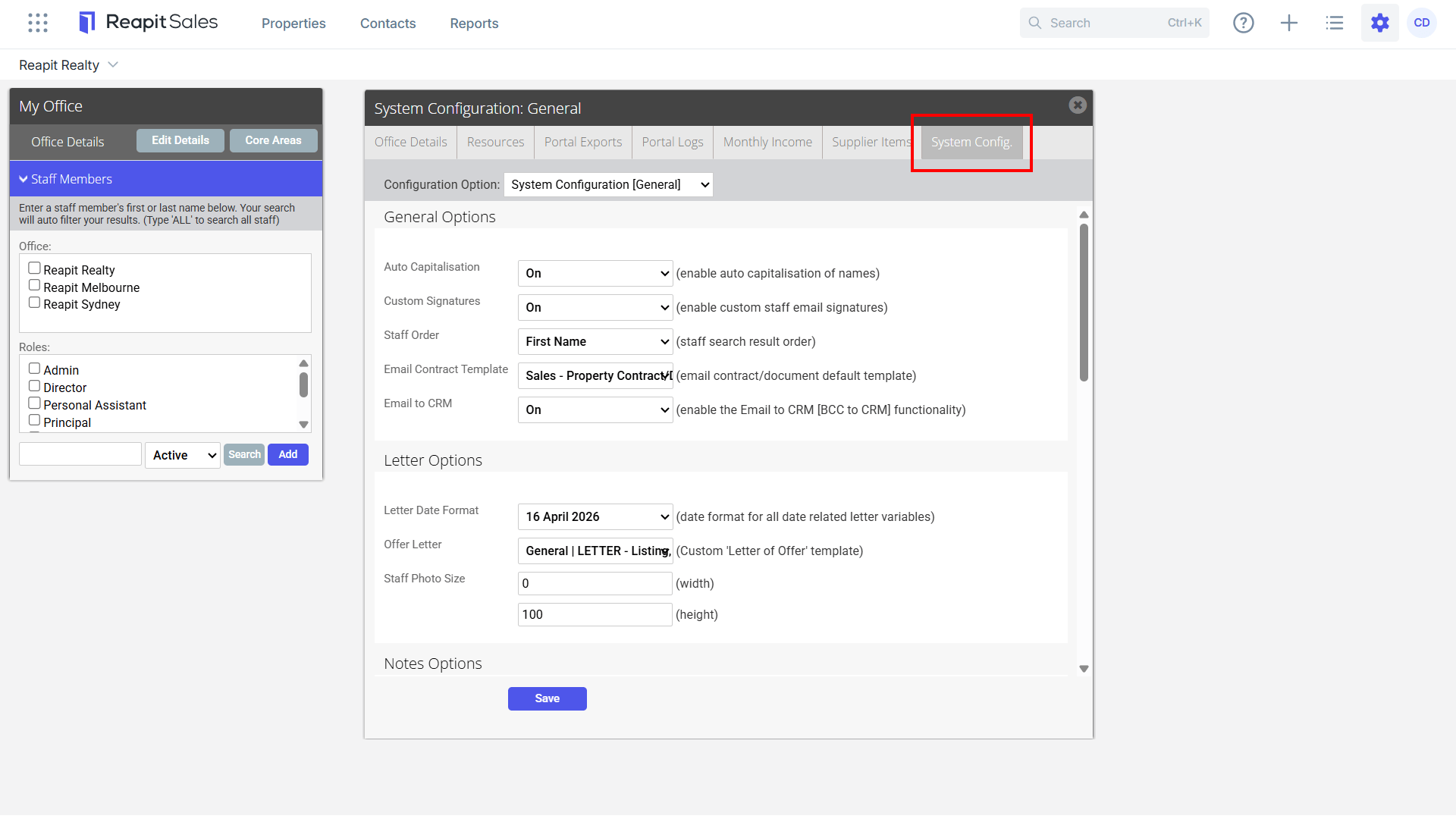
- Select Utility Connections Configuration from the Configuration Option drop-down.
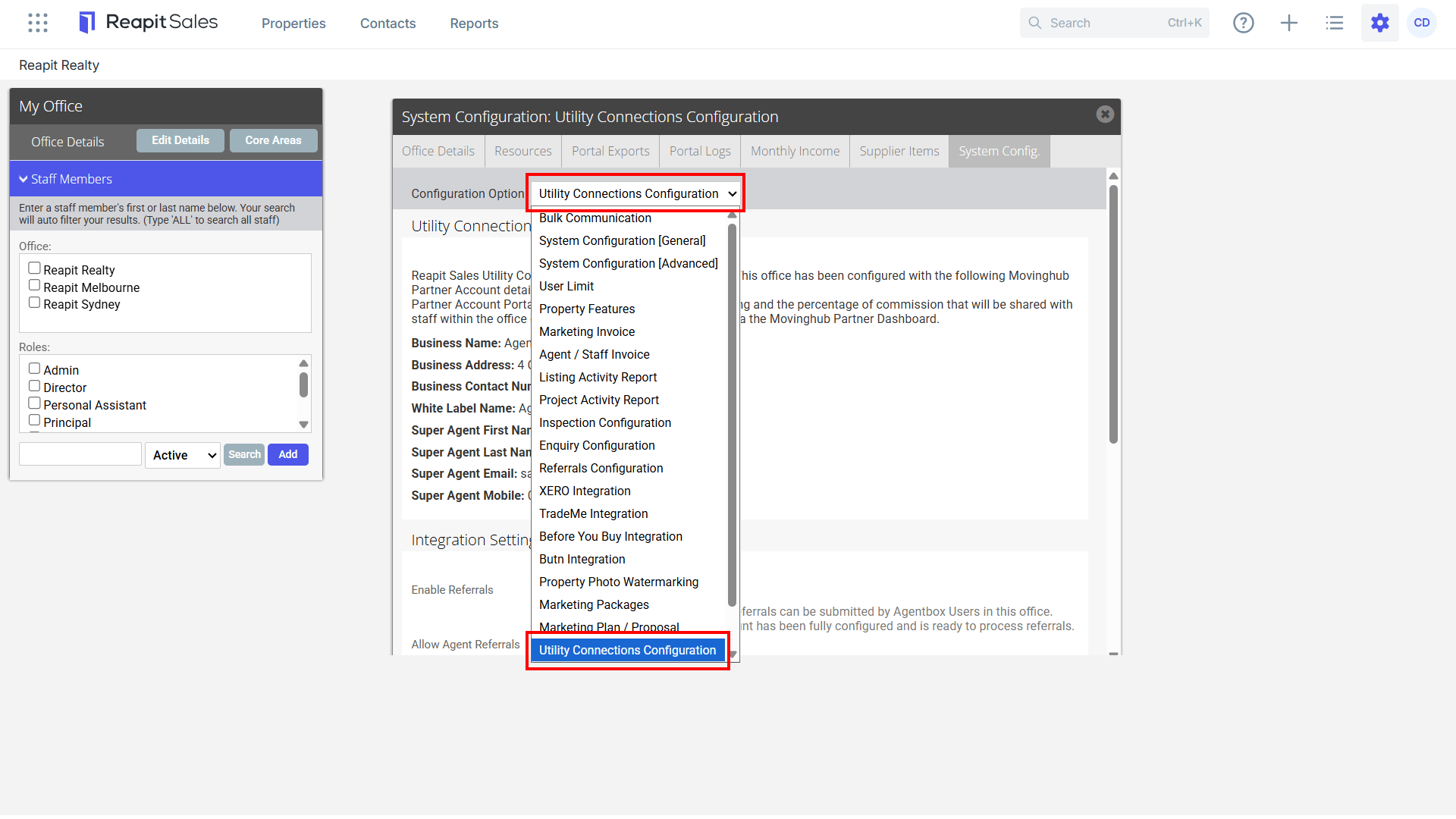
- Enter your Business account details and then select Register.
- Once enabled, Integration Settings allow Master Users to:
- Enable Referrals: Once enabled, "Utility Connection" referrals can be submitted by Agentbox Users in this office. Enable this once your Partner Account has been fully configured and is ready to process referrals.
- Allow Agent Referrals: If disabled, all referrals are credited to the Super Agent only. If enabled, referrals will be credited to individual Agents & each will receive a login to a Movinghub Dashboard/Wallet to track their referrals.

- Once enabled, contacts can be referred to Movinghub through the Utility Connections Referral button found within the Contact Card.