'%20d='M0%208a8%208%200%200%201%208-8h24a8%208%200%200%201%208%208v24a8%208%200%200%201-8%208H8a8%208%200%200%201-8-8V8Z'/%3e%3cpath%20fill='%23fff'%20d='M10.41%206v3.779h15.048v19.537h4.132V6H10.41Z'/%3e%3cpath%20fill='%23fff'%20d='M20.967%2034V13.837L10.41%209.78v20.166L20.967%2034Z'/%3e%3cdefs%3e%3clinearGradient%20id='reapit-sales__a'%20x1='20.702'%20x2='20.702'%20y1='.351'%20y2='31.228'%20gradientUnits='userSpaceOnUse'%3e%3cstop%20stop-color='%235573FD'/%3e%3cstop%20offset='.575'%20stop-color='%234E56EA'/%3e%3c/linearGradient%3e%3c/defs%3e%3c/svg%3e)
SMS Credits Consumed Report
This article runs through how to view SMS Credits Consumed Report in Reapit Sales.
SMS Credits Consumed Report
This article runs through how to view SMS Credits Consumed Report in Reapit Sales.
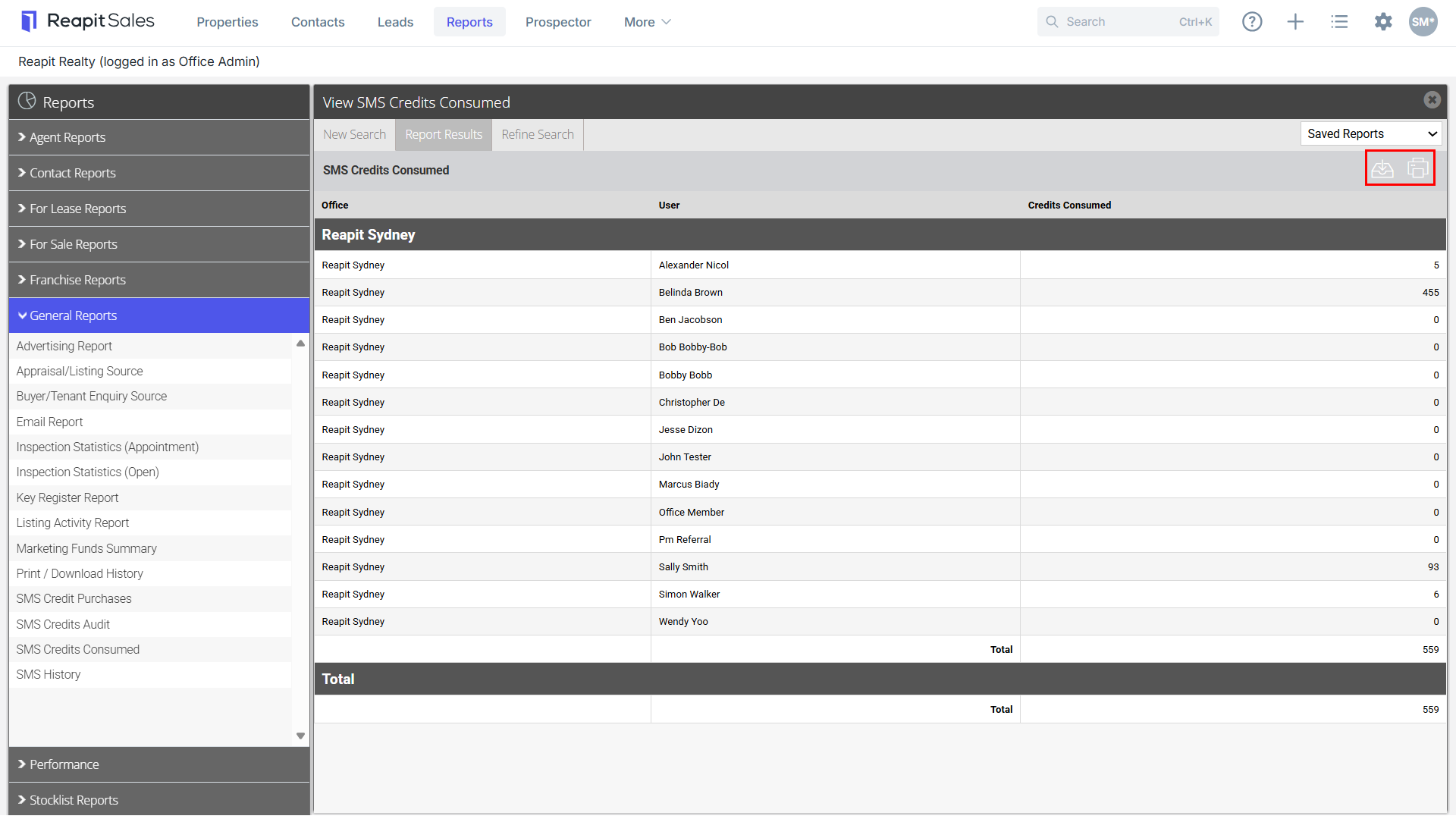
You can view the number of SMS credits consumed by each user in a specified date range.
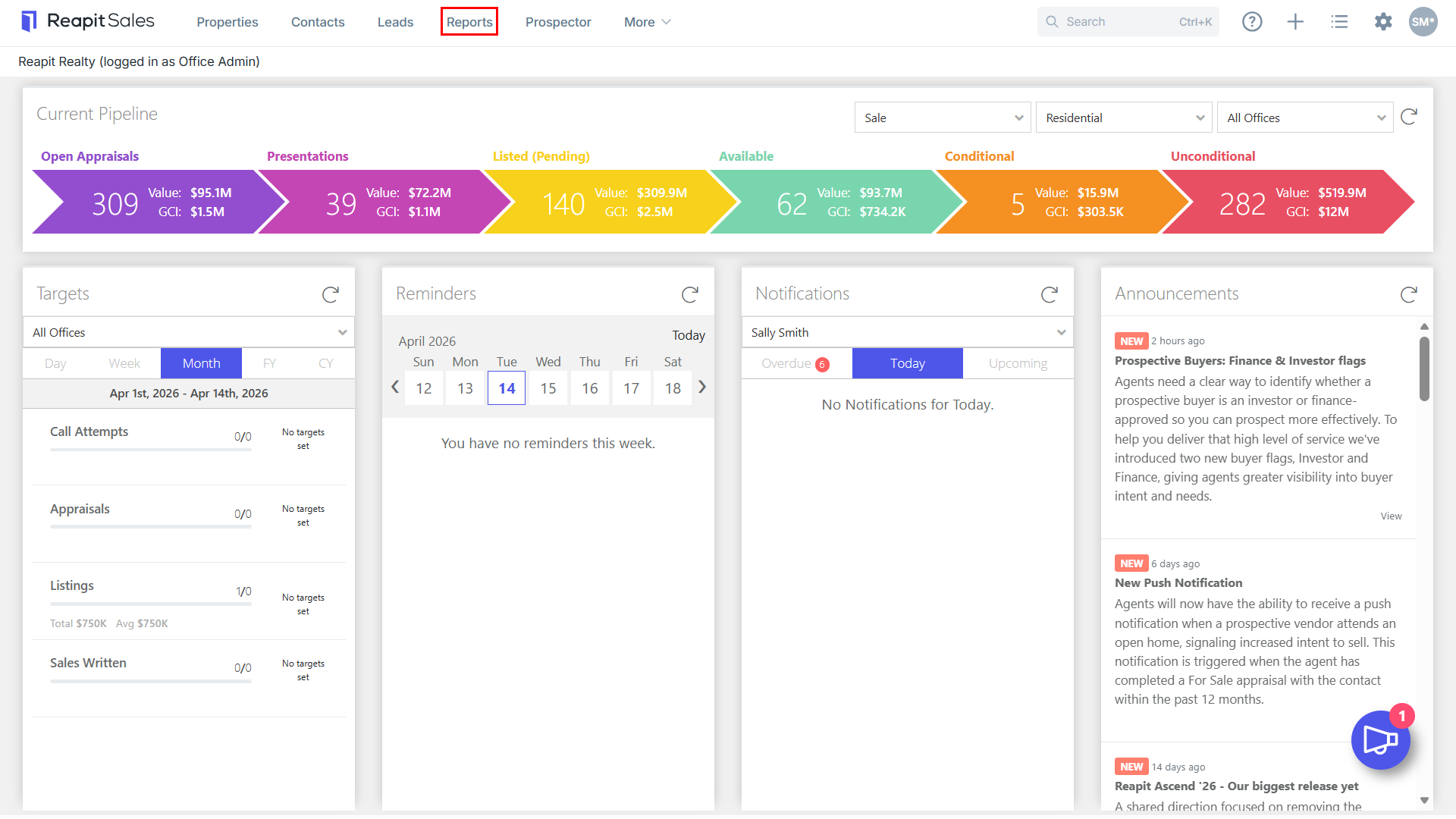
- Click Reports from the Main Menu.
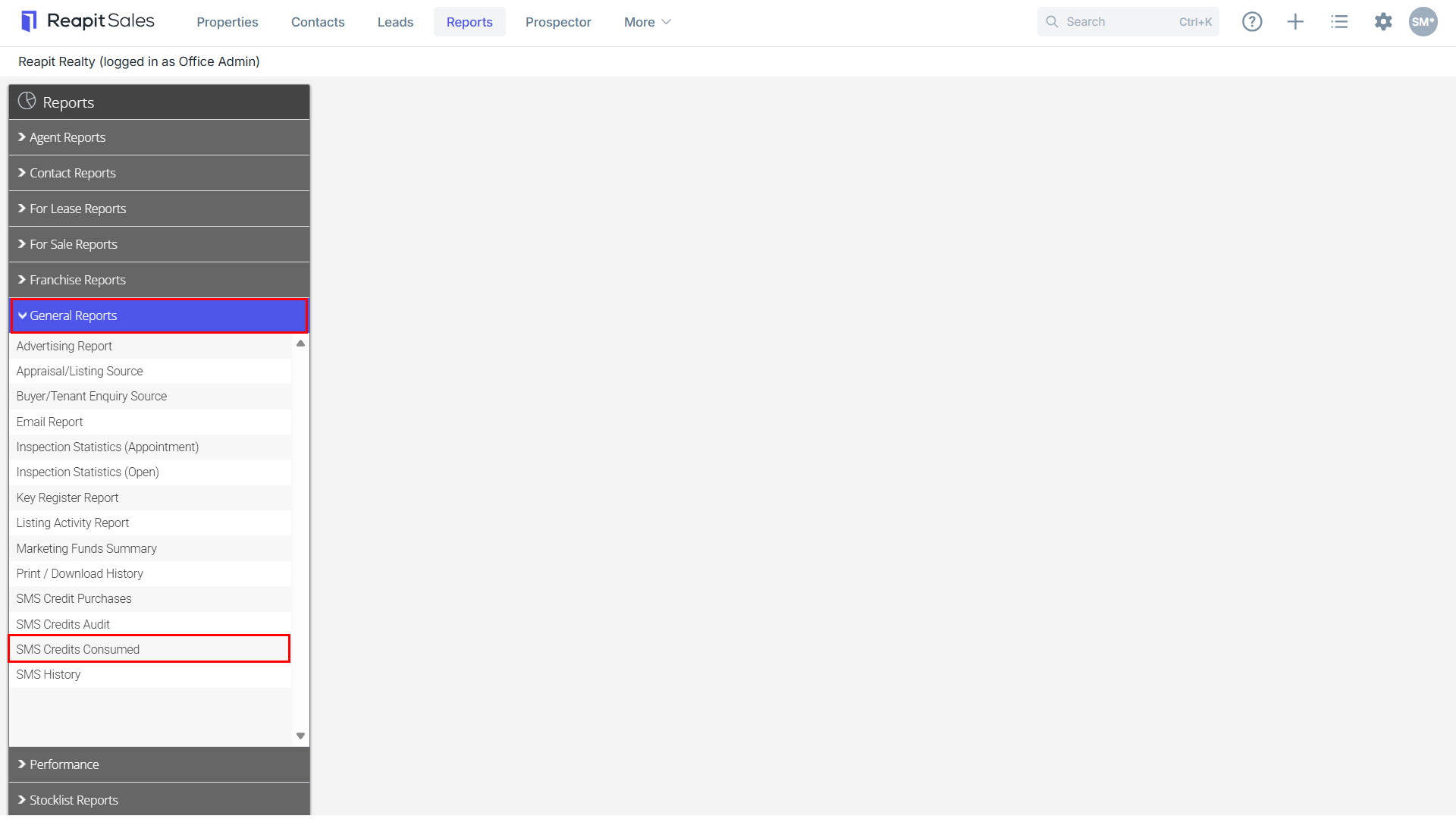
- Click the General Reports tab then click on SMS Credits Consumed.
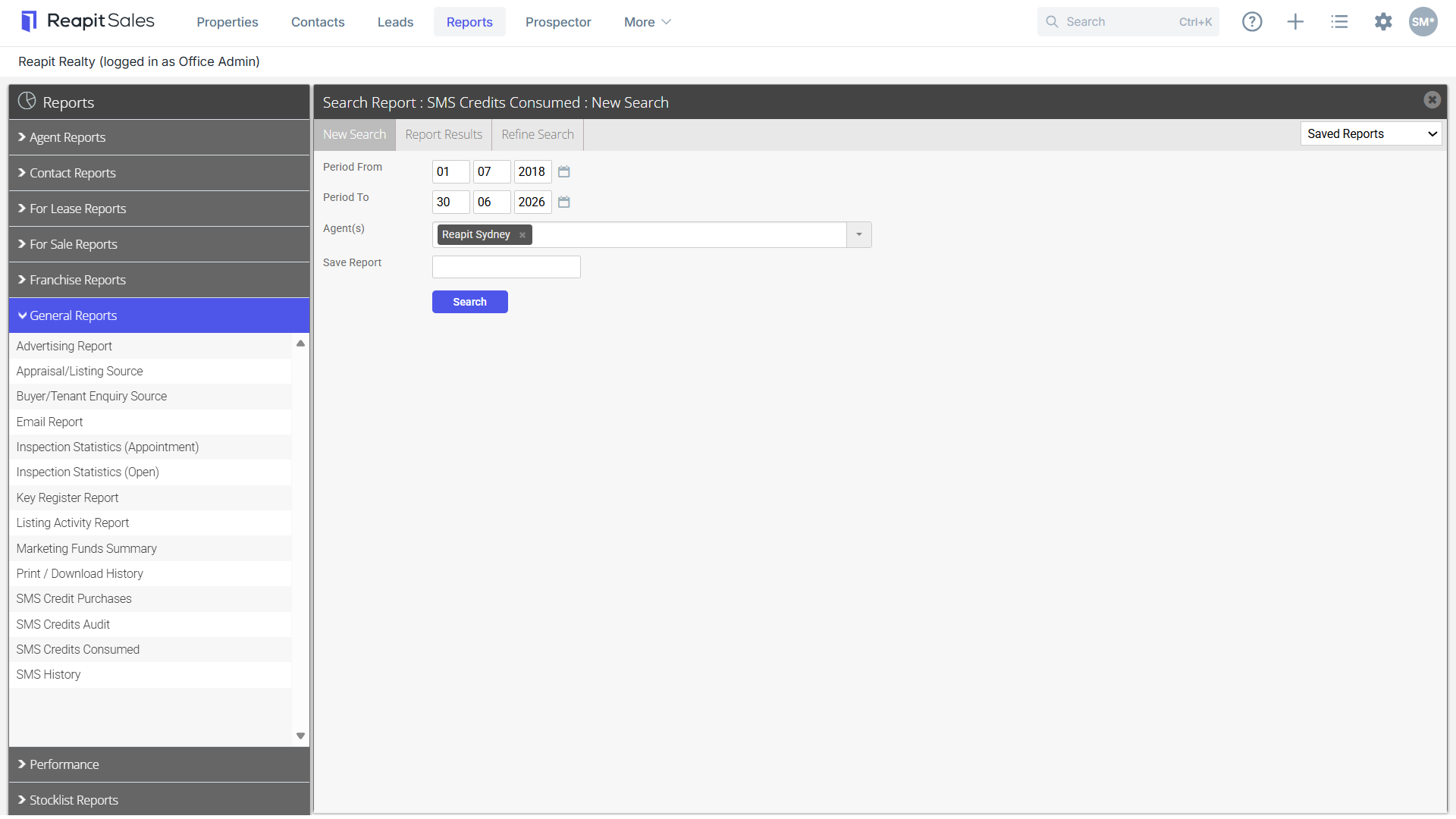
- Enter a date range, filter by contacts or office/s or Save Report if applicable by entering a save as name in Save Report (Saved reports will be available via the Saved Reports drop-down in the top right-hand corner).
- Click Search.
- Click
 to Download icon to download a CSV file or click the Print icon
 to print a report.