'%20d='M0%208a8%208%200%200%201%208-8h24a8%208%200%200%201%208%208v24a8%208%200%200%201-8%208H8a8%208%200%200%201-8-8V8Z'/%3e%3cpath%20fill='%23fff'%20d='M10.41%206v3.779h15.048v19.537h4.132V6H10.41Z'/%3e%3cpath%20fill='%23fff'%20d='M20.967%2034V13.837L10.41%209.78v20.166L20.967%2034Z'/%3e%3cdefs%3e%3clinearGradient%20id='reapit-sales__a'%20x1='20.702'%20x2='20.702'%20y1='.351'%20y2='31.228'%20gradientUnits='userSpaceOnUse'%3e%3cstop%20stop-color='%235573FD'/%3e%3cstop%20offset='.575'%20stop-color='%234E56EA'/%3e%3c/linearGradient%3e%3c/defs%3e%3c/svg%3e)
Attach File to Task
This article will cover how to attach files to tasks in Reapit Sales.
You can Add a File to a task when creating the task for the first time or by Editing a Task. Users can upload a PDF, Excel, Word or Powerpoint document to the task.
This example is from editing a task.
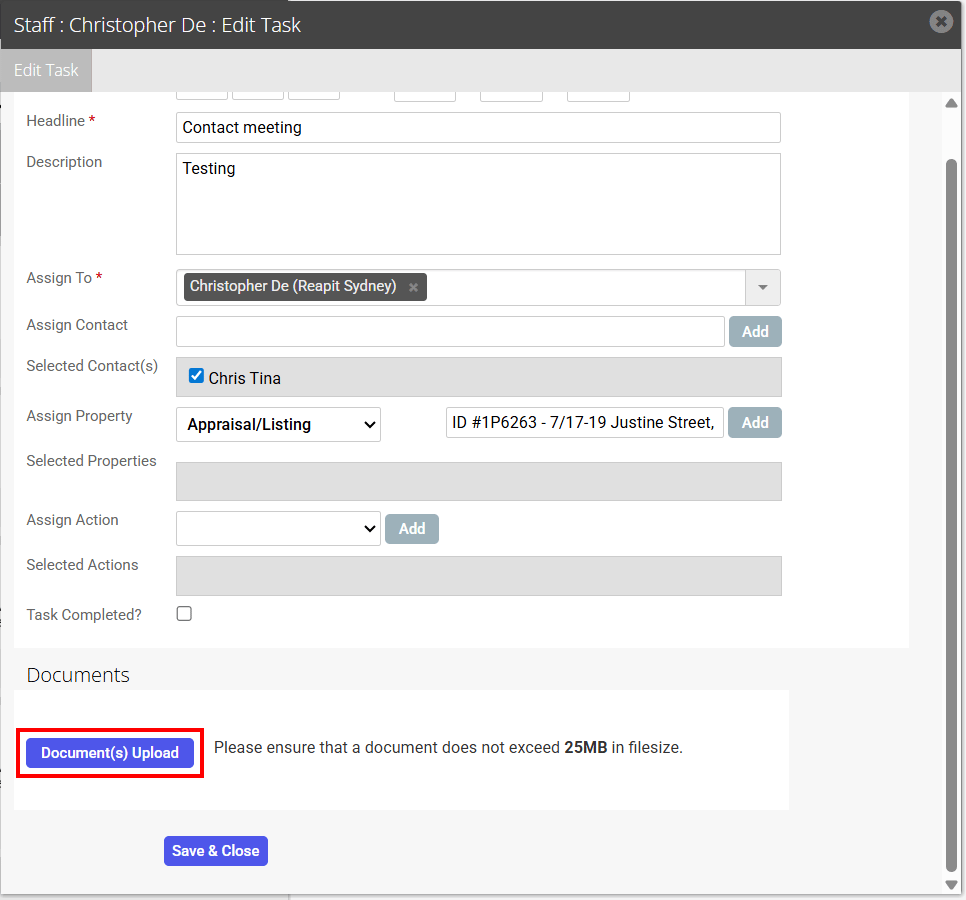
1.Click the Document(s) Upload button
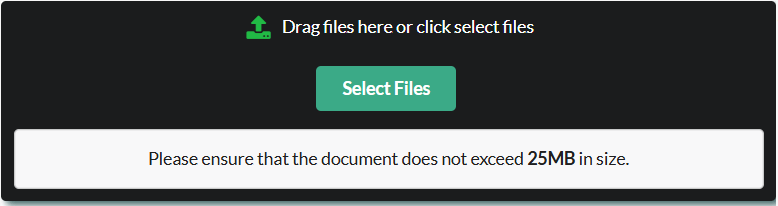
2. Drag files or select files to browse for the document
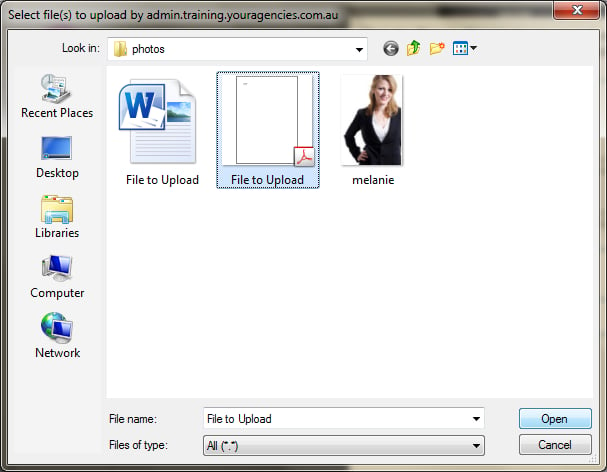
3. Click the file you would like to upload then click open. (You can upload one file per task, if you would like to attach multiple files upload a zip folder containing all related files)
4. Once uploaded you will return to the task view, you can open the attachment by clicking View
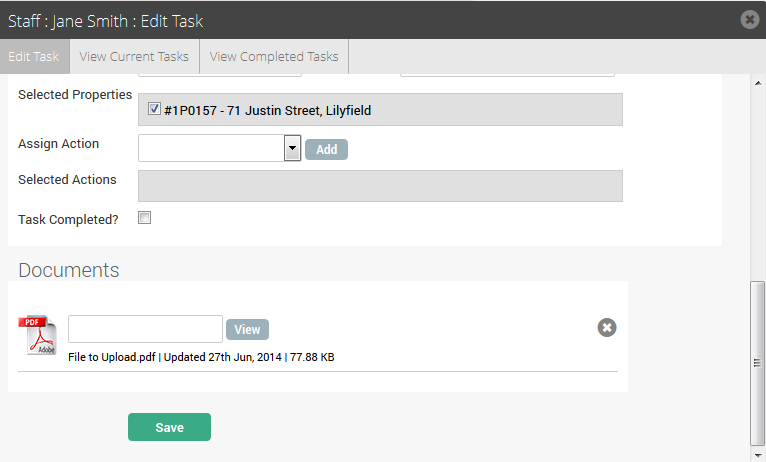
5. Click Save to finish.