'%20d='M0%208a8%208%200%200%201%208-8h24a8%208%200%200%201%208%208v24a8%208%200%200%201-8%208H8a8%208%200%200%201-8-8V8Z'/%3e%3cpath%20fill='%23fff'%20d='M10.41%206v3.779h15.048v19.537h4.132V6H10.41Z'/%3e%3cpath%20fill='%23fff'%20d='M20.967%2034V13.837L10.41%209.78v20.166L20.967%2034Z'/%3e%3cdefs%3e%3clinearGradient%20id='reapit-sales__a'%20x1='20.702'%20x2='20.702'%20y1='.351'%20y2='31.228'%20gradientUnits='userSpaceOnUse'%3e%3cstop%20stop-color='%235573FD'/%3e%3cstop%20offset='.575'%20stop-color='%234E56EA'/%3e%3c/linearGradient%3e%3c/defs%3e%3c/svg%3e)
Trademe
TradeMe are the leading online marketplace and classified advertising platform in New Zealand. This includes auctions and fixed-priced sales for new and used goods, with automotive, real estate and employment businesses. This Reapit Sales integration allows authorised users to push listings to TradeMe.co.nz to a single TradeMe account.
Overview
Trademe
TradeMe are the leading online marketplace and classified advertising platform in New Zealand. This includes auctions and fixed-priced sales for new and used goods, with automotive, real estate and employment businesses.
This Reapit Sales integration allows authorised users to push listings to TradeMe.co.nz to a single TradeMe account.
*Note: New Zealand Clients Only. This integration requires additional configuration to enable, request Trade Me integration via Customer Support. **Note: a TradeMe account with the required subscription to list Real Estate Listings is required to enable this integration.

TradeMe Listings must originate from Reapit Sales. Any existing Listings on TradeMe must be managed directly via the TradeMe portal to prevent any issues.
*Note: Reapit Sales supports a single TradeMe account. Disconnecting an existing TradeMe account and connecting a new TradeMe account will cause issues for any listings previously pushed to TradeMe. Contact Reapit Sales Support if you need to change the TradeMe account.
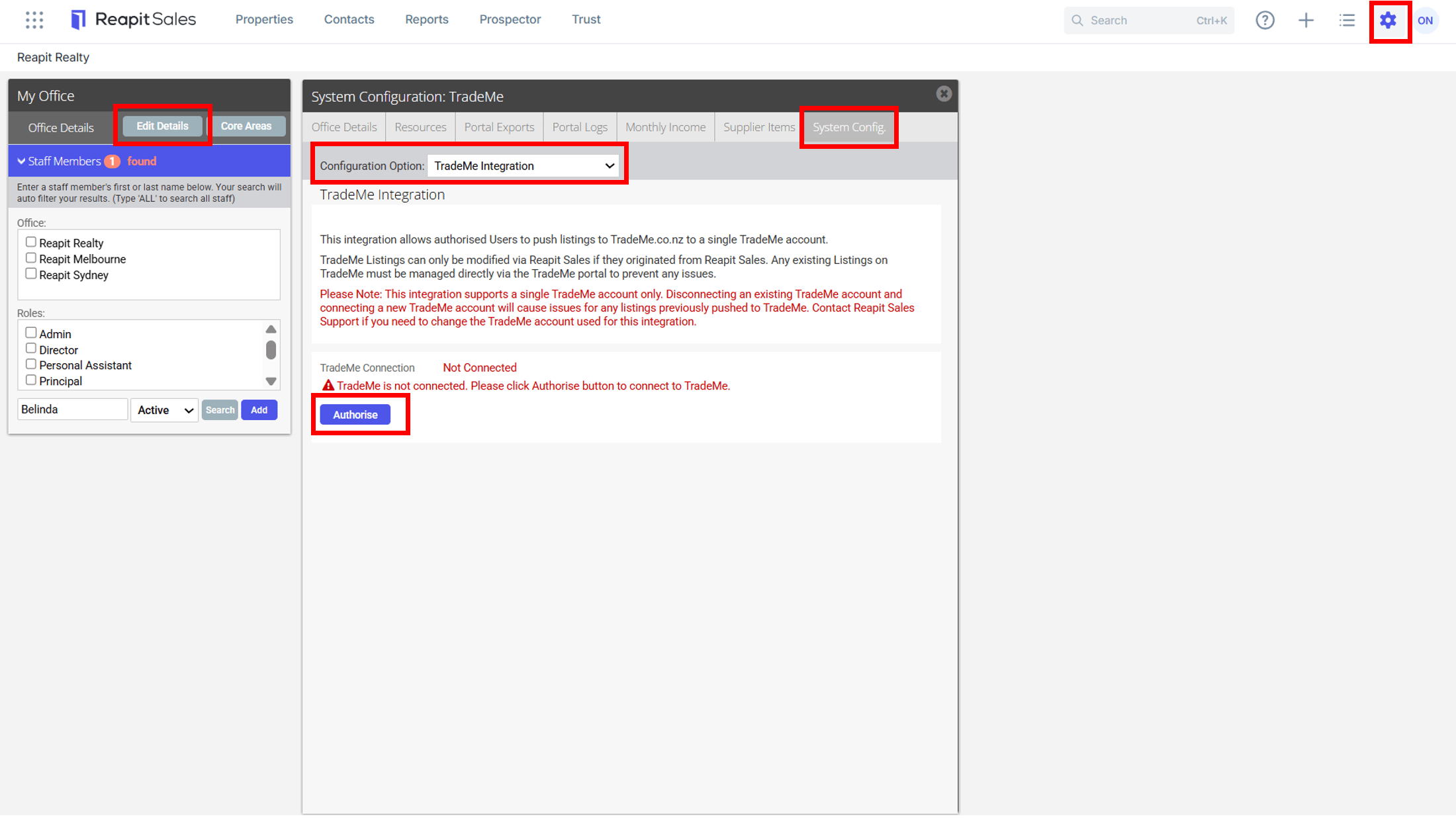
Step 1. Activate Integration
- Click My Office on the main menu
- Click Edit Details on the left panel
- Click the System Config. tab
- Select TradeMe Integration from the Configuration Option drop-down
- Select Authorise to be redirected to Trademe.co.nz
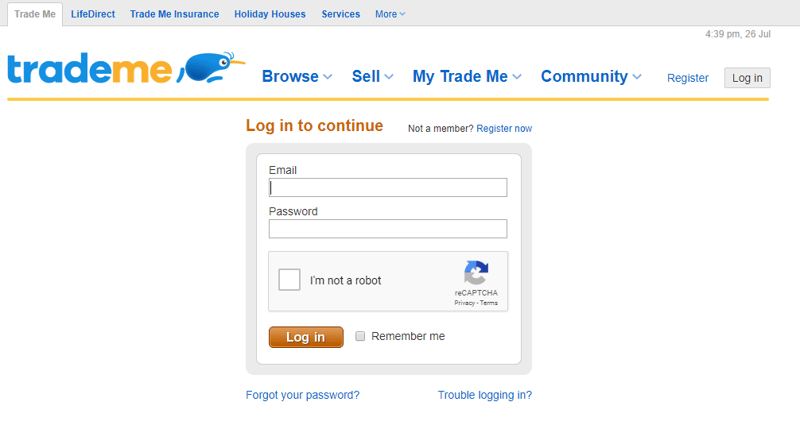
- Enter your Username and Password > select Login > select Allow Reapit Sales Access
- TradeMe is now Connected
To disable TradeMe > select Disconnect
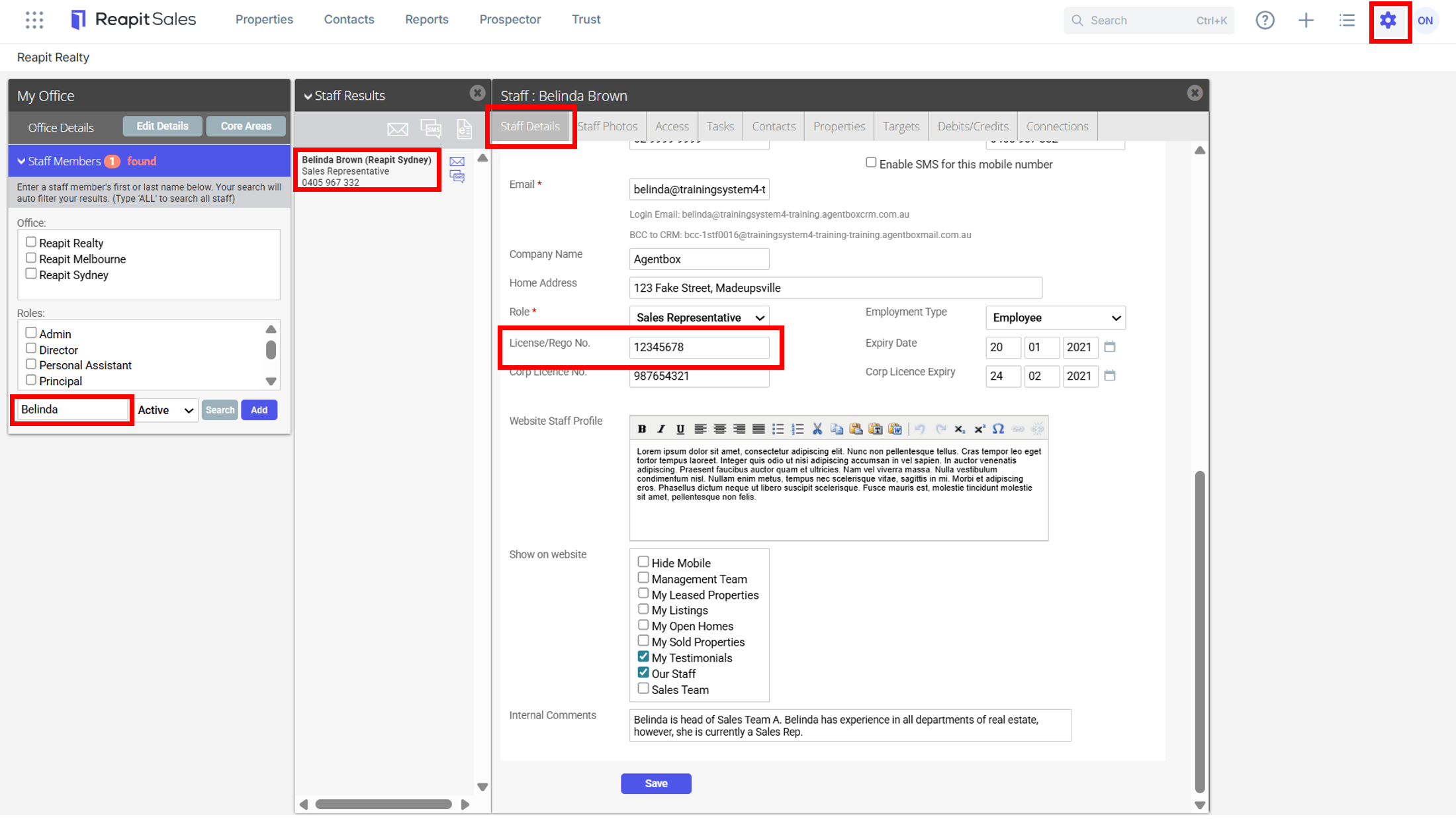
Step 2. Enter staff REAA license numbers
- Click on My Office from the main menu
- Type the staff member's name on the Left Panel and the staff member will appear on the staff results panel
- Click on the staff members name to open their staff card
- Under Staff Details > License/Rego No. enter the relevant REAA number (8 digit number)
*Note: If left blank, the listing agent for available listings on TradeMe will be set as per the default contact on your TradeMe account.
- Complete this step for all required staff members