'%20d='M0%208a8%208%200%200%201%208-8h24a8%208%200%200%201%208%208v24a8%208%200%200%201-8%208H8a8%208%200%200%201-8-8V8Z'/%3e%3cpath%20fill='%23fff'%20d='M10.41%206v3.779h15.048v19.537h4.132V6H10.41Z'/%3e%3cpath%20fill='%23fff'%20d='M20.967%2034V13.837L10.41%209.78v20.166L20.967%2034Z'/%3e%3cdefs%3e%3clinearGradient%20id='reapit-sales__a'%20x1='20.702'%20x2='20.702'%20y1='.351'%20y2='31.228'%20gradientUnits='userSpaceOnUse'%3e%3cstop%20stop-color='%235573FD'/%3e%3cstop%20offset='.575'%20stop-color='%234E56EA'/%3e%3c/linearGradient%3e%3c/defs%3e%3c/svg%3e)
Listings/Ledgers
Listings / Ledgers Listings/Ledgers provides a search facility and lists of all listings in your Reapit Sales system. From within the listing record, you can log a receipt, view the ledger balance and perform a ledger transfer, IBD transfer, Account Sale or Payment.
Listings/Ledgers
Listings / Ledgers
Listings/Ledgers provides a search facility and lists of all listings in your Reapit Sales system. From within the listing record, you can log a receipt, view the ledger balance and perform a ledger transfer, IBD transfer, Account Sale or Payment.
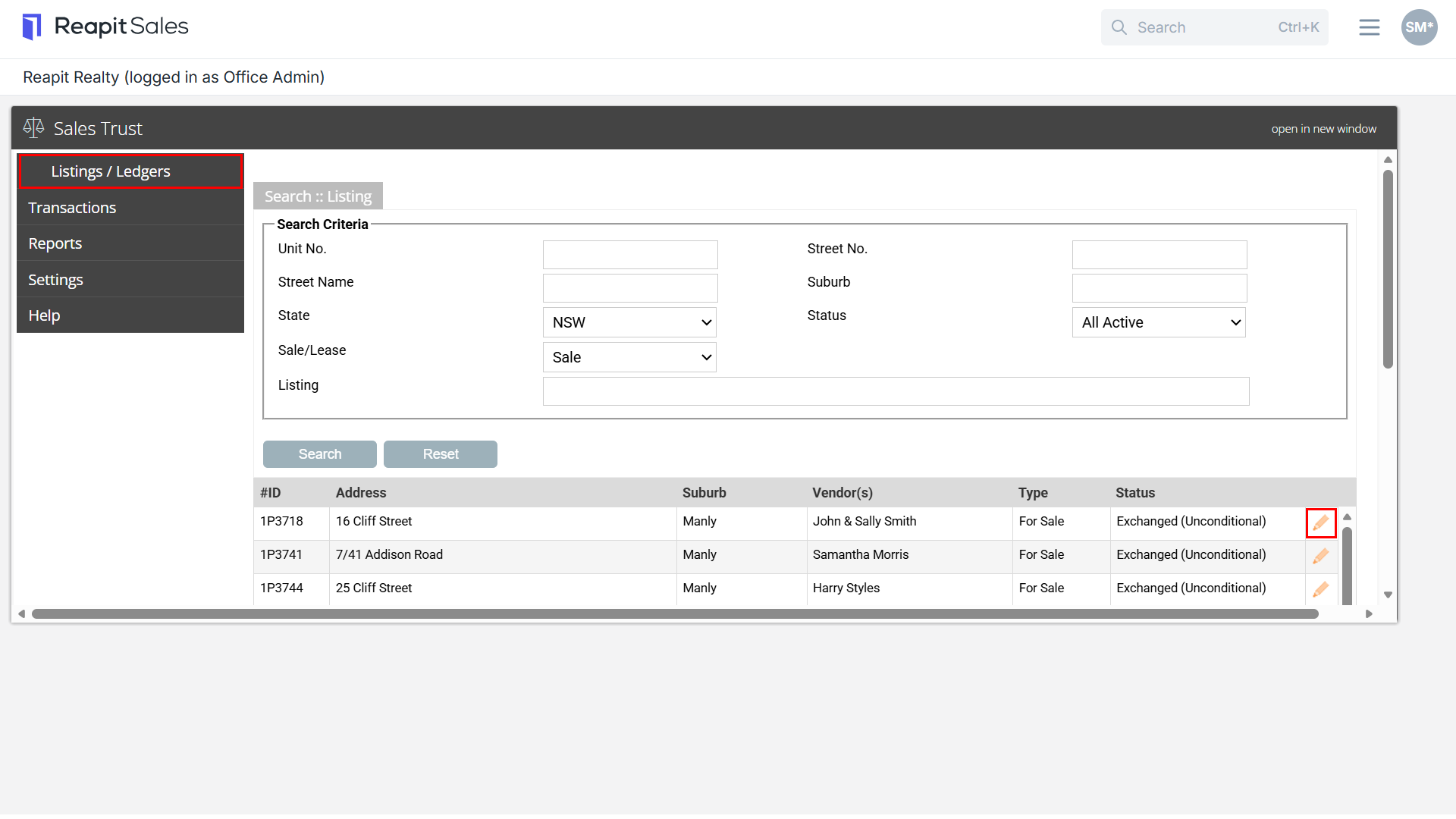
- Click on Listings/Ledgers.
- Search for your listing record and select the pencil edit icon to open the listing record
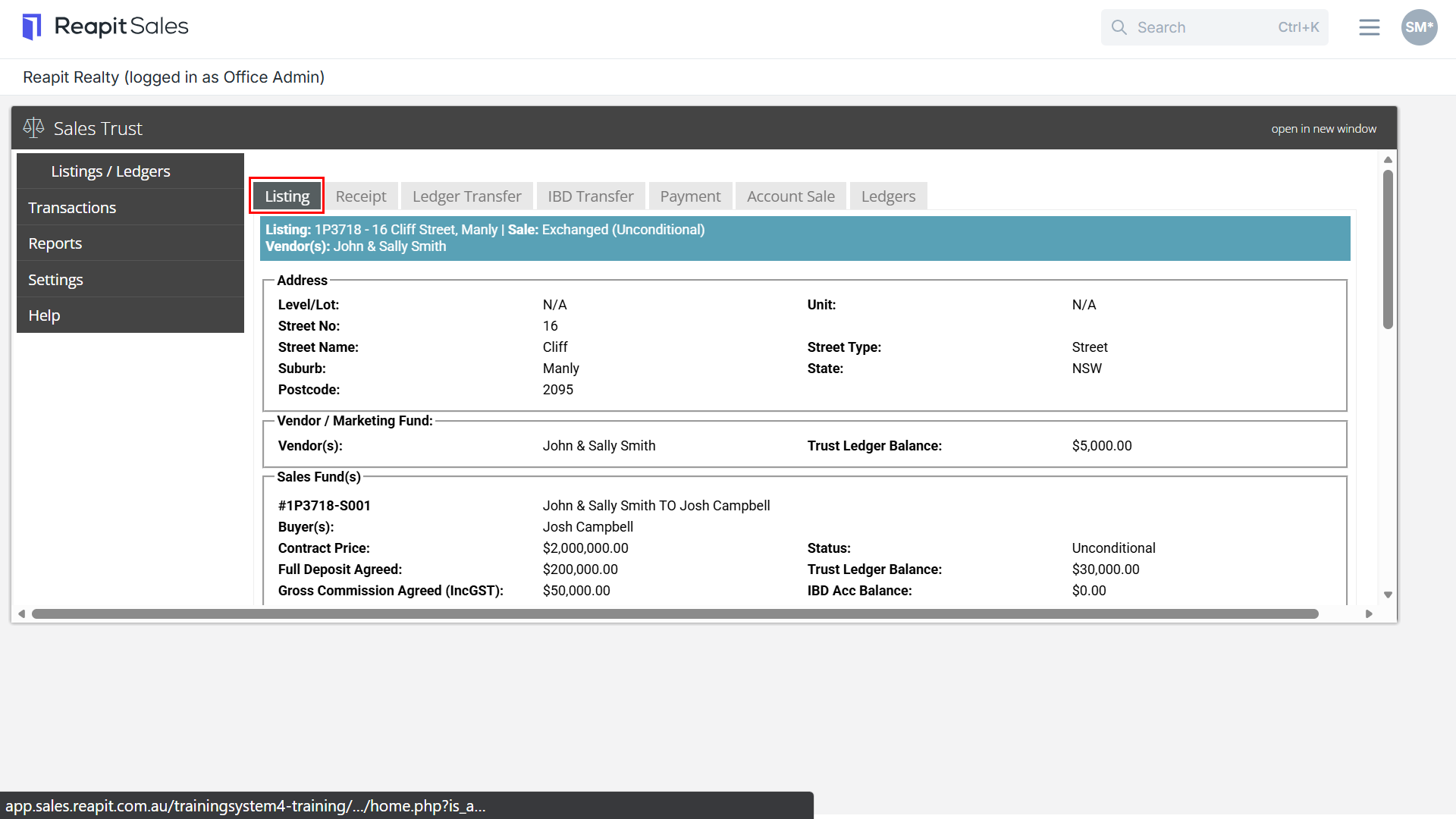
- From within the listing, you can click on the following tabs to perform actions or view ledger balances.
Listing Tab
The Listing tab displays information on the listing such as address, vendor details and marketing fund ledger balance. If the listing is under offer you can also view the offer details including buyer details, contract price, deposit, commission due, status and ledger balances.
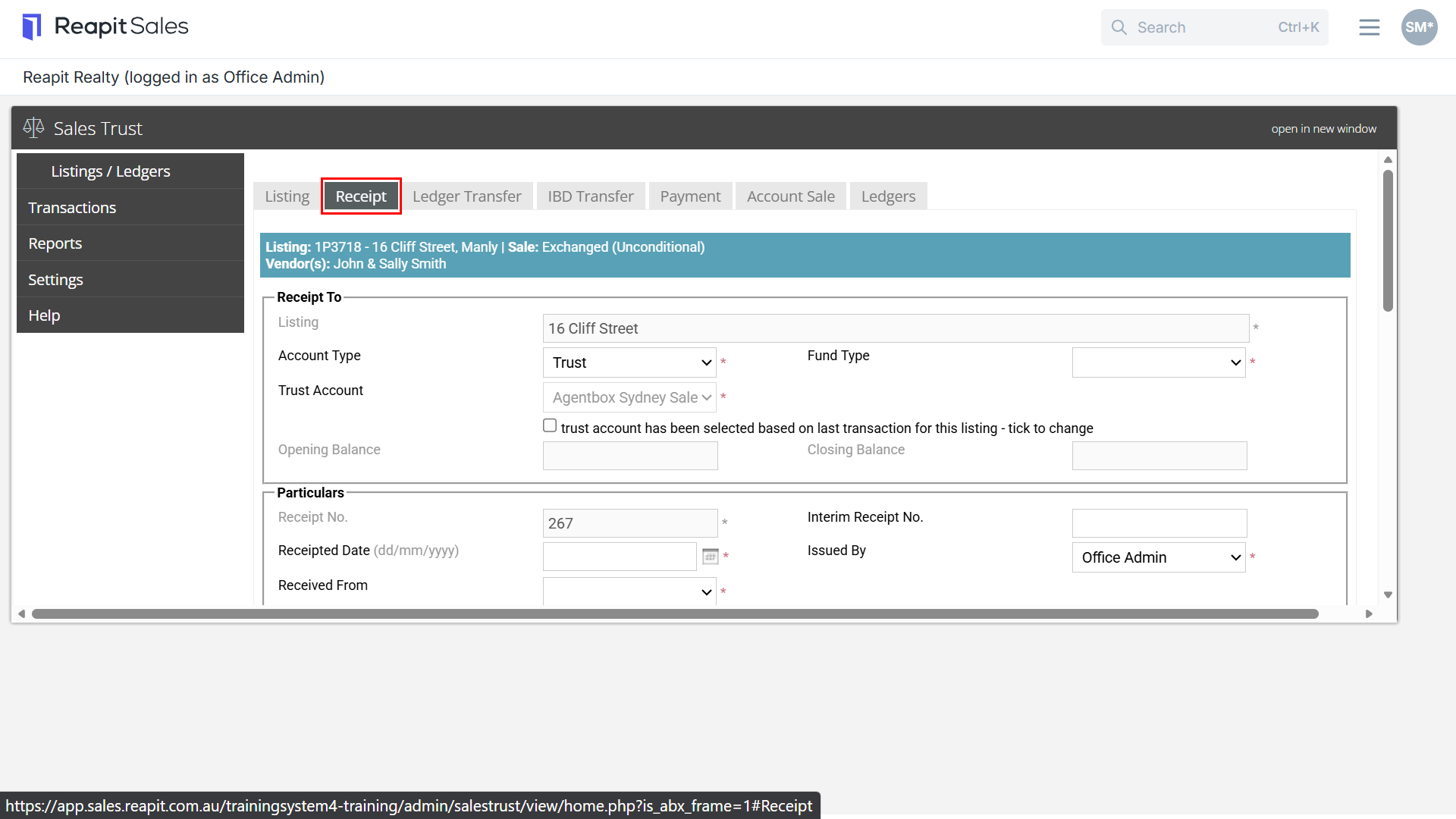
Receipt Tab
The Receipt tab allows users to create a new receipt, view previous receipts, reprint receipts and reverse receipts if applicable.
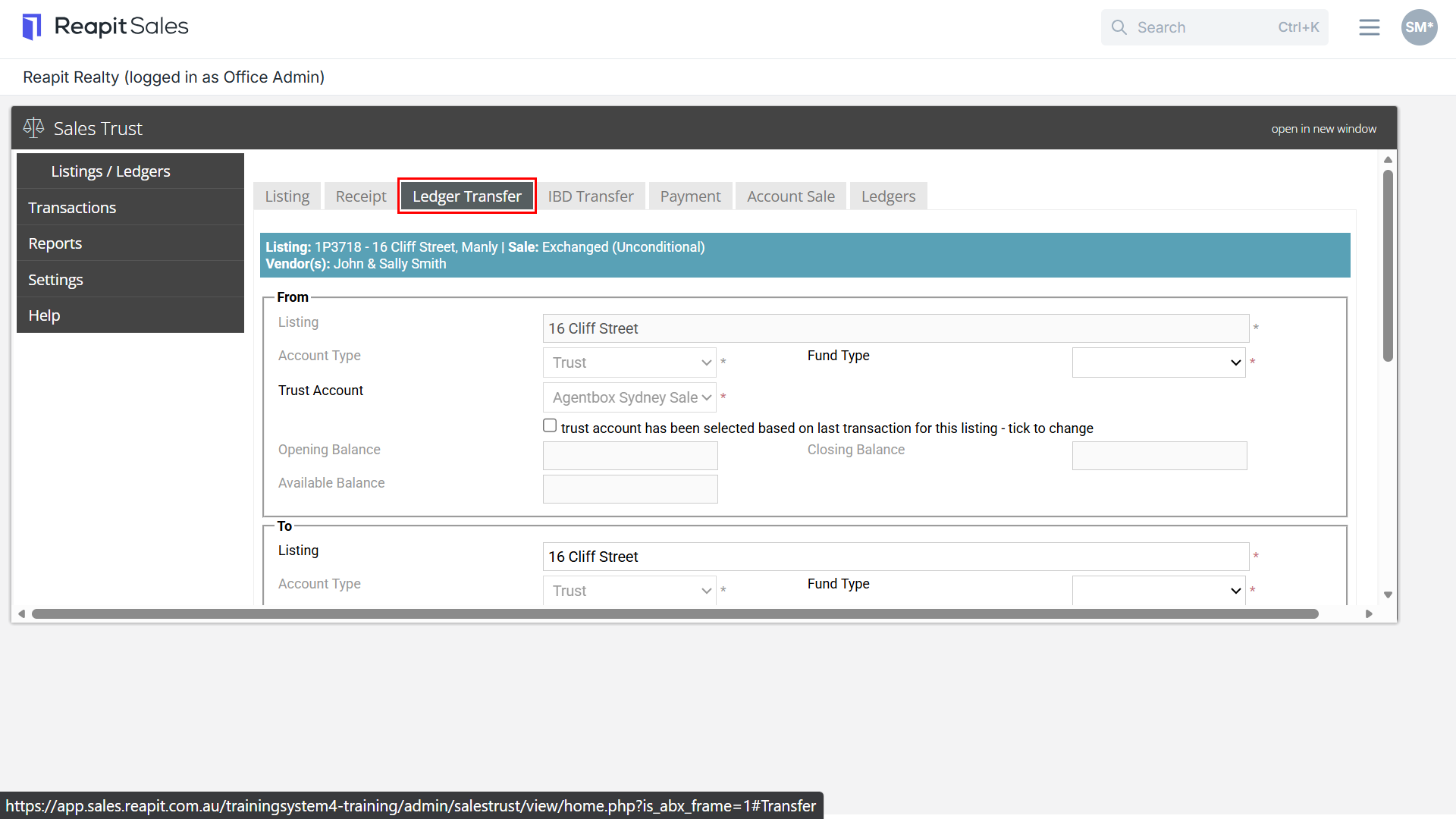
Ledger Transfer Tab
The Ledger Transfer tab allows users to create a new ledger transfer, view previous transfers and reprint a transfer summary
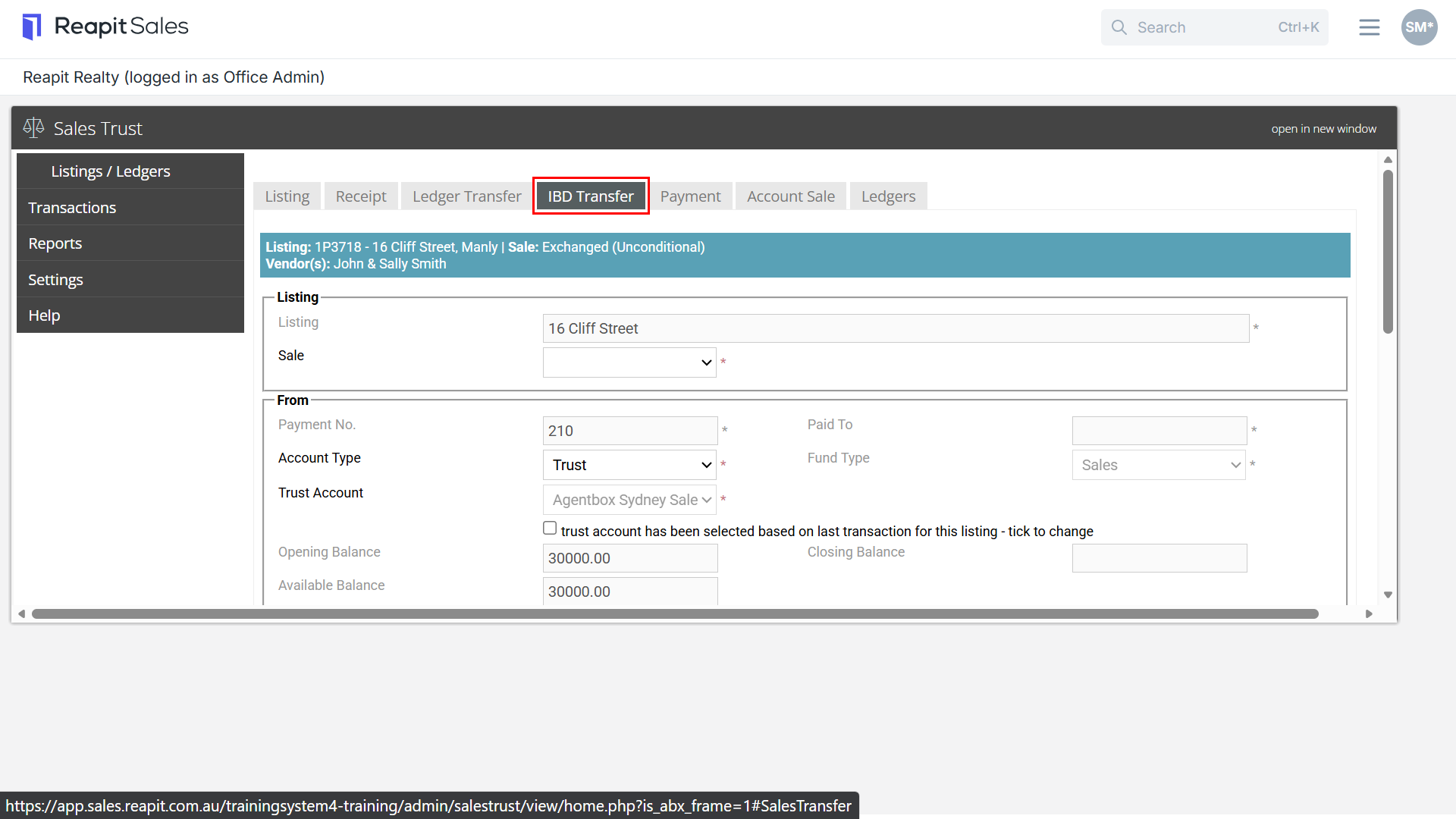
IBD Transfer Tab
The IBD Transfer tab allows users to create a new IBD ledger transfer, view previous transfers, reverse a transfer and reprint a transfer summary
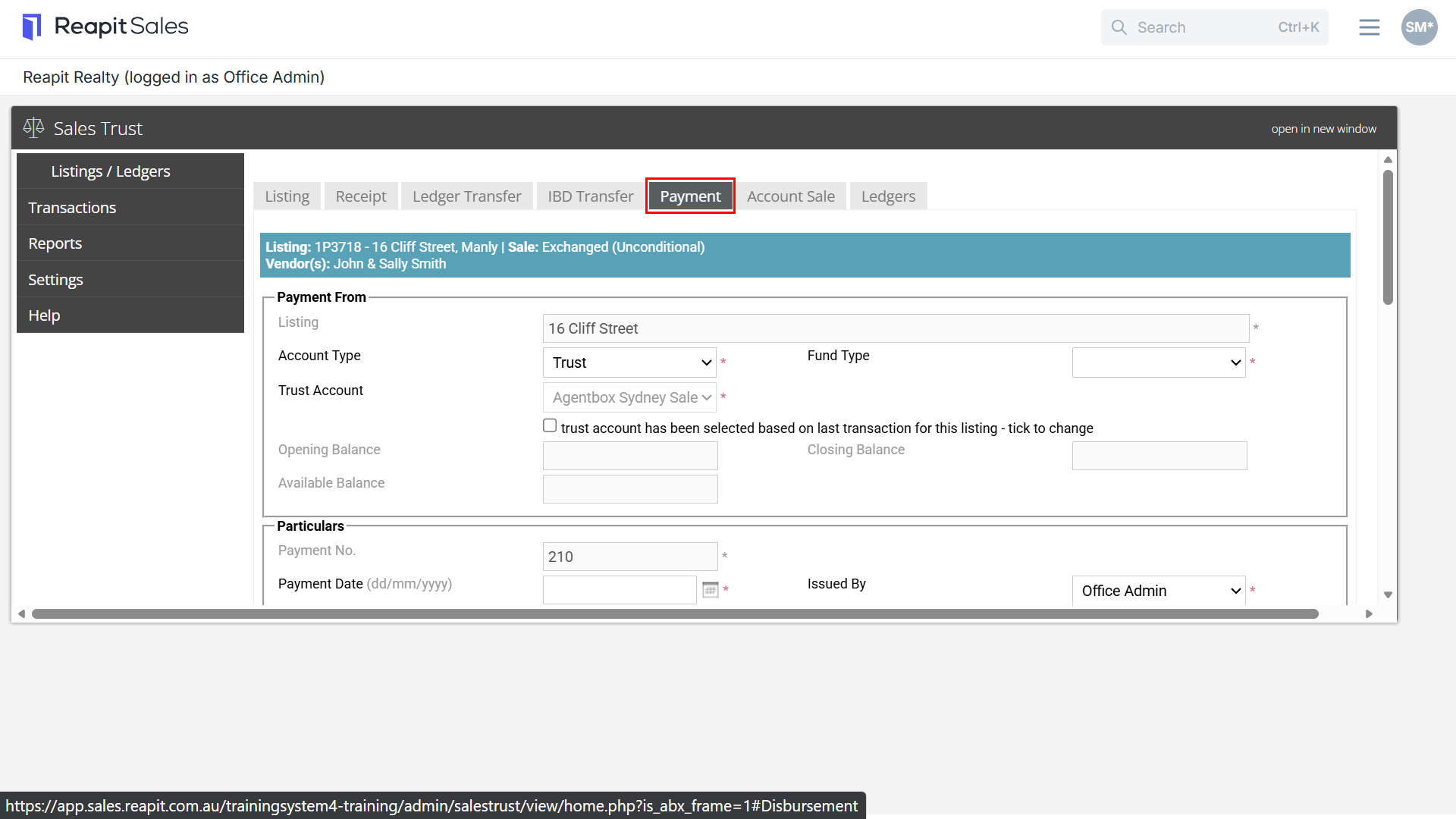
Payment Tab
The Payment tab allows users to create a new payment, view previous payments reverse a payment and reprint a payment summary
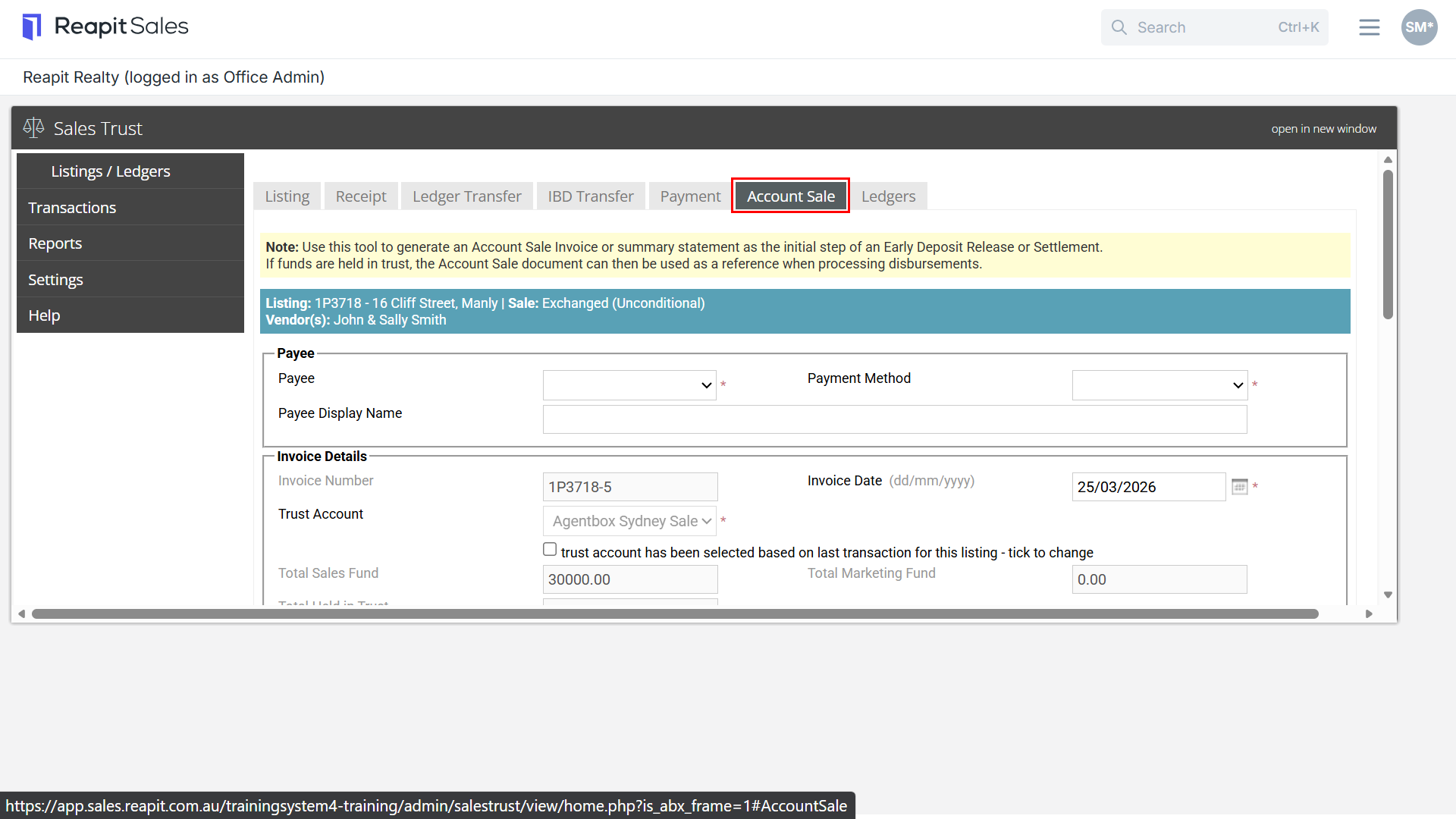
Account Sale Tab
The Account Sale tab allows user to create an account sale invoice or summary statement as the inital step of an early deposit release or settlement.
*Note: this is an add on feature. Please submit a Client Change Request to have this feature enabled.
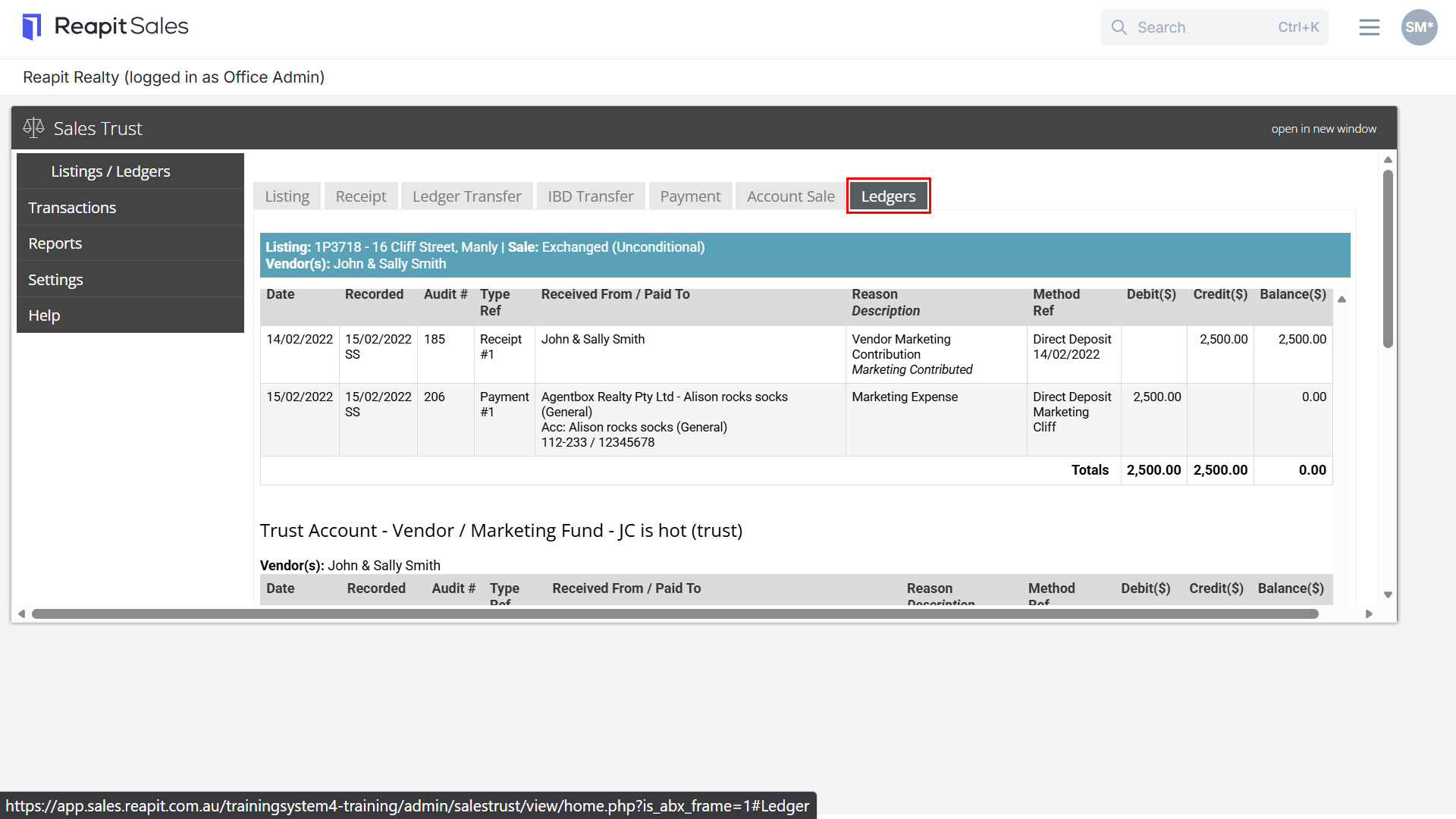
Ledgers Tab
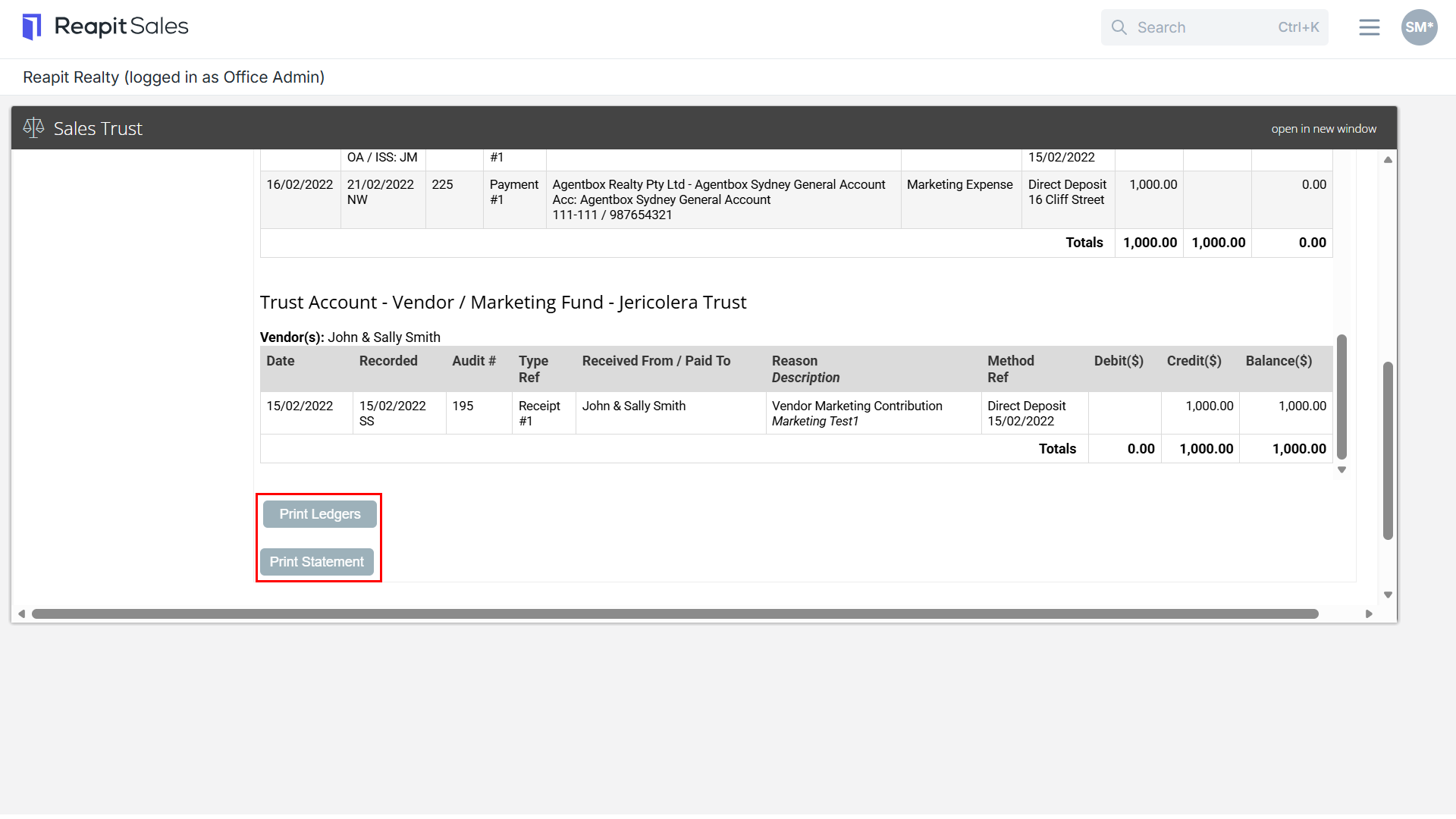
The Ledgers tab is a visual display of the transactions and ledger balances of the IBD, Marketing and Trust ledgers of this listing. Users can also print a ledger and statement from this tab.