'%20d='M0%208a8%208%200%200%201%208-8h24a8%208%200%200%201%208%208v24a8%208%200%200%201-8%208H8a8%208%200%200%201-8-8V8Z'/%3e%3cpath%20fill='%23fff'%20d='M10.41%206v3.779h15.048v19.537h4.132V6H10.41Z'/%3e%3cpath%20fill='%23fff'%20d='M20.967%2034V13.837L10.41%209.78v20.166L20.967%2034Z'/%3e%3cdefs%3e%3clinearGradient%20id='reapit-sales__a'%20x1='20.702'%20x2='20.702'%20y1='.351'%20y2='31.228'%20gradientUnits='userSpaceOnUse'%3e%3cstop%20stop-color='%235573FD'/%3e%3cstop%20offset='.575'%20stop-color='%234E56EA'/%3e%3c/linearGradient%3e%3c/defs%3e%3c/svg%3e)
Delete Inspection Attendee In Mobile App
This article demonstrates how delete inspection attendee in Reapit Sales App on mobile devices.
Delete Inspection Attendee In Mobile App
This article demonstrates how delete inspection attendee in Reapit Sales App on mobile devices.
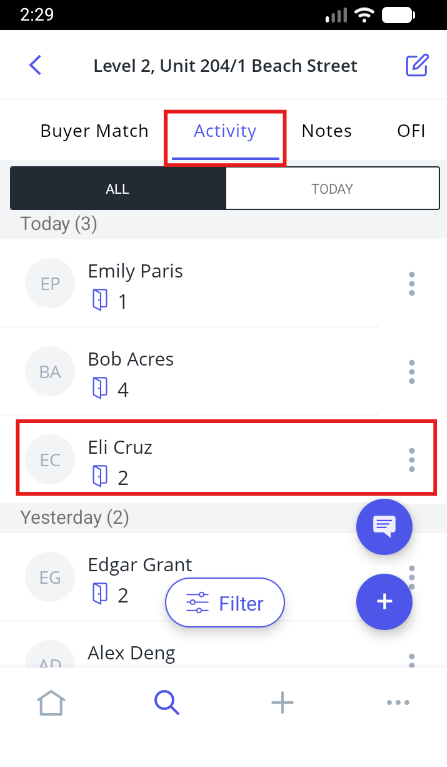
- Tap the Activity tab within the appropriate listing to open. Here you can view all previous inspection attendees.
- Tap the Contact to open the contact card (alternatively search for the Contact and open their Activity tab).
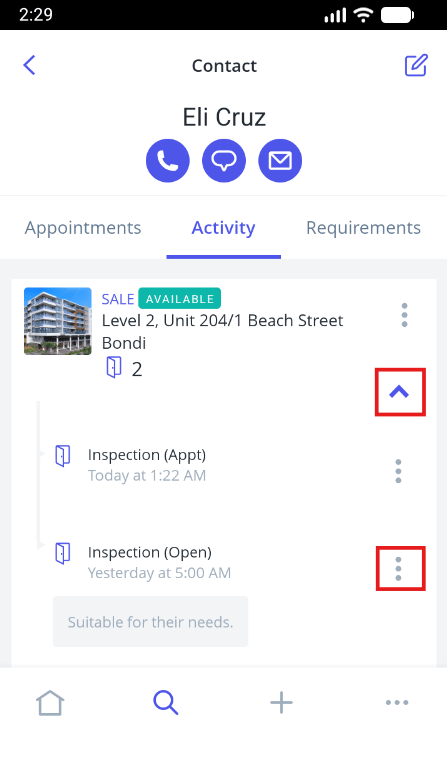
- Tap the arrow to expand inspection box next to the corresponding listing.
- Tap the Quick Edit icon next to the inspection comment.
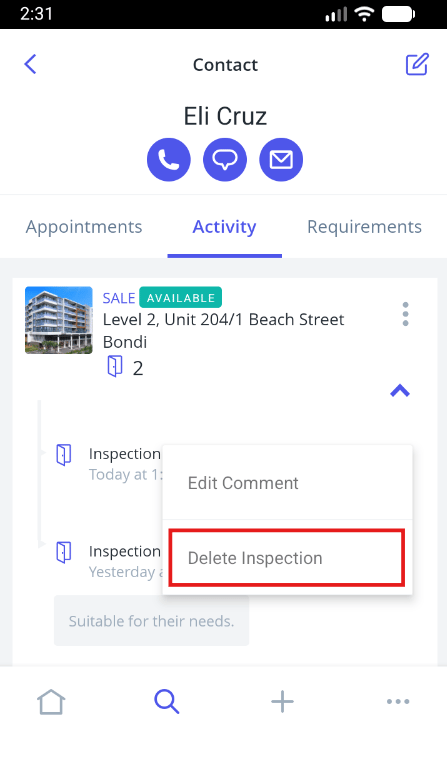
- Tap Delete Inspection.
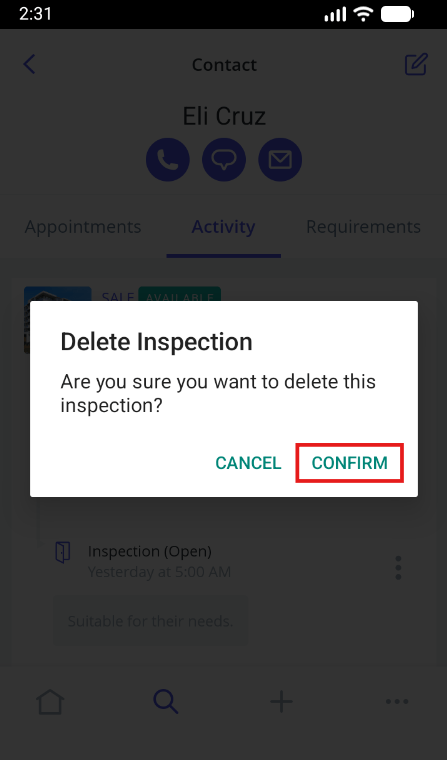
- Tap Confirm.