'%20d='M0%208a8%208%200%200%201%208-8h24a8%208%200%200%201%208%208v24a8%208%200%200%201-8%208H8a8%208%200%200%201-8-8V8Z'/%3e%3cpath%20fill='%23fff'%20d='M10.41%206v3.779h15.048v19.537h4.132V6H10.41Z'/%3e%3cpath%20fill='%23fff'%20d='M20.967%2034V13.837L10.41%209.78v20.166L20.967%2034Z'/%3e%3cdefs%3e%3clinearGradient%20id='reapit-sales__a'%20x1='20.702'%20x2='20.702'%20y1='.351'%20y2='31.228'%20gradientUnits='userSpaceOnUse'%3e%3cstop%20stop-color='%235573FD'/%3e%3cstop%20offset='.575'%20stop-color='%234E56EA'/%3e%3c/linearGradient%3e%3c/defs%3e%3c/svg%3e)
Match Suitable Properties
This article runs through how to match suitable properties in Reapit Sales. The processes in this article include: Matching Properties through a Contact Card Matching Properties through the Fast Finds Results Panel
Match Suitable Properties
This article runs through how to match suitable properties in Reapit Sales.
The processes in this article include:
- Matching Properties through a Contact Card
- Matching Properties through the Fast Finds Results Panel
Matching Properties through a Contact Card
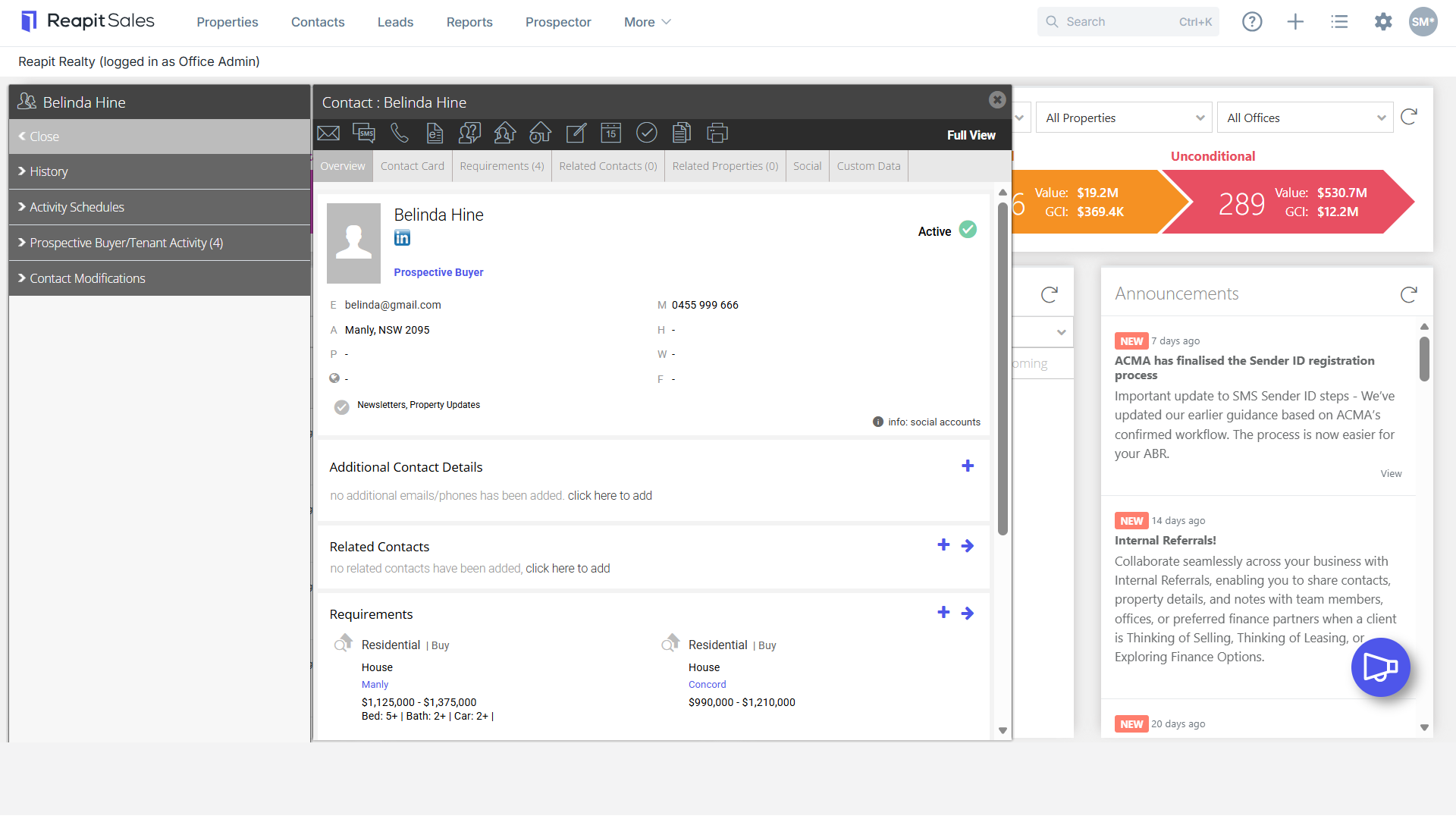
- Search for your Contact open their Contact Card.

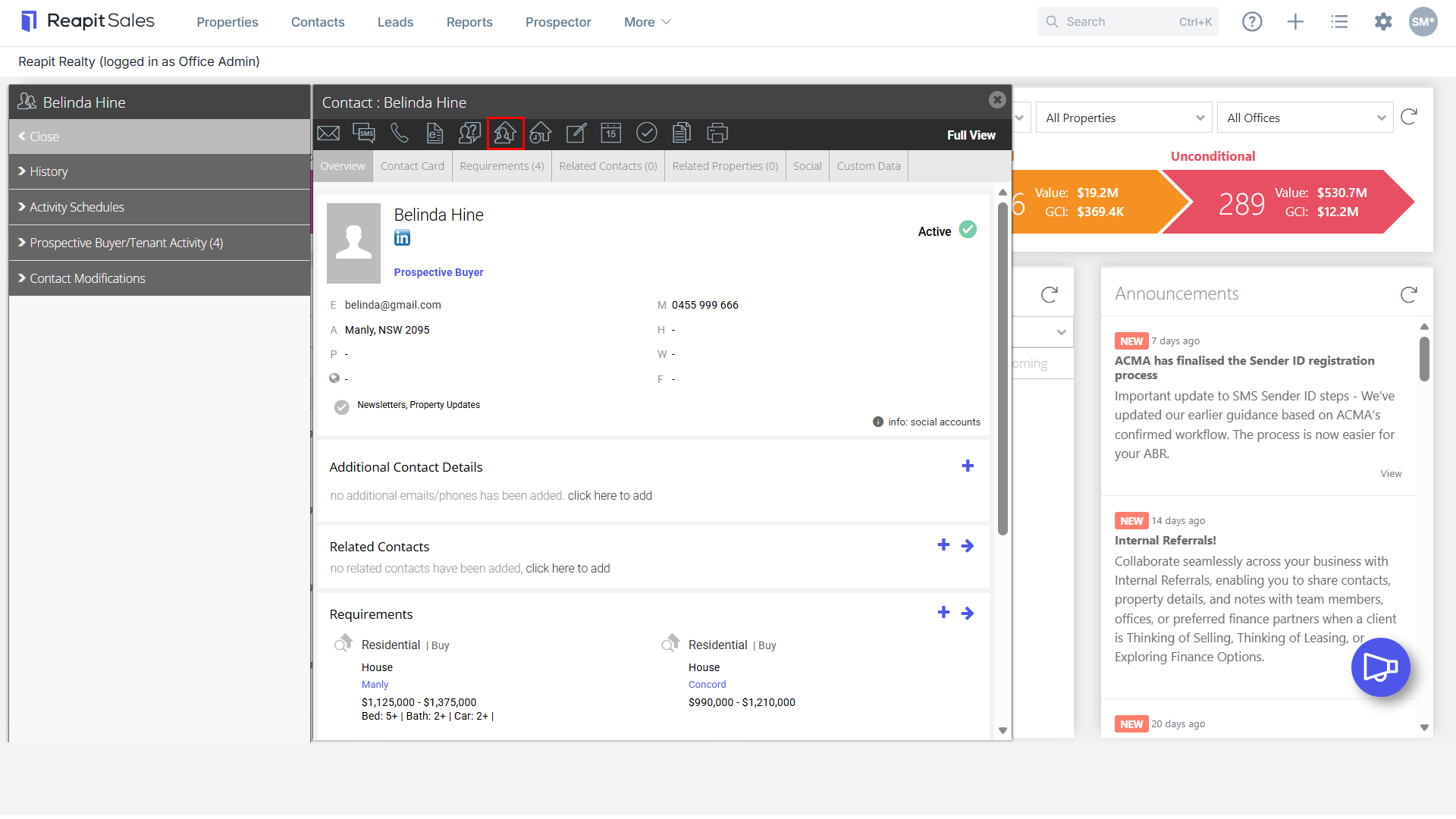
- Click the Match Properties to this Contact action icon.

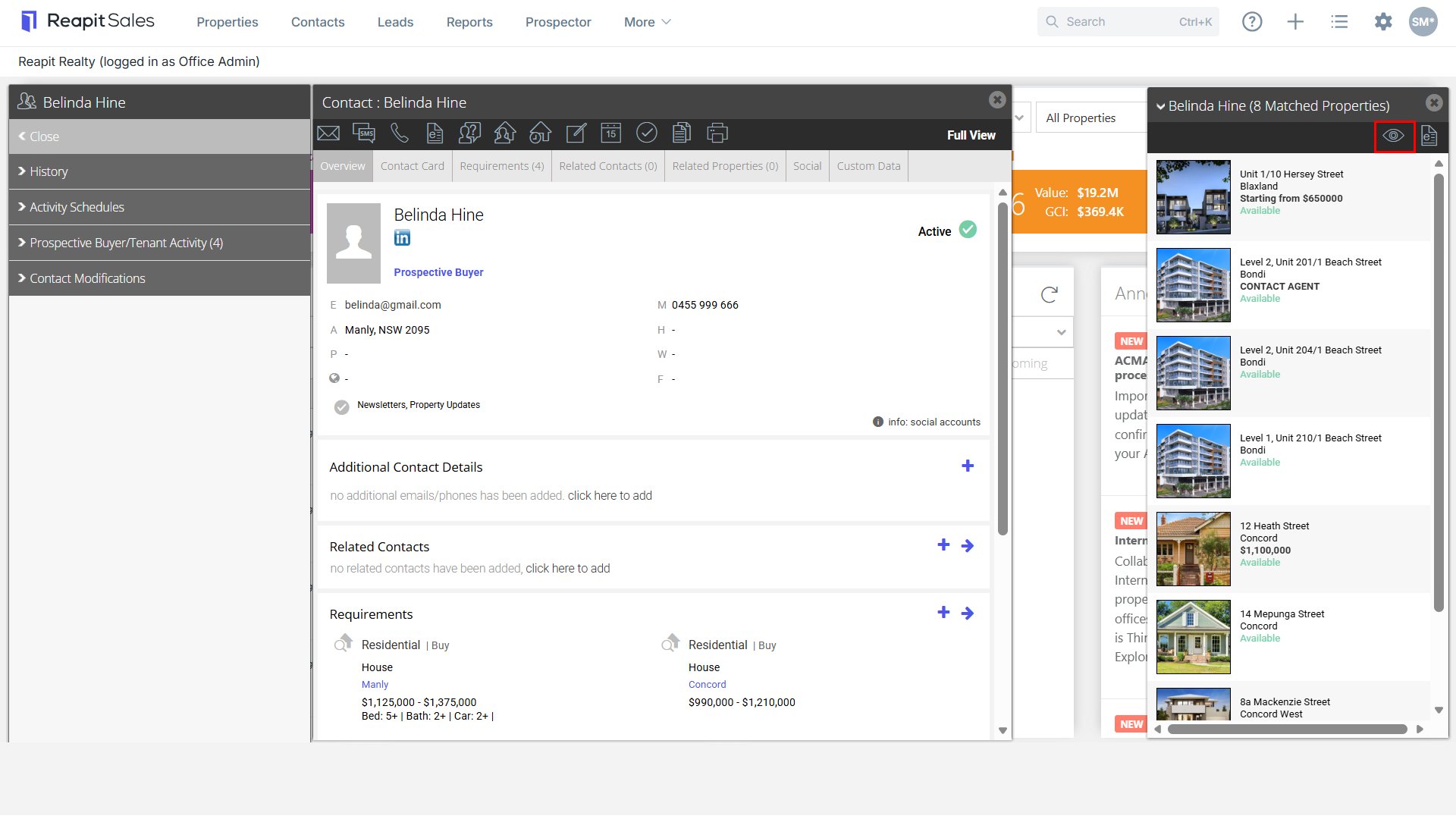
- A list of properties that match the contact's requirements will open in the right panel.
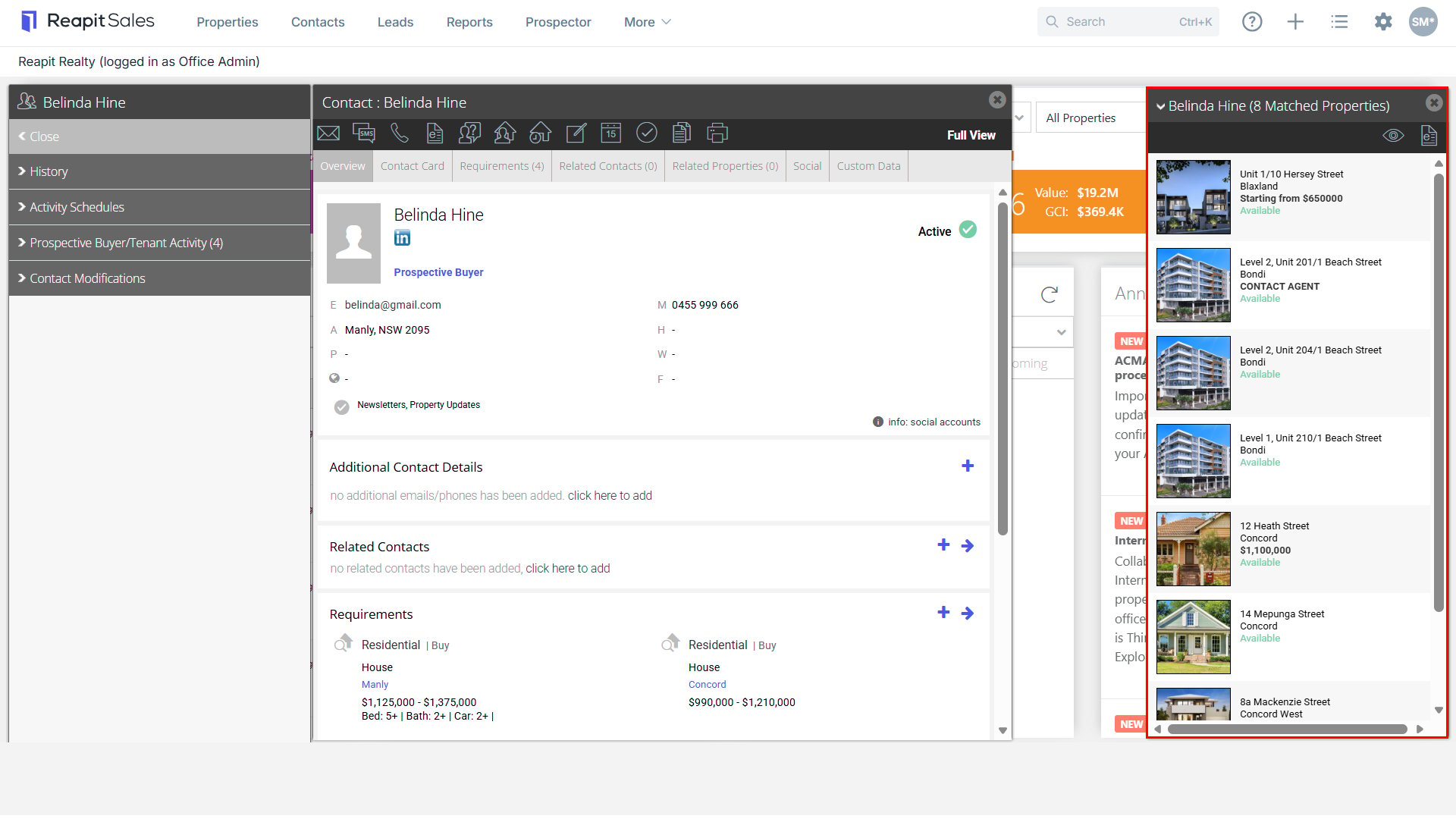
 You can click to Preview the Property Alert email that will be sent to them that night containing their matched properties (if any) that have had a price change, status change or new listings matching their requirement. If the template does not load, the contact is not scheduled to receive any alerts that day.
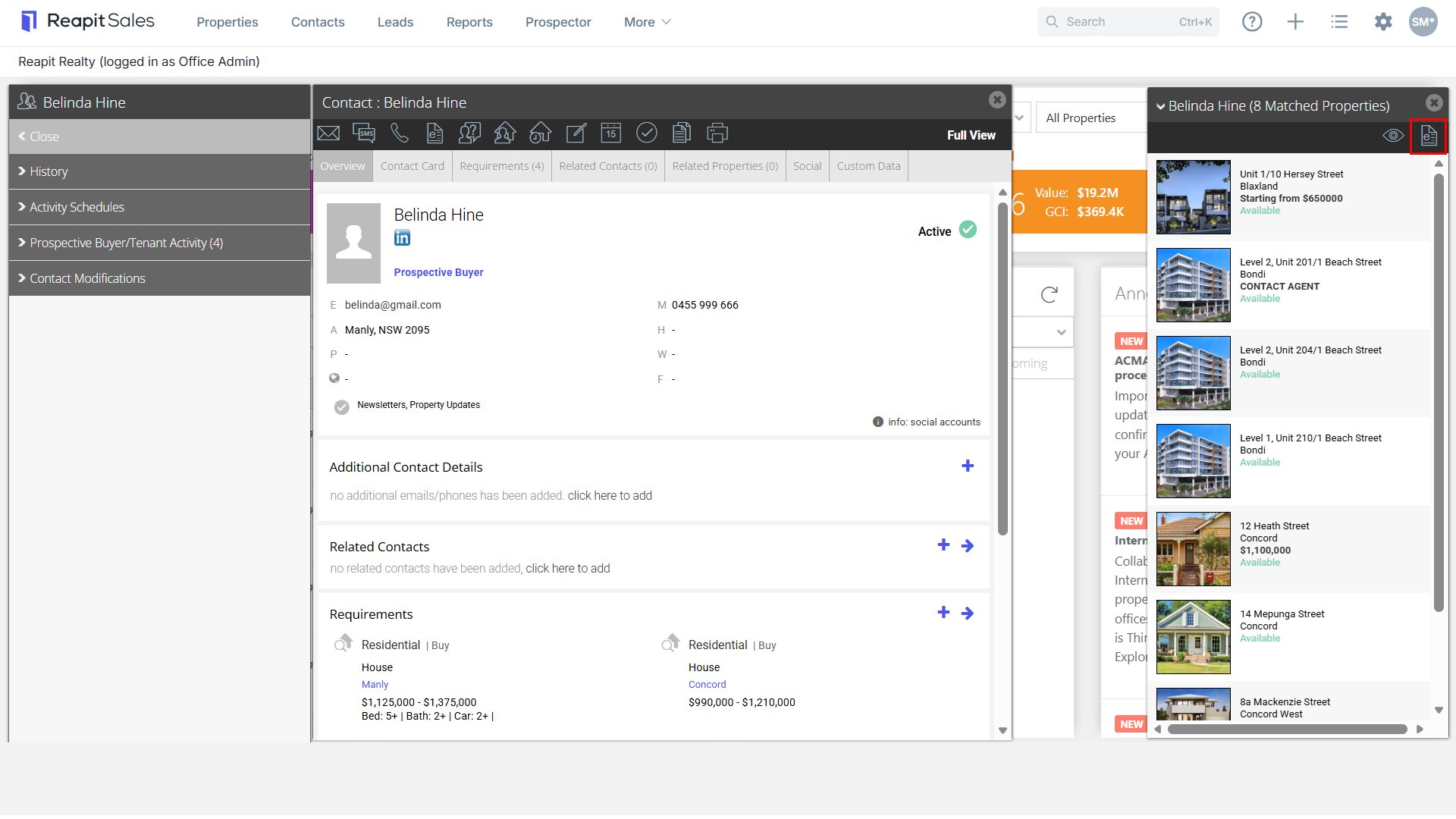
 Click the E-Newsletter Action Icon to send an E-Newsletter containing all the matched listings to the contact.
Matching Properties through the Fast Finds Results Panel
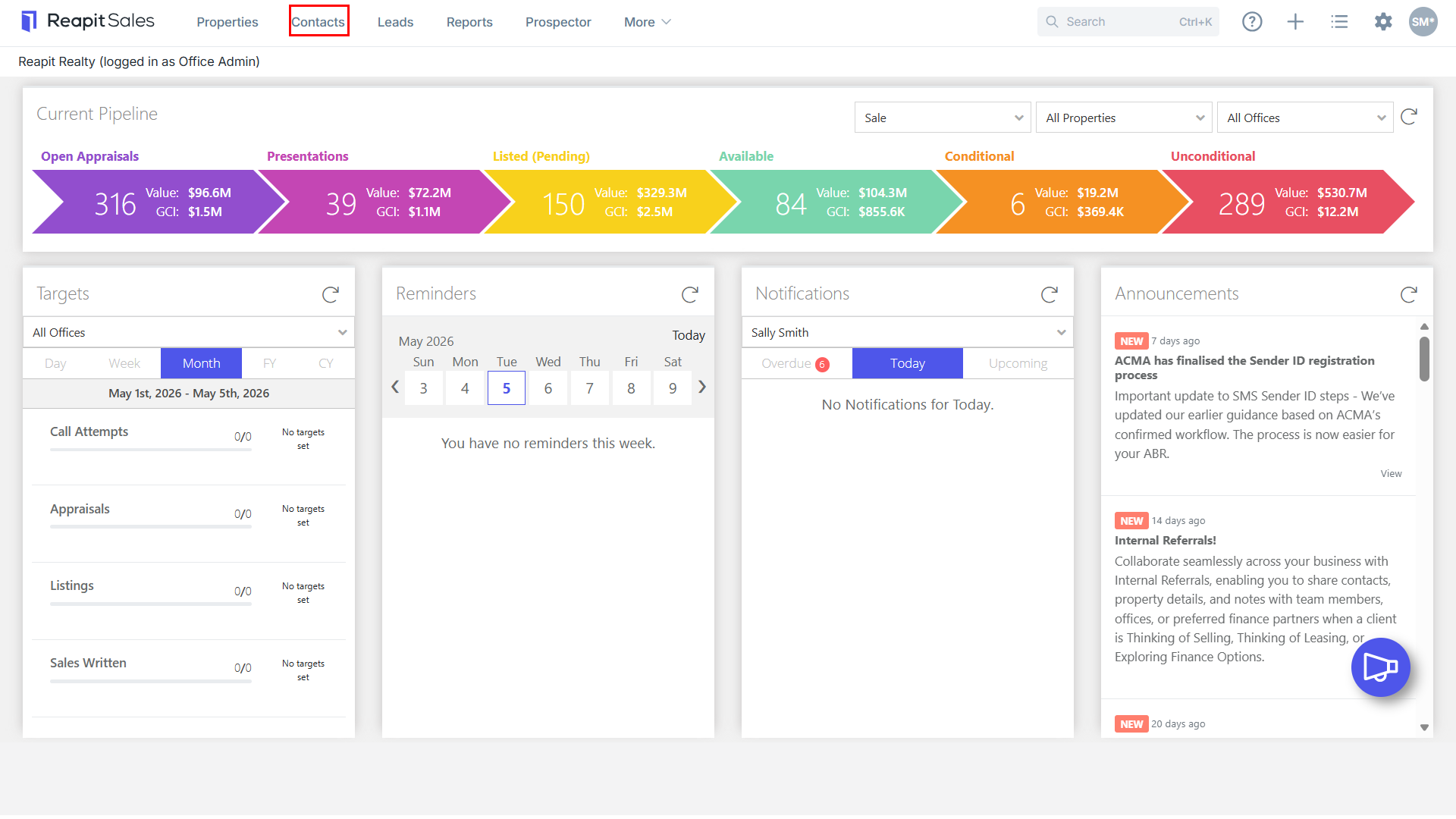
- Click Contacts from the Main Menu.

- Search for your Contact on the Fast Find Left Panel.
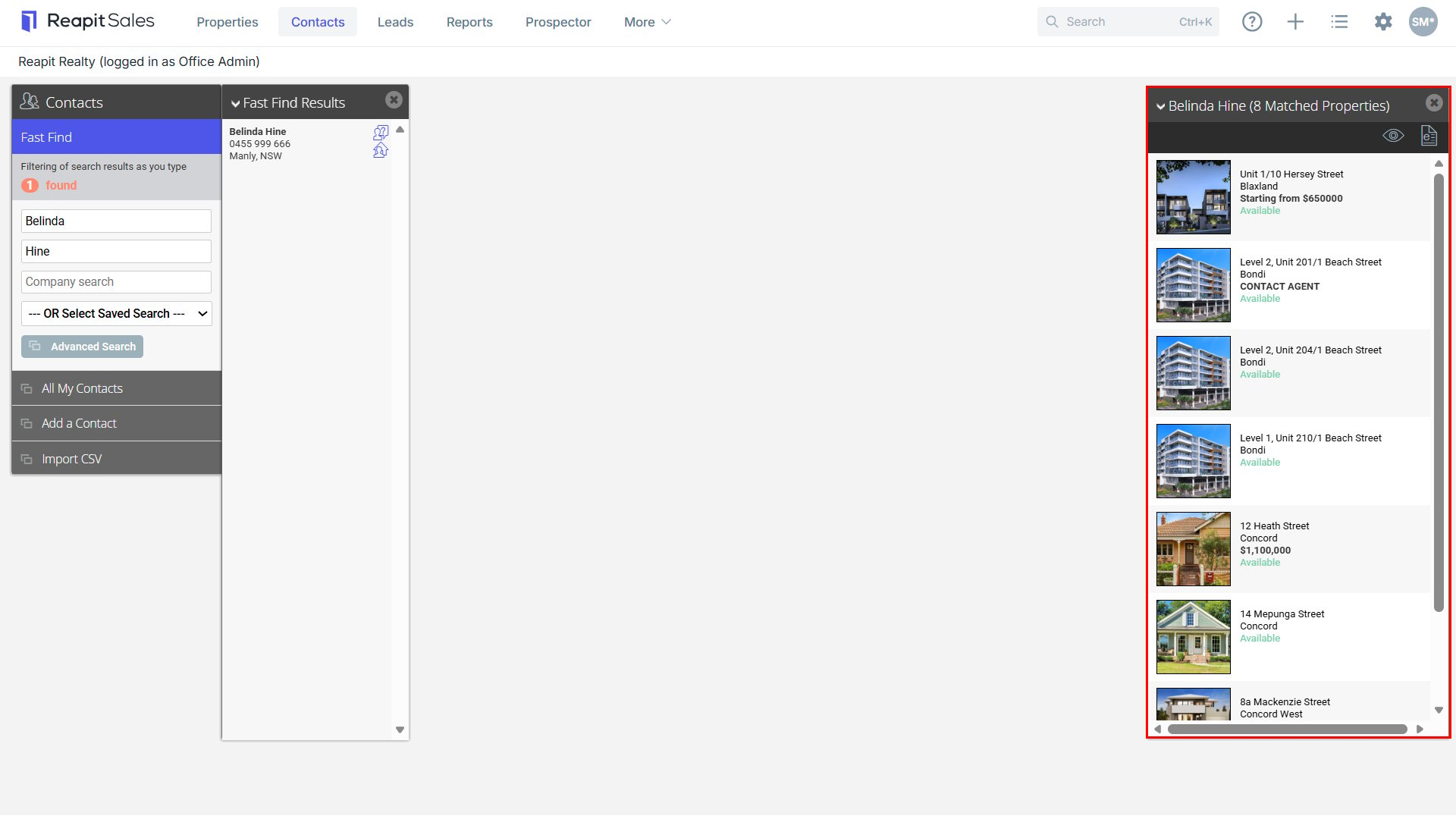
- Click the Match properties
 action icon from the Fast Find Results Panel.

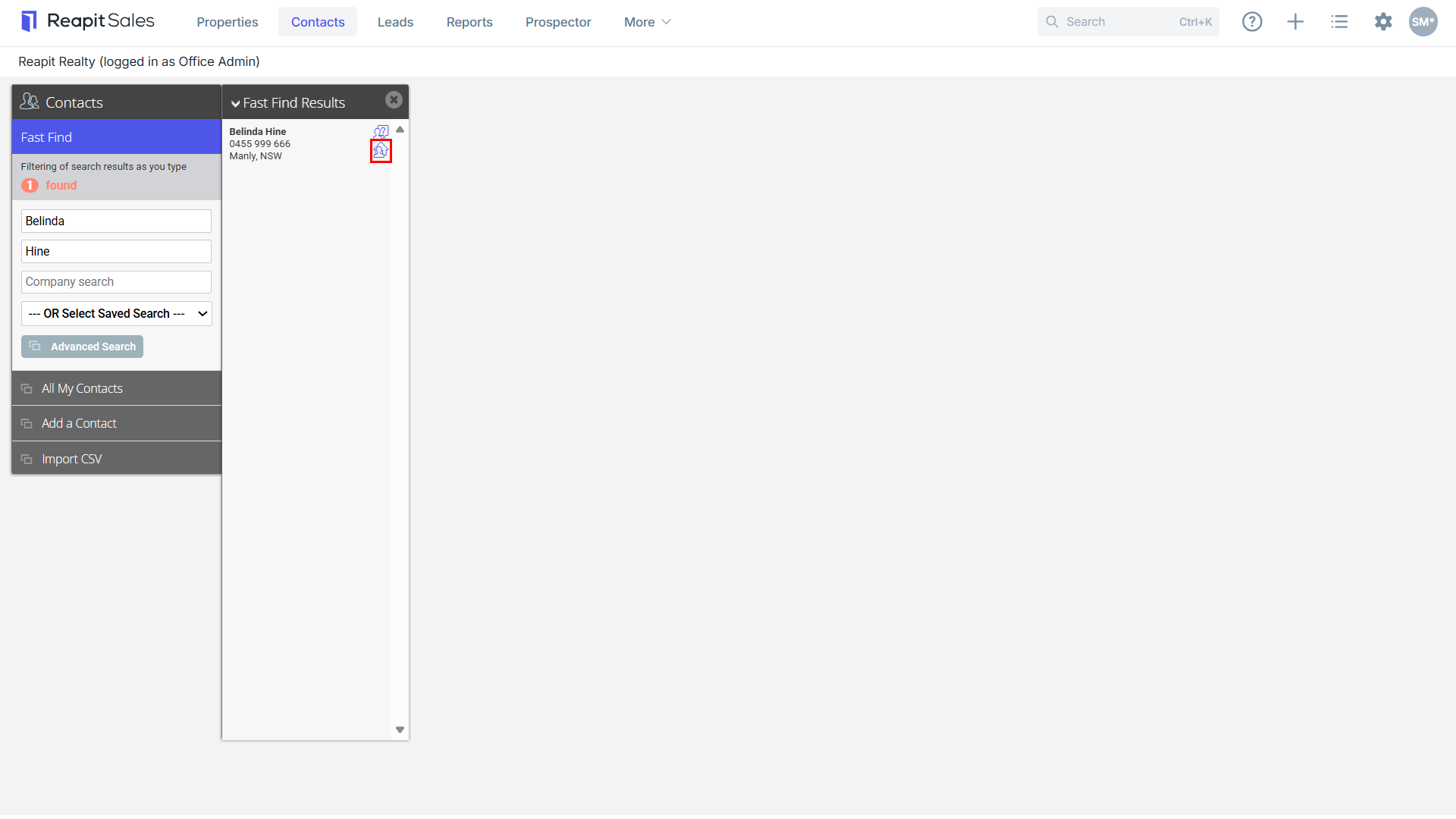
- A List of properties that match the contact's requirements will open in a panel in the right panel.