'%20d='M0%208a8%208%200%200%201%208-8h24a8%208%200%200%201%208%208v24a8%208%200%200%201-8%208H8a8%208%200%200%201-8-8V8Z'/%3e%3cpath%20fill='%23fff'%20d='M10.41%206v3.779h15.048v19.537h4.132V6H10.41Z'/%3e%3cpath%20fill='%23fff'%20d='M20.967%2034V13.837L10.41%209.78v20.166L20.967%2034Z'/%3e%3cdefs%3e%3clinearGradient%20id='reapit-sales__a'%20x1='20.702'%20x2='20.702'%20y1='.351'%20y2='31.228'%20gradientUnits='userSpaceOnUse'%3e%3cstop%20stop-color='%235573FD'/%3e%3cstop%20offset='.575'%20stop-color='%234E56EA'/%3e%3c/linearGradient%3e%3c/defs%3e%3c/svg%3e)
Update Appraisal Status in the Reapit Sales App
This article will cover updating the appraisal status using the Reapit Sales App.
Update Appraisal Status in the Reapit Sales App
This article will cover updating the appraisal status using the Reapit Sales App.
Update the status of your Appraisal within the App to ensure each listing activity status reflects its true current status as well as view your past and upcoming Appraisals.
Note: to view appraisals in the mobile app you must be assigned as appraisal agent
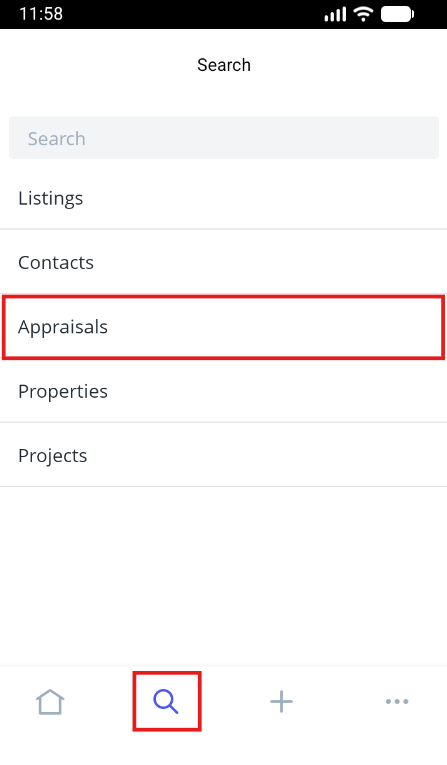
- Tap the magnifying glass icon from the main menu and select Appraisals.
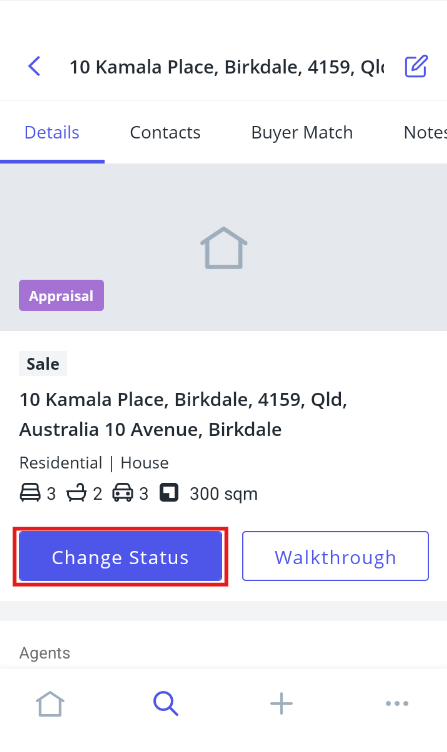
- Open the Appraisal and click Change Status.
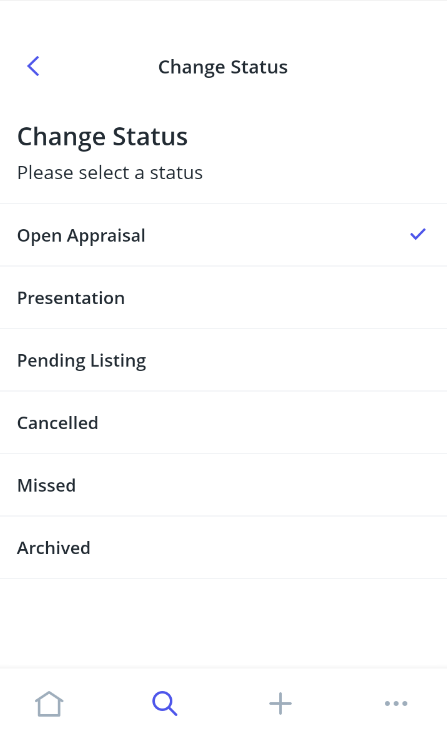
- Select the new status from the options, then enter your internal comments and set your follow-ups.
- Press Save, and the property card will reload in the new status.
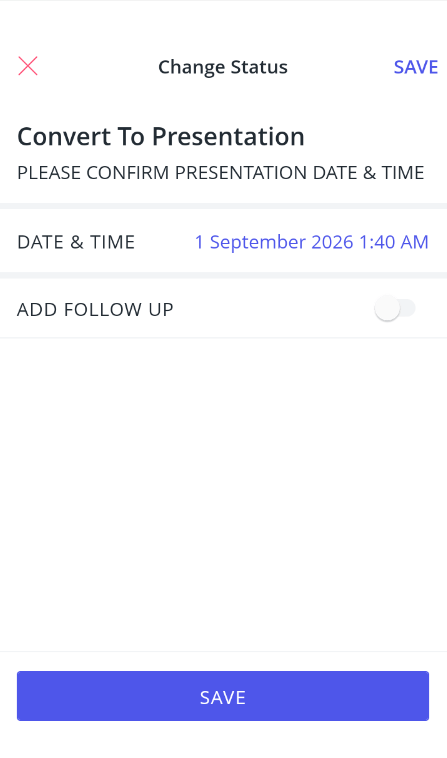
Listing Presentation - Convert to listing presentation, specify the date and time,
This status has the same functionality and look of an appraisal however is an additional search category for properties that you have gone out and presented to (presentation date must be entered for reporting).
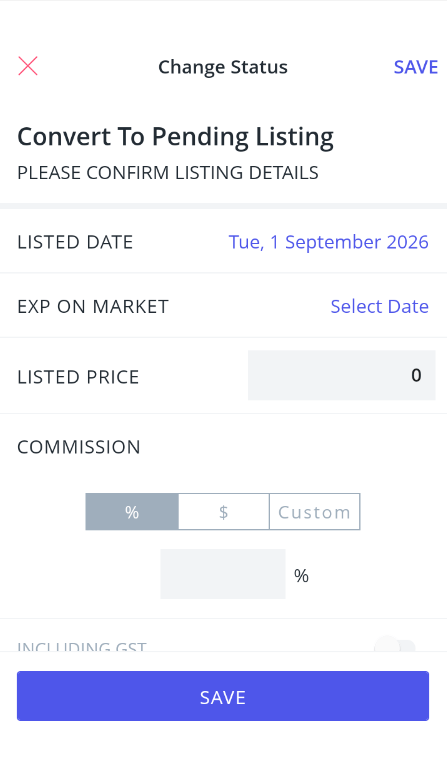
Convert to Listing - This will convert the appraisal to an Offline Listing with the Status - Offline - Not ready for Public Display. You will then need to add all the relevant information to change the property to Available/On Market (Listing Date/Agency Agreement date must be entered for reporting).
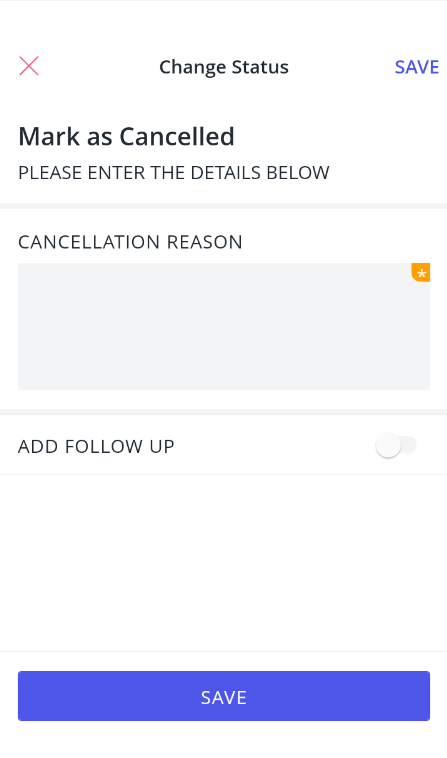
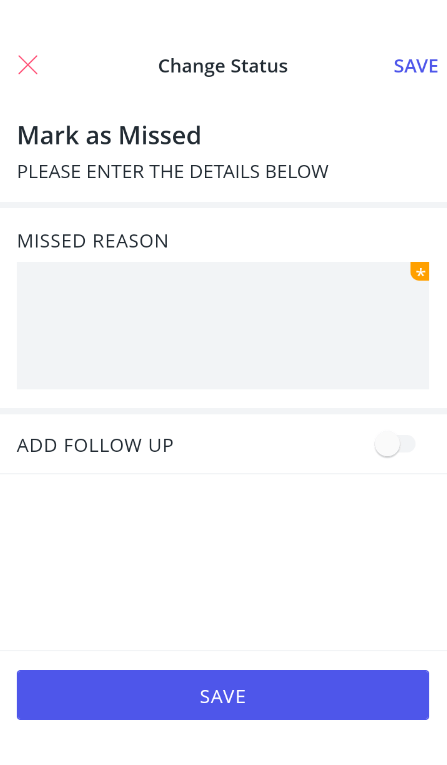
Cancelled/Missed - This marks the property as Offline with the reason - cancelled/missed appraisal (with the option to differentiate between cancelled [Vendor not selling, etc] and missed [lost to another agency, etc]. You can use an advanced contact search to find these properties and will be reflected in appraisal reports.
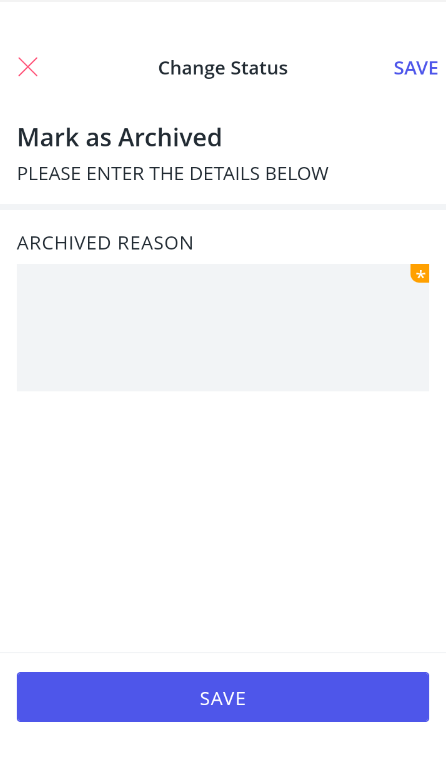
Archived - This marks the property as Archived and you can enter a reason. This will remove the appraisal from all reporting and can only be found via an advanced property search.