'%20d='M0%208a8%208%200%200%201%208-8h24a8%208%200%200%201%208%208v24a8%208%200%200%201-8%208H8a8%208%200%200%201-8-8V8Z'/%3e%3cpath%20fill='%23fff'%20d='M10.41%206v3.779h15.048v19.537h4.132V6H10.41Z'/%3e%3cpath%20fill='%23fff'%20d='M20.967%2034V13.837L10.41%209.78v20.166L20.967%2034Z'/%3e%3cdefs%3e%3clinearGradient%20id='reapit-sales__a'%20x1='20.702'%20x2='20.702'%20y1='.351'%20y2='31.228'%20gradientUnits='userSpaceOnUse'%3e%3cstop%20stop-color='%235573FD'/%3e%3cstop%20offset='.575'%20stop-color='%234E56EA'/%3e%3c/linearGradient%3e%3c/defs%3e%3c/svg%3e)
Mobile App Caller ID Configuration for Android
This article shows how to setup called ID for Android devices from the Sales Mobile App.
Overview
Mobile App Caller ID Configuration for Android
This article shows how to setup called ID for Android devices from the Sales Mobile App.
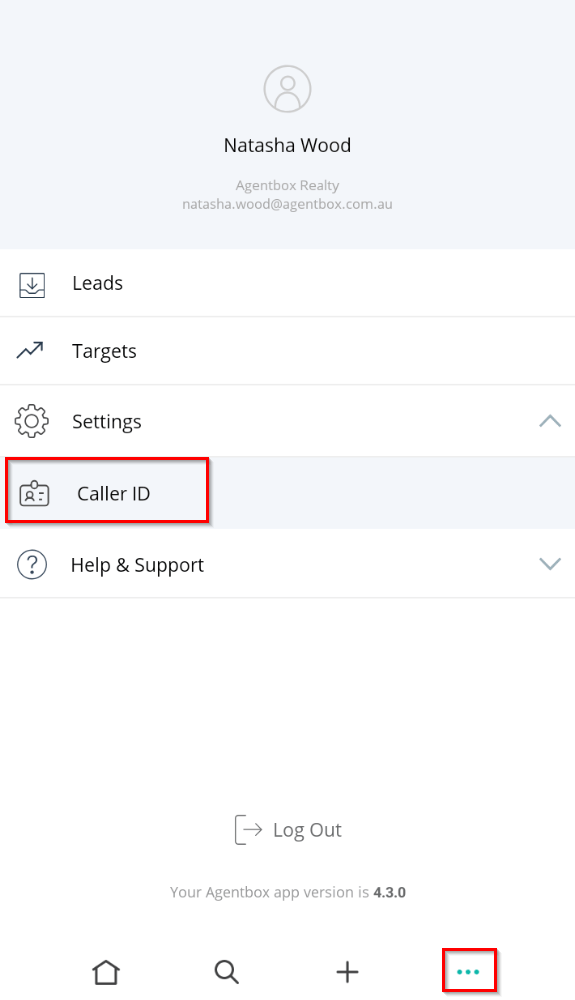
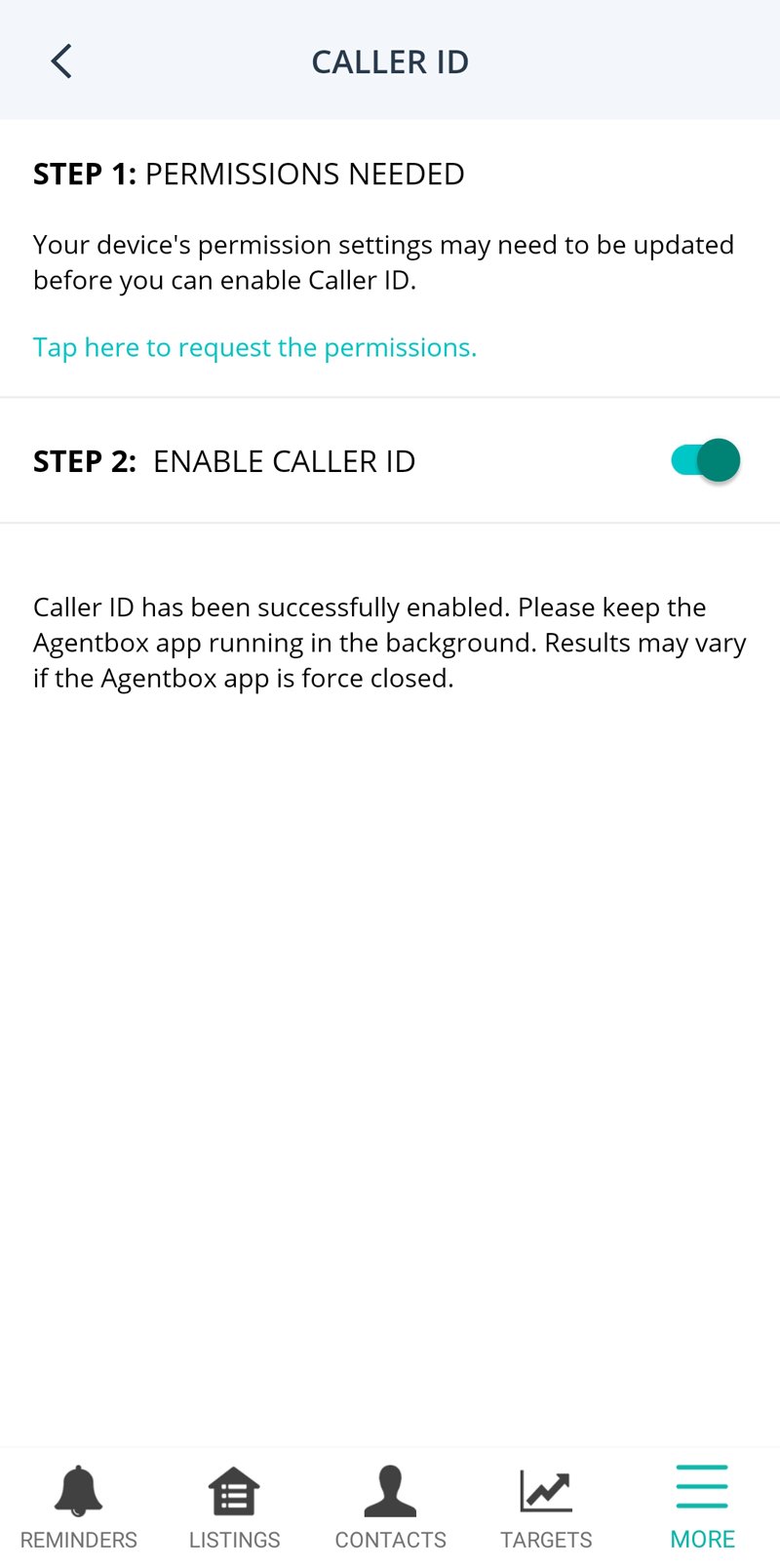
- Open the App and go to the 3 dots in the main menu. Tap on Settings > Caller ID
- Follow the instructions in Step 1 to configure your device.
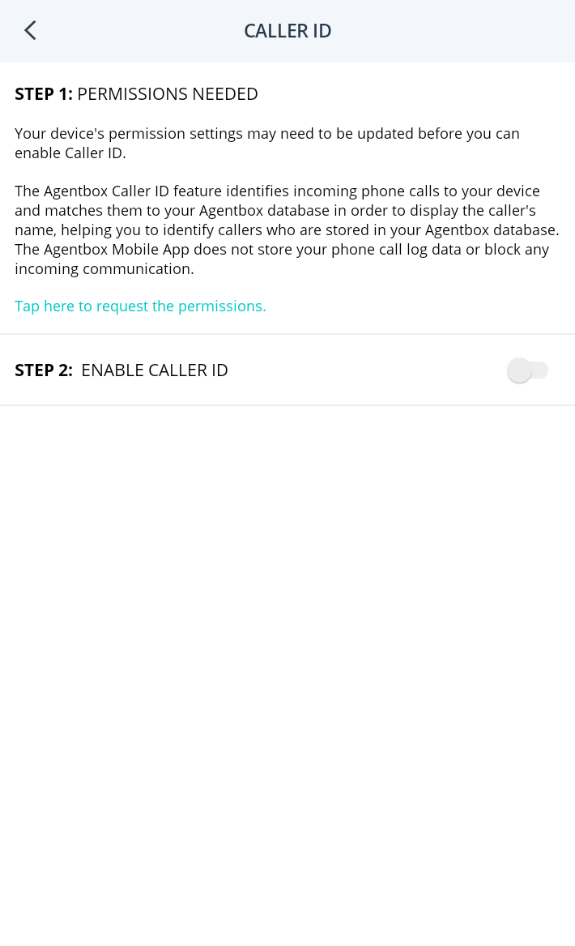
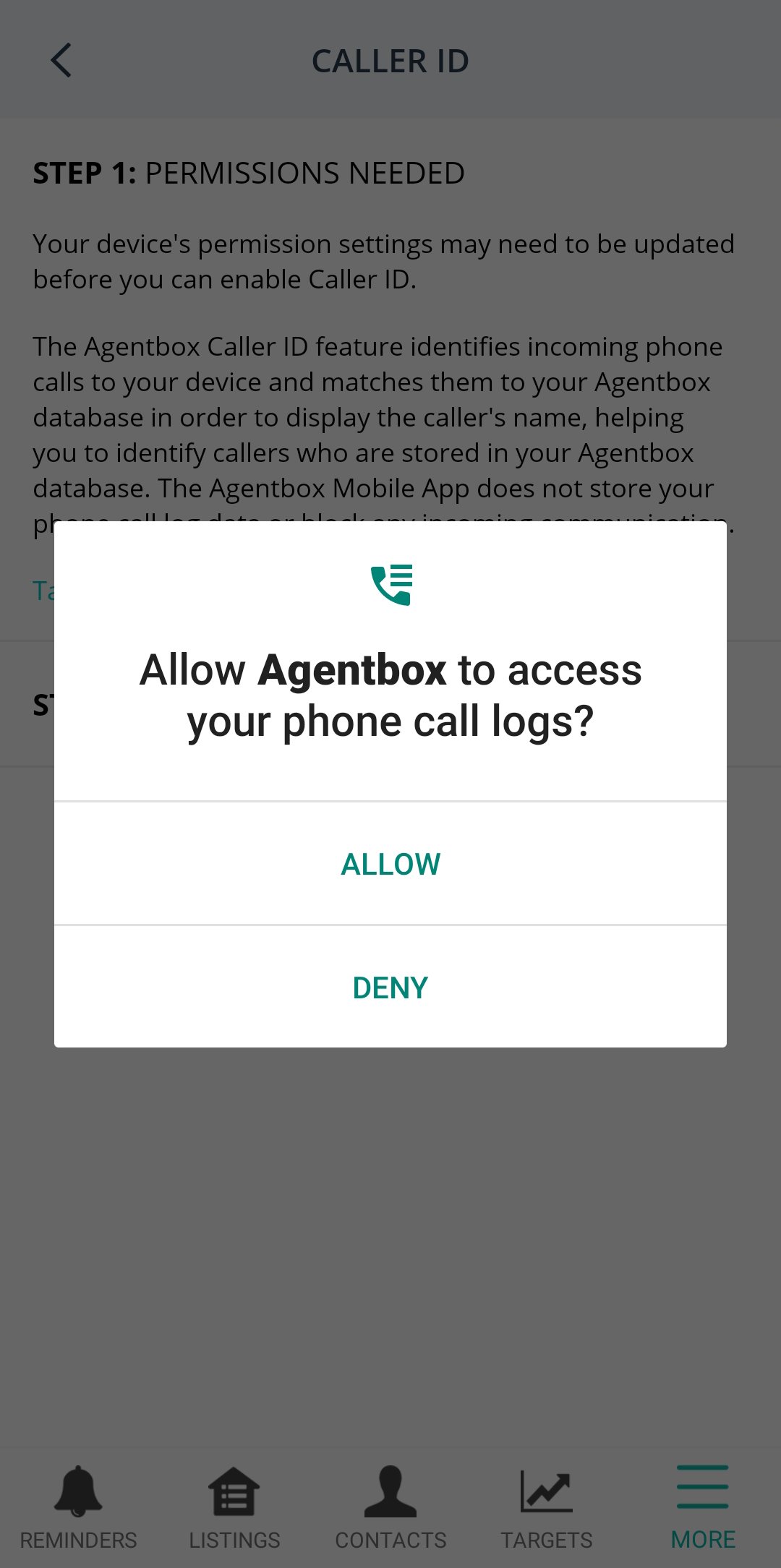
- "Allow Agentbox to access your phone call logs?". Tap ALLOW.
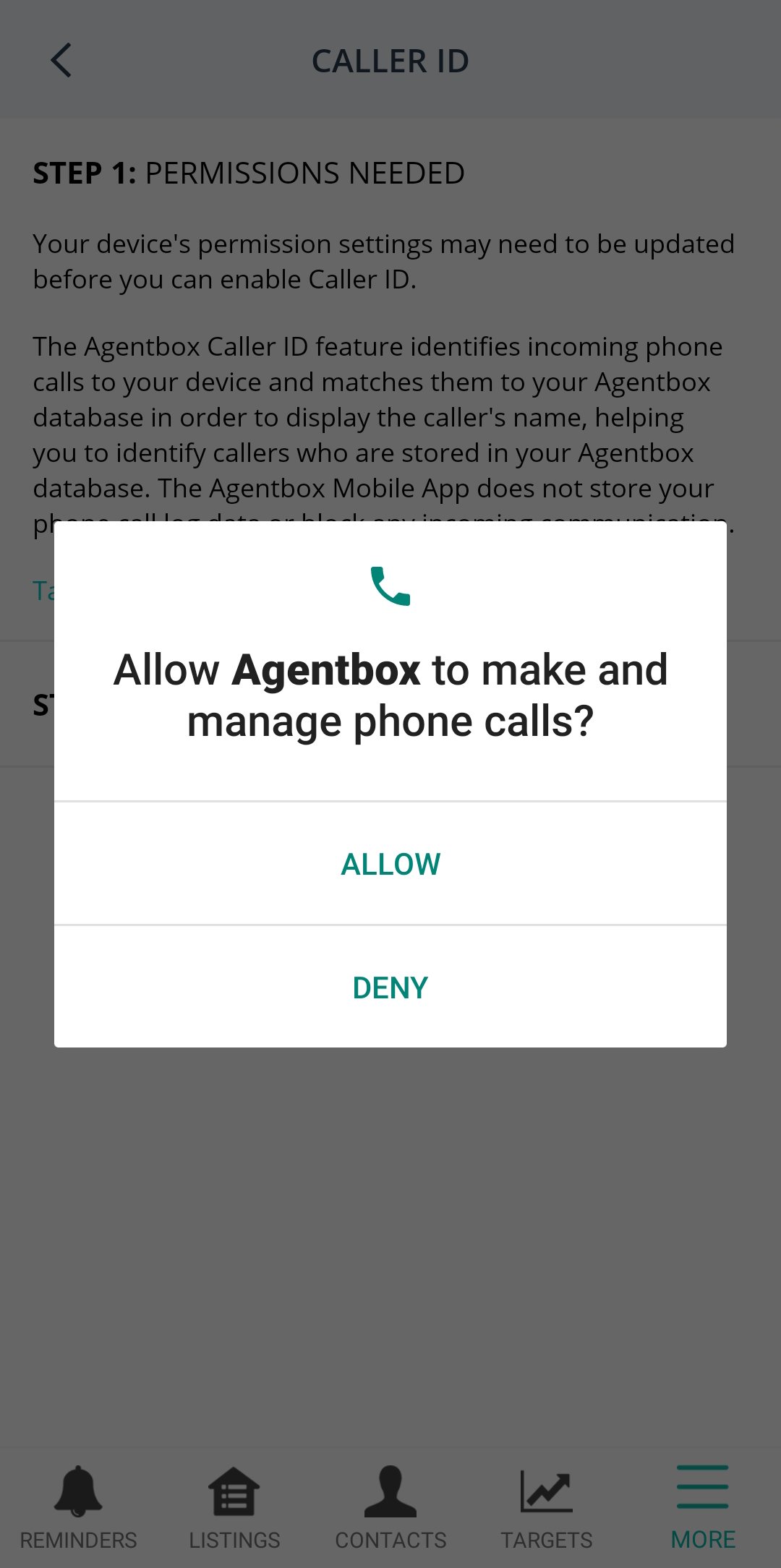
- "Allow Agentbox to make and manage phone calls?". Tap ALLOW.
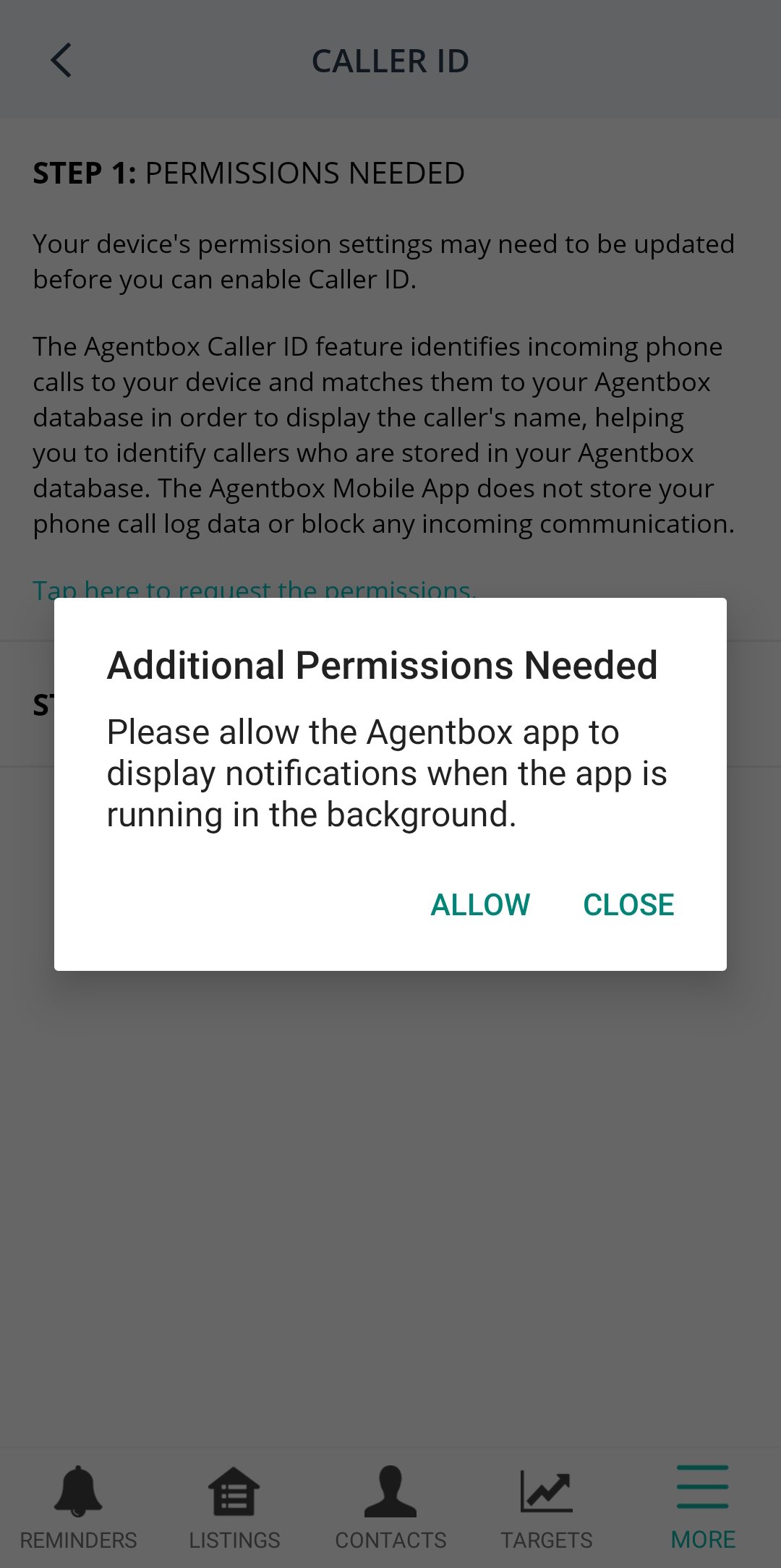
- "Additional Permissions Needed". Tap ALLOW.
You will be automatically directed to this screen. Toggle to ON.
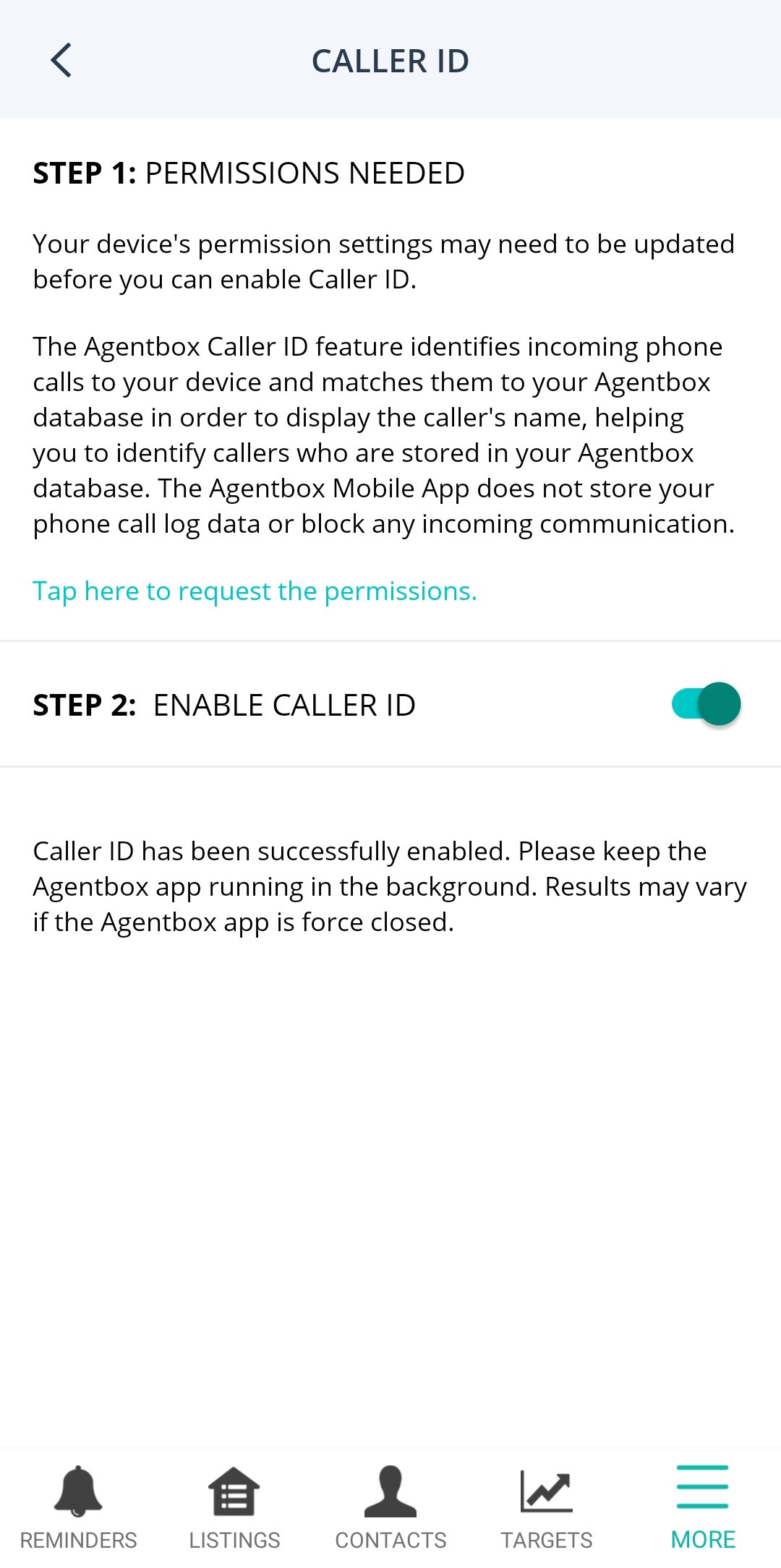
Return to the Caller ID screen on the app and enable Caller ID.
NOTE As you can see, there is a disclaimer on this screen for Android which states "Please keep the Agentbox app running in the background. Results may vary if the Agentbox app is force closed."
It is very important that you do not force close the app on Android.
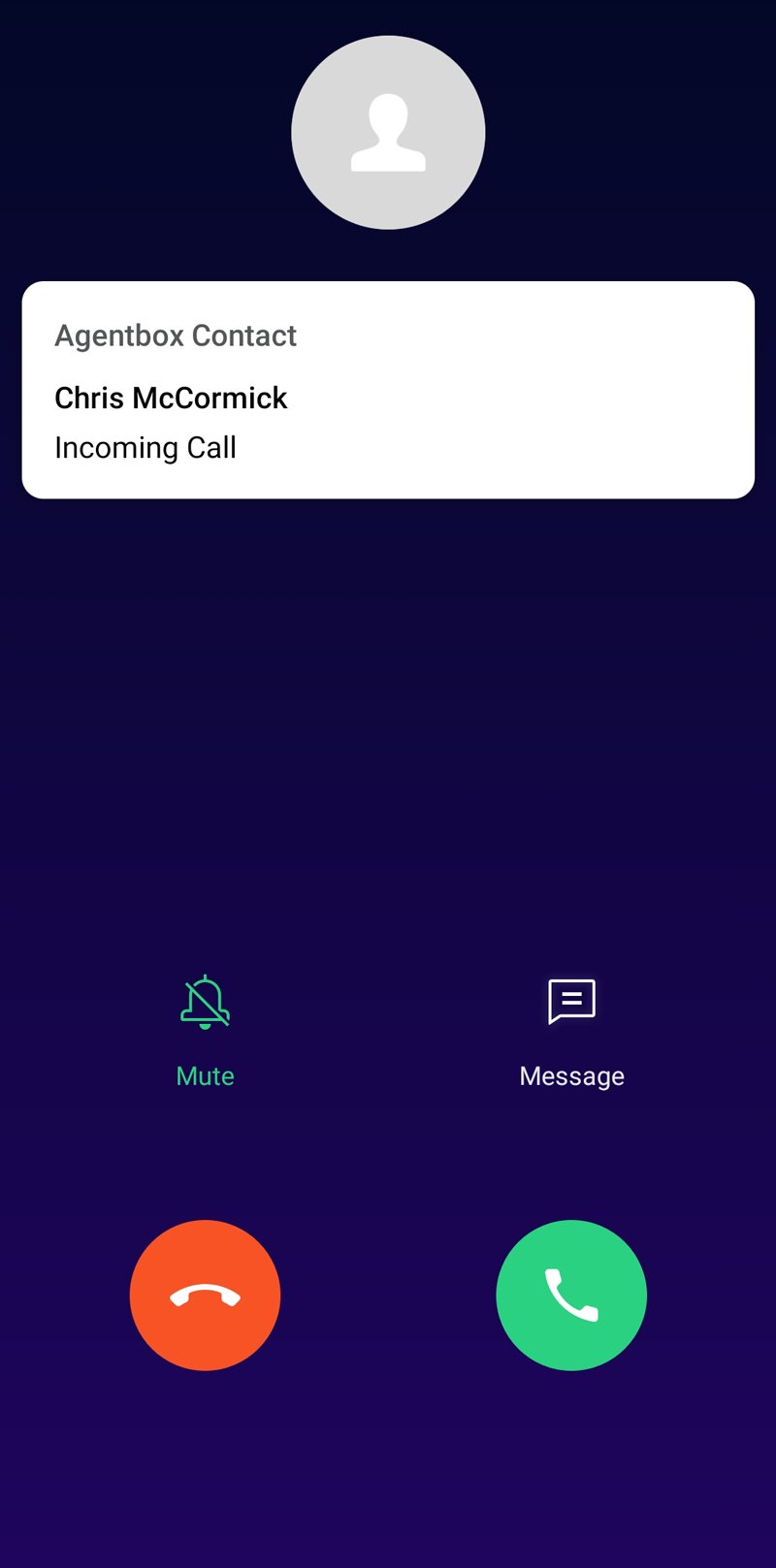
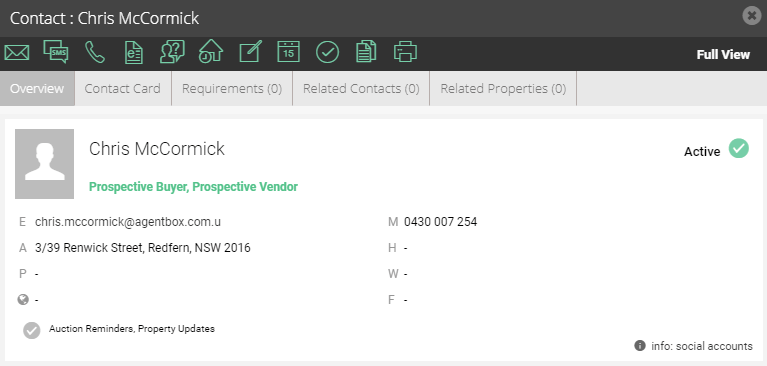
- Once the above steps have been completed contact names from Reapit Sales will be displayed on incoming calls.