'%20d='M0%208a8%208%200%200%201%208-8h24a8%208%200%200%201%208%208v24a8%208%200%200%201-8%208H8a8%208%200%200%201-8-8V8Z'/%3e%3cpath%20fill='%23fff'%20d='M10.41%206v3.779h15.048v19.537h4.132V6H10.41Z'/%3e%3cpath%20fill='%23fff'%20d='M20.967%2034V13.837L10.41%209.78v20.166L20.967%2034Z'/%3e%3cdefs%3e%3clinearGradient%20id='reapit-sales__a'%20x1='20.702'%20x2='20.702'%20y1='.351'%20y2='31.228'%20gradientUnits='userSpaceOnUse'%3e%3cstop%20stop-color='%235573FD'/%3e%3cstop%20offset='.575'%20stop-color='%234E56EA'/%3e%3c/linearGradient%3e%3c/defs%3e%3c/svg%3e)
View Property Modifications
This article shows how view and filter the Property Modifications Log in Reapit Sales.
Overview
View Property Modifications
This article shows how view and filter the Property Modifications Log in Reapit Sales.
- Search for your Property and open the Property Card.
- Click the Property Modification Log tab on the Left Property Panel (If the matching left panel is not visible, click Full View in the top right-hand corner of the property card).
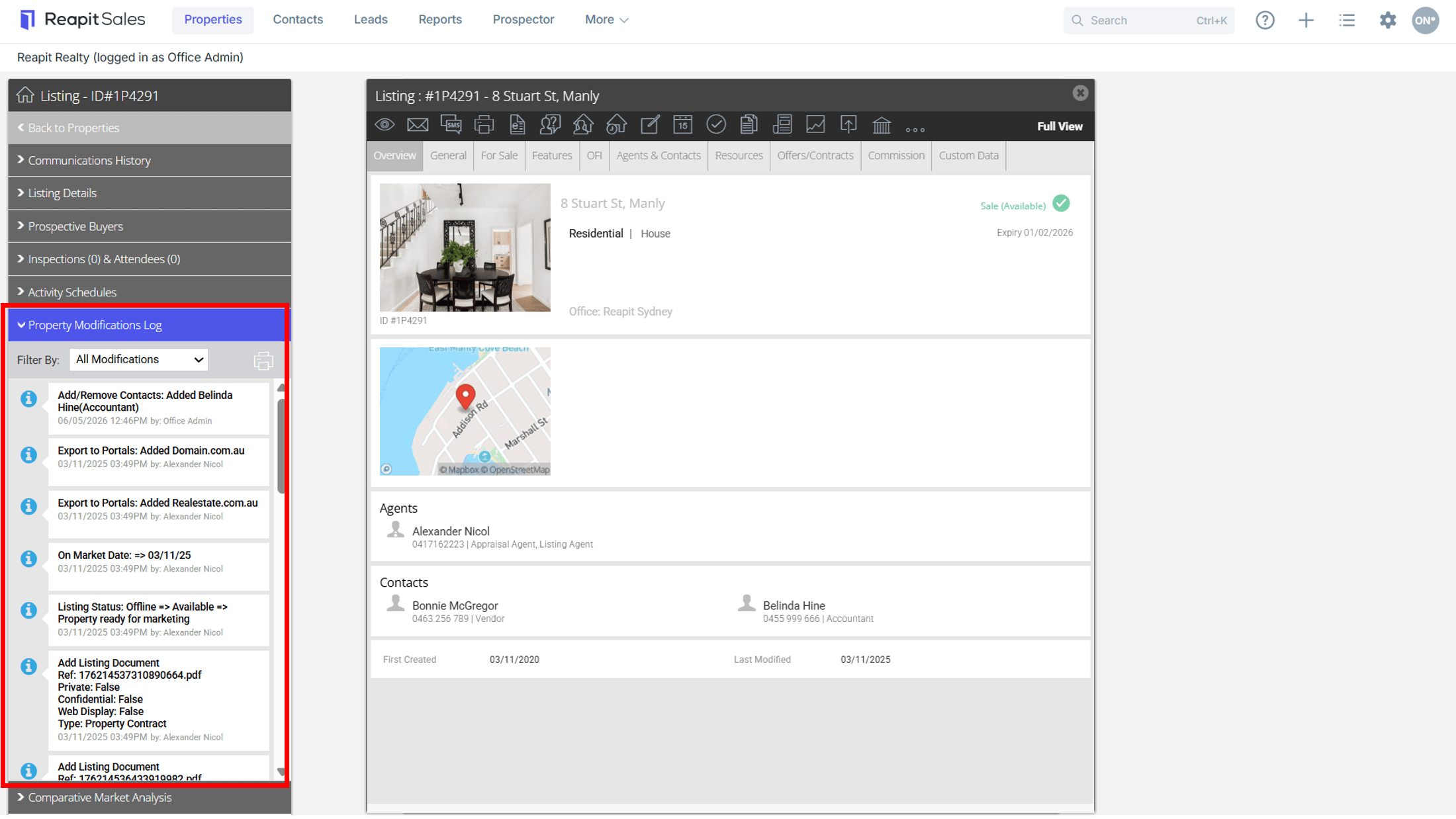
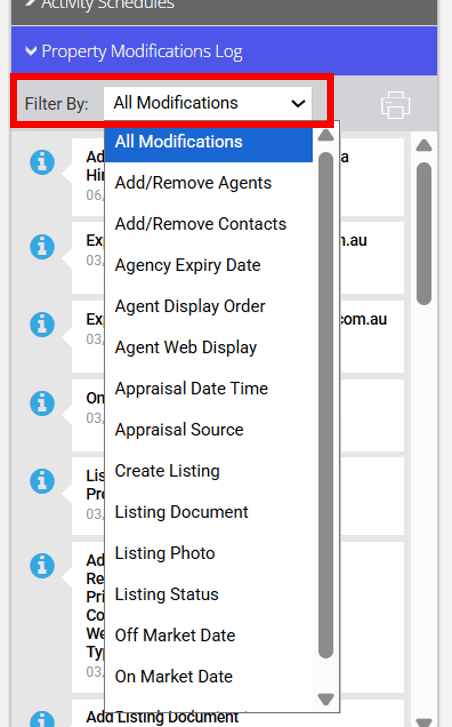
- You can refine the changes to see listing modifications such as changes to property attributes, key dates and various other listing fields using filters, as highlighted below.