'%20d='M0%208a8%208%200%200%201%208-8h24a8%208%200%200%201%208%208v24a8%208%200%200%201-8%208H8a8%208%200%200%201-8-8V8Z'/%3e%3cpath%20fill='%23fff'%20d='M10.41%206v3.779h15.048v19.537h4.132V6H10.41Z'/%3e%3cpath%20fill='%23fff'%20d='M20.967%2034V13.837L10.41%209.78v20.166L20.967%2034Z'/%3e%3cdefs%3e%3clinearGradient%20id='reapit-sales__a'%20x1='20.702'%20x2='20.702'%20y1='.351'%20y2='31.228'%20gradientUnits='userSpaceOnUse'%3e%3cstop%20stop-color='%235573FD'/%3e%3cstop%20offset='.575'%20stop-color='%234E56EA'/%3e%3c/linearGradient%3e%3c/defs%3e%3c/svg%3e)
Searching For Listings
Listings / Ledgers This article shows searching for listings methods in Reapit Sales.
Searching For Listings
Listings / Ledgers
This article shows searching for listings methods in Reapit Sales.
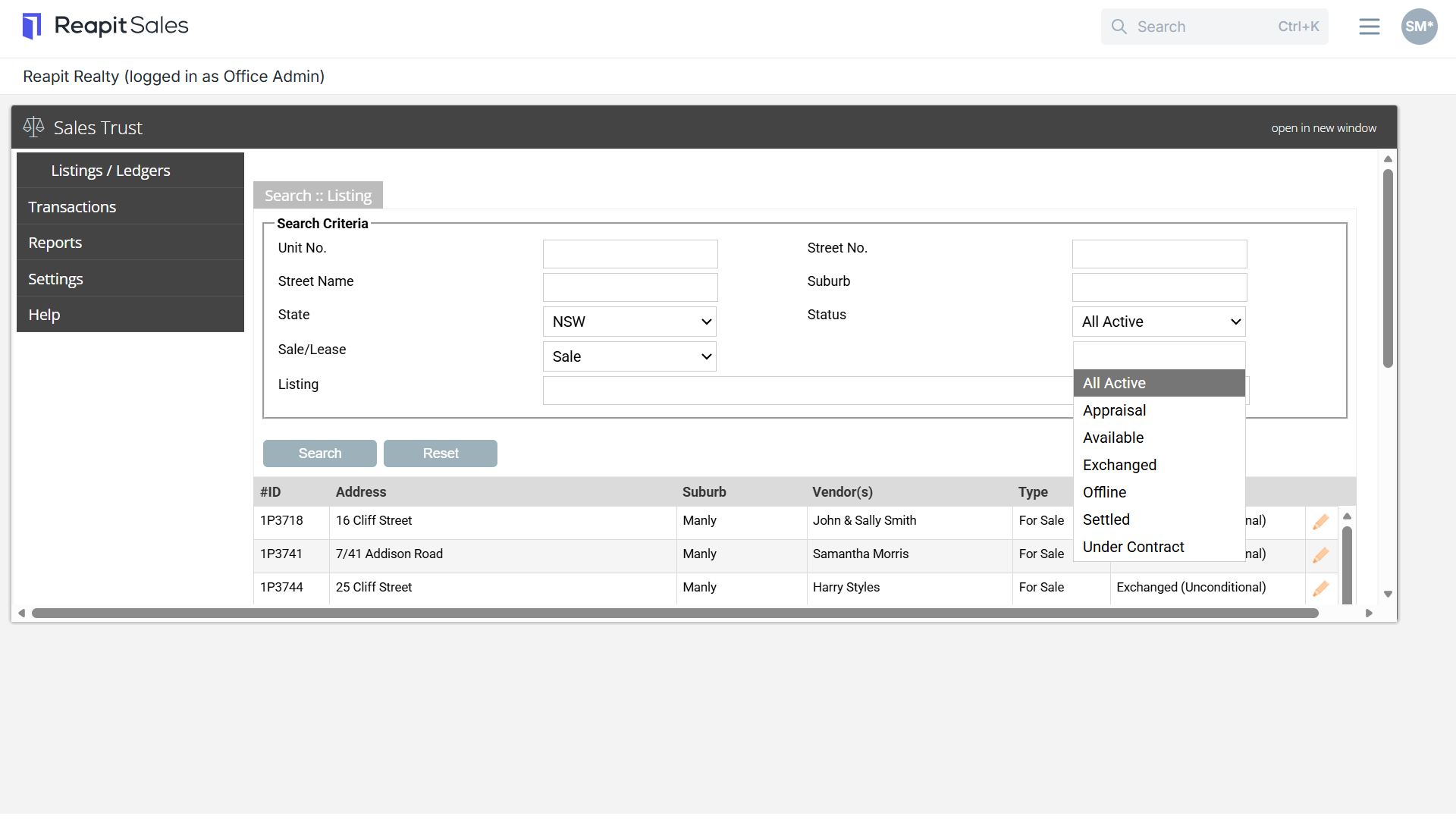
From the listings/ledgers tab you can search for a specific listing by the following methods:
Tip: when searching for listings always ensure the correct status is selected.
- All Active: Pending, Available, Exchanged (Conditional), Exchanged (Unconditional)
- Appraisal: Active appraisal records
- Available: Listing records with the status 'Available'
- Exchanged: Listing records with the status 'Unconditional'
- Offline: Property records with the status 'Archived', 'Pending" & 'Missed Appraisal'
- Settled: Listing records with the status 'settled'
- Under contract: Under Contract (Conditional) & Under Contract (Unconditional) *only applicable for QLD
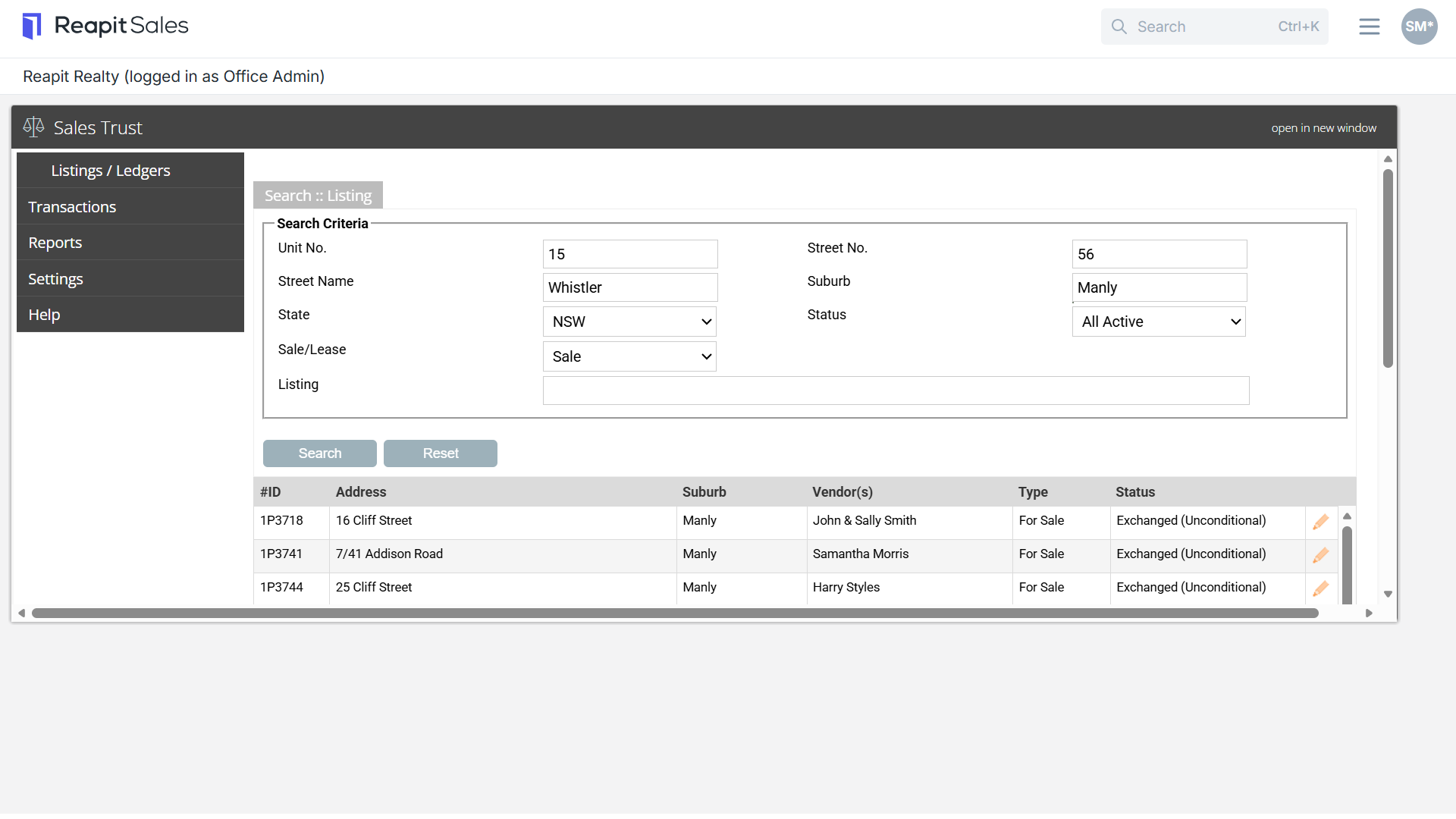
Search 1
Enter the address details into the fields including Unit Number, Street Number, Stree Name, Suburb, State, Status, Sale/Lease property status and then select search.
Search 2
Begin typing the listing address or listing ID number into the Listing field. The listing will appear in the drop-down, select the listing and select search
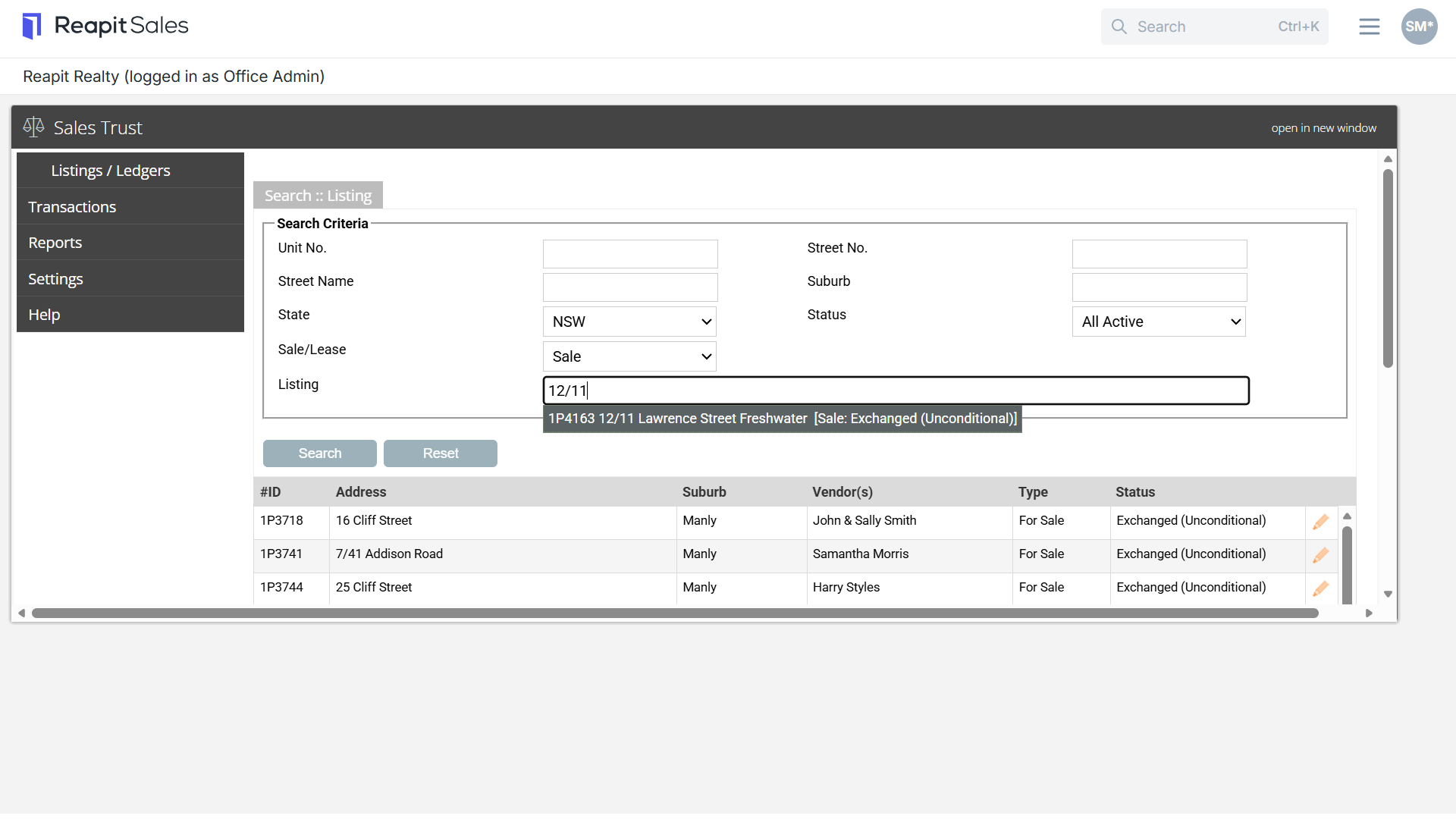
Search 3
Under Status select the relevant listing status from the drop-down and select search. This will bring up all listings with the corresponding status.