'%20d='M0%208a8%208%200%200%201%208-8h24a8%208%200%200%201%208%208v24a8%208%200%200%201-8%208H8a8%208%200%200%201-8-8V8Z'/%3e%3cpath%20fill='%23fff'%20d='M10.41%206v3.779h15.048v19.537h4.132V6H10.41Z'/%3e%3cpath%20fill='%23fff'%20d='M20.967%2034V13.837L10.41%209.78v20.166L20.967%2034Z'/%3e%3cdefs%3e%3clinearGradient%20id='reapit-sales__a'%20x1='20.702'%20x2='20.702'%20y1='.351'%20y2='31.228'%20gradientUnits='userSpaceOnUse'%3e%3cstop%20stop-color='%235573FD'/%3e%3cstop%20offset='.575'%20stop-color='%234E56EA'/%3e%3c/linearGradient%3e%3c/defs%3e%3c/svg%3e)
Managing Tasks
This article will cover managing tasks in the Reapit Sales App.
Managing Tasks
This article will cover managing tasks in the Reapit Sales App.
Add a task:
- In the Reminders section, tap on the Tasks tab. Click the green plus button in the bottom right-hand corner.

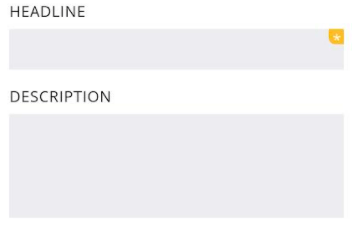
- Enter a headline and description
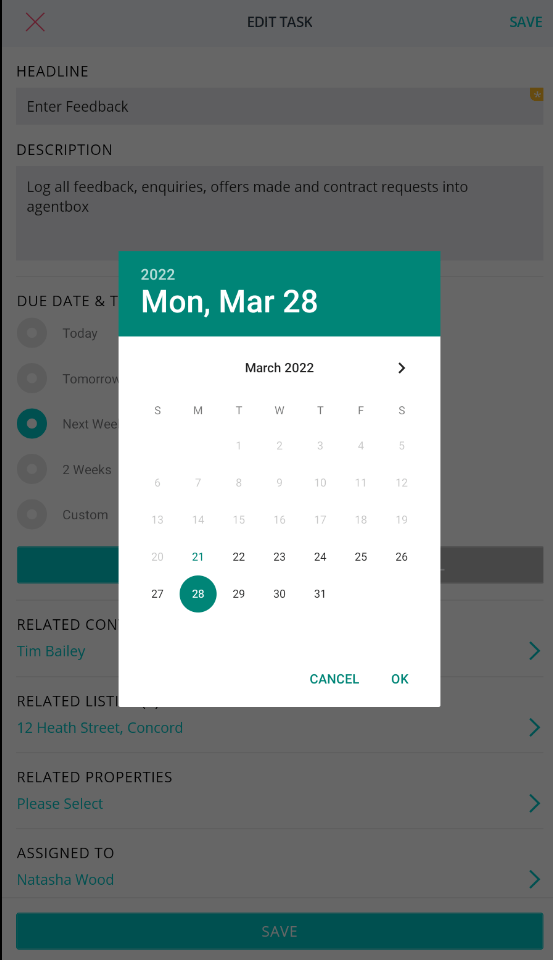
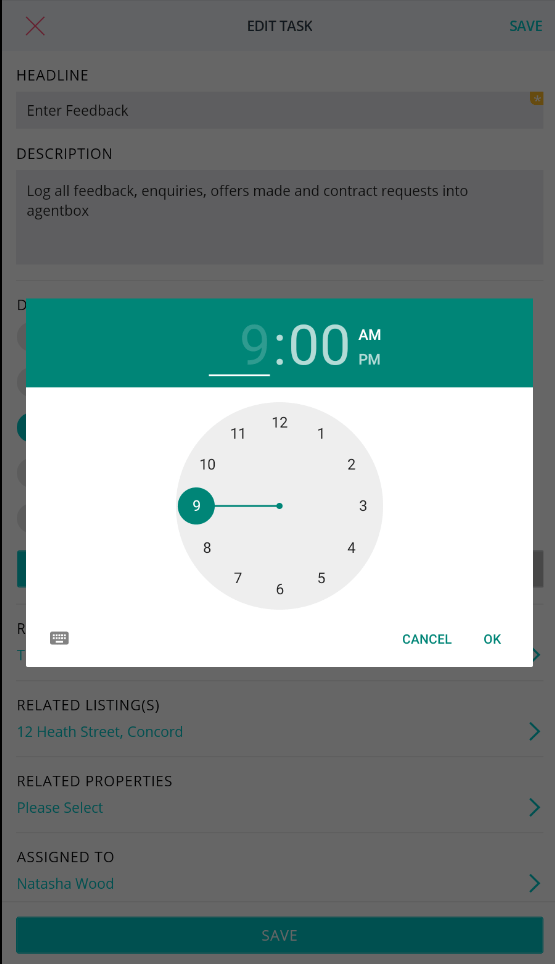
- Select date and time
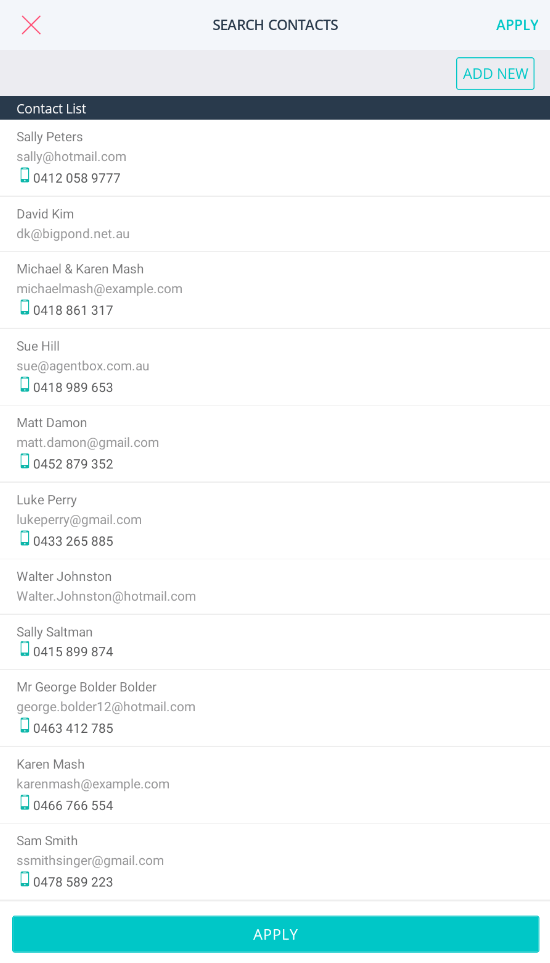
- Select a related contact
- Select a related listing
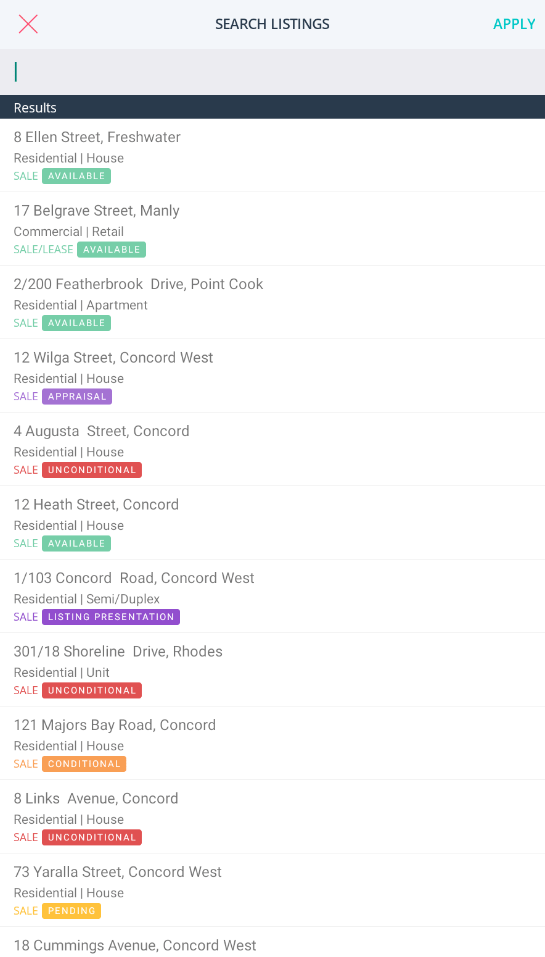
- Select a related property
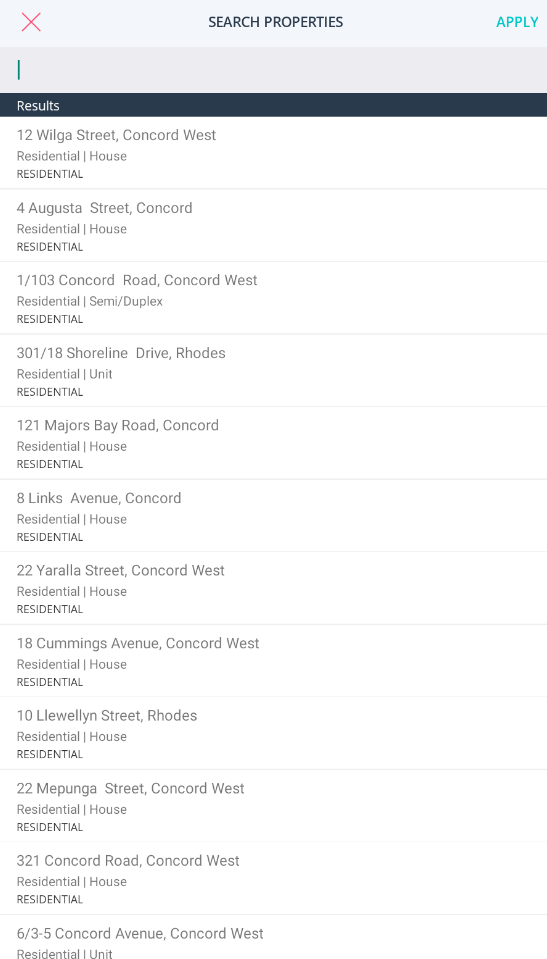
- Assign a Staff Member and click 'apply'
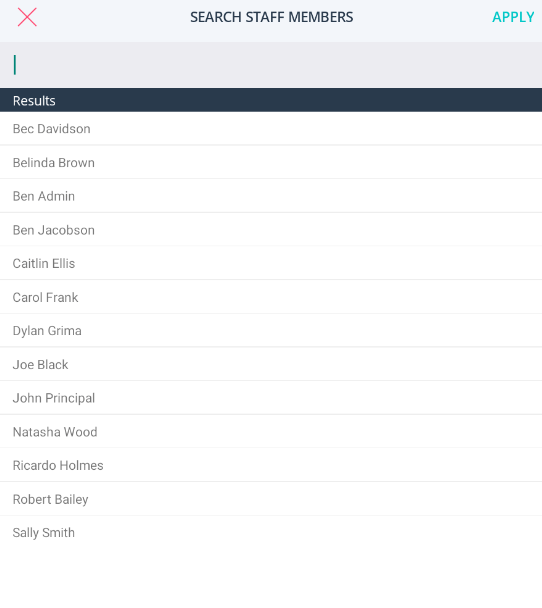
- Tap the Save button.
Edit a task
- In the Reminders section, tap on the Tasks tab and select the task you would like to edit.
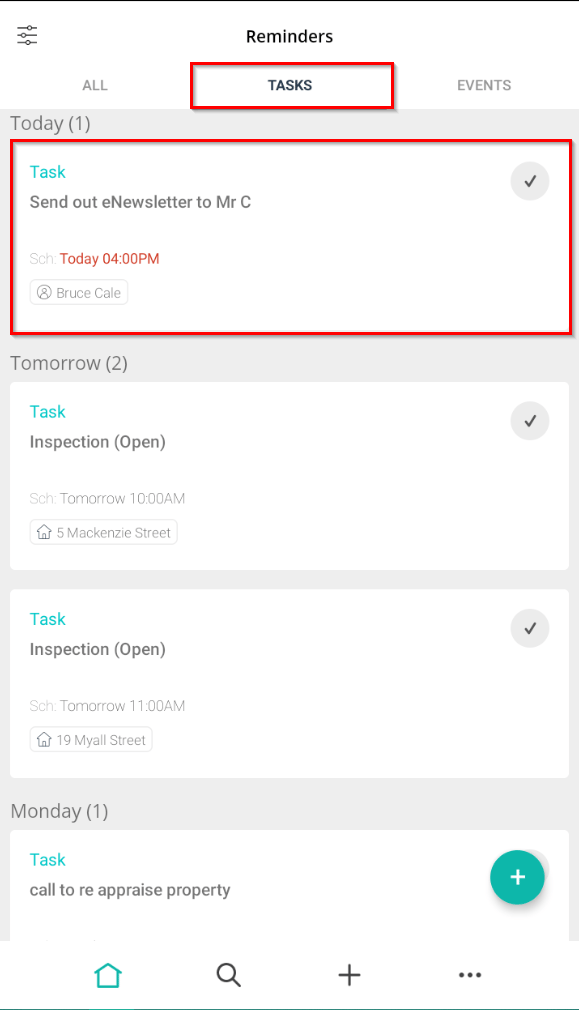
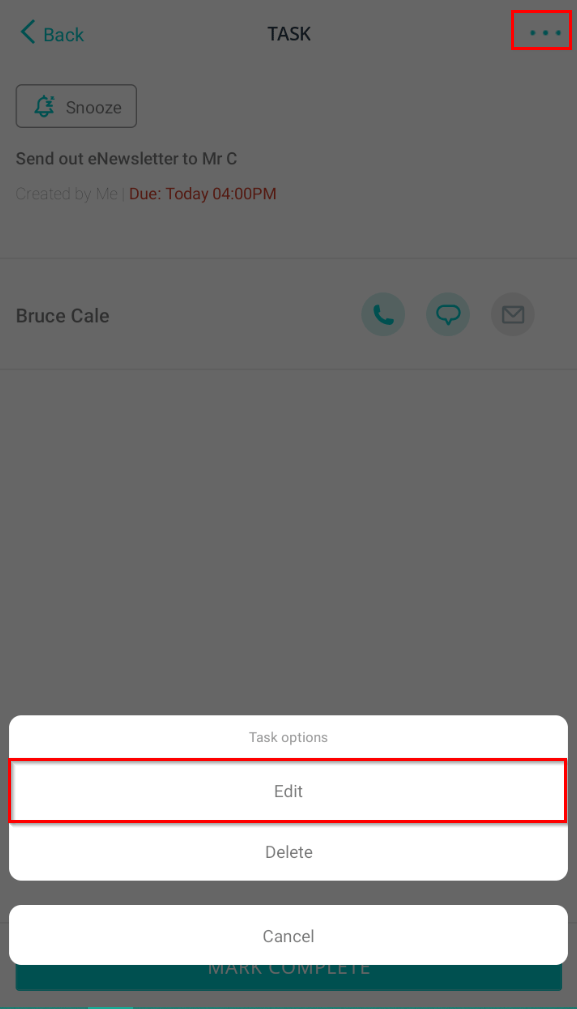
- Tap on the 3 dots and click 'Edit'.
- Update any required information.
- Once you have completed editing, tap Save.
Snooze a Task:
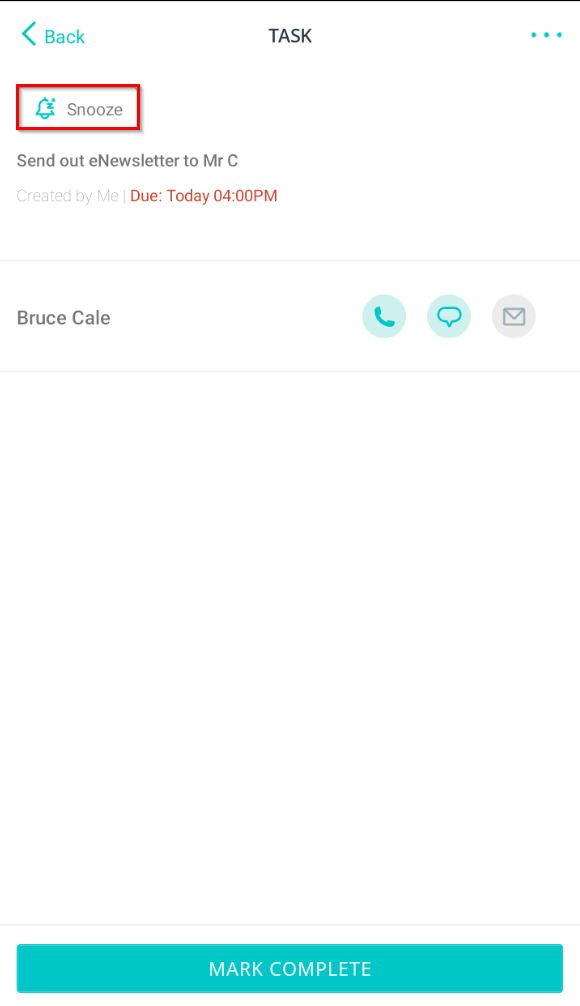
- Users can snooze upcoming tasks by clicking into the task and selecting 'Snooze'.
- Update due date/time selections
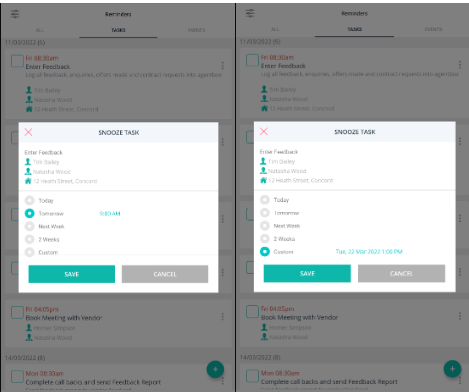
- Click Save.
Complete a Task:
- Tap on the tick box and it will turn green.
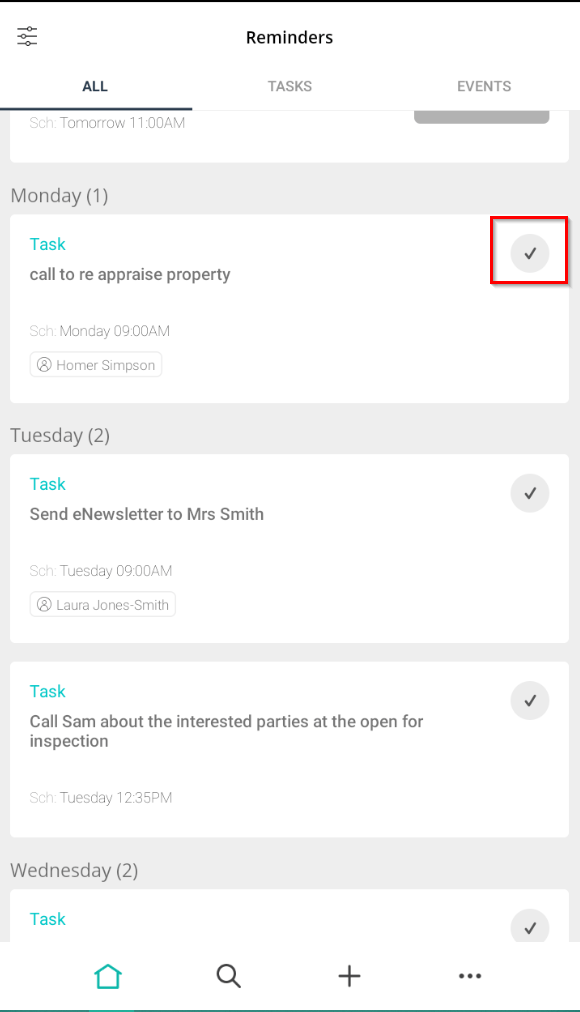
- Swipe down to refresh. It will then disappear from the page.