'%20d='M0%208a8%208%200%200%201%208-8h24a8%208%200%200%201%208%208v24a8%208%200%200%201-8%208H8a8%208%200%200%201-8-8V8Z'/%3e%3cpath%20fill='%23fff'%20d='M10.41%206v3.779h15.048v19.537h4.132V6H10.41Z'/%3e%3cpath%20fill='%23fff'%20d='M20.967%2034V13.837L10.41%209.78v20.166L20.967%2034Z'/%3e%3cdefs%3e%3clinearGradient%20id='reapit-sales__a'%20x1='20.702'%20x2='20.702'%20y1='.351'%20y2='31.228'%20gradientUnits='userSpaceOnUse'%3e%3cstop%20stop-color='%235573FD'/%3e%3cstop%20offset='.575'%20stop-color='%234E56EA'/%3e%3c/linearGradient%3e%3c/defs%3e%3c/svg%3e)
Sharing Listing to Social Media
This article will cover sharing listings to social media in Reapit Sales.
Sharing Listing to Social Media
This article will cover sharing listings to social media in Reapit Sales.
- Search for your Property and open the property card
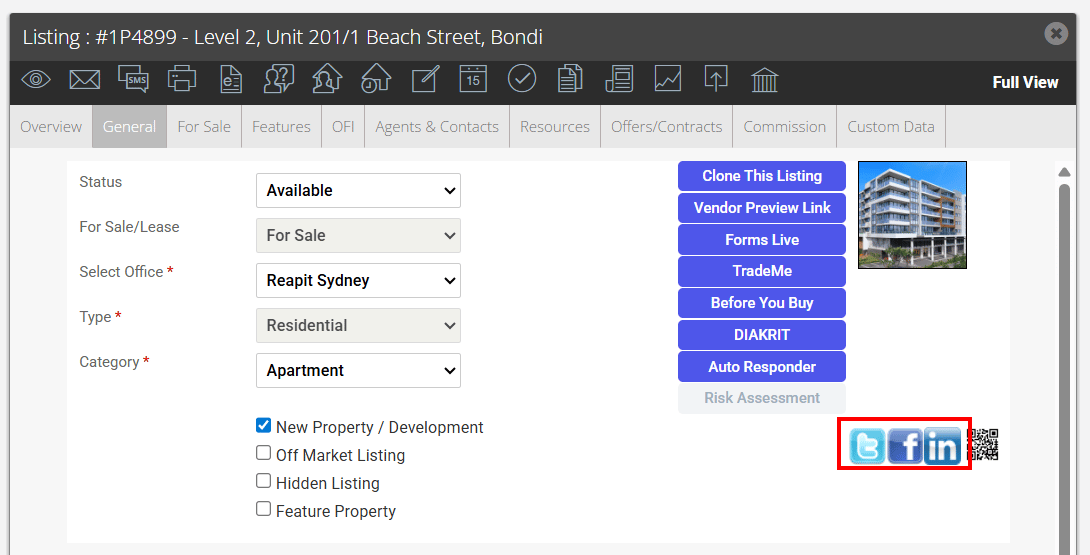
- Click the Twitter, Facebook or Linked In icon under the main image thumbnail

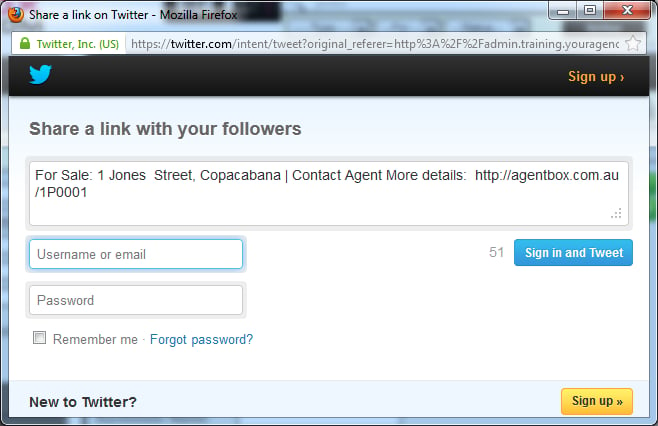
- For Twitter, adjust tweet if necessary log into your account then click Sign in and Tweet
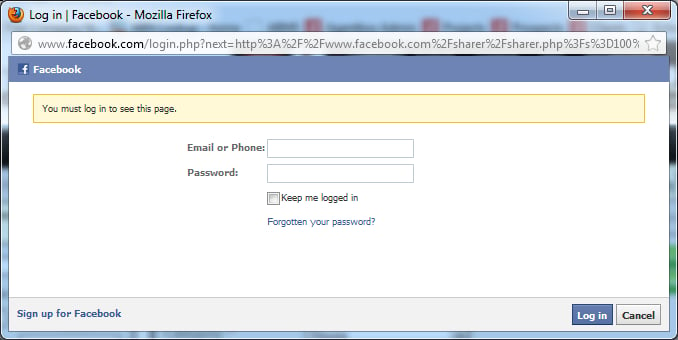
- For Facebook, enter your username and password then select login.
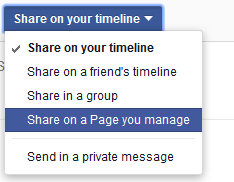
- You can then write a message and choose if you would like to Share the Link on your timeline or on a page you manage
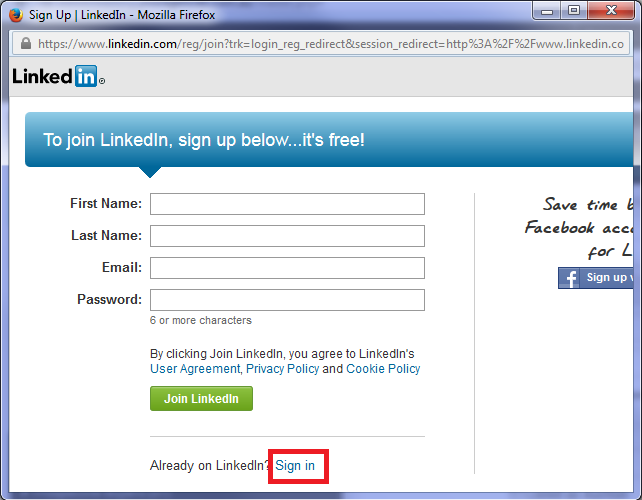
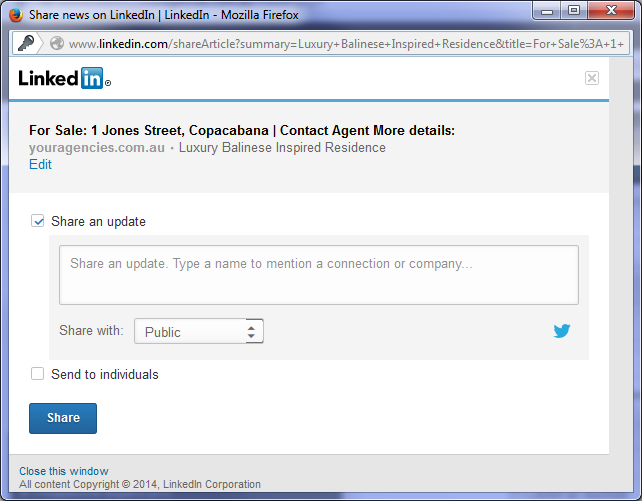
- For LinkedIn you need to sign in or sign up to share