'%20d='M0%208a8%208%200%200%201%208-8h24a8%208%200%200%201%208%208v24a8%208%200%200%201-8%208H8a8%208%200%200%201-8-8V8Z'/%3e%3cpath%20fill='%23fff'%20d='M10.41%206v3.779h15.048v19.537h4.132V6H10.41Z'/%3e%3cpath%20fill='%23fff'%20d='M20.967%2034V13.837L10.41%209.78v20.166L20.967%2034Z'/%3e%3cdefs%3e%3clinearGradient%20id='reapit-sales__a'%20x1='20.702'%20x2='20.702'%20y1='.351'%20y2='31.228'%20gradientUnits='userSpaceOnUse'%3e%3cstop%20stop-color='%235573FD'/%3e%3cstop%20offset='.575'%20stop-color='%234E56EA'/%3e%3c/linearGradient%3e%3c/defs%3e%3c/svg%3e)
SMS Property Contacts
This article will cover using SMS via the property card to its related contacts in the Agent's and Contacts tab, e.g. Vendor, Landlord, Solicitor, etc., in Reapit Sales.
SMS Property Contacts
This article will cover using SMS via the property card to its related contacts in the Agent's and Contacts tab, e.g. Vendor, Landlord, Solicitor etc in Reapit Sales.
*Note: SMS is enabled in all systems and initial access is given to Master Users Only.
Access needs to be distributed to staff by the Master User. Follow the steps in Distribute SMS Access.
If your staff are receiving errors such as don't have access to send SMS check their staff card to ensure that have access and a mobile number has been activated. If you are not able to give access please check you have sufficient credit available to do so. Please refer to Manage SMS Credits.
*Note: Your staff card must have a mobile number to be able to use the SMS feature.
**Note: SMS is enabled in all systems and initial access is given to Master Users Only.
- Search for your Property and open the Property Card
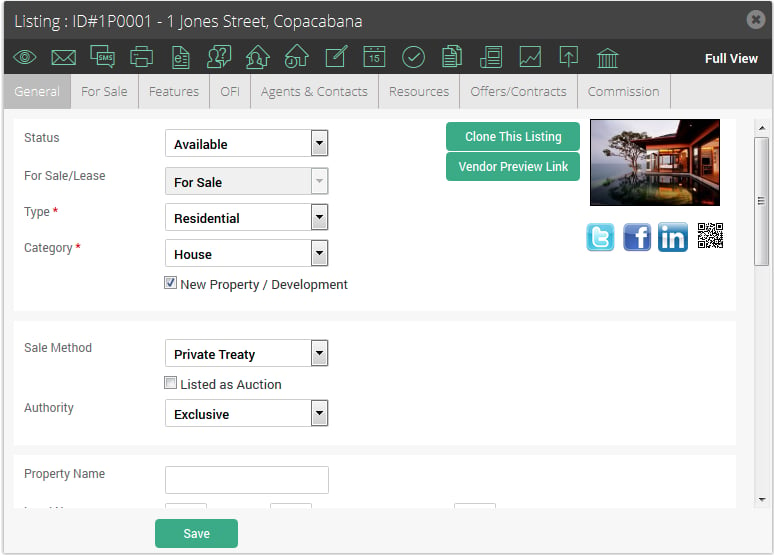
- Click the SMS Action icon

The automatically generated list of recipients include all contacts and agents attached to the property (via the Agents & Contacts tab) which have mobile number entered in their Contact card.
*Note: you may also add additional recipients via the Add Recipient field. Enter a minimum of 3 characters to populate a quick find dropdown. Click the Contact's name and click on the green Add button to add the Contact to the recipient list.
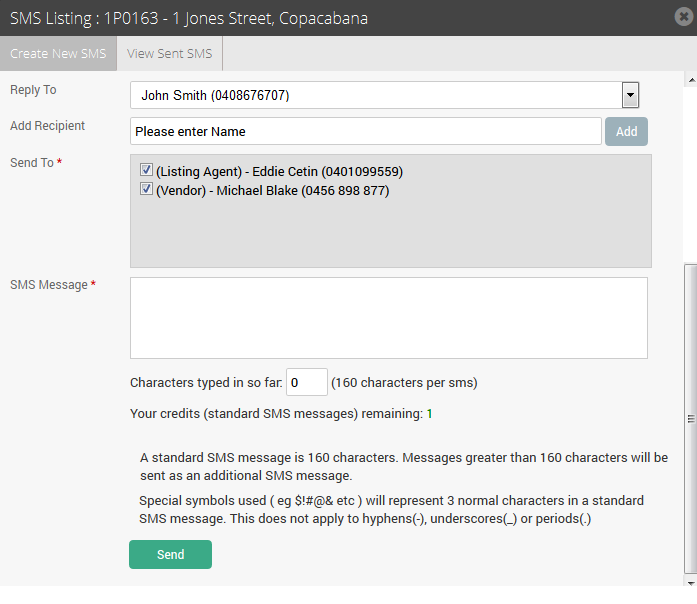
- Click Send.
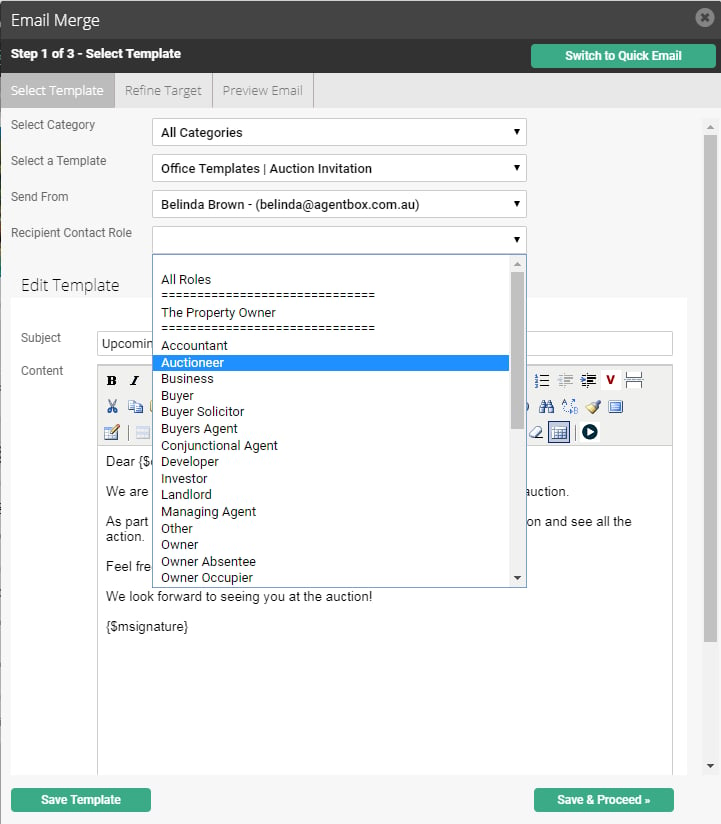
*Note: When merging an SMS Template via an individual property card you can select 'All Roles' to send to all contacts in the Agents and Contacts tab or filter by a specific contact role e.g. Auctioneer.