'%20d='M0%208a8%208%200%200%201%208-8h24a8%208%200%200%201%208%208v24a8%208%200%200%201-8%208H8a8%208%200%200%201-8-8V8Z'/%3e%3cpath%20fill='%23fff'%20d='M10.41%206v3.779h15.048v19.537h4.132V6H10.41Z'/%3e%3cpath%20fill='%23fff'%20d='M20.967%2034V13.837L10.41%209.78v20.166L20.967%2034Z'/%3e%3cdefs%3e%3clinearGradient%20id='reapit-sales__a'%20x1='20.702'%20x2='20.702'%20y1='.351'%20y2='31.228'%20gradientUnits='userSpaceOnUse'%3e%3cstop%20stop-color='%235573FD'/%3e%3cstop%20offset='.575'%20stop-color='%234E56EA'/%3e%3c/linearGradient%3e%3c/defs%3e%3c/svg%3e)
Other Ways to View Tasks
This article will cover other ways to view tasks in Reapit Sales.
Other Ways to View/Edit My Tasks
- Via the related contact
- Via the related property
Via the related Contact
1. Search for your Contact and open their Contact Card
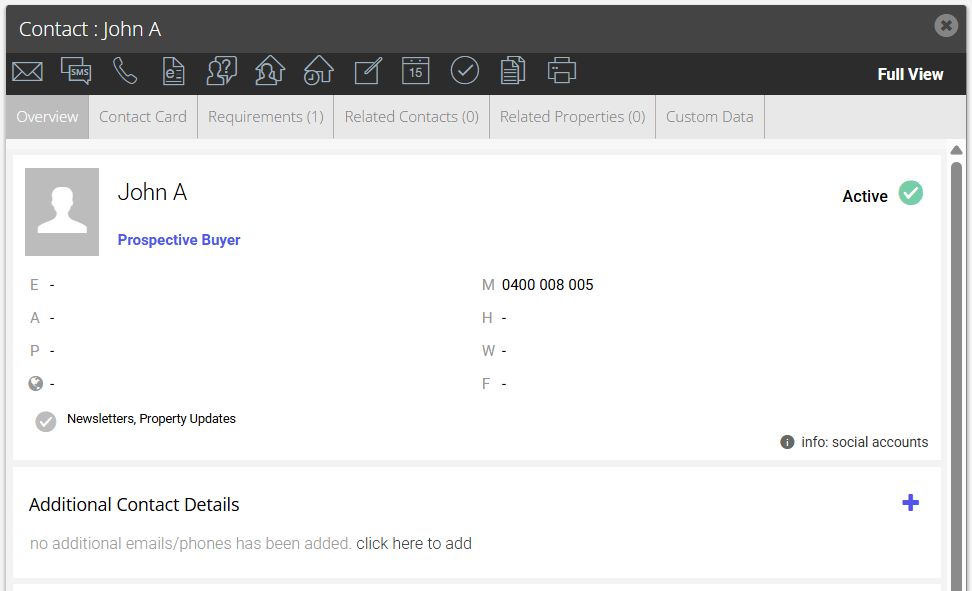
2. Click the Add a Task icon

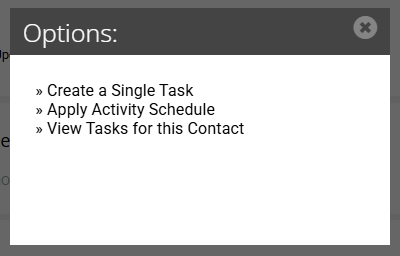
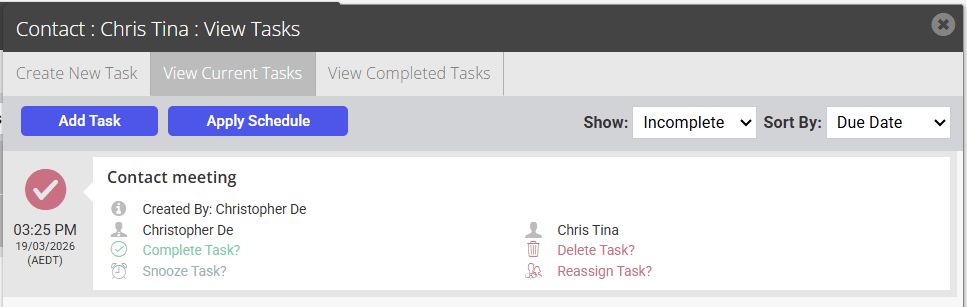
3. Select View Tasks for this Contact. You can view/edit tasks related to the contact and filter by complete and incomplete. Depending on your permission levels you may also be able to Delete tasks.
Via the related Property
1. Search for your Property and open the Property Card
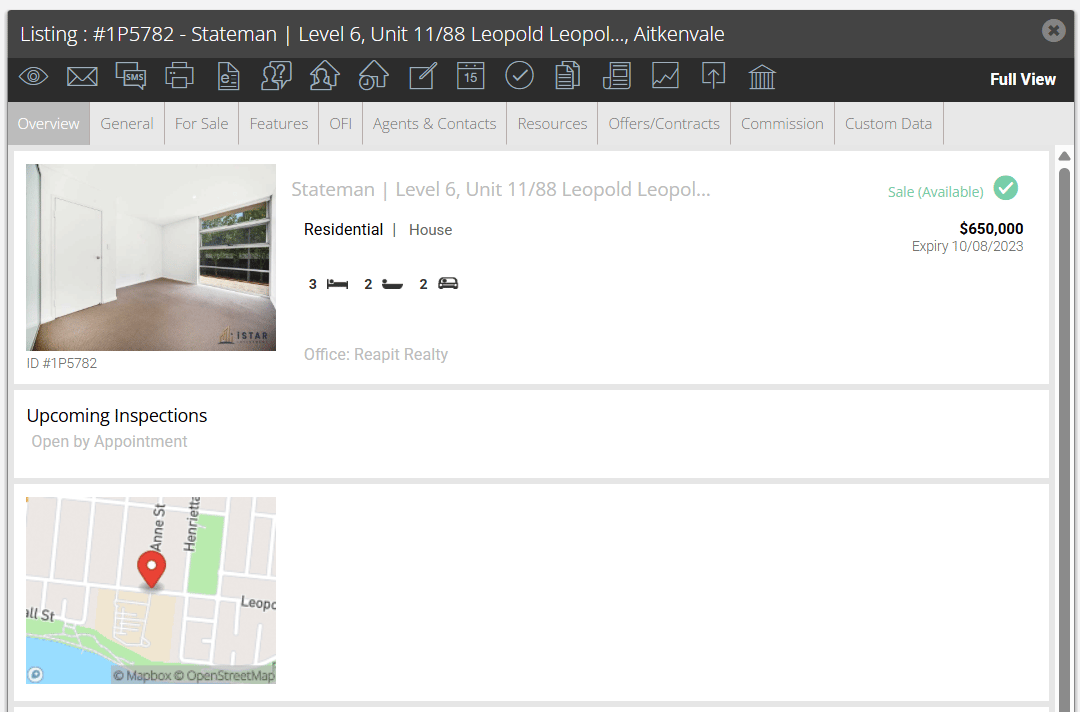
2. Click the Add a Task icon
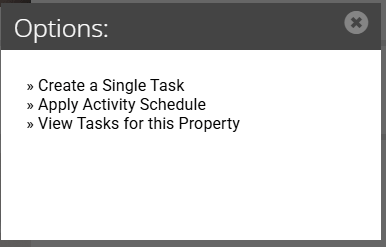
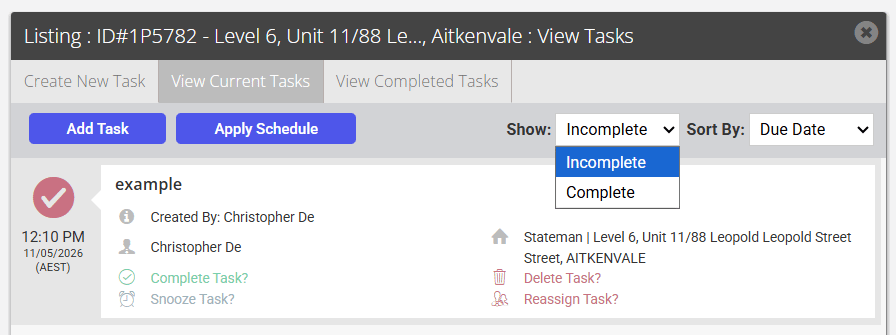
3. Select View Tasks for this Property. You can view/edit tasks related to the contact and filter by complete and incomplete. Depending on your permission levels you may also be able to Delete tasks.