'%20d='M0%208a8%208%200%200%201%208-8h24a8%208%200%200%201%208%208v24a8%208%200%200%201-8%208H8a8%208%200%200%201-8-8V8Z'/%3e%3cpath%20fill='%23fff'%20d='M10.41%206v3.779h15.048v19.537h4.132V6H10.41Z'/%3e%3cpath%20fill='%23fff'%20d='M20.967%2034V13.837L10.41%209.78v20.166L20.967%2034Z'/%3e%3cdefs%3e%3clinearGradient%20id='reapit-sales__a'%20x1='20.702'%20x2='20.702'%20y1='.351'%20y2='31.228'%20gradientUnits='userSpaceOnUse'%3e%3cstop%20stop-color='%235573FD'/%3e%3cstop%20offset='.575'%20stop-color='%234E56EA'/%3e%3c/linearGradient%3e%3c/defs%3e%3c/svg%3e)
SMS Credits Audit Report
This article runs through SMS Credits Audit Report in Reapit Sales.
SMS Credits Audit Report
This article runs through SMS Credits Audit Report in Reapit Sales.
Note: Content will vary based on access. If an action was performed by a user that you do not have access to report on it will not appear in this report.
The View Last 30 Days Logs within the Manage SMS Credits panel will show ALL changes to an account’s credits irrespective of the User who performed the actions.
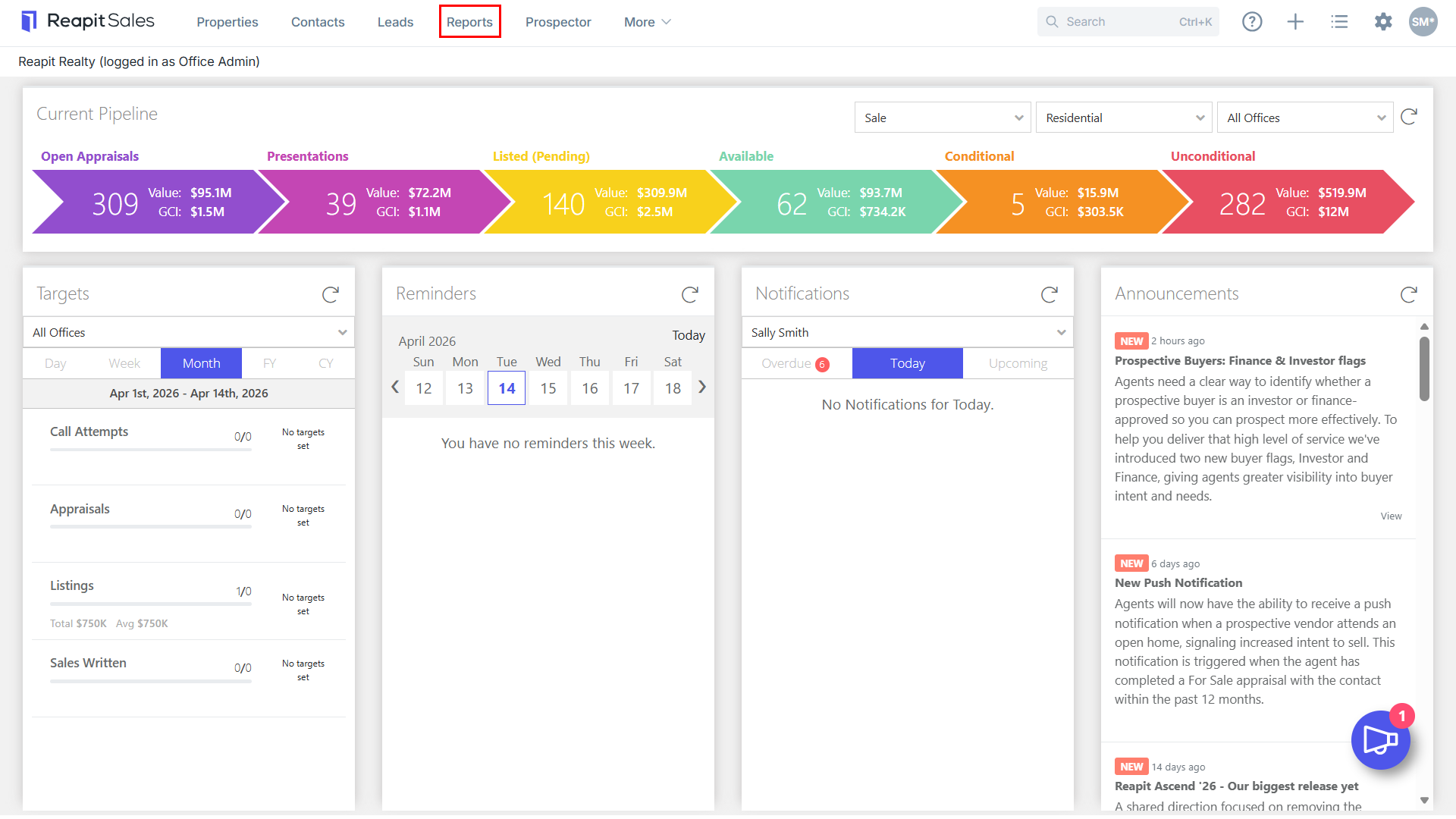
- Click Reports from the Main Menu.

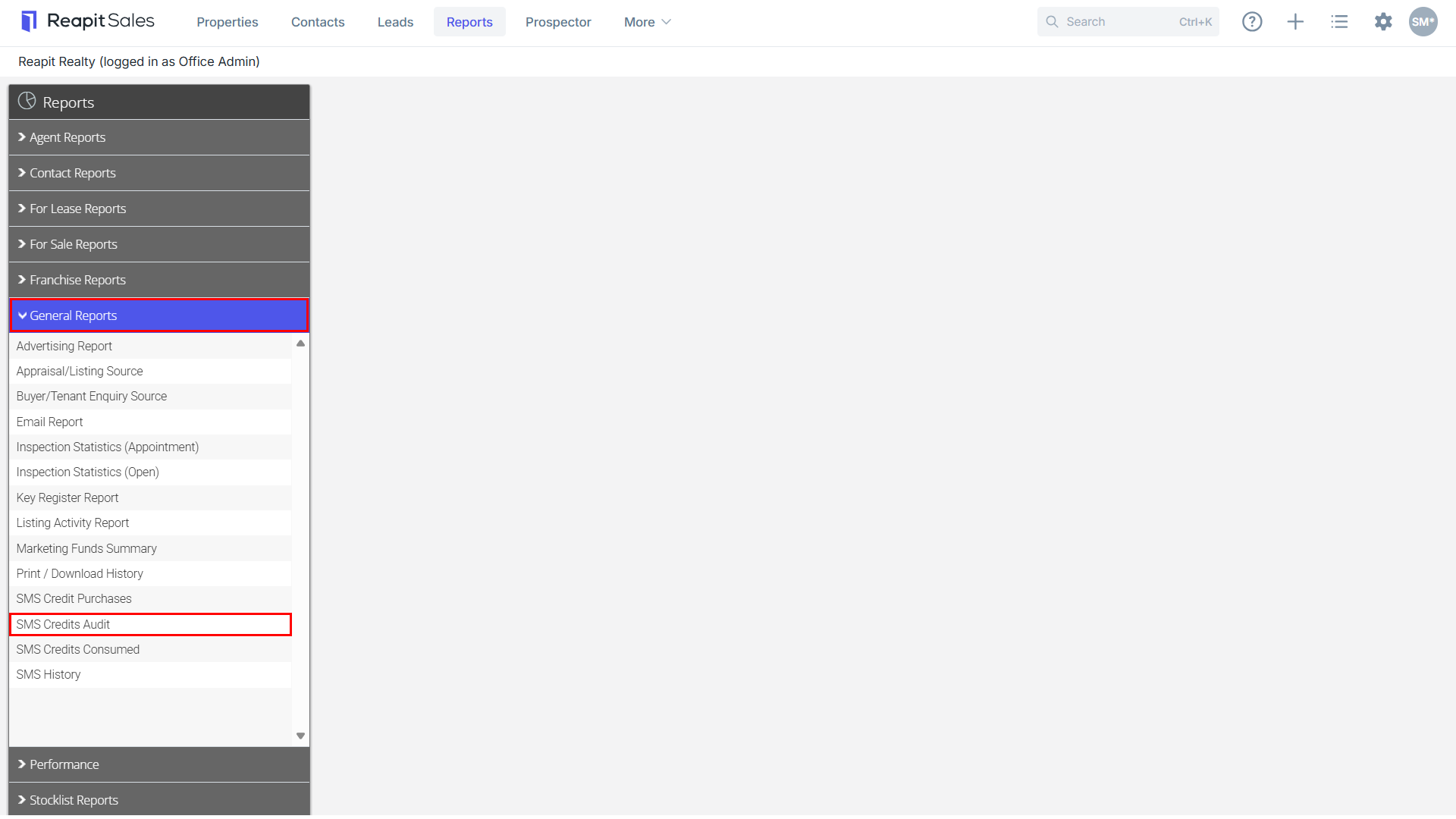
- Click the General Reports tab then click on SMS Credits Audit.
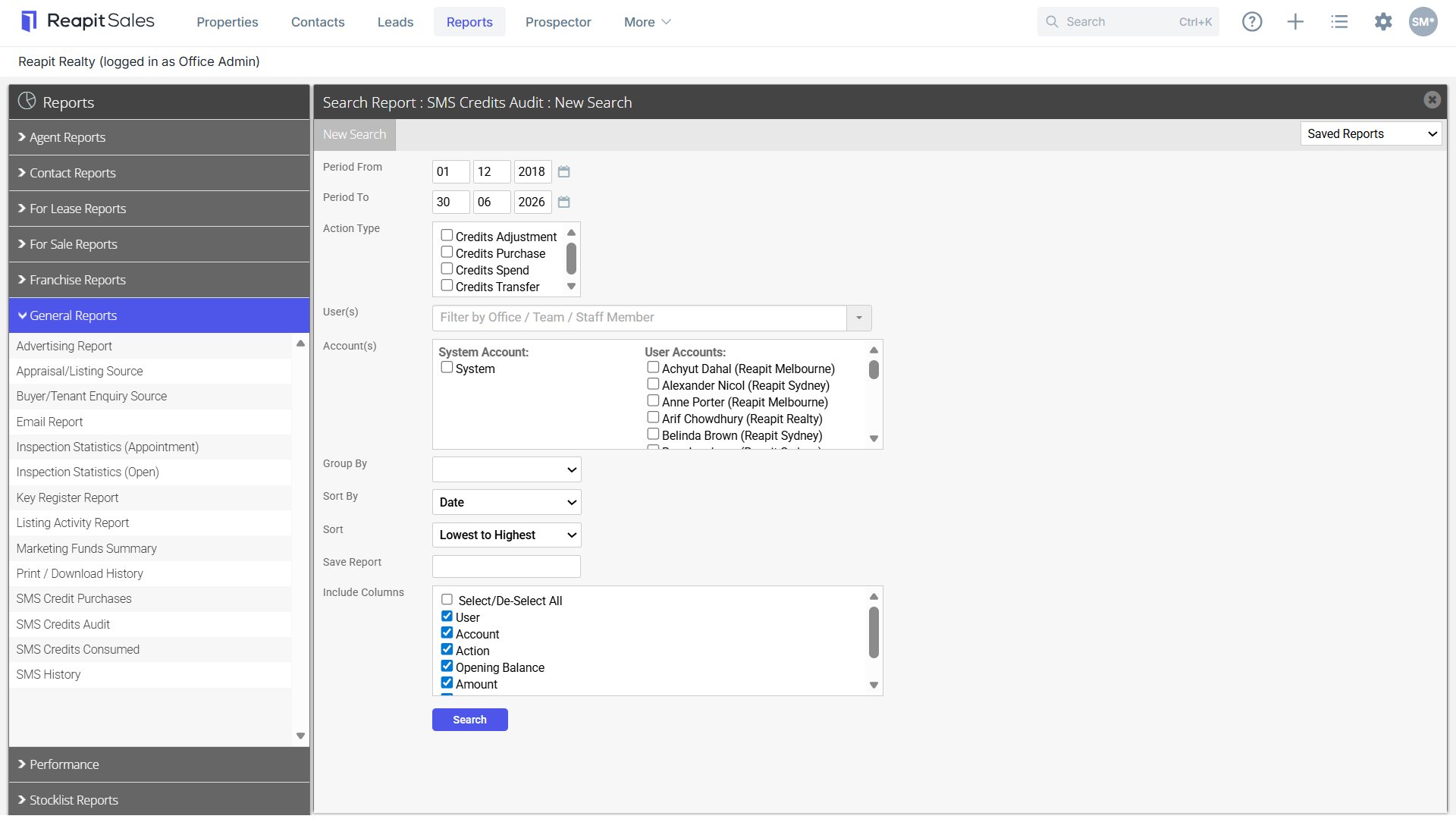
- Enter Date Range and refine the Action Type, User(s), Account(s) as applicable.
- Adjust Grouping and Sorting options, columns to include and click Search.
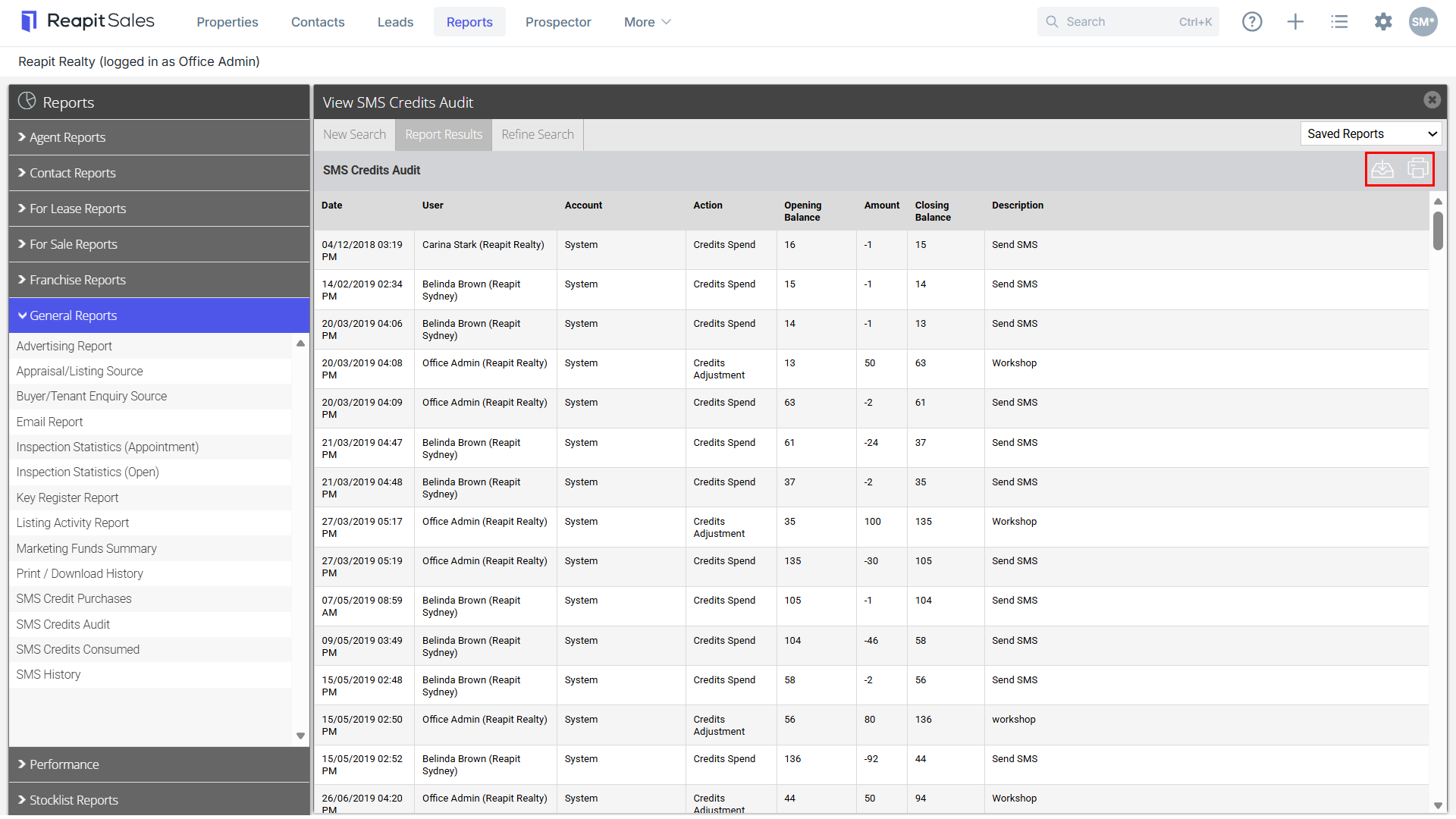
- Click
 to Download icon to download a CSV file or
  Print icon to print a report.