'%20d='M0%208a8%208%200%200%201%208-8h24a8%208%200%200%201%208%208v24a8%208%200%200%201-8%208H8a8%208%200%200%201-8-8V8Z'/%3e%3cpath%20fill='%23fff'%20d='M10.41%206v3.779h15.048v19.537h4.132V6H10.41Z'/%3e%3cpath%20fill='%23fff'%20d='M20.967%2034V13.837L10.41%209.78v20.166L20.967%2034Z'/%3e%3cdefs%3e%3clinearGradient%20id='reapit-sales__a'%20x1='20.702'%20x2='20.702'%20y1='.351'%20y2='31.228'%20gradientUnits='userSpaceOnUse'%3e%3cstop%20stop-color='%235573FD'/%3e%3cstop%20offset='.575'%20stop-color='%234E56EA'/%3e%3c/linearGradient%3e%3c/defs%3e%3c/svg%3e)
Access Profile
Your profile is where you can change your password, set up connections and set targets. Master Users can edit staff details, photos, targets and email signatures in Reapit Sales.
To access your profile in Reapit Sales:
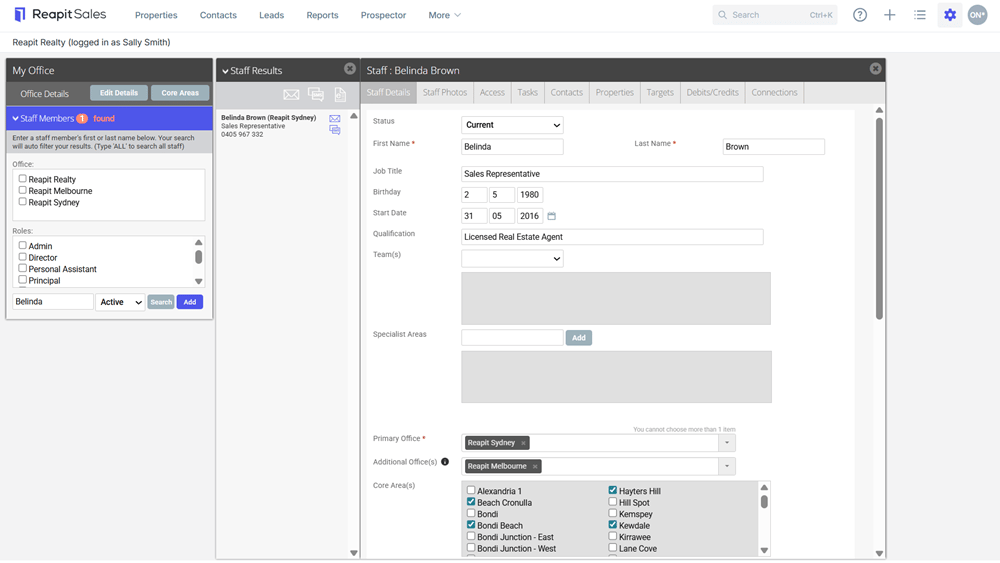
1. Click the Initials tile in the top right-hand corner and select My Profile from the drop-down.
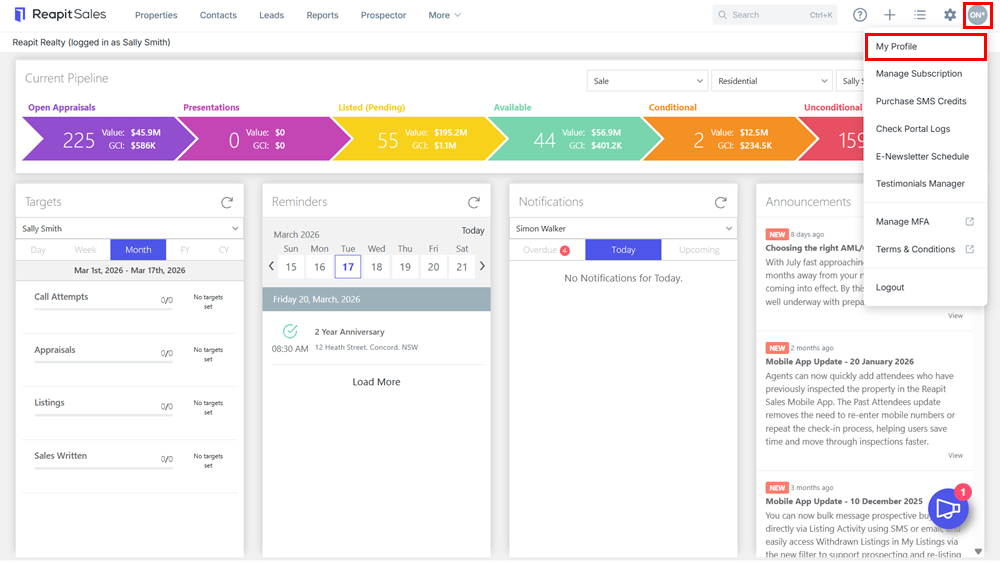
Here you can also:
- Purchase SMS Credits - To purchase SMS credits for the office via credit card.
- Check Portal Logs - Quick link to check portal logs for realestate.com.au and domain.com.au.
- Help & Support - The Reapit Sales Help Centre consolidates a range of useful training resources and courses, submit support tickets and change requests, in an easy to access friendly interface.
- Change Password - Quickly reset your Reapit Sales password.
- Logout - Click to logout of Reapit Sales.
Access Staff Profiles
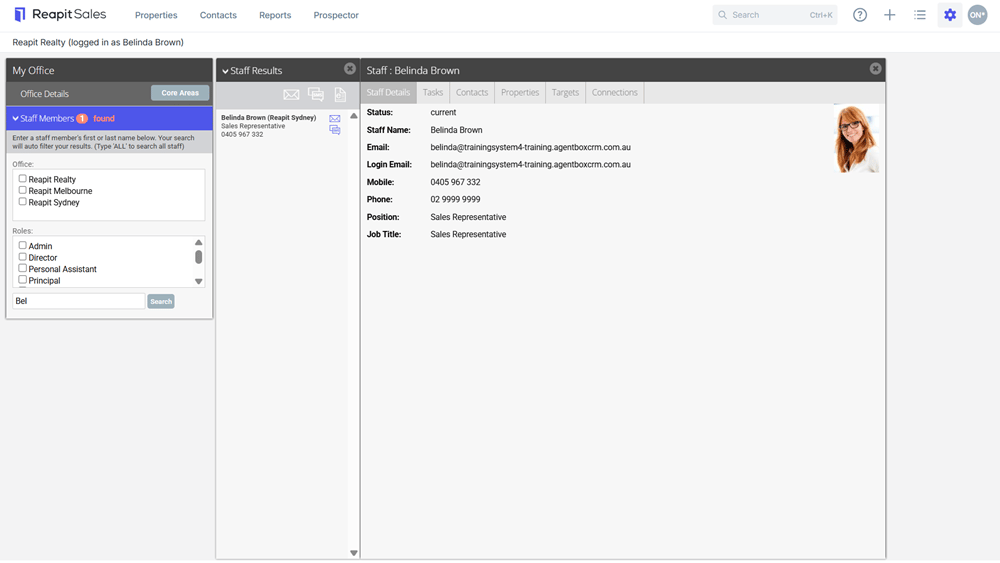
You can also search and open other staff member's profiles to view their contact details. Master Users also have editing capabilities.
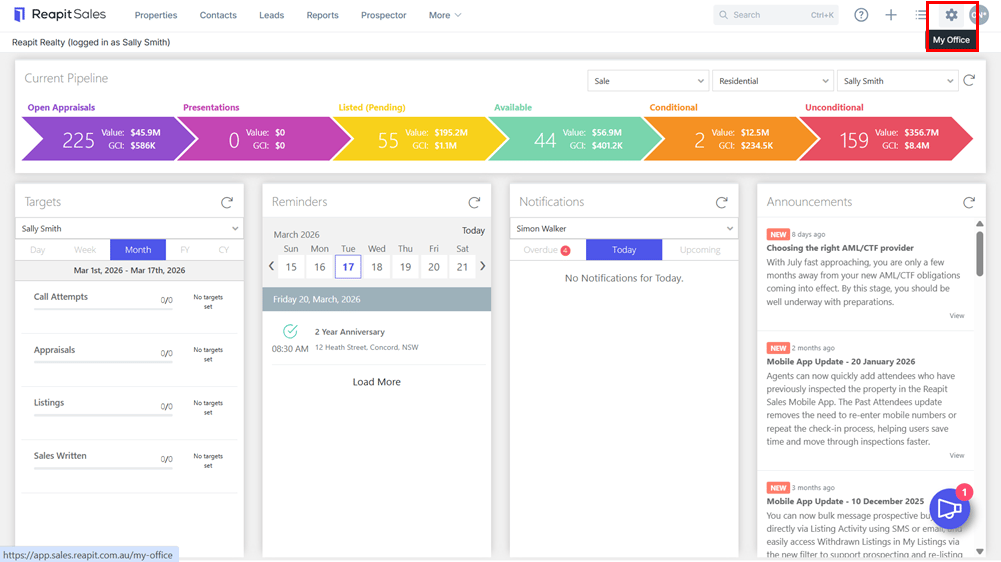
1. Click the My Office (Cog) icon from the top menu bar.
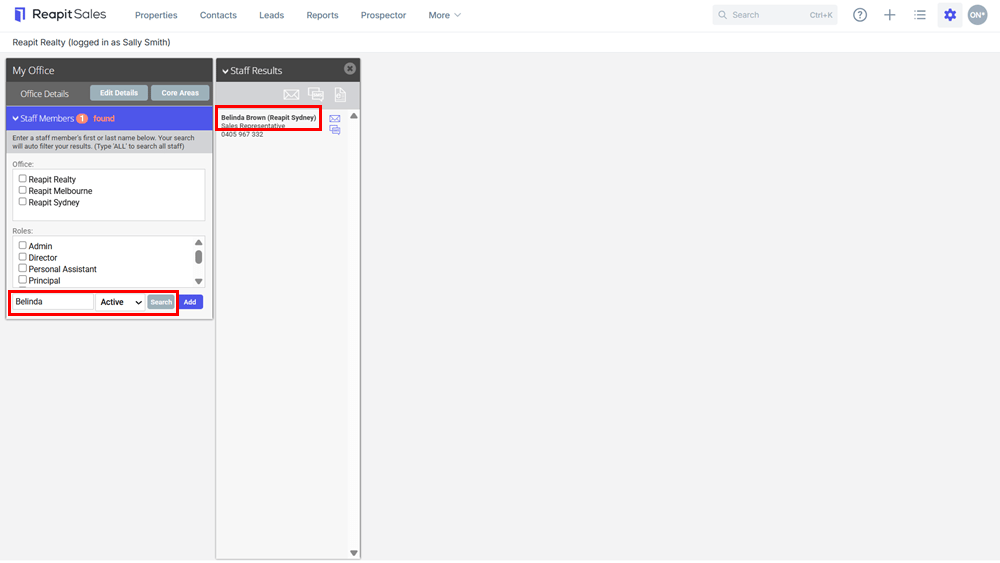
2. Enter staff members First Name or Surname on left-panel.
3. Click Search.
4. Select the name from the Quick Finds Results Panel to open the Staff Card.
*General Staff View
*For those with managed staff members' permission.